

UGREEN Revodok Pro 7‑in‑1 USB C Hub 100W Docking Station
Reviews
Price
Product description
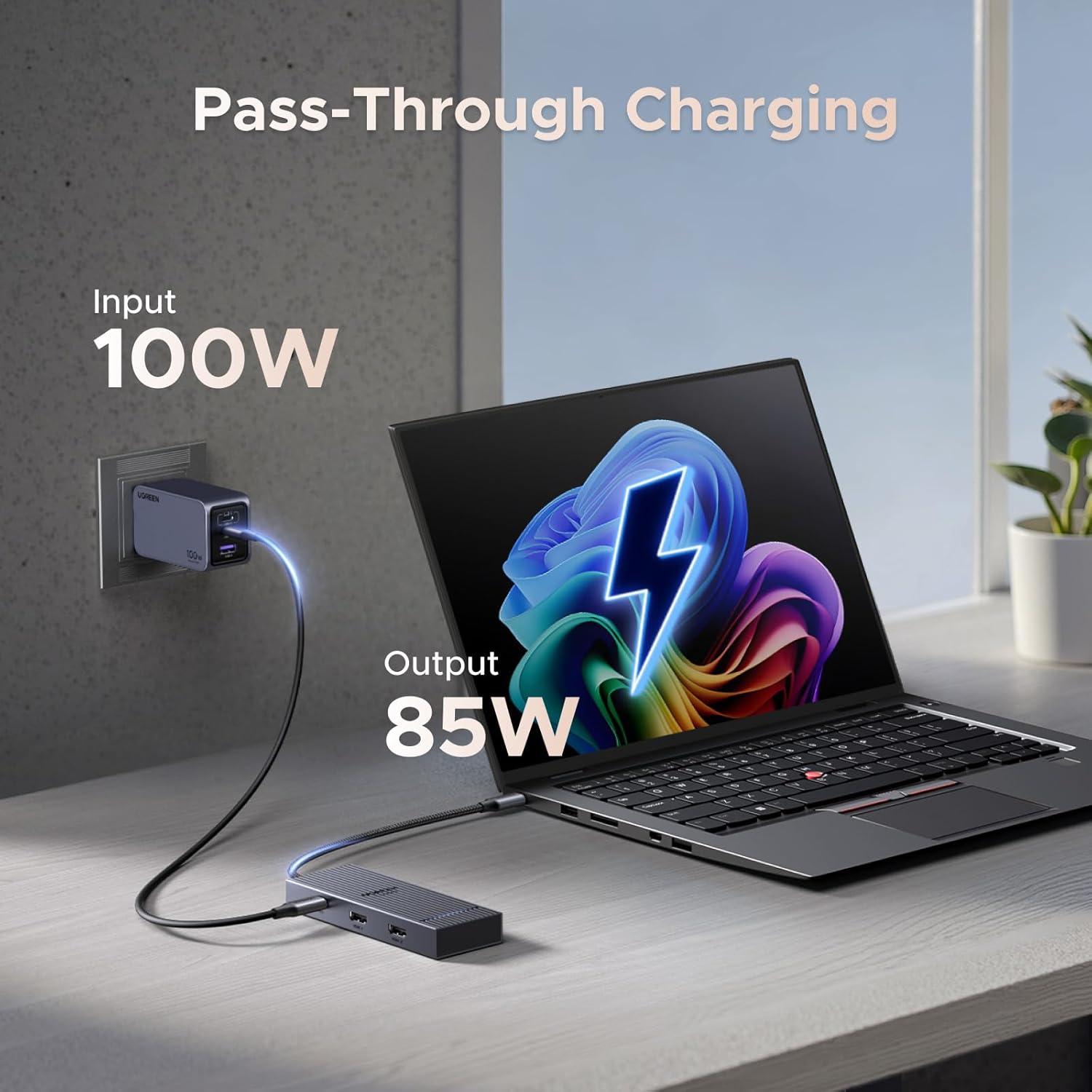
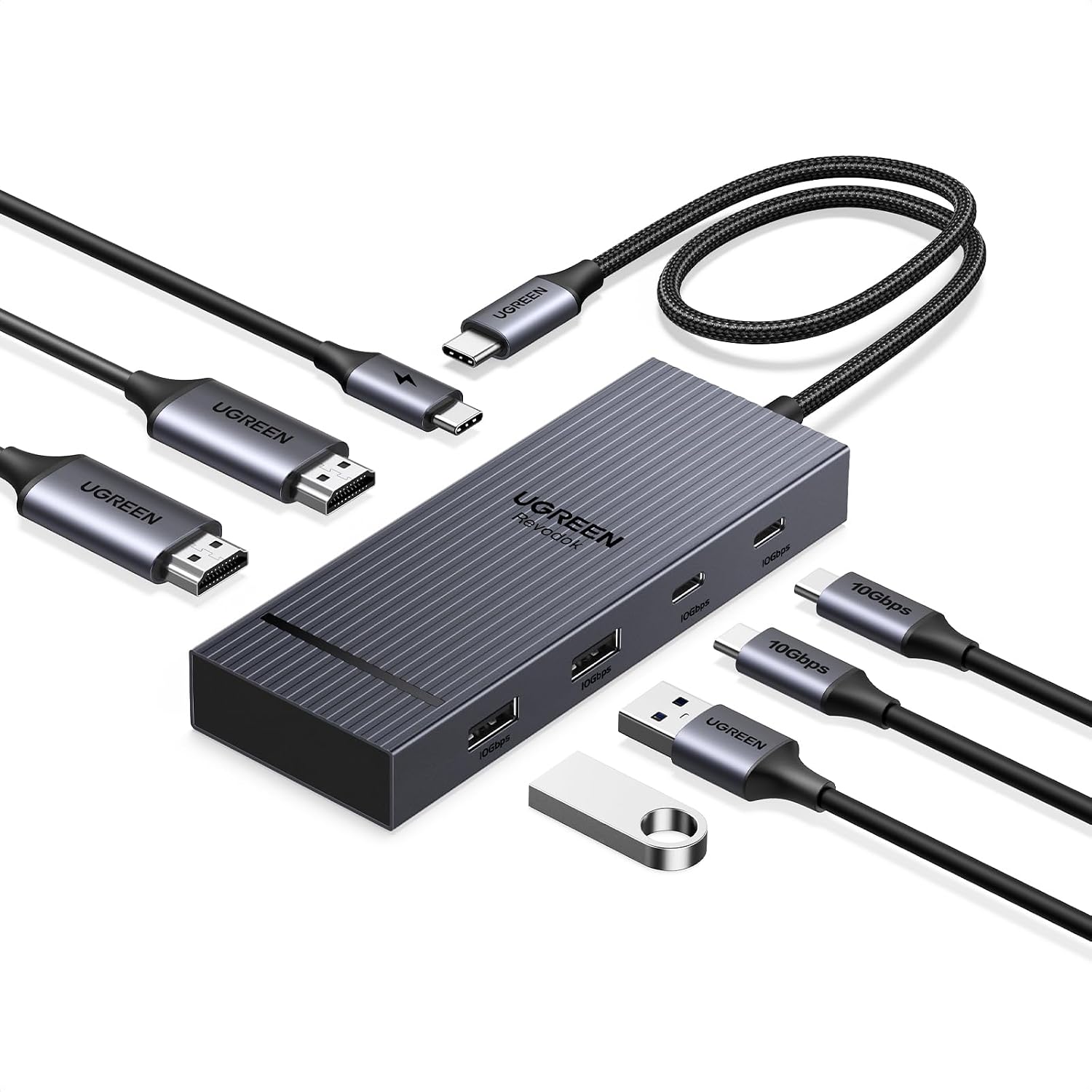
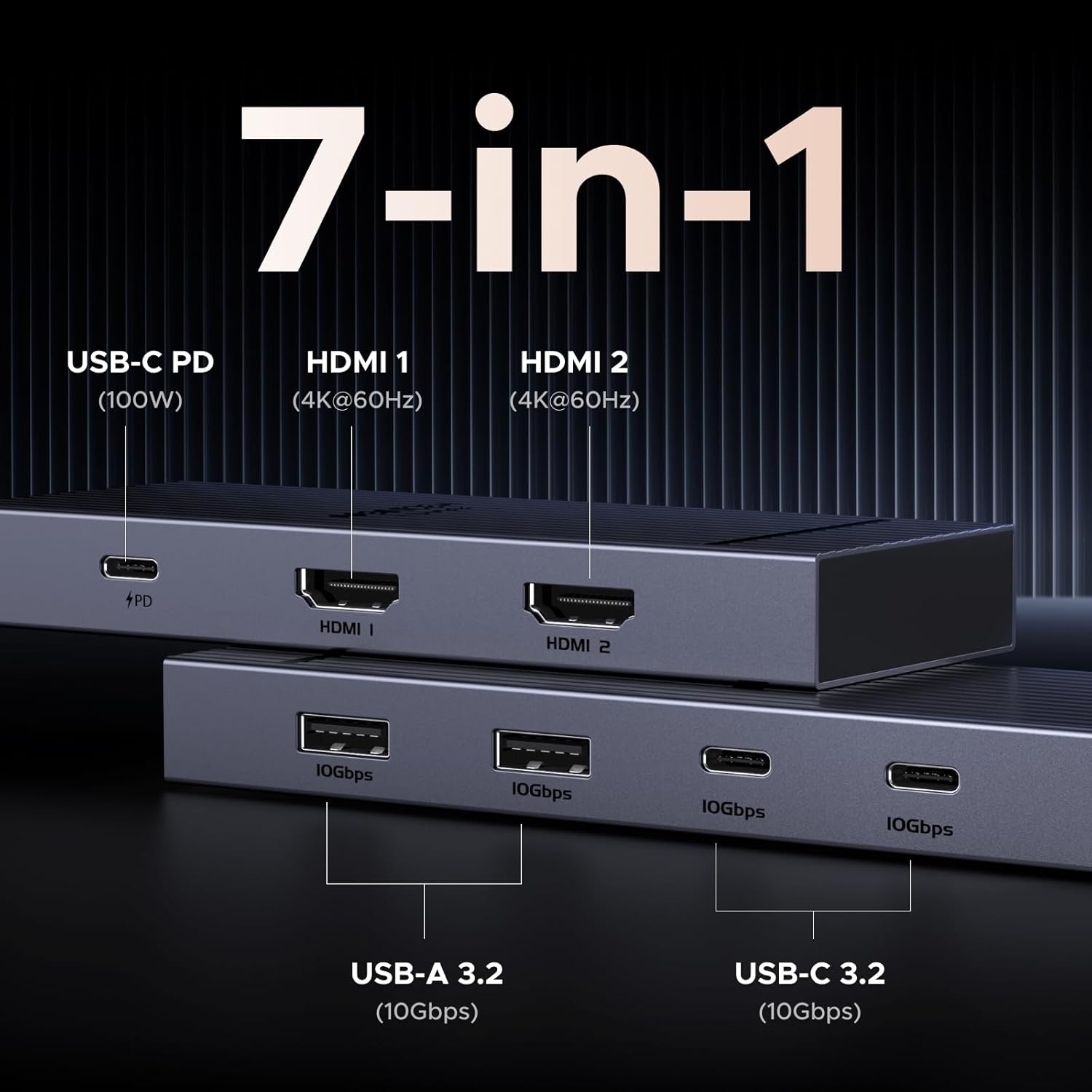
This USB-C docking station expands a laptop’s connectivity with dual 4K HDMI outputs and multiple high-speed data ports, aimed at users who need extra screens and fast file transfers for productivity and creative work. It offers 4x 10Gbps data connections and a 100W PD passthrough that can deliver up to 85W to a connected laptop according to the manufacturer, making it suitable for heavier workflows and charging while you work.
Key Points
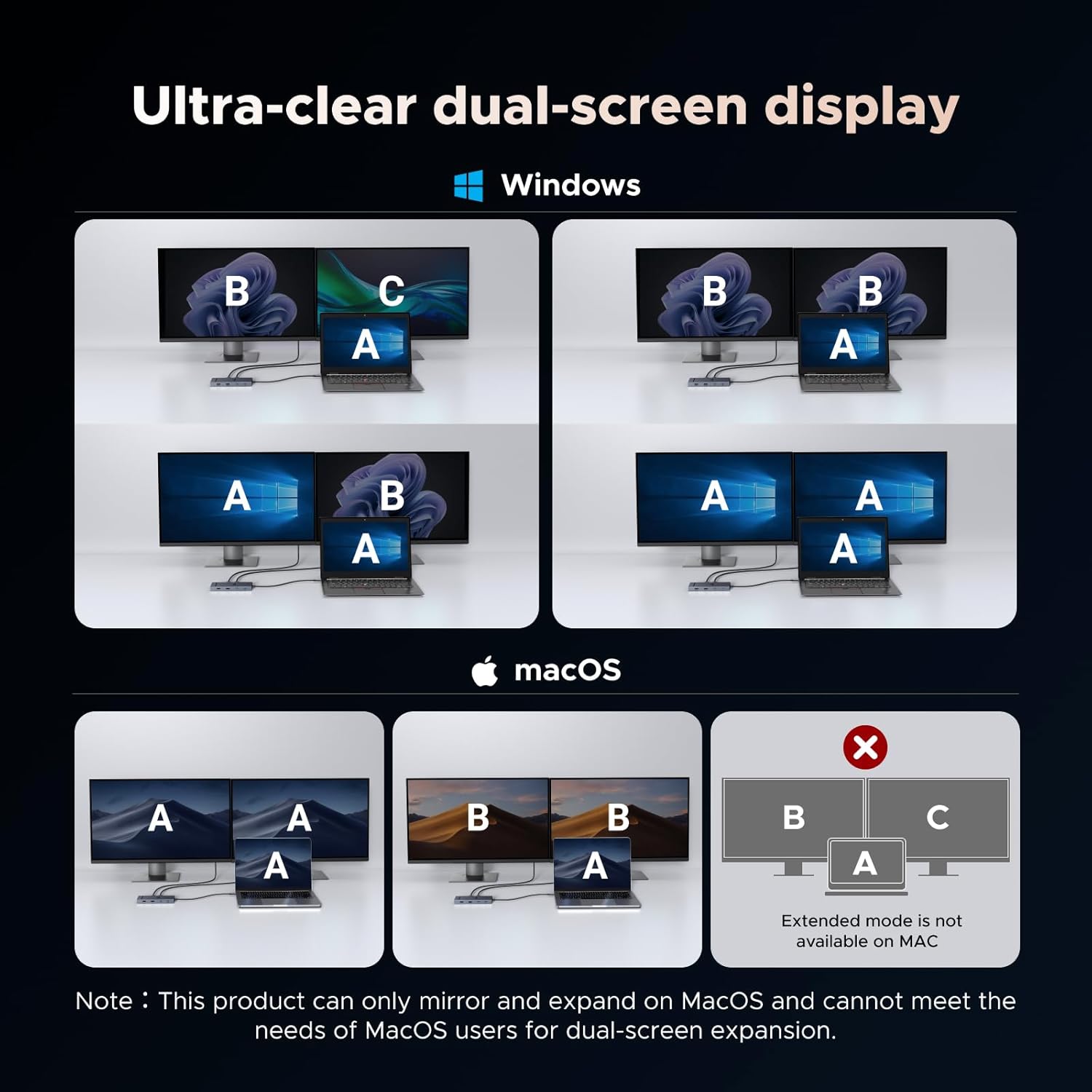
The dock supports two external displays at up to 4K at 60Hz, which helps with multitasking and video editing. Note that Windows systems typically allow independent multi-monitor setups via MST, while macOS is limited to SST and may mirror screens on some models. The product includes a mix of USB-A and USB-C data ports that reach 10Gbps for rapid transfers of large files such as media projects or backups. Consider that the PD port is for charging only and does not carry video or data.
Technical Specifications
- Name: UGREEN Revodok Pro 7-in-1 USB C Hub
- HDMI outputs: 2 x 4K@60Hz
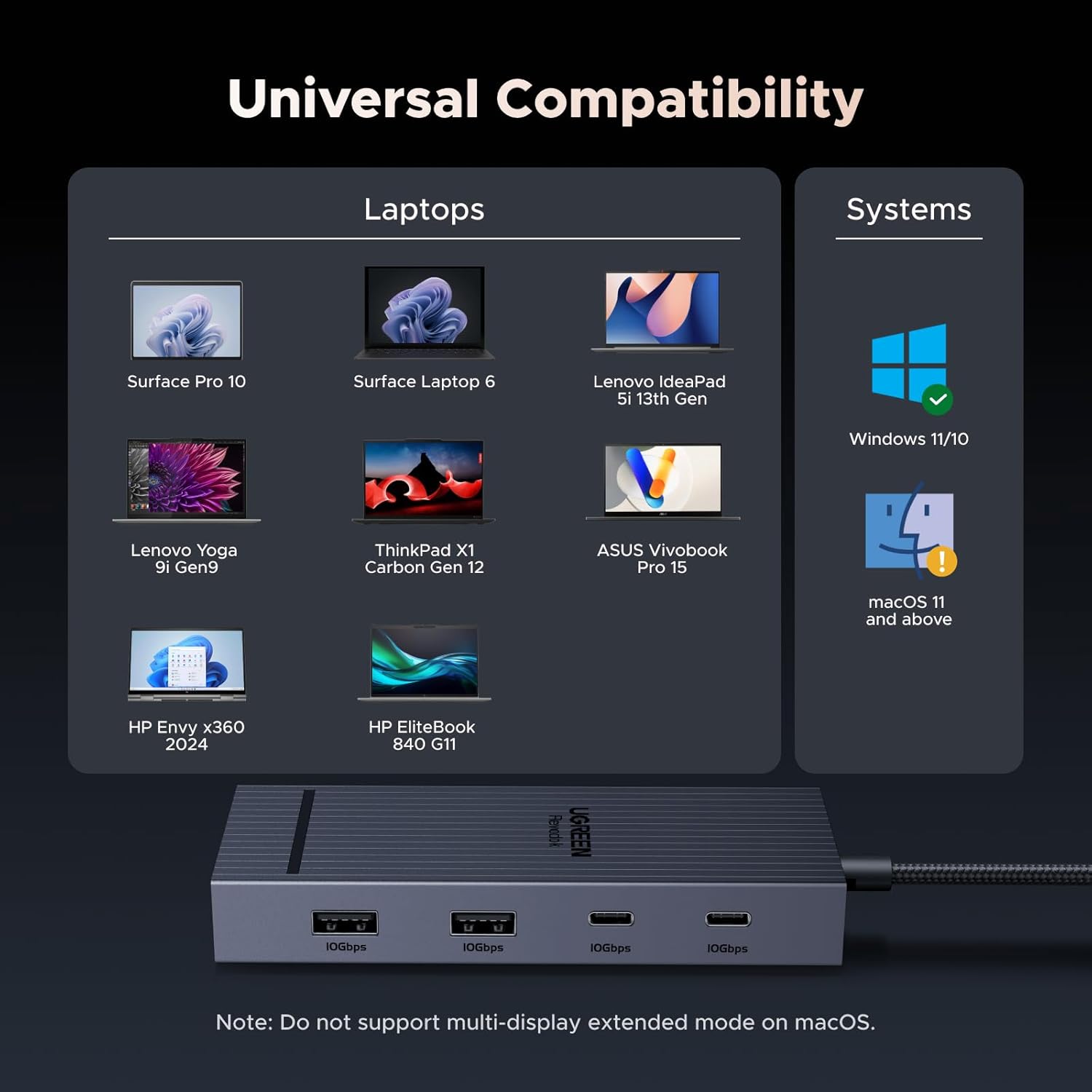
- Data ports: 2 x USB-A 3.2 (10Gbps), 2 x USB-C 3.2 (10Gbps)
- Power delivery: USB-C PD up to 100W input, up to 85W output to laptop
- Material: Aluminium body
Benefits
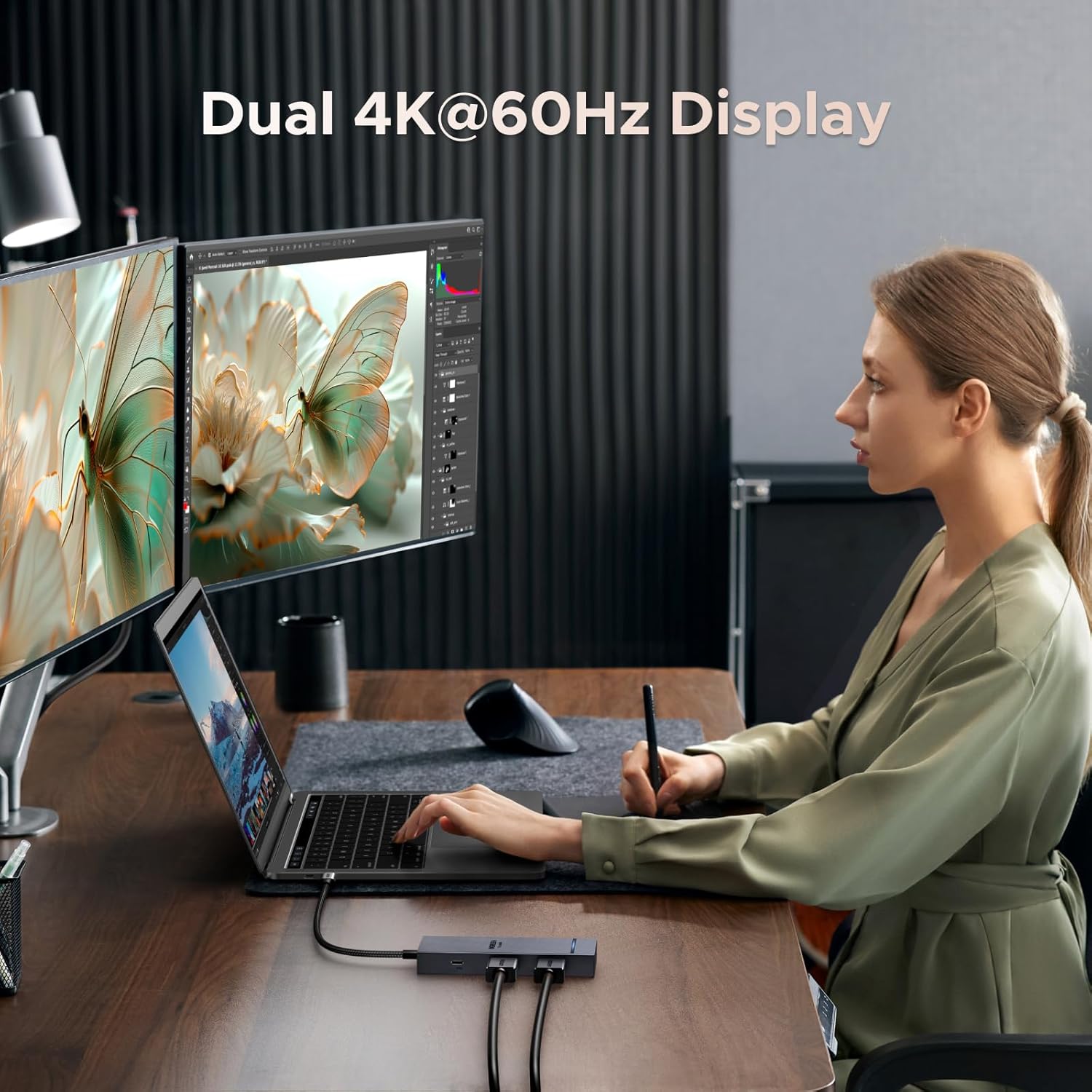
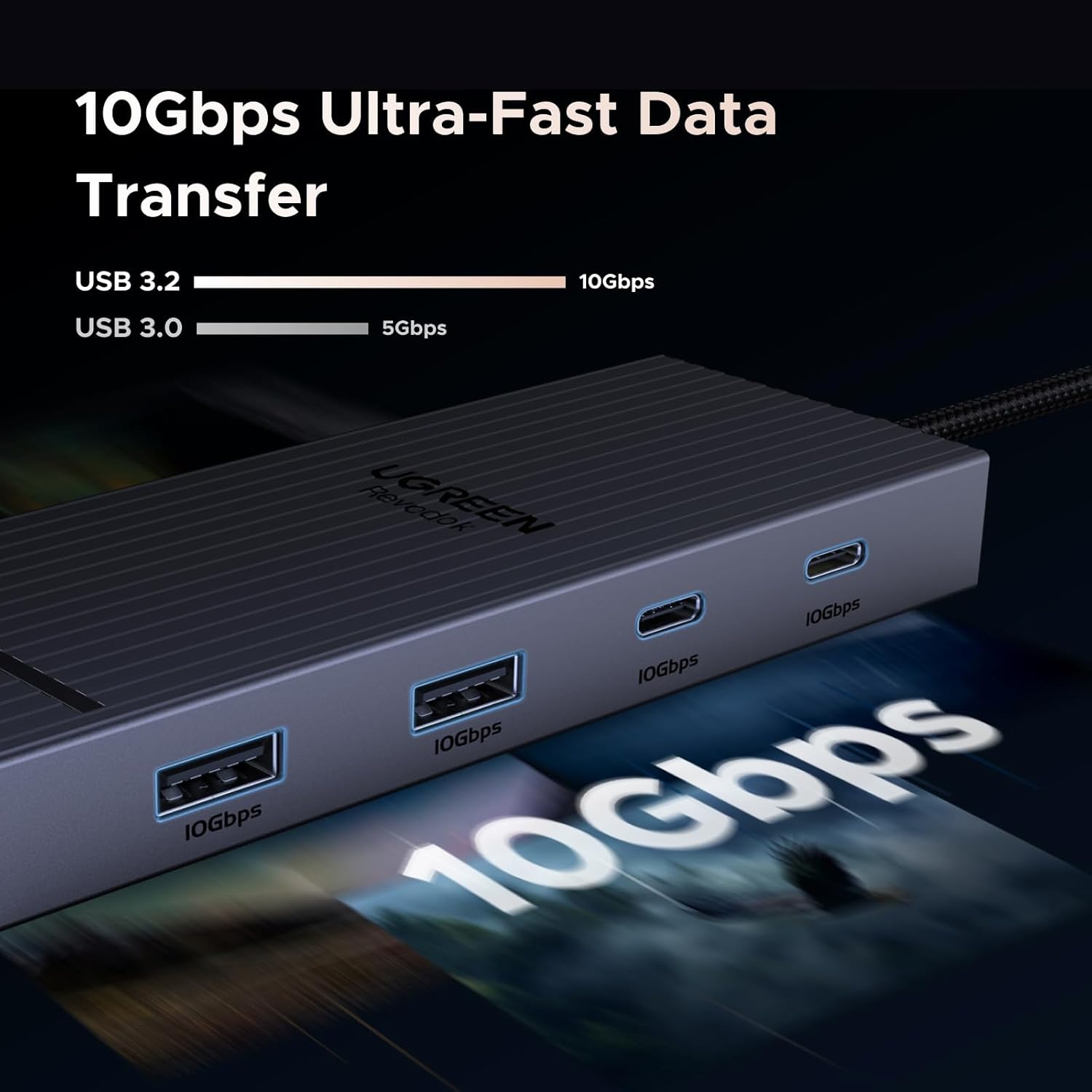
Connecting two high-resolution monitors makes desk-based workflows more fluid and reduces the need to switch windows constantly. The array of 10Gbps ports speeds up transfers from external SSDs or card readers, which is useful when moving video clips or large datasets between devices. The aluminium construction contributes to a compact and durable feel on the desk, and the single-cable connection simplifies switching between workspaces or moving a laptop to a meeting room.
Usage Recommendations
For the best dual-4K@60Hz experience, verify that your laptop’s USB-C port supports DisplayPort Alt Mode and, if attempting two independent 4K displays, confirm support for DP1.4 with DSC according to the laptop manufacturer. macOS users should be aware that Apple devices may mirror both external screens instead of extending them because of system limitations. Also ensure you use a 100W or greater USB-C charger and cable if you want the docking station to supply up to 85W to the laptop. Avoid plugging monitors or storage devices into the PD charging port since it does not handle video or data transfer.
Note: compatibility varies by model and operating system, and Linux is not listed as supported by the manufacturer.