


XBG B15pro Tri-Mode Wireless Bluetooth Mouse with LED Display, Silent Click, and Type-C Recharge
Product description
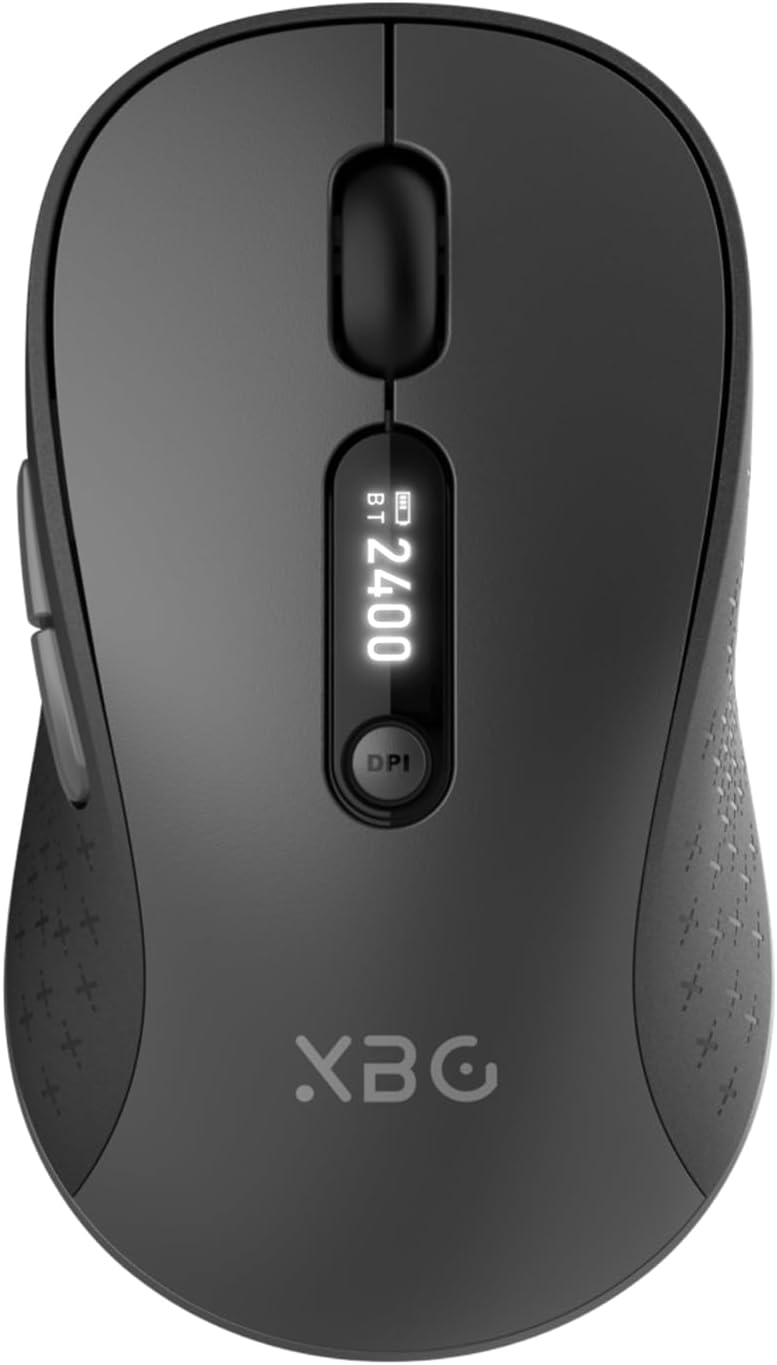
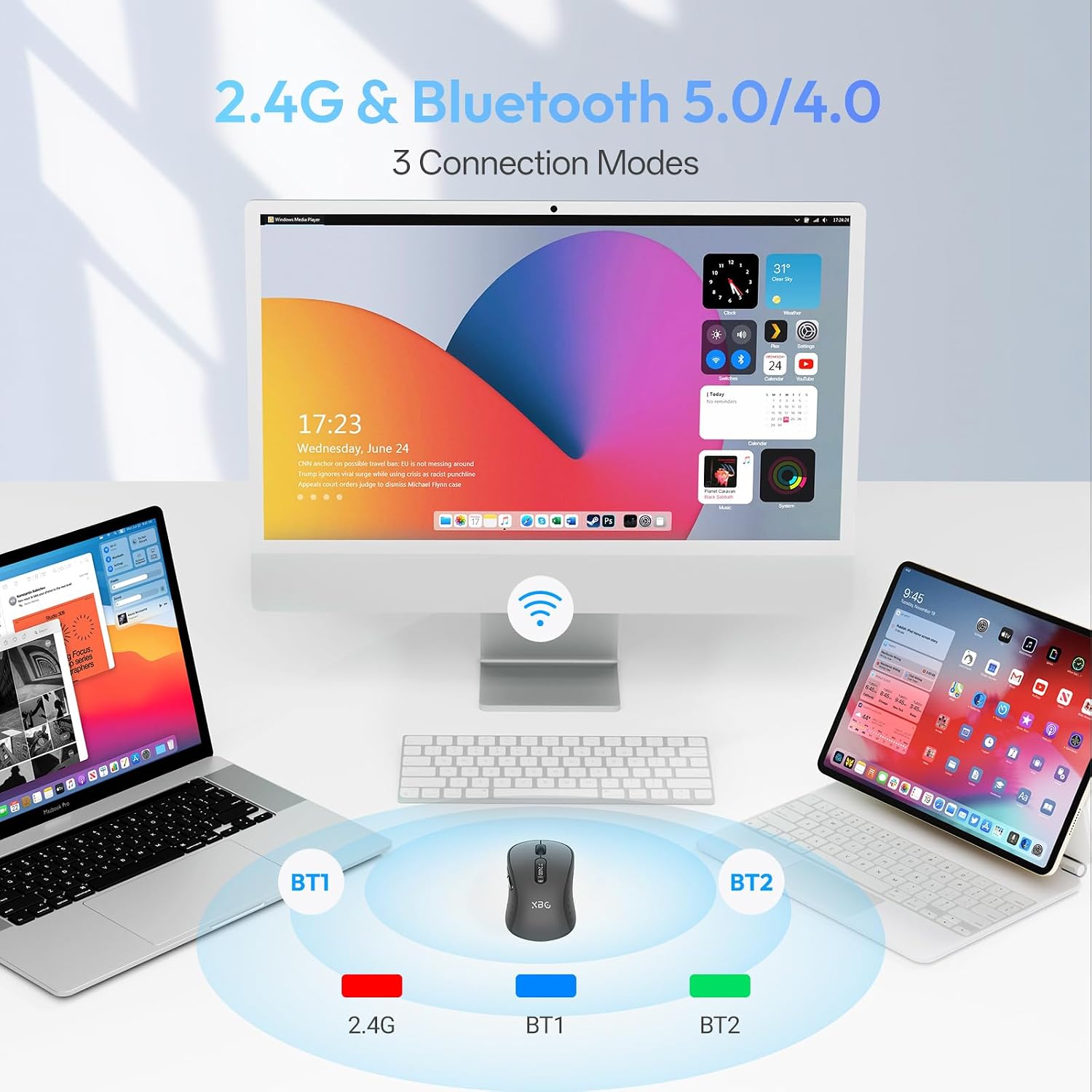
If you bounce between a laptop, a tablet, and a desktop throughout the day, a multi-connection mouse can save you a lot of hassle. The XBG B15pro is a tri-mode wireless mouse that pairs over Bluetooth (Bluetooth 5.0/4.0) or via 2.4G, and it’s designed to make switching devices feel quick and practical. It also aims at comfort and quiet work thanks to an ergonomic shape and silent buttons.
That said, it’s not trying to be a “pro gamer” tool. On paper, it’s more about office productivity and everyday use—so your expectations should match that focus.
At a glance
The XBG B15pro Wireless Bluetooth Mouse brings three connection modes into one small portable body: Bluetooth 5.0/4.0 for compatible devices, or 2.4GHz wireless. The switch between devices is described as happening in 0.8 seconds, which is exactly the kind of feature you notice when you’re moving between workstations during a hybrid day.
There’s also a Type-C rechargeable battery and an auto-sleep behavior after 5 minutes of inactivity. Add the built-in LED status display and you get a mouse that doesn’t leave you guessing about battery life or which settings you’re using.
What it’s for (and what it feels like to use)
This is the kind of mouse you’d reach for if you do long stretches of desk work—think office tasks, email, spreadsheets, browsing, and casual navigation. The contoured thumb rest and arched palm support are meant to reduce wrist strain over 8-hour workdays, and the matte finish is built to resist fingerprints while still giving you textured grip where it matters.
A small, realistic example: imagine you’re finishing up a spreadsheet on your laptop, then you need to hop to a tablet for a meeting or reading. With tri-mode pairing and fast switching, you’re not constantly re-pairing or digging through settings menus—switch, click, and keep going.
Still, it’s a compact, portable design. If you prefer larger mice for a very specific palm feel, you may need to think carefully about hand size and grip style.
Key features that matter day to day
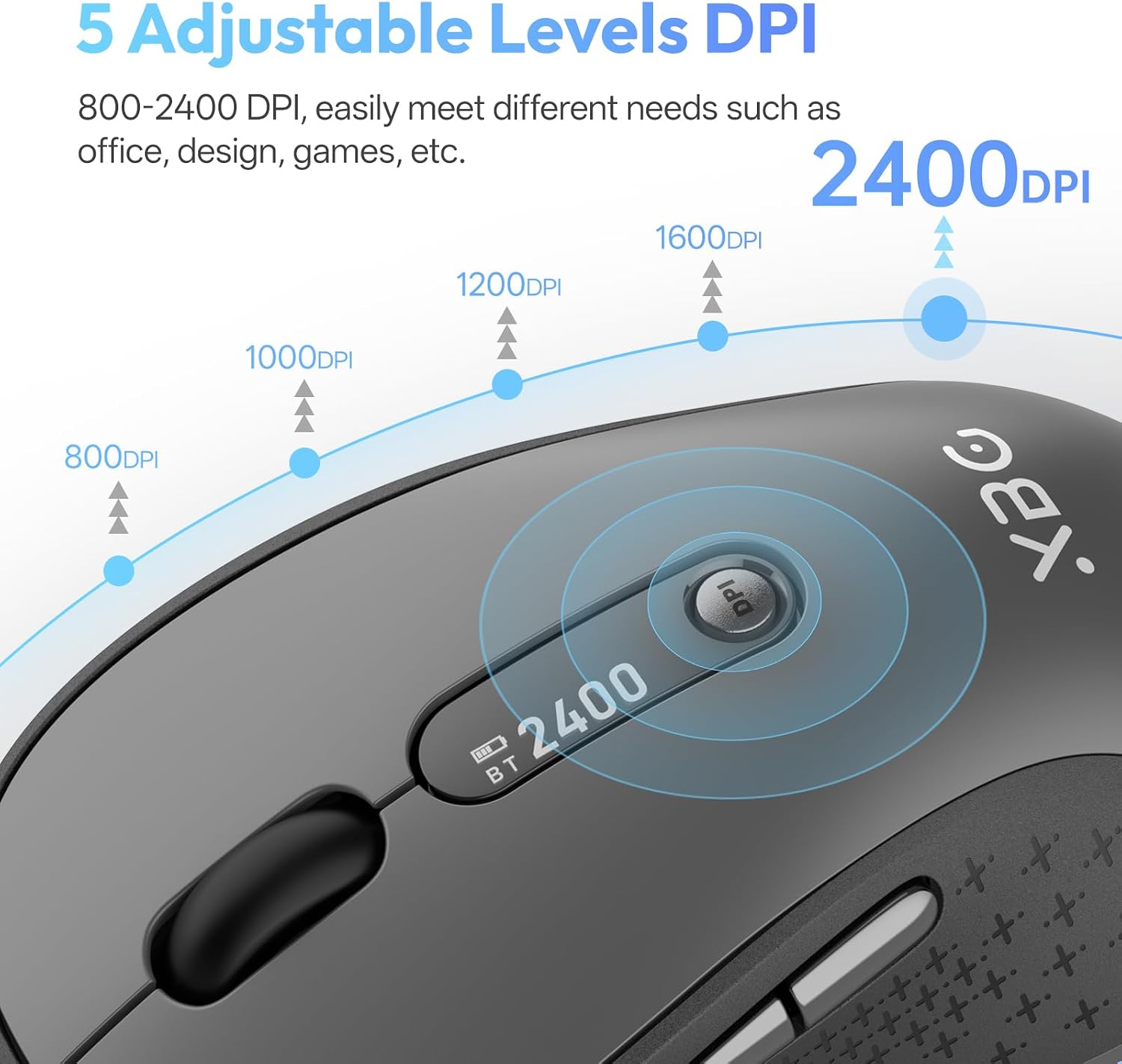
The LED status display is one of the more practical touches here. Instead of wondering what DPI you’re running or how much battery you have left, the display shows real-time battery percentage, the DPI level (800/1000/1200/1600/2400), and the connection mode.
You also get silent button clicking, designed to keep the click feel while reducing noise—useful for libraries, open offices, or shared spaces where regular clicking gets annoying.
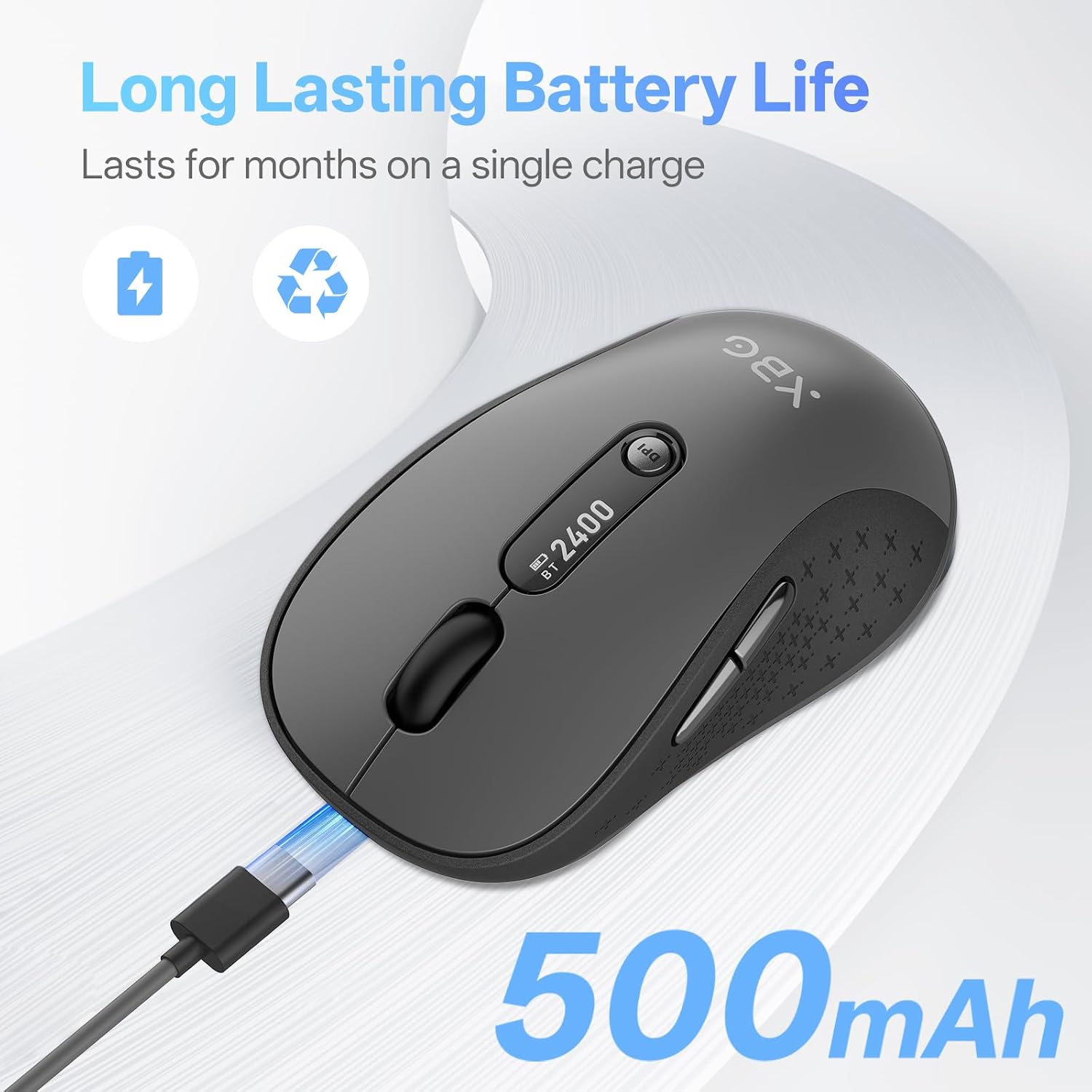
And the battery/charging approach is straightforward: instead of AA batteries, you charge the built-in 500 mAh battery through a Type-C port. It’s backed by an automatic sleep mode after 5 minutes, which can help avoid wasting power when you step away.
Tech specs
- Name: XBG B15pro Wireless Bluetooth Mouse
- Type: Tri-mode wireless mouse (Bluetooth 5.0/4.0 & 2.4G)
- Format: LED status display
- Capacity: 500 mAh battery
- Dimensions: Small and portable (exact dimensions not provided)
- Recharge: Type-C rechargeable
- DPI levels: 800/1000/1200/1600/2400
- Power behavior: Auto sleep after 5 minutes of inactivity
Where it shines, and where to be careful
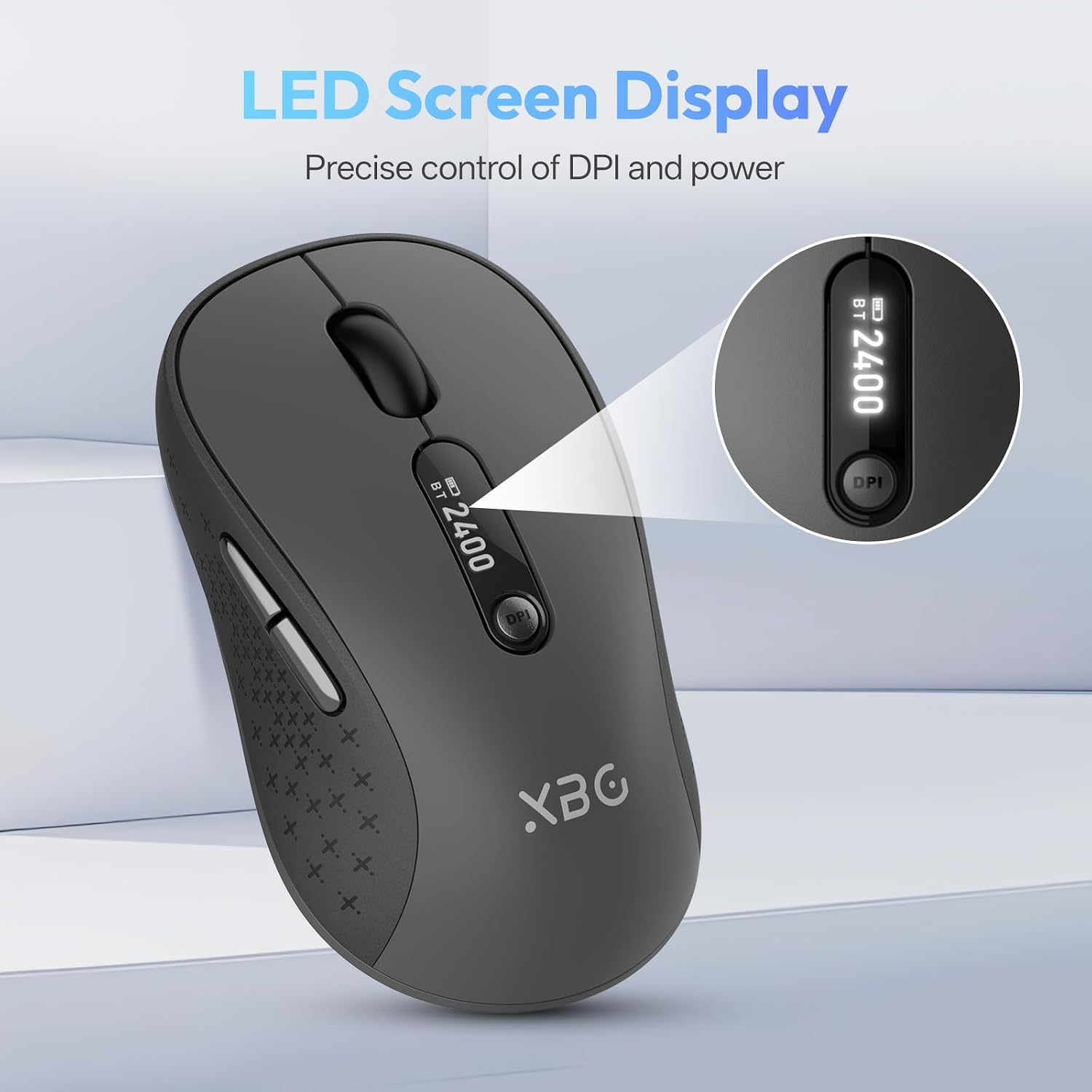
Where it shines: if you want one mouse for office/home and hybrid setups, the tri-mode approach and fast switching are the big reasons to consider it. The LED display is also a quiet win—once you don’t have to guess battery or DPI settings, using the mouse feels a bit more “set and forget.”
It may not be the best match if you’re very sensitive about sensor performance details or if you need advanced customization beyond the DPI levels mentioned. The silent buttons are great for noise control, but some people prefer the “crisper” feedback of louder clicks—so if that tactile sound matters to you, keep an eye on your own preference.
Also, make sure your devices genuinely support the Bluetooth versions and connectivity modes you plan to use, the mouse is advertised as working across Windows, Mac, Linux, and Android, but specific pairing behavior can still depend on your device setup.
Buying verdict
Buy it if you want a practical tri-mode mouse for laptop/PC/tablet use, value quiet clicking, and like the idea of seeing battery percentage and DPI directly on the mouse. It’s especially worth considering if you switch between devices often and would rather avoid constant re-pairing.
Skip it if you need very specific high-end performance tuning or you strongly prefer a larger mouse shape. It’s positioned more for everyday office productivity than for precision-heavy, enthusiast use.
It suits you if your workflow mixes devices (for example, laptop during work and tablet during meetings) and you want something that reduces friction—connection choice, quick switching, and auto sleep all point in that direction.
It may not suit you if you expect gamer-grade features beyond DPI switching, or if your setup requires something not covered by Bluetooth 5.0/4.0 and 2.4G tri-mode pairing.

Mini FAQ
Is the XBG B15pro rechargeable?
Yes. It uses a built-in 500 mAh battery and charges via a Type-C port, instead of AA batteries.
What does the LED screen display?
The LED status display shows real-time battery percentage, the selected DPI level (800/1000/1200/1600/2400), and the connection mode.
Does it go to sleep when not in use?
Yes. The mouse is designed to automatically enter sleep mode after 5 minutes of inactivity.
How many connection modes does it support?
It supports tri-mode connectivity: Bluetooth 5.0/4.0 and 2.4GHz wireless.
Will it work with multiple operating systems?
The description says it can work with Windows, Mac, Linux, and Android, without setup headaches (no additional setup details are provided).