

TP-Link UB500 Plus Bluetooth 5.3 USB Adapter
Reviews
Price
Product description
This USB Bluetooth adapter brings Bluetooth 5.3 connectivity to desktops and laptops that lack built-in wireless support, improving range and data throughput for peripherals like keyboards, mice, and headsets. It offers a simple Plug and Play setup on modern Windows systems and an adjustable antenna to help find the best reception in different rooms, making it useful for home offices and small workspaces.
Key Points
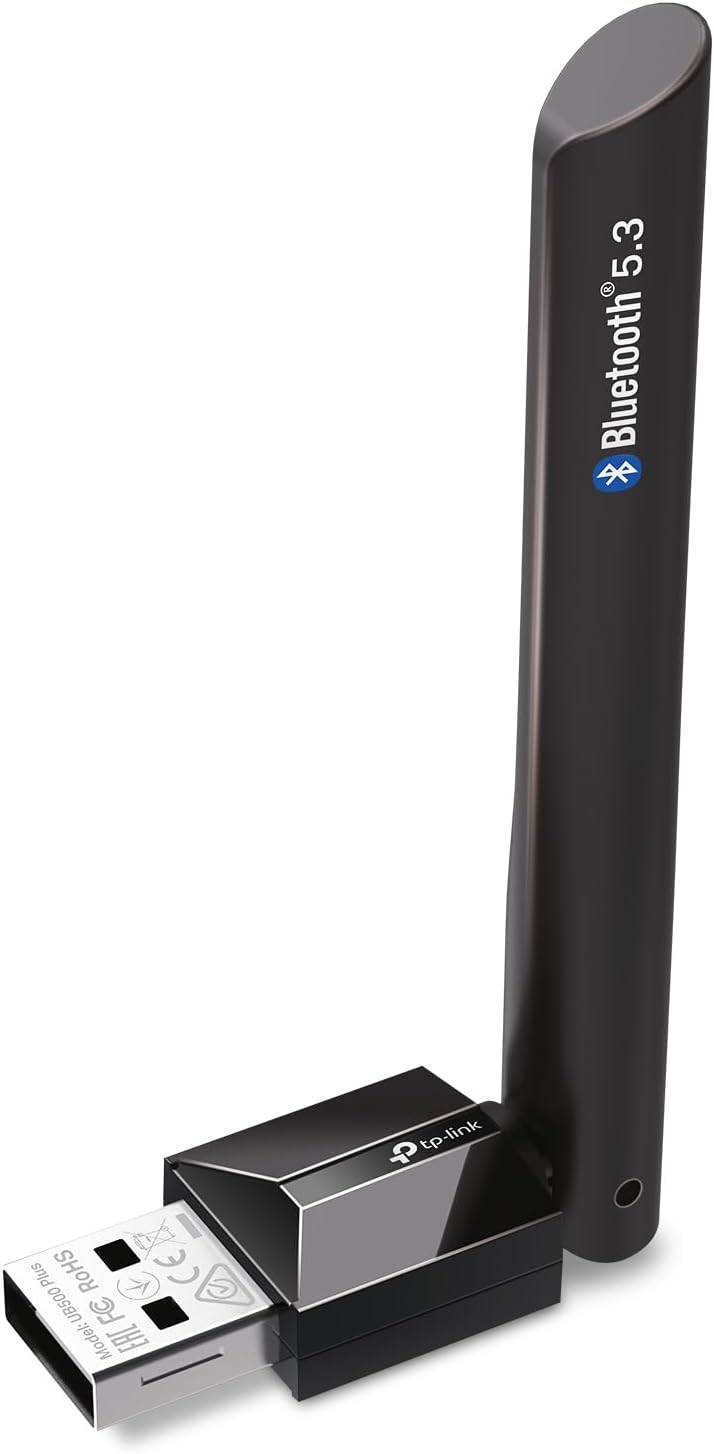
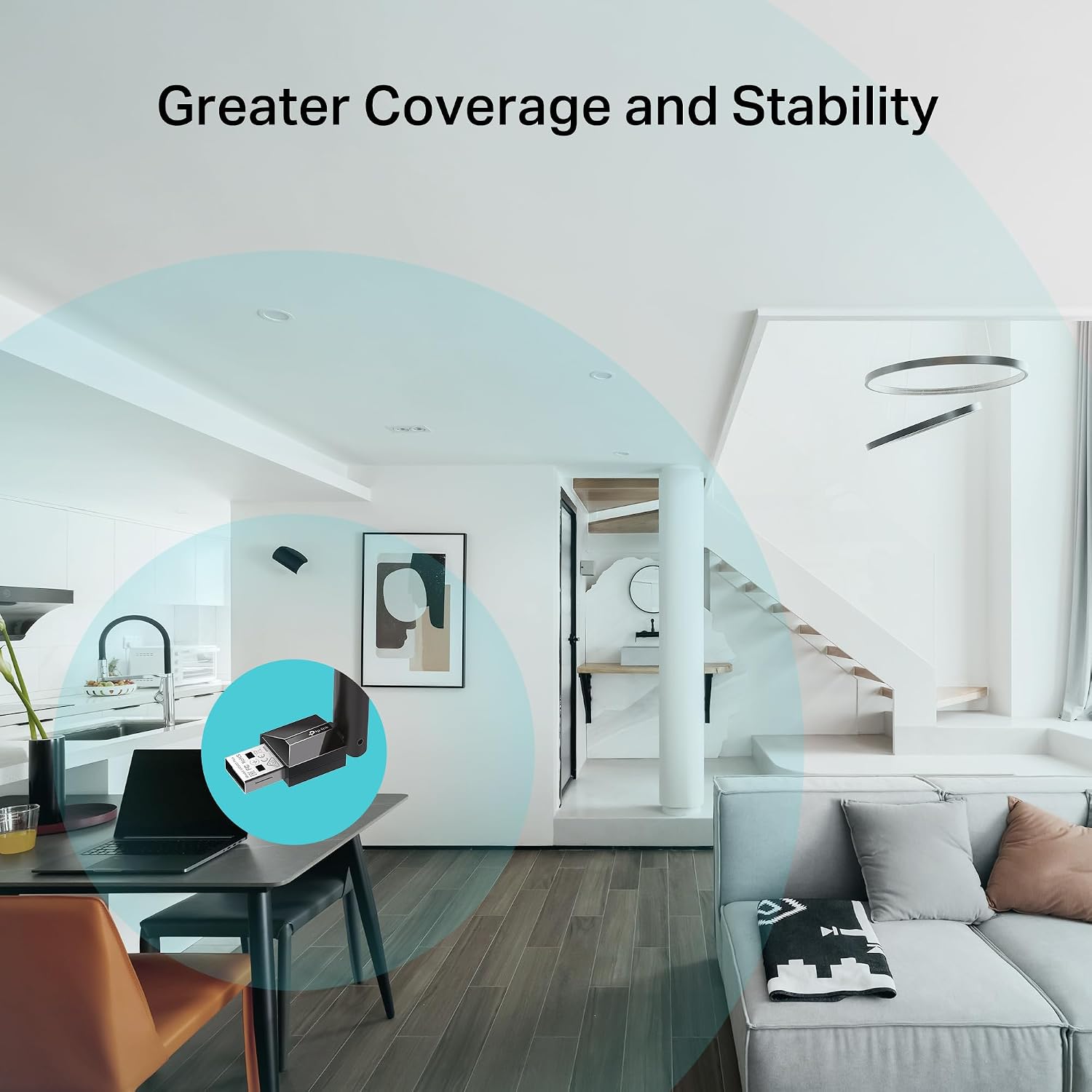
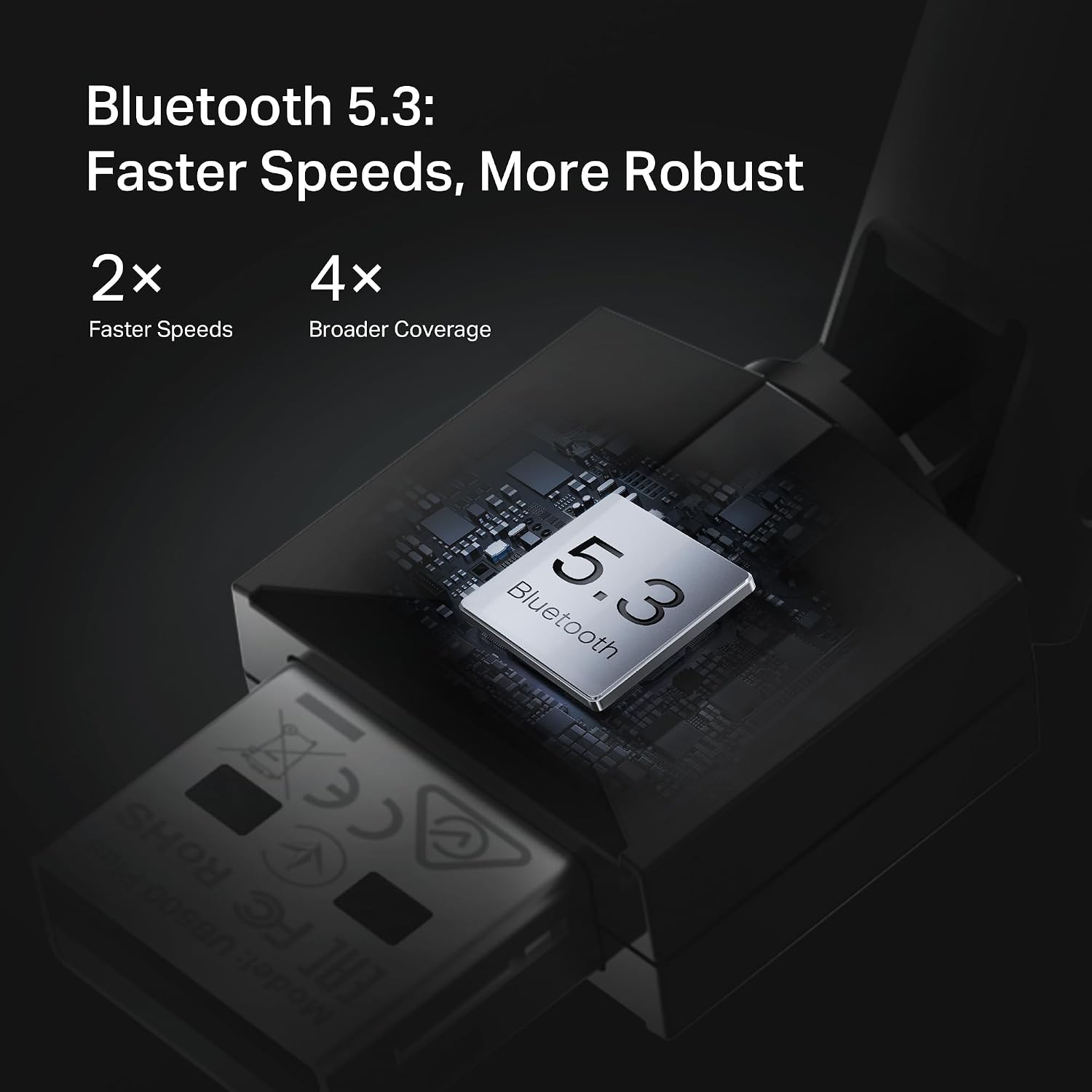
The adapter uses Bluetooth 5.3 technology which, according to the manufacturer, can double transfer speeds and extend coverage up to four times compared with Bluetooth 4.0. The compact USB form factor glues easily to a desktop or laptop and the rotating external antenna lets you aim for stronger signals when walls or furniture interfere. It includes backward compatibility with older Bluetooth versions so existing devices remain usable.
Technical Specifications
- Name: TP-Link UB500 Plus
- Bluetooth version: 5.3, compatible with Bluetooth v4.2/4.0/3.0/2.1/2.0/1.1
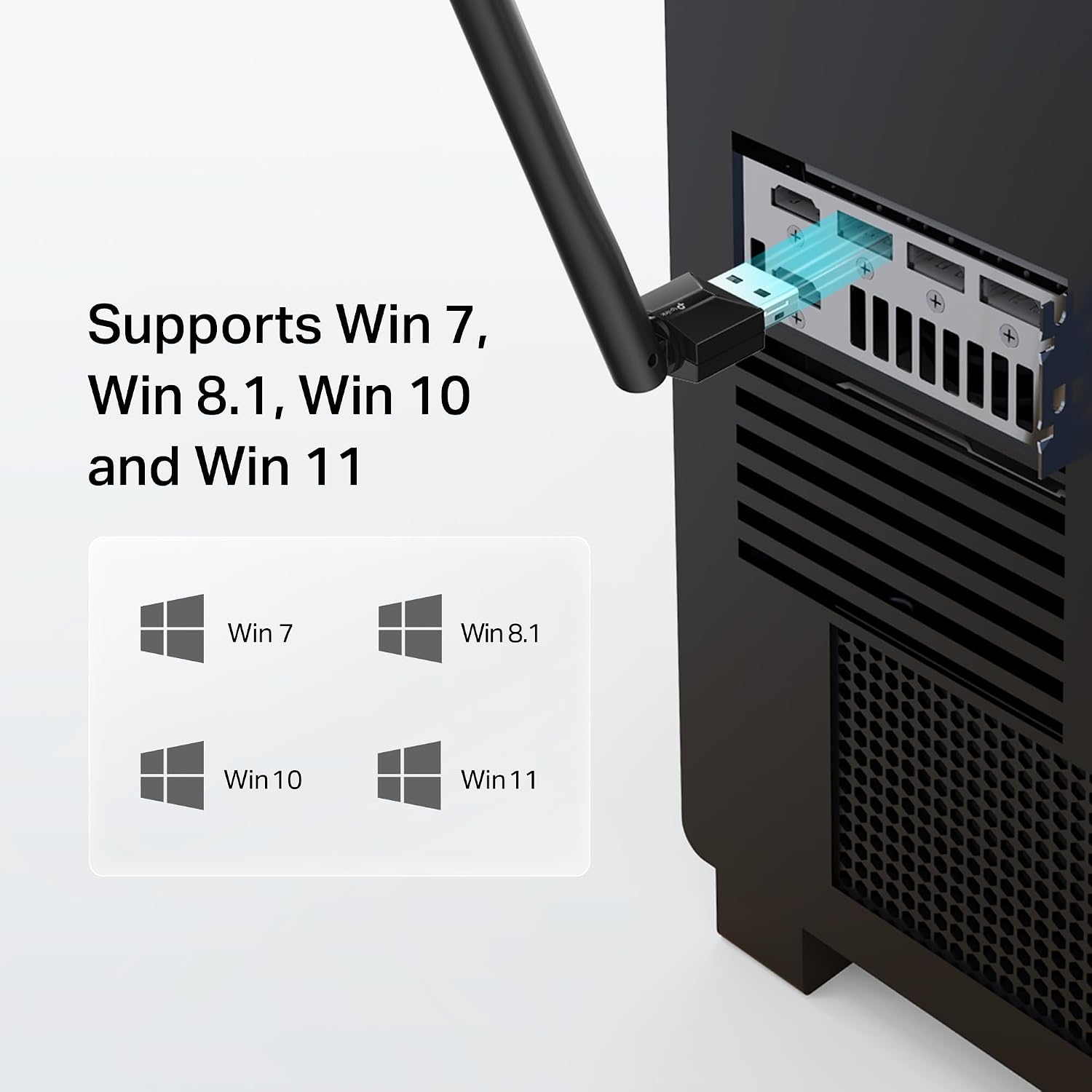
- System compatibility: Windows 11 / 10 / 8.1 Plug and Play, Windows 7 requires driver download
- Antenna: Adjustable multidirectional external antenna
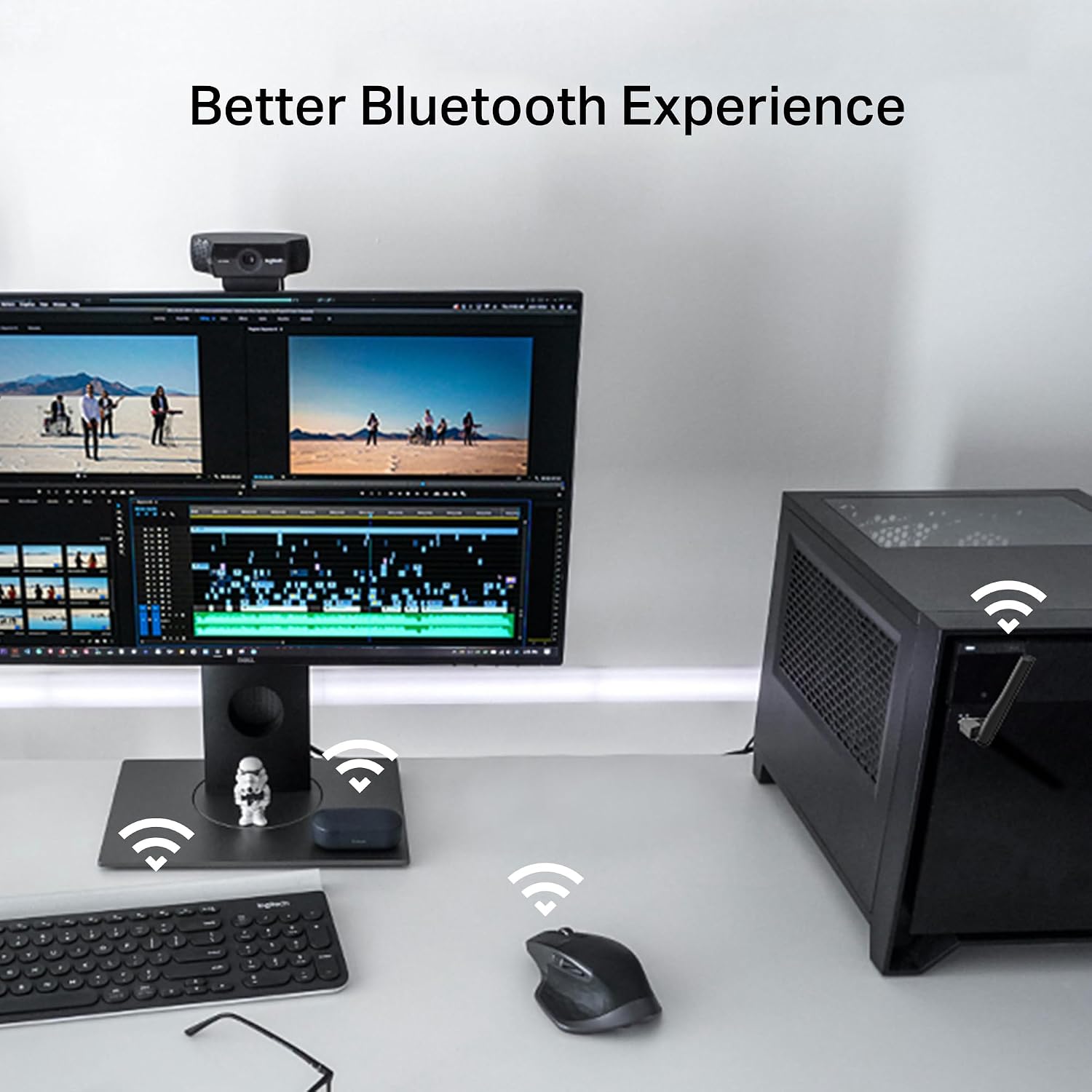
- Functionality: Supports keyboard, mouse, audio devices, and other typical Bluetooth peripherals
Benefits
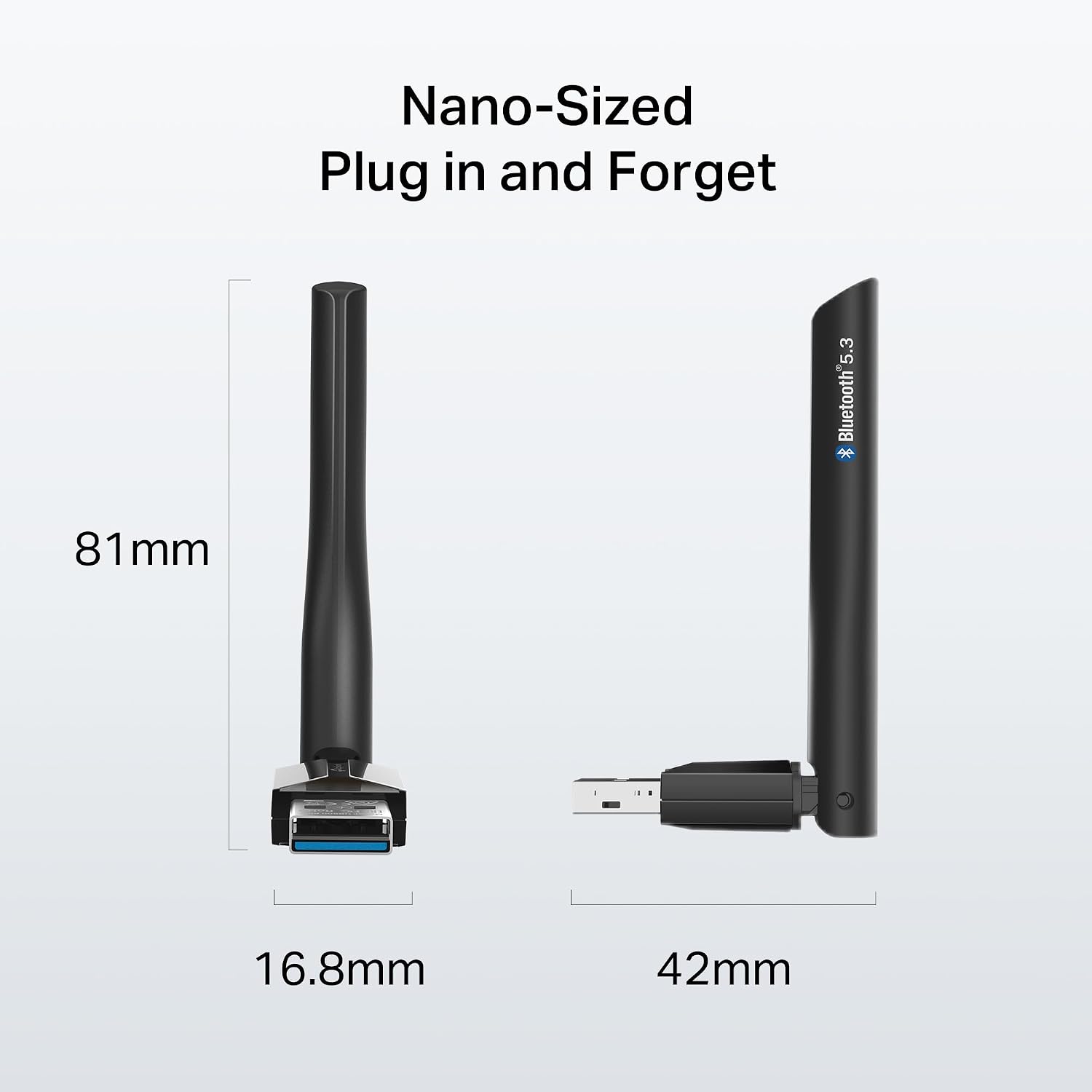
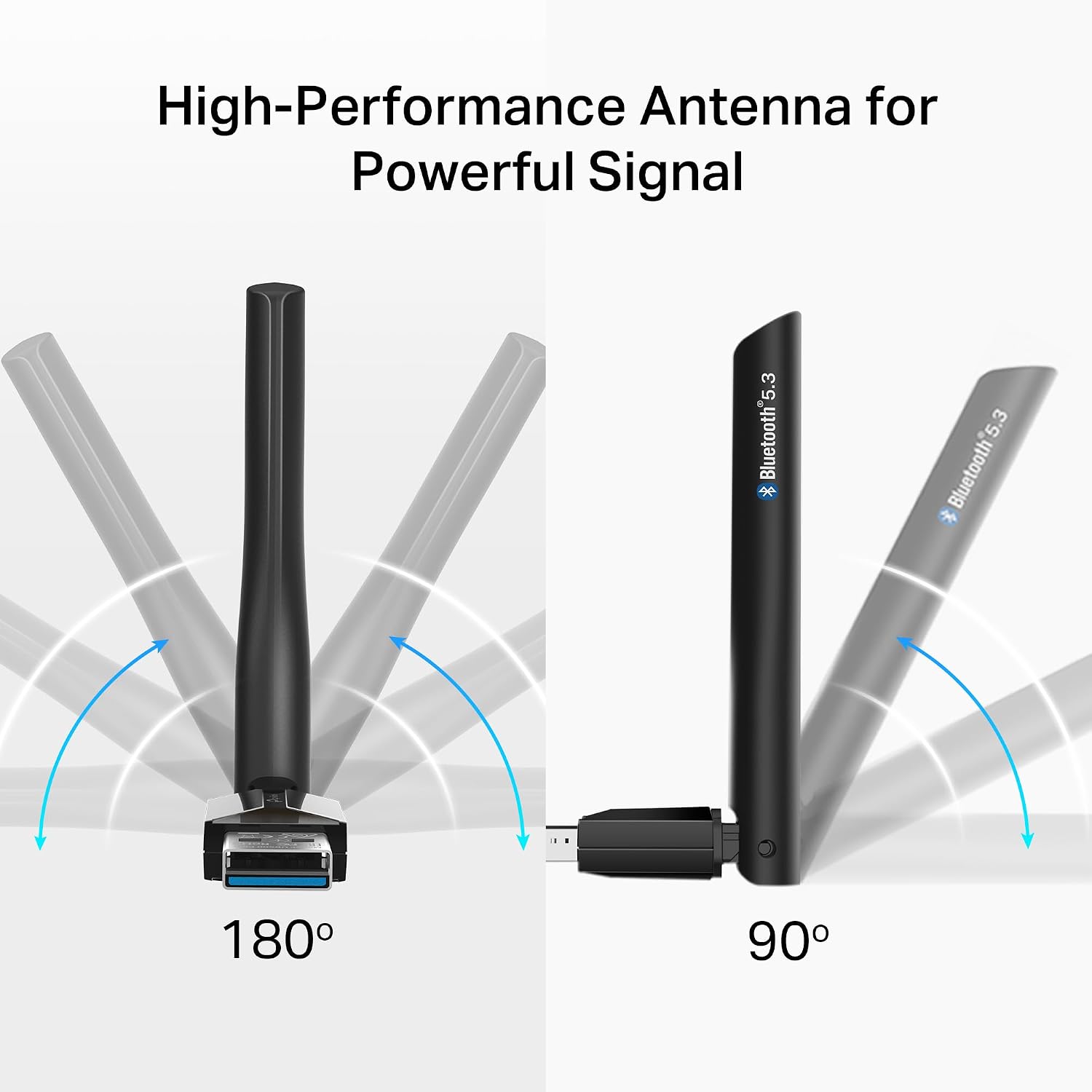
The combination of an upgraded Bluetooth chip and low energy modes helps improve battery life on connected devices while maintaining higher throughput for transfers or audio streaming. For users with mixed older and newer devices, the adapter’s backward compatibility reduces the need to replace peripherals. The external antenna can noticeably reduce dropouts in rooms where a built-in dongle might struggle, offering a more stable connection for work calls and wireless input devices.
Usage Recommendations
Plug the adapter into a free USB port and, if you are running Windows 8.1, 10, or 11 with an active internet connection, follow the automatic driver install for immediate use. For Windows 7, download the driver from the manufacturer’s support site before pairing. Adjust the antenna while testing device placement to locate the best orientation for signal strength, and consider using a front USB port or a short extension if the rear ports are recessed or blocked.
Note that actual range and speed depend on environmental factors and the capabilities of the connected devices, according to the manufacturer. The adapter focuses on improving range and stability rather than providing advanced audio codecs or features that some dedicated audio transmitters include.