

TP-Link BE9300 WiFi 7 PCIe Card, Bluetooth 5.4 🖥
Product description
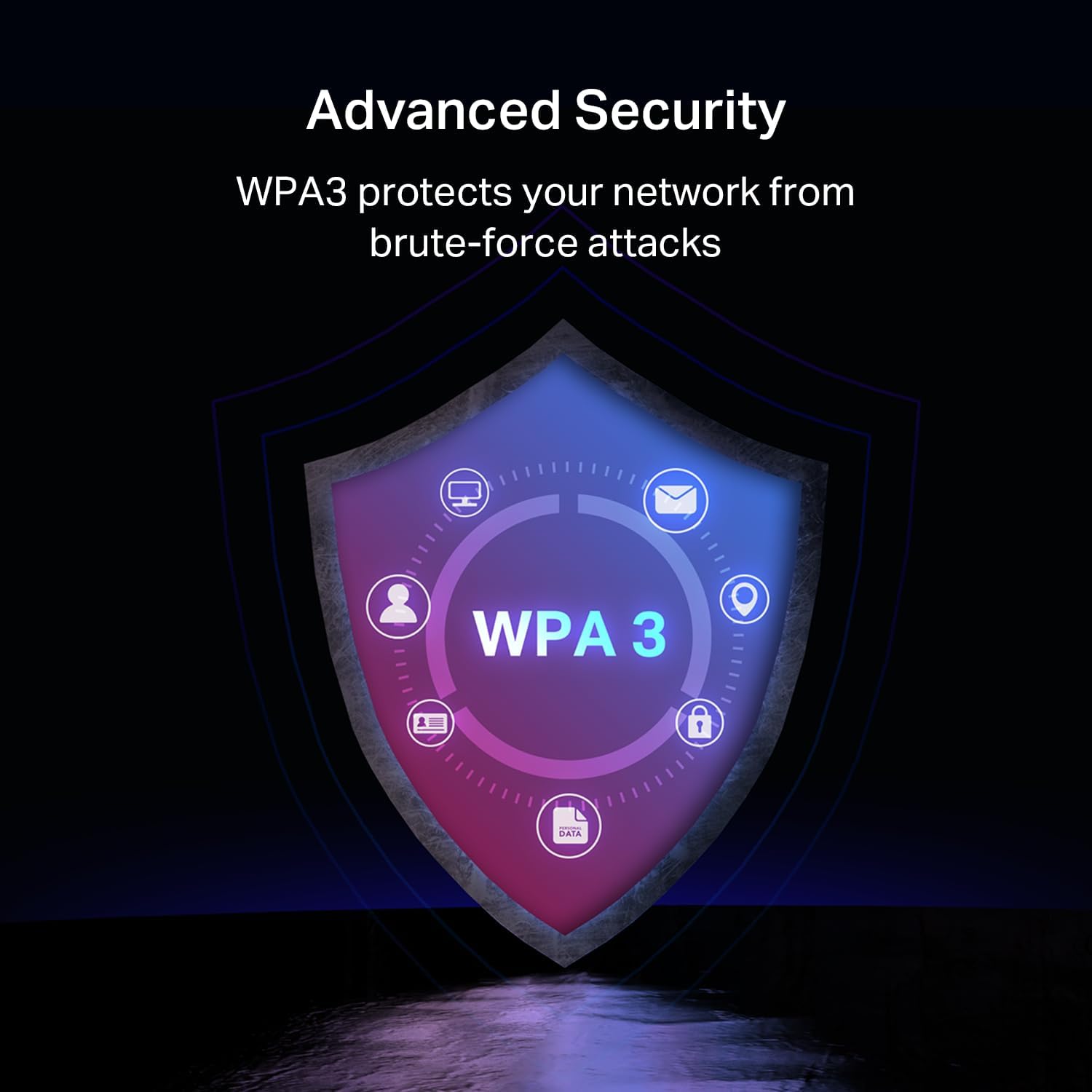
This desktop Wi-Fi upgrade brings Wi‑Fi 7 performance to compatible PCs, boosting wireless throughput and reducing network congestion for heavy streaming and gaming. The WiFi 7 PCIe card opens access to the 6 GHz band for higher bandwidth and lower latency, making multitasking across home networks noticeably smoother.
Key Points
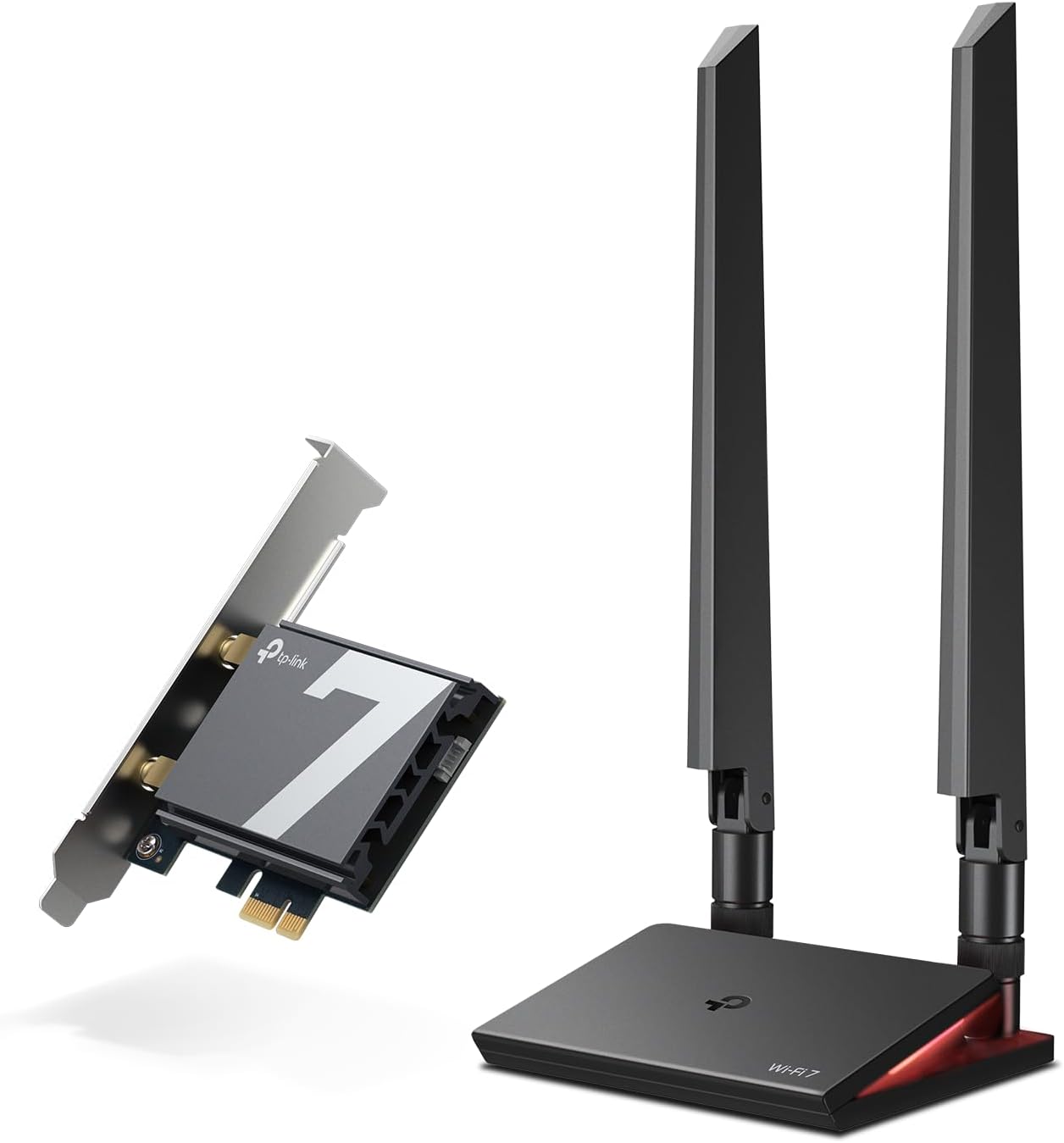
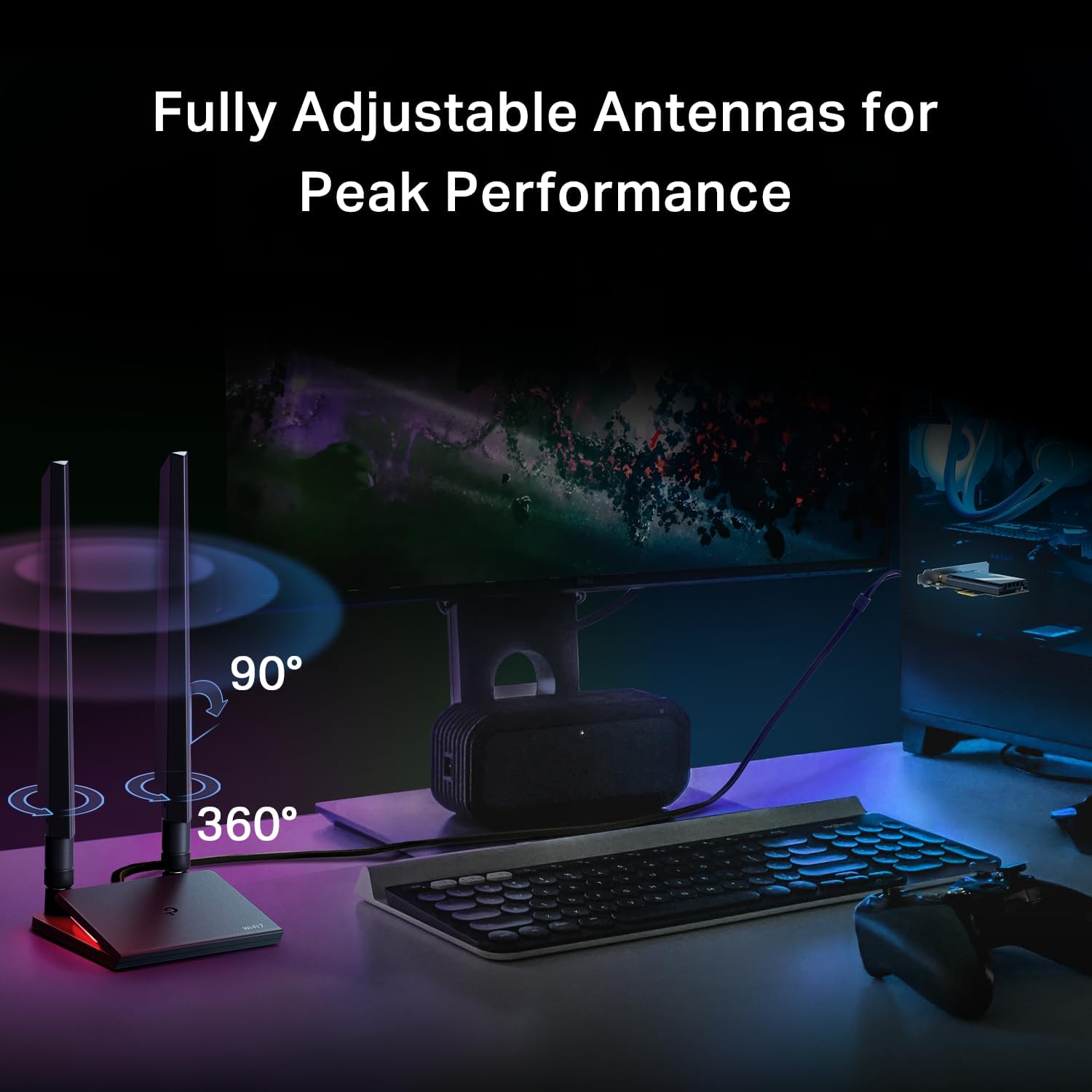
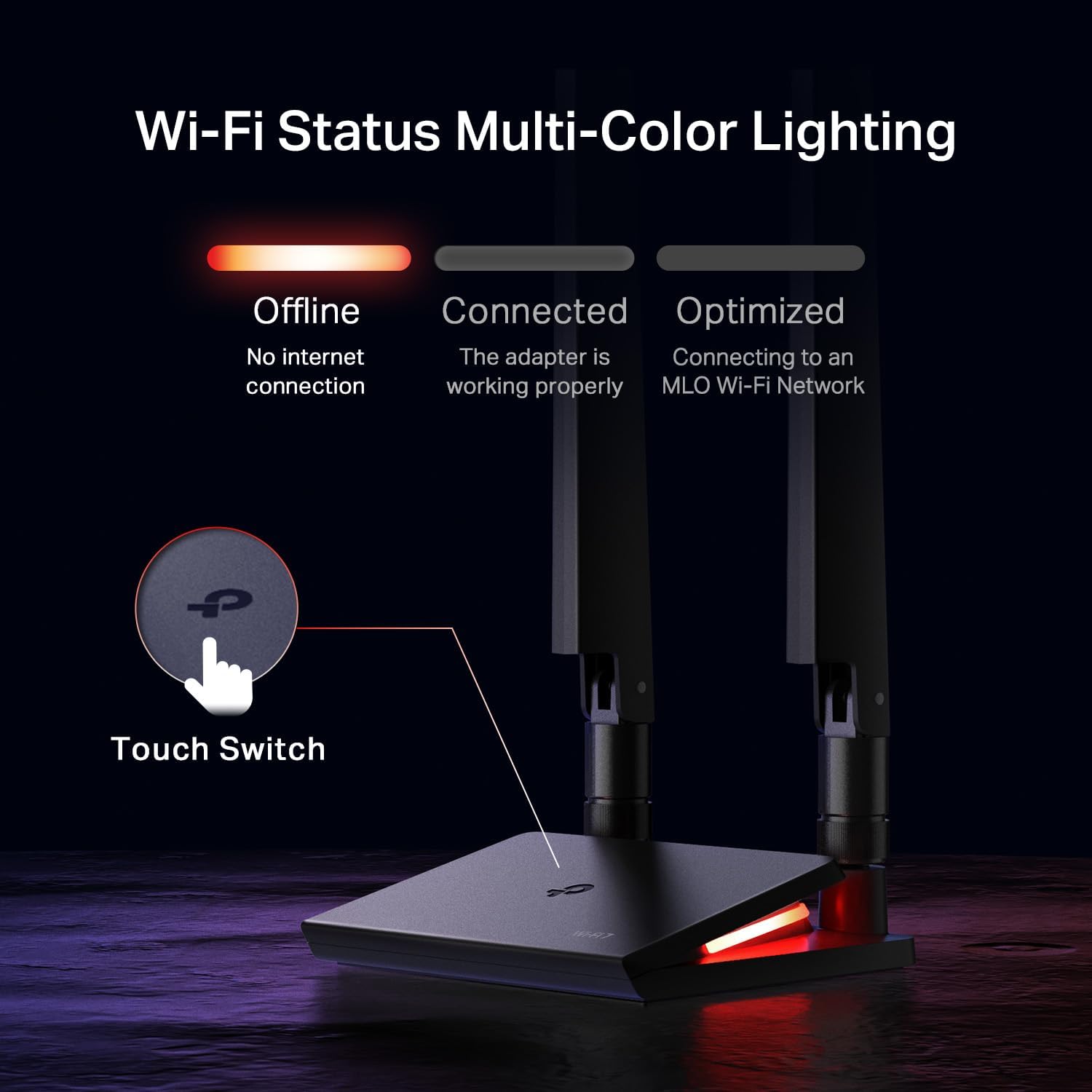
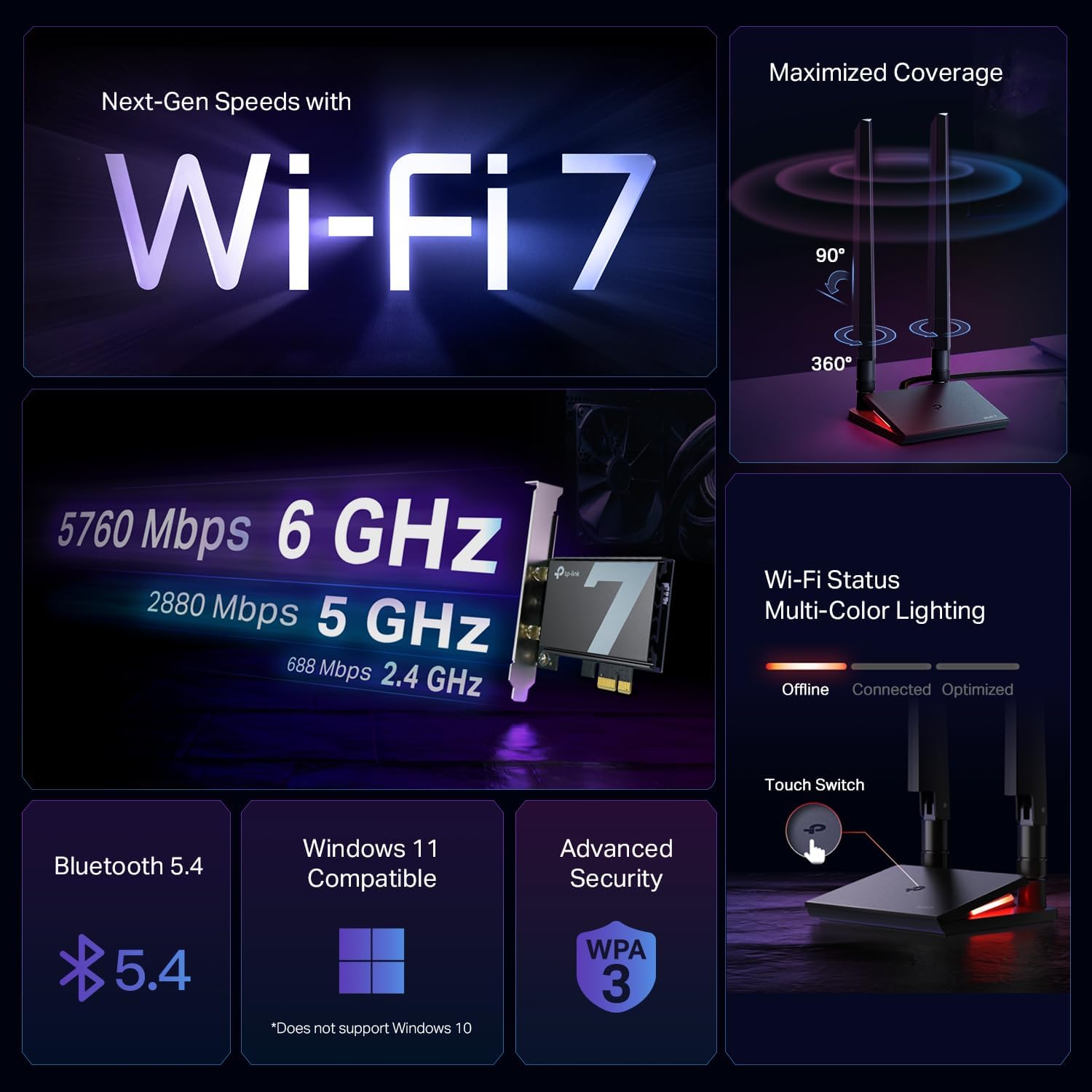
This card supports tri-band operation with expanded capacity on the 6 GHz band, helping reduce interference on busy networks. It uses advanced modulation and wider channels to increase raw throughput, and includes MU-MIMO and OFDMA to manage multiple devices more efficiently. The external magnetized antenna base makes it easier to position the antennas for better reception across a room, and the multicolor LED reports link status at a glance. 🖥️🎮
Technical Specifications
- Name: TP-Link Archer TBE550E (BE9300)
- Wireless Standard: Wi‑Fi 7
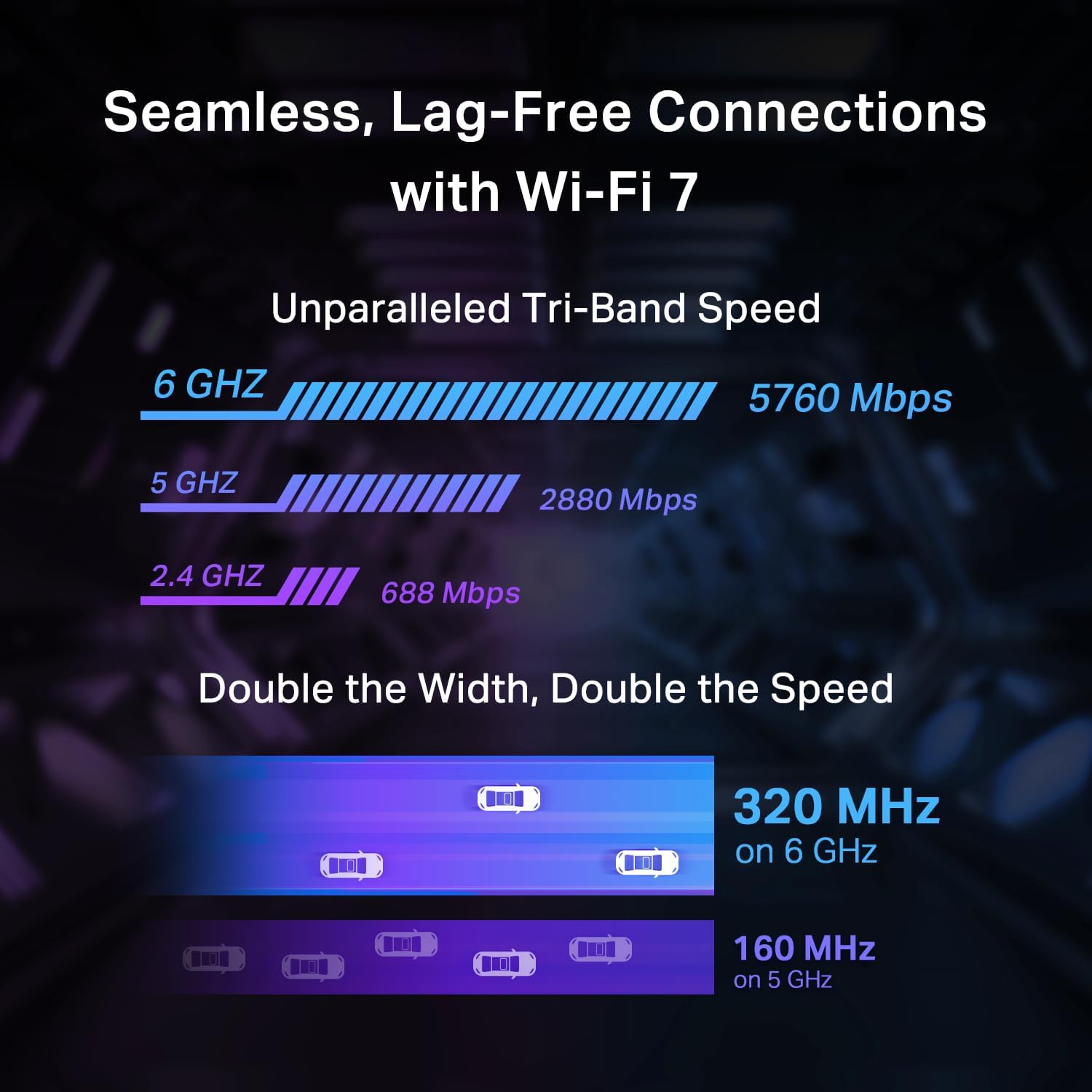
- Maximum Speeds: 6 GHz up to 5760 Mbps, 5 GHz up to 2880 Mbps, 2.4 GHz up to 688 Mbps
- Modulation and Channel: 4096-QAM, up to 320 MHz channel width
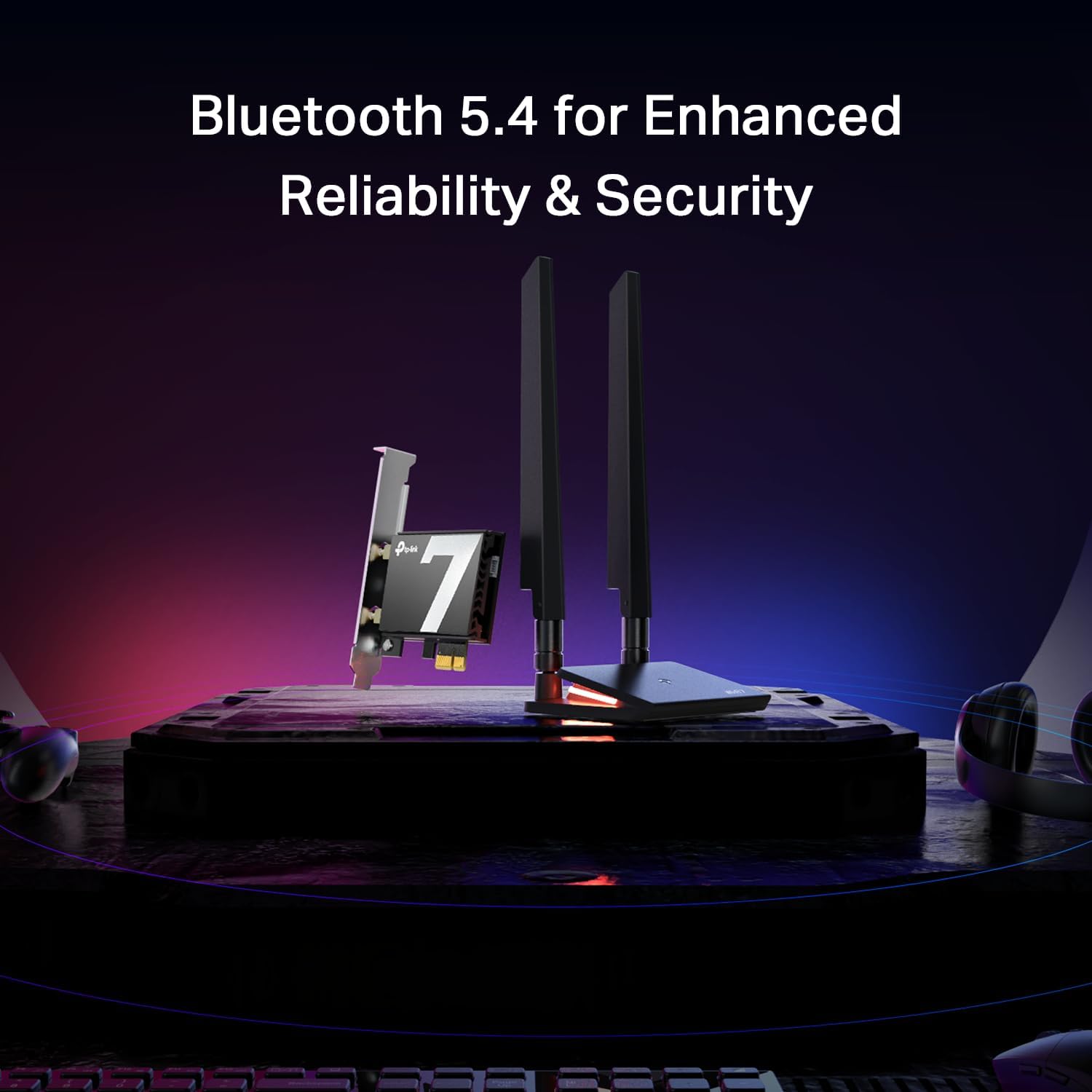
- Bluetooth: Bluetooth 5.4
- Compatibility: Supports AMD and Intel motherboards, requires Windows 11 (not compatible with Windows 10)
Benefits
With support for the 6 GHz band, this adapter can offer less crowded wireless lanes for high-bandwidth tasks such as 4K video streaming, large file transfers, and cloud backups. The card is tuned for reduced latency during gaming sessions and VR use thanks to Multi-RU and MU-MIMO scheduling, which helps maintain responsiveness even when other devices share the same router. The included magnetic antenna base adds flexibility when searching for the best signal path, and the LED status lighting makes it simple to verify connectivity without opening network settings.
Usage Recommendations
Install the PCIe card into an available slot on a modern desktop motherboard and connect the antenna base where it can get the clearest line to your router. For best results use a Wi‑Fi 7 compatible router and Windows 11 as the operating system, since driver support is limited to newer Windows versions according to the manufacturer. Consider placing the antenna base on a raised surface away from metal objects to improve reception.