

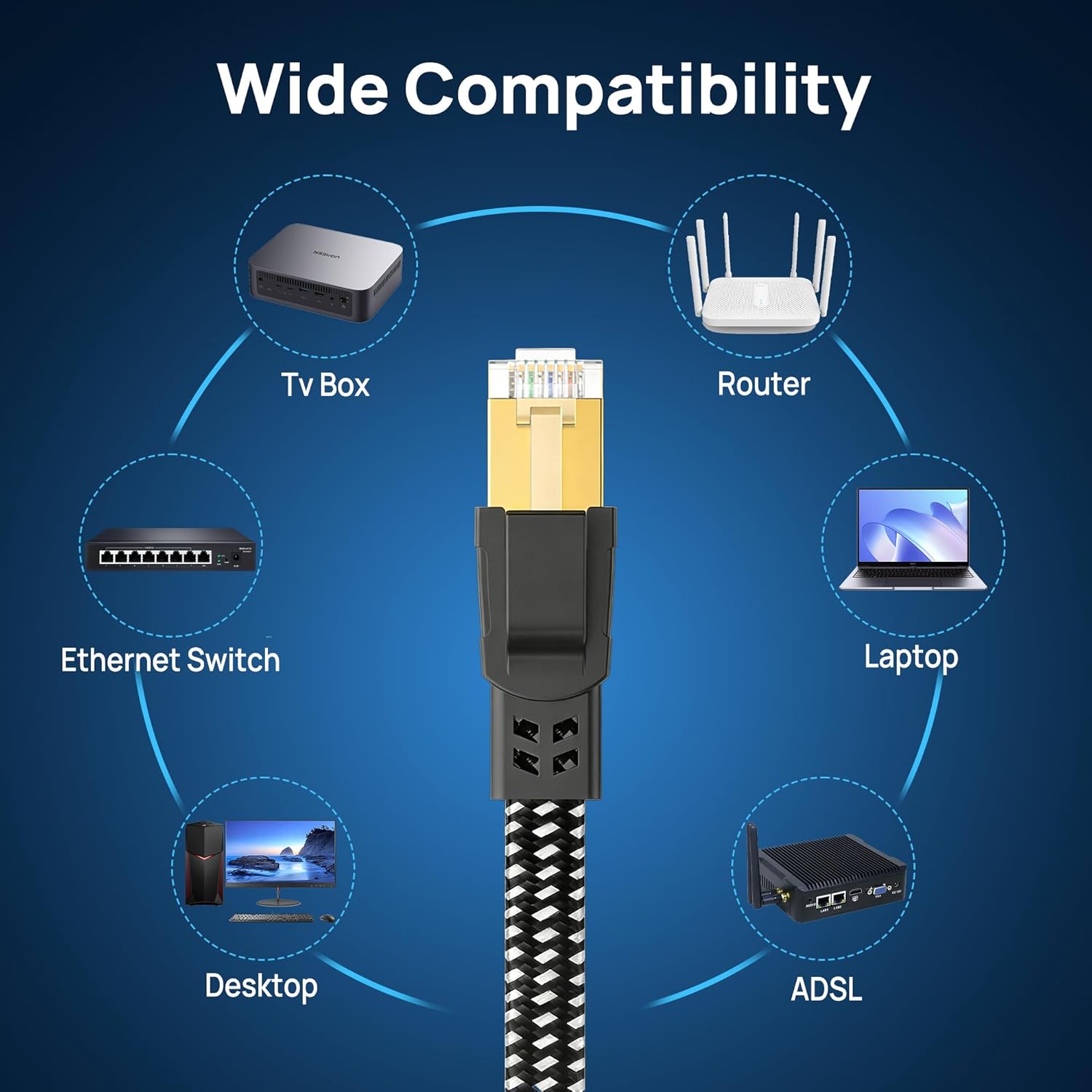
Orbram Cat 8 Ethernet Cable 15 ft: Flat, Shielded, Nylon Braided for Fast, Reliable Network
Product description
Opening context
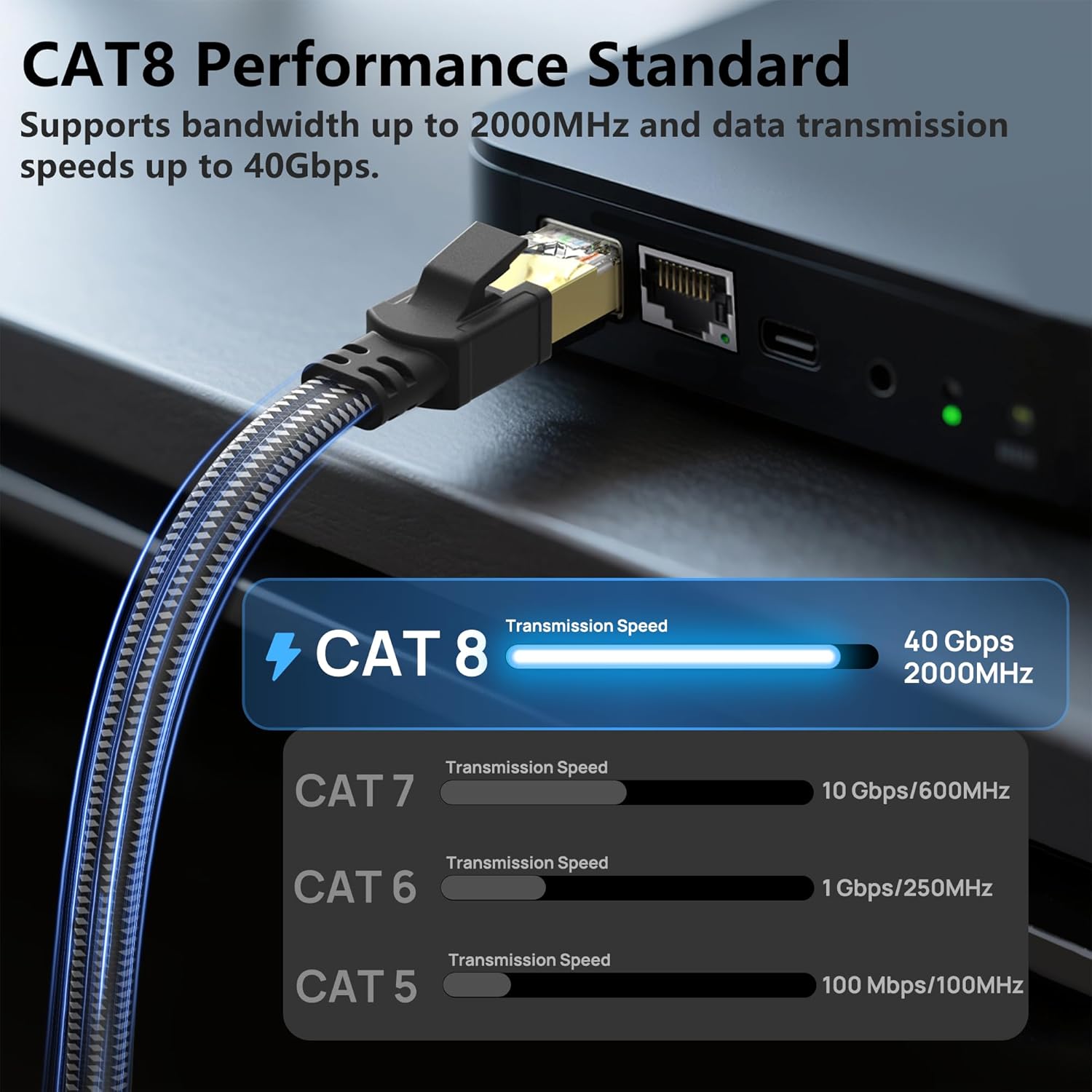
If you’re tackling a busy home setup or a small office network, you want a cable that won’t bottleneck your fast internet or local storage transfers. The Orbram Cat 8 Ethernet Cable 15 ft is designed to handle high-bandwidth needs with a flat, nylon-braided build that aims to reduce clutter and improve durability. On paper, it promises up to 40 Gbps speeds and a bandwidth of up to 2000 MHz, along with S/FTP shielding and gold-plated RJ45 connectors for lower interference.
What it is and what problem it solves
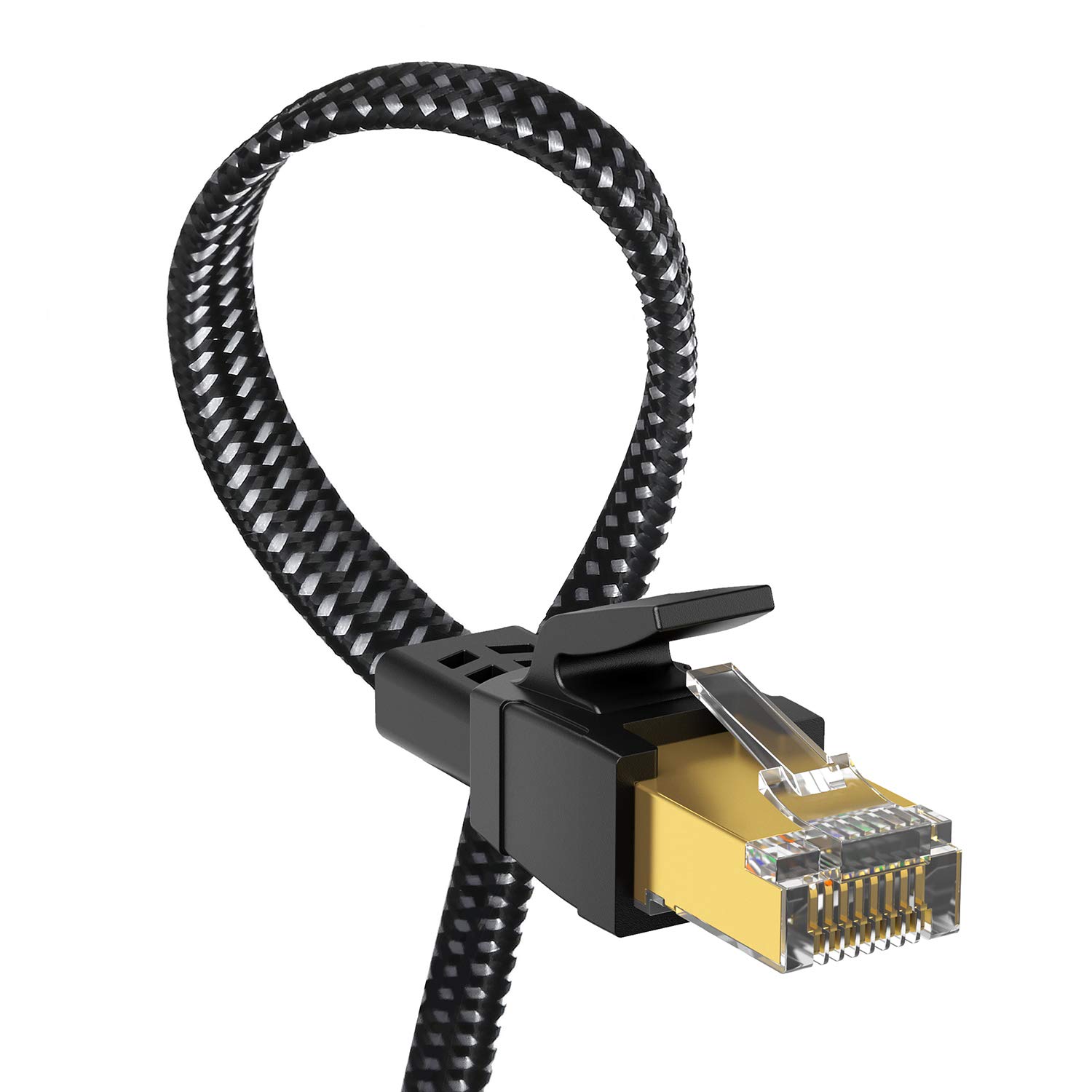
This is a Cat 8 patch cord intended for direct connections between devices like modems, routers, gaming rigs, PCs, NAS, and switches. For setups that stream 4K/8K video, run local servers, or game with low latency, the cable’s shielding and higher frequency spec are positioned as a way to preserve signal integrity over longer distances than some lower-category cables. As a consumer accessory, it’s meant to be a drop-in upgrade to traditional Cat5e/Cat6 runs when the goal is reducing crosstalk and interference.
Build and durability notes
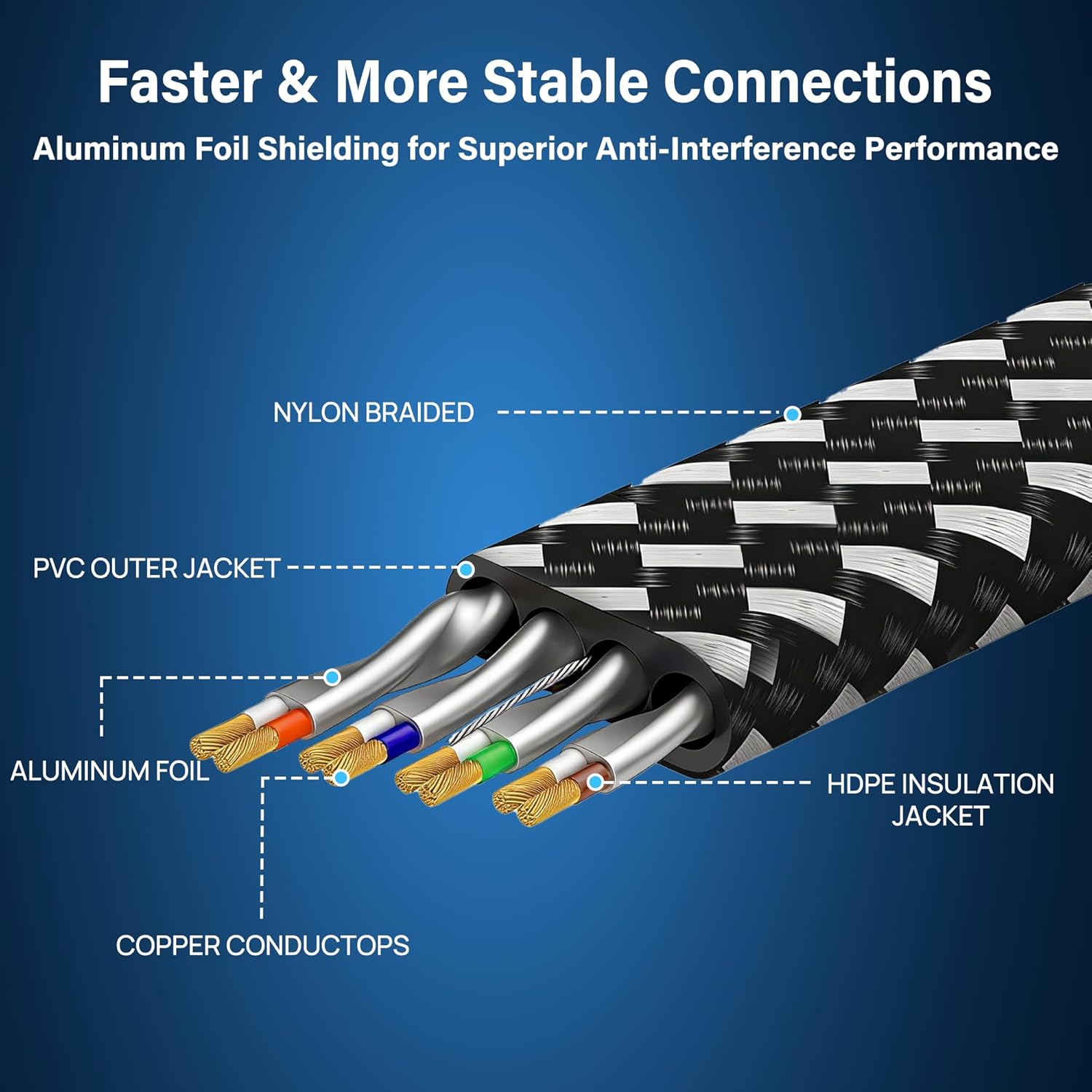
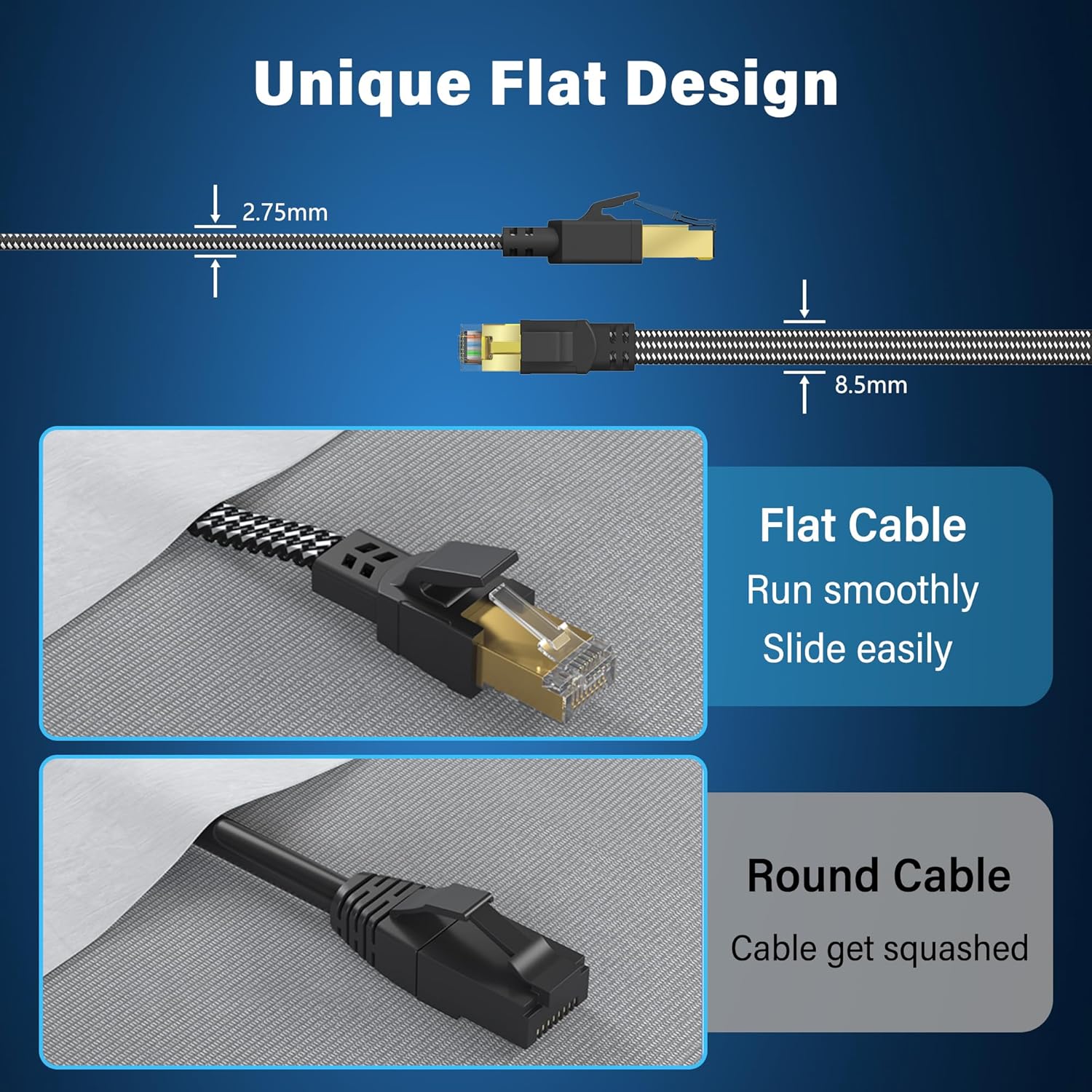
The cable features a double braided nylon exterior, which is marketed as more durable and tangle-free. The flat design is intended to make it easier to route along walls, under carpets, or along edges without a bulky, round-profile footprint. The connectors are 24K gold-plated, and the internal wiring uses shielded foiled twisted pairs to bolster resistance to external noise. A practical point: the durability claim mentions re-bend tolerance, but the exact bend radius isn’t specified here—check fit in your space to avoid sharp turns that could impact longevity.

How it performs in real use (contextual expectations)
On the surface, Cat 8 aims to deliver more headroom than Cat 6/6A or Cat 7 cables. If your internet plan or local network equipment supports very high speeds or heavy data transfers (think NAS, game streaming, or server tasks), this cable is positioned as a candidate to minimize packet loss and interference, particularly in environments with electrical noise or when cables run near power lines. That said, you should be mindful that actual speeds depend on other network components, including the capabilities of your modem, router, and devices. If your gear is capped below Cat 8 levels, you might not see the full 40 Gbps benefit, but the improved shielding could still help with stability.
Who it’s best for and where it might fall short
It’s a reasonable pick for users who value a flat, space-saving cable that can handle high bandwidth in a home theater, gaming rig, or small office where cables run behind furniture or along walls. If your setup is simple, uses shorter runs, or your equipment doesn’t support multi-gigabit throughput, you may not need Cat 8’s top-end capabilities and could opt for a lower category with a more straightforward price-to-performance ratio.

Practical usage example
Imagine a gaming PC connected directly to a high-speed router with zero intermediate hubs. The flat, shielded cable could help keep latency stable during peak gaming sessions and make it easier to tuck away along baseboards without snagging on furniture. In a home office, it might serve a NAS-to-PC link or a link from a modem to a router where clutter-free routing matters.
What to review before buying
- Confirm your devices support high-speed Ethernet and that a Cat 8 path aligns with your network plan.
- Consider run length and route, the flat design helps with tight spaces but ensure bends aren’t too sharp.
- Check compatibility with your router, modem, and any switches to maximize potential bandwidth.
- If you expect to unplug/replug frequently, test the connector durability and plug resistance to ensure long-term reliability.
Pros and cons at a glance
- Pros: flat profile for easier routing, strong shielding to reduce interference, nylon braid adds durability, designed for high bandwidth use cases.
- Cons: top-end performance requires supporting hardware, the durability claims are good but depend on how you route and bend the cable, price may be higher than basic cables of lower categories.
FAQs
- Is Cat 8 necessary for a typical home setup? Not always—most households won’t saturate 40 Gbps in real-world use, but if you push multi-device high-bandwidth tasks, it can help with stability.
- Can I use this for outdoor runs? It’s labeled as indoor & outdoor capable, but verify it’s rated for your exact outdoor conditions and UV exposure in your environment.
- Will this replace all my other Ethernet cables? It can coexist, use Cat 8 where you need the maximum bandwidth or shielding, and save Cat 5e/6/6a for less demanding connections.