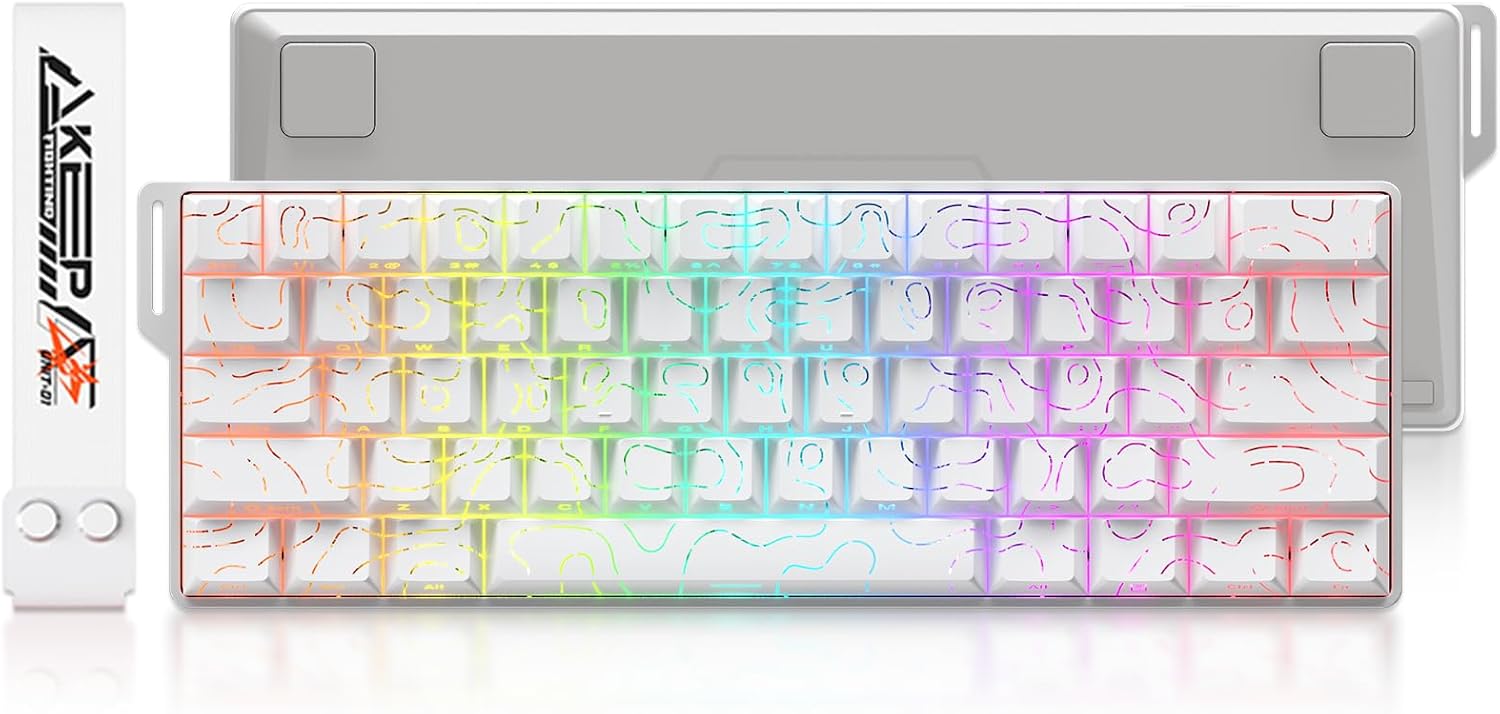
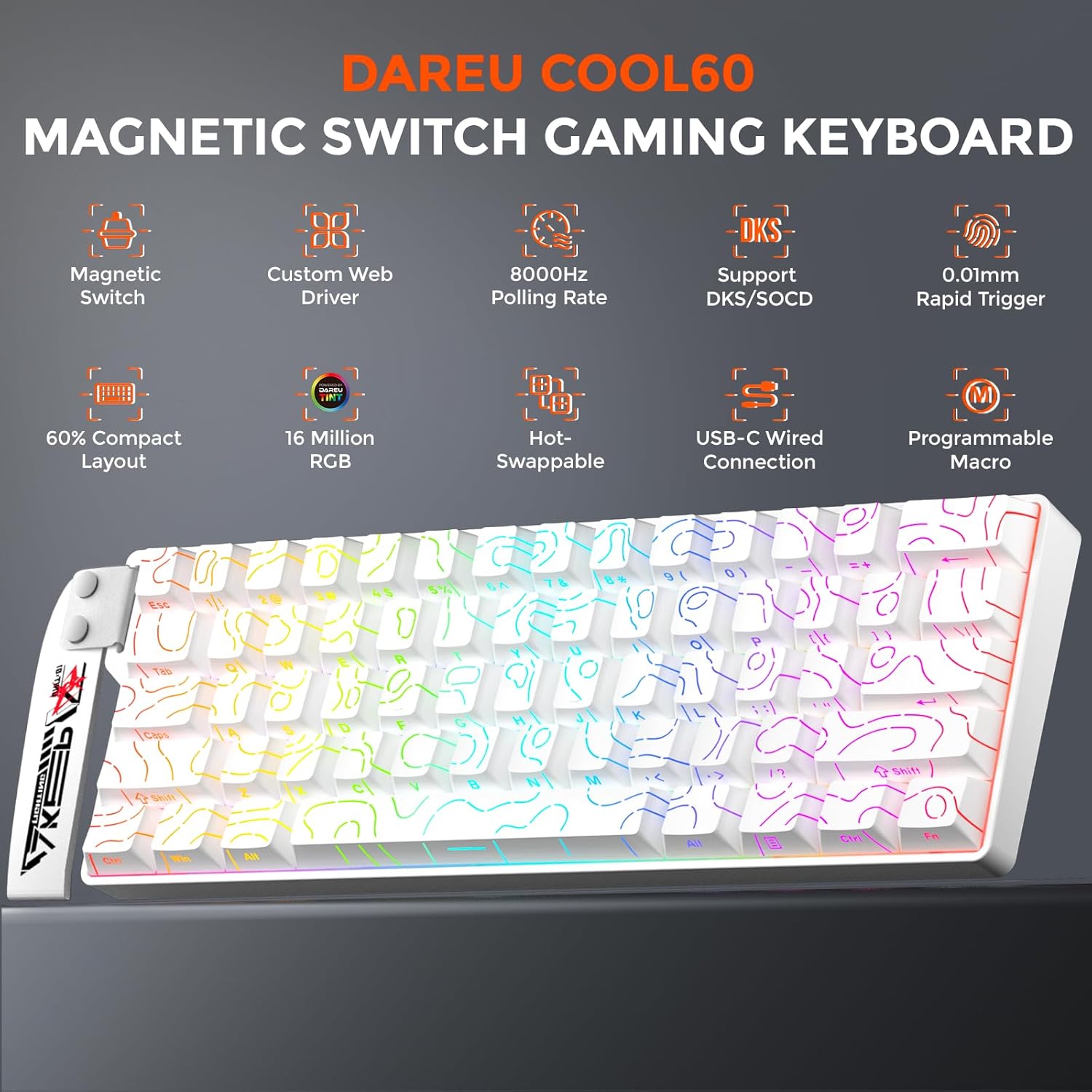
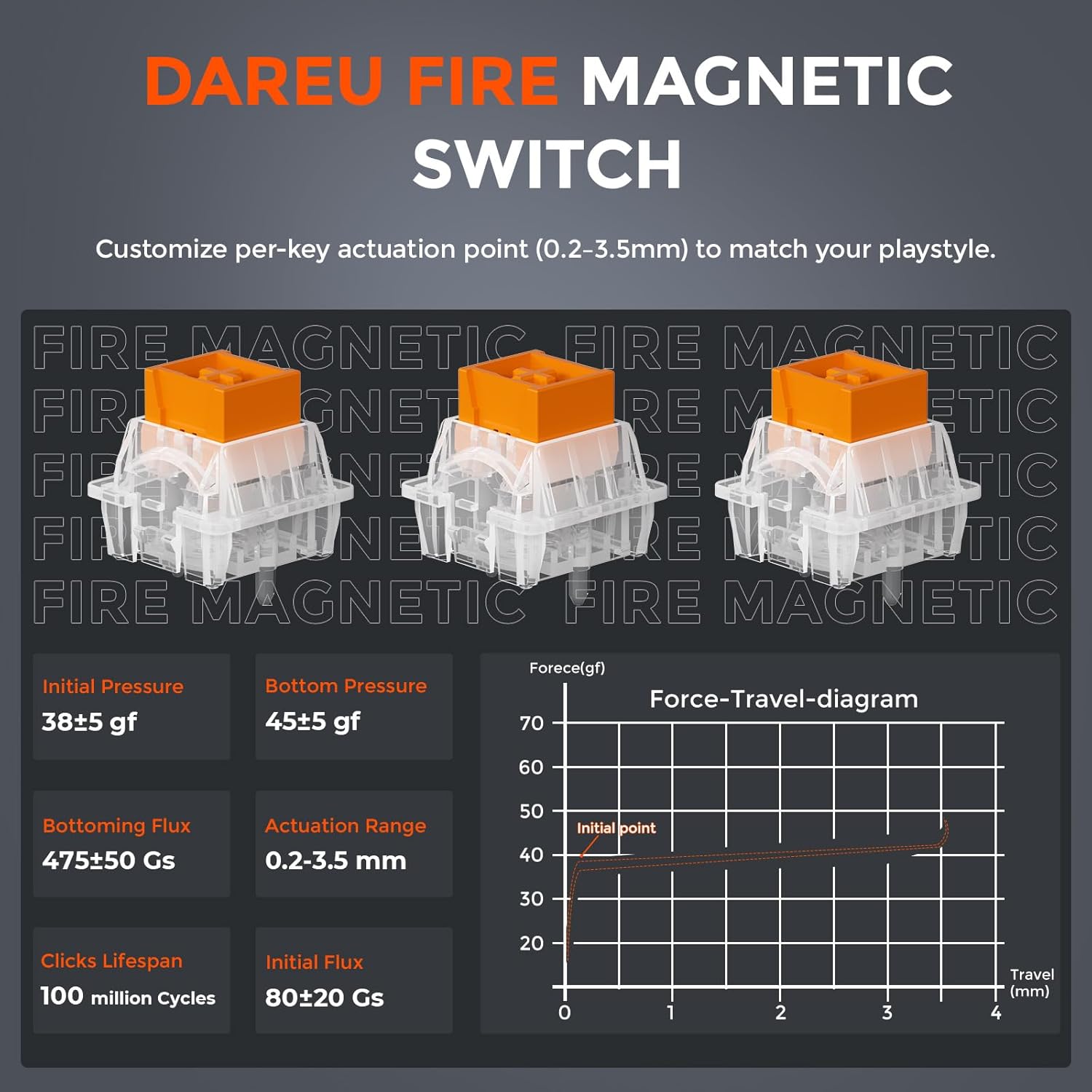
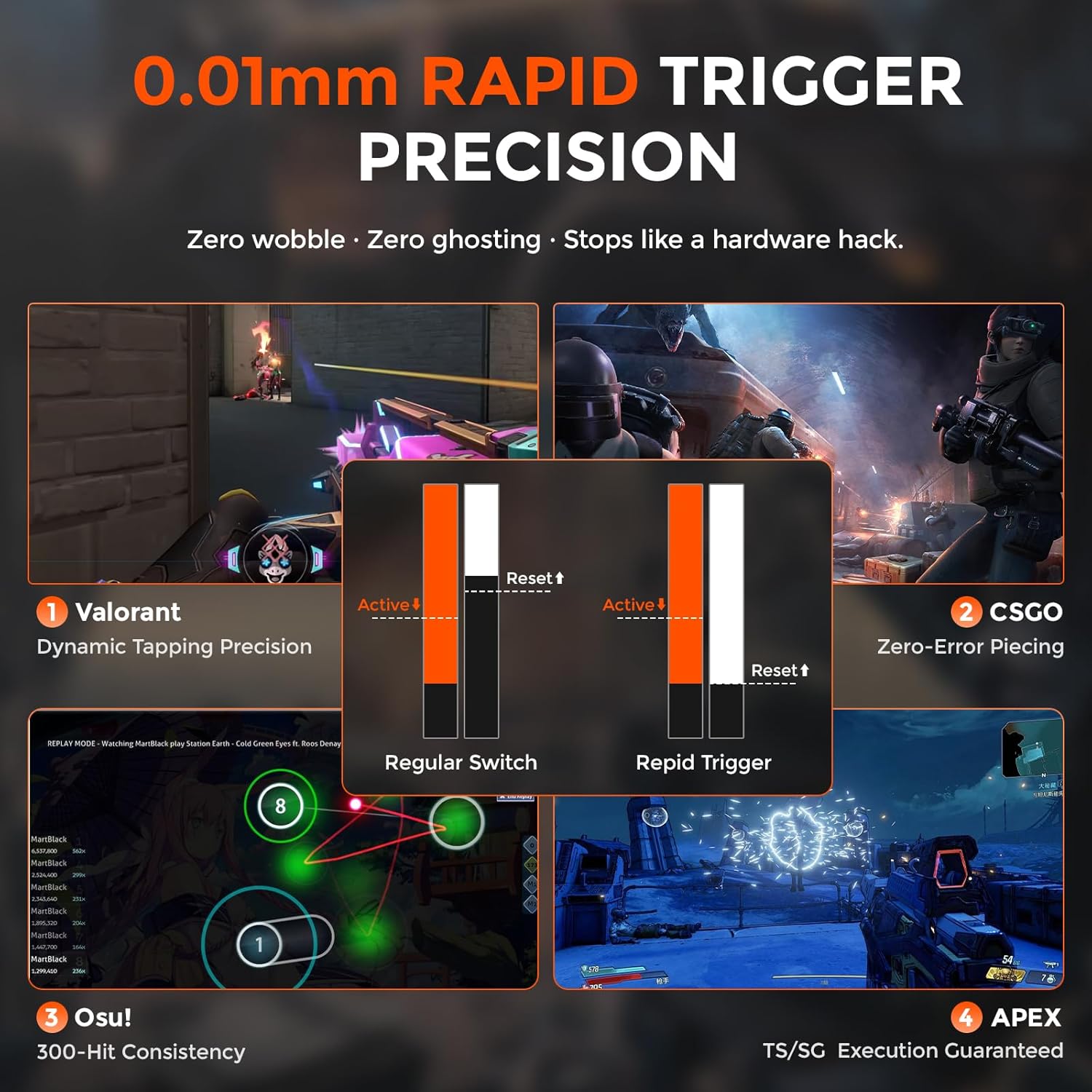
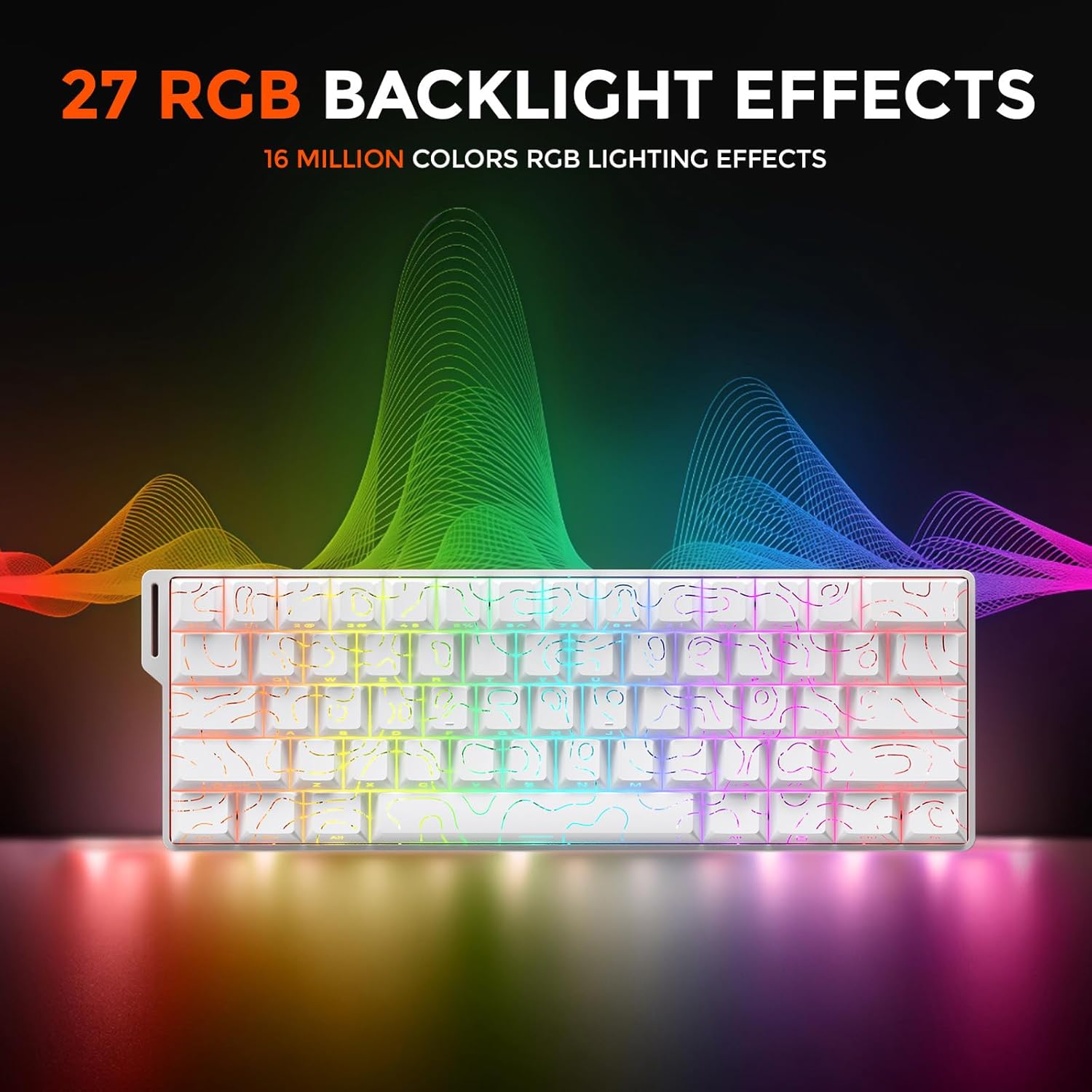
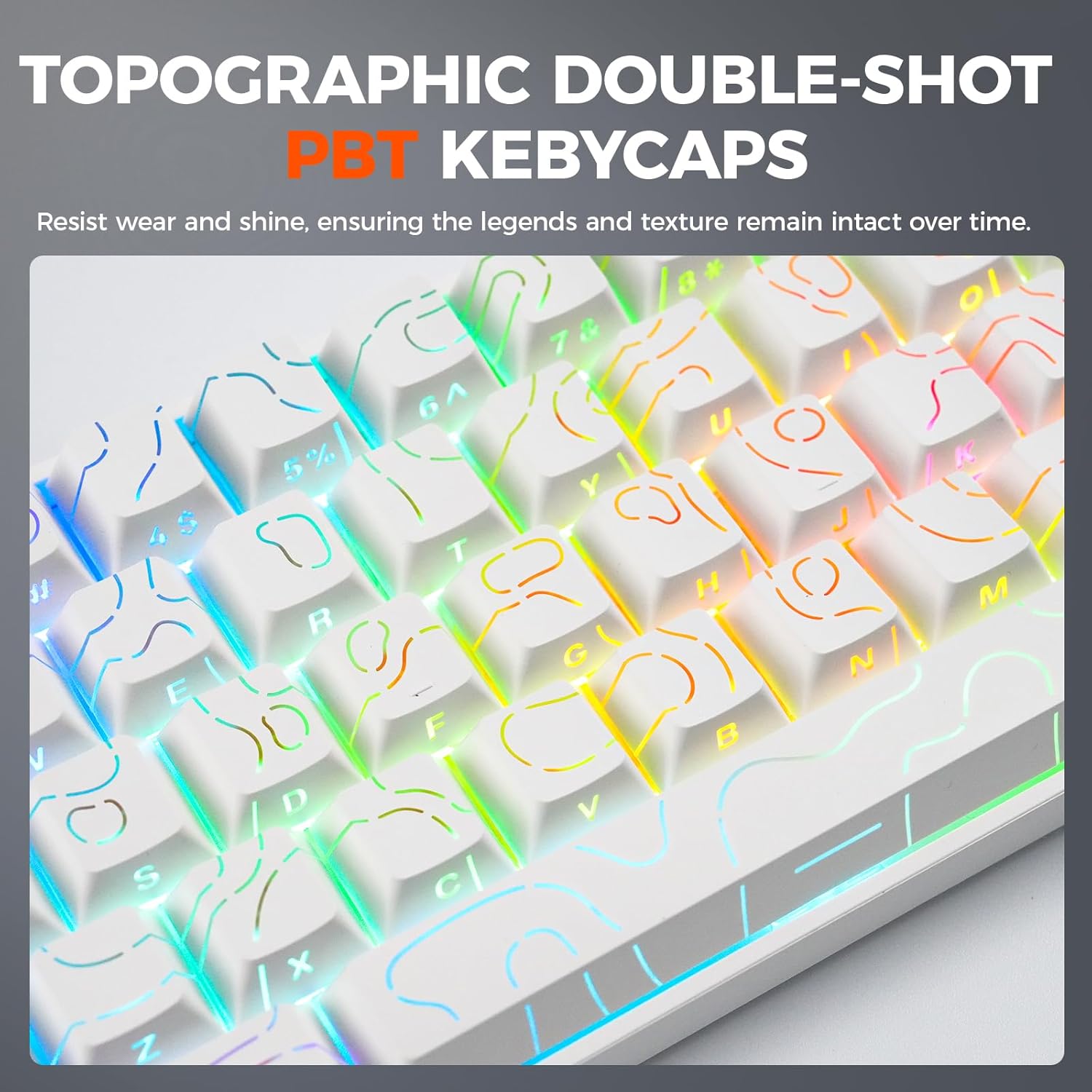
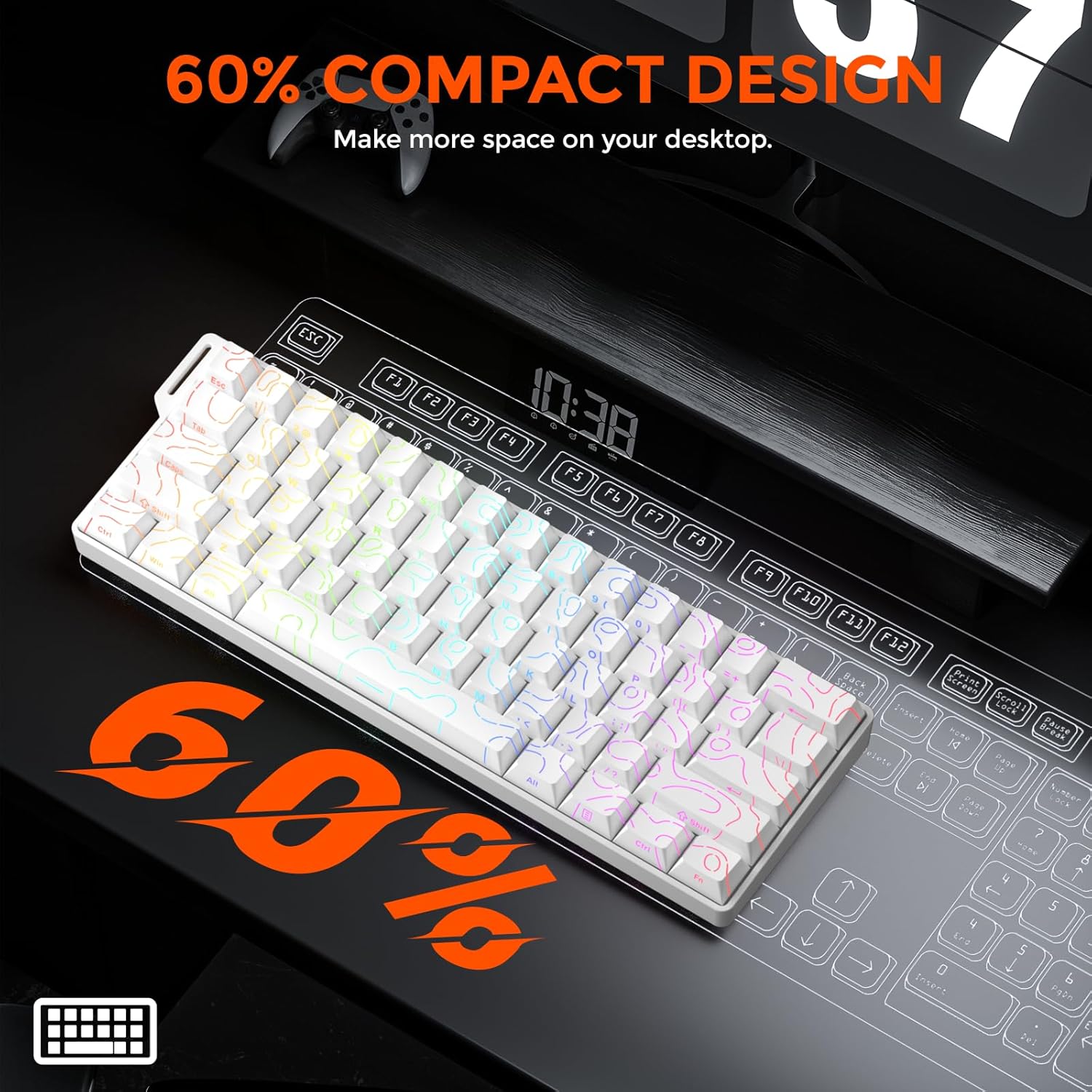
What it is and the need it serves\nThe DAREU COOL60 is a compact 60% gaming keyboard that targets competitive play with a Hall Effect magnetic switch system and a suite of performance-enhancing features. It’s designed for players who want extra desk space for precise mouse control, a fast stimulus-to-action loop, and reliable inputs during intense matches. On paper, the combination of an 8000 Hz polling rate and ultra-low latency aims to deliver inputs with minimal delay, while a 0.01mm rapid trigger distance promises near-instant keystroke registration for rapid sequences.\n\n## How it performs in practice (on paper)\nFrom a technical standpoint, the keyboard splits the work across 15 dedicated IC chips, which the maker says improves control efficiency and stability during frantic plays. The D.H.A. (DAREU Hyper Algorithm) is described as a self-developed system fine‑tuned through thousands of tests to support tournament-grade speed. The result is a keyboard that is theoretically responsive enough for fast-paced FPS titles, with additional software options to customize remaps, macros, and RGB effects.\n\n## Where it shines\nIf you value space on the desk, the 60% form factor frees up room for mouse movement, which can be a real advantage in games requiring precise aiming and quick, wide sweeps. The magnetic Hall Effect switches, paired with a configurable actuation point from 0.2mm to 3.5mm, offer a range of feel profiles that might appeal to players who want to customize how hard they press for a command. The software driver (web-based, with macOS support) enables deep customization, including SOCD, DKS, MT, and TGL features, plus a broad RGB spectrum with a music rhythm mode.\n\n## Potential limitations and what to watch for\nThe claim of up to 8000 Hz polling is impressive, but real-world gains depend on your system, game engine, and whether your computer and peripherals can keep up with the data stream. The software relies on an online driver for configuration, if you’re often offline or prefer offline setups, you may want to verify how robust the local options are. The 60% layout, while space-saving, omits dedicated function keys which means you'll rely on FN combos to access commands—some users find this less intuitive initially.\n\n## Who it’s for (and who it’s not)\nThis keyboard is best suited for competitive gamers who want speed, compactness, and a high level of customization. It may not be the best choice for someone who relies heavily on dedicated media keys or a full-size keyboard for macros and gaming convenience. If your priority is plug‑and‑play simplicity with minimal setup, you might prefer a device with built-in, straightforward profiles.\n\n## What to check before you buy\n- Confirm comfort with the 60% layout if you regularly use function keys, you’ll likely rely on FN combos.\n- Consider your OS and whether you’ll use the web driver for macOS or desktop software for other systems.\n- Think about latency priorities: 0.125ms tested, with some reports as low as 0.04ms, but real gains depend on game type and network stability.\n- If you plan to use macros or complex remaps, ensure the software supports your desired workflow and that you’re comfortable with online configuration.\n\n## Practical use case\nImagine a fast‑paced match in a shooter where you need to execute a rapid sequence of abilities and events. The COOL60’s small footprint keeps your mouse arm within easy reach, while the adjustable actuation lets you tailor the press distance to your reflexes. In a LAN party, its portability and robust RGB effects can also add a bit of flair to your setup without crowding your desk.\n\n## FAQ (practical, data-grounded)\n- How does the 60% design affect key access? It relies on FN combinations to reach secondary commands, which is common for compact layouts.\n- Is the software driver required for key remapping? Configuration is possible via both web driver and desktop software, though some features are web-first.\n- Can I customize RGB and macros offline? It’s primarily software-driven, check whether you can export profiles for quick re-use.\n\n## Is it worth it?\nThis keyboard offers a compelling blend of speed, customization, and portability for players who want a compact, programmable option with high polling and a unique actuation profile. If desk space, fast inputs, and deep software control are your priorities, it’s worth considering. If you prefer absolute plug‑and‑play with no software, or if you need dedicated media keys and a full-size footprint, you may want to look at alternatives.\n