

Hexgears Low-Profile Mechanical Keyboard A3
Product description
Choosing a keyboard often means deciding whether desk space and a slimmer typing setup matter more than having a full-size layout. The Hexgears Immersion A3 takes the compact route while keeping a mechanical design.
It combines wireless and wired connections with hot-swappable switches, RGB lighting, and a small TFT screen. That gives you more to customize than a basic office keyboard.
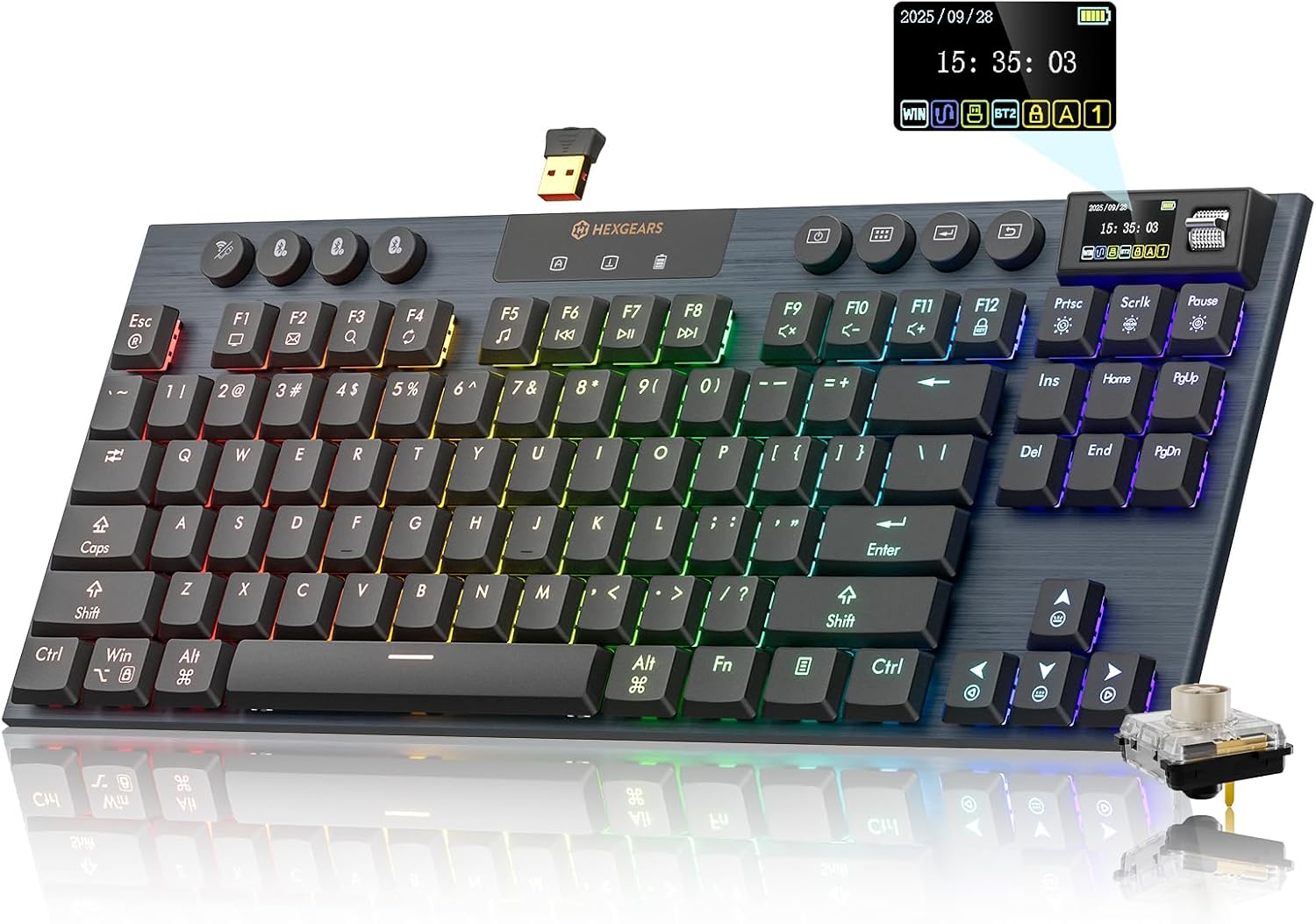
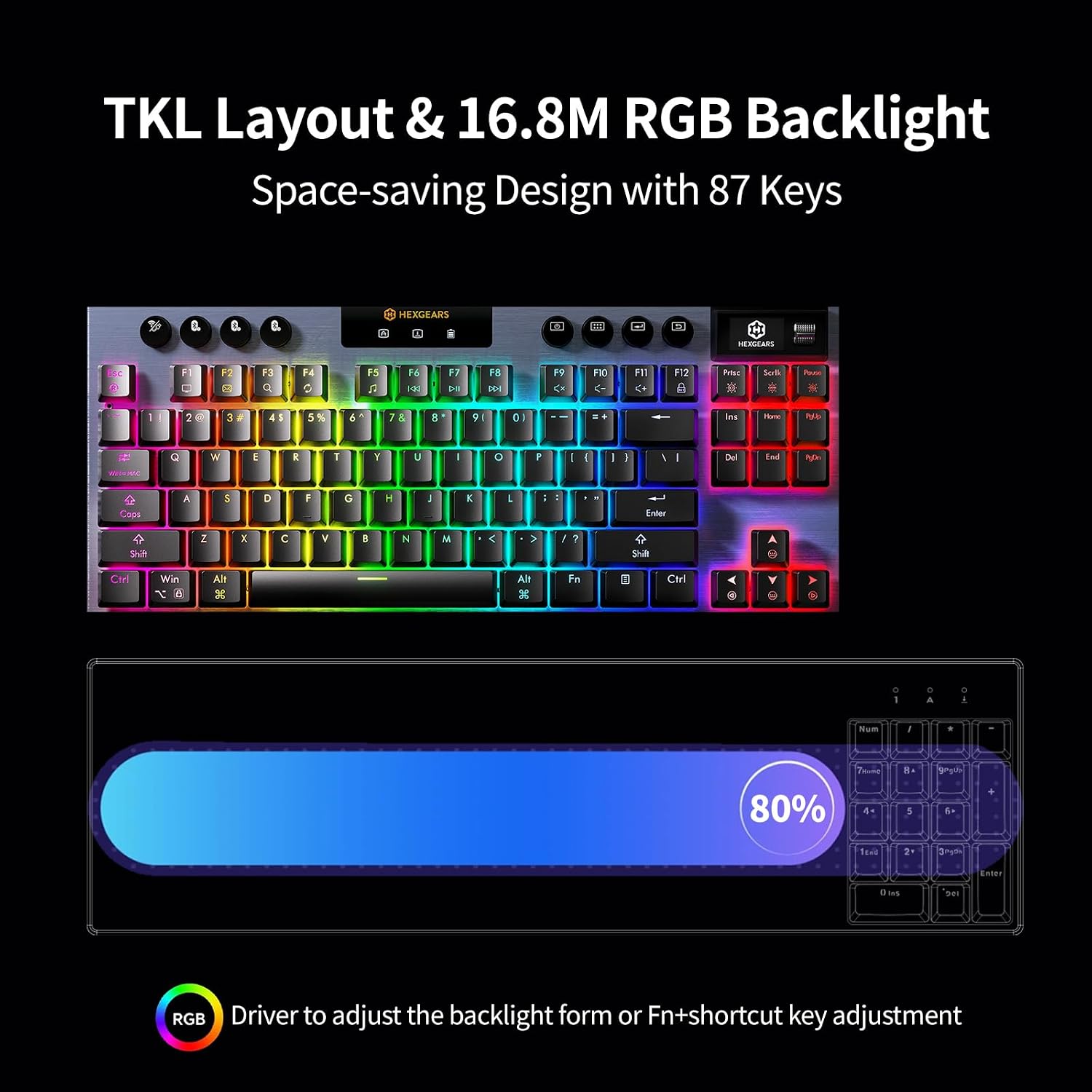
The trade-off is practical: its 87-key layout leaves out the number pad. If you use one constantly, a full-size keyboard may suit your routine better.
Best use cases
This keyboard is aimed at people who move between gaming and everyday work, or who want more room for mouse movement on a crowded desk. Its tenkeyless layout keeps the essential keys while taking up less space than a full-size board. Picture a compact setup where you can shift the keyboard aside to make room for a notebook, then bring it back for a gaming session.
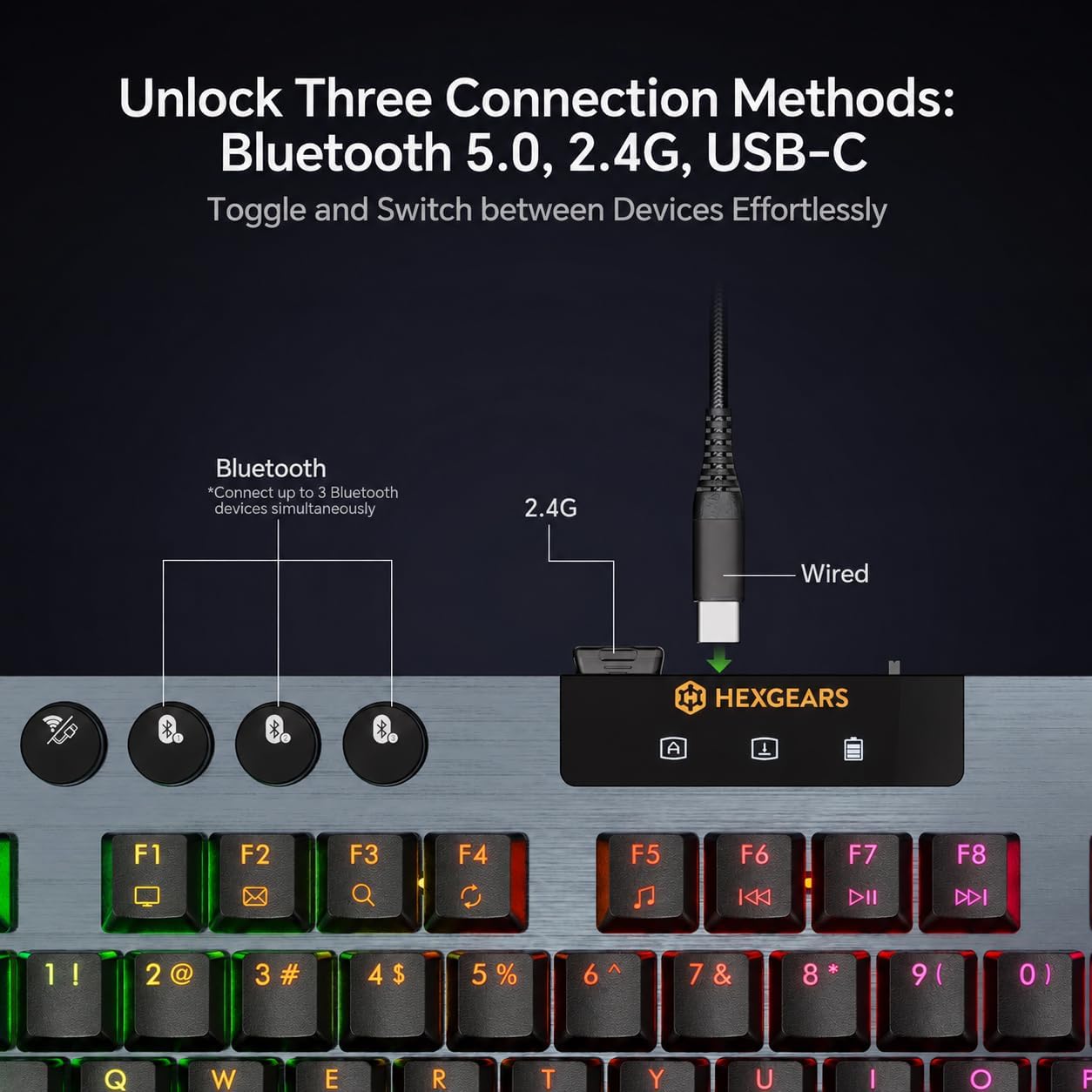
The three connection options cover different routines: use 2.4GHz wireless or Bluetooth 5.0 when you want a cable-free desk, or connect by USB-C when you prefer a wired setup. The product description says it can connect to up to five devices, which may appeal if you regularly switch between a computer and other devices. It’s a great fit if you want a low-profile mechanical keyboard with several ways to connect and personalize.
Product specs
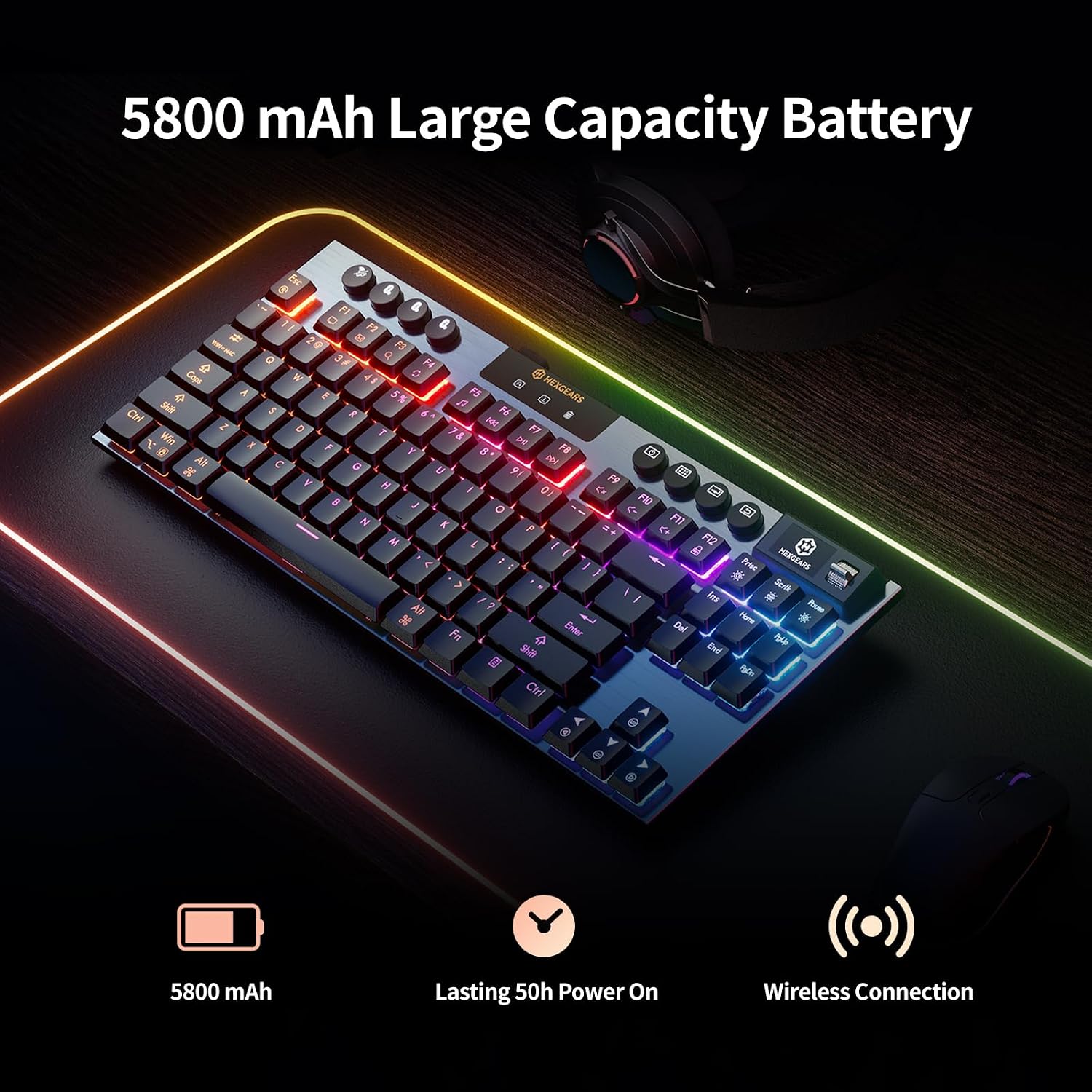
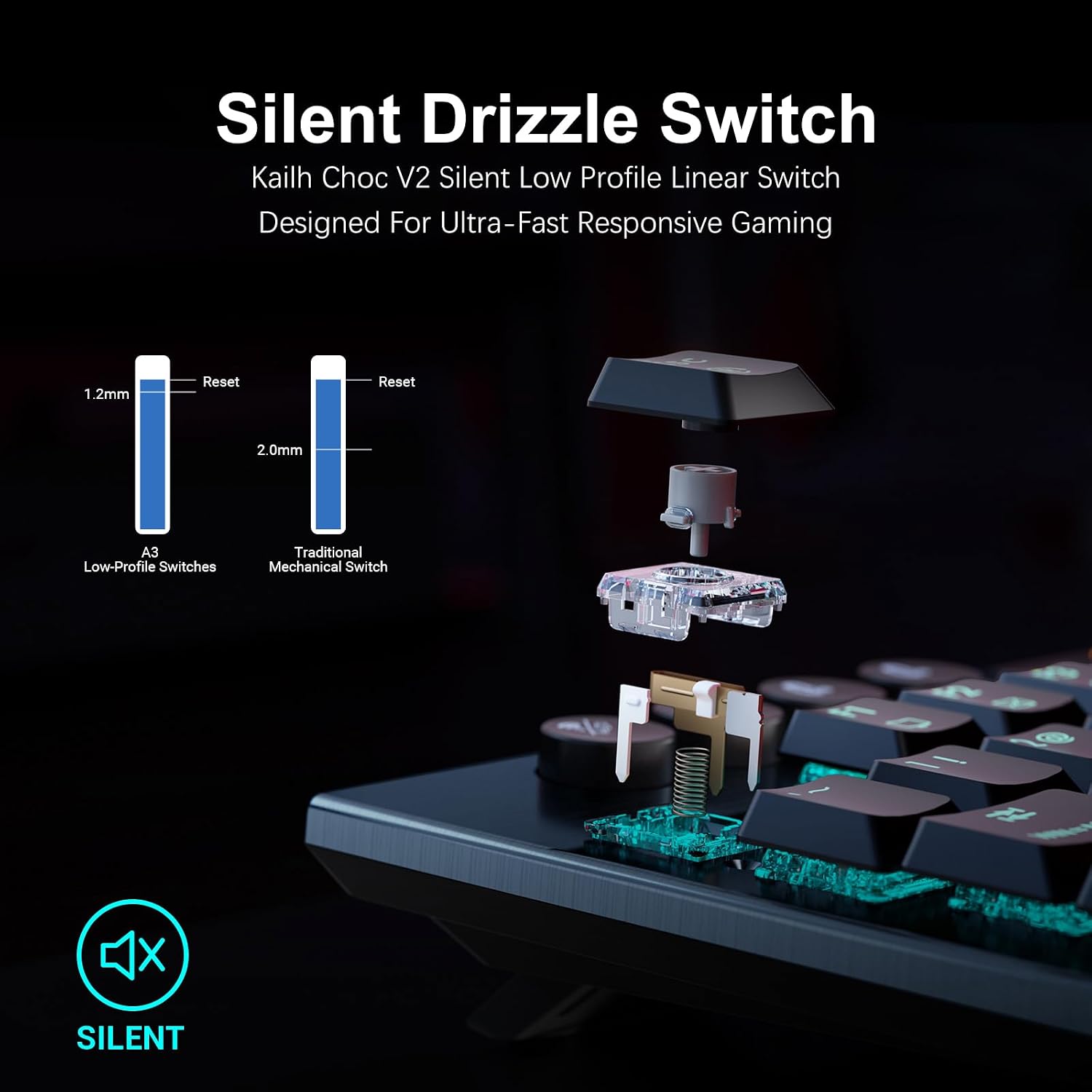
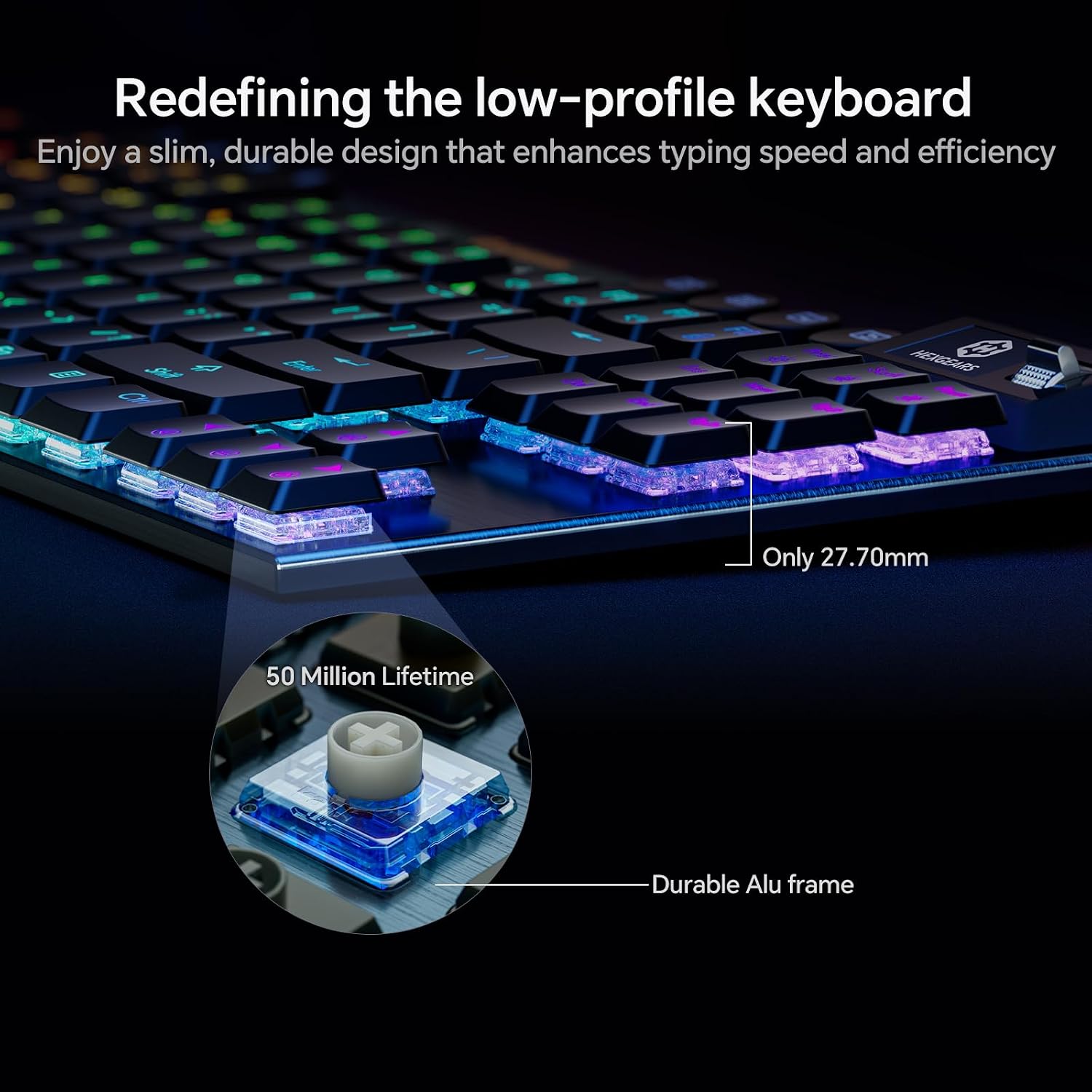
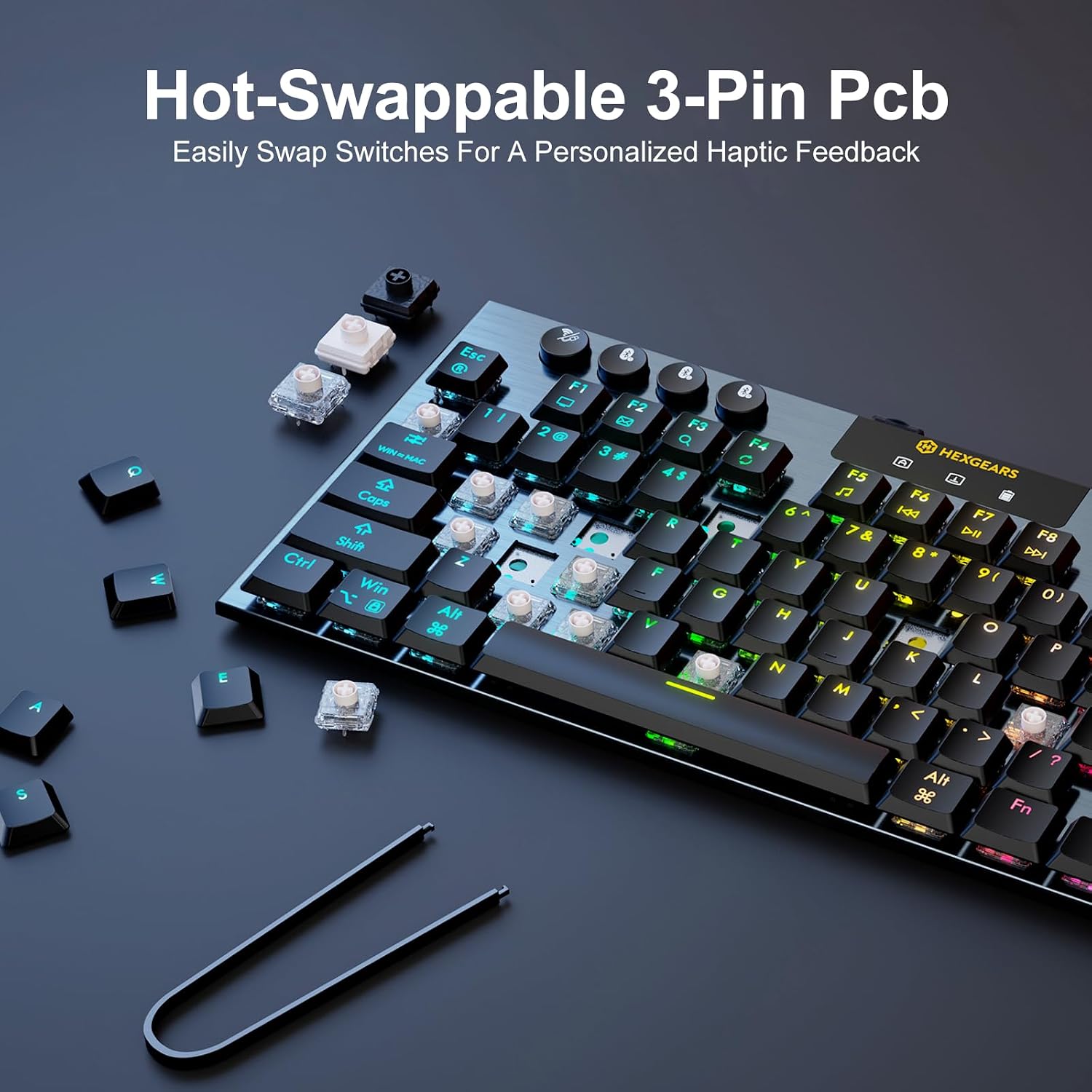
The Immersion A3 has an 87-key tenkeyless layout, an aluminum frame, and a 27.7mm profile. Its Kailh low-profile switches are rated for 50 million keystrokes, and the 3-pin hot-swap sockets let you change compatible switches without soldering. The listed battery capacity is 5800mAh.
Other features include RGB backlighting with 16.8 million colors, a TFT color display, and support for custom GIFs and wallpapers. The display can show battery level, connection mode, and device status. HexDrive software is described as supporting lighting adjustments, key remapping, FN shortcuts, macros, and custom GIF uploads. Windows and Mac compatibility are listed in the product details.
Where it shines
The appeal is the combination of a slim profile and mechanical customization. Rather than choosing a conventional, non-mechanical keyboard with fewer adjustment options, you can change switches and remap keys to suit your preferred setup. The screen adds a glanceable place for connection and battery information, while RGB effects let you tailor the look of the desk.
Would those extras matter in daily use? They make more sense if you plan to customize the keyboard or want connection and battery status visible at a glance, if you only need a straightforward typing board, they may be unnecessary. The compact layout is also useful for freeing up mouse space, but the missing number pad is a real drawback for frequent spreadsheet entry or other number-heavy work. It may not suit you if a full-size layout is essential.
Is it worth it?
The Immersion A3 is worth considering if you want a low-profile mechanical board that can move between wired and wireless setups, with switch swapping and software customization available. Those features make it more adaptable than a basic keyboard, especially for someone who shares a desk between work and gaming.
The strongest reason to pass is the layout: this is an 87-key tenkeyless model, not a full-size keyboard with a dedicated number pad. The extra screen, lighting, and customization also add complexity that may have little value if you just want a simple board for typing. Choose it when compact size and personalization are priorities, choose a full-size approach instead if number entry is part of your regular workflow.