

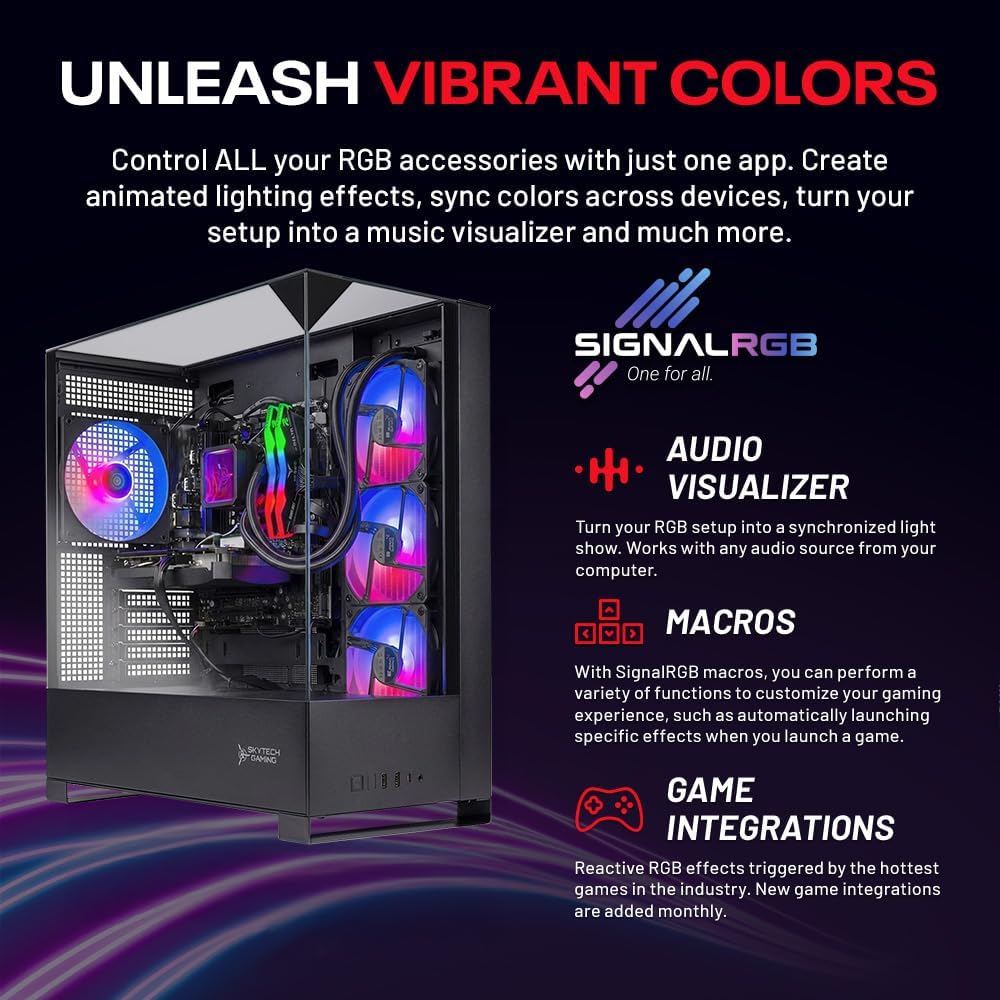
Skytech Gaming Shadow 5 Gaming PC with Ryzen 7 9700X and RTX 5060 Ti
Product description
What this PC is and what it’s for
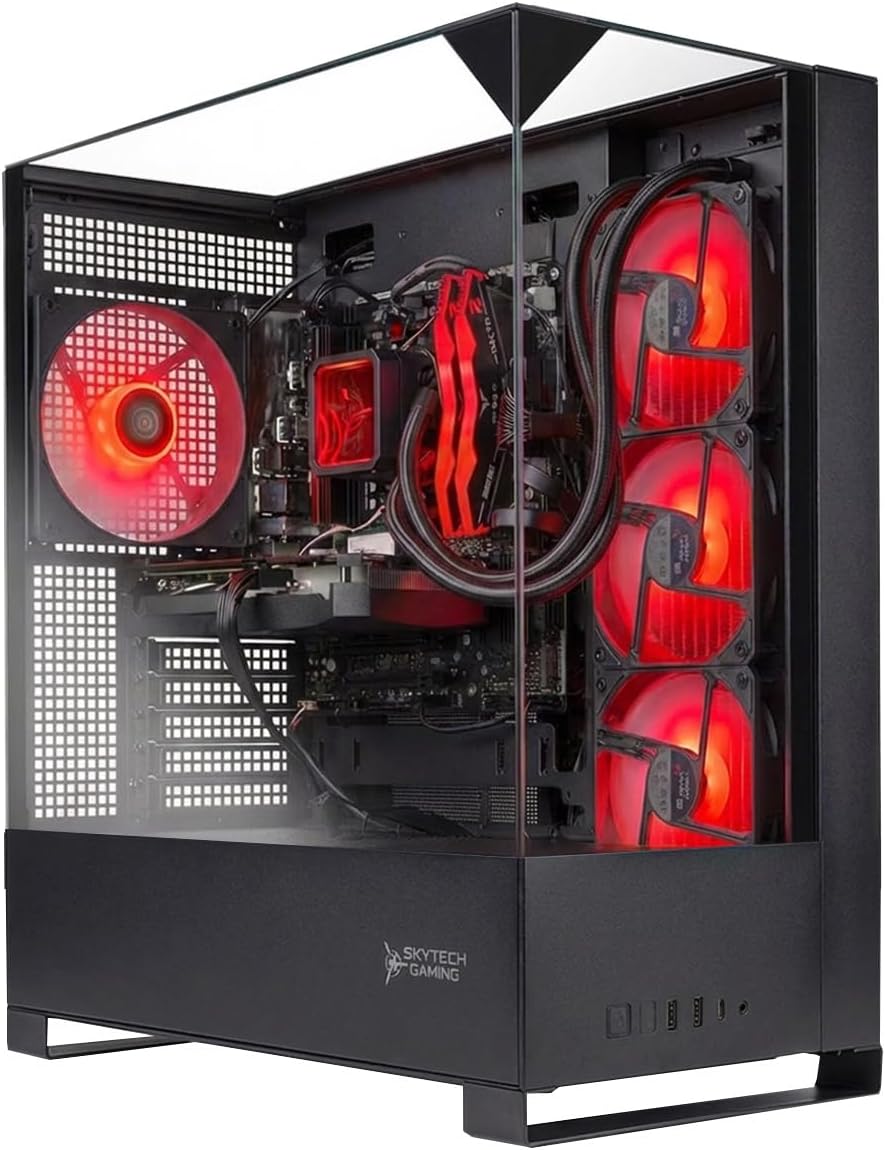
The Skytech Shadow 5 is a desktop gaming PC designed to deliver solid 1080p to 1440p performance with a balanced mix of CPU power, fast storage, and a capable GPU. It comes equipped with an AMD Ryzen 7 9700X 3.8GHz processor (turbo boost up to 5.5GHz as claimed), a 1TB NVMe SSD for fast boot and load times, and 16GB of DDR5 RAM running at 6000 MT/s. The graphics are handled by an RTX 5060 Ti with 16GB of VRAM, which is positioned to handle modern games at respectable frame rates on Ultra settings in many titles. A 360mm AIO liquid cooler helps keep temperatures in check during long gaming sessions, and a 750W Gold-rated power supply provides headroom for this configuration.
How it feels on paper vs real-world use
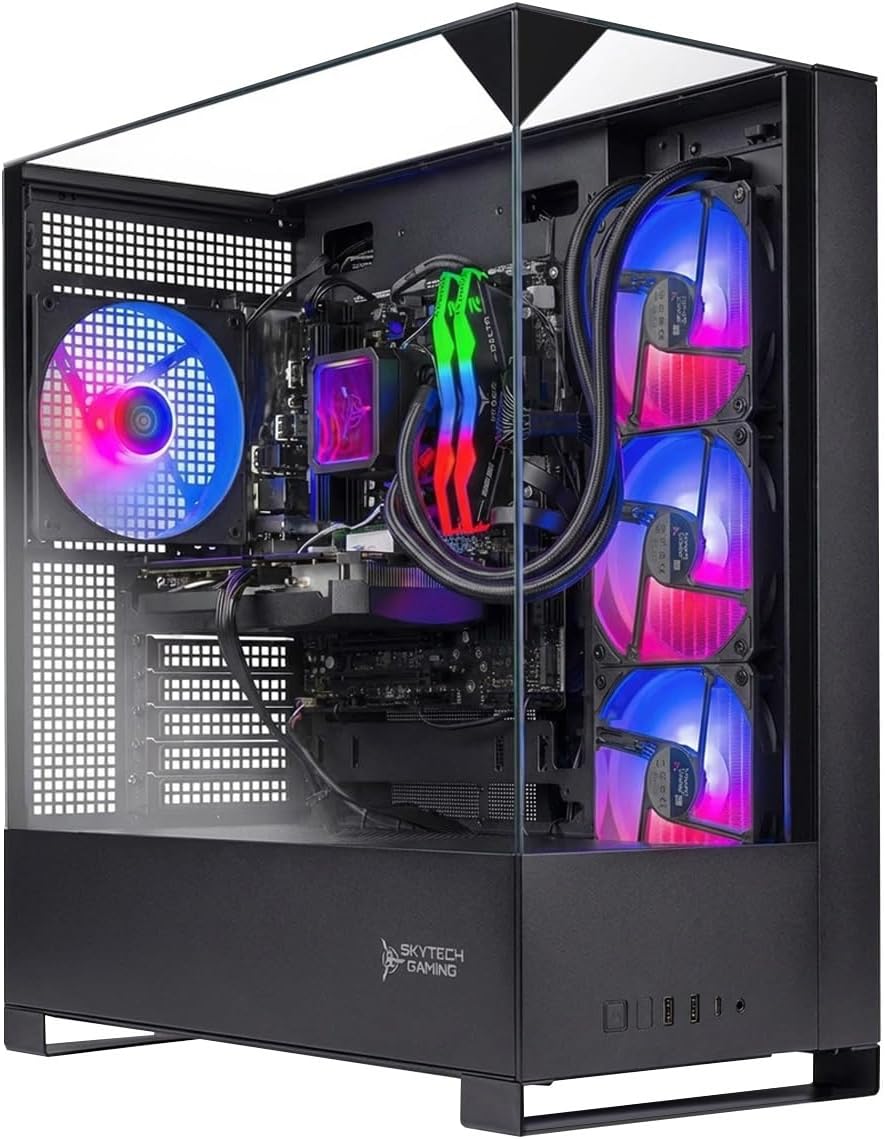
On paper, this setup aims for a balance between CPU speed, modern memory, and a robust GPU, plus fast storage and good cooling. In real-world terms, you’ll likely notice snappier load times thanks to NVMe storage and smoother gameplay in many titles, especially at 1080p or 1440p with ray tracing off or modestly enabled. The cooling system and ARGB fans add style and potential thermal headroom, but actual temperatures depend on the case airflow and the workload. One caveat: the exact GPU model can vary by batch, so the on-paper RTX 5060 Ti may show up as a similar class card with potential minor clock or memory differences.
What stands out
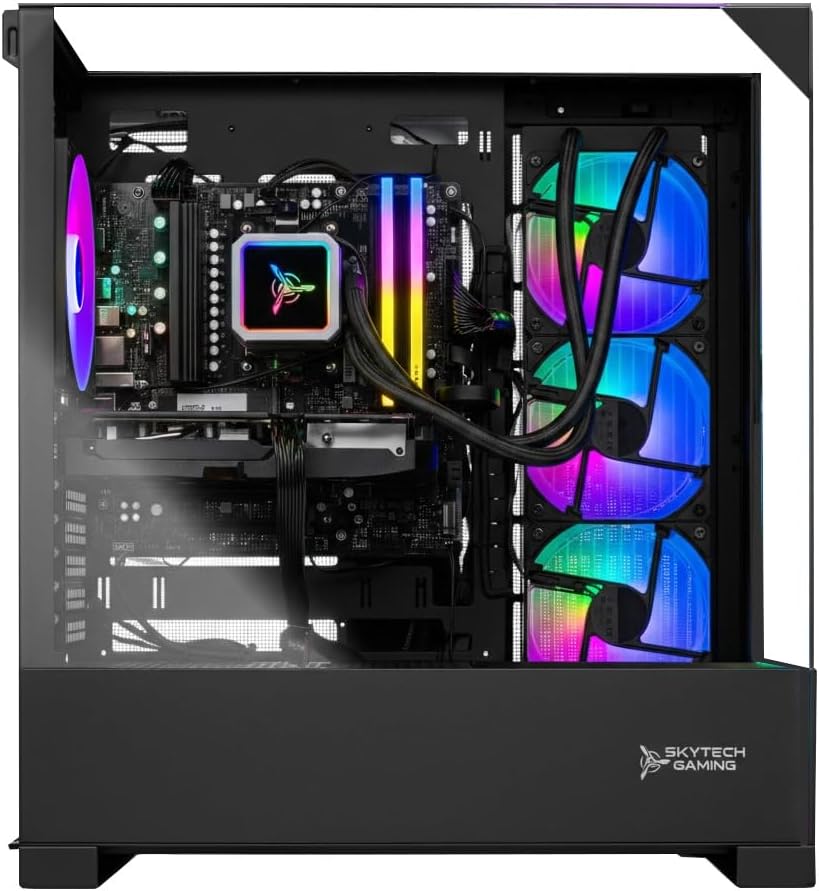
- Fast storage and memory: 1TB NVMe SSD and DDR5 6000 RAM help with quick bootups, game installs, and smooth multitasking.
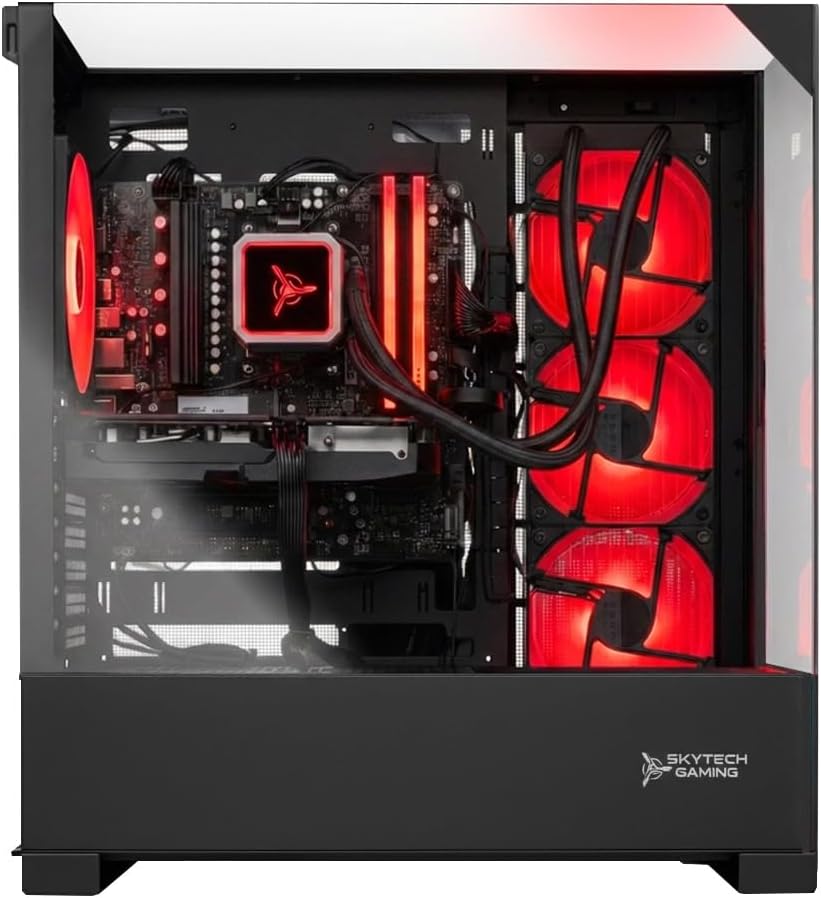
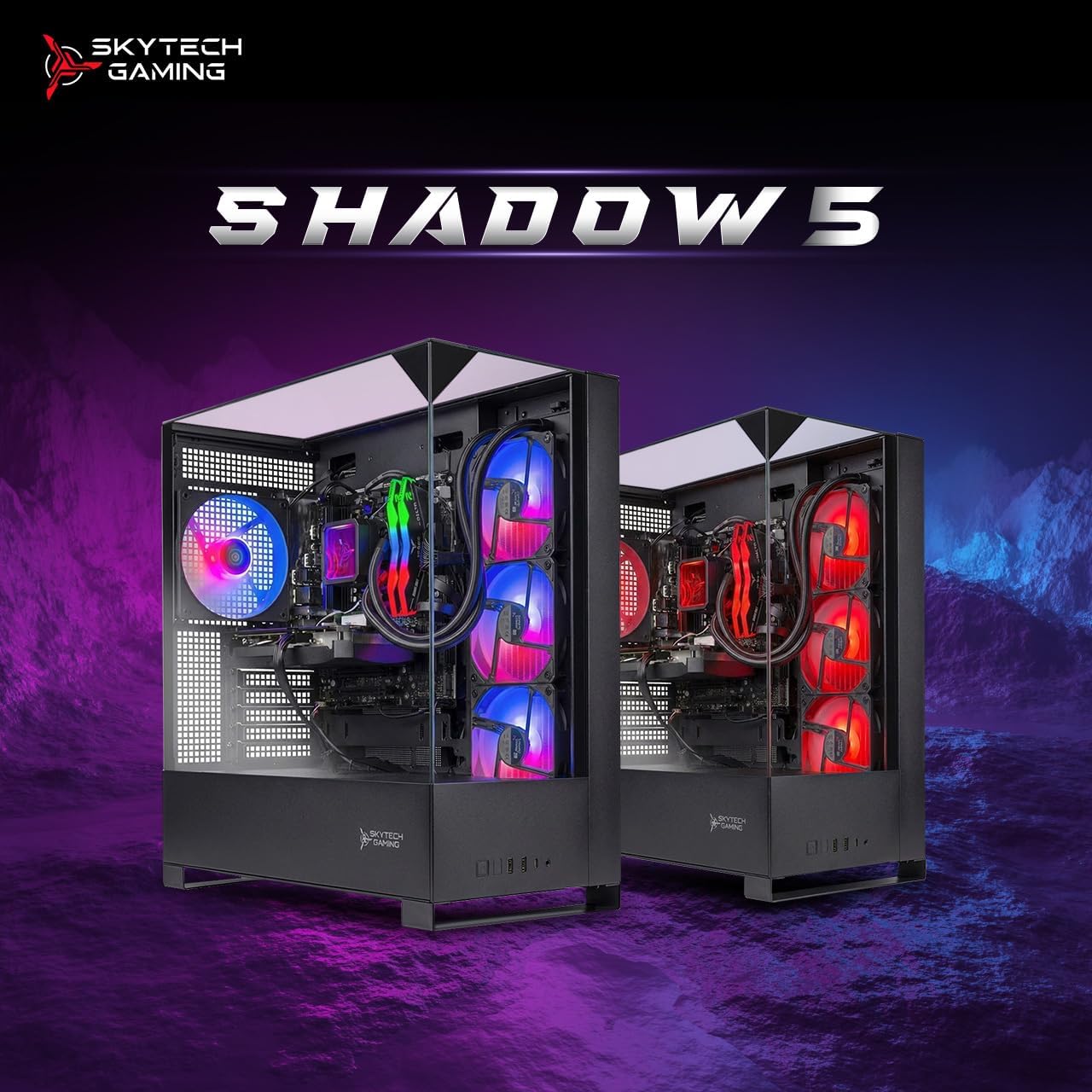
- Cooling and aesthetics: A 360mm AIO cooler paired with ARGB fans can improve thermals and visuals in a glass-panel case.
- Solid power headroom: 750W Gold PSU gives room for upgrades or sustained gaming sessions without stressing the supply.
- Ready-to-go software setup: No bloatware and Windows 11 out of the box, plus wireless connectivity via Wi‑Fi 5.
Where it might fall short
- The CPU line is strong on paper, but depending on your workload (heavy multitasking, streaming, or content creation alongside gaming), you may notice limits relative to top-tier multi-core CPUs that are in a higher class.
- Wi‑Fi 5 is adequate, but if you rely on wireless performance for competitive gaming or latency sensitivity, you might consider upgrading to a PC with newer wireless standards or adding an external adapter.
- The GPU model can vary, you could encounter minor differences in performance or cooling efficiency between batches.
Who this is for
- Gamers who want a ready-to-run system with modern internals and a focus on cooling and aesthetics.
- Users who value fast storage and responsive multitasking alongside gaming.
- Those who prefer a shipped-and-assembled-in-USA option with a straightforward setup.
Who might want to skip it
- If you need the absolute latest-gen CPU performance for professional workloads beyond gaming, you might look for higher-core-count CPUs.
- If you’re aiming for ultra settings at 1440p or 4K regularly with high frame rates, you may want to compare against configurations with a higher-end GPU or faster RAM verified for those workloads.
- If wireless networking is a priority and you want Wi‑Fi 6/6E upfront, this model may feel a step behind.
When it makes sense to buy
- You’re building a mid-range gaming rig that can handle current titles at solid settings with decent frame rates.
- You want a machine that’s largely plug-and-play with a strong cooling solution and a balanced power supply.
- You value a bundled system with Windows 11 and a warranty, and you’re comfortable with a standard RTX class GPU that may vary by batch.
What to check before buying
- Confirm the exact GPU model in stock (brand variation may affect clock speeds and cooling).
- Verify RAM configuration and whether any expansion slots are accessible for future upgrades.
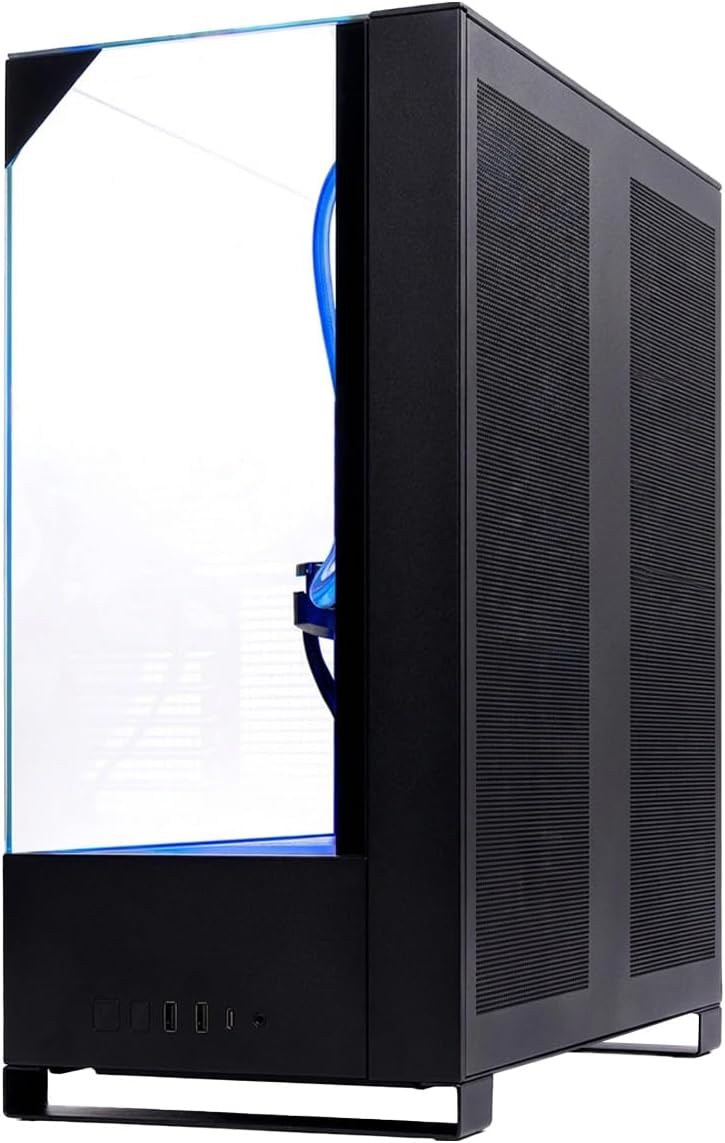
- Check the case airflow and whether the 360 AIO fits your desk setup and preferred cable routing.
Practical use example
Imagine booting up a new game title and loading into a sprawling open world in a few seconds thanks to the NVMe drive. You toggle Ultra settings, enjoy smooth 60+ FPS in 1080p or solid 60+ in 1440p depending on the game, and the CPU remains cool thanks to the 360mm cooler. The ARGB lighting adds a subtle, customizable glow during late-night sessions, while Windows 11 helps with multitasking between gaming and streaming or recording clips.
FAQ (based on available data)
- Q: Will I get 60 FPS at high settings in current AAA titles? A: It depends on the title, resolution, and in-game presets, the RTX 5060 Ti class is aimed at delivering solid gameplay at 1080p to 1440p in many modern games.
- Q: Is Wi‑Fi built-in? A: Yes, Wi‑Fi 5 is included.
- Q: Can I upgrade components later? A: The system has upgrade potential, but check the case size and PSU headroom before swapping GPU or adding more RAM.
Final verdict
Is it worth it? It’s a solid mid-range gaming PC that prioritizes balanced components, cooling, and ease of use. It makes sense if you want a capable machine right out of the box with room for light upgrades and a focus on thermals. It may not be the best fit if you’re chasing the very highest frame rates at 4K or planning heavy multitasking outside gaming. If those are your priorities, consider how the CPU, GPU, and RAM can meet your specific needs and budget.