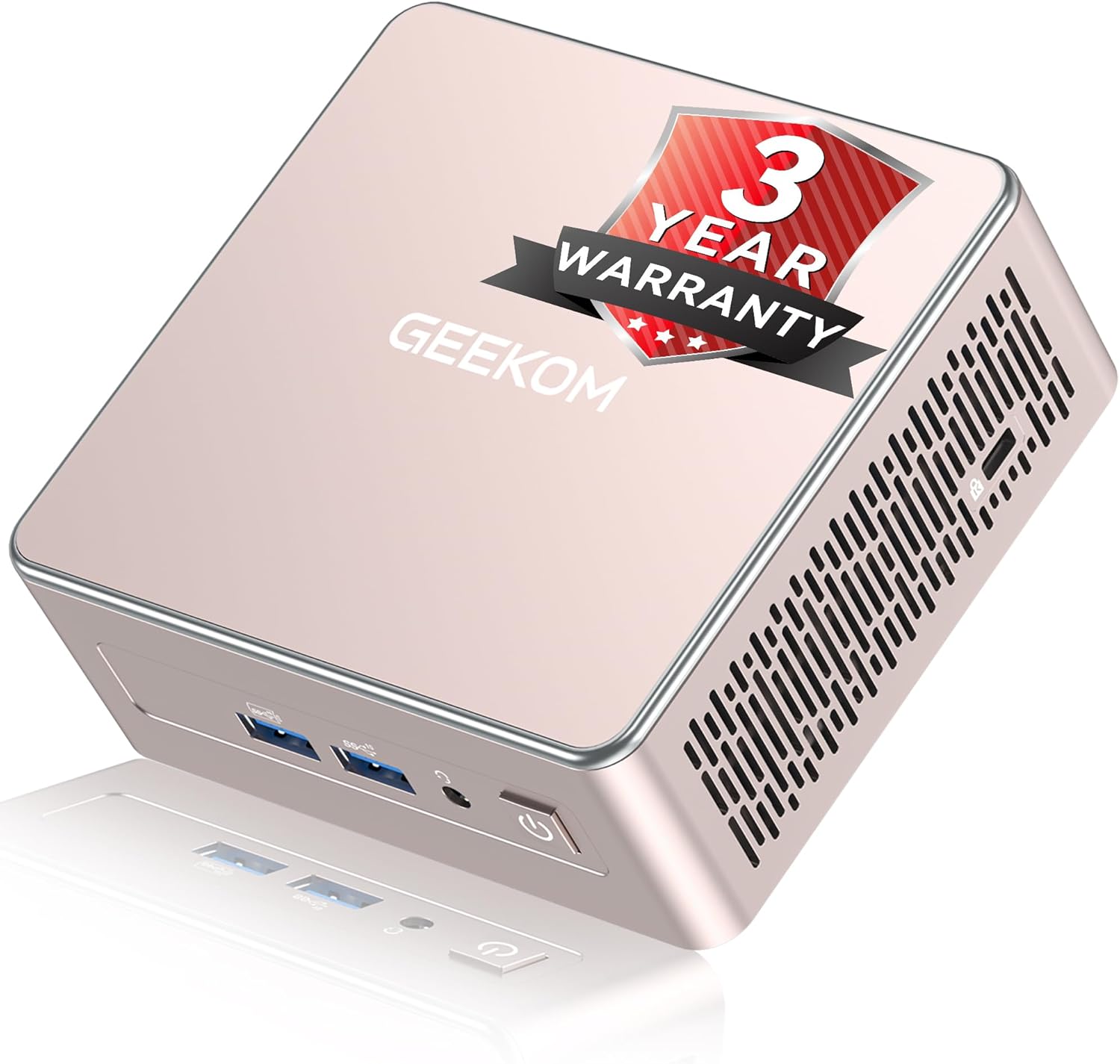
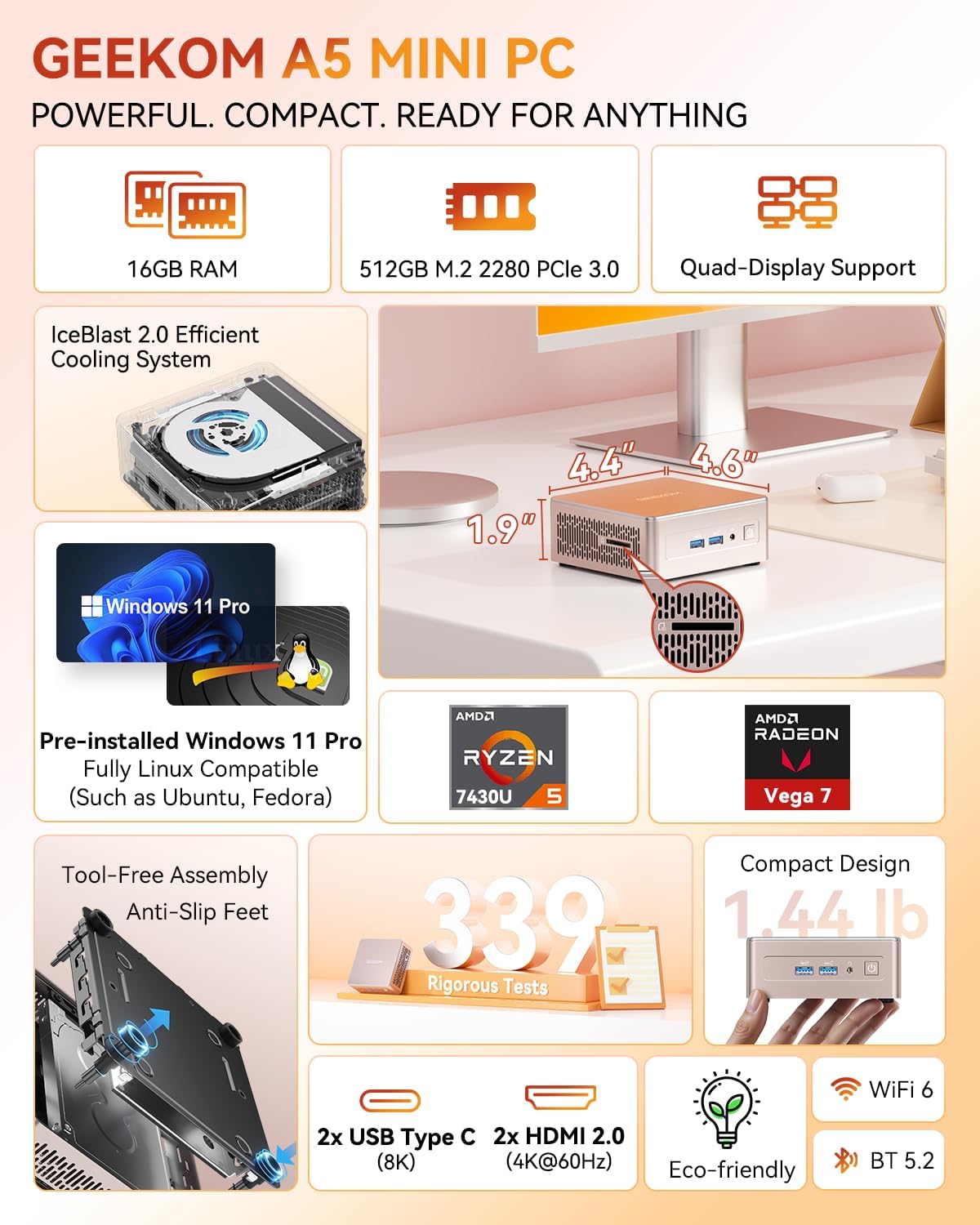
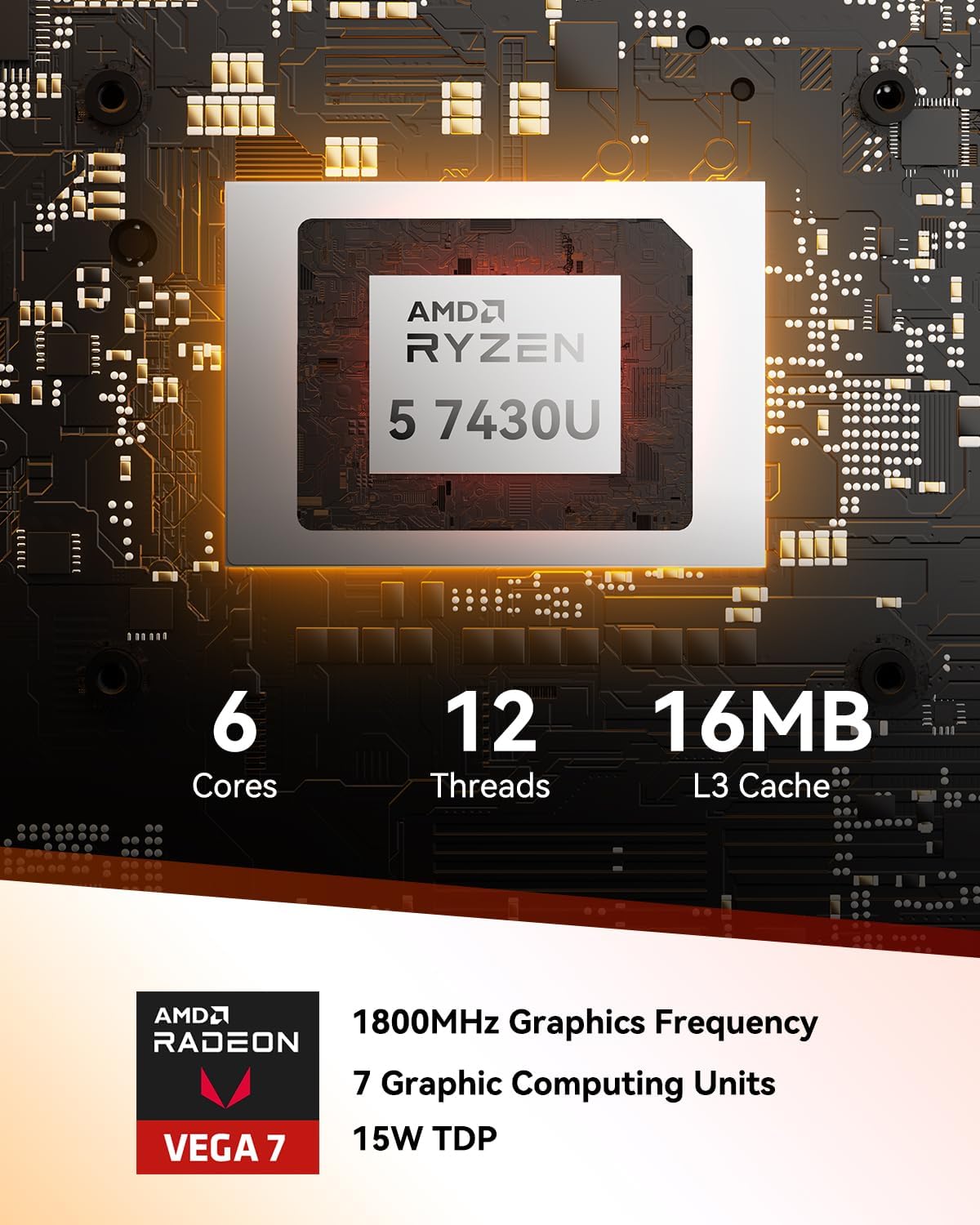
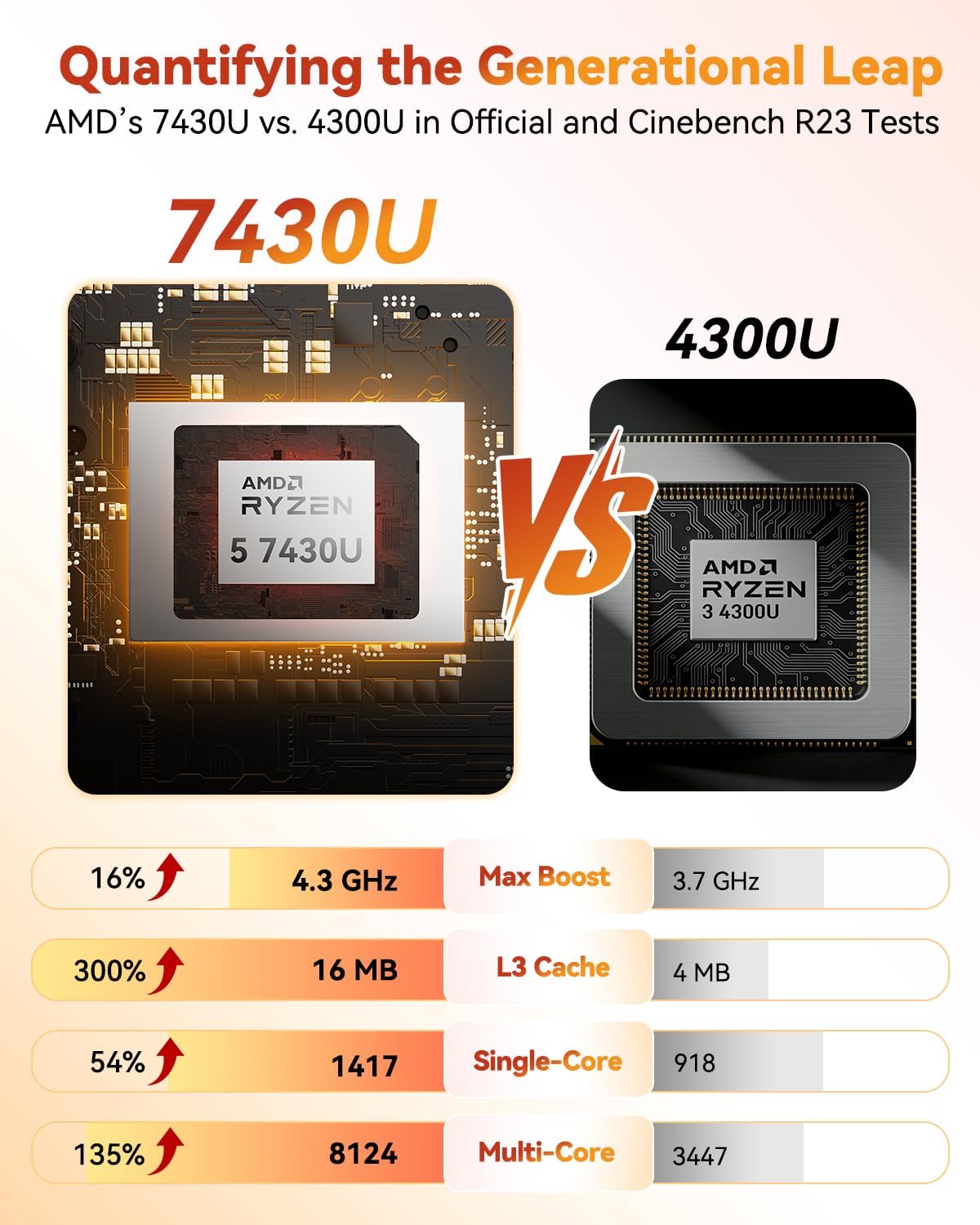
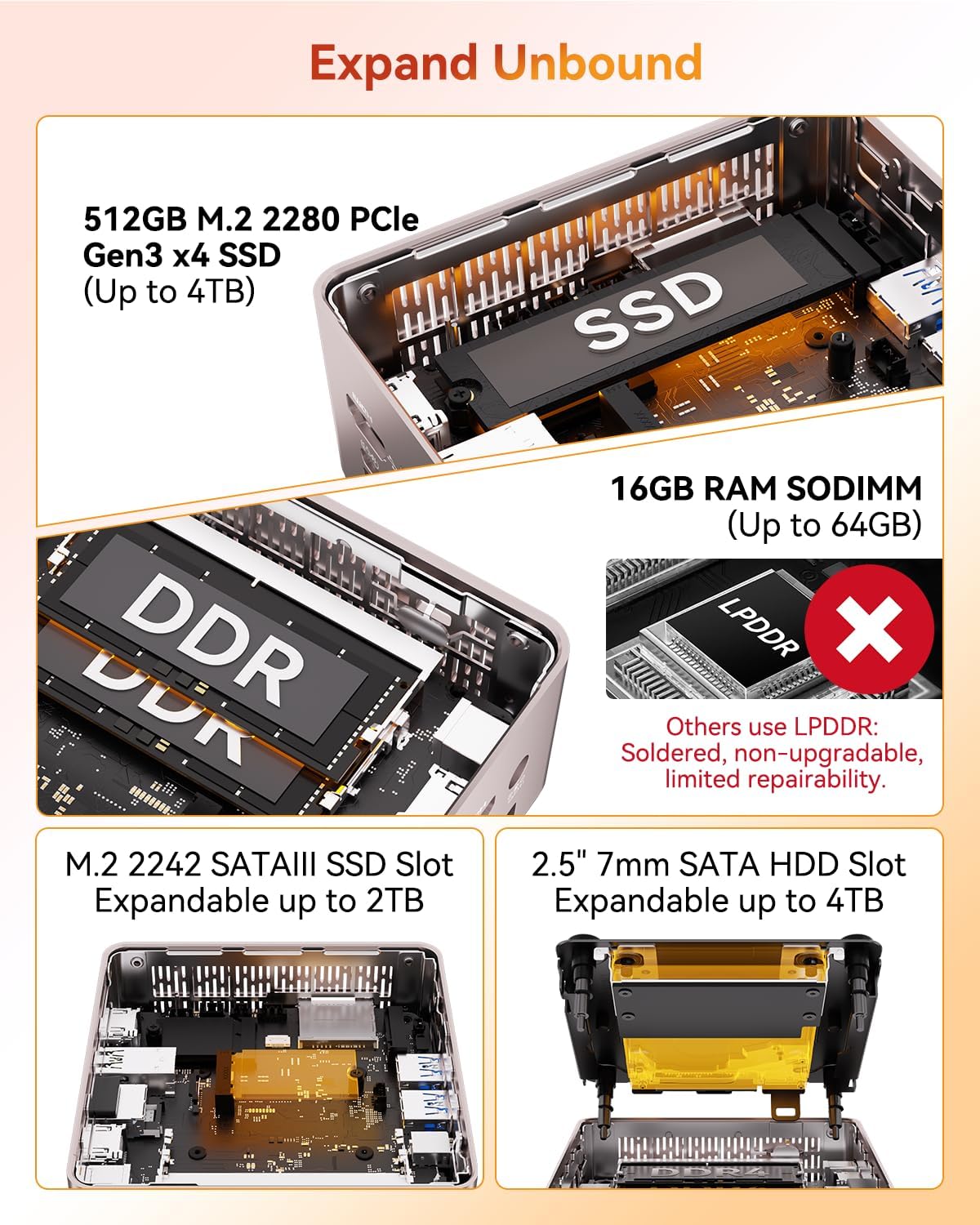
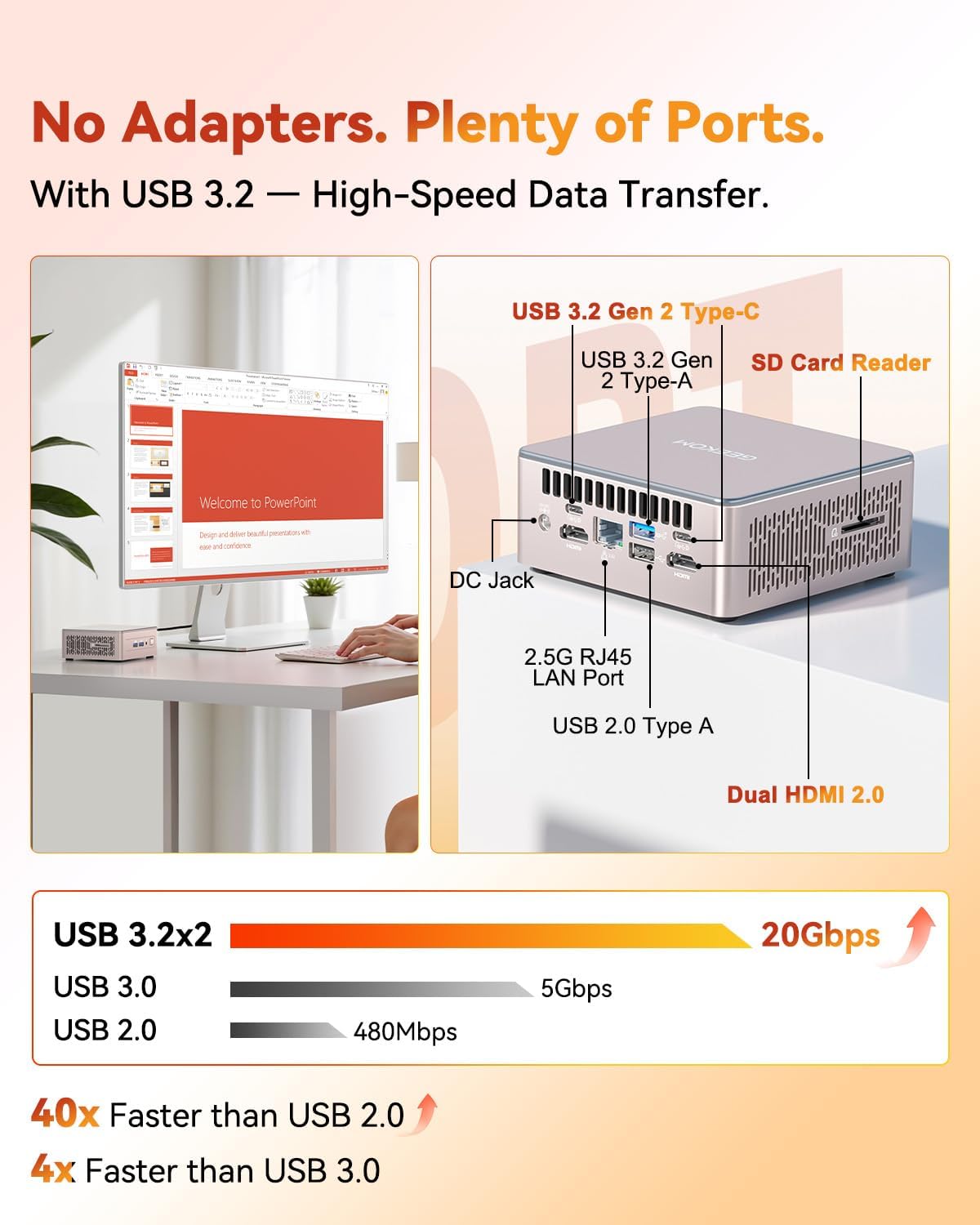
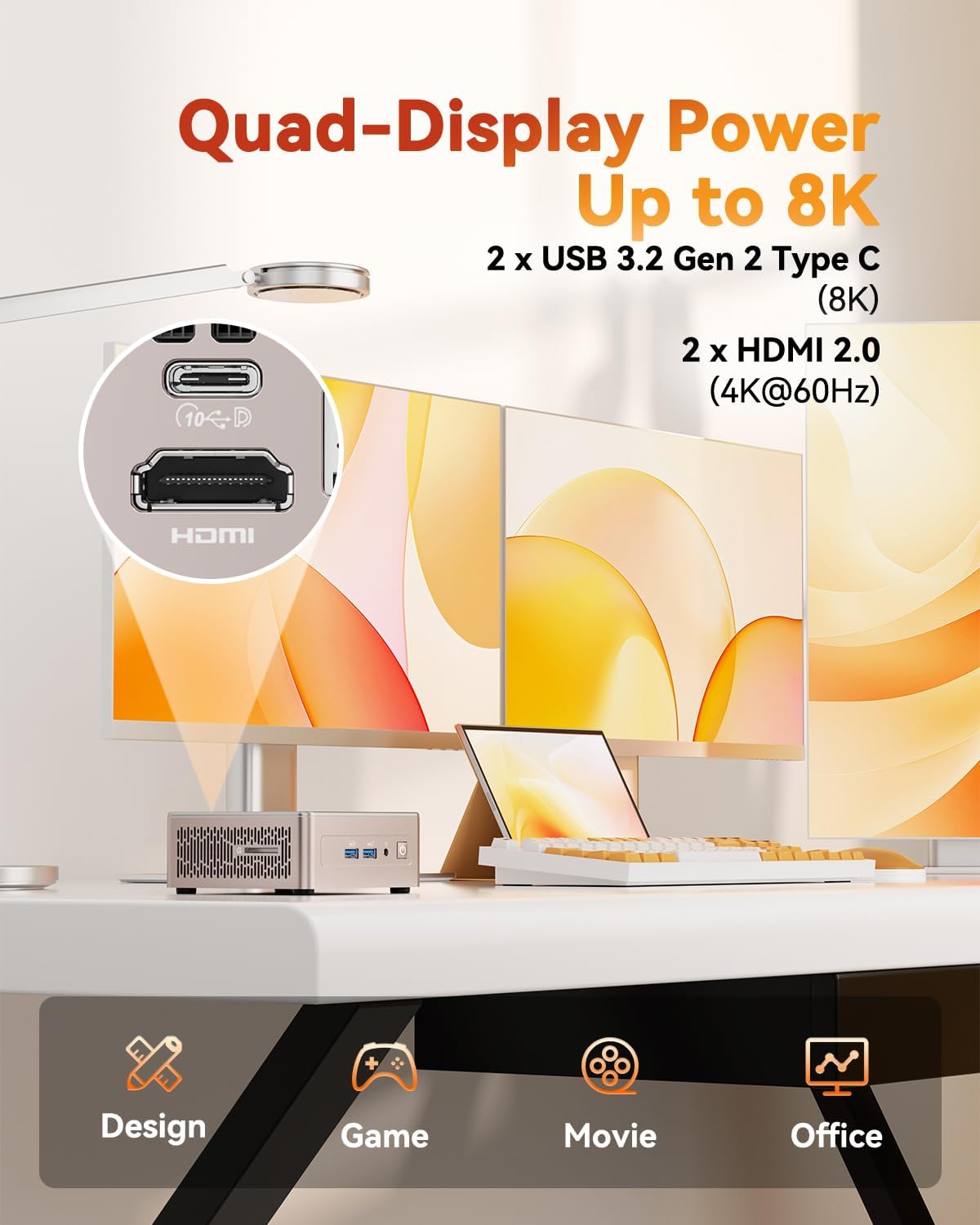
What this is and what problem it aims to solve\nThe GEEKOM A5 is a compact Windows 11 Pro desktop built around the AMD Ryzen 5 7430U. The goal is clear: deliver a small form factor that can handle everyday work tasks, 4K streaming, video conferences, and light creative work without demanding a full-size PC. If space is at a premium and you want a quiet, efficiency-focused machine that can be expanded as needs grow, the A5 aims to tick those boxes.\n\n## How it’s put together and who it’s for\nOn paper, the A5 balances performance and convenience: a small metal chassis, a 15W Ryzen 5 CPU, and a generous RAM/SSD upgrade path. The 16GB of standard RAM is upgradable to 64GB, and the 512GB NVMe SSD can be expanded up to 4TB. There’s also an M.2 2242 slot and a 2.5" HDD bay, plus multiple USB ports and both HDMI outputs and USB-C displays. This combination targets users who want multitasking headroom, ample local storage, and flexible expansion without stepping up to a larger, louder desktop.\n\n## What stands out in daily use\n- Multitasking and light creative work: The Ryzen 5 7430U provides a balance of performance and efficiency for office apps, video calls, and photo editing.\n- Display versatility: With 4K capable output through two HDMI ports and two USB-C ports, you can drive multiple displays or use the USB-C for high-quality external displays while keeping a compact footprint.\n- Storage and memory flexibility: 16GB RAM is a solid baseline for typical productivity, and the upgrade path means you won’t feel boxed in as your needs grow. The SSD space is generous for the OS, apps, and a growing media library, with room to add external drives if needed.\n- Connectivity and future-proofing: Wi-Fi 6 and Bluetooth 5.2 help with speedy wireless connections and quick peripheral pairing. USB 3.2 ports offer fast wired data transfer.\n\n## The good and the not-so-perfect parts\nWhat works well: a compact, upgrade-friendly design that doesn’t force you into soldered memories. The 8K-capable output is appealing for future-proofing, and the 3-year warranty is a meaningful contrast to shorter coverage you’ll see on some competing models.\nWhere it might fall short: if you absolutely need a higher-end GPU or RAM already soldered at a fixed capacity, the A5’s value hinges on your willingness to upgrade later. Also, as a mini PC, it’s not a substitute for heavy rendering or gaming at high settings.\n\n## Ideal buyers and when to consider alternatives\nThis fits: small offices or home setups where space is limited, and you want a flexible, upgradeable platform for productivity, light media work, and occasional creative tasks. If your workflow requires sustained heavy multitasking with large datasets, or if you want built-in, factory-configured maximum RAM and storage with no upgrade path, you may want to compare other options that come with higher stock specs.\n\n## What to review before buying\n- Confirm upgrade plans: while 16GB is upgradeable to 64GB, check the recommended upgrade path and user access to RAM slots.\n- Storage strategy: 512GB NVMe is solid for the OS and apps, but plan for additional storage if you handle large media libraries or local games.\n- Display setup: ensure your monitor configuration matches the available outputs (HDMI and USB-C) for your intended 4K workflow or multi-display use.\n- Operating system and software needs: Windows 11 Pro is included, but consider any business-specific software compatibility and licensing implications.\n\n## Practical use case (visualize it in your space)\nImagine mounting the A5 behind a monitor in a shared workspace. You’re running a video conference while editing a PowerPoint deck and having a Slack window open, all while streaming a 4K video in the background. The compact chassis avoids desk clutter, and you can add a faster SSD or larger RAM stick in a later upgrade without replacing the entire unit.\n\n## How this compares to other approaches\nIf you prioritize pure performance out of the box, a larger desktop with fixed high RAM/storage might feel punchier. If you value space-saving design, upgrade flexibility, and a reasonable price for office-plus multimedia tasks, the A5 presents a balanced middle ground. It’s less of a gaming or content-creation workhorse, more of a capable generalist that scales with your needs.\n\n## Is it worth it? Final thoughts and buying verdict\nShould you buy it? It makes sense if you want a compact Windows 11 Pro PC with solid upgradability, decent 4K display support, and a three-year warranty for peace of mind. It may not be the best option if you need top-tier gaming performance or have a fixed budget that pushes you toward a model with higher stock specs. Consider your space, your planned upgrades, and how you’ll use multiple displays when deciding.\n\n## FAQ\n- Can I upgrade RAM and storage easily? Yes, RAM can be upgraded up to 64GB, and the SSD can be expanded, there’s also an M.2 slot and a 2.5" bay for additional storage.\n- Will it handle 4K video editing or design apps? It can handle office tasks, video conferences, and light creative work, but heavy editing or rendering will stretch its capabilities.\n- How many displays can I drive? The device supports up to 4K displays via two HDMI outputs and two USB-C ports, which supports multi-monitor setups when configured.