

GMKtec G10 Mini PC Ryzen 5 3500U, 16GB 512GB
Product description
This compact mini PC brings desktop-class multitasking to small workspaces, combining an AMD Ryzen 5 mobile processor with roomy memory and fast SSD storage for office, home media, and light gaming use. It is designed to handle multiple 4K displays and network-heavy tasks while fitting on a bookshelf or behind a monitor.
Key Points
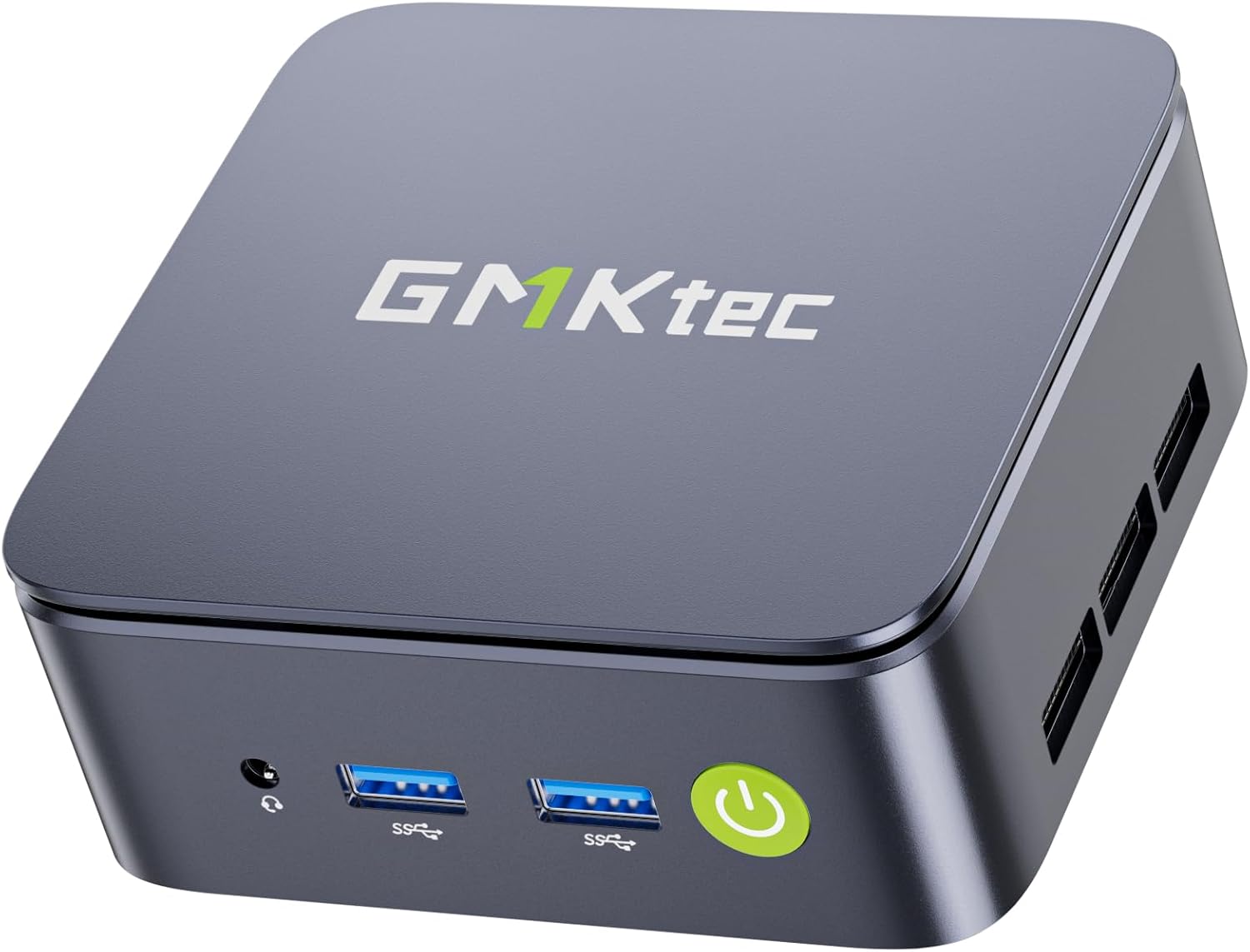
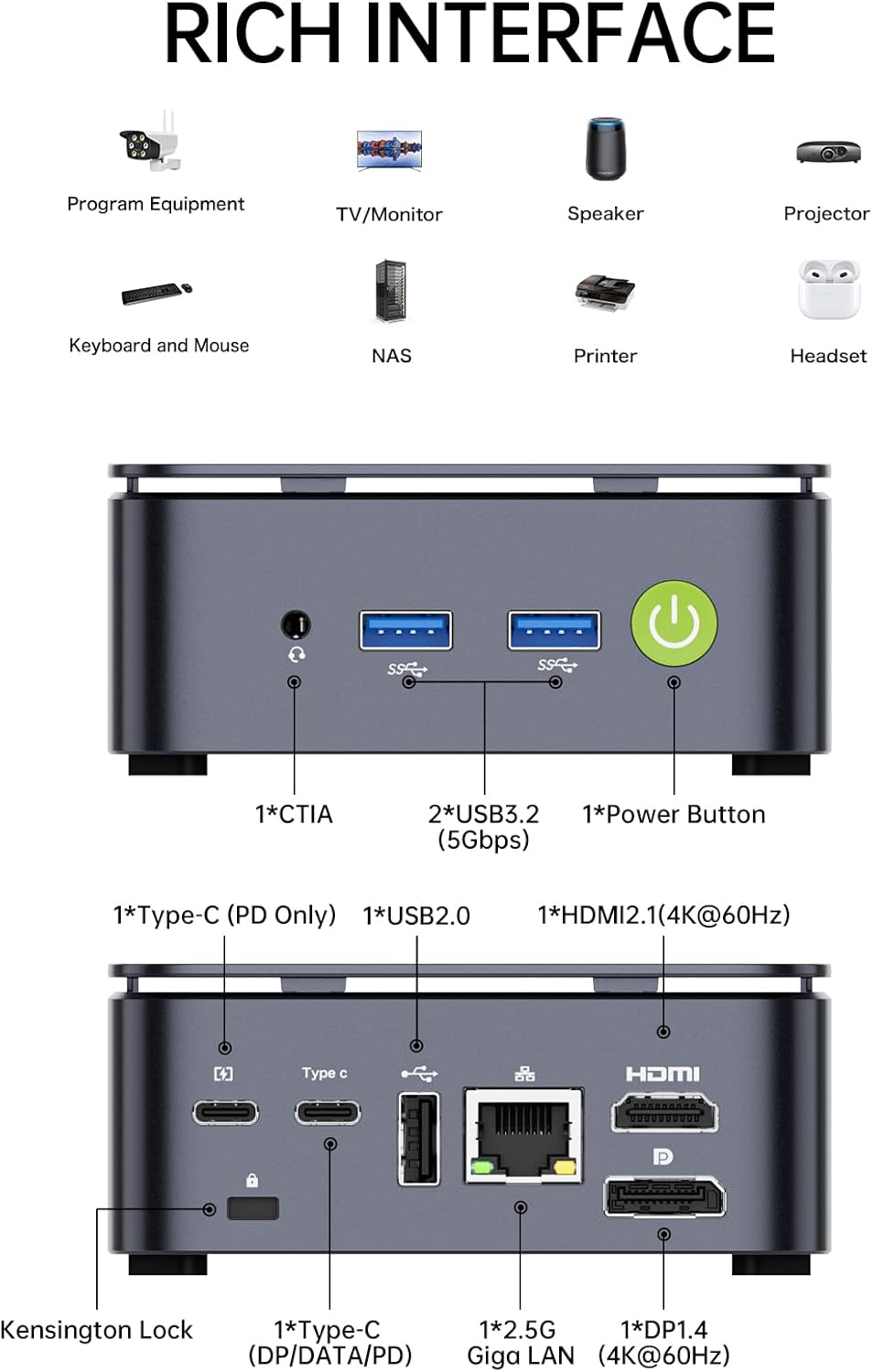
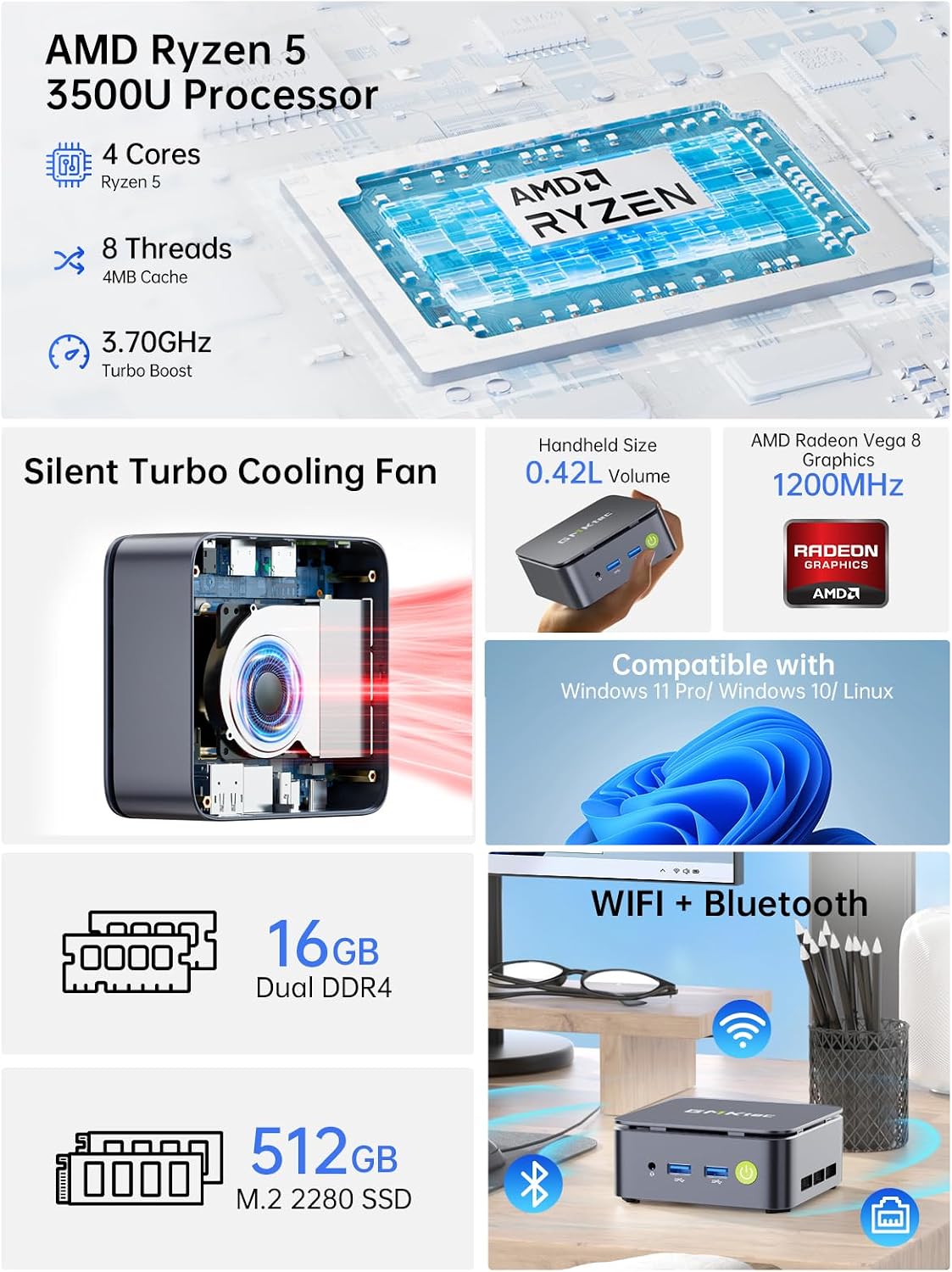
The system runs on an AMD Ryzen 5 3500U with Radeon Vega 8 graphics, delivering responsive performance for spreadsheets, video playback, web apps, and casual gaming according to the manufacturer. It ships with 16GB (2×8GB) dual-channel DDR4 and a 512GB M.2 PCIe 3.0 SSD for quick boot and app loading. The compact black chassis includes a full complement of ports such as HDMI 2.1, DisplayPort 1.4, USB-C with PD/DP/data support, and a 2.5GbE Ethernet jack for faster wired networking. Consider that heavy modern AAA titles will be limited by integrated graphics, but the configuration is well suited for productivity and media tasks.
Technical Specifications
- Name: GMKtec G10 Mini PC Ryzen 5 3500U
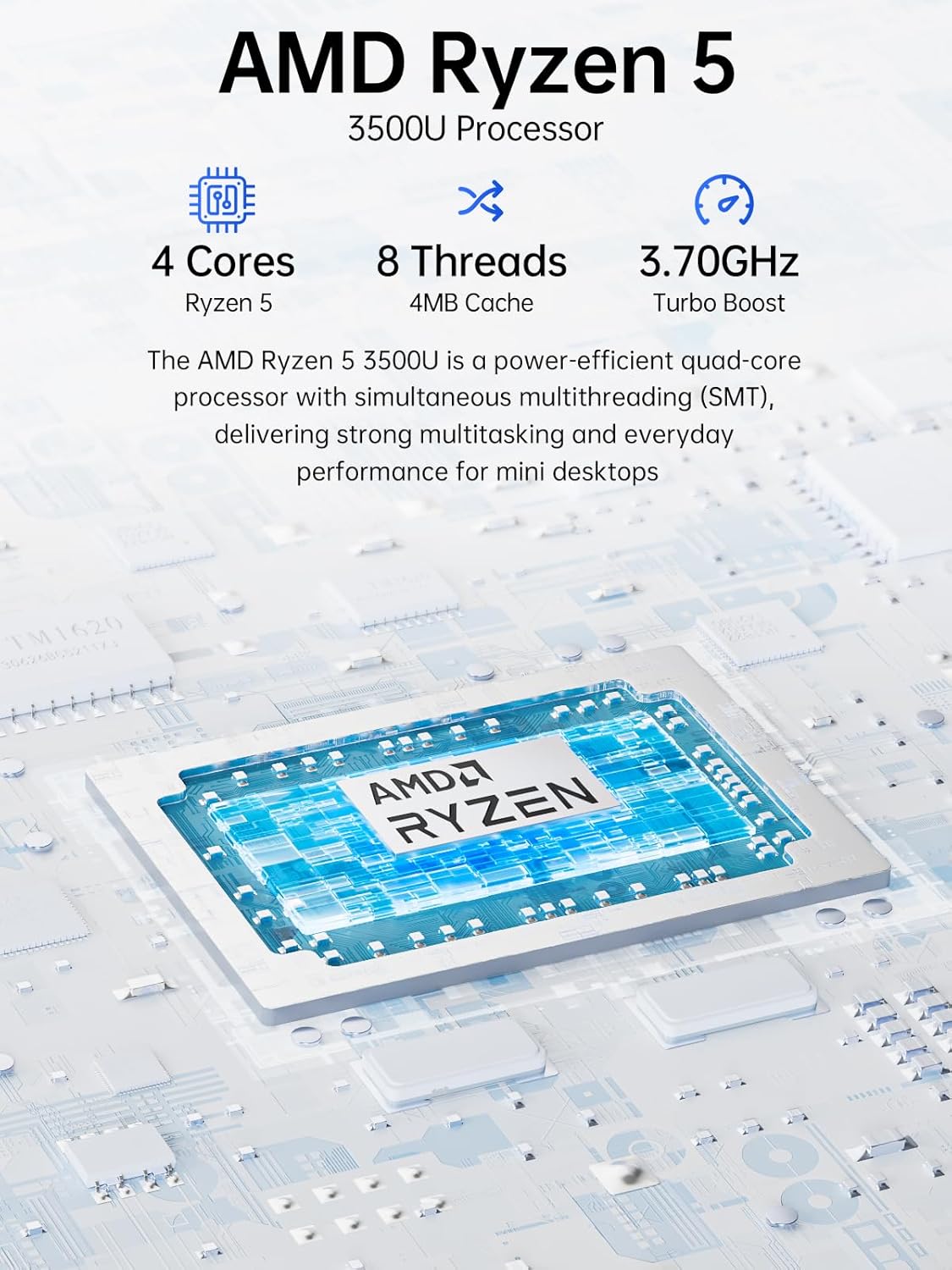
- CPU: AMD Ryzen 5 3500U (4 cores, 8 threads, up to 3.7 GHz)
- Memory & storage: 16GB DDR4 (2×8GB), 512GB M.2 PCIe 3.0 SSD
- Video outputs: HDMI 2.1, DisplayPort 1.4, USB-C (DisplayPort Alt Mode)
- Networking: 2.5GbE LAN, WiFi 5, Bluetooth 5.2
Advantages
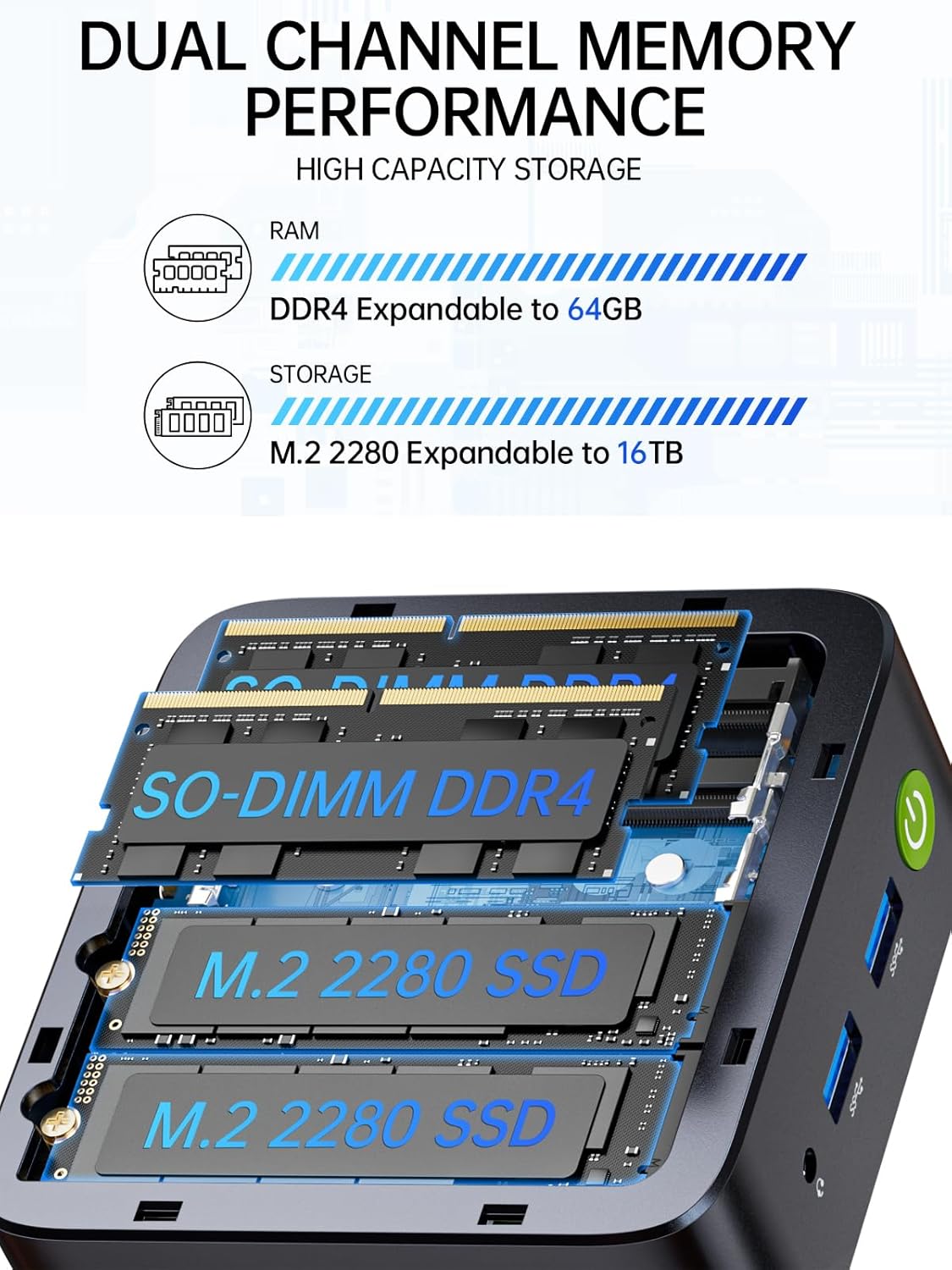
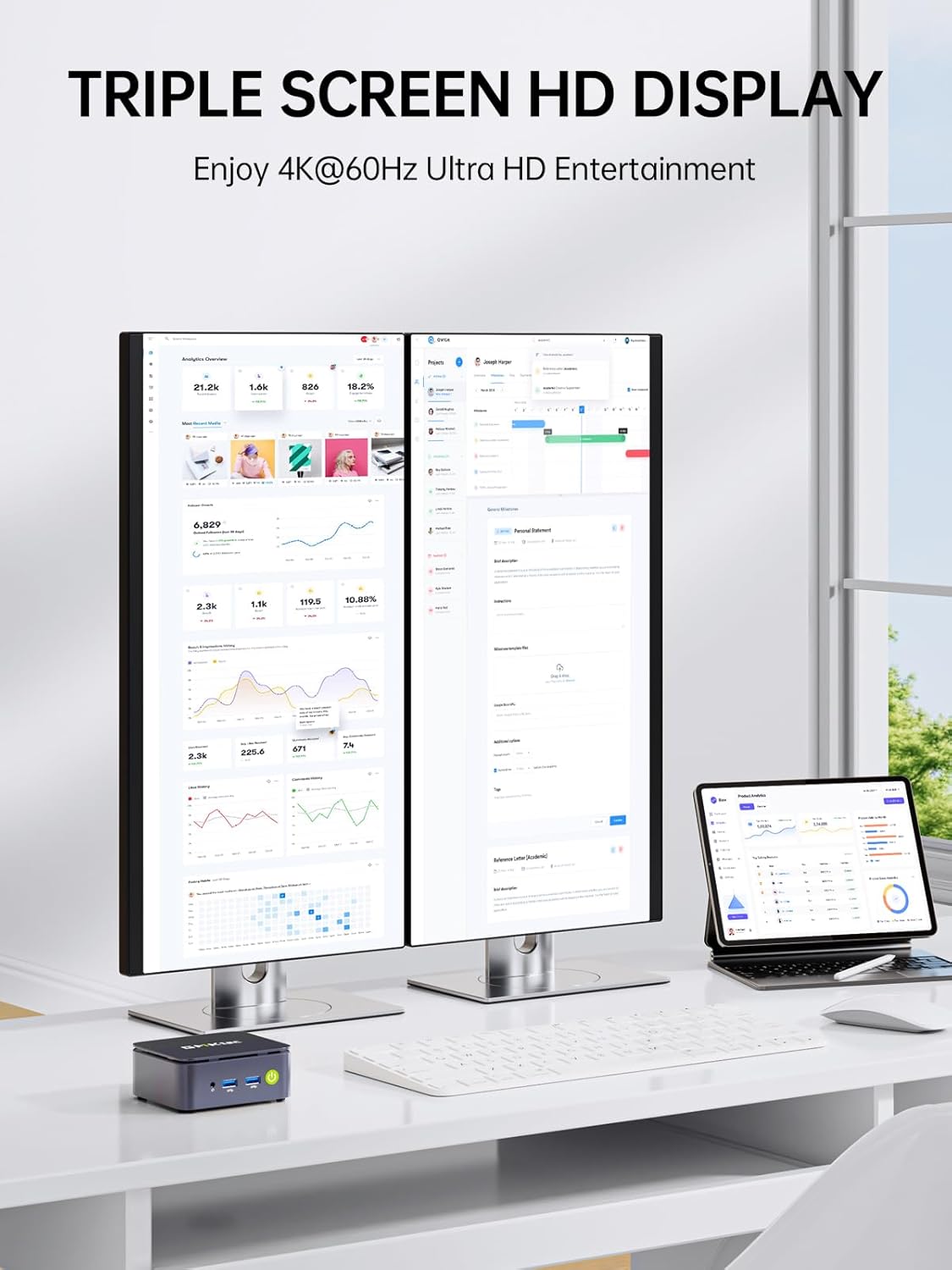
The triple 4K@60Hz output capability makes this mini PC useful for multi-monitor workstations, trading desks, and compact home theater PCs. The inclusion of 2.5GbE allows for much higher local network throughput than standard Gigabit Ethernet, which helps when streaming large media files or using the unit as a small server. Expandability is straightforward with two M.2 2280 slots and support for up to 32GB RAM according to the product notes.
Usage Recommendations
For a desktop office setup, pair the unit with a single fast NVMe drive and use the dual-channel memory to keep everyday applications snappy. For HTPC or media server roles, enable the wired 2.5GbE connection for reliable streaming and connect displays through HDMI 2.1 or DisplayPort for best video compatibility. If you plan to run virtual machines or more demanding multitasking workloads, upgrading RAM to the maximum supported capacity will noticeably improve performance.