

GMKtec K16 Mini PC Gaming with Ryzen 7 7735HS, 32GB LPDDR5, 1TB PCIe SSD, Dual 2.5GbE, OCulink & Triple Display
Product description
What it is and what problem it solves
The GMKtec K16 is a compact gaming and productivity mini PC built around the AMD Ryzen 7 7735HS processor. With 8 cores and 16 threads, it aims to balance multitasking with demanding workloads, delivering responsive performance for gaming, content creation, and everyday tasks in a small form factor. Its design targets users who want a quiet, space-efficient machine capable of handling multitasking across multiple displays and network-heavy tasks without needing a traditional desktop footprint.
How it performs in practice
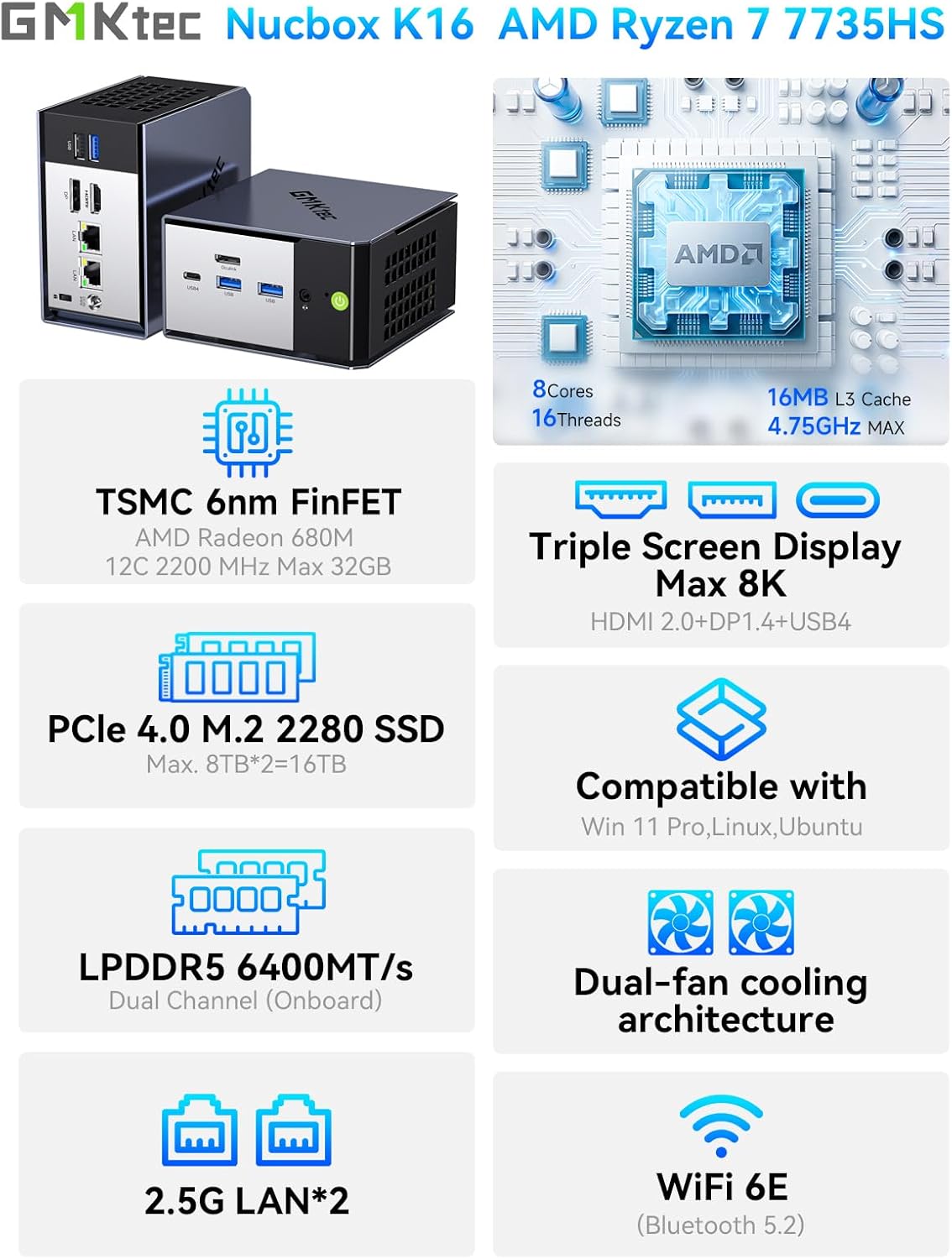
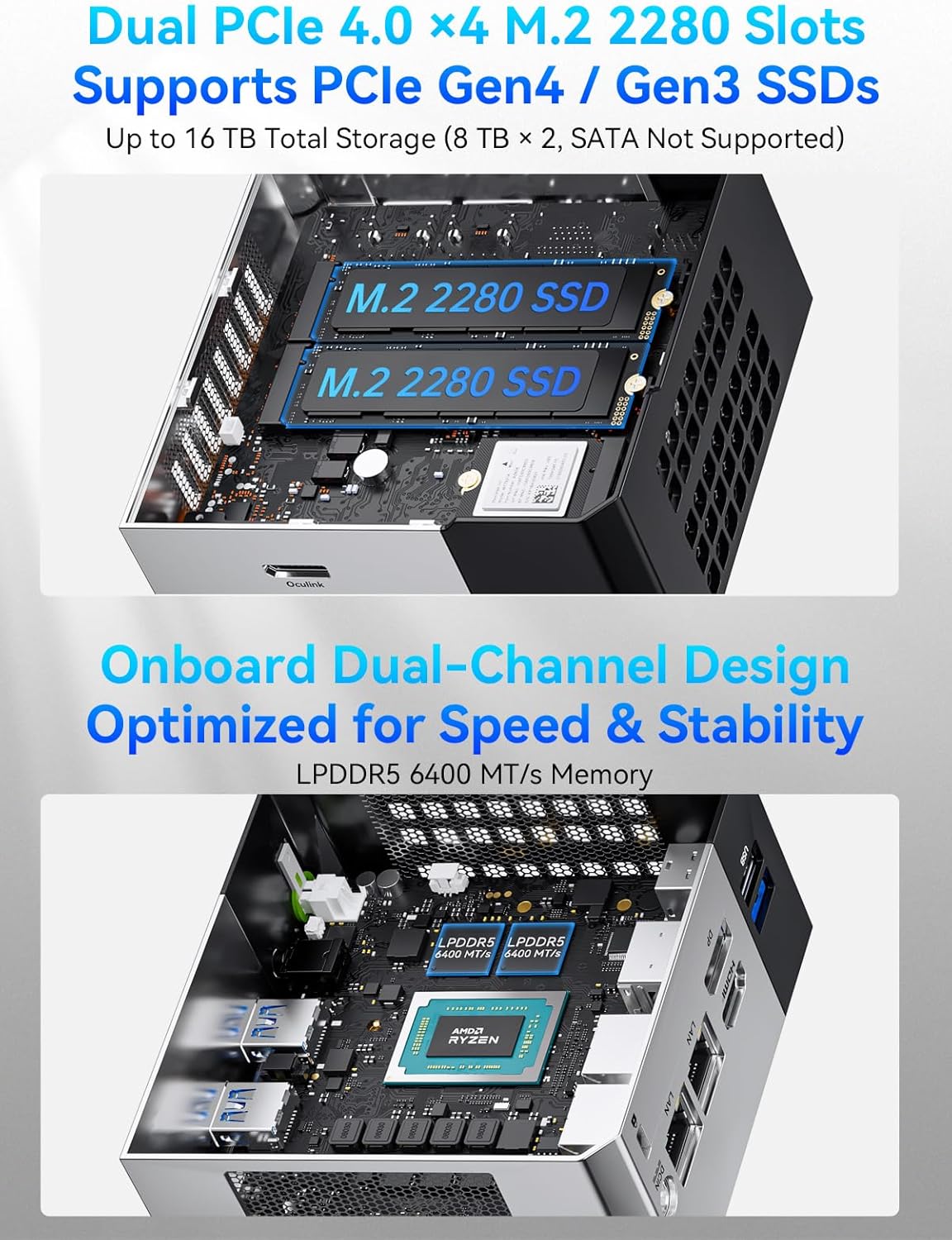
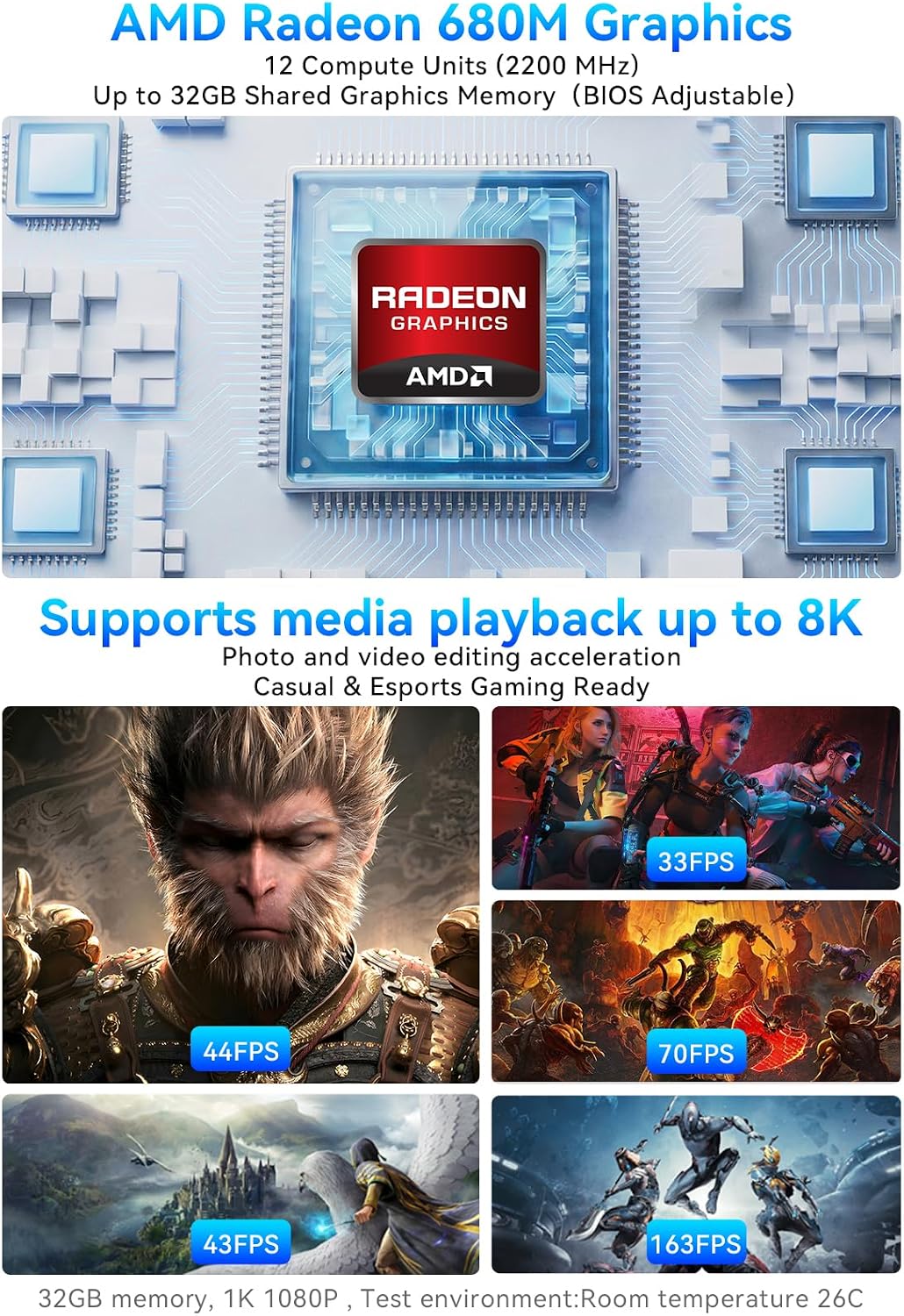
On paper, the Ryzen 7 7735HS provides solid all-around performance for mid-to-high range gaming and creative workflows. The machine ships with 32GB of LPDDR5 RAM at 6400MT/s, which helps with heavy multitask loads and memory-intensive apps. Storage comes as a 1TB PCIe SSD, offering ample room for games, media libraries, and projects while keeping decent read/write speeds. An all-copper cooling system is noted, which can help maintain performance under extended use and reduce thermal throttling in a compact chassis.
What stands out day to day
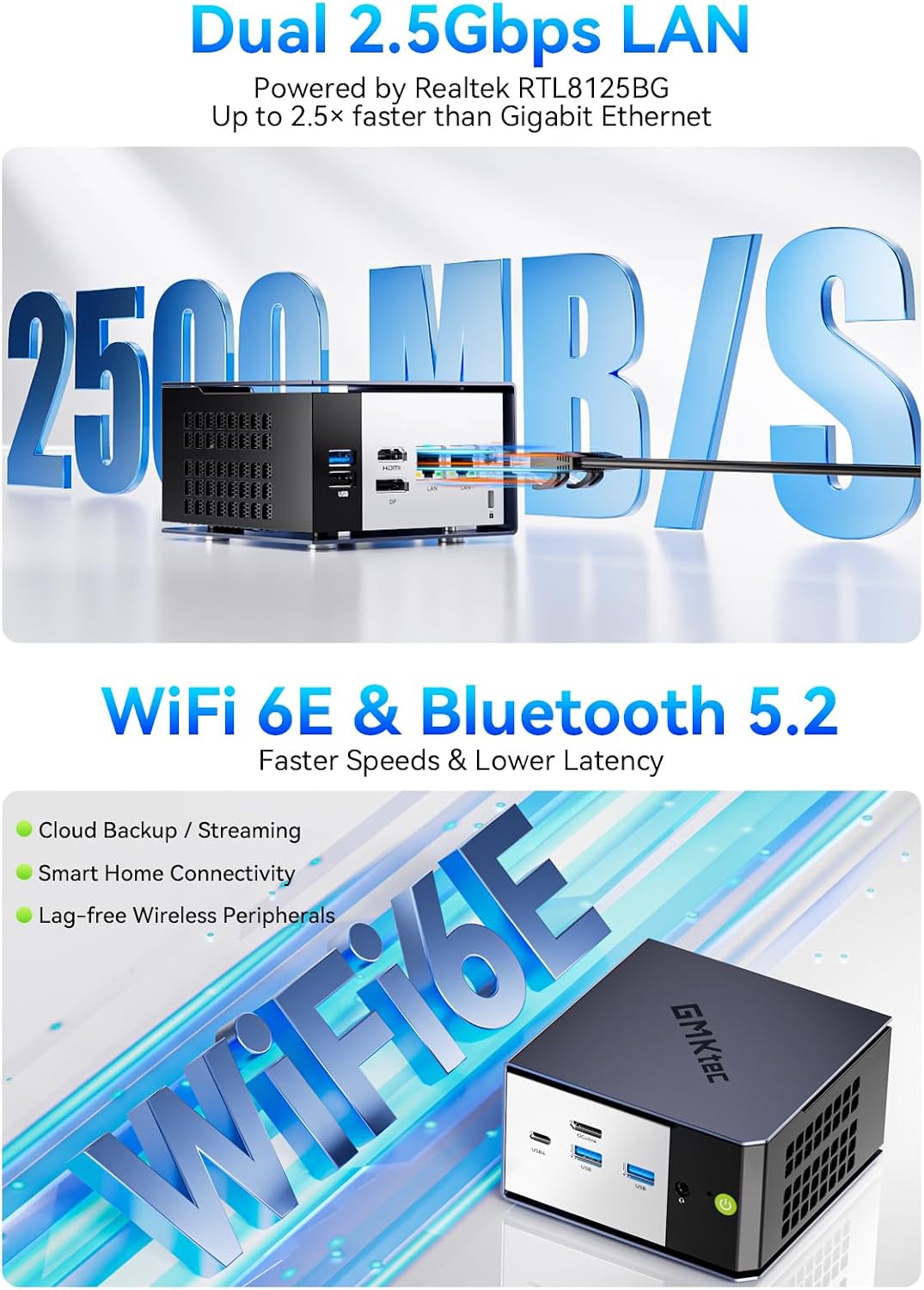
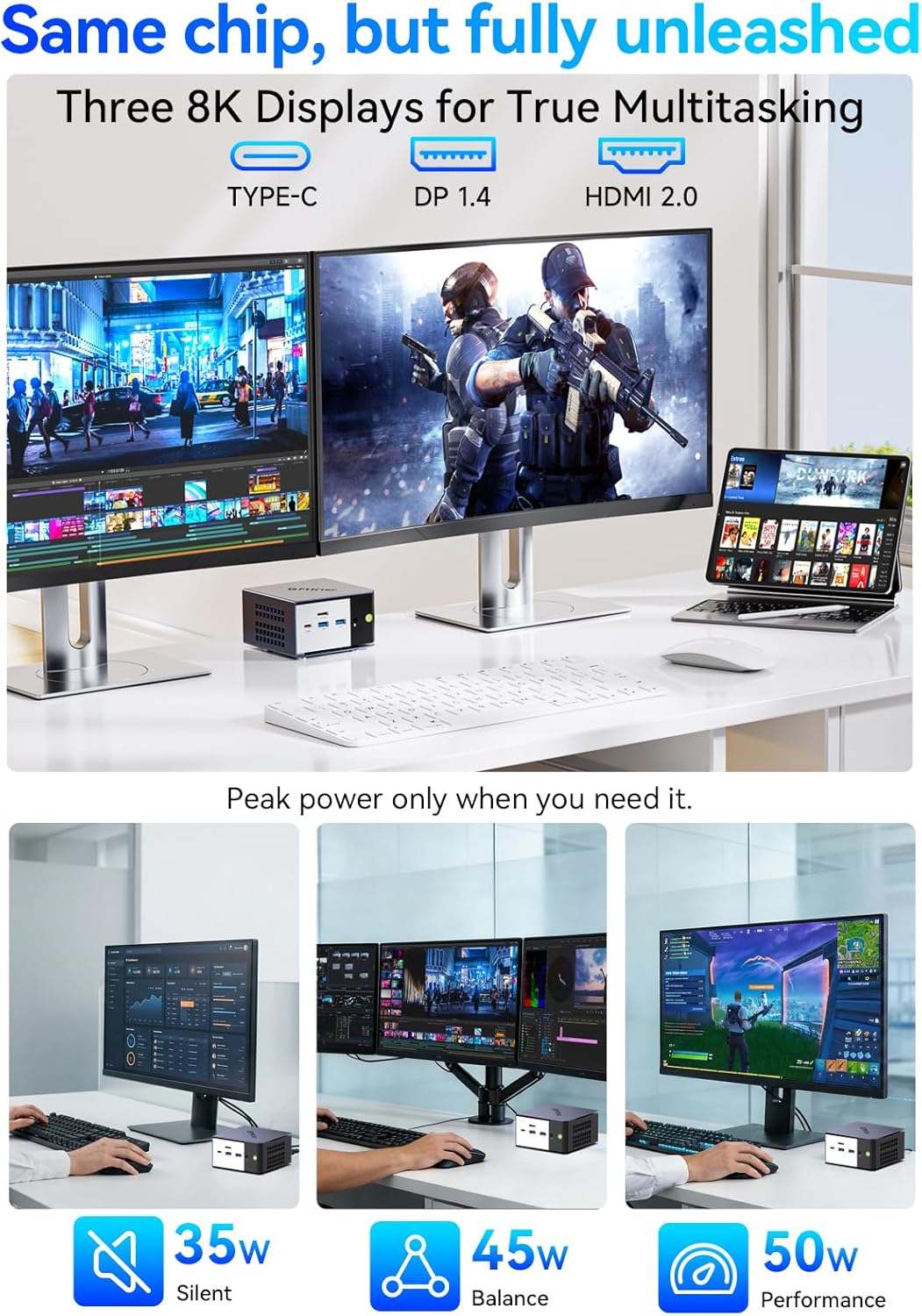
A standout aspect is the connectivity and display versatility. Triple video outputs—HDMI 2.0, DisplayPort 1.4, and USB4—allow you to drive three independent displays, which is particularly appealing for content creators, traders, or anyone needing a multi-monitor setup from a small desk. Networking is robust with dual 2.5GbE LAN ports plus WiFi 6E and Bluetooth 5.2, offering flexible options for high-speed wired and wireless connections.
Pros and cons you’ll notice
- Pros: Strong multi-core capabilities for its size, ample RAM, fast external PCIe connectivity, and three display outputs for expansive workspaces. The dual 2.5GbE ports are a practical touch for local networks and data-heavy tasks.
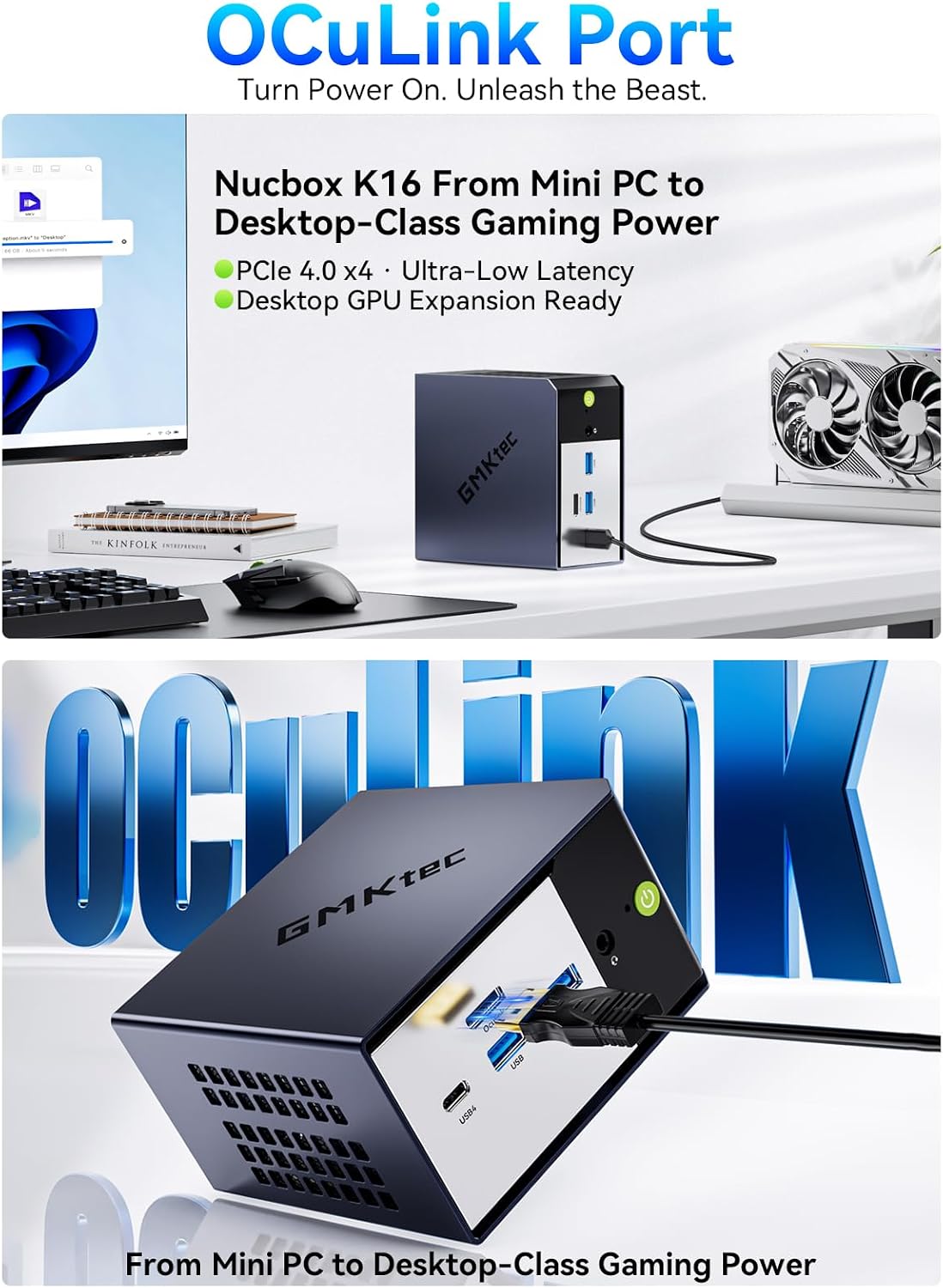
- Cons: The SSD is listed as PCIe 3.0 in the base spec, which may not deliver the latest PCIe 4.0 speeds for this drive. OCulink is present for external GPUs or PCIe devices, but it does not support hot-swapping. The cooling system and fan behavior aren’t described in depth, so sustained high-intensity gaming could depend on the workload and ambient temperature.
Who it’s for
This mini PC seems best suited for power users who want a compact, quiet machine capable of handling multi-monitor workflows, light to mid-range gaming, and media work without a full desktop. It also fits setups requiring strong networking (dual 2.5GbE) and flexible connections to external GPUs or high-speed PCIe devices via OCulink.
Who might want to skip it
If you need the absolute fastest SSD throughput or the most aggressive gaming performance in a tiny form factor, and you’re aiming for top-tier titles at max settings, this device may not be the ideal choice. Similarly, if you rely on PCIe 4.0 NVMe speeds as a primary criterion, confirm the exact SSD interface in your configuration before purchasing.
When it makes sense to buy
Consider this mini PC if you value a compact footprint with substantial RAM, multi-display capability, and robust wired/wireless networking, all in a single quiet chassis. It’s appealing for dense workspaces, small offices, remote work setups, or a compact gaming/creativity rig where space is at a premium.
What to check before buying
- Verify the exact SSD interface (PCIe generation) in your unit to know potential throughput.
- Confirm OCulink usage notes, especially regarding non hot-swappable operation.
- Consider how many displays you plan to drive and ensure you’ll have the appropriate adapters if needed.
- Review the warranty terms and the level of support offered to ensure coverage for hardware in a compact system.
Practical usage example
Imagine a trader with three monitors: one for charts, one for news feeds, and one for a video call. The K16 can run trading software on one screen, while streaming and browsing on the others, with quick multitasking thanks to 32GB RAM. For a content creator, you could edit a video timeline on one display while keeping reference material on the others, all from a compact desktop that stays relatively quiet during long sessions.
Tech specs
- Name: GMKtec K16 Mini PC Gaming
- Processor: AMD Ryzen 7 7735HS
- Memory: 32GB LPDDR5 at 6400MT/s
- Storage: 1TB PCIe SSD (PCIe 3.0)
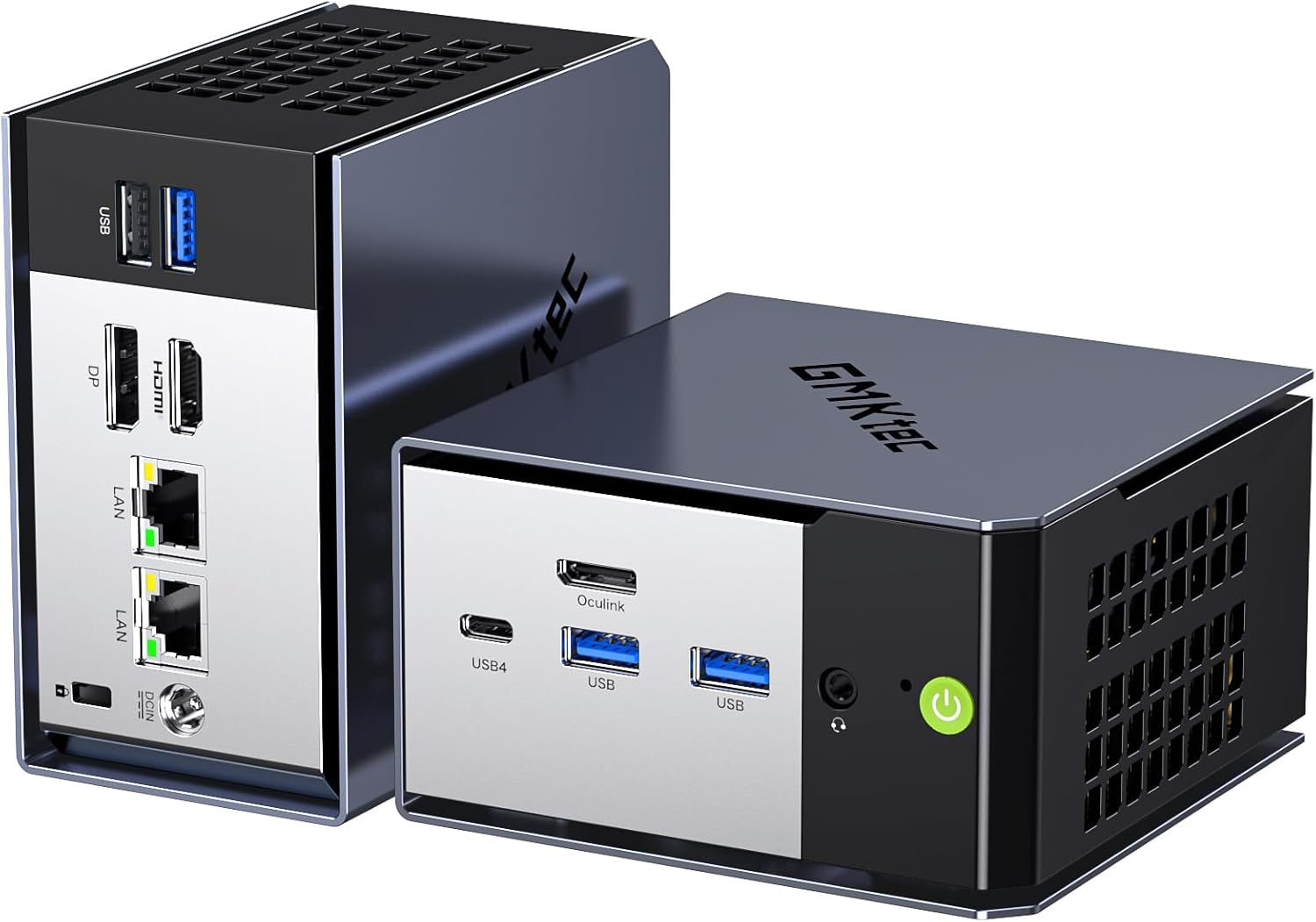
- Graphics/Expansion: OCulink external connection for PCIe 4.0 x4 devices
- Display outputs: HDMI 2.0, DP 1.4, USB4 (multi-display capable)
- Networking: Dual 2.5GbE LAN, WiFi 6E, Bluetooth 5.2
- Ports: 3x USB 3.2, 1x USB 2.0, 1x USB4 (PD/DP/Data), 1x 3.5mm audio, 1x DC power
- Cooling: all-copper cooling system
- Warranty: 1-year limited warranty
- Notes: OCulink does not support hot-swapping, connect when the PC is powered off
Is it worth it?
It makes sense if your priority is a compact, quiet PC that can handle heavy multitasking, offers solid RAM and storage headroom, and supports a flexible multi-monitor setup along with robust networking. You’ll want to weigh the PCIe 3.0 SSD bottleneck against your storage needs and be mindful of the OCulink limitation around hot-swapping. If your workflow benefits from three displays and strong wired networking, this could be a practical fit.
FAQ (3–5 questions)
- How many displays can I run at once? Up to three outputs (HDMI 2.0, DP 1.4, USB4) can be used simultaneously.
- Does it support external graphics via OCulink? Yes, a native OCulink port allows external PCIe devices, but note non hot-swapping operation.
- Is the SSD speed the latest PCIe 4.0? The base configuration lists a 1TB PCIe 3.0 SSD, PCIe 4.0 support would depend on the installed drive and slots.
- Is there room to upgrade RAM or storage later? The unit ships with soldered 32GB RAM, check if the design allows additional headroom for storage expansion via PCIe slots.