

RedThunder K10 Wireless Gaming Keyboard and Mouse Combo
Product description
What it is and the need it aims to solve
The RedThunder K10 is a wireless keyboard and mouse combo designed for PC gaming and everyday use. It relies on a 2.4G connection to keep input lag low during intense play while offering a rechargeable battery setup to reduce ongoing costs and clutter from disposable batteries. If you want a compact, single-receiver setup for both keyboard and mouse, this can simplify your desk setup without sacrificing responsiveness.
How it feels on the desk and in the game
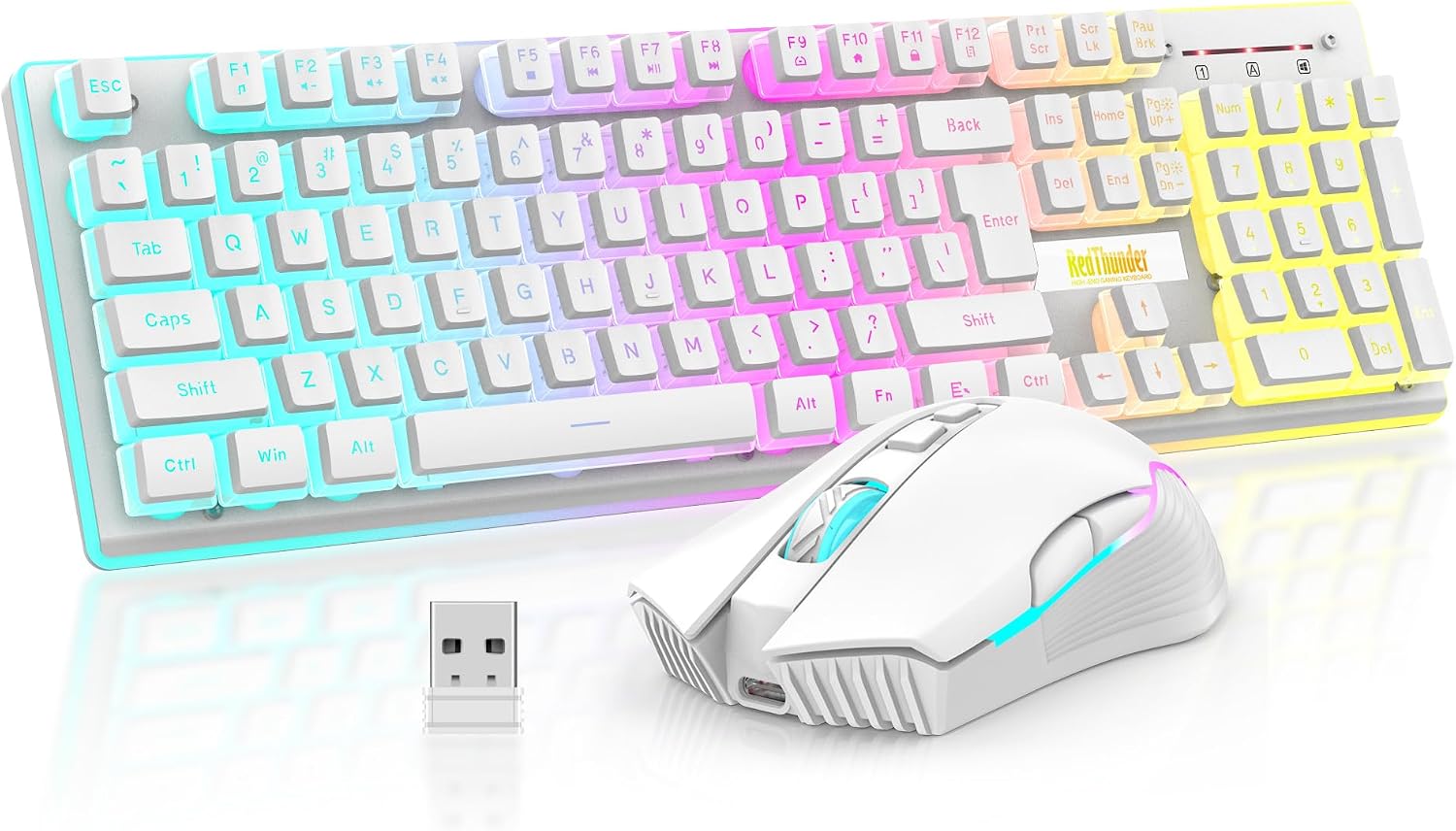
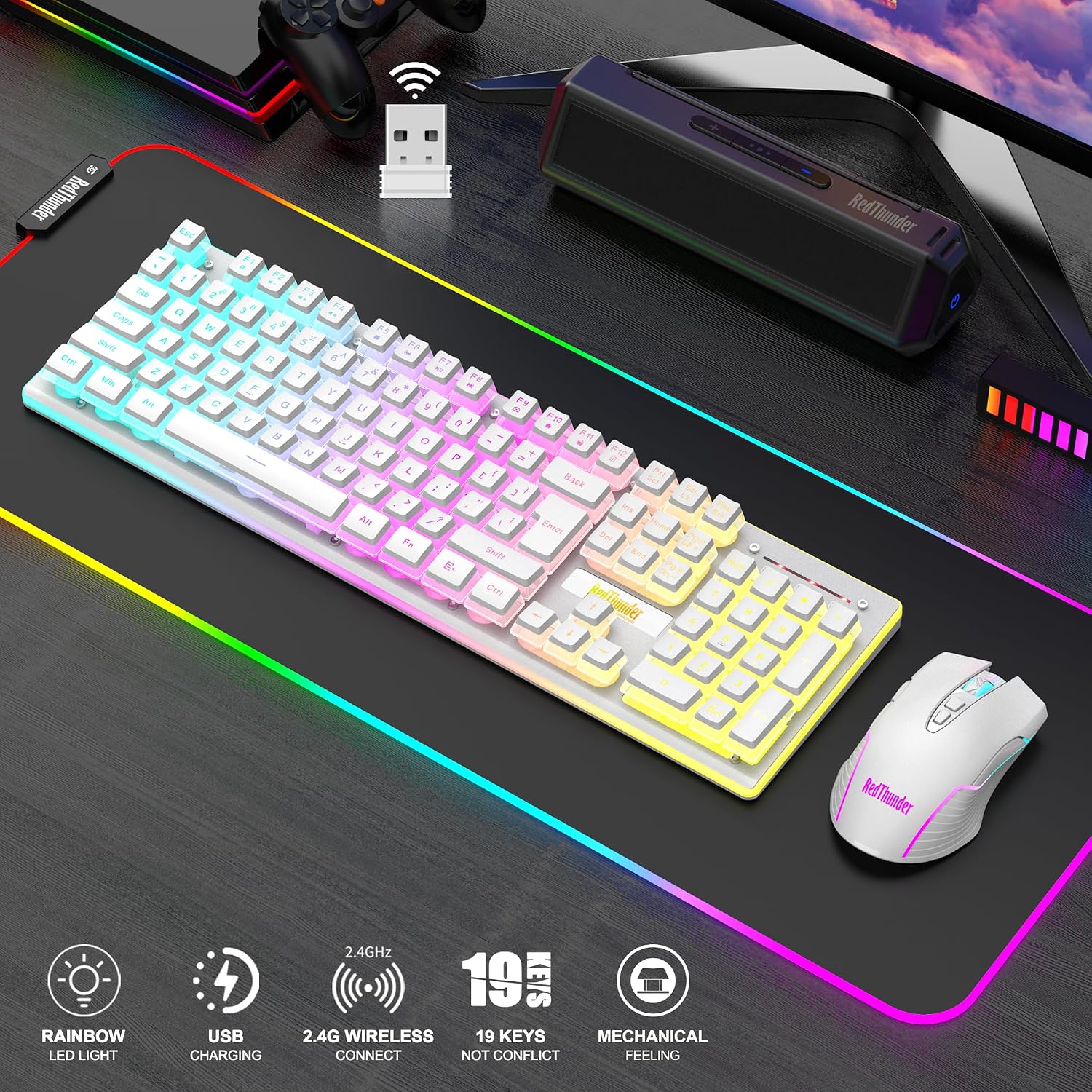
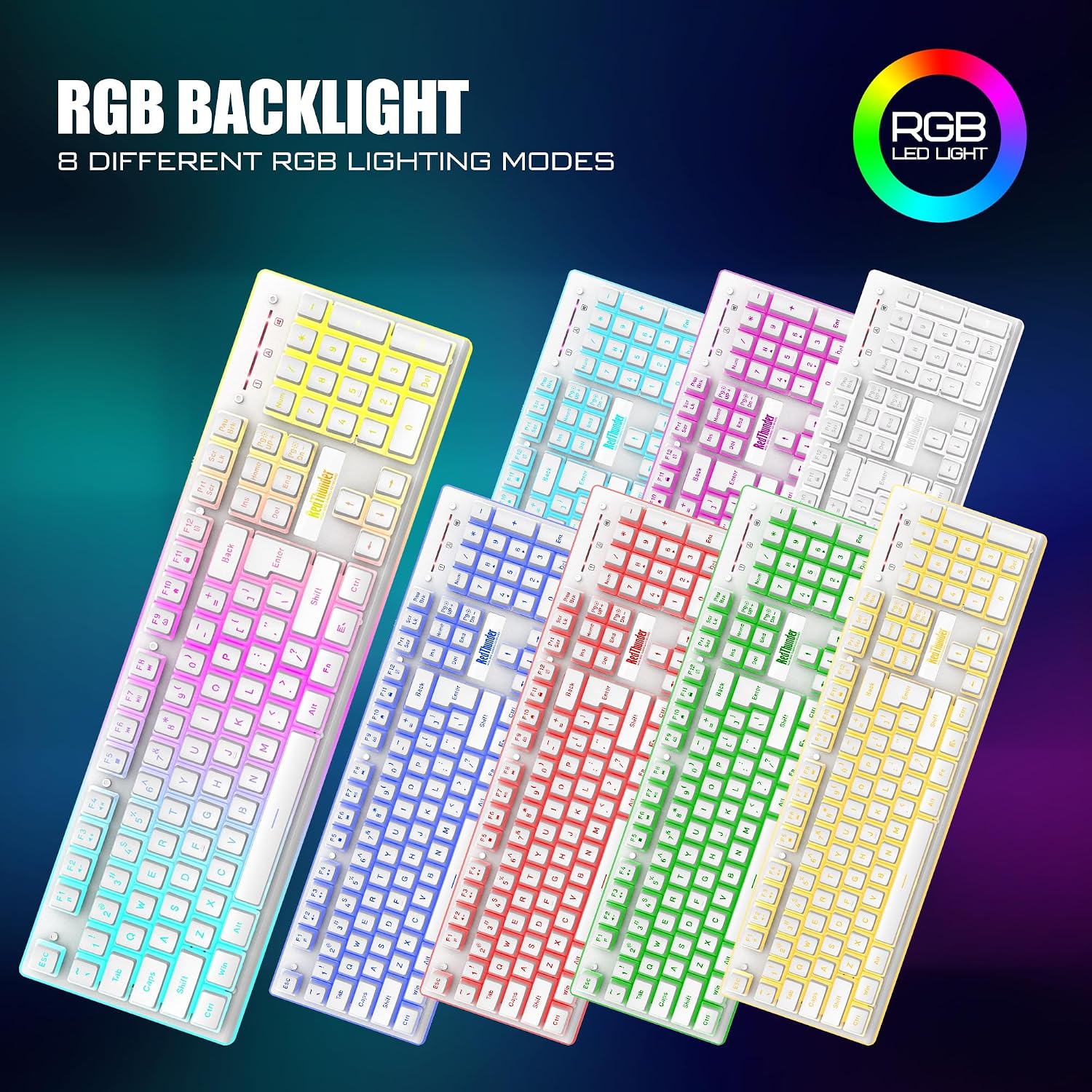
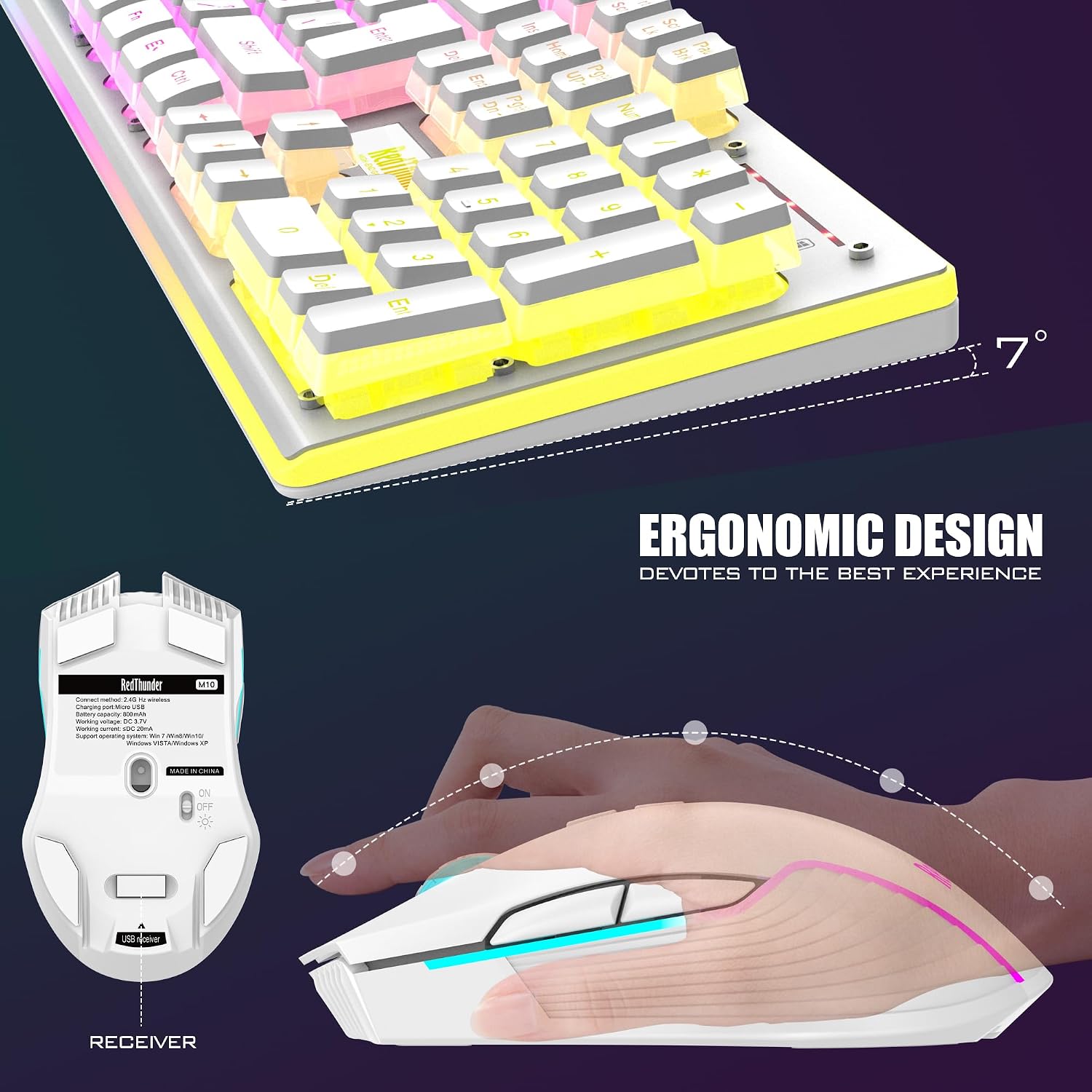
On paper, the keyboard emphasizes a mechanical-feel experience with long keystroke durability (reported at up to 10,000,000 keystrokes) and durable ABS keycaps. The layout and key travel are tuned to deliver a satisfying tactile feedback, while the mouse is shaped to fit the palm with anti-slip and anti-sweat considerations. The combo includes lighting—keyboard with multiple dynamic and static backlight modes, plus a color-changing mouse—to enhance visibility in low-light gaming sessions. It’s worth noting that some lighting behaviors are tied to charging status, so mood lighting may vary depending on whether devices are charging.
Battery life and power use
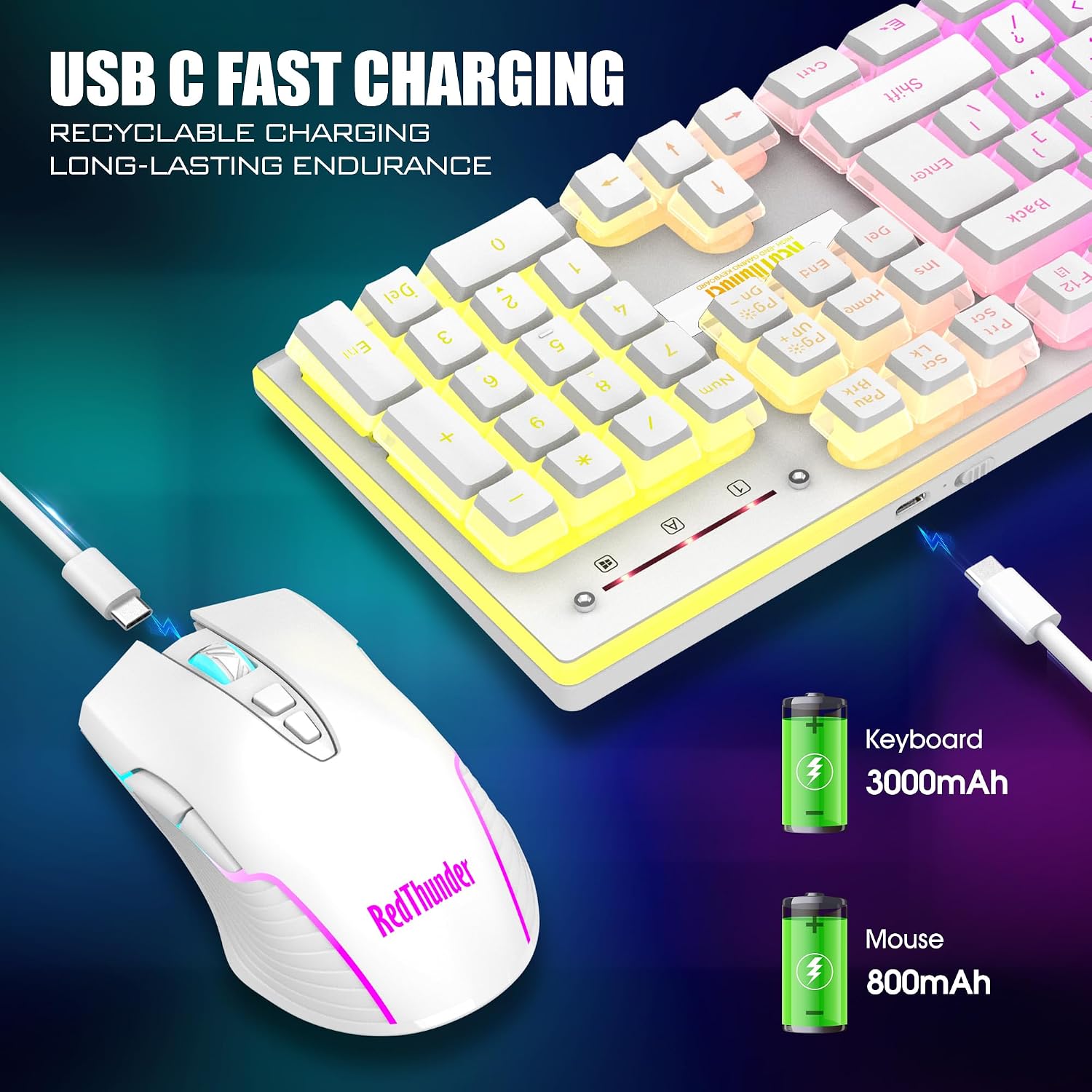
The keyboard houses a 3000 mAh cell, and the mouse an 800 mAh cell. In practice, the batteries are designed to support hours of continuous use, with smart energy-saving features that put the devices to sleep after a couple of minutes of inactivity. Full charging is advised before first use, with the caveat that the mouse scroll wheel indicators and top-front lighting are tied to charging status. If you prioritize unplugged sessions, you’ll want to plan charging cycles to maintain peak brightness and responsiveness.
Who it’s for and who it isn’t ideal for
This combo targets gamers who want a plug-and-play wireless option that avoids tangled cords and a cluttered desk. It also suits general productivity users who appreciate a stable 2.4G connection and a battery-powered setup to reduce ongoing costs. It may not be the best choice if you need wired redundancy, ultra-low latency micro-timings for high-end competitive play, or a fully programmable macro system beyond basic light and key behavior. If you’re sensitive to lighting behavior during gaming, the light-up features could be a minor distraction in some setups.
Practical use cases and real-world notes
A typical setup would involve pairing the USB receiver to a PC, turning on both devices, and enjoying a shared receiver workflow. The keyboard and mouse are described as “plug and play” with default pairing, and the pairing can be reset if the connection drops. An everyday-use scenario is easy: type, click, backlight to locate keys in a dark room, and recharge when convenient.
What to check before buying
- Battery expectations: plan charging cycles since lighting is sometimes tied to charging.
- Wireless reliability: 2.4G is solid for typical gaming and work, but consider your environment for potential interference.
- Build feel vs. price: you get a durable-feeling keyboard with long keystroke life and a palm-friendly mouse, yet you’re not getting a premium mechanical switch buy for switch-specific enthusiasts.
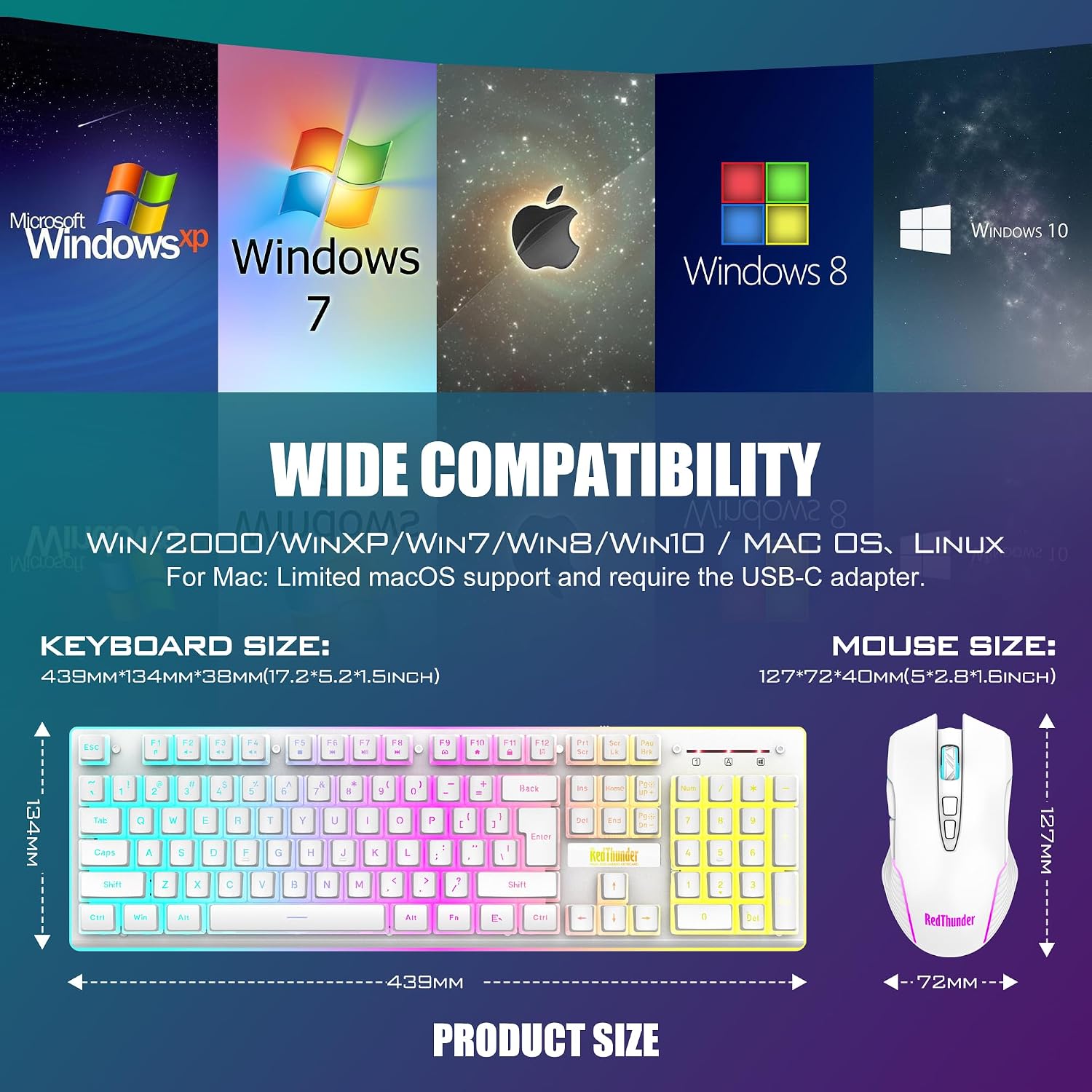
- Compatibility: works with Windows widely, MacOS support is limited and keyboard/mouse may require basic USB or driver-free use.
How it compares to other approaches
If you want a budget-friendly wireless setup, this pair competes with other 2.4G keyboard/mouse combos that emphasize long battery life and simple pairing. For users who prefer a fully programmable macro ecosystem or ultra-compact layouts, this bundle might feel short of features. If you’re after a minimal desk footprint with a single USB receiver and solid ergonomics, the RedThunder K10 leans into convenience over high-end customization.
Decision moment: should you buy it?
- When to buy: you want a straightforward wireless combo with a rechargeable battery, a readable backlight, and a ready-to-use experience without extra software.
- When to skip: you crave heavy macro customization, immediate ultra-low-latency competition-grade hardware, or a purely wired setup.
- Who benefits most: gamers who value a unified wireless pair for daily gaming and general productivity, and who don’t mind light-on charging indicators affecting lighting patterns.
- Who to avoid: if you need premium mechanical switches or a more aggressive gaming-focused feature set, this may feel mid-range.
Tech specs
- Name: RedThunder K10 Wireless Gaming Keyboard and Mouse Combo
- Type: Wireless keyboard and mouse duo
- Format: Keyboard with backlighting and mechanical-feel keys, mouse with 7-color lighting
- Size: Not specified
- Capacity: Keyboard 3000 mAh, Mouse 800 mAh
- Dimensions: Not specified
- Weight: Not specified
- Material: ABS keycaps, frosted metal cover on keyboard
- Color: White (Pudding)
- Display: Not applicable
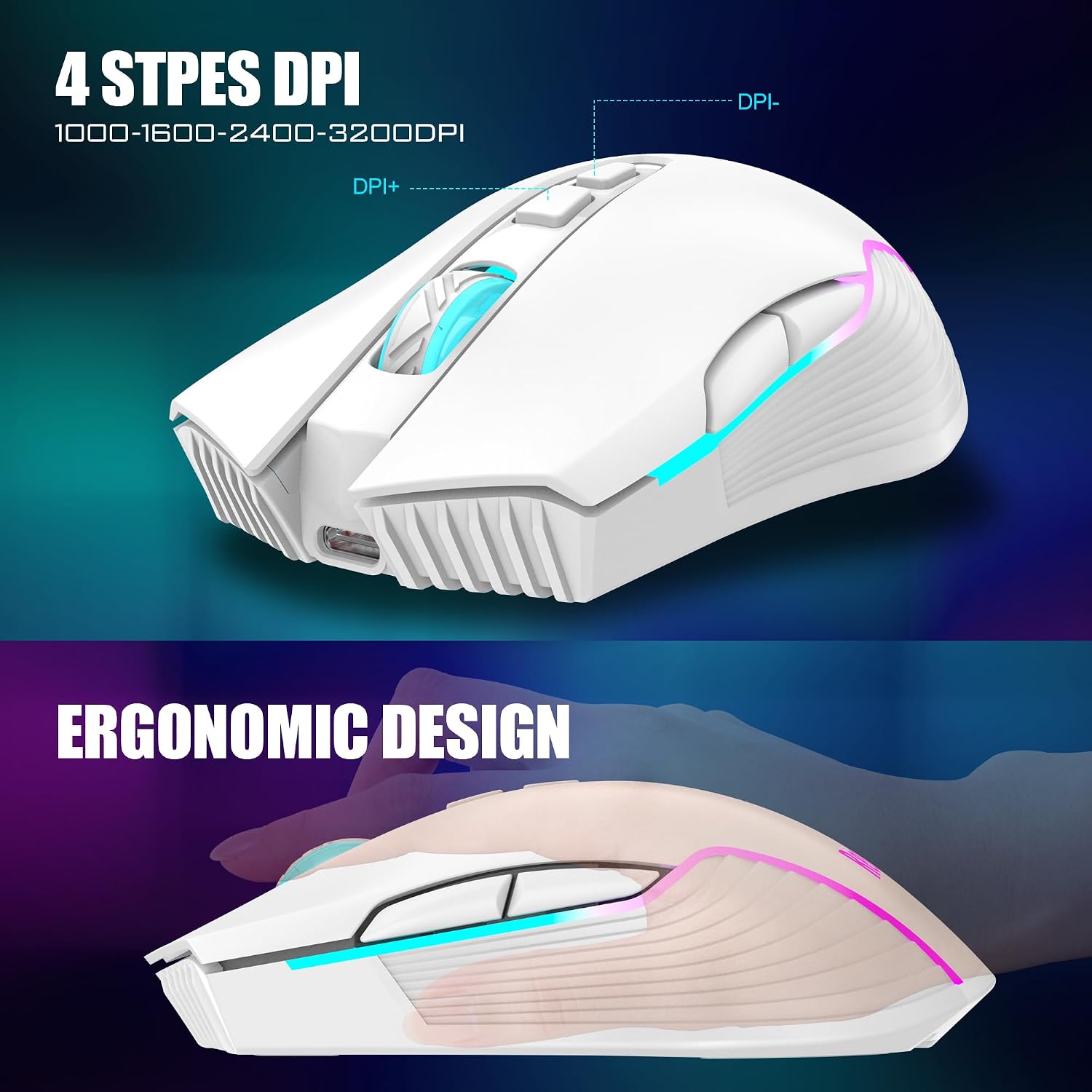
- Resolution: Mouse DPI up to 3200 DPI
- Refresh rate: Not specified
- Processor: Not specified
- Memory: Not specified
Is it worth it?
It’s worth considering if you want a simple, battery-powered wireless pairing with a cohesive look and a single USB receiver for both devices. If you prioritize long-term battery life, a durable keystroke lifetime, and a light-up aesthetic that’s easy to read in dim rooms, this bundle delivers those aspects on paper. However, if your priority is high-end customization, ultra-low latency, or a premium mechanical switch feel, you may find it lacks some of those performance-oriented refinements. Tenor of use matters, for casual to mid-core gaming and everyday work, the RedThunder K10 offers practical value without overpromising performance.
FAQ
- How easy is the pairing process? It’s designed to be plug and play with a shared USB receiver, if the connection drops, a quick reset pairing is suggested.
- Can I use this on Mac? It has limited MacOS keyboard/mouse support, Windows compatibility is broader.
- Do the lights affect battery life? Lighting features exist, and some lighting behavior is tied to charging status, so expect occasional changes when charging.
Final verdict
Is it worth it? For buyers seeking a straightforward wireless duo with a rechargeable setup and a noticeable lighting profile, it’s a sensible option to consider. If your needs lean toward advanced customization or absolute gaming-grade latency, you may want to explore higher-end alternatives. Consider your priorities: ease of use, desk footprint, battery management, and how much you value the mechanical-feel typing experience versus pure macro capability.