

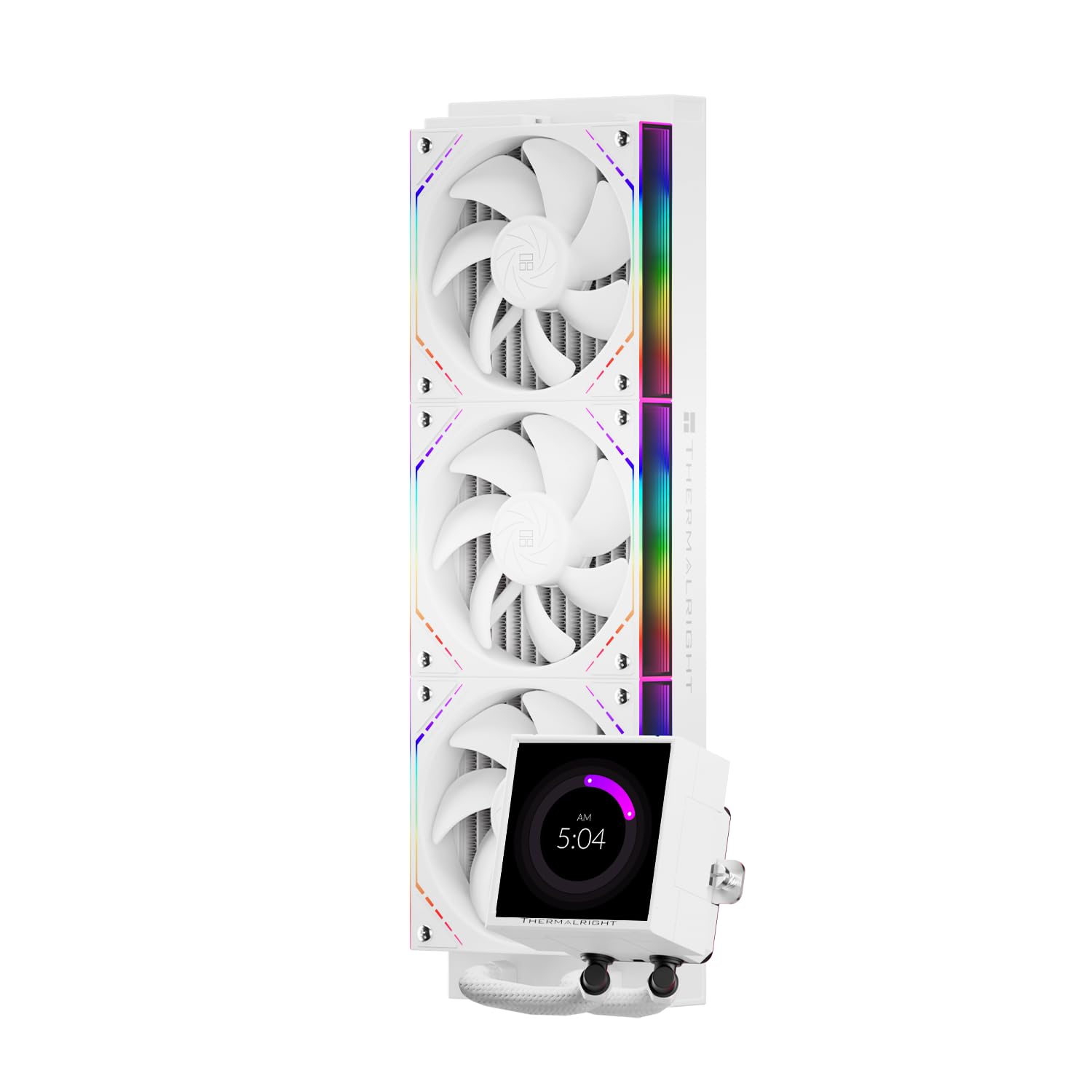
Thermalright Peerless Vision 360 ARGB Black CPU AIO Cooler
Product description
What this is and the need it addresses
The Thermalright Peerless Vision 360 ARGB Black is an all-in-one liquid CPU cooling solution designed for desktops that demand strong cooling with a showpiece display. It combines a 360mm radiator, three TL-M12Q PWM fans with ARGB lighting, and an integrated 3.95-inch IPS LCD screen on the pump, offering both performance and a customizable visual centerpiece for a modded build.
What stands out on paper
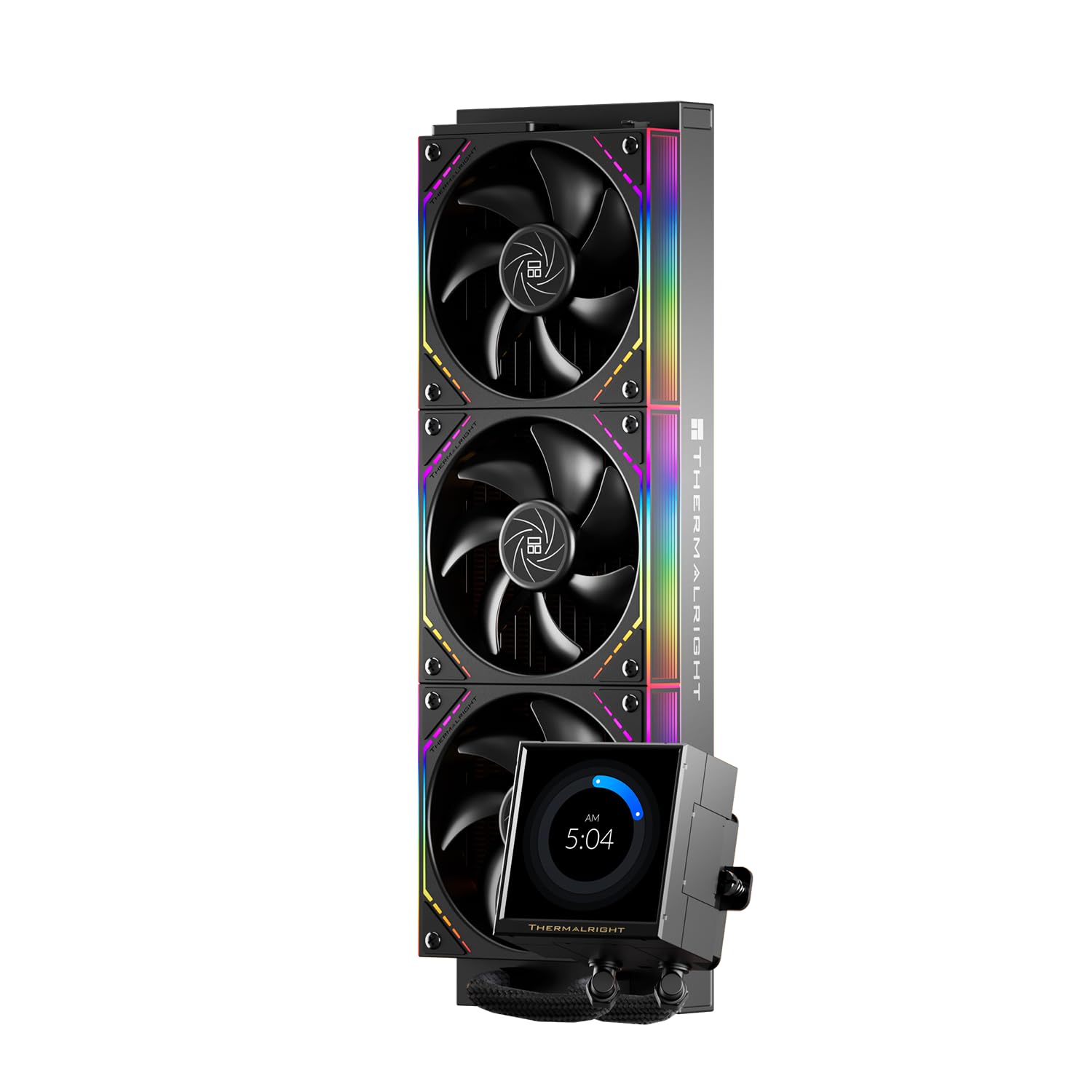
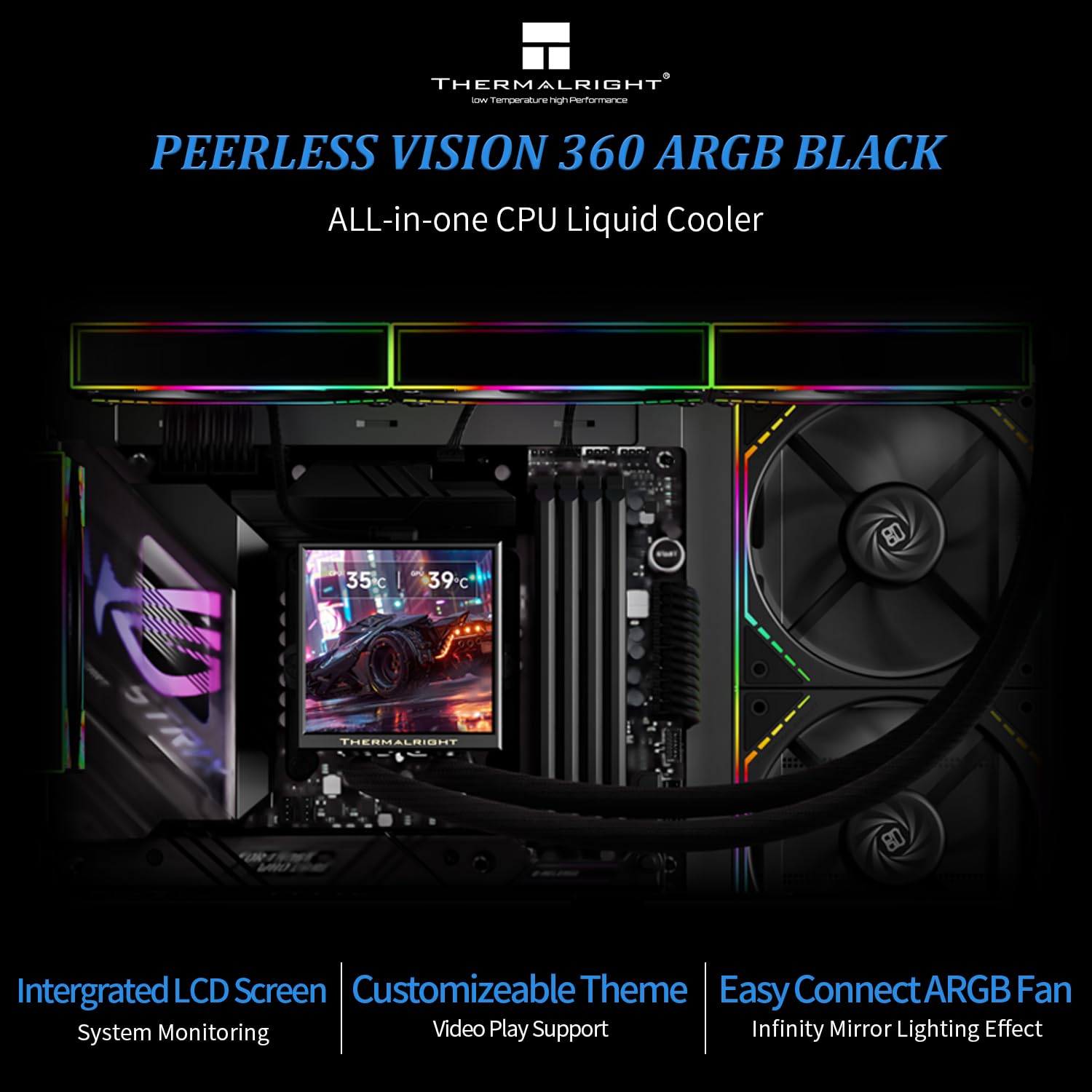
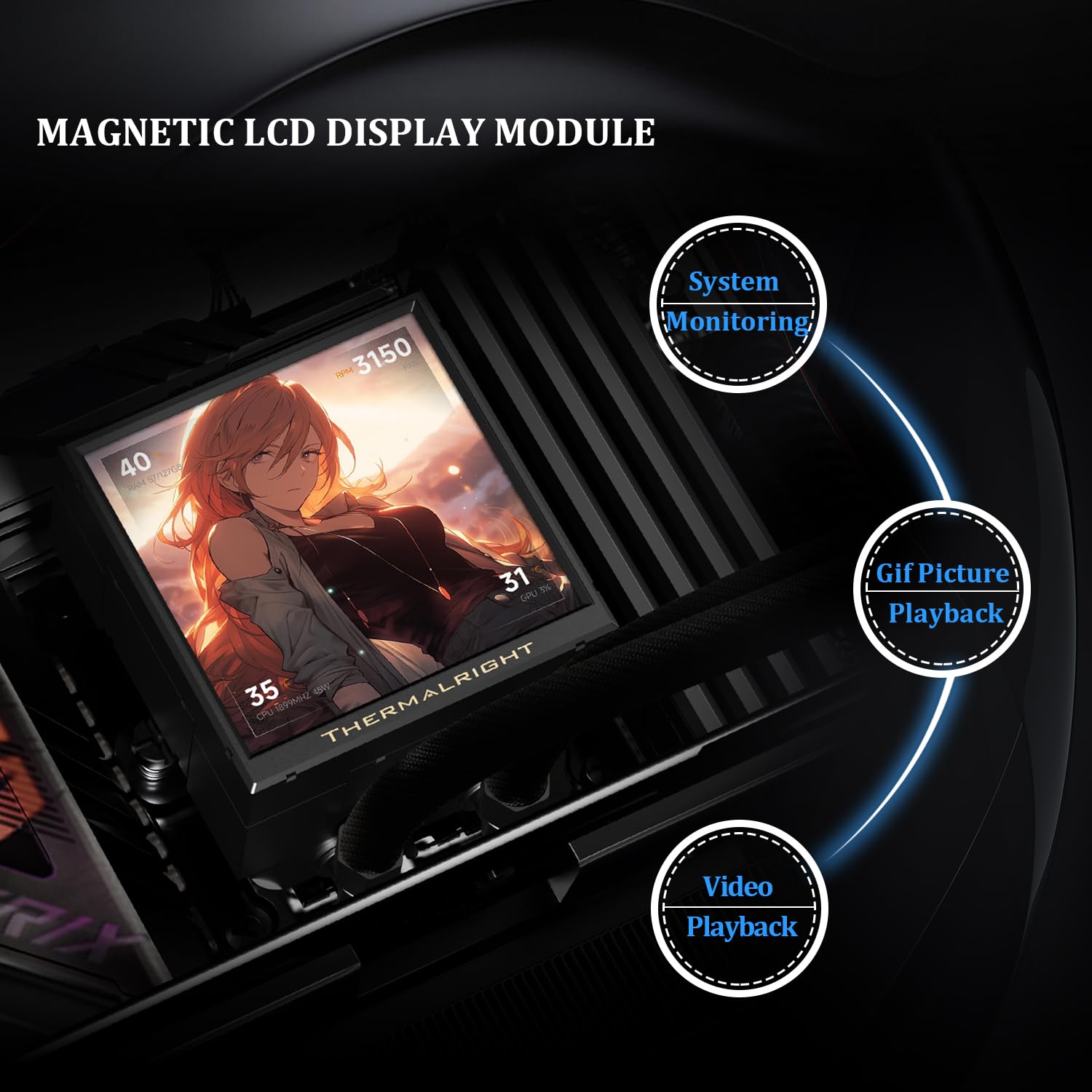
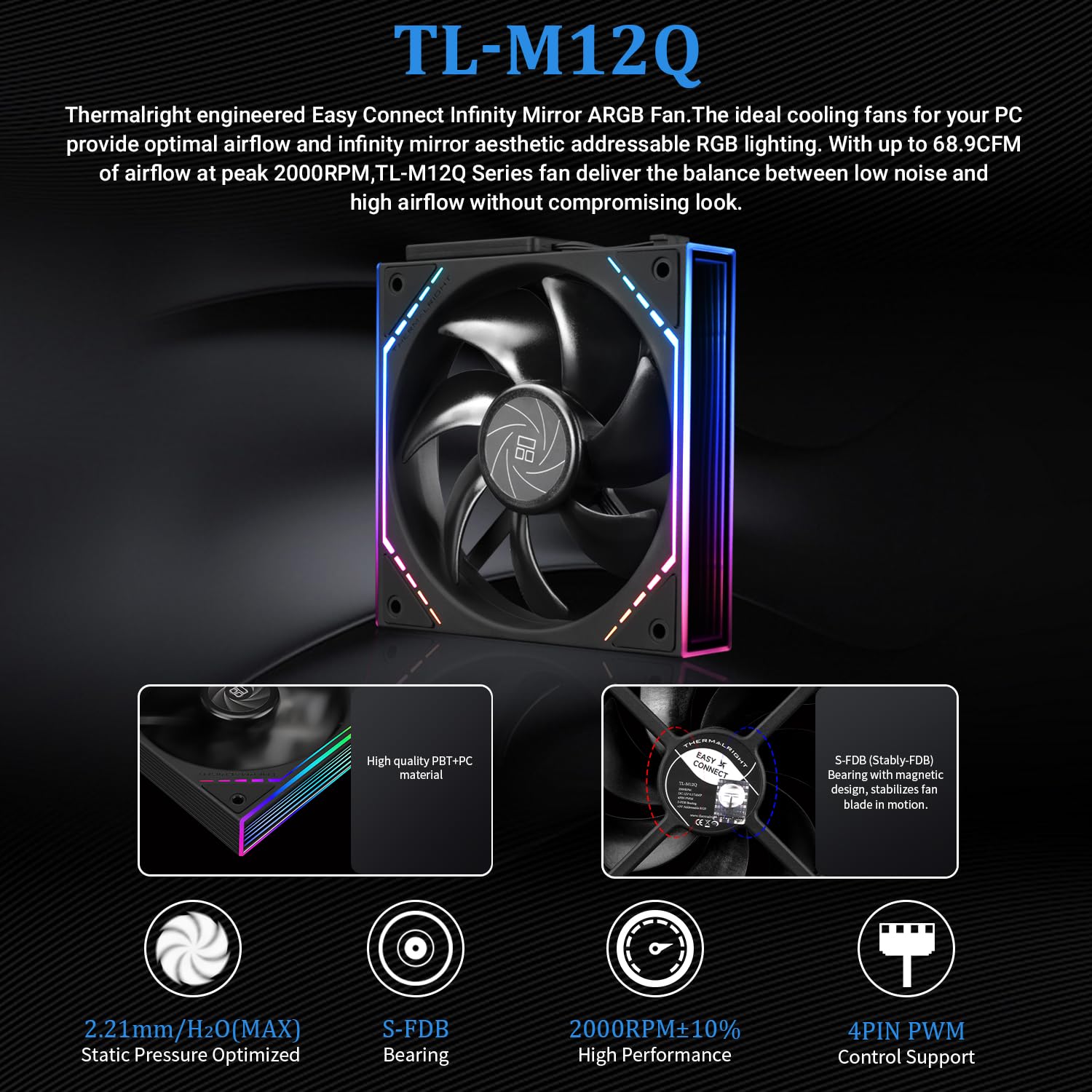
On the surface, the standout features are the 360mm radiator pairing with three high-speed fans that push air efficiently to lower processor temperatures, and the 3.95-inch magnetic screen that can display system data, videos, or user-created visuals at 480x480 resolution and 60Hz. The three fans use S-FDB bearings to reduce friction and vibration, which helps keep noise down and durability up. The PWM-controlled fans adjust automatically with CPU temperature, so you don’t rely on manual tweaking to keep temps in check.
Where it shines in use
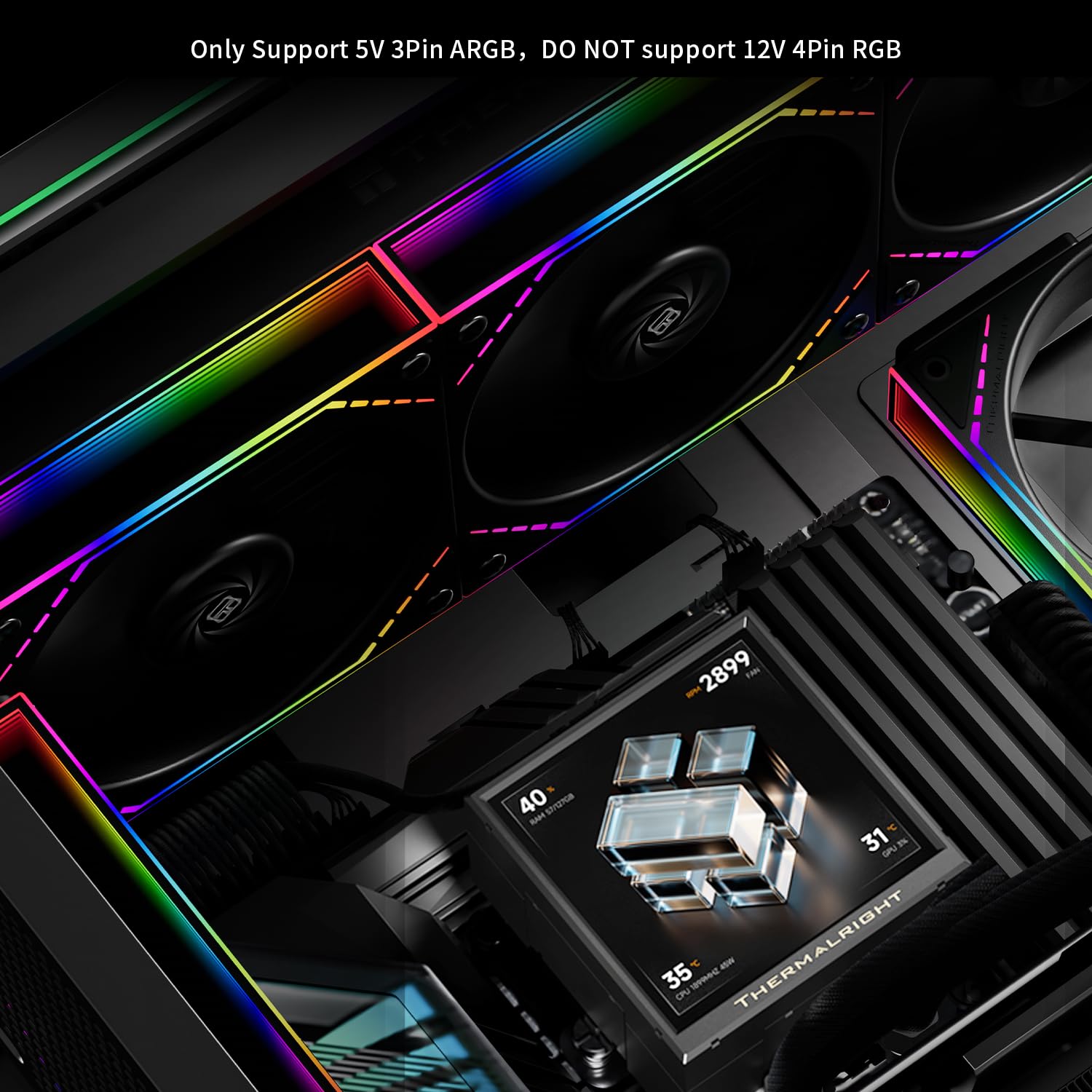
This cooler is best understood as a balance between performance and aesthetics. If you’re aiming for a clean, high-airflow setup that can help maintain lower CPU temps under load while delivering a striking, customizable screen, this model ticks those boxes. The 360mm radiator and three fans create a broad surface area for heat transfer, which is beneficial for mid-to-high performance CPUs. The ARGB control through motherboard software means you can synchronize lighting with the rest of your build.
Potential limitations or considerations
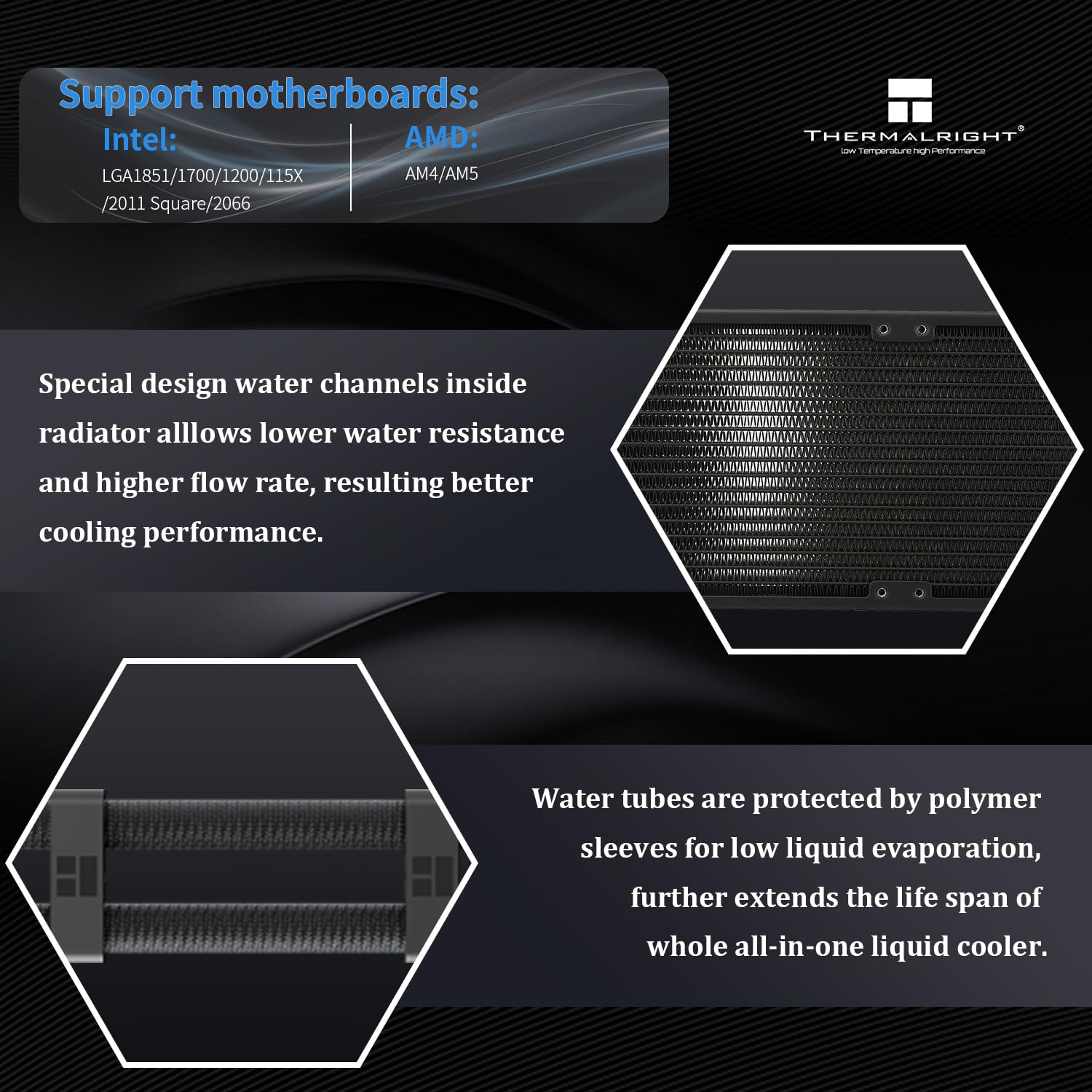
- Compatibility notes: It supports AMD AM4/AM5 and Intel LGA sockets including 1150/1151/1155/1156/1200/2011/2066/1700/1851, but AMD installations require using the original motherboard backplane (not included). This means you may need additional mounting hardware depending on your board, and you should verify compatibility with your case and backplane if you’re building a new setup.
- The screen is a decorative and functional focal point, but it adds a data surface that requires software configuration (TRCC) to display gameplay or system data. If you don’t plan to use the screen actively, you might not leverage its full potential.
- Acoustic performance will depend on case airflow and fan curve, while S-FDB bearings reduce noise, high-speed operation can still generate noticeable sound under load.
Who this is for
- Enthusiasts who want a visually striking cooling solution with a built-in display to monitor temps, clock speeds, or to run custom visuals.
- Builders aiming for a 360mm radiator setup to maximize cooling headroom on demanding CPUs.
- Users comfortable with verifying motherboard backplane requirements for AMD installations and who can handle a slightly more involved mounting process.
Who it isn’t ideal for
- If you’re building a compact system or a case that can’t physically accommodate a 360mm radiator, this is unlikely to fit.
- If you don’t plan to use or customize the LCD screen, you may be paying extra for features you won’t leverage.
- If you want a plug-and-play solution with minimal setup, other closed-loop coolers with limited or no display may be simpler to manage.
When it makes sense to buy
- You’re aiming for strong CPU cooling with headroom for overclocking in a mid-to-high-end build.
- You want a visually engaging motherboard- or case-wide lighting setup that’s synchronized via software.
- You’re comfortable with the AMD backplane caveat and are prepared to assemble using the motherboard’s backplane if required.
When you might want to hold off
- If you’re prioritizing a compact footprint, budget constraints, or minimal maintenance.
- If you don’t plan to use the screen functionality or prefer a cooler with simpler mounting and fewer compatibility caveats.
What to check before buying
- Confirm your case can physically house a 360mm radiator and three fans, and ensure there is room for the screen housing at the pump.
- Verify motherboard compatibility and whether any additional mounting hardware is needed for AMD boards.
- Decide how you’ll use the screen: TRCC software content, static backgrounds, or project-specific visuals.
- Consider the noise profile under your typical workloads and whether a custom fan curve is part of your desired setup.
Practical usage example
Imagine a streaming PC running a game while rendering live telemetry on the pump’s 3.95-inch display. The LCD can show temps, clock speeds, or dynamic artwork, while the three fans maintain a comfortable thermal margin during intense gaming sessions. If you’re into PC aesthetics, the infinity mirror on the side of the TL-M12Q fans adds depth to the overall look without sacrificing airflow.
Quick comparison angle (without naming rivals)
If you’re weighing premium aesthetics against pure performance, this setup leans toward a higher-end category due to the LCD screen and three high-speed fans. For users who want a simpler, potentially quieter or more compact cooling solution, a smaller radiator or a cooler without a display might be a better fit. In practice, choose this if you value a strong thermal headroom and a customizable visual centerpiece as part of your build.
Final decision
Final verdict
Is it worth it? It depends on how much you value the combination of strong 360mm cooling, a programmable LCD display, and the visual impact of ARGB lighting. If you prioritize performance with headroom and a showpiece display, and you’re comfortable navigating installation nuances for AMD sockets and backplanes, this cooler delivers a compelling package. If you want simple, compact, or budget-focused cooling, there are clearer fits elsewhere.
FAQ
- Does the AMD setup require a backplane? Yes, the AMD installation uses the motherboard’s backplane and this accessory is not included.
- Can I customize what sits on the 3.95-inch screen? Yes, via the included software to display system data, visuals, or videos as supported by the software.
- Will I notice a big noise penalty with three fans? The S-FDB bearings reduce friction and vibration, but high RPM can still produce more noticeable noise depending on case airflow and curve.
- Is this suitable for overclocking? The 360mm radiator with three fans provides solid cooling headroom, which is favorable for overclocking scenarios if other system cooling is adequate.