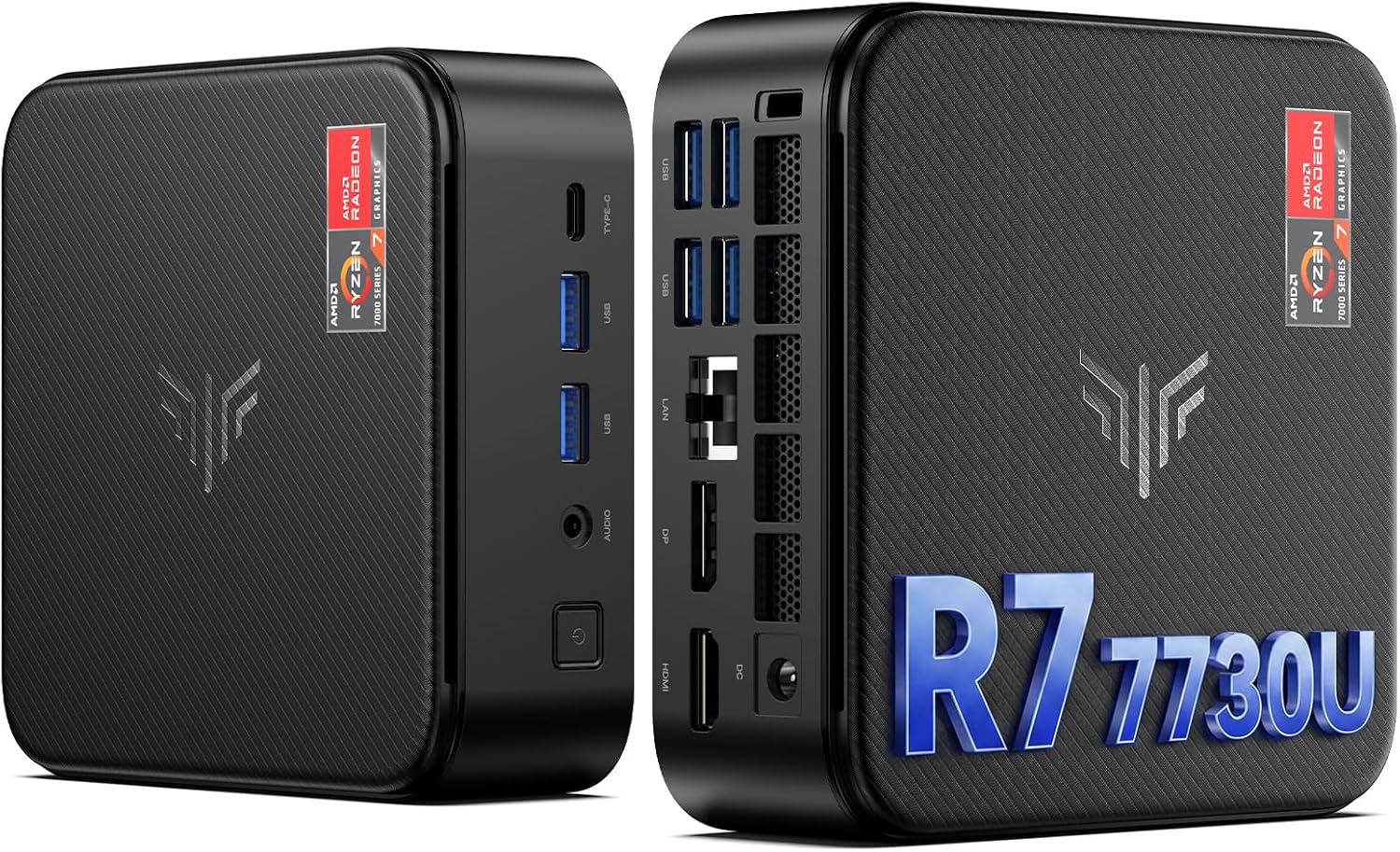
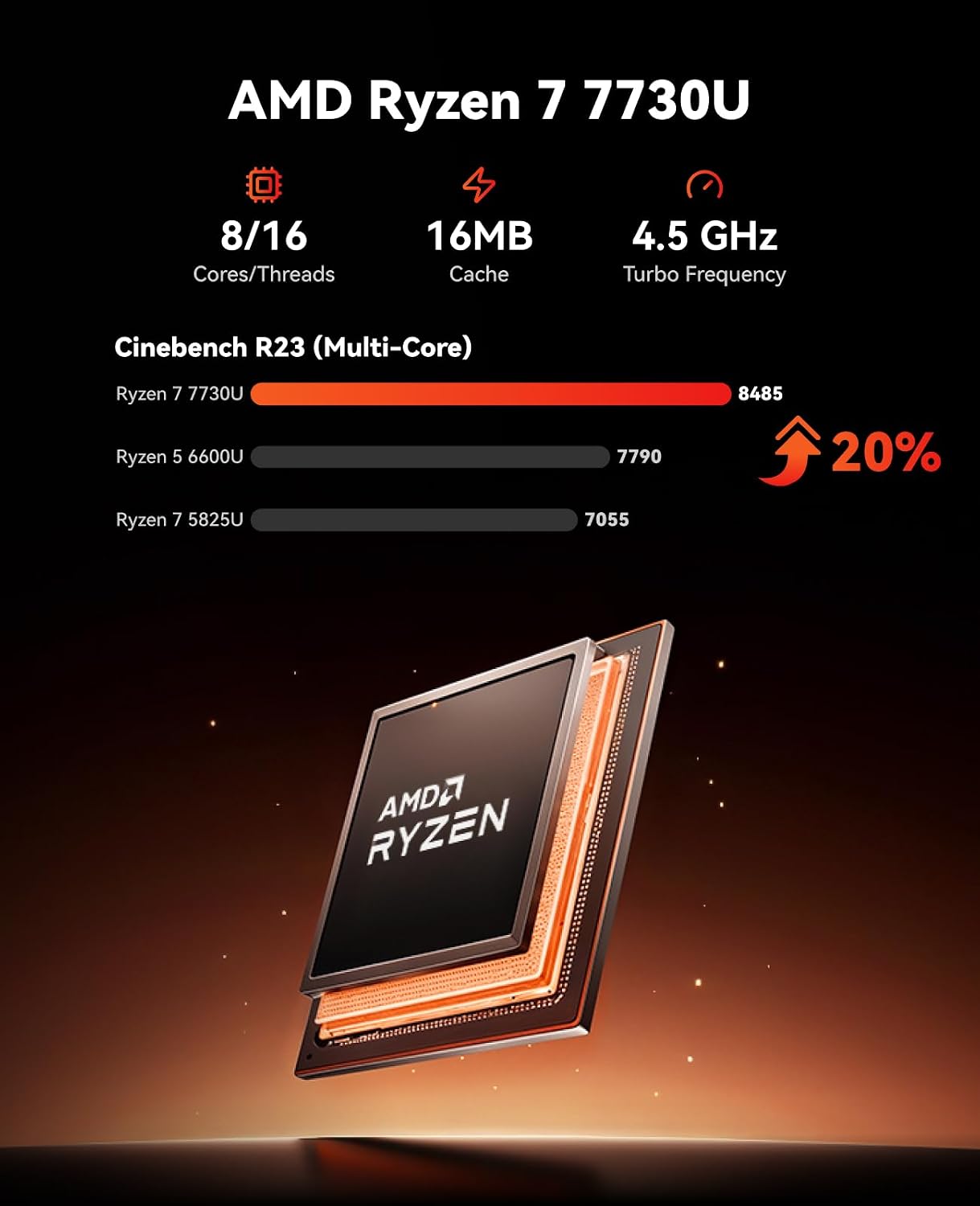
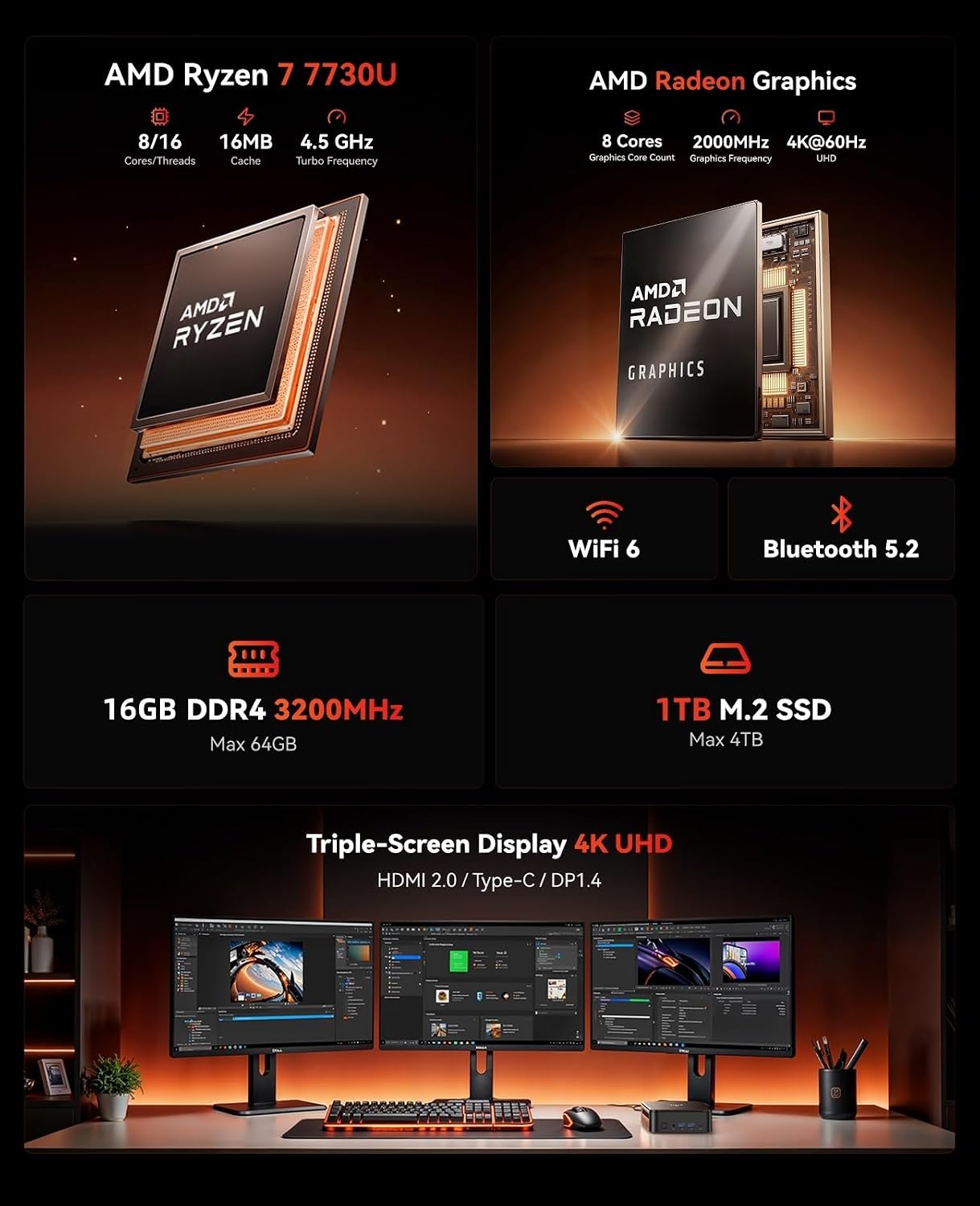
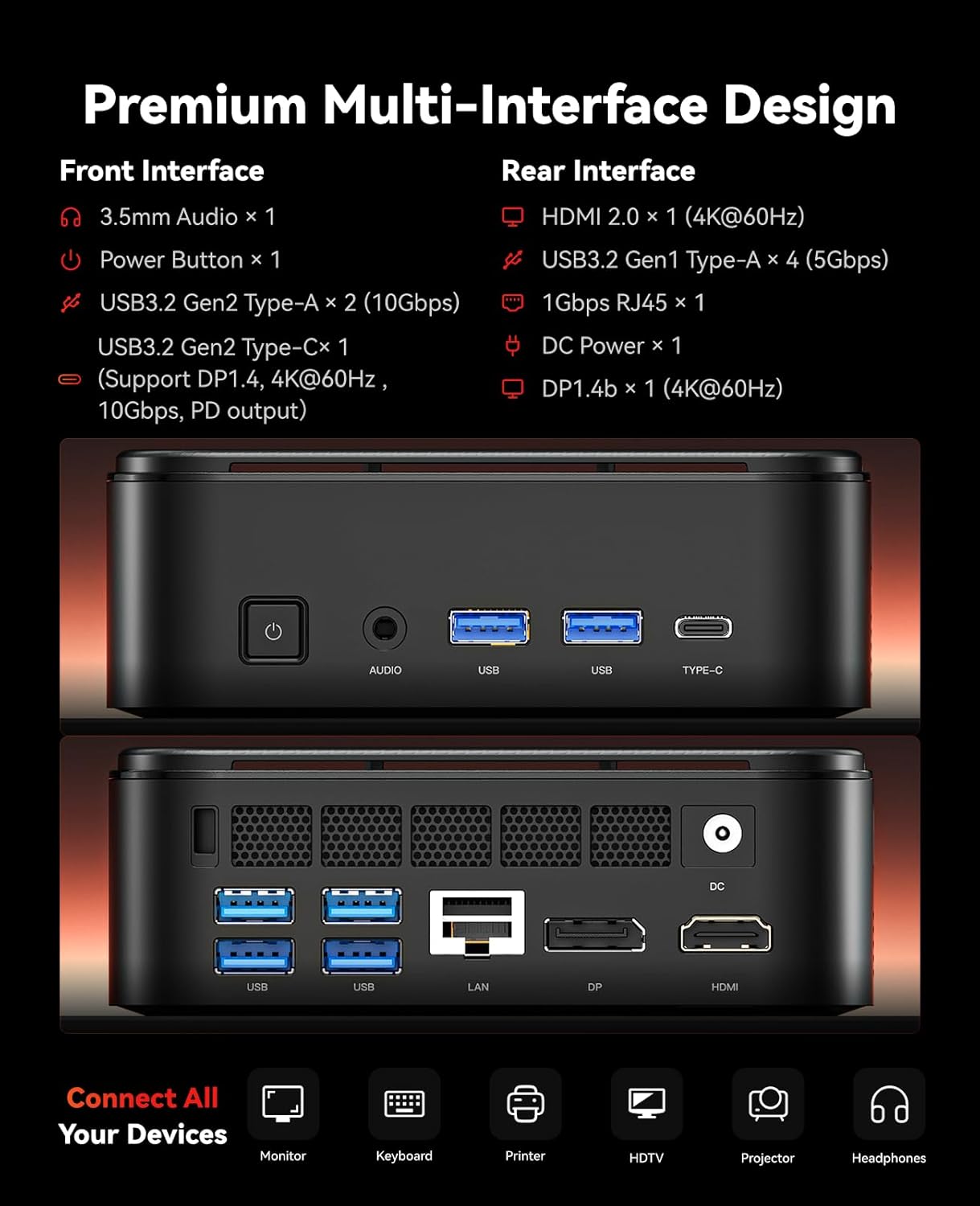
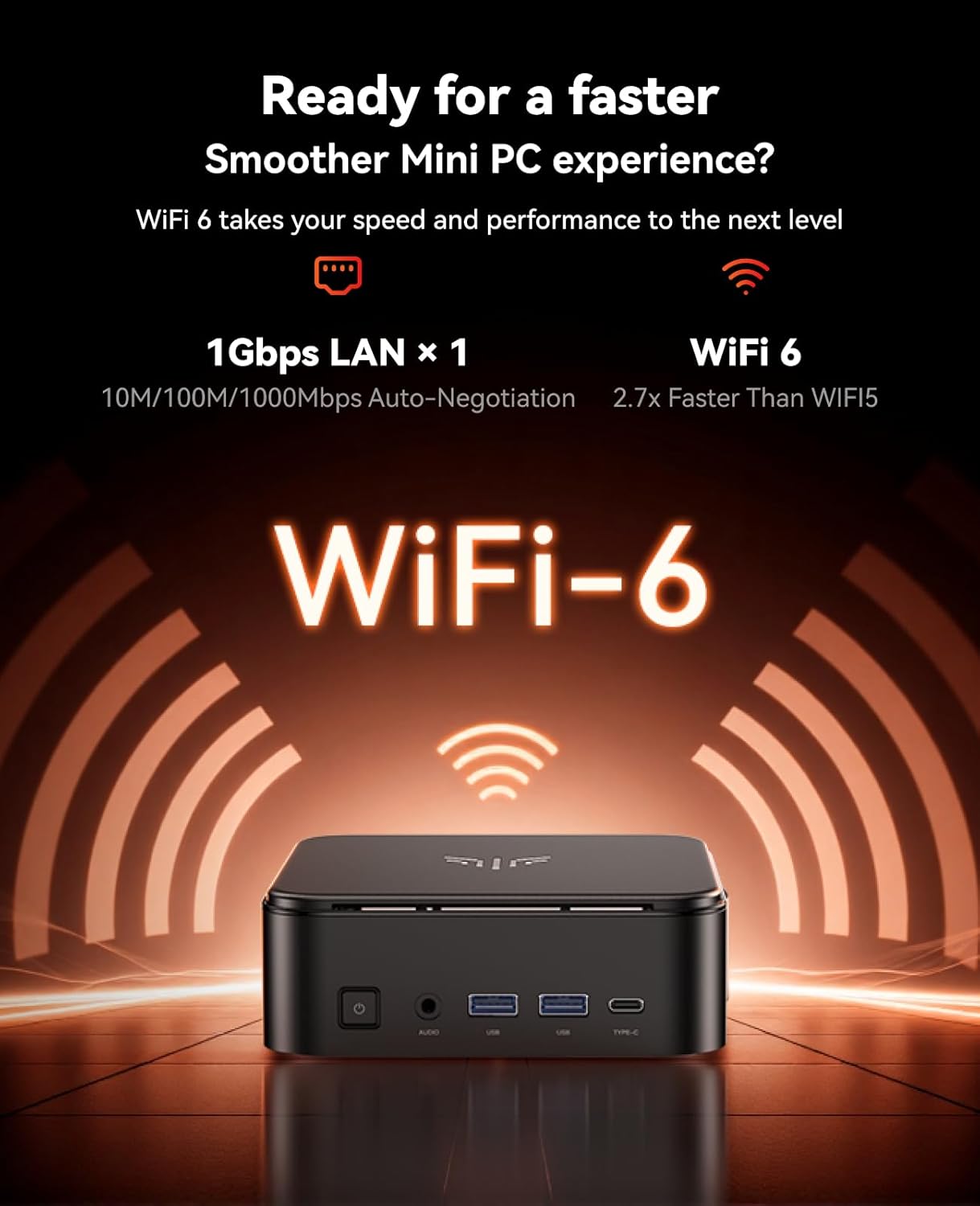
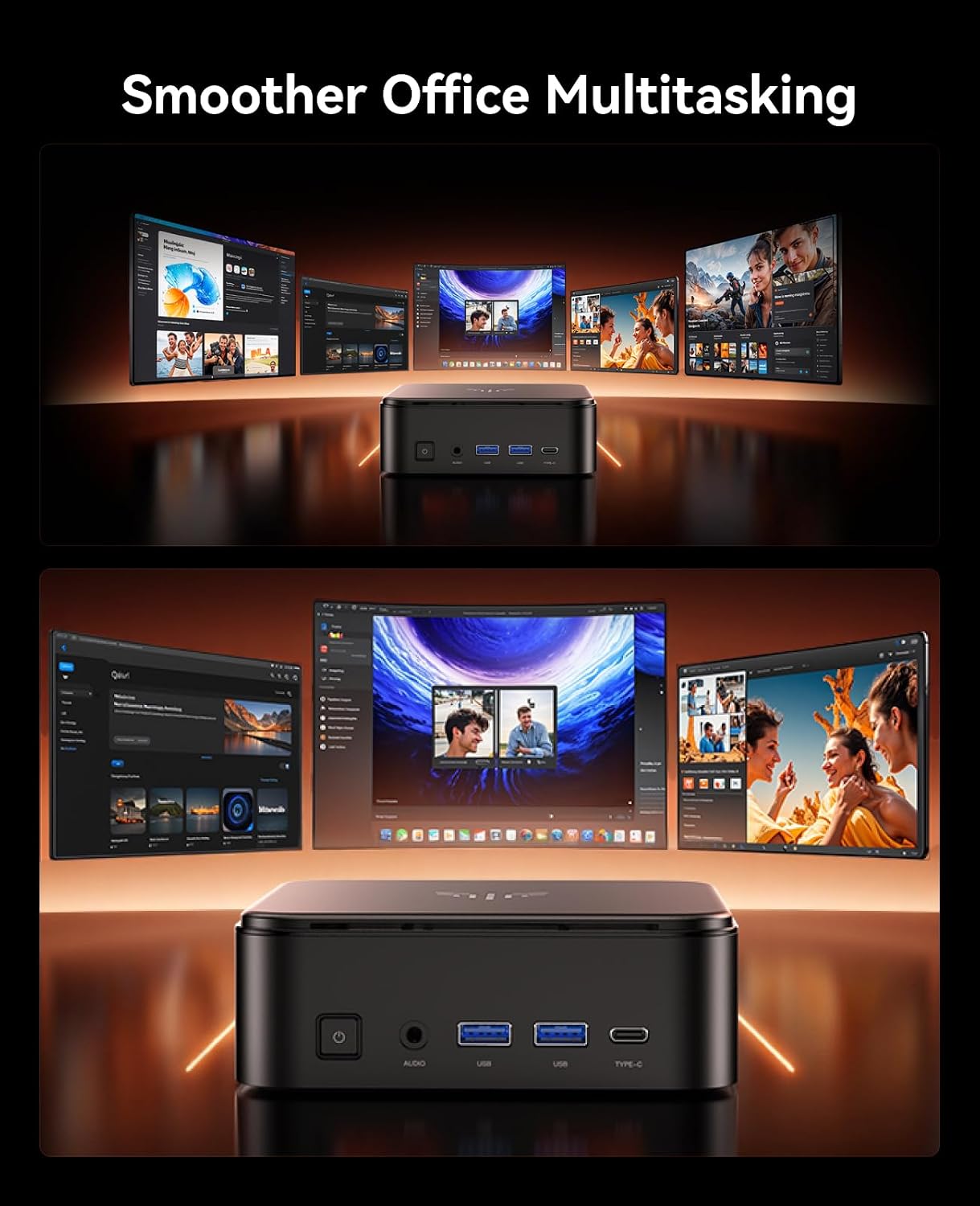
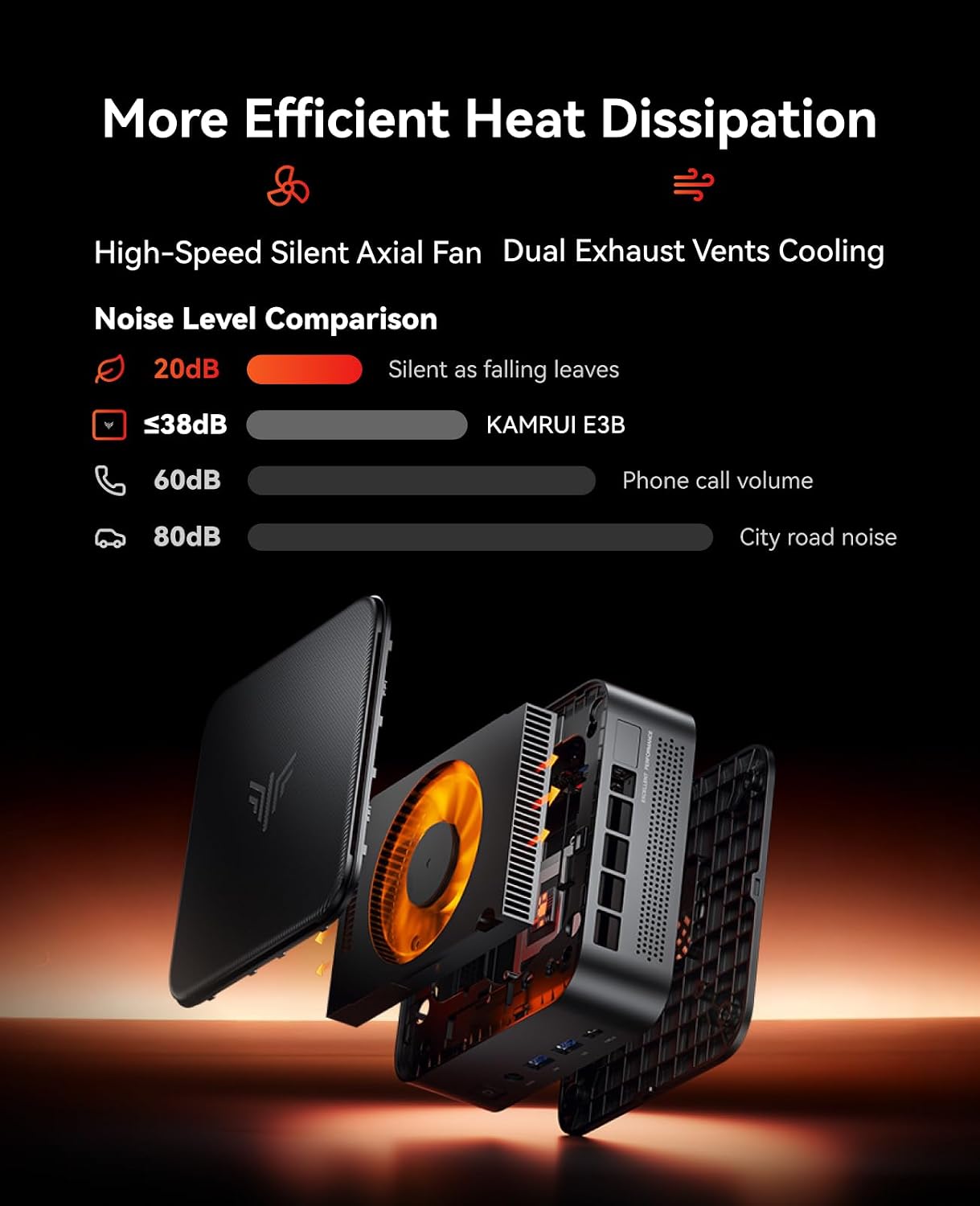
What it is and what it solves\nThe KAMRUI E3B is a compact Windows 11 Pro mini PC designed to bridge everyday productivity with casual gaming and multimedia workloads. It targets users who want desktop-like performance without occupying a full tower, and it aims to handle multitasking, light to moderate gaming, and multimedia tasks in a single, small footprint. On paper, the Ryzen 7 7730U (Zen 3 based) with 8 cores and 16 threads, paired with Vega 8 graphics, suggests solid multi-core responsiveness and decent integrated graphics for 4K video playback and some casual games. If you prioritize a quiet, space-saving setup that can plug into a variety of displays via HDMI, DP, or USB-C, this model promises a flexible home/office solution with room to grow.\n\n## How it performs in real-world use\nThe CPU is rated at 15W, which supports multitasking and bursts to 4.5 GHz when needed. In practice, expect smooth handling of everyday tasks, light to mid-range creative work, and gaming at lower to medium settings. The integrated graphics improve efficiency for 4K video and basic GPU-accelerated tasks, but heavy AAA titles may push the system toward lower graphics presets. The 16GB RAM baseline gives a good starting point for multitasking, with expansion to 64GB and the storage to 4TB if you want to scale up.\n\n## Strengths you’ll notice day to day\n- Compact form factor that travels well and fits on a small desk or shelf.\n- Solid 4K capable video outputs across triple display setup via HDMI, DP, and Type-C, which can boost productivity or a compact media center experience.\n- Modern connectivity with WiFi 6 and Bluetooth 5.2 for stable wireless peripherals and networks.\n- Flexible storage and RAM upgrade paths mean the system can adapt to heavier workloads as your needs grow.\n\n## Potential limitations to keep in mind\n- The gaming experience is geared toward casual to mid-range titles, it isn’t a high-end gaming rig. If you’re chasing top frame rates on demanding games, consider dedicated GPU options or a larger desktop setup.\n- While 16GB RAM is solid, heavy multitaskers or professional creators may want to plan for future RAM upgrades. The 1TB SSD is fast, but you may need extra storage for large media libraries.\n- The device’s efficiency depends on cooling and heat dissipation in sustained-load scenarios, prolonged heavy use could throttle performance slightly.\n\n## Who it’s for\nIf you need a space-saving PC for office work, HTPC use, light gaming, video editing at hobbyist levels, or a portable workstation for travel and presentations, the E3B fits as a versatile option. It also appeals to buyers who want a Windows 11 Pro machine with broad I/O and triple display capability without a large footprint.\n\n## When to consider alternatives\nIf your priority is gaming at high settings, or you require raw desktop-class GPU power, you might prefer a larger tower with discrete graphics. For strictly travel-focused needs, a compact mini PC wins, but check heat and fan noise in long sessions. If your tasks are network-heavy or you need enterprise-grade reliability, you may want to compare with systems designed for business-class workloads.\n\n## What to review before buying\n- Confirm the exact RAM capacity you want at purchase and plan for future upgrades (up to 64GB).\n- Check the available storage slot(s) and the maximum supported SSD size to match your media library.\n- Look at the triple display setup requirements and ensure your monitors support 4K at 60Hz to avoid bottlenecks.\n- Consider the cooling solution and noise profile if you’ll run extended sessions or heavy tasks.\n\n## Practical usage example\nA typical day could start with spreadsheet-heavy work, switch to a few browser tabs, and then run a 4K video render while you chat with teammates. The E3B lets you keep multiple apps open without freezing, and you can pipe the output to two external displays for a more comfortable workflow.\n\n## Quick comparison mindset\nThis mini PC sits between a basic office PC and a mid-range creator setup. If your goal is a compact, versatile machine that handles productivity with light gaming and media tasks, it’s a sensible balance. If you need peak gaming performance or heavy multitasking with professional apps, you’ll likely prefer a system with more robust discrete graphics and cooling.\n\n## Final decision: Is it worth it?\nIt’s worth considering if you value a compact, upgrade-friendly Windows 11 Pro machine that can handle 4K video and triple displays with reasonable gaming capabilities. Not ideal if your main criterion is cutting-edge 3D gaming performance or extreme multitasking. If you prioritize portability, space optimization, and a familiar Windows environment, this model aligns well.\n\n## FAQ\n- Can I upgrade the RAM and storage after purchase? Yes, the system supports up to 64GB RAM and up to 4TB total SSD storage, within the stated expansion limits.\n- Is it suitable for 4K video editing? It handles 4K video playback and light editing tasks, but heavy editing workloads may benefit from a more powerful GPU and additional cooling.\n- How many displays can it drive at once? It supports a 4K UHD triple display configuration via HDMI, DP, and Type-C.\n