

Sceptre 32-inch gaming monitor
Product description
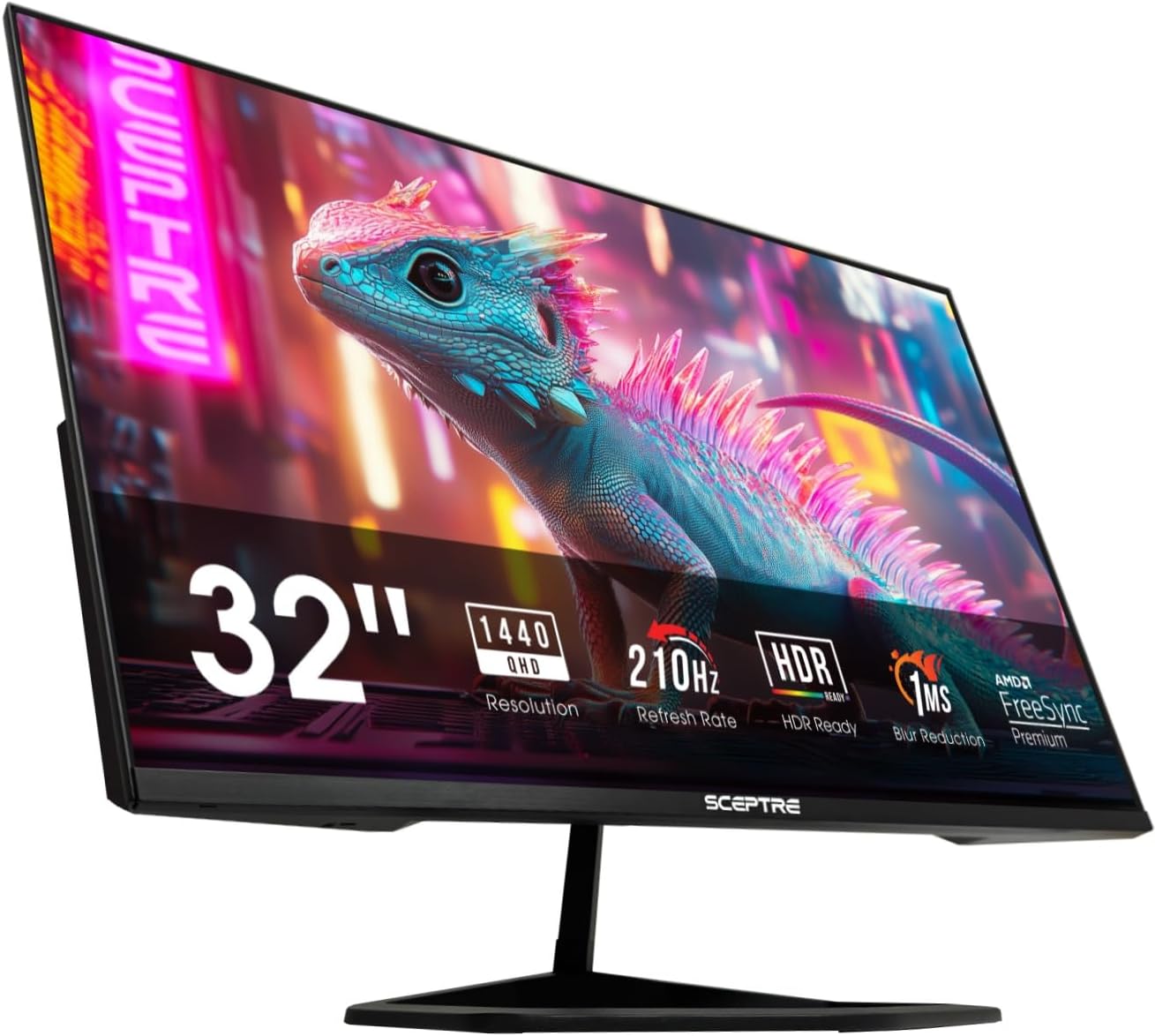
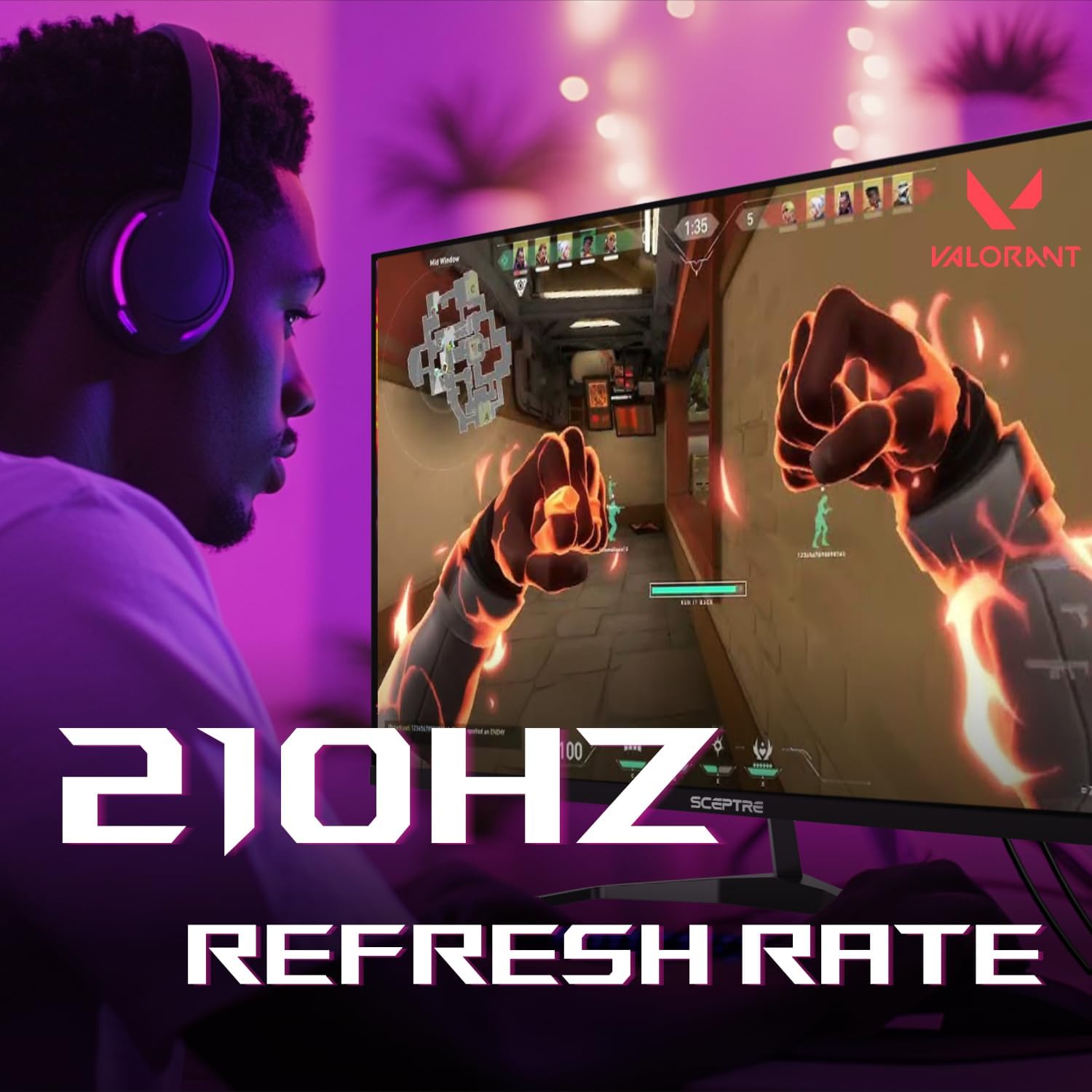
The 210Hz refresh rate is the headline feature here, aimed at smoother motion in games when you use a supported connection.
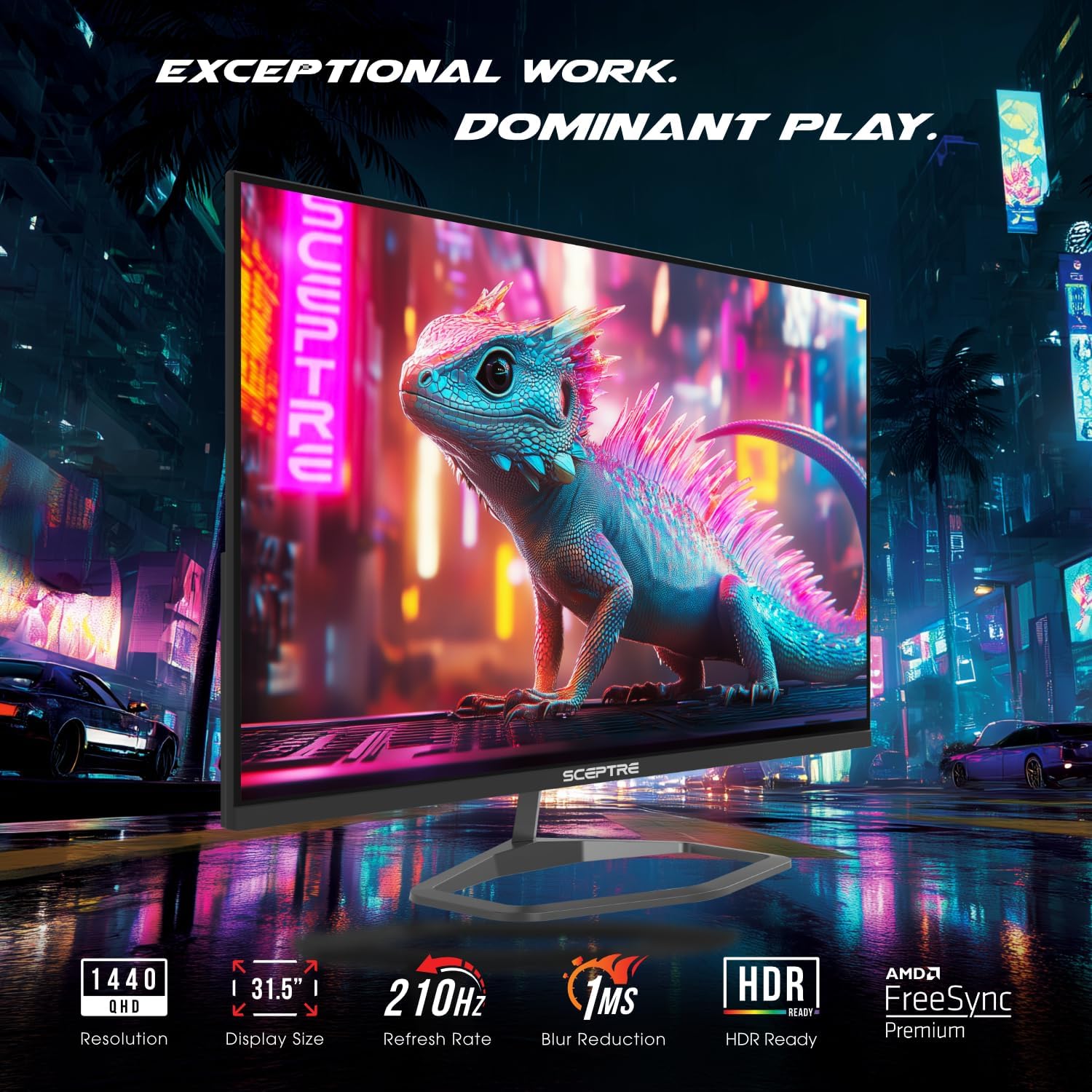
The 32-inch screen pairs that speed with 2560 x 1440 QHD resolution, giving you more detail than a basic Full HD display.
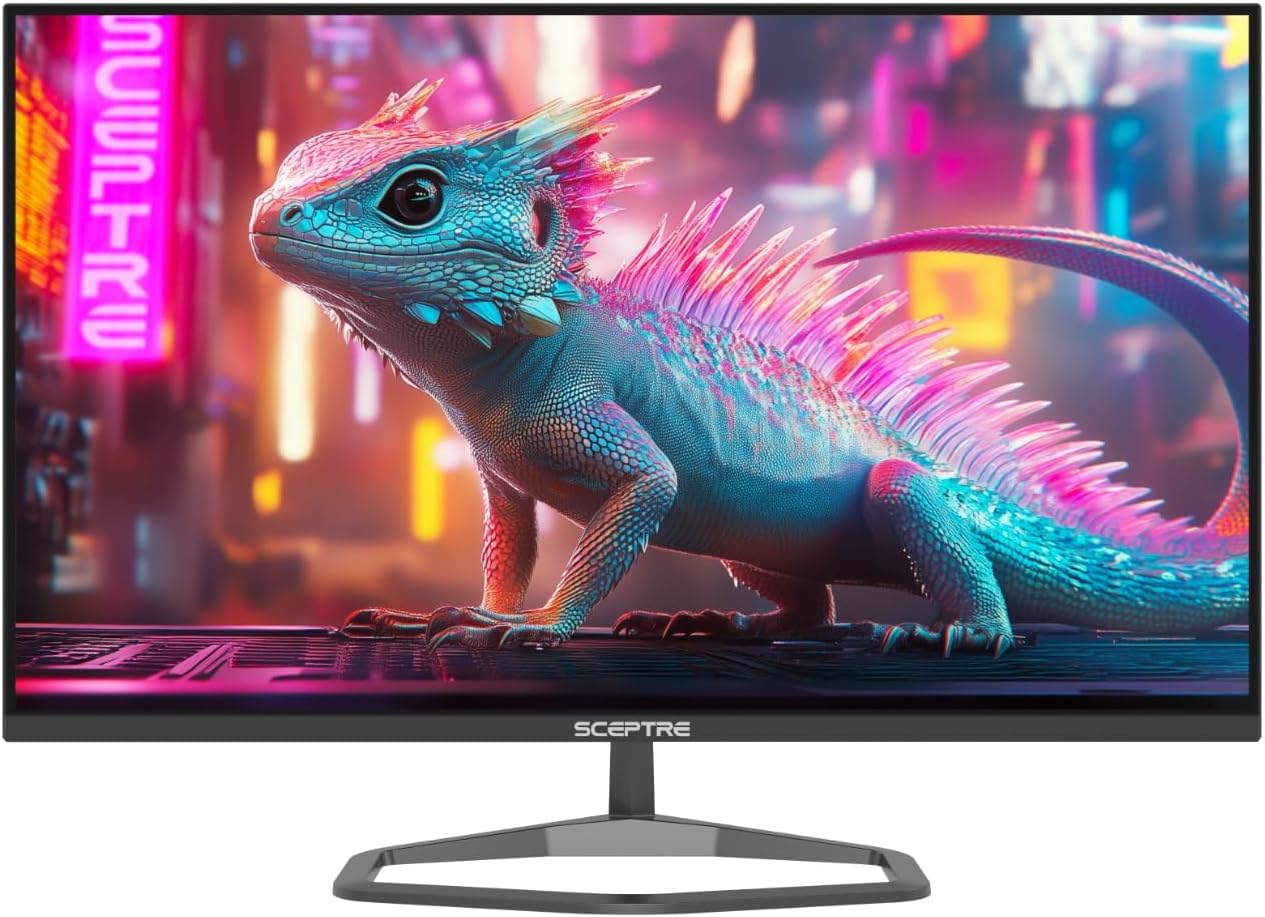
A VA panel, built-in speakers, and USB-C add flexibility for a gaming desk that also handles everyday work.
Technical details
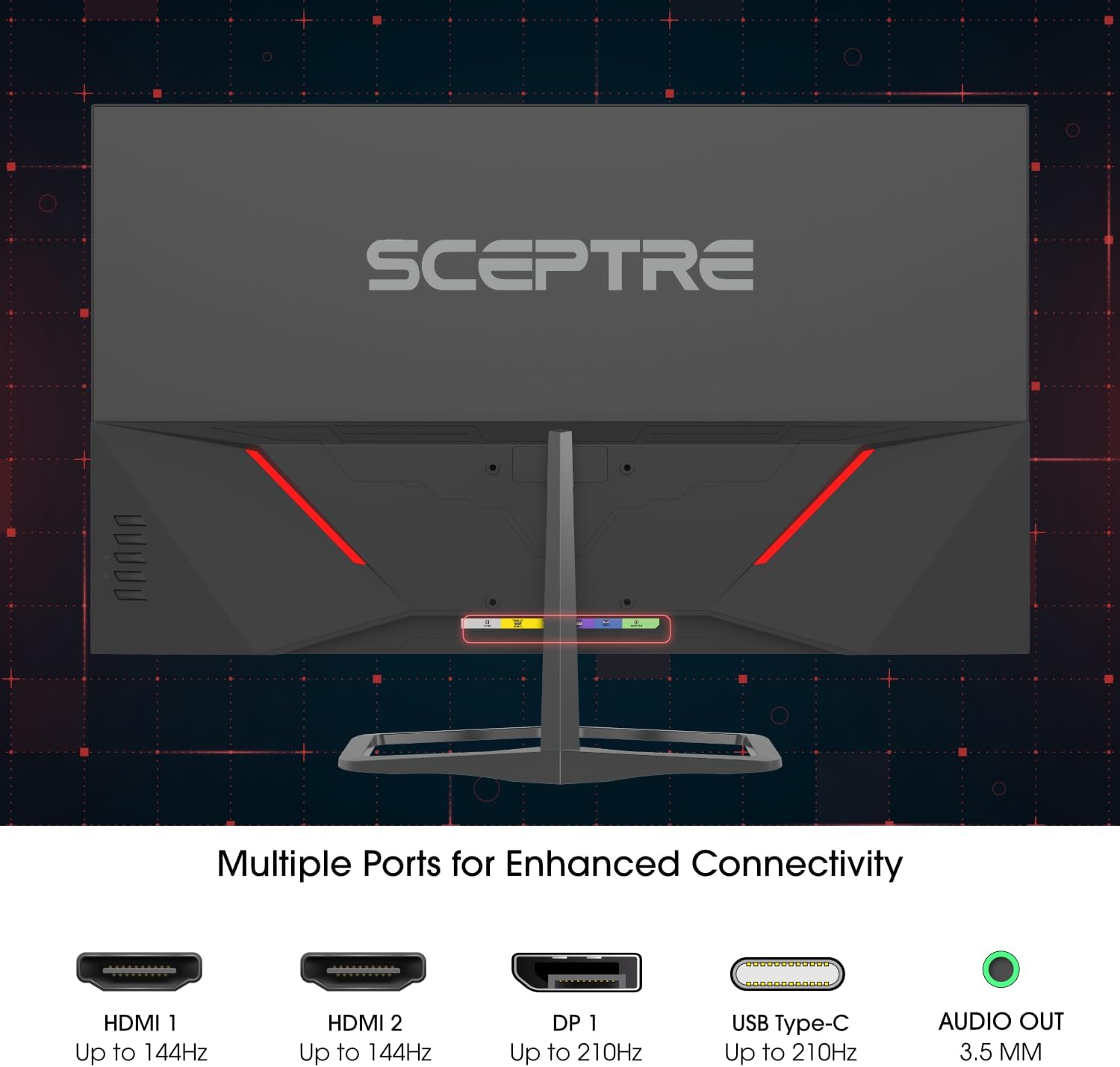
This Sceptre monitor combines a 32-inch QHD panel with a refresh rate of up to 210Hz and a listed 1ms Blur Reduction response time. Those figures make it most appealing for fast-moving games, but the connection matters: the two HDMI ports are specified for up to 144Hz, while DisplayPort and USB Type-C are listed for up to 210Hz. Check the output supported by your computer or console before choosing a cable or expecting the top refresh rate.
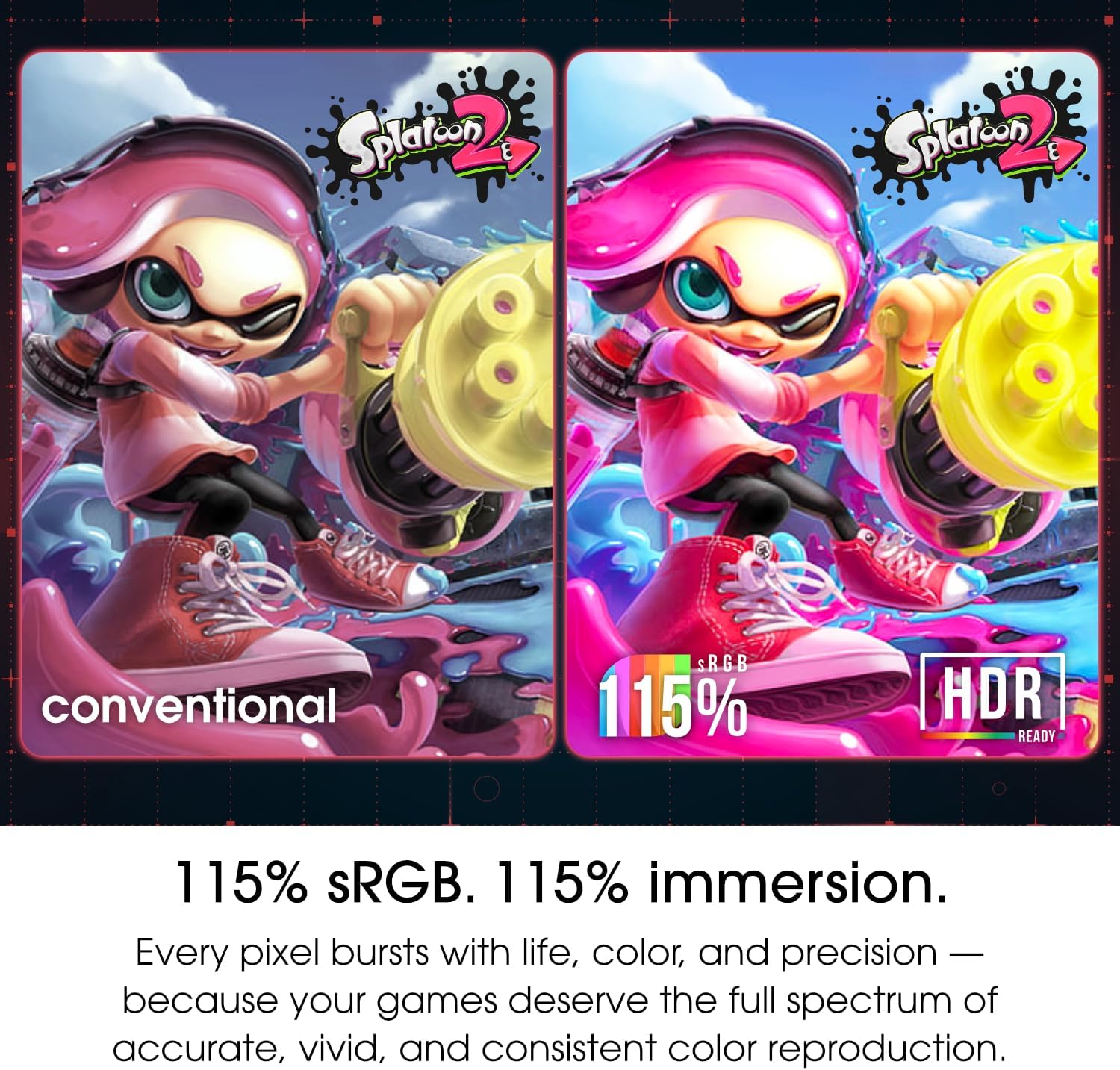
The VA panel is rated at 115% sRGB, a useful detail for colorful games, streaming, and general creative work. That number alone does not establish professional color accuracy, so anyone choosing a display for color-critical work may want more detailed calibration information. Blue-Light Shift is included to reduce blue-light emissions, and built-in speakers offer a way to get basic audio without adding speakers to the desk. An audio-out jack is also listed.
Everyday compatibility
The mix of HDMI, DisplayPort, and USB-C can suit a setup with more than one kind of source, while the nearly bezel-free design is intended to sit neatly beside another monitor. For example, you could keep a game on the main screen and a chat or reference window on a second display. The product details do not specify USB-C power delivery, so do not assume this monitor will charge a connected laptop.
VESA mounting is supported, which gives you the option of using a compatible wall or desk mount instead of relying on the desktop footprint. If you prefer a simpler monitor for office tasks, its high refresh rate and gaming-focused response figure may matter less than stand adjustment or other ergonomic details, which are not provided here.
Usage tips
For a high-refresh gaming setup, connect through DisplayPort or USB-C and confirm that the source device supports the refresh rate you want. HDMI is still useful, but its stated limit is lower. In a mixed work-and-play routine, the QHD resolution gives room for a game, browser, or document windows, while the integrated speakers can keep a simple setup uncluttered. Use the audio-out jack if you would rather connect separate audio equipment.
It makes sense if you want a large QHD gaming display with fast refresh options and a choice of connections. You may want to skip it if HDMI is your only connection and reaching 210Hz is a priority, or if detailed stand ergonomics and USB-C charging are deciding factors. Those features are not confirmed in the listed details.
Practical doubts
Does it reach 210Hz over every input? No. The listing specifies up to 144Hz on HDMI and up to 210Hz through DisplayPort and USB Type-C.
Can it provide sound without external speakers? Yes. Built-in speakers are included, and there is also an audio-out jack. No speaker power or sound-performance details are given.
Can it be mounted instead of placed on a desk? VESA mounting is listed, but the specific mount pattern and stand-adjustment options are not stated.
Buying verdict
This is a focused pick for someone who wants a large QHD screen and expects to use a high-refresh connection for gaming. Its ports, built-in audio, and VESA support also help it fit a flexible desk setup. The key trade-off is that the maximum listed refresh rate depends on the input, and the available details do not establish USB-C charging or ergonomic adjustments. If those omissions are acceptable and your device can use DisplayPort or USB-C at the rate you want, its feature set lines up with gaming plus everyday desktop use.