

SanDisk Creator Pro Portable SSD 4TB
Reviews
Product description
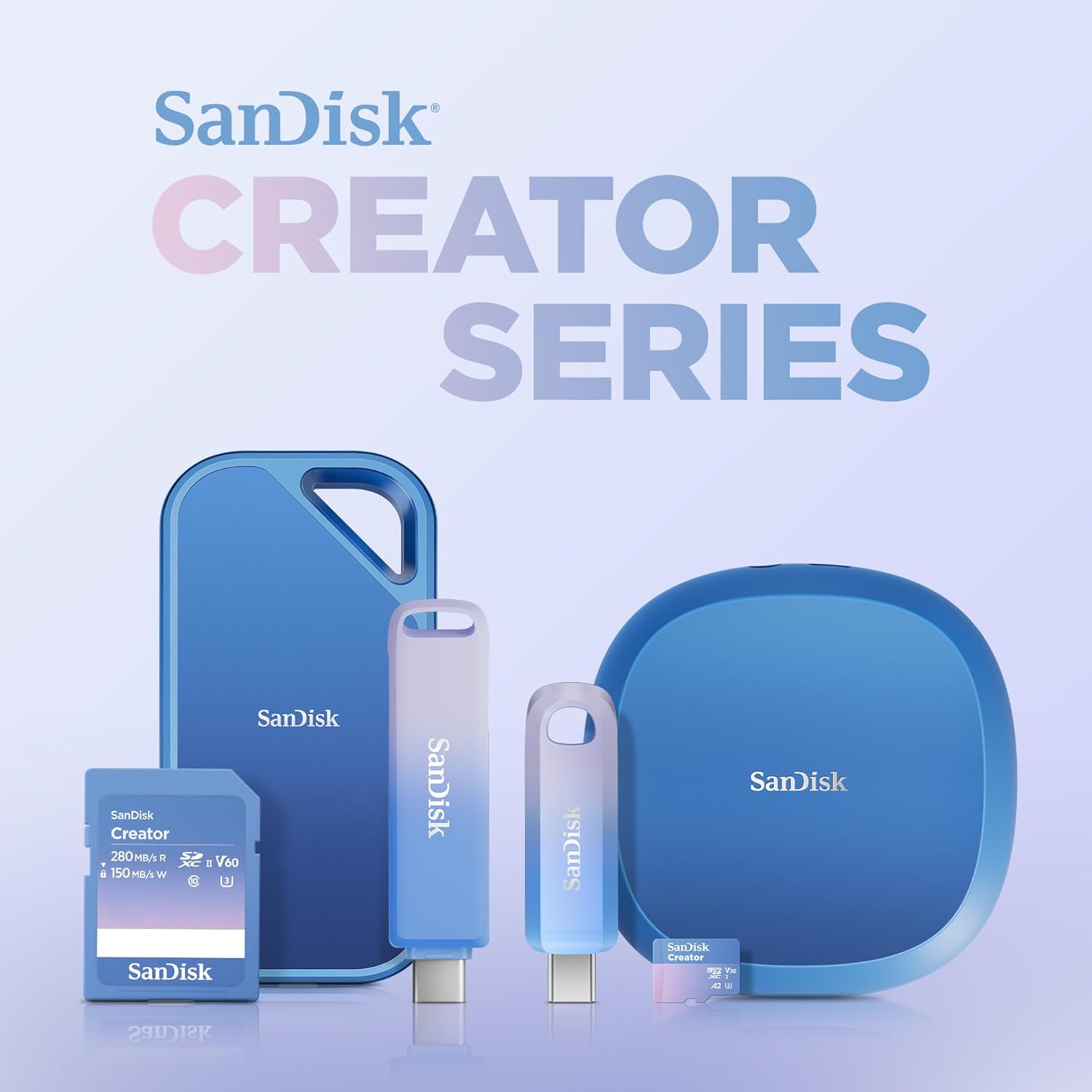
This portable SSD delivers high-capacity, fast storage designed for creators who move between studios and shoots. With up to 2000 MB/s read speeds, this drive supports large file transfers and working directly from the disk, making it a practical portable SSD for video editing and photo management. It also offers durable protection for on-the-go workflows and includes one month of Adobe Creative Cloud according to the manufacturer.
Key Points
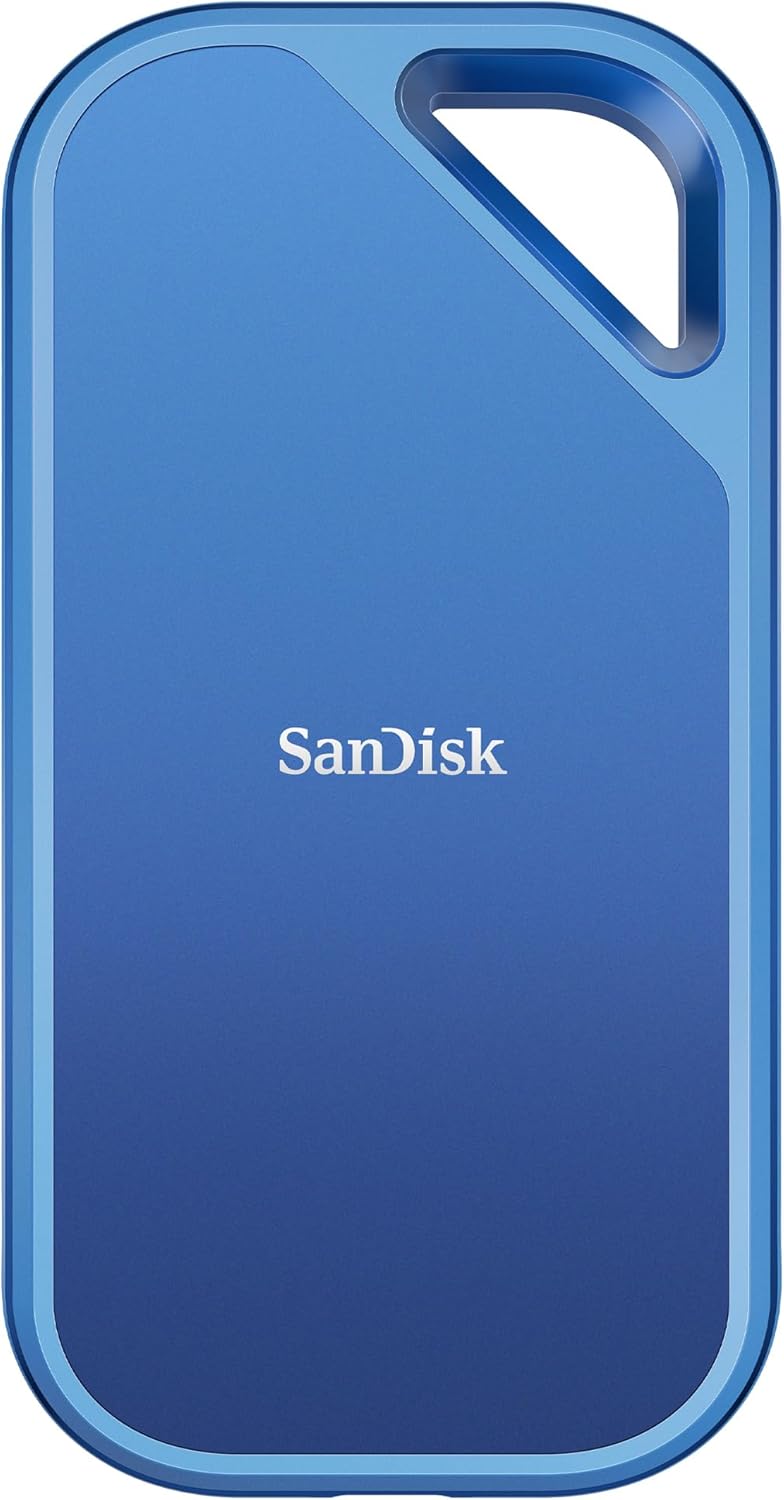
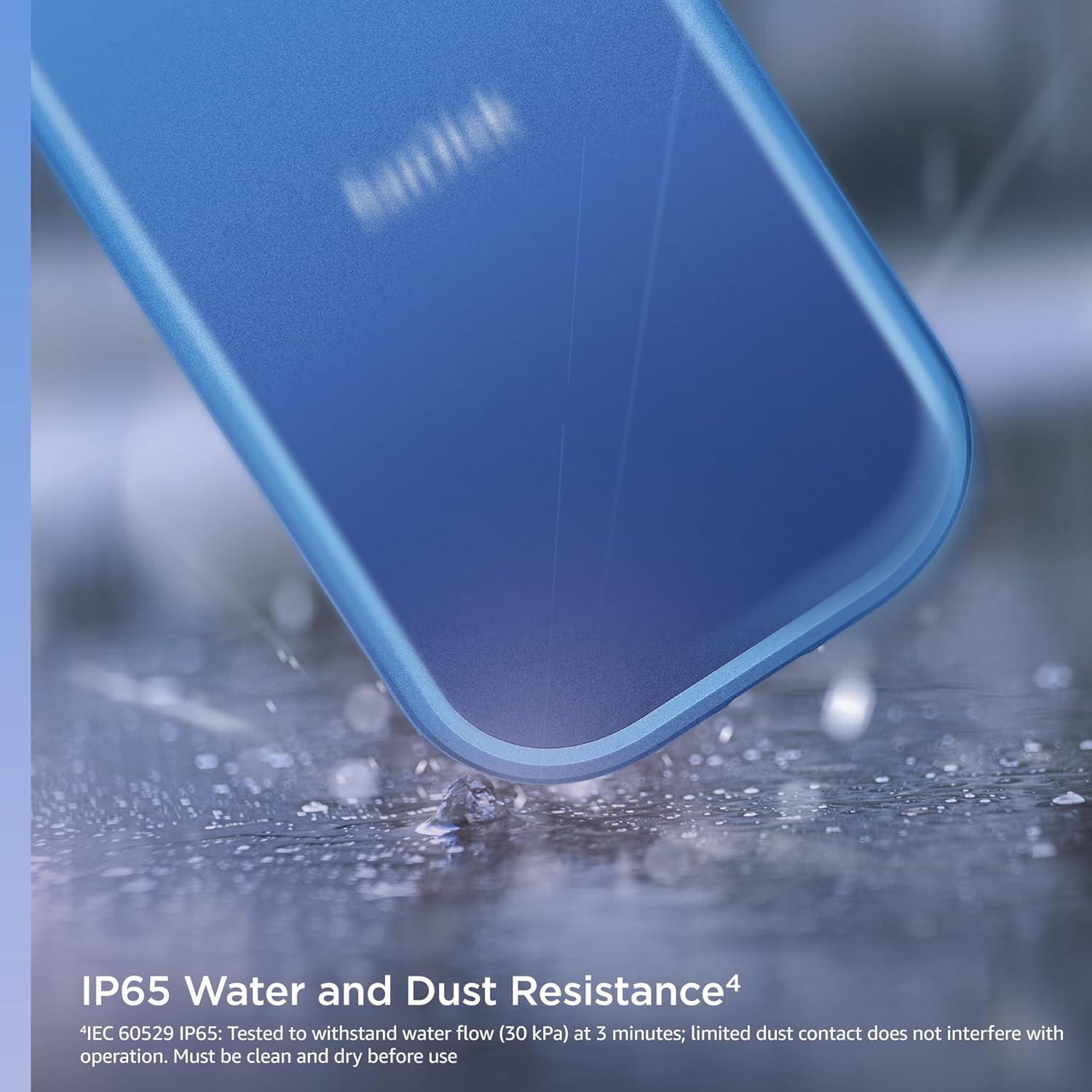
The drive balances capacity and speed so you can store multi-terabyte projects without sacrificing throughput. You can back up large libraries and open heavy project files more quickly than with many standard portable drives. The IP65 rating and drop resistance up to three meters add peace of mind for outdoor shoots and travel, though consider that extreme environments may still challenge any portable device. 😊

This model connects via USB-C and supports USB 3.2 Gen 2x2 for faster transfers on compatible systems. If your laptop supports the Gen 2x2 standard, you are more likely to see the top read performance stated by the brand. Keep in mind that peak speeds depend on host hardware and cable quality.
Technical Specifications
- Name: SanDisk 4TB Creator Pro Portable SSD (SDSSDE81C-4T00-G25)
- Capacity: 4 TB
- Interface: USB-C, USB 3.2 Gen 2x2
- Maximum read speed: Up to 2000 MB/s (manufacturer claim)
- Durability: IP65 water and dust resistance, drop protection up to 3 meters
Benefits
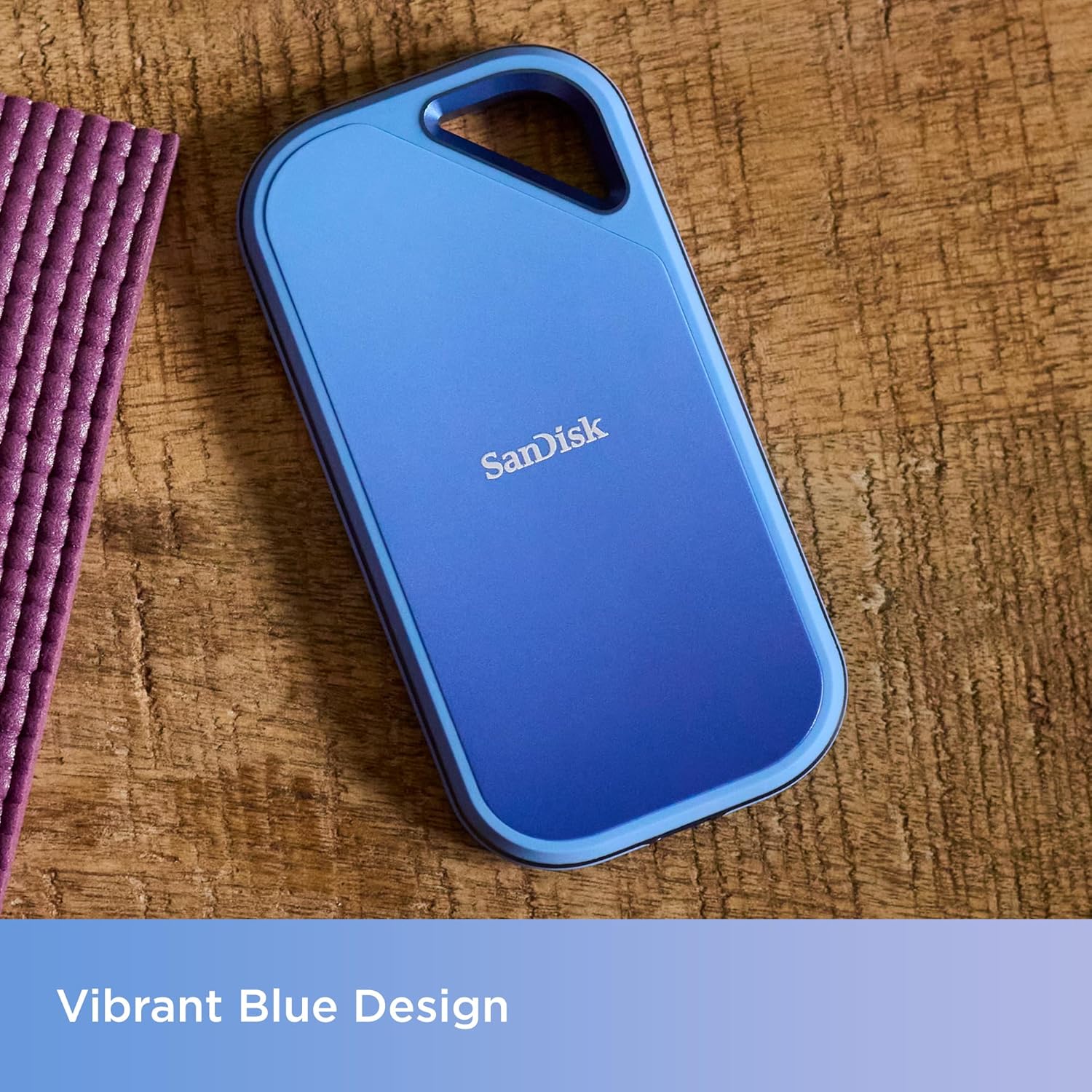
Working with large media files is easier when transfers and previews are smoother. The large 4 TB capacity reduces the need to archive mid-project, and higher sustained throughput helps when editing directly from the drive. Portability is emphasized through a compact enclosure that resists water and dust, which is convenient for location work and outdoor assignments. 📸
The included month of Adobe Creative Cloud can help you access editing apps for a short-term project or to trial subscription-based workflows. Note that the Adobe offer is limited to one month and is subject to the publisher’s terms.

Usage Recommendations
For best results plug the drive into a USB 3.2 Gen 2x2 port or use a compatible adapter that supports the specification. Use high-quality USB-C cables rated for Gen 2x2 to approach the top speeds. When transferring very large files consider temporary local copies on a fast internal drive for editing, then move final versions back to the portable SSD to keep the external unit primarily for storage and delivery. ⚙️
Consider that read and write performance may vary based on your computer’s thermal management and the specific file types you handle. If you need consistent write performance for long-form recording, verify performance under your typical workload before relying on a single drive.