

FANGOR 21.5" Large Digital Picture Frame with WiFi, 64GB Storage, Remote, Auto-Rotate
Product description
If you’re trying to keep photos in view without constantly plugging in a device, the FANGOR 21.5" WiFi digital picture frame is aimed right at that routine. It’s a large 21.5-inch IPS display with auto-rotate, plus WiFi sharing so you can add photos and videos from your phone rather than doing everything manually.
Still, it’s not a touchscreen frame—so depending on how you want to interact with it, that can feel limiting. On paper, this model targets families who want an always-on slideshow experience with shared access, not people who want a “browse-and-tap” photo wall.
What it does (and why people buy it)
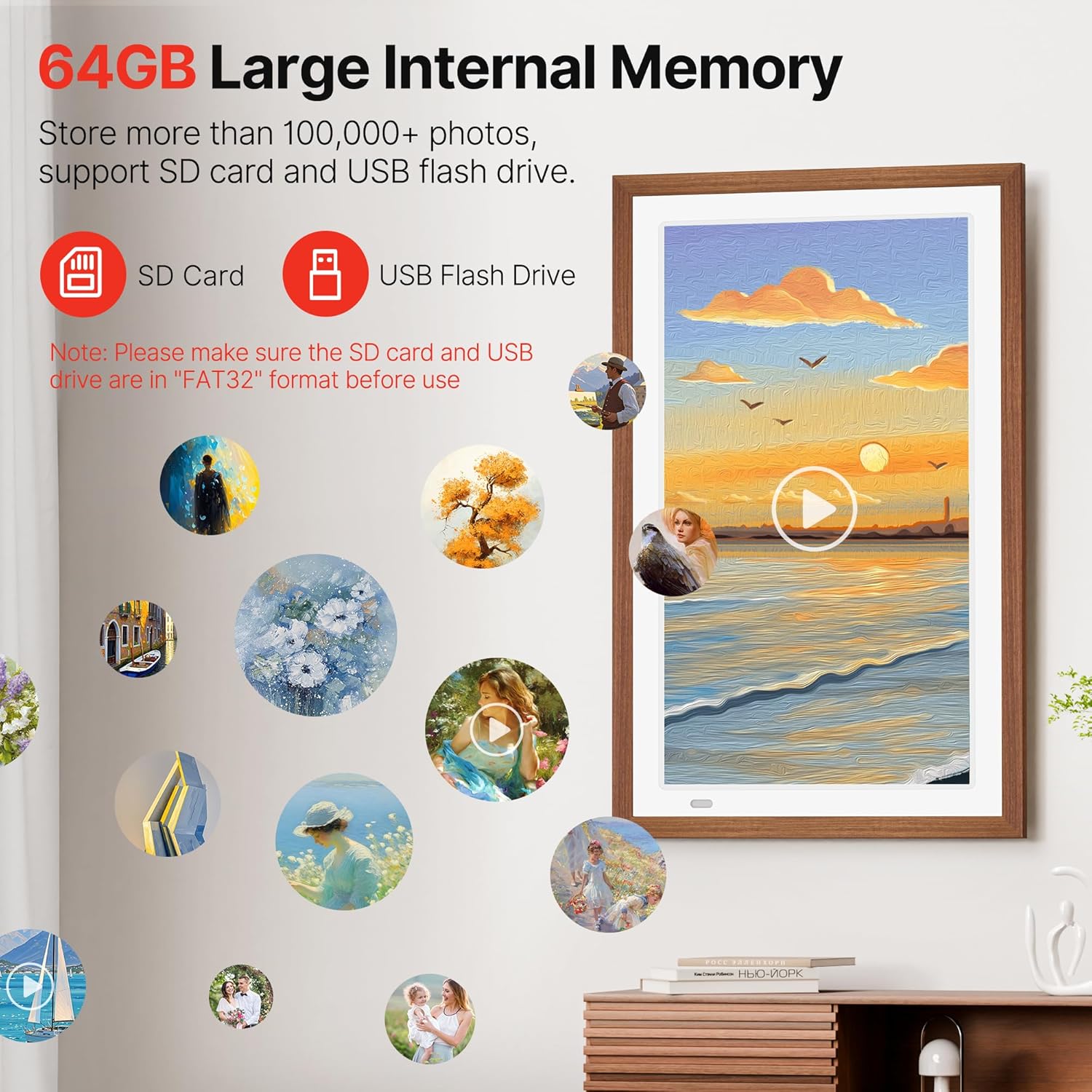
This is a digital photo frame designed to show a loop of images or video content, with a fairly big screen for a “home display” in a living room, kitchen, office, or bedroom. The WiFi angle matters because it supports sharing photos/videos through the Fr-ee Uhale app, and it also mentions ways to share via USB and SD. That mix is useful: it gives you a phone-based workflow when you want it, but also an offline-ish path if that’s how you prefer to load media.
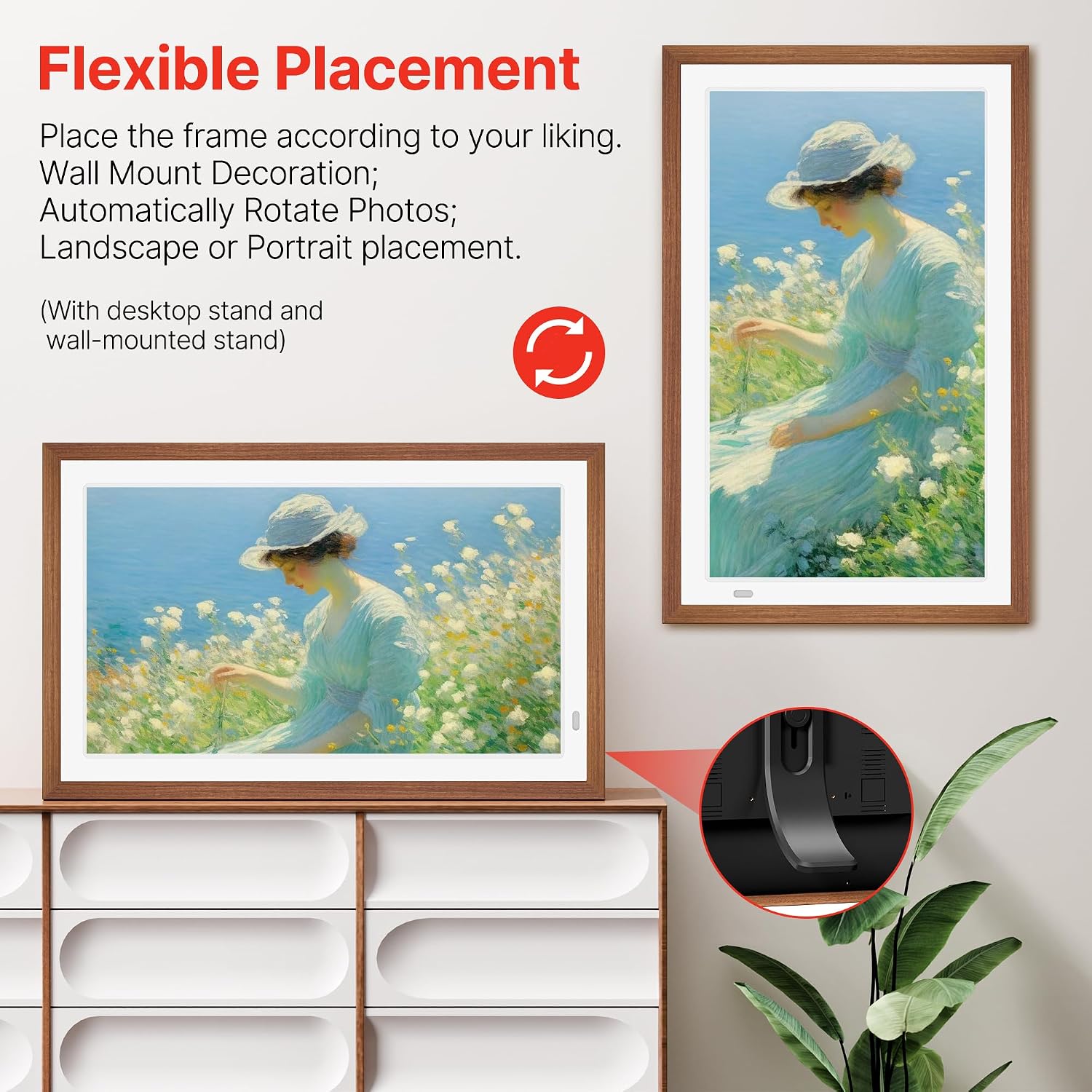
Auto-rotate is another practical touch. If you switch between portrait and landscape sources, the frame is meant to keep the orientation sensible so your photos don’t look awkward.
What stands out in everyday use
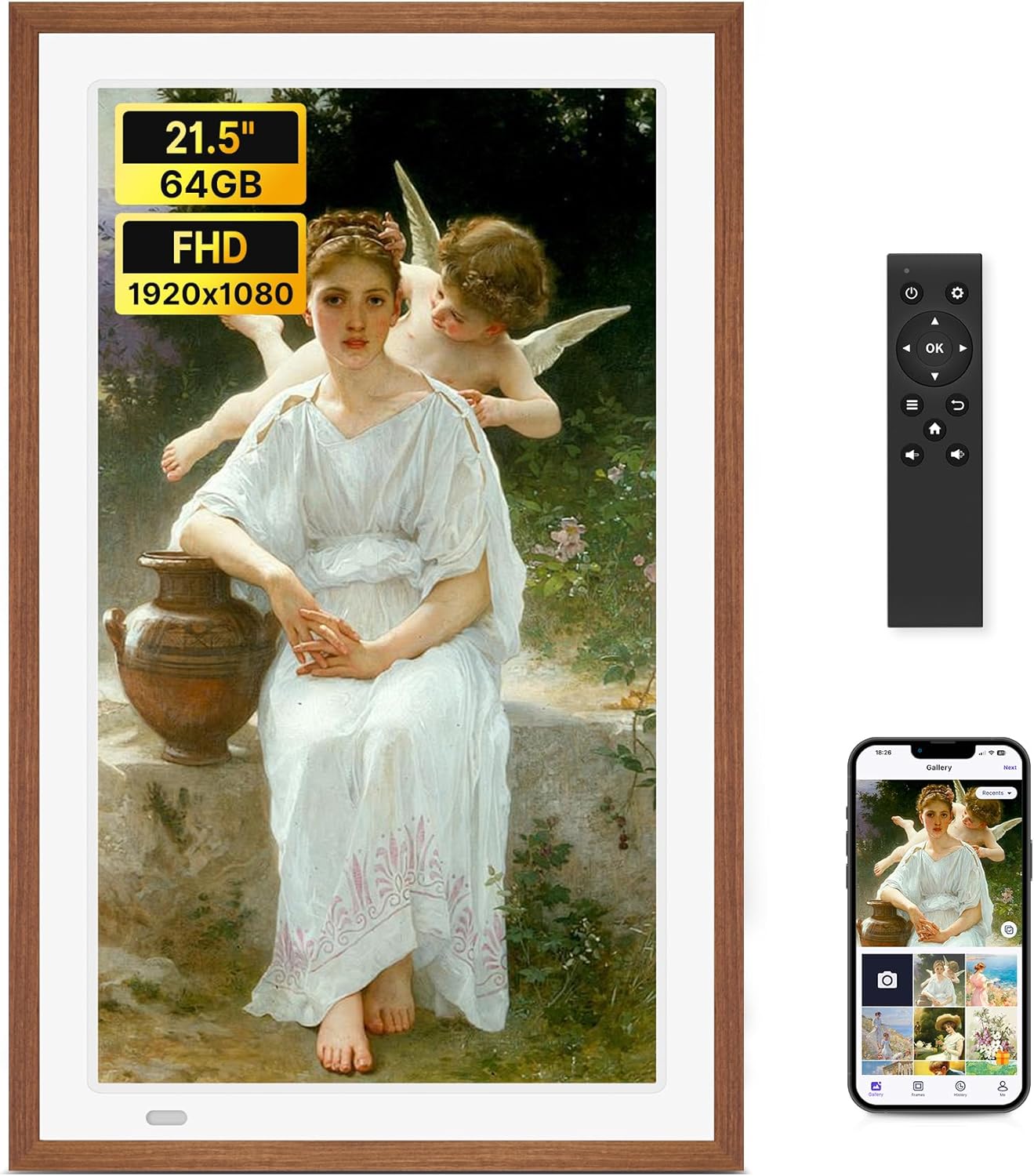
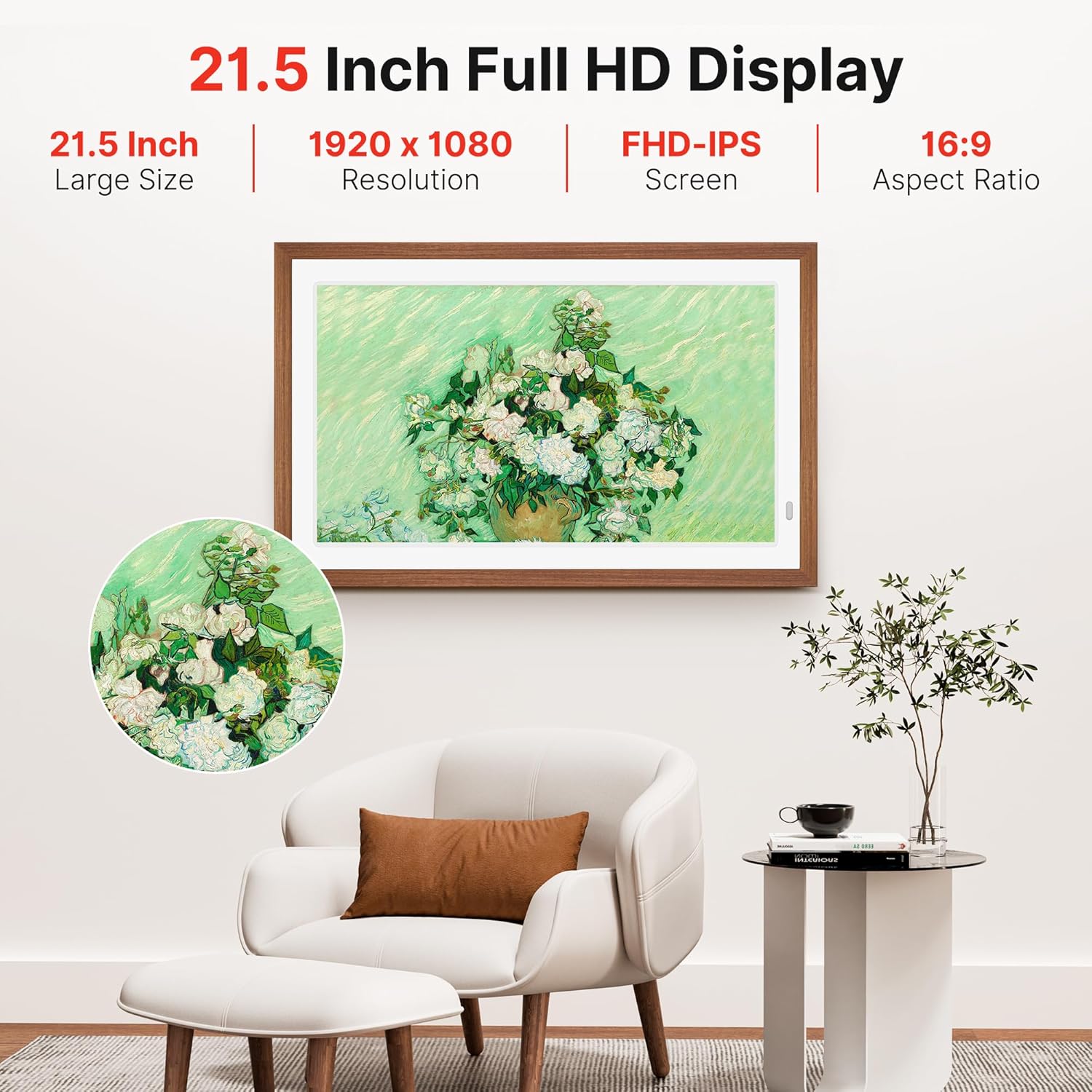
The headline here is the screen size plus the IPS panel and the stated Full HD resolution (1920x1080). For day-to-day viewing, that’s the part you’ll feel most: photos look more readable from across the room than you’d expect from smaller frames, and videos can benefit from the same clarity.
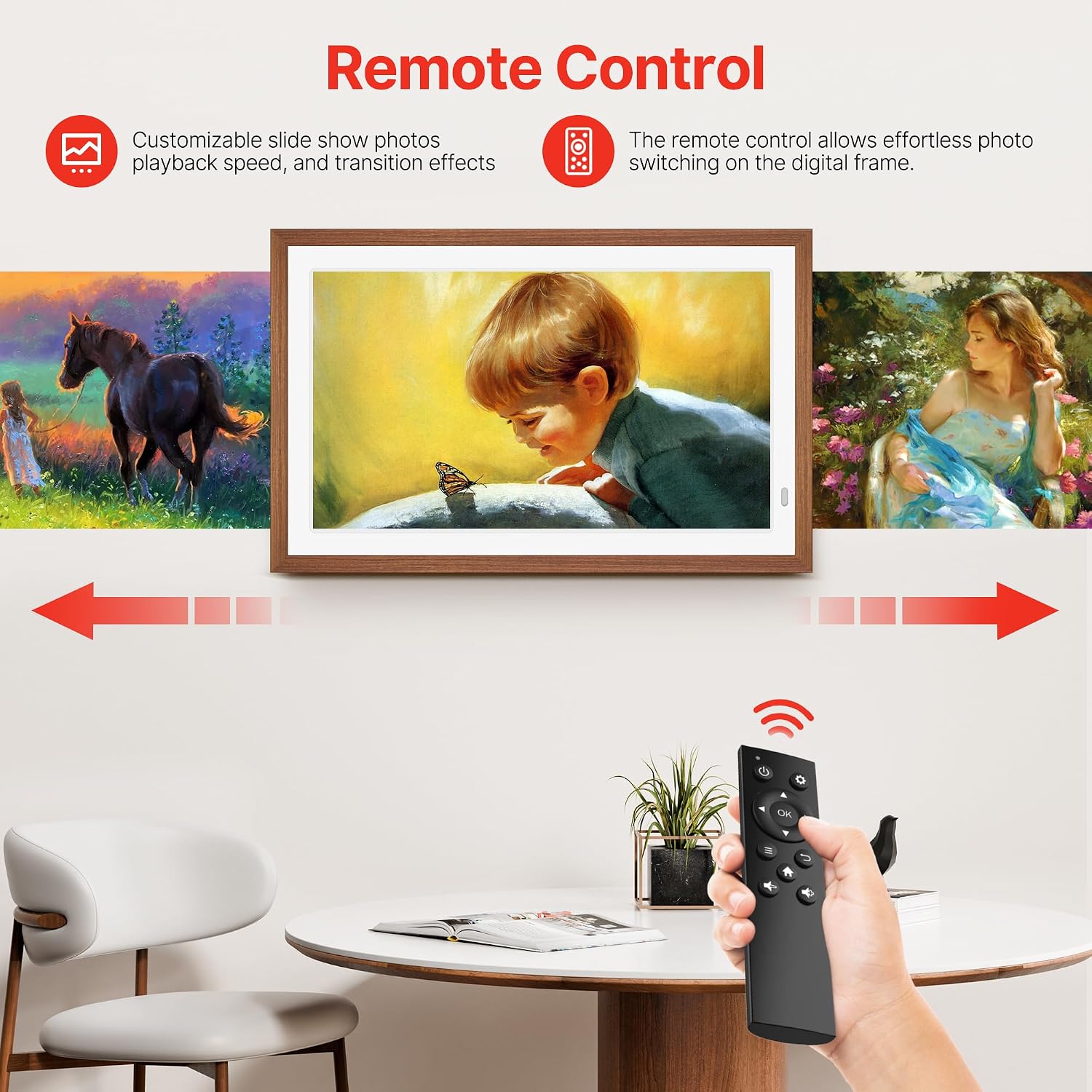
There’s also a remote control included, which sounds small, but it’s the kind of convenience you notice once the frame is mounted on a wall. Instead of reaching for buttons, you can manage slideshow behavior from a distance.
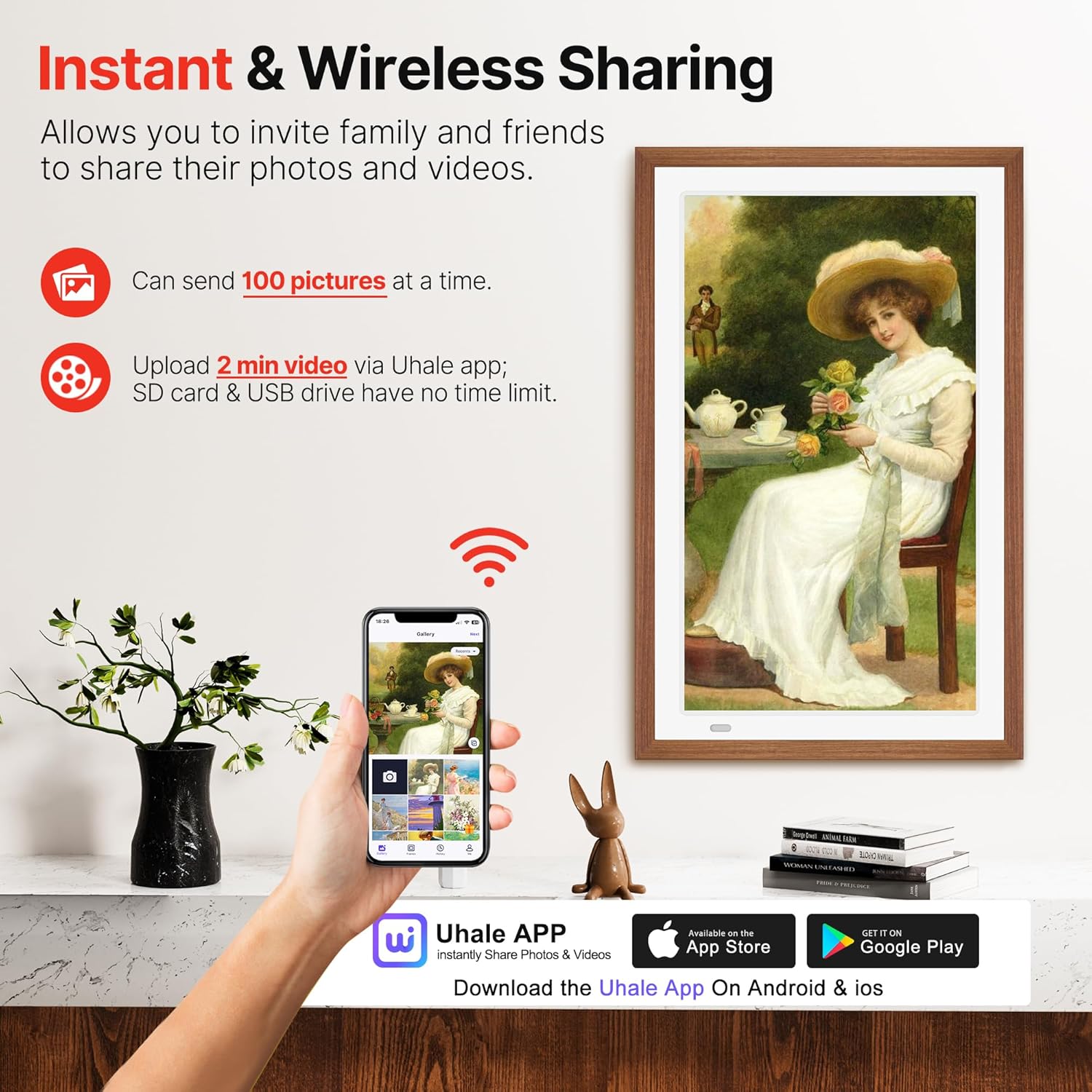
And yes, it supports “private and secure” sharing via the app—at least as described. If privacy is a concern for you (for example, you want family members to see shared moments without everything being public), that’s worth considering.
Here’s a micro-scenario: you upload a batch of vacation clips from your phone in the Uhale app, the frame updates, and then it cycles through the content on the IPS screen. A week later, it’s still a living display rather than a folder you forget about.
Where it may fall short
A key limitation: it’s explicitly described as “No Touch Screen.” That means you won’t tap around to navigate albums the way you might on a tablet or touchscreen frame. If you enjoy actively browsing photos on the device itself, you may find yourself relying more on the app, the remote, or loading media via USB/SD.
Also, the listing mentions “64GB” storage and references “Auto-Rotate,” but it doesn’t spell out details like playback limits, app controls, or how it handles large mixed video libraries. So performance will depend on your media setup, and you may want to plan simpler clips/slideshows for the smoothest experience.
Tech specs that matter for buying
This model is built around a 21.5-inch IPS display with Full HD (1920x1080) resolution. It also includes WiFi connectivity for app-based sharing, offers remote control, and supports content sharing via Uhale app as well as USB and SD.
Tech summary
- Name: FANGOR 21.5" Large Digital Picture Frame with WiFi
- Type: Digital picture frame / digital photo & video display
- Display: 21.5-inch IPS
- Resolution: 1920x1080 FHD
- Storage: 64GB
- Features: Auto-rotate, wall mounted (as described), remote control
- Connectivity / sharing: WiFi, Uhale app, USB/SD
Who it’s for (and who should skip it)
It suits you if you want a large, wall-mounted digital frame that’s mostly “set it up, then keep it updated” through WiFi sharing. It’s especially relevant if you’re thinking about family photo sharing where multiple people contribute and you don’t want to constantly swap memory cards.
It may not suit you if you want a touchscreen browsing experience, or if you prefer the simplest offline-only setup. In that case, you might find other approaches more convenient, depending on how you plan to load and navigate content.
Worth noting: it’s described as “no touch screen,” so you’ll likely treat the remote and the app as the control center.
Is it worth it?
A solid buy if you’re focused on a bigger IPS screen with FHD clarity, WiFi sharing through the Uhale app, and a frame that can auto-rotate to keep photos looking right. The remote control and the wall-mount approach also point to a “living display” use case rather than a device you pick up and operate.
You may want to skip it if you specifically need touchscreen navigation or if you expect fully hands-on control from the frame itself. Also, if you plan to push lots of long/high-bitrate videos, you’ll want to be realistic about how your media library behaves—because the listing doesn’t provide detailed playback behavior.

Mini FAQ
Can I share photos and videos without using the app?
The listing says you can share via Uhale app and also via USB/SD, so you’re not forced to rely only on the app.
Does it work with WiFi for sending content?
Yes, it’s described as a WiFi photo frame and includes app-based sharing through the Uhale app.
Is the frame touchscreen?
No. It’s described as “No Touch Screen,” so navigation won’t be done by tapping the display.
Does it support rotating photos automatically?
Yes, auto-rotate is listed as a feature.
What’s the advantage of wall mounting?
If it’s mounted, the remote control becomes more useful for managing the slideshow without reaching the screen.