

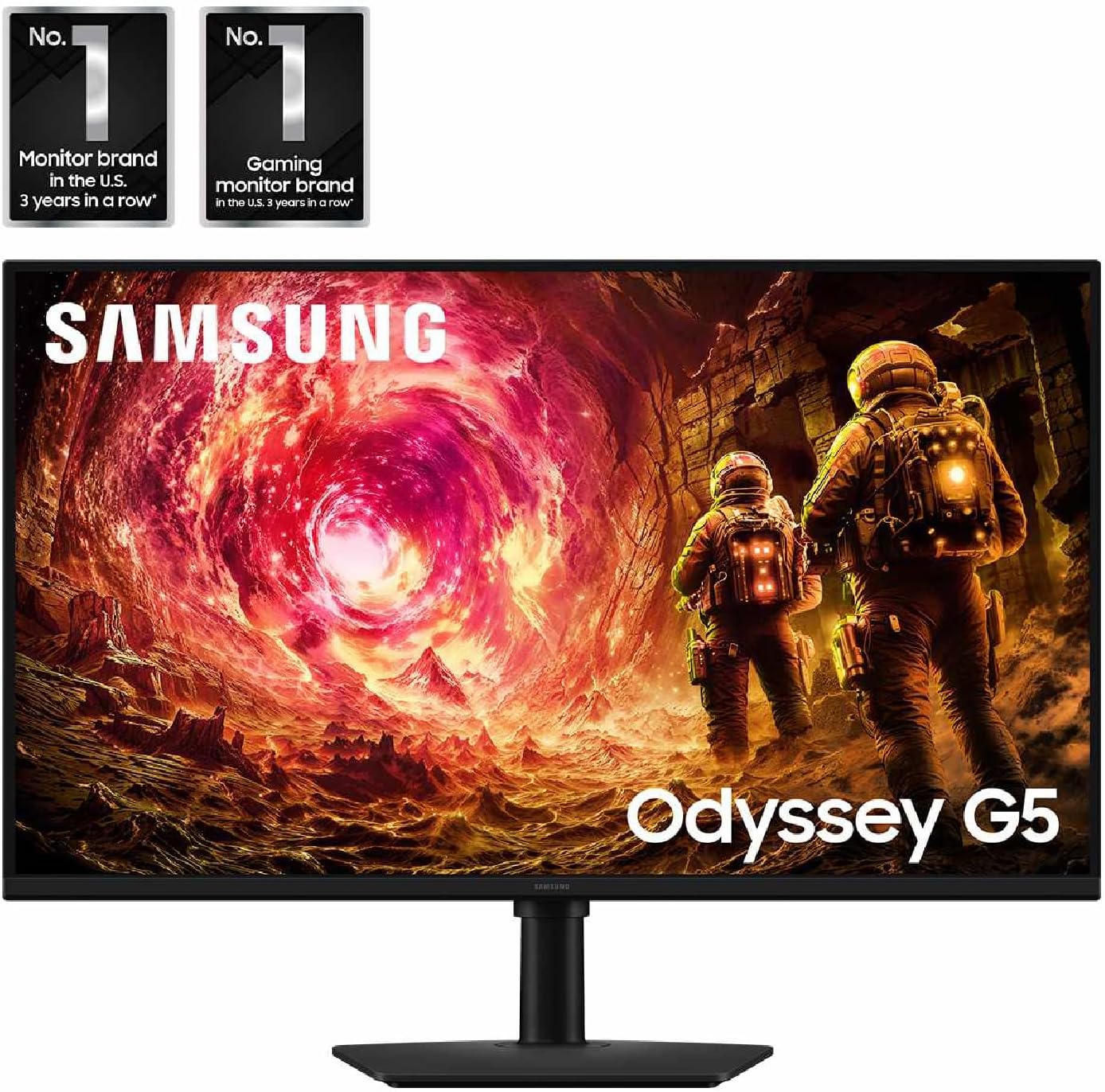
Samsung Odyssey G5 gaming monitor
Product description
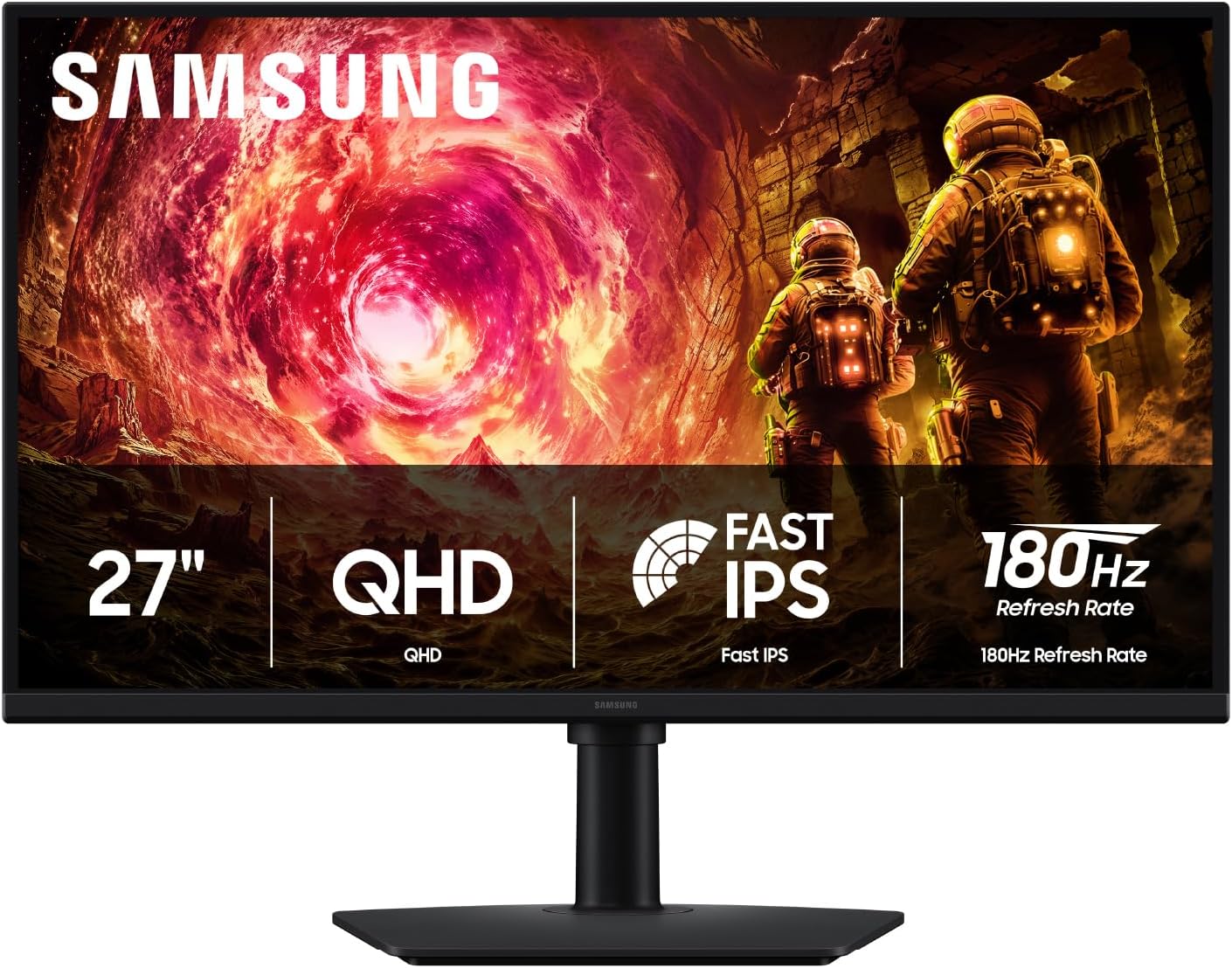
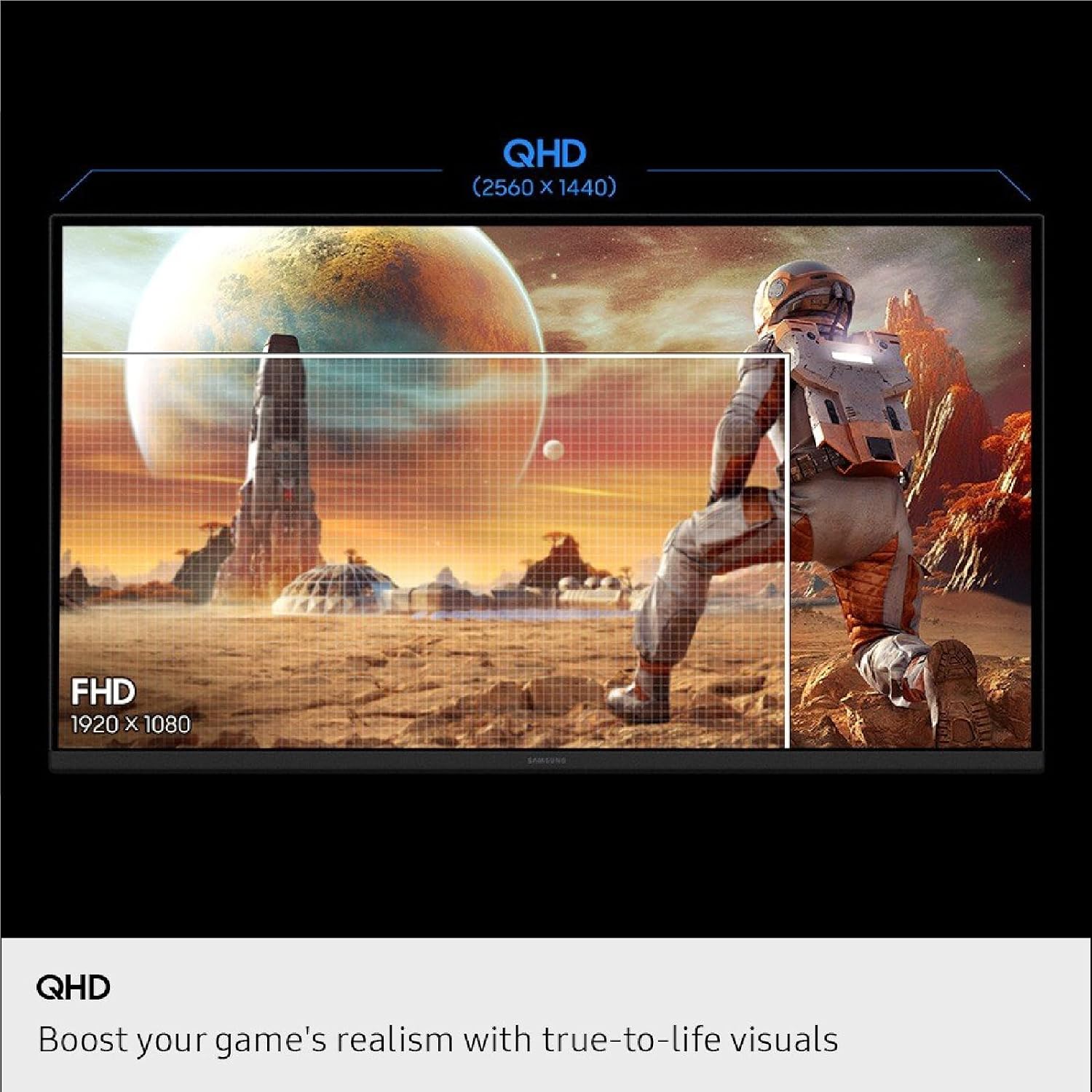
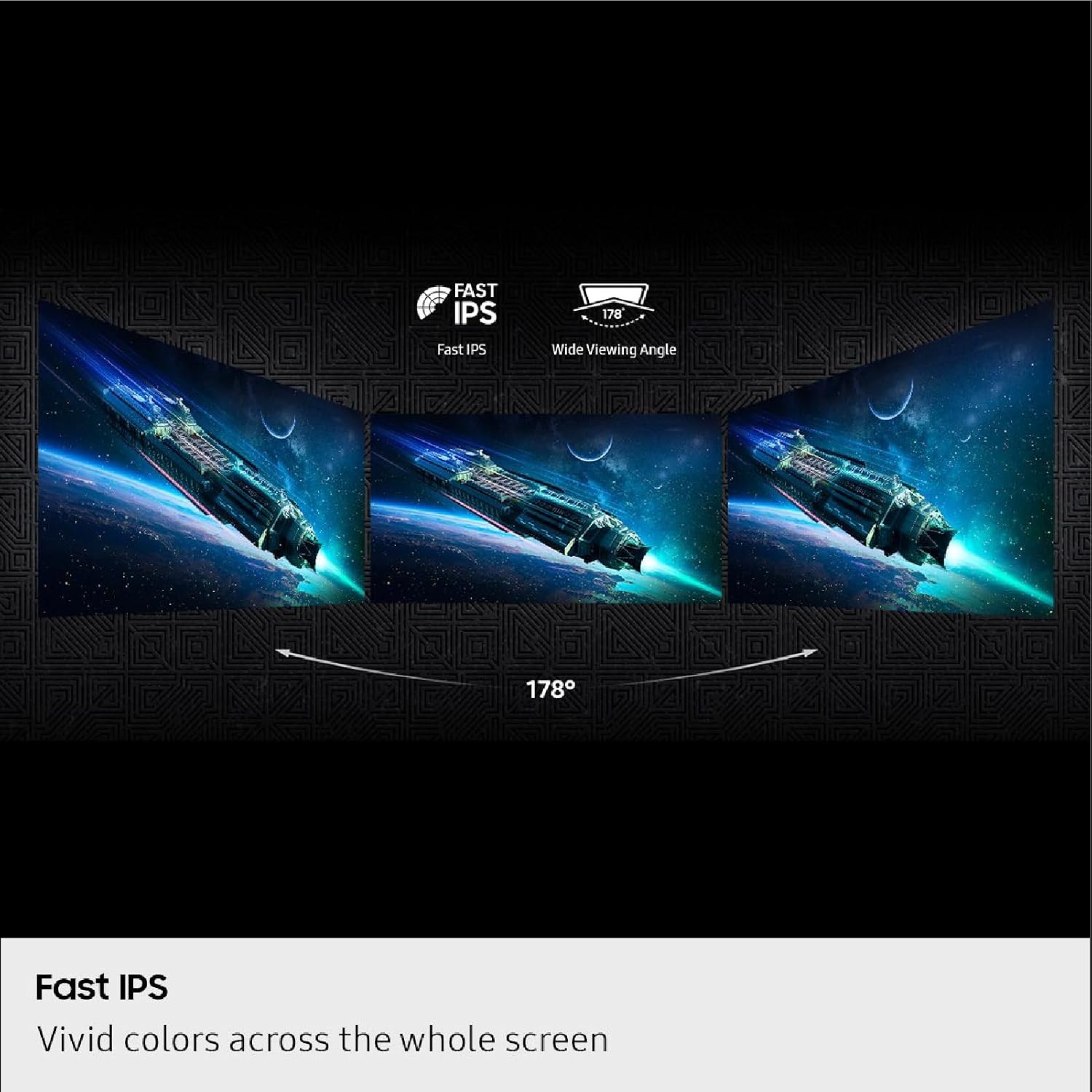
For PC gaming where sharper detail and fluid motion matter, the Samsung Odyssey G5 pairs a 27-inch QHD screen with a Fast IPS panel and a 180Hz refresh rate. Its 2560 x 1440 resolution gives games more room for fine detail than a lower-resolution display, while the wide 178° viewing angle is useful when you shift position or share the screen.
The setup is aimed at responsive play, but it also includes a stand that can adjust height, tilt, swivel, and pivot. That makes it easier to set the screen to your viewing position rather than adapting your posture to a fixed stand.
Getting the most from it
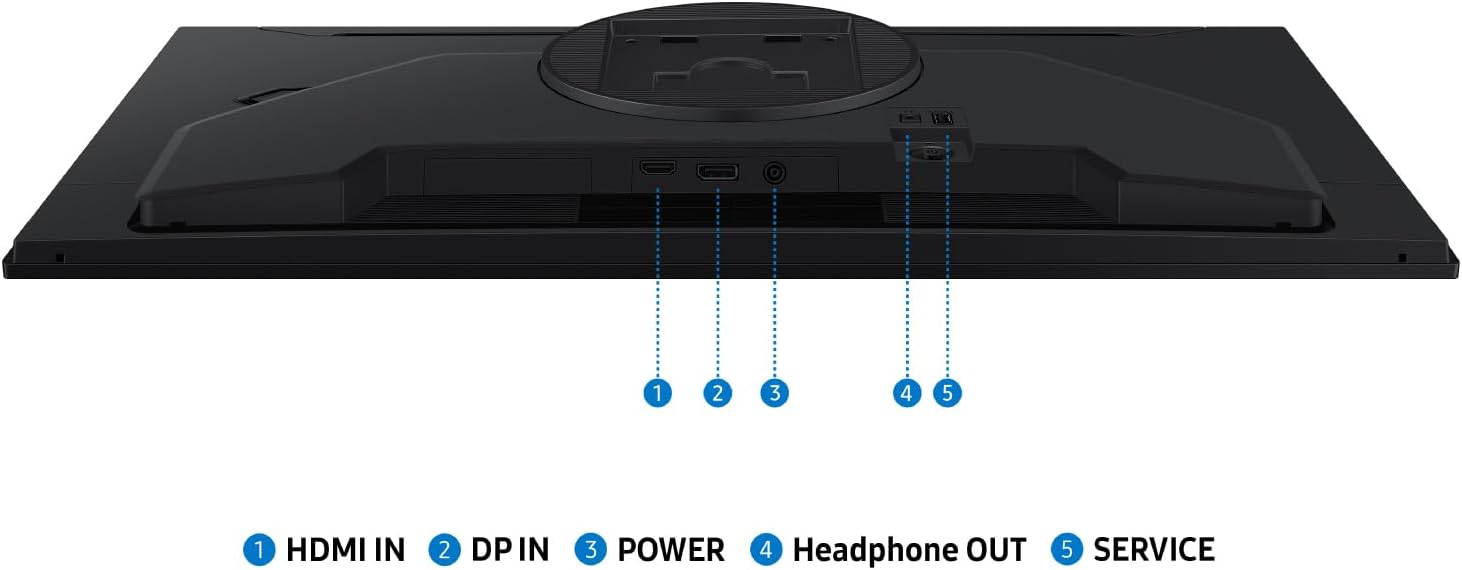
The headline combination is QHD resolution, 180Hz refresh, and a listed 1ms GtG response time. For fast games, the higher refresh rate is intended to make motion look smoother and help keep on-screen action responsive. G-Sync compatibility and AMD FreeSync are included to synchronize the display with a compatible graphics setup, which can reduce tearing and choppiness. The listing does not specify connection types, so check that your devices can use the features you care about before choosing it.
HDR10 adds support for brighter highlights and more nuanced shadows, while Black Equalizer is designed to make details in darker scenes easier to see. Virtual Aim Point adds an on-screen aiming aid. These features may be more relevant to competitive or shadow-heavy games than to someone mainly using a monitor for everyday browsing. Auto Source Switch+ is also useful if you move between connected devices, since it can switch sources automatically.
Why it’s worth it
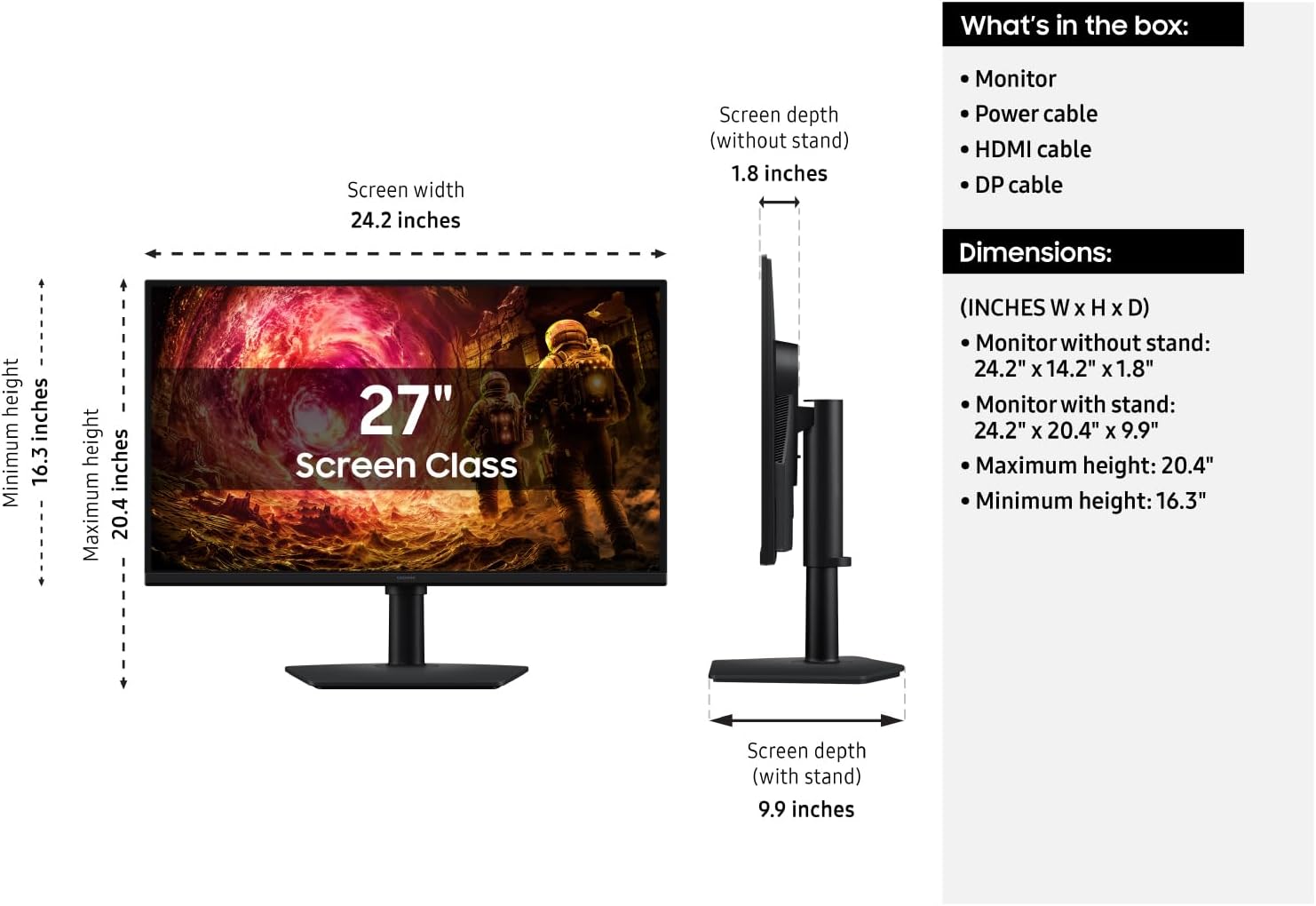
This monitor puts several gaming-focused features into one 27-inch display, with an ergonomic stand that lets you raise, tilt, swivel, or pivot the screen. Picture a longer session at your desk: you can adjust the panel height and angle instead of settling for the position a basic fixed stand allows. If you prioritize smooth motion and flexible screen positioning, that combination is appealing, if you prefer a simpler display for general use, a less gaming-focused monitor may be enough.
The Fast IPS panel and 178° viewing angle also make the screen less dependent on sitting in exactly one spot. Without having tried it, the listed specifications suggest a versatile gaming setup, though the description does not establish how HDR looks in practice or give port details. Those omissions matter if HDR performance or a particular connection is central to your decision.
Worth noting
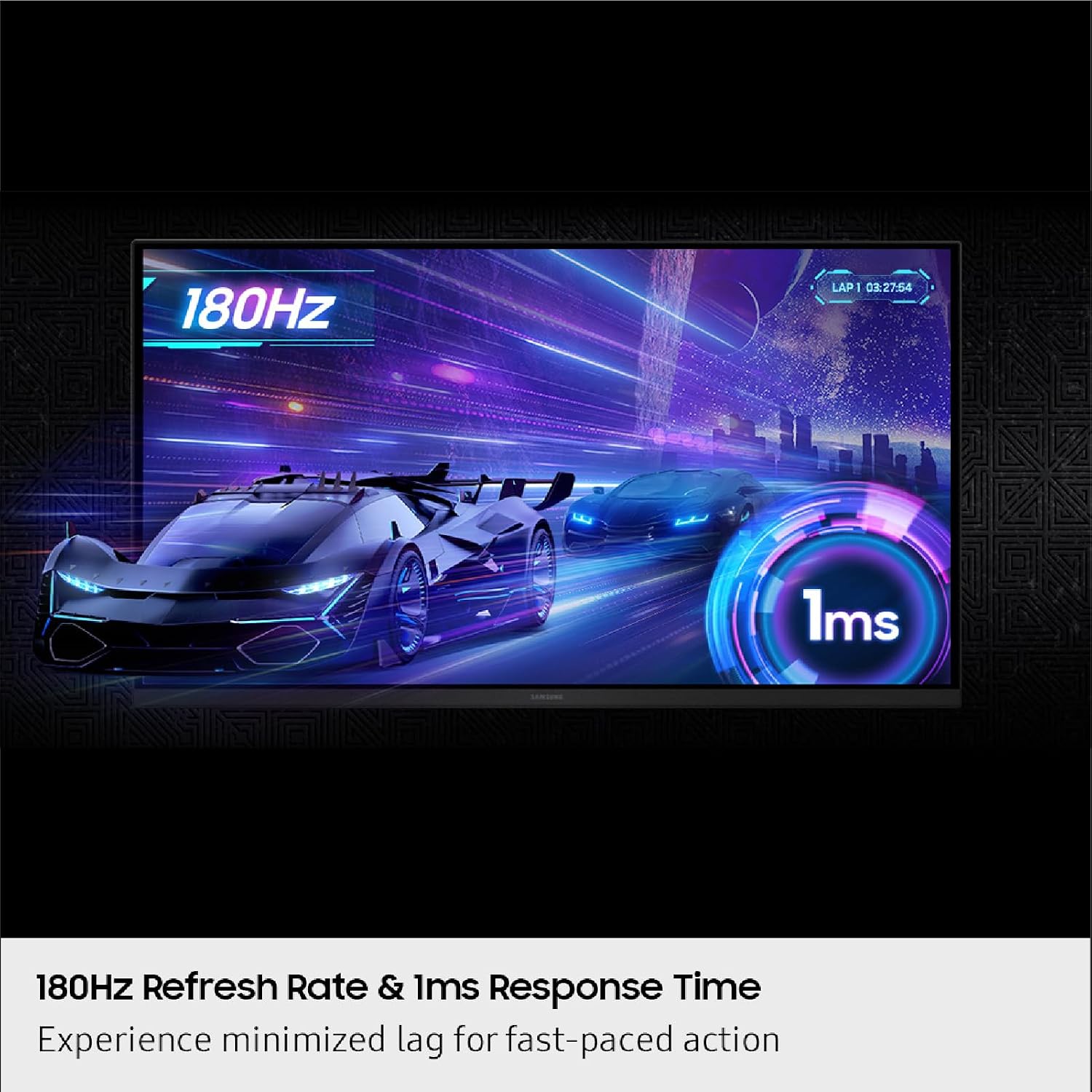
QHD resolution asks more of a computer than a lower-resolution screen, and the product description does not say what performance your specific PC will deliver at the monitor’s maximum refresh rate. The 180Hz figure is a display capability, not a guarantee that every game or system will run at that rate. Check your graphics hardware and game settings against your own goals.
Worth considering if you want a 27-inch QHD gaming monitor with adaptive-sync features and a stand that adjusts in several directions. Better avoided if your priority is a confirmed port list, detailed HDR performance information, or a screen whose size and resolution are already known to suit your setup, those specifics are not provided here.
Is it worth it?
The Samsung Odyssey G5 makes the most sense for a PC gaming desk where QHD detail, fast refresh, and adjustable positioning are all useful. Its combination of 180Hz, a Fast IPS panel, and G-Sync compatibility plus FreeSync offers more gaming-focused flexibility than a basic display, and the shadow and aiming tools may help in particular games. Before buying, match the monitor’s QHD resolution and refresh-rate goals to your computer, and confirm the connections you need. If those details line up, its feature set has a clear purpose, if you mainly need a straightforward screen or require specifications not listed here, keep looking.