

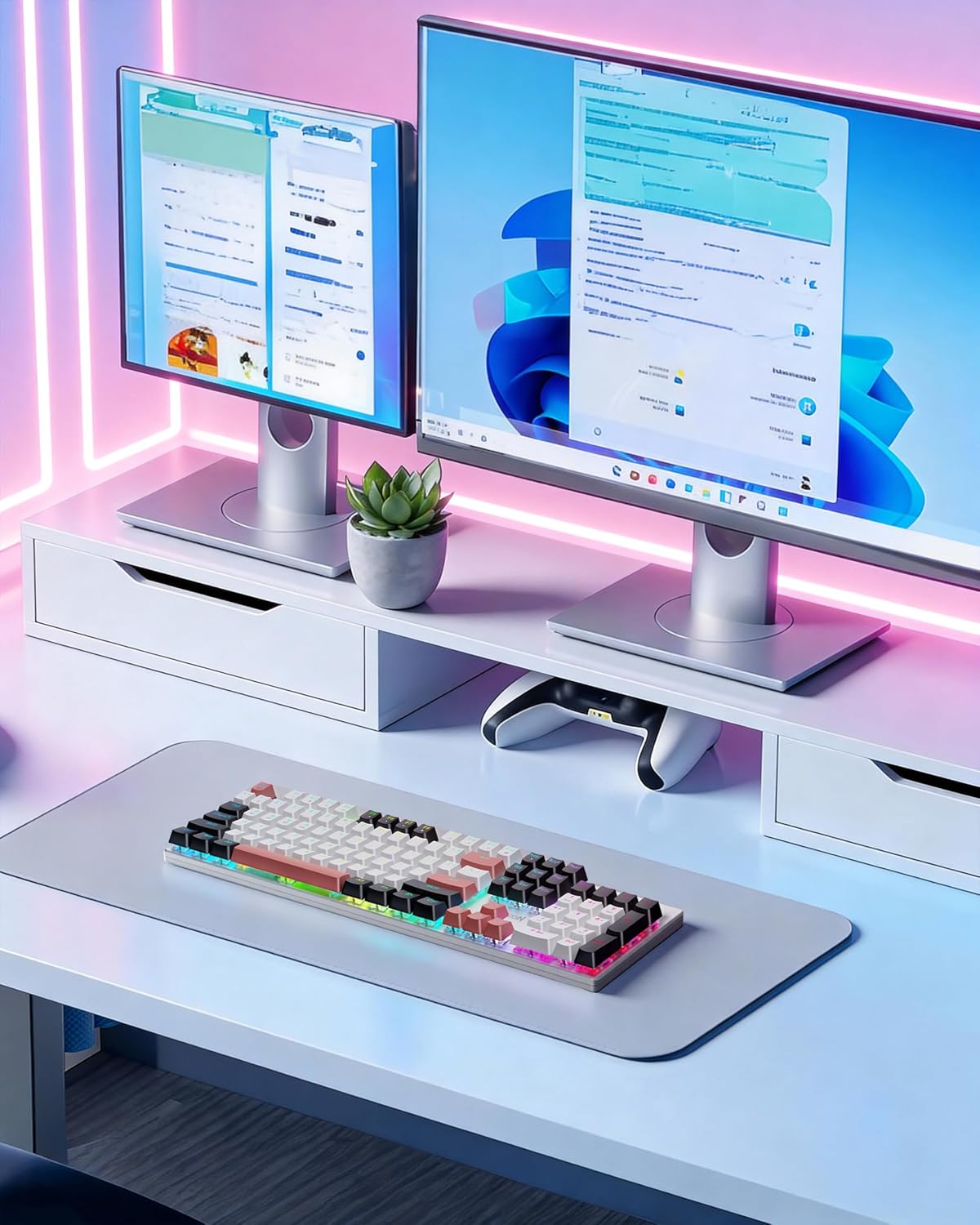
Redragon K671WBR-KS gaming keyboard, 3-mode
Reviews
Price
Product description
A wireless mechanical gaming keyboard that keeps your setup feeling fast and flexible, the Redragon K671WBR-KS brings tri mode connectivity plus hot swappable switches for a more customizable experience. If you want one keyboard that can flex between work and play, this model supports wired USB-C, 2.4G wireless, and Bluetooth connectivity for up to multiple devices, according to the manufacturer. With RGB lighting and programmable features, it’s built for long sessions where comfort and control both matter 😄
The Redragon Wireless Mechanical Gaming Keyboard is also designed to fit real day-to-day routines. You get PBT keycaps for clear, consistent key feel and lighting, and you can adjust RGB speed and brightness in set levels for comfortable use day or night. The back panel includes physical switching for quick connection changes, so you are not stuck in software menus when you just want to get going.
Key takeaways
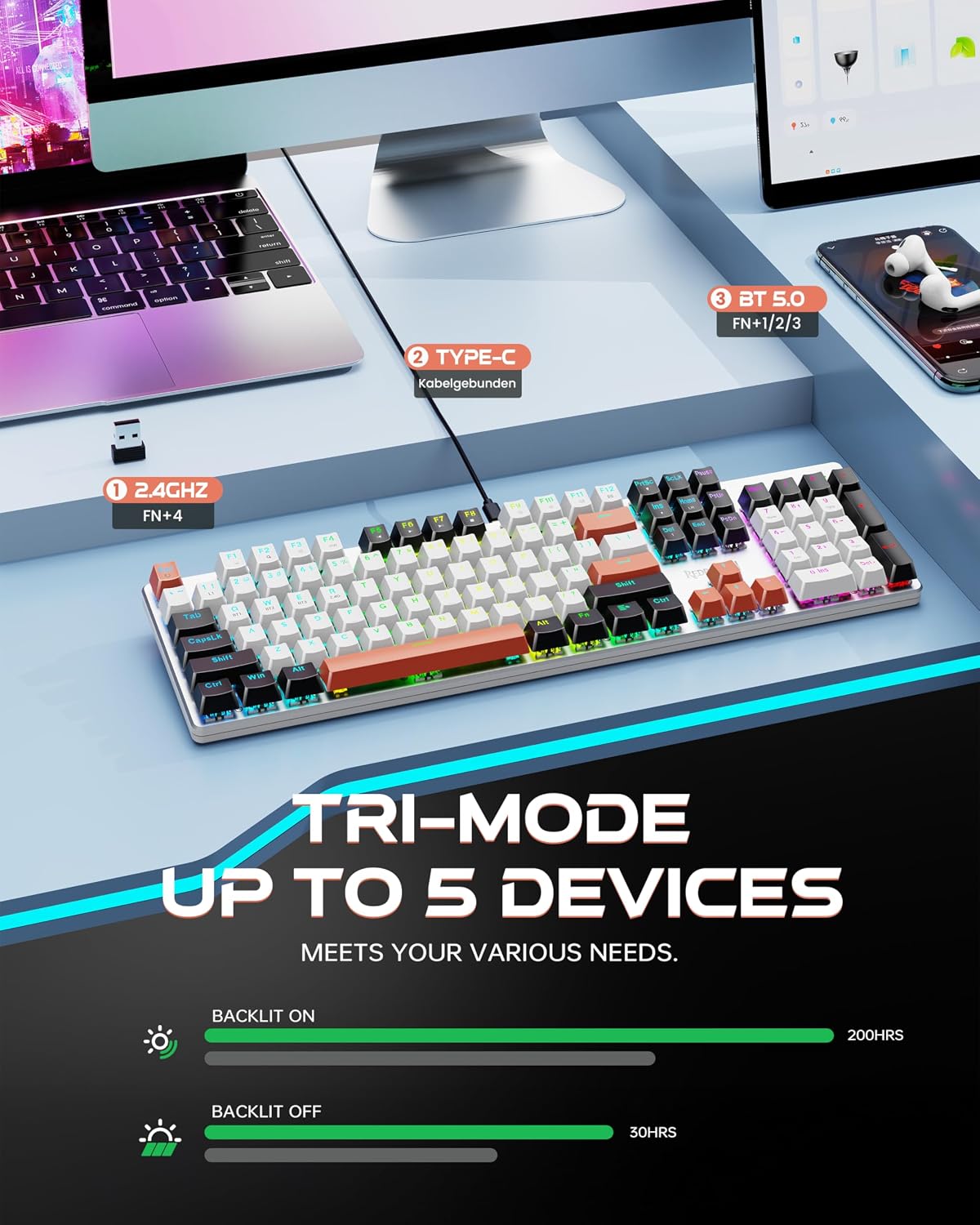
This keyboard stands out for flexible connection and customization without complexity. Tri mode connectivity means you can use it over USB-C for a stable wired setup, or switch to BT 3.0, BT 5.0, and 2.4G for wireless convenience. The physical switch on the back helps you move between devices quickly, which is useful for someone who alternates between a PC and a tablet.
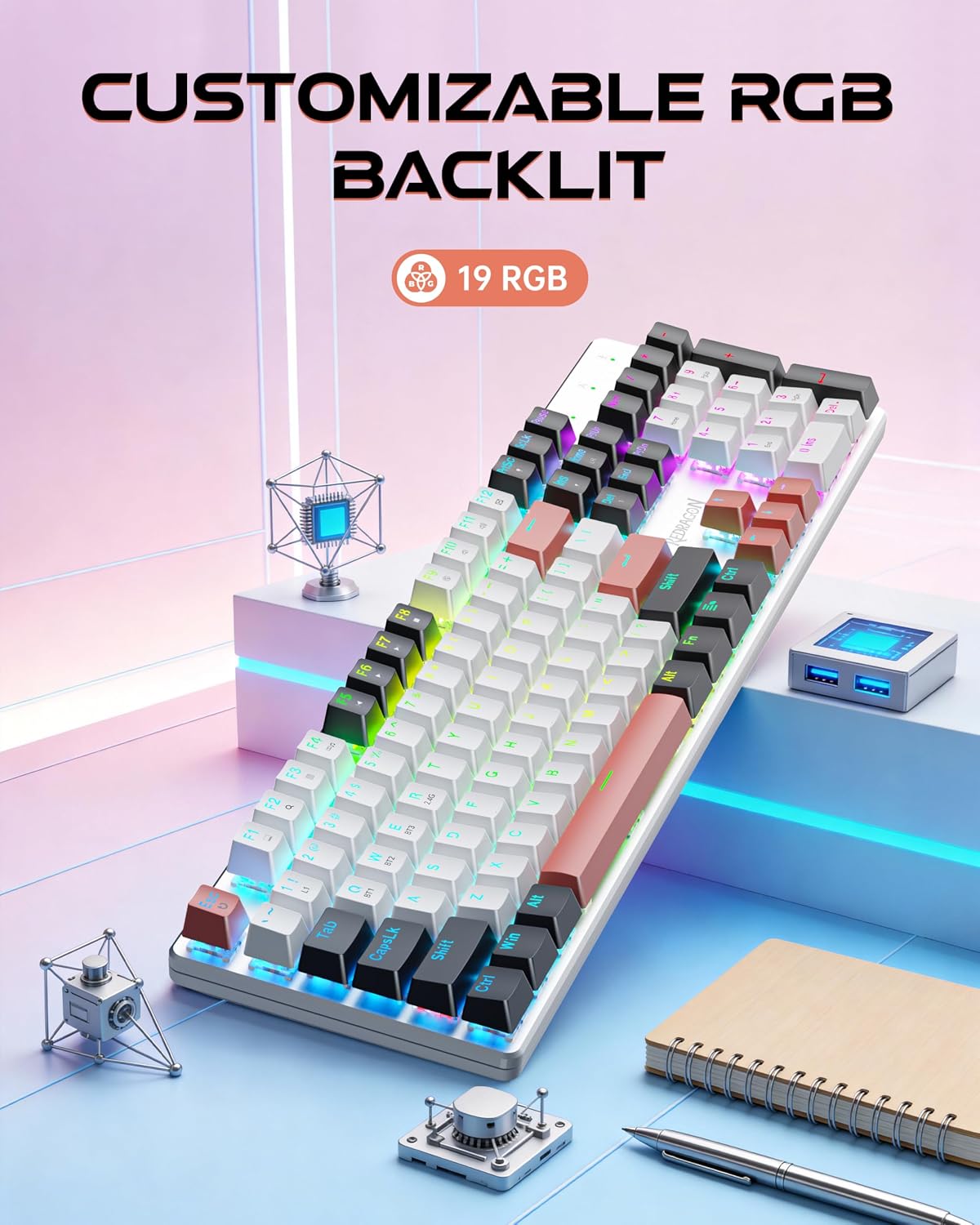
RGB illumination is not just for looks, it also supports a more comfortable late-night workflow. You get 16 preset backlights, and you can adjust speed and brightness across multiple levels. Double injection PBT keycaps are included to keep typing and lighting looking crisp while you work through long evenings.
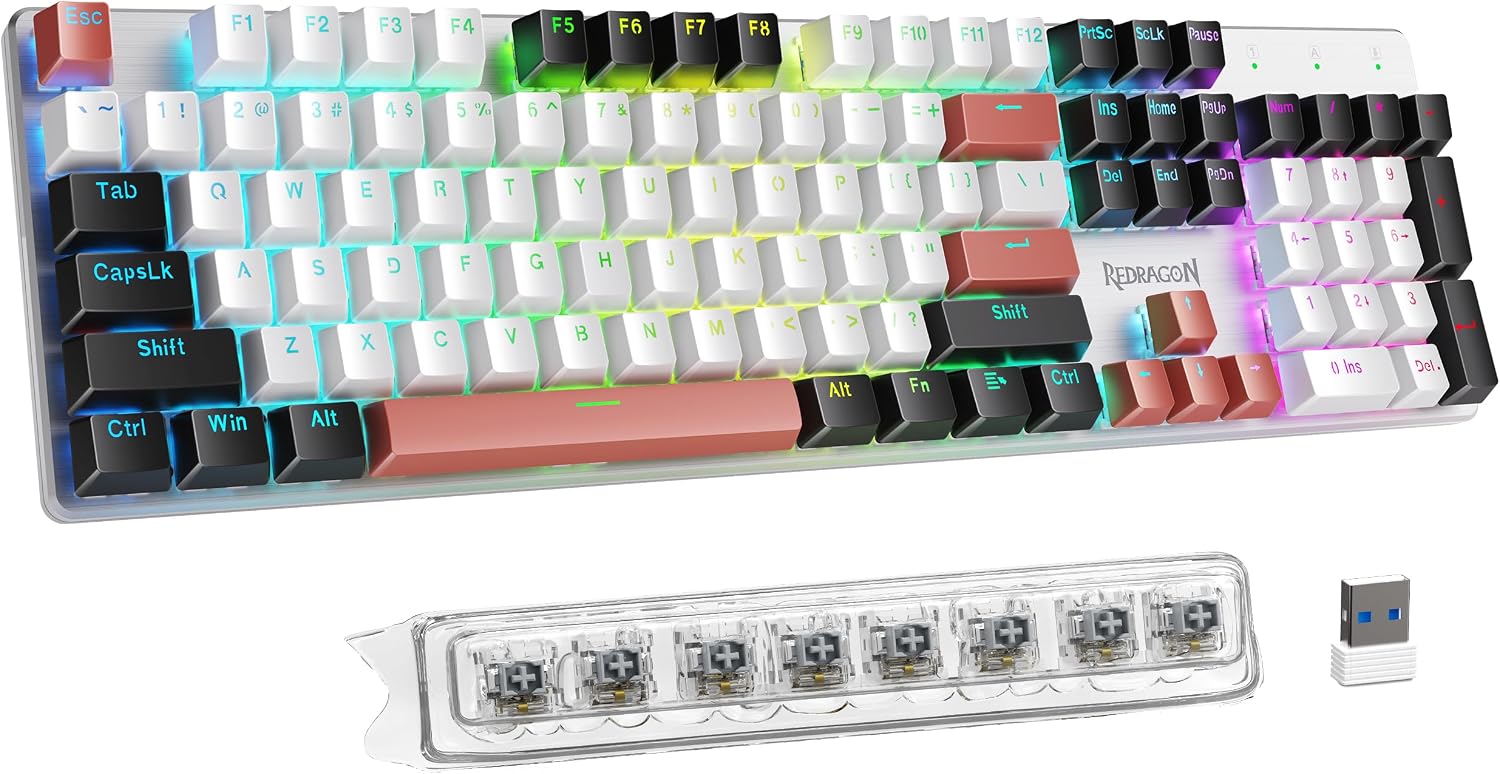
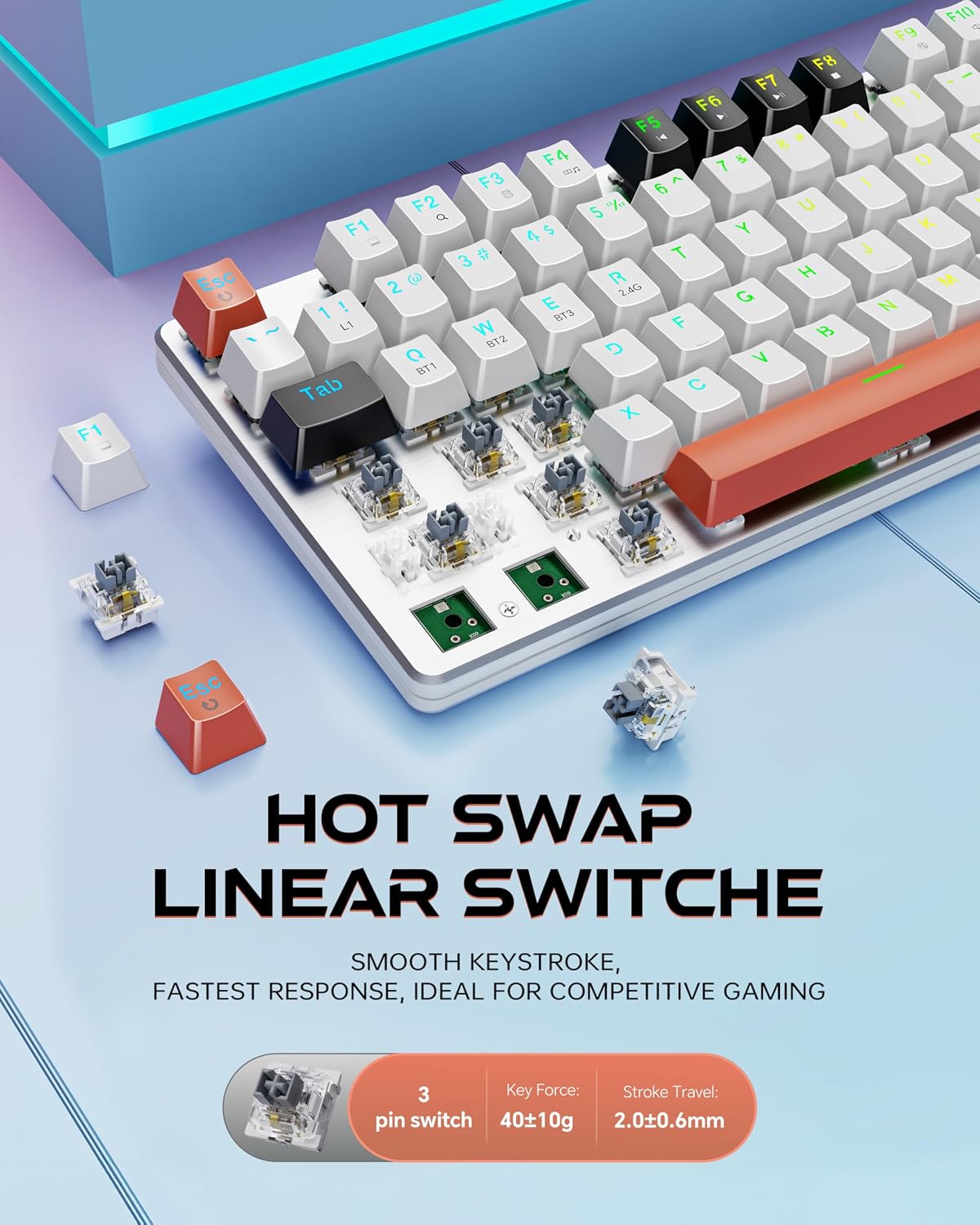
For comfort over time, the hot swappable approach makes it easier to tailor the feel. The product listing describes hot swappable custom switches and support for upgrading, with included spare parts to make replacements straightforward when you want a different response or feel. It also includes macro editing support and per key RGB adjustments for more precise control over your setup 🎮
One more practical detail is the durable build. The metal panel design adds a premium look and supports sturdiness for daily gaming and office use. According to the manufacturer, keys undergo 500,000 press testing, which helps reinforce confidence for regular long term typing and play.
Tech specs
- Type: Wireless mechanical gaming keyboard
- Connection modes: Tri mode with USB-C wired, BT 3.0 and BT 5.0, and 2.4Ghz
- Device support: Up to 5 devices, according to the manufacturer
- Hot swap support: Hot swappable custom switches
- Keycaps: PBT keycaps, double injection
- Lighting: RGB backlit with 16 preset backlights and adjustable speed and brightness
- Build and testing: Metal panel design, keys tested for 500,000 presses
What stands out
What you will notice first is how the tri mode setup reduces friction when you move between devices. Instead of committing to one connection method, you can pick the mode that matches your session, then switch as your needs change. The listing also highlights that the wireless modes include BT 3.0 and BT 5.0 plus 2.4G, giving you options for both casual and low latency style use depending on your setup.
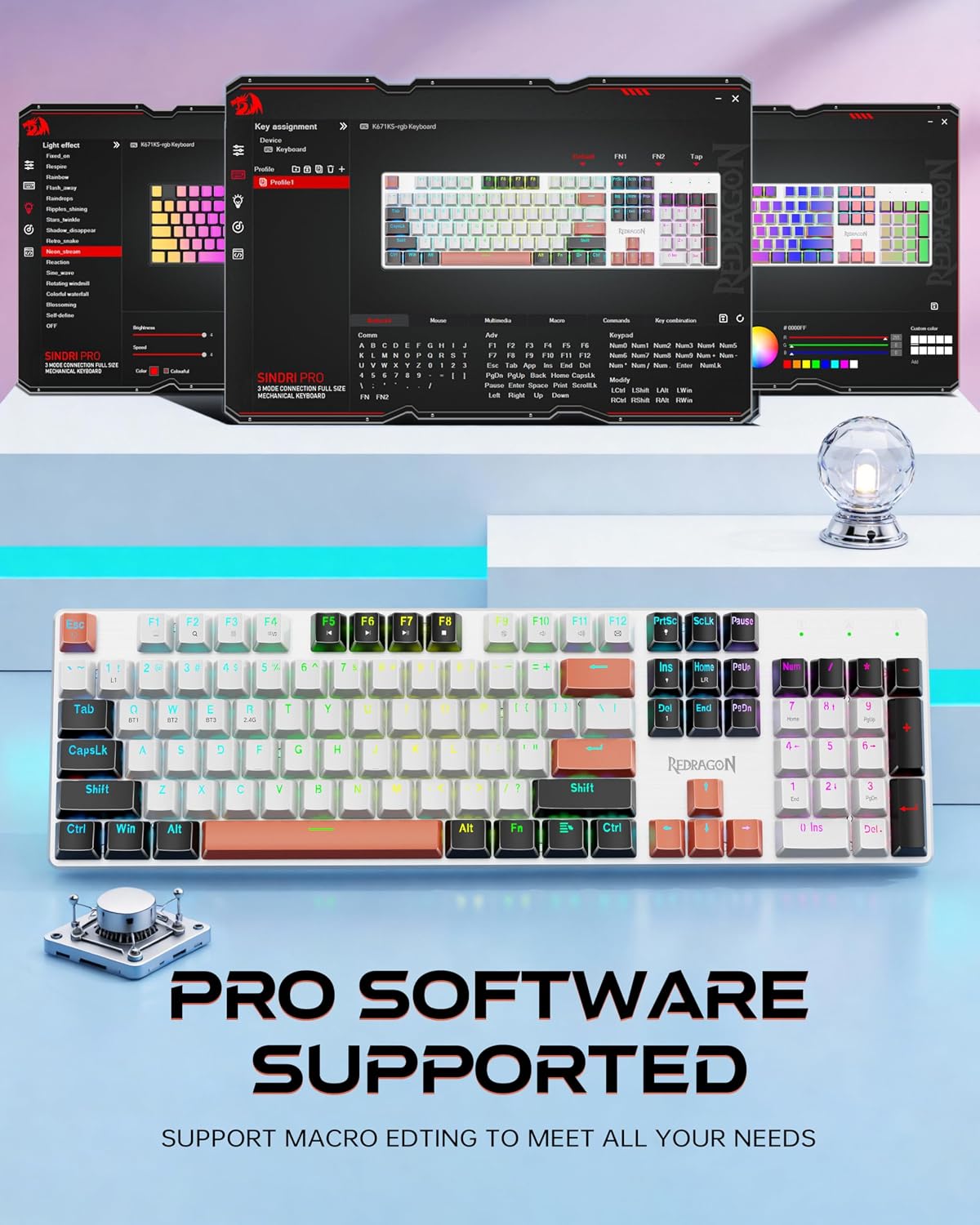
The lighting experience is built around control rather than only visual effect. There are 16 preset backlights, plus adjustment for speed and brightness across multiple levels, so you can tune the look for your environment. Additionally, the product supports individually adjusting RGB effects per key, which can help you keep certain keys visually distinct during gameplay or productivity tasks ✨

For customization and comfort, the hot swappable design is a strong feature in real use. The listing notes an upgrade path for switches, and it includes 8 spare switches plus two red keycaps, so replacements are not a hassle when you want to change the feel. This can matter if you spend hours typing, gaming, or switching between roles where key response needs to feel right.
Macro editing support is another practical advantage for people who rely on shortcuts. The keyboard supports macro editing, remapping key functions, setting shortcuts, and combining multiple functions into one key for efficient work and gaming. It also helps streamline workflow if you use a PC or tablet and want a consistent control scheme across different activities.
Care & maintenance
To keep the keyboard performing well during everyday use, handle it with care around the key area and connections. Since it is designed for both gaming and office tasks, regular gentle cleaning can help maintain the look of the PBT keycaps and the clarity of the lighting. Avoid using harsh chemicals on the keycaps or metal panel, and instead follow basic cleaning routines that do not risk damaging the surface finish. If you plan to swap switches, do so carefully to avoid putting stress on the sockets.
It’s also a good habit to double check your connection mode using the physical switch on the back when you change devices. When you use Bluetooth modes or 2.4G wireless, ensuring the correct mode is selected can prevent delays when you resume typing or gaming. Taking a moment to confirm settings helps you get consistent control for long sessions, especially if you alternate between multiple devices.