

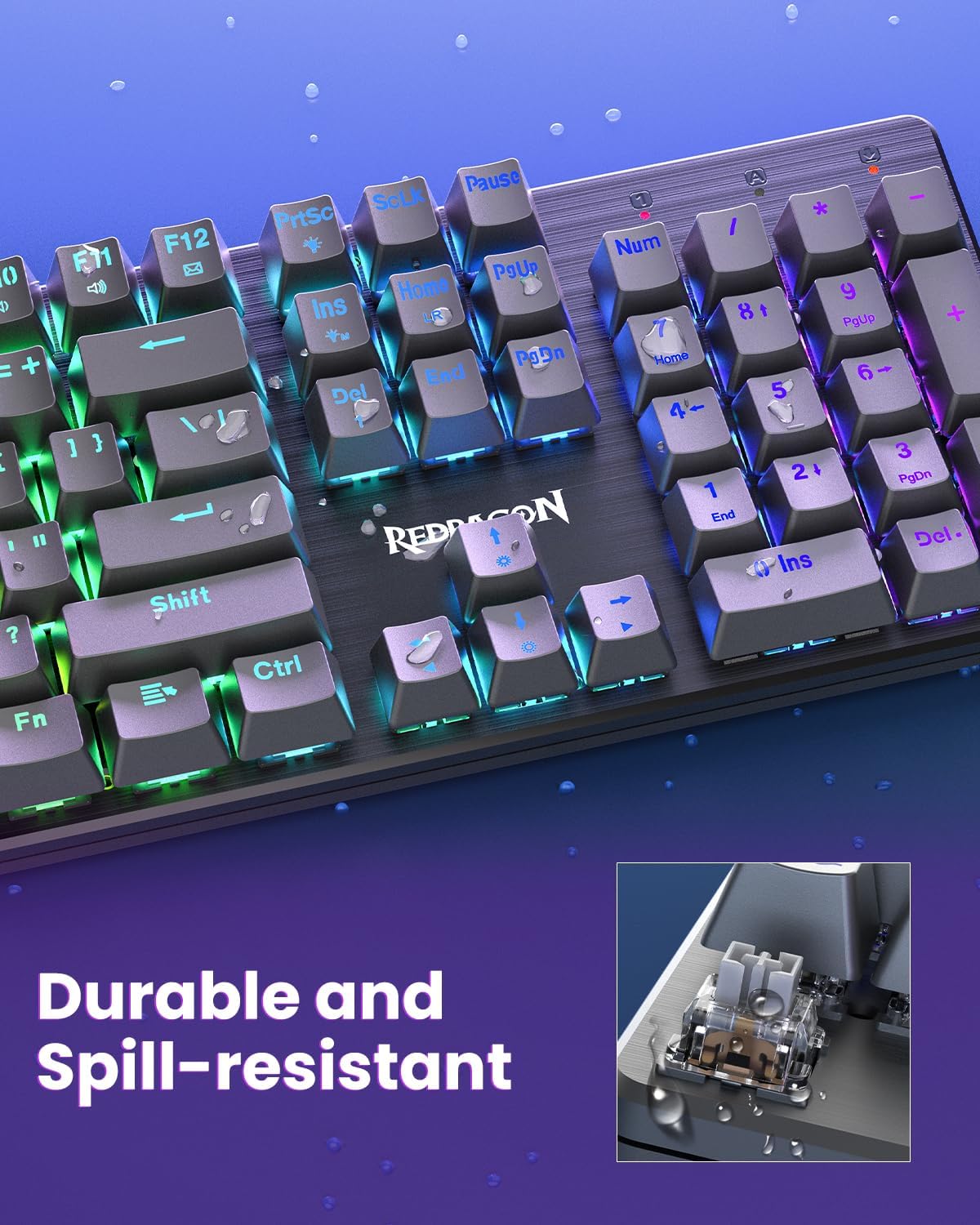
Redragon K671KS Wireless Mechanical Gaming Keyboard
Product description
What it is and who it helps
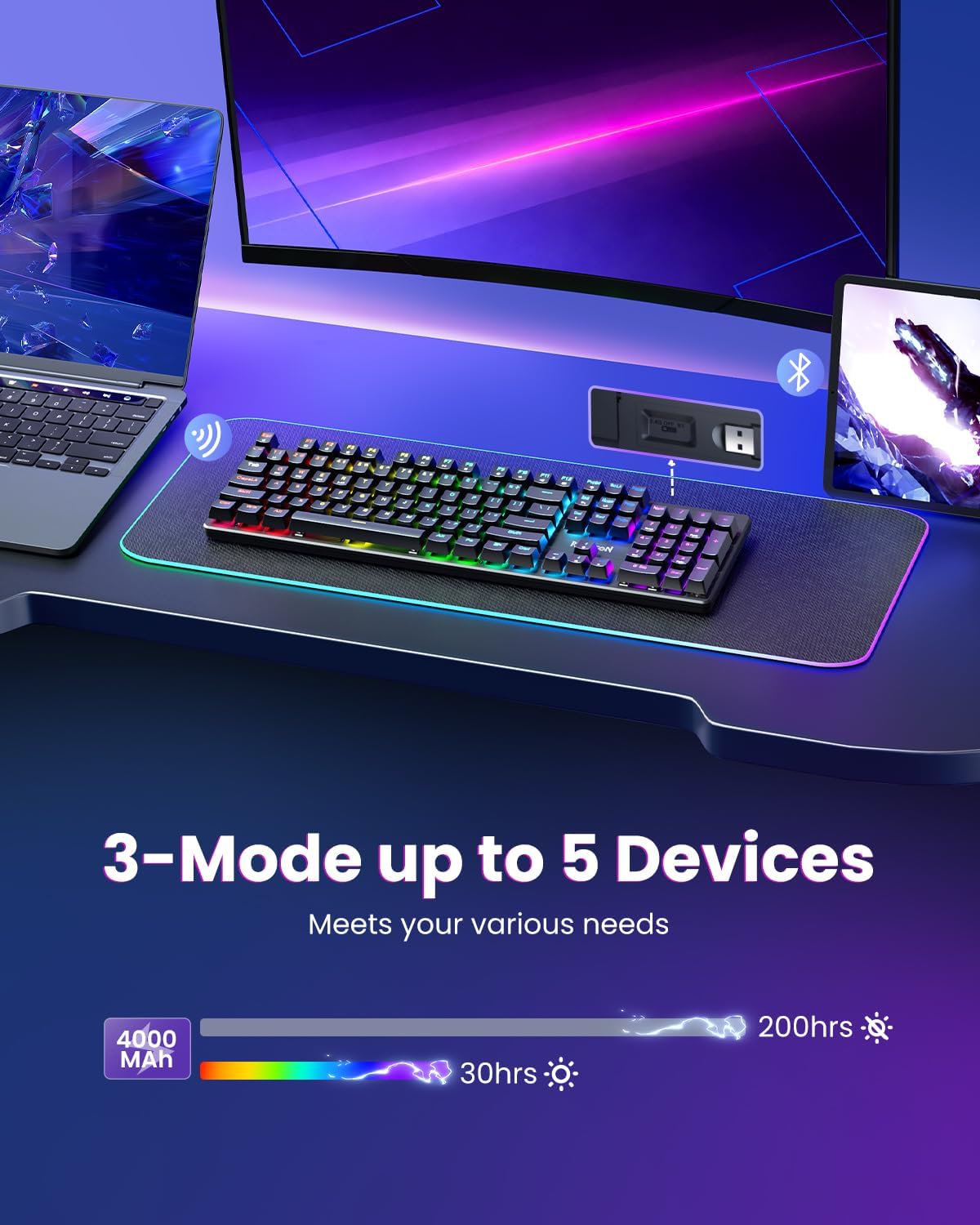
The Redragon K671KS is a wireless mechanical keyboard built to bridge gaming and productivity. It supports three connection modes (USB-C wired, Bluetooth, and 2.4Ghz wireless) with a single back panel switch to manage up to five devices. If you value flexibility for PC, tablet, and Mac setups, this keyboard aims to cover that spectrum without tying you to a single ecosystem.
How it feels in use
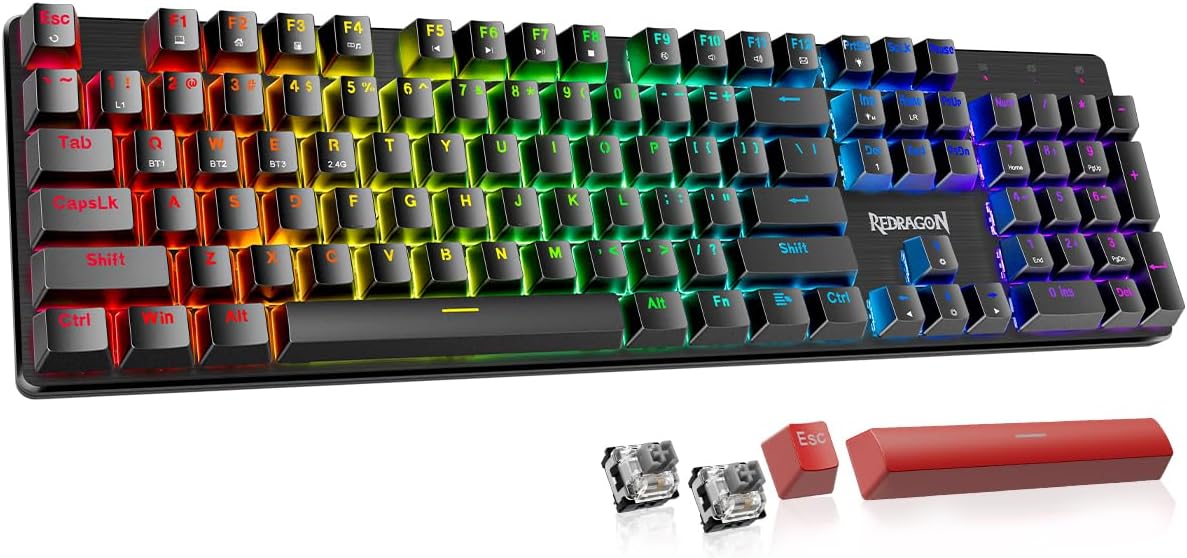
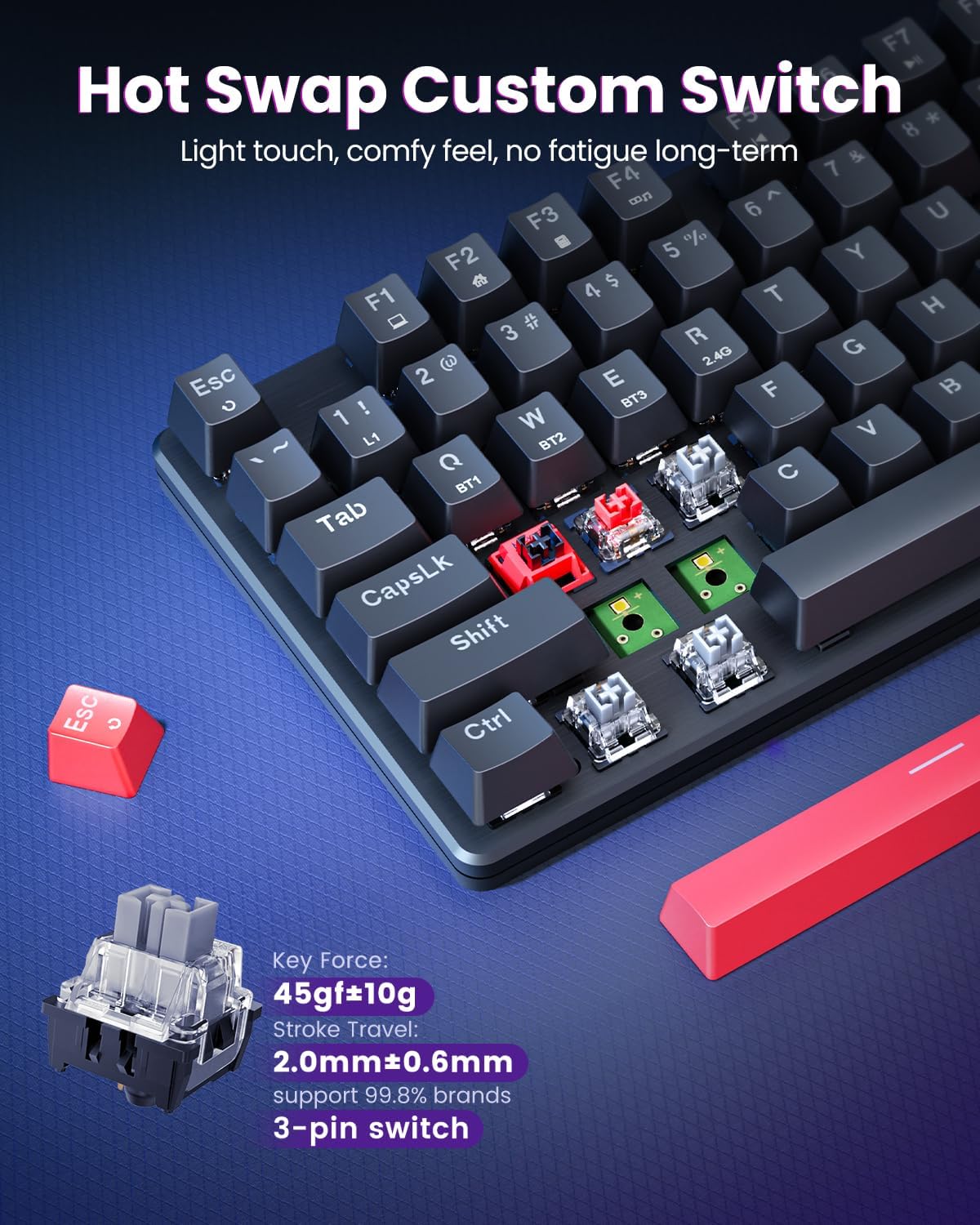
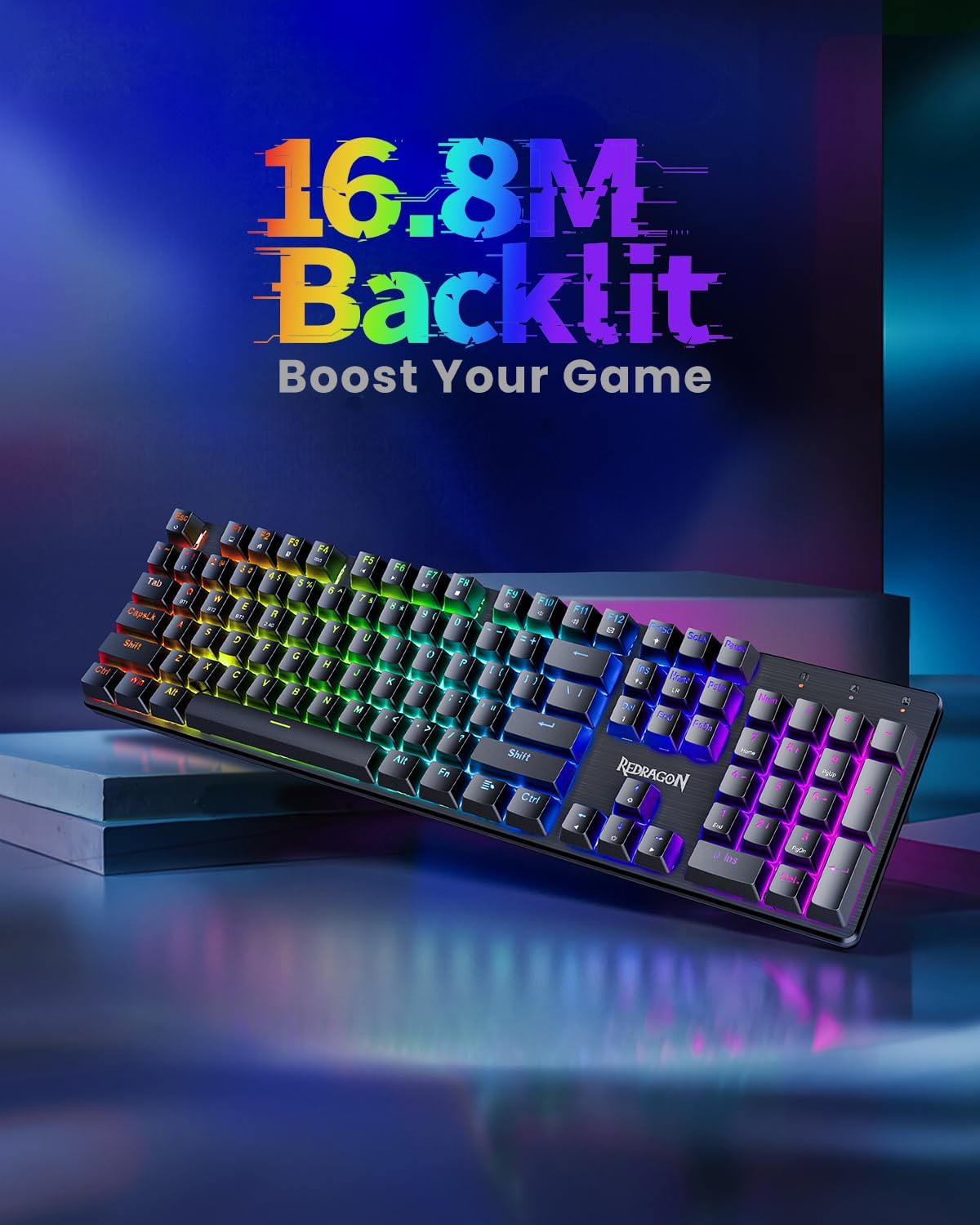
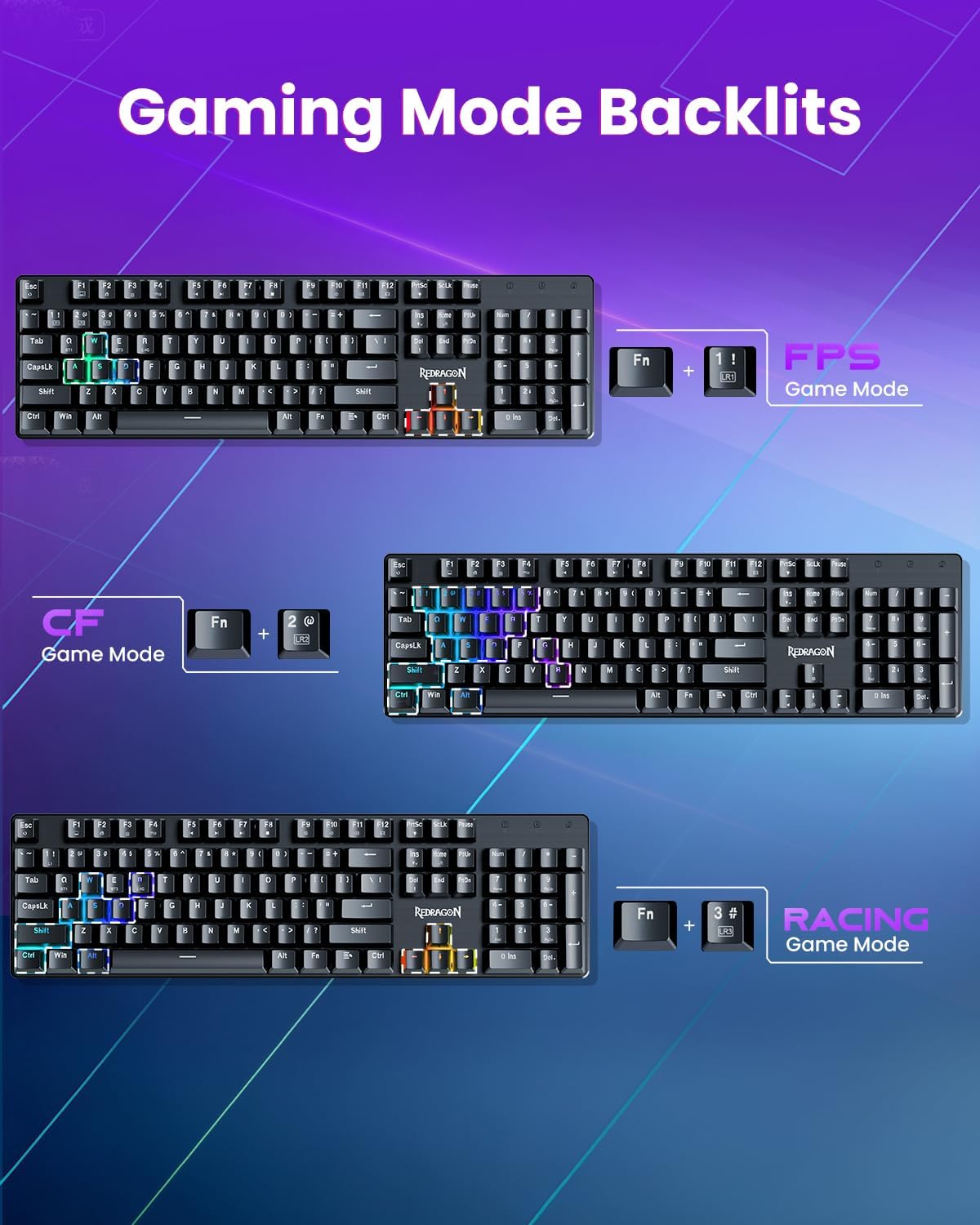
On paper, the keyboard blends a metal panel with double injection PBT keycaps, which should help lighting stay clear and keys feel consistent over time. The W/A/S/DS keys and others are designed to be clearly illuminated with 16 preset RGB effects, plus five brightness/speed levels for adapting to daytime work or late-night gaming sessions. The experience is further shaped by hot-swappable red switches, which means you can swap switches without soldering to customize the feel and reduce fatigue during long sessions. Eight spare switches and two red keycaps are included for quick on-the-fly tweaks.
What stands out day to day
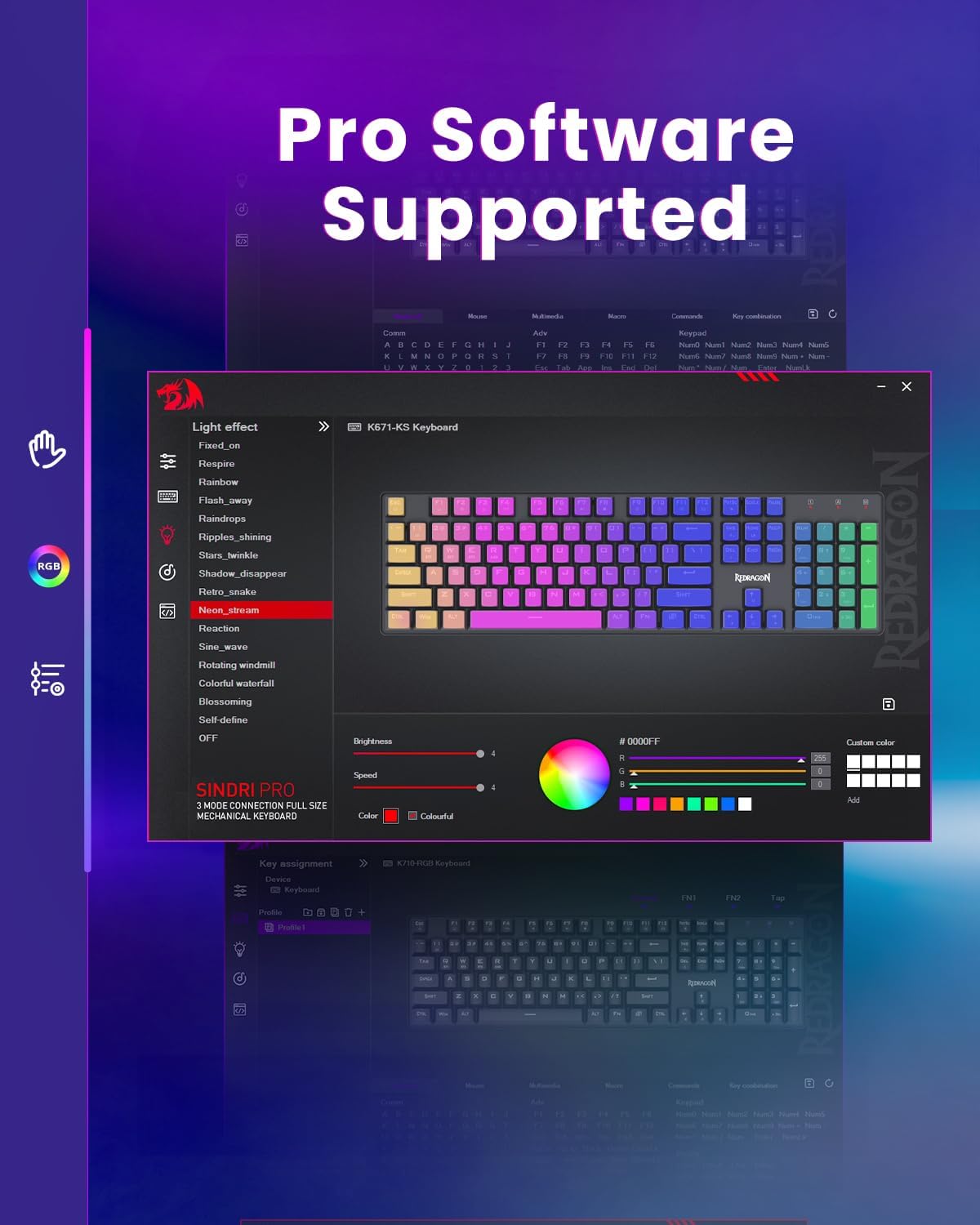
Macro editing and key remapping are supported, letting you tailor shortcuts, combos, and multi-step actions for efficiency in both work and play. Each key’s RGB lighting can be adjusted individually, so you can highlight crucial keys or simply enjoy a personalized ambiance. The build leans into durability with a tested 500,000 keystroke lifespan and a metal chassis that adds stiffness and a premium look.
Where it shines and where it may fall short
If you prioritize multi-device versatility and the ability to customize the feel of your keystrokes, this model checks several boxes. The tri-mode setup is convenient for people who switch between devices or prefer a cable-free desk. However, the complexity of three connection methods and the need to manage multiple profiles could be a learning curve for casual users. Temperature of use matters too: RGB lighting looks impressive, but the brightness and responsiveness depend on the chosen mode and device compatibility. If you mainly game on a single PC and don’t need wireless convenience, you might not need all three modes.
Who it’s for and who should skip it
This keyboard targets gamers who crave customization (hot-swappable switches) and a flexible wireless workflow across PC, tablet, and Mac. It’s also appealing to anyone who values a sturdy metal frame and strong keycap durability. If your setup is strictly Mac with a preference for non-mechanical or wired-only keyboards, or if you’re not interested in swapping switches or programming macros, you may want to consider simpler options.
Practical considerations before you buy
- Ensure your devices support Bluetooth or 2.4G connectivity as needed, and confirm you’ll benefit from a multi-device workflow.
- If you’re new to hot-swappable boards, be aware you’ll want to pick switches that match your typing style and gaming tempo.
- Check whether the macro editor and per-key lighting align with your software ecosystem and any platform-specific quirks.
- The keyboard’s weight and dimensions aren’t listed here, verify your desk space and mounting needs before purchase.
A relevant alternative approach
If you don’t need multi-device wireless and prioritize compactness, a wired or non-hot-swappable board could offer a simpler, potentially lighter option with fewer setup steps. Conversely, if you want to balance gaming with productivity and enjoy customizing input behavior, this model’s strengths—hot-swappable switches, macro editing, and per-key RGB—are meaningful advantages.
Is it worth it?
Should you buy it? It’s worth considering if you value flexibility (tri-mode connectivity), customization (hot-swappable switches and macros), and durable construction for both gaming and work. If those features align with your daily workflow and you’re okay juggling multiple connection profiles, this keyboard can be a strong companion. If, however, you rarely use wireless or don’t care about switch swaps and macros, you might opt for a simpler wired option. Consider your typical use case, desk setup, and how often you’ll reconfigure layouts when deciding.
Quick FAQ
- Can I use it with a Mac? Yes, it’s listed as compatible with PC/Tablet/MAC, but macOS-specific keymapping behavior may vary.
- Do the switches come pre-lubed or how easy is swapping? The model includes hot-swappable red switches and eight spare switches, designed for easy swap without soldering.
- How customizable is the RGB lighting? Lighting can be adjusted per key and supports 16 preset backlight effects with 5 levels of brightness/speed.
- How many devices can it switch between? Up to five devices can be paired across USB-C, BT, and 2.4Ghz modes with a physical switch on the back.
Tech specs
- Name: Redragon K671KS Wireless Mechanical Gaming Keyboard
- Type: Keyboard
- Format: Wireless, BT 3.0/5.0, 2.4Ghz, USB-C wired
- Size: Not specified
- Capacity: Not specified
- Dimensions: Not specified
- Weight: Not specified
- Material: Metal panel, double injection PBT keycaps
- Color: RGB backlit with 16 presets
- Display: Not applicable
- Resolution: Not applicable
- Refresh rate: Not specified
- Processor: Not specified
- Memory: Not specified