

CyberPowerPC CK60 White 60% Mechanical Keyboard
Product description
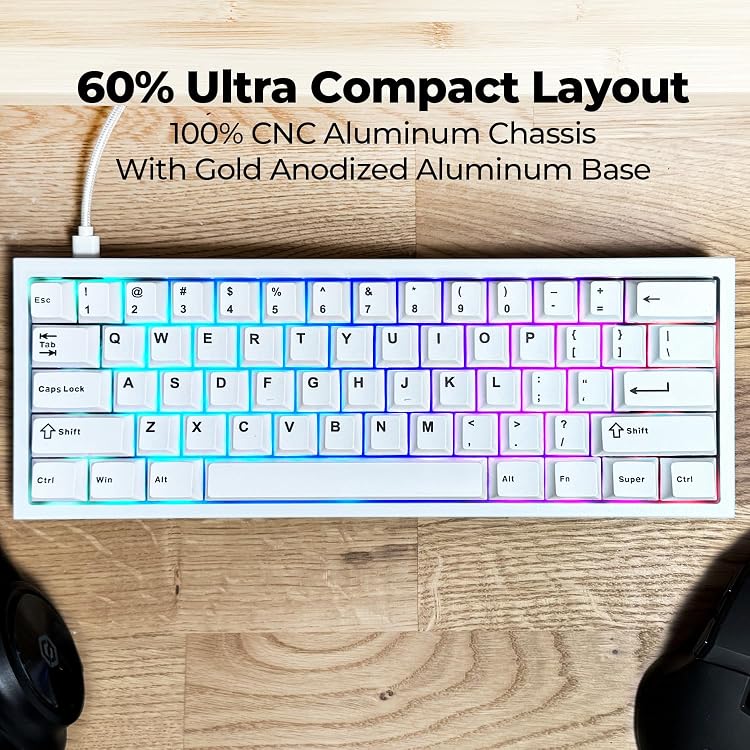
The CyberPowerPC CK60 White is a compact 60% mechanical gaming keyboard that blends premium construction with gamer-friendly features for tight desk setups and fast play. It pairs a CNC aluminum chassis with hot-swappable Gateron Red linear switches to deliver a smooth, quiet typing feel and the flexibility to change switches without soldering. If you value a minimalist footprint and tactile-free rapid actuation, this keyboard targets that need while offering full RGB personalization.
Key features
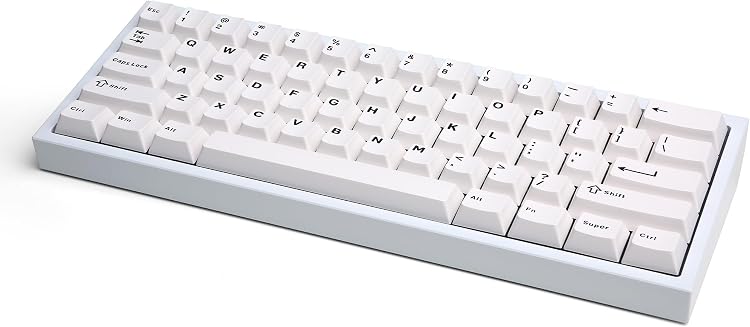
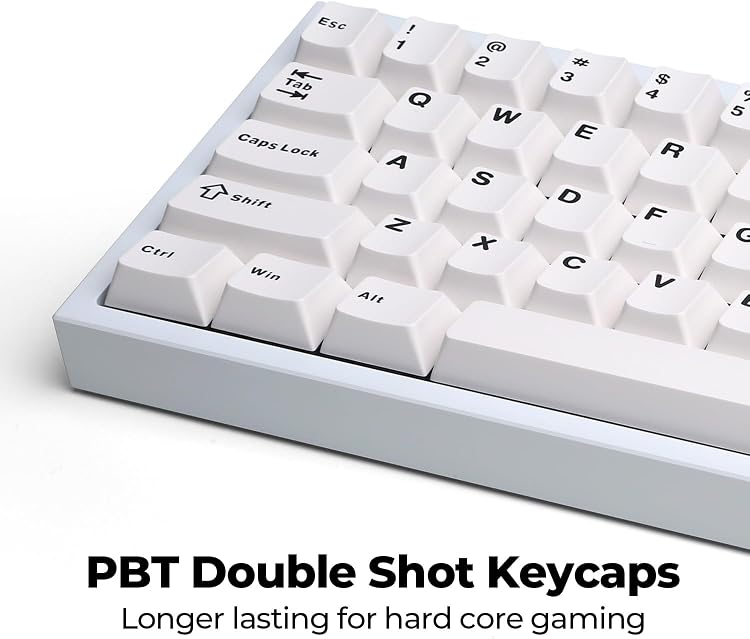
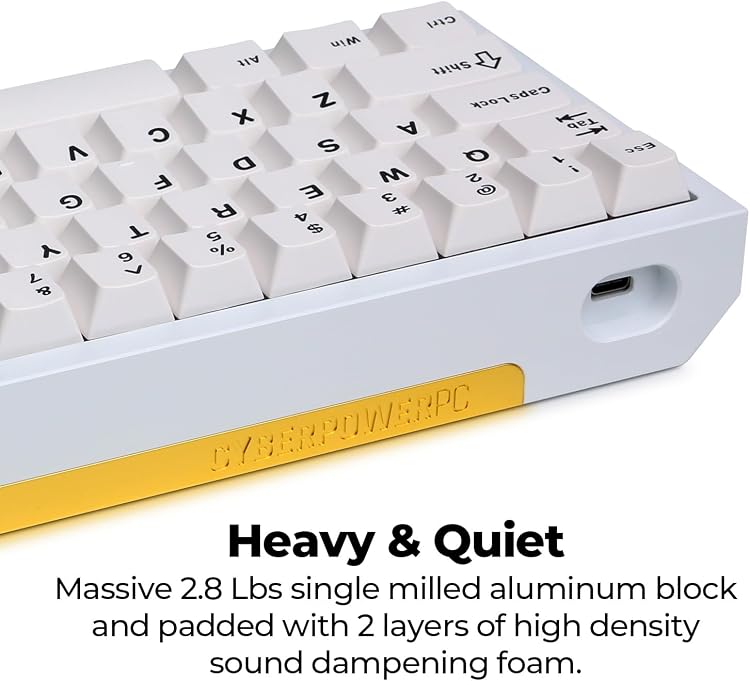
The CK60 packs a surprising amount into a small frame. Its 61-key ANSI layout keeps essentials front and center, while individual RGB per-key lighting lets you set profiles and animations. The CNC-cut aluminum case includes a gold anodized base plate for visual depth and rigidity. Dampening foam in the base and plate reduces ping and unwanted resonance, and PBT double-shot keycaps resist shine for longer lasting legends. According to the manufacturer, the included Gateron Red switches offer linear travel for quiet, consistent presses.
Specifications
- Name: CyberPowerPC CK60
- Type: 60% mechanical keyboard
- Size: 61-key ANSI layout
- Material: CNC aluminum case with polycarbonate plate
- Switches: Gateron Red linear switches
- Color: White
Why it’s worth it
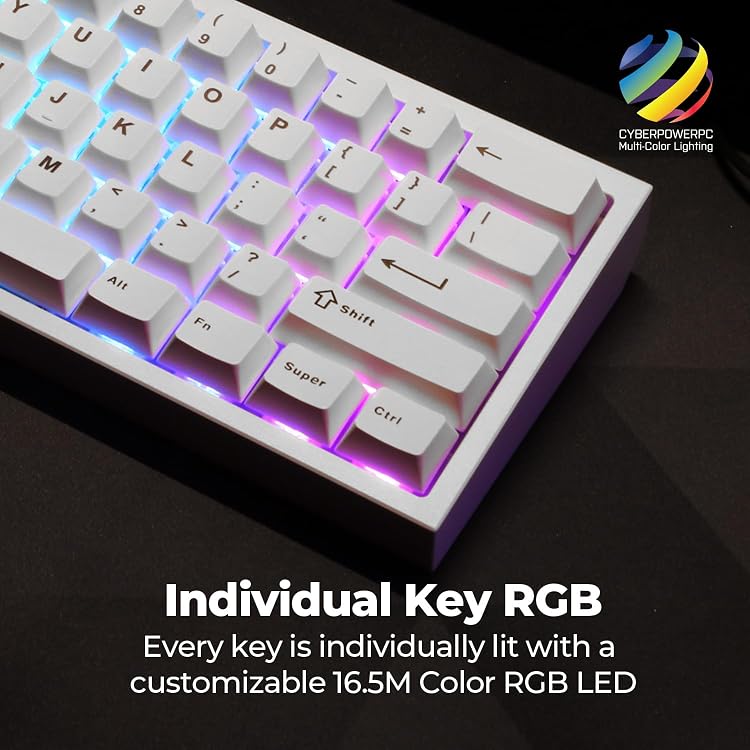
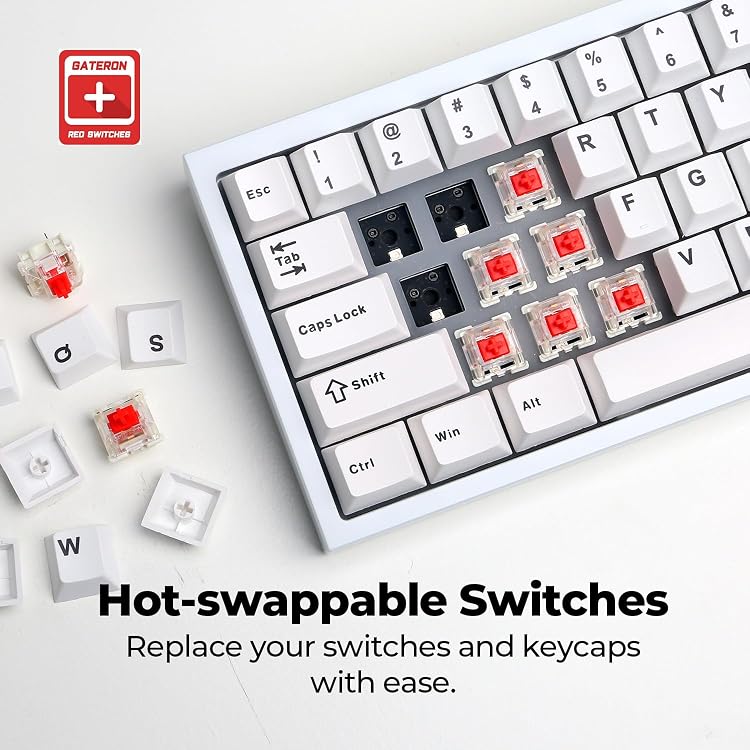
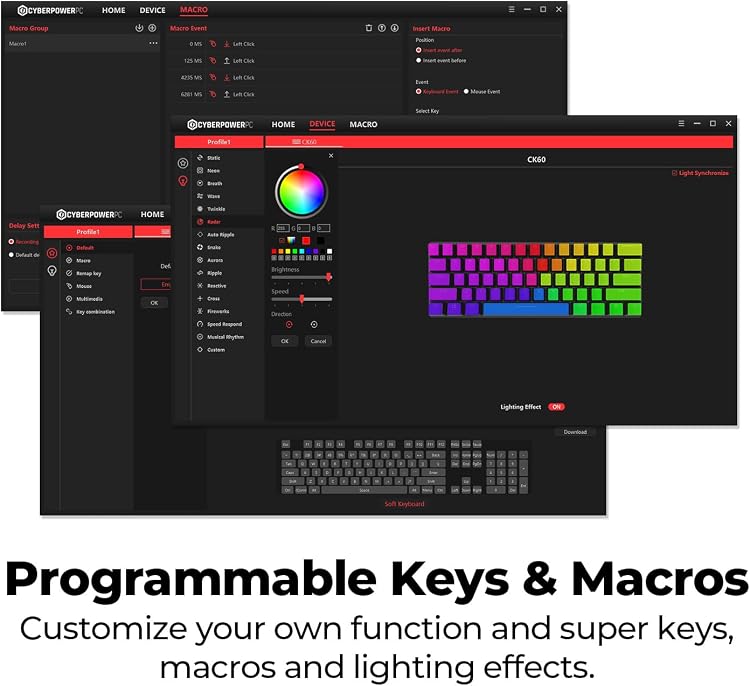
This keyboard balances build quality and modability. The full CNC aluminum chassis feels solid on the desk and improves stability during frantic sessions. Hot-swappable sockets mean you can try tactile or clicky switches later without extra tools, and the foam layers noticeably tame clack for a quieter setup. The software package gives access to macro programming and RGB customization if you use Windows.
Best use cases
A solid pick if you want a compact gaming board that’s easy to upgrade over time. It’s great for streamers and gamers with limited desk space who still want per-key RGB and a premium metal housing. It makes sense if you prefer linear, quiet keypresses but may not be ideal if you need dedicated arrow keys or a numpad.
Care & maintenance
Keep the keyboard free of crumbs and dust by periodically removing keycaps for cleaning, and use the detachable Type-C cable when transporting to protect the port. Replace switches or keycaps selectively to refresh feel or appearance over time.