

TMKB 60% Mechanical Gaming Keyboard (Red Linear Switch) with Detachable USB-C, LED Backlight, 61-Key Anti-Ghosting, Wired (Black)
Product description
The essentials
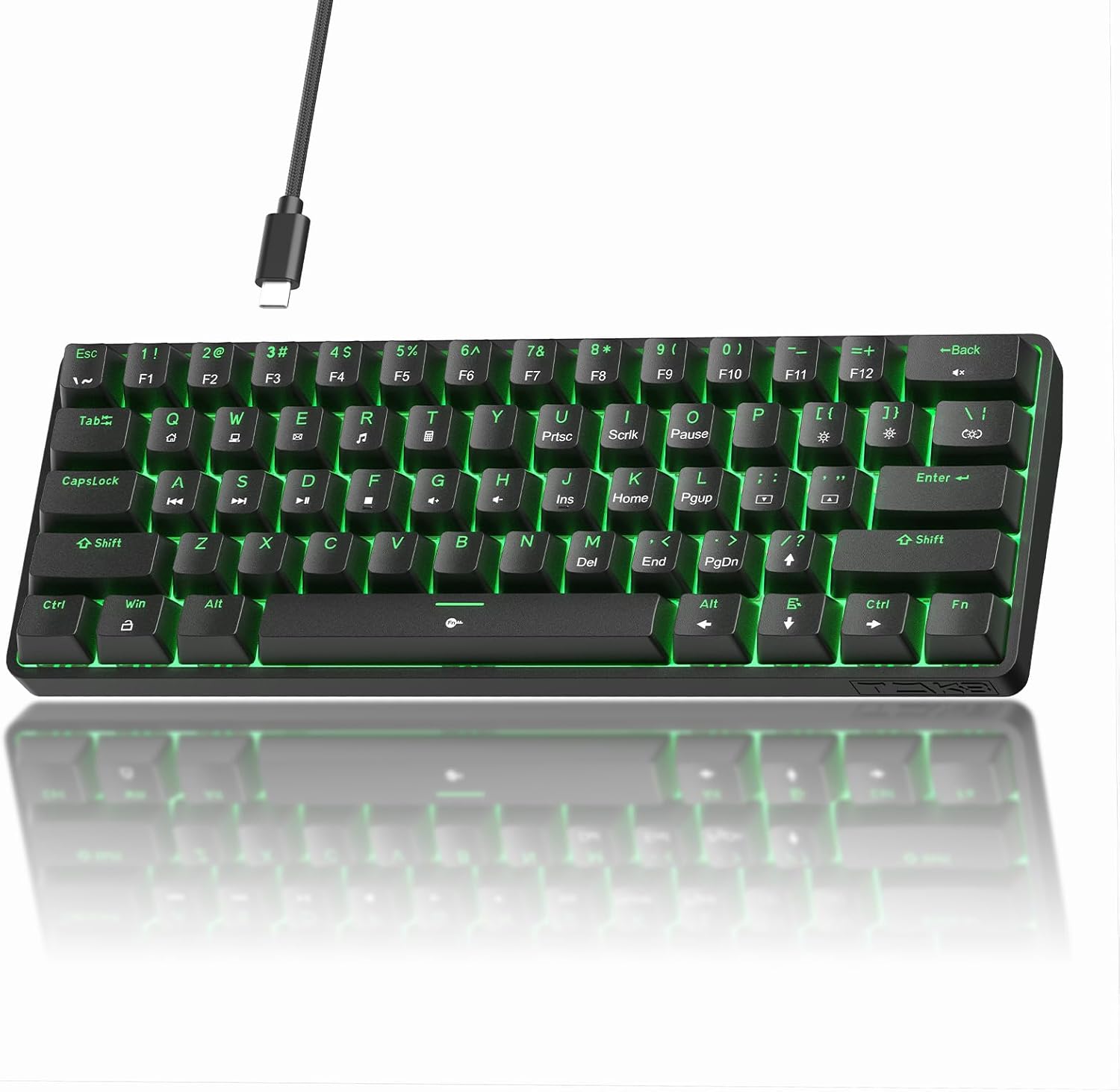
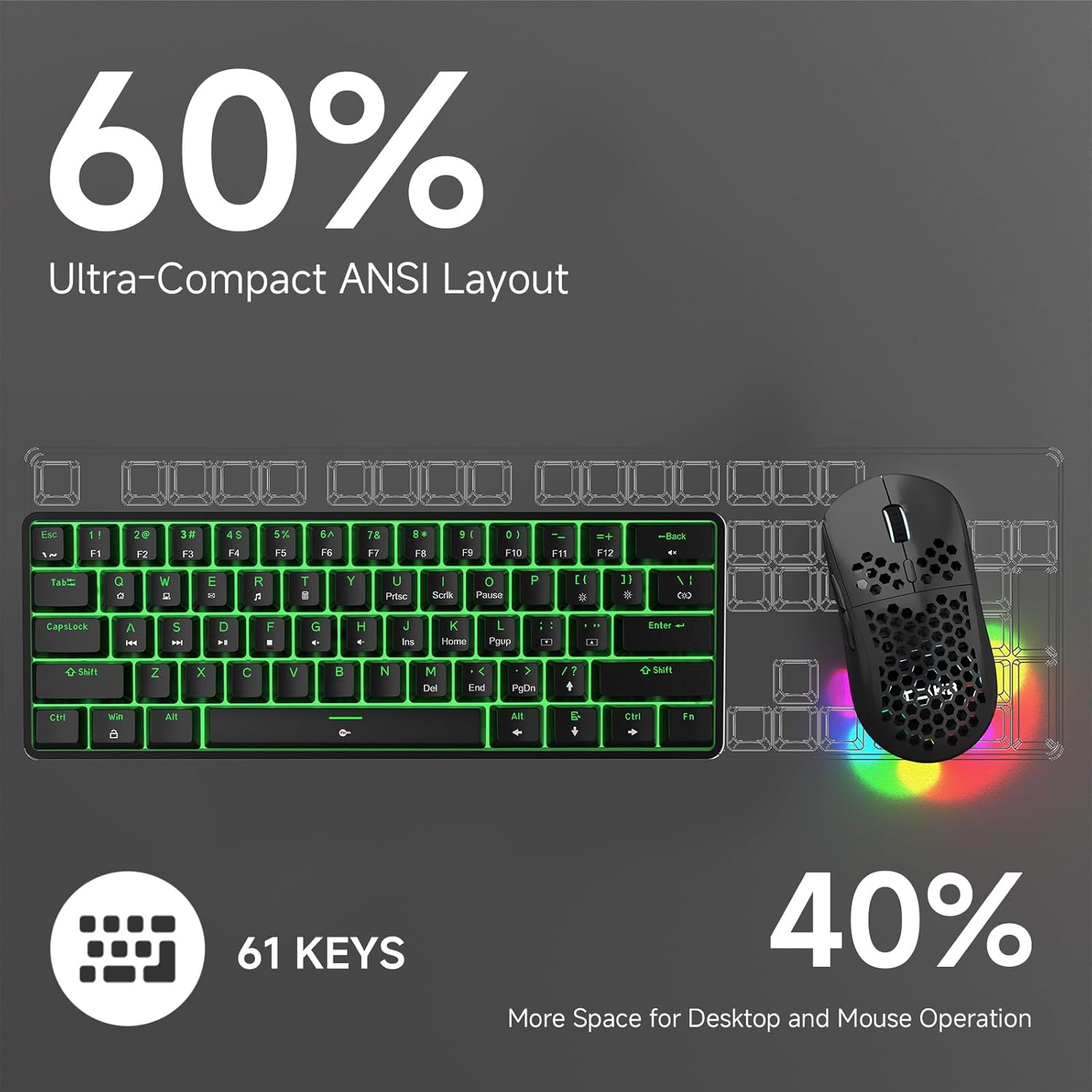
A compact 60% keyboard is one of those upgrades that changes how your whole desk feels. Less board to get in the way, more focus on the keys you actually use, and usually better portability if you bounce between setups. The TMKB 60% Mechanical Gaming Keyboard leans into that idea with a streamlined ANSI 60% layout, detachable USB-C for easier cable management, and red linear switches aimed at fast, low-effort keystrokes.
What it is (and what it’s for)
This is a wired 60% mechanical gaming keyboard built around a linear switch feel and a basic-but-fun RGB/LED backlight setup. Over the usual “full size vs compact” debate, it’s really about desk space and speed. With 61 keys and anti-ghosting support, it’s meant for responsive play where you don’t want missed inputs during quick key presses.
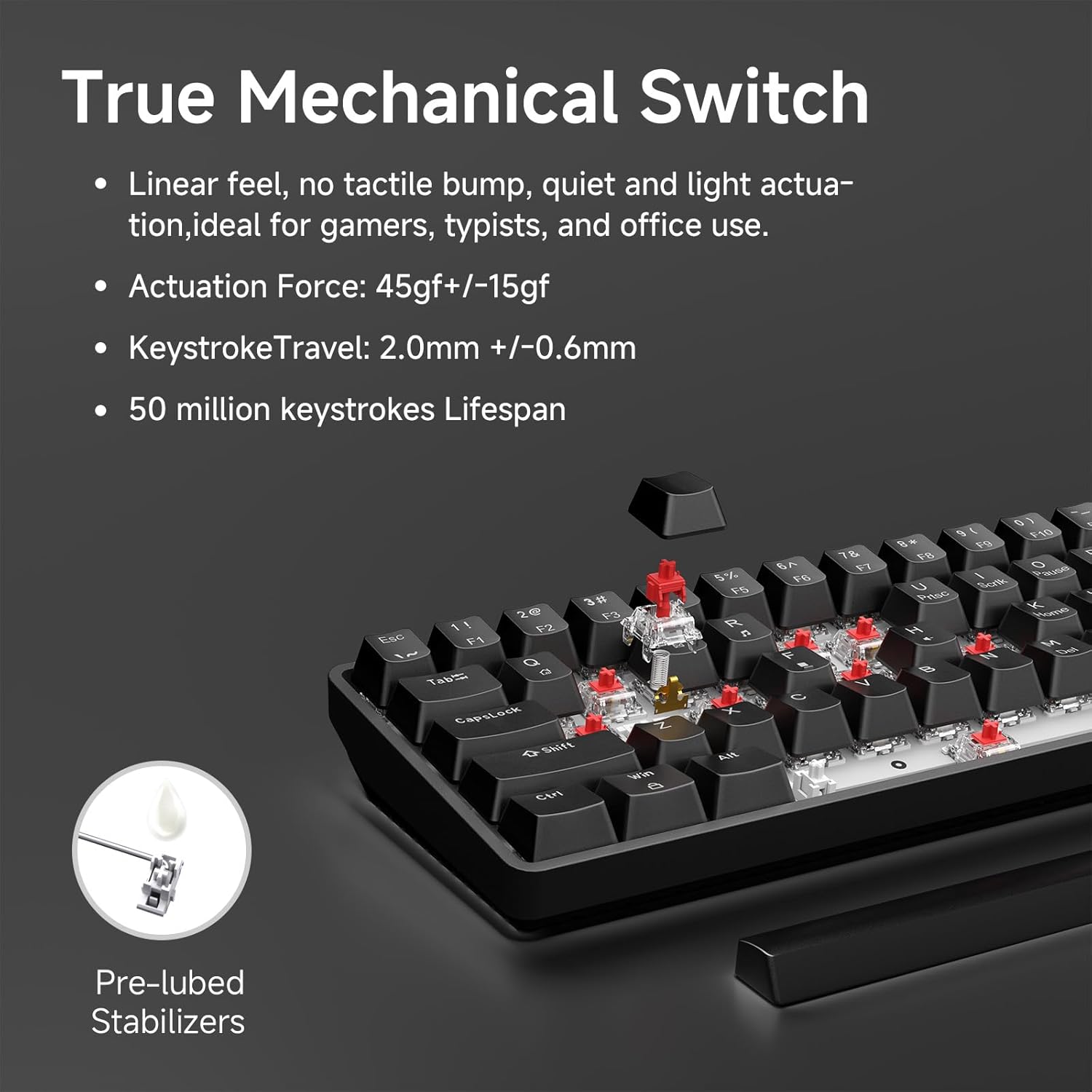
On the typing side, linear switches tend to feel smoother and more consistent because they don’t have a tactile bump. If your routine is a mix of gaming and everyday typing, that usually works well—though you may miss a tactile “noticeable step” if you prefer heavier feedback.
Key highlights in real use
The switch and lighting combo is the heart of this board.
- The red linear switches are described as smooth and low-resistance, with a 45g actuation. In practice, that often translates to less finger force for repeated taps—helpful for competitive sessions and long typing runs when your hands get tired.
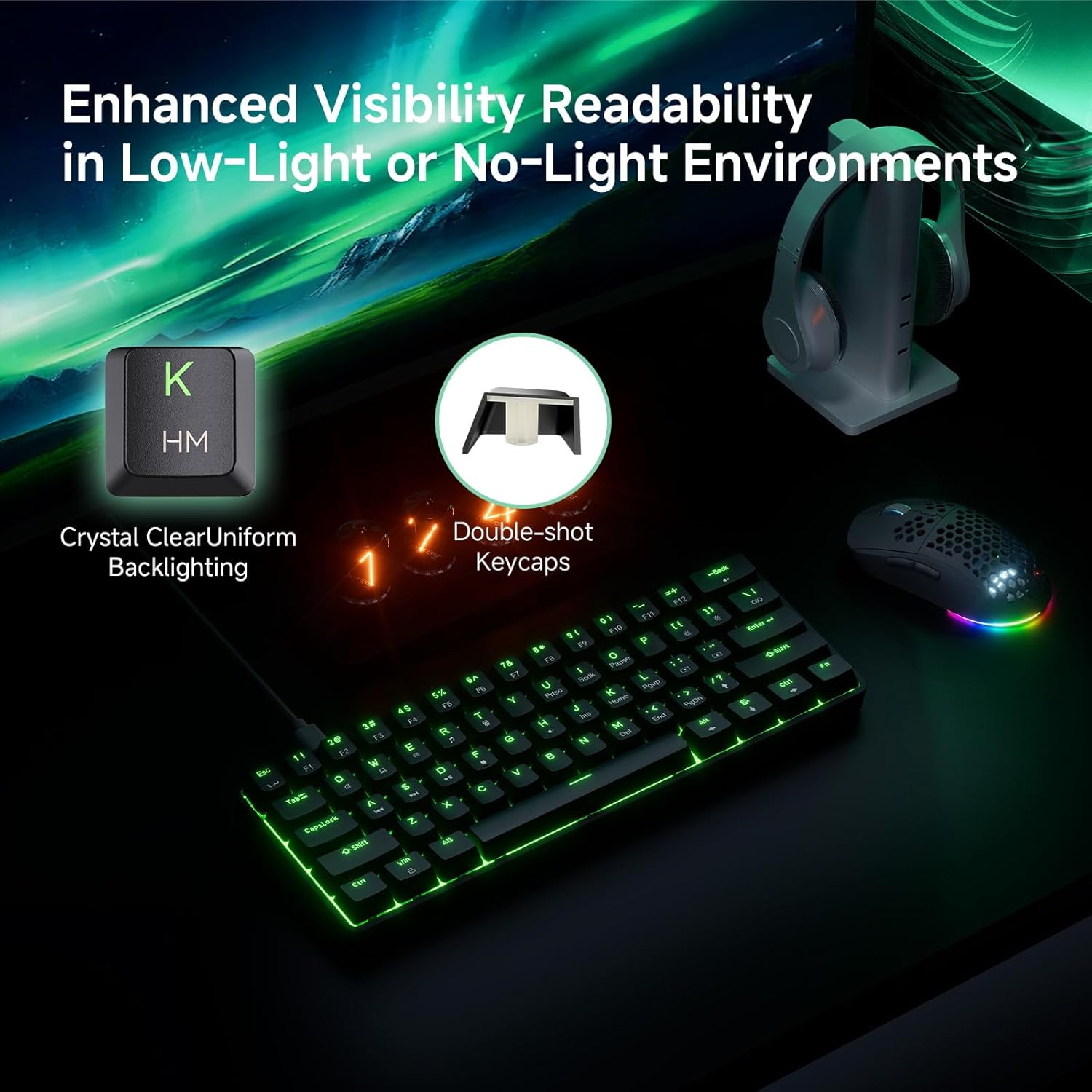
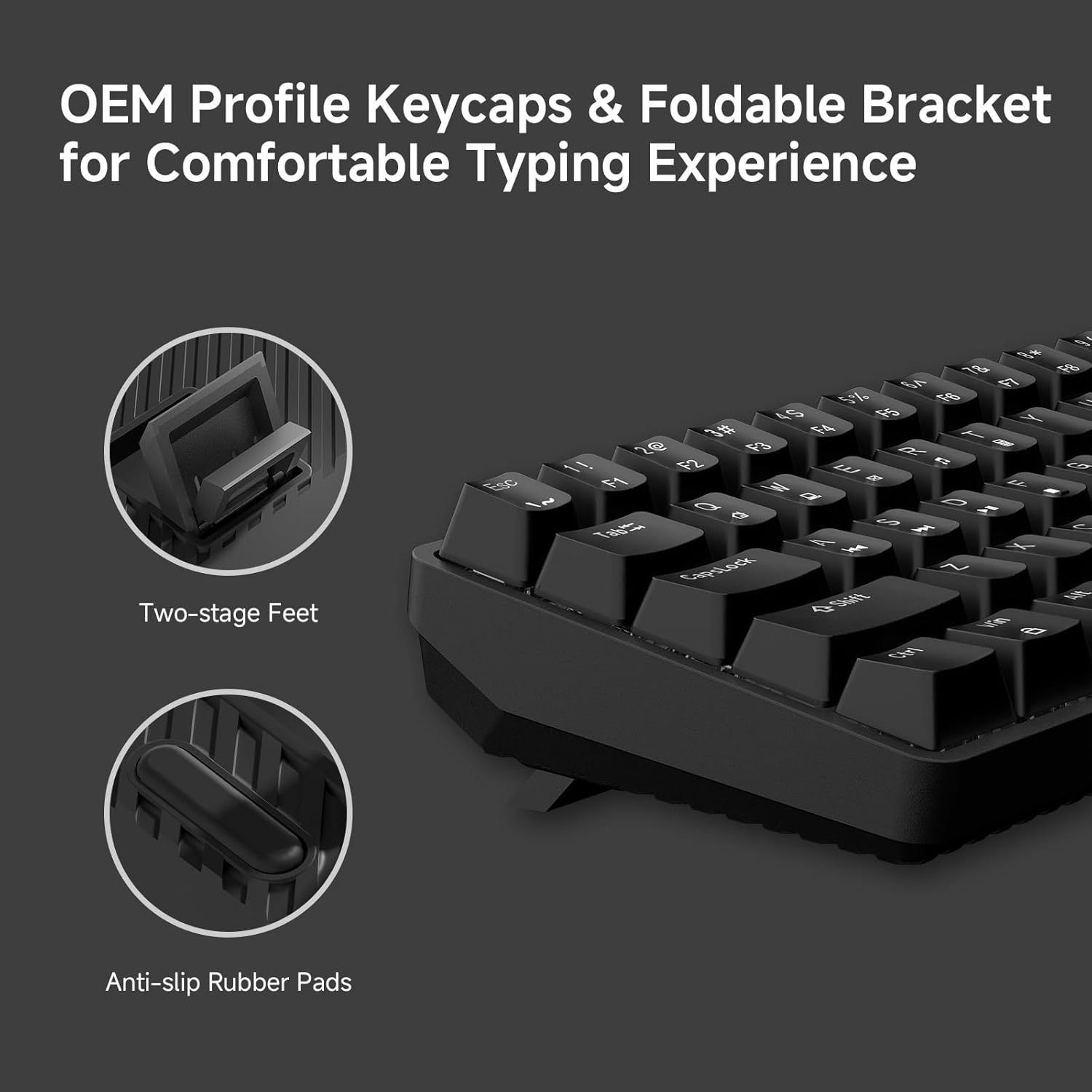
- The LED backlight includes 15 dynamic lighting modes with adjustable brightness and speed. It’s not just for show either: double-shot keycaps are designed to resist fading, and the backlight visibility is something you’ll care about if you game in lower lighting.
- Anti-ghosting is included with support for 61-key rollover. That’s the kind of detail that matters when you’re chaining inputs.
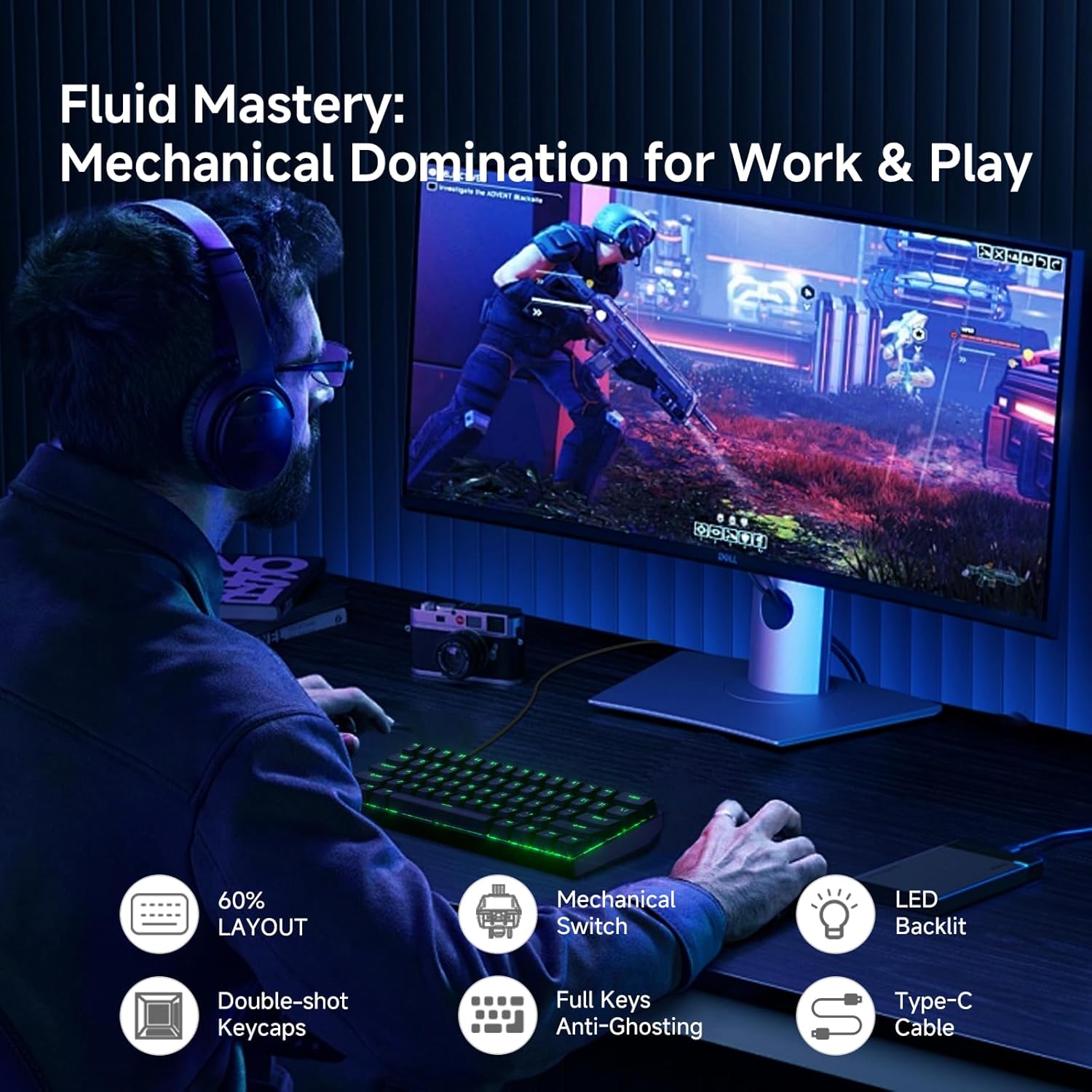
One small caveat: lighting effects can be distracting, especially if you prefer a clean, low-motion setup. The adjustable brightness/speed helps, but it’s still something to consider.
What stands out (and where it may feel limiting)
Where it shines is the “compact plus convenient” mix: a 60% ANSI design, detachable USB-C, and double-shot keycaps in a ready-to-use wired package. If you want a keyboard you can set up quickly and move around without wrestling with a permanently attached cable, detachable USB-C is a genuine quality-of-life feature.
That said, this board’s feature set is clearly built to be approachable rather than ultra-premium. For example, the information provided focuses on core gaming feel (linear switches, anti-ghosting) and basic customization (LED modes, brightness/speed), but it doesn’t mention higher-end extras like programmable layers or advanced software tuning. So it may feel more “solid standard” than “fully enthusiast-custom.”
Compatibility and setup expectations
The TMKB keyboard is described as plug-and-play for Windows, Linux, and macOS. That’s good news if you don’t want to spend time on driver hunting.
Also, the USB-C cable is reversible, which helps for storage and replacement. If you travel or keep your desk cables tidy, that’s the kind of small detail you notice more than you’d expect.
Tech specs
- Type: Mechanical gaming keyboard
- Layout: 60% / ANSI
- Switch type: Red linear
- Actuation force: 45g
- Durability: 50 million keystrokes
- Keys: 61 keys
- Anti-ghosting: 61-key rollover
- Backlight: LED backlight
- Lighting modes: 15 dynamic modes
- Keycaps: Double-shot keycaps
- Connection: Wired with detachable USB-C (reversible cable)
- Color/finish: Black
Who should buy it? Who should skip it?
It’s a great fit if you want a compact 60% board for gaming and typing, prefer a smooth linear switch feel, and care about consistent key legends thanks to double-shot keycaps. It also makes sense if you want fewer desk-space distractions and you like the idea of detachable USB-C for easier cable handling.
You may want to skip it if you strongly prefer tactile switches with a bump, or if you’re looking for deeper customization beyond LED effects (the provided info doesn’t point to advanced programming features). Not the best match if you want a feature-dense “enthusiast” keyboard experience, because this one focuses on the fundamentals.
Buying verdict
Is it worth it?
Worth considering if you’re shopping for a 60% mechanical gaming keyboard that prioritizes streamlined desk space, fast-feel red linear switches (45g actuation), and practical gaming input support (anti-ghosting with 61-key rollover). The detachable USB-C and double-shot keycaps are also the kind of details that make daily use less annoying.
It may not be the best choice if you’re chasing premium-level customization or switch feel with tactile feedback. On paper, it lands more in the “ready-to-go, well-focused” category than in the “premium enthusiast workstation” category.
Mini FAQ
Does the TMKB 60% keyboard support multiple OS systems?
Yes—it's described as plug-and-play for Windows, Linux, and macOS.
How many LED lighting modes does it have?
It includes 15 dynamic lighting modes, with adjustable brightness and speed.
Is anti-ghosting included?
Yes. The listing states anti-ghosting support with 61-key rollover.
Is the USB-C cable detachable?
Yes, it uses a detachable USB-C connection and the cable is described as reversible.
Are the keycaps meant to last with backlighting?
The keycaps are described as double-shot and designed to resist fading, helping maintain backlight visibility over time.