

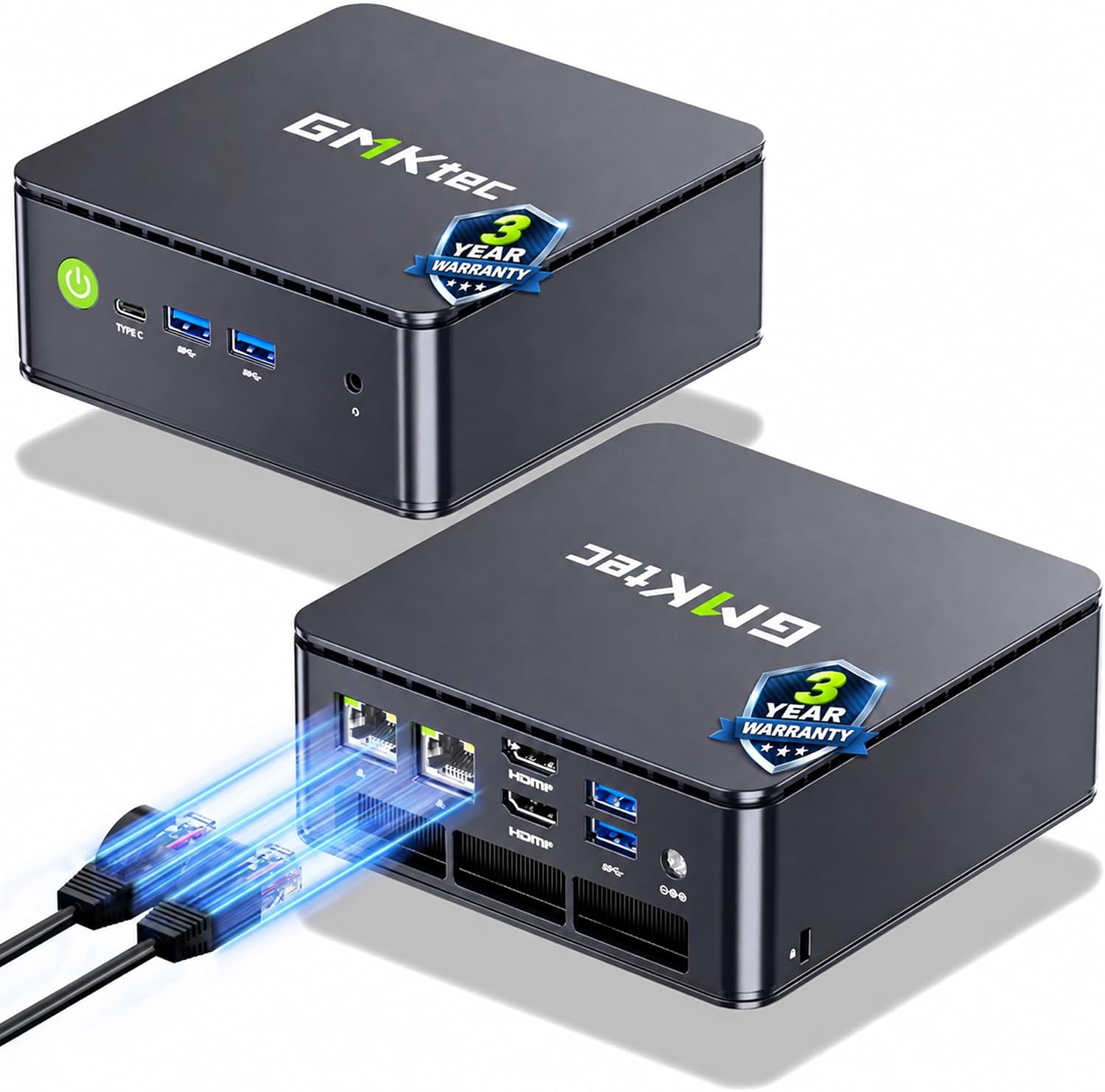
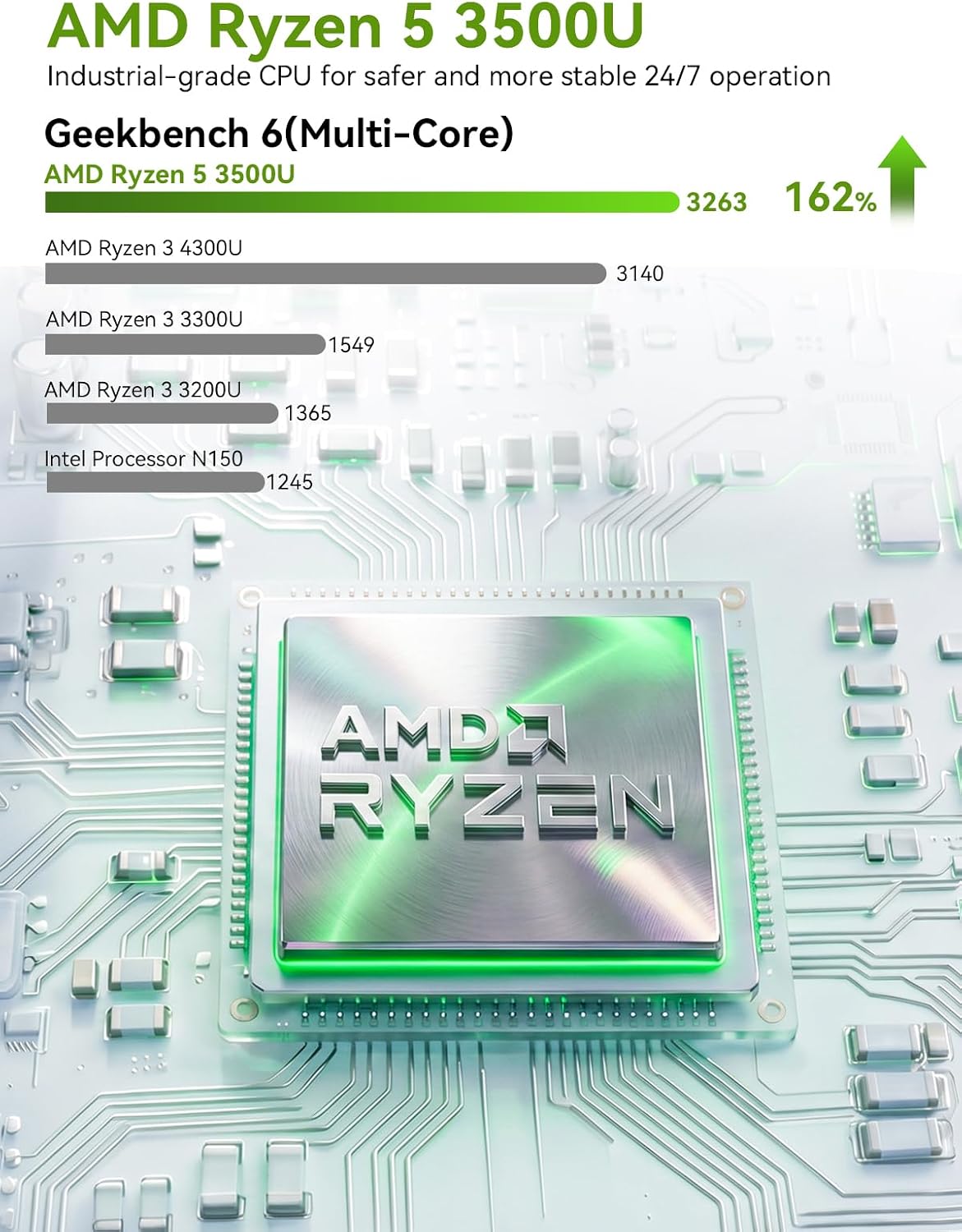
GMKtec Mini PC G11 with AMD Ryzen Embedded R2514 (Beats 4300U/N150) — 16GB RAM, 512GB SSD, Dual 2.5GbE, Triple Display Support
Product description
What it is and who it’s for
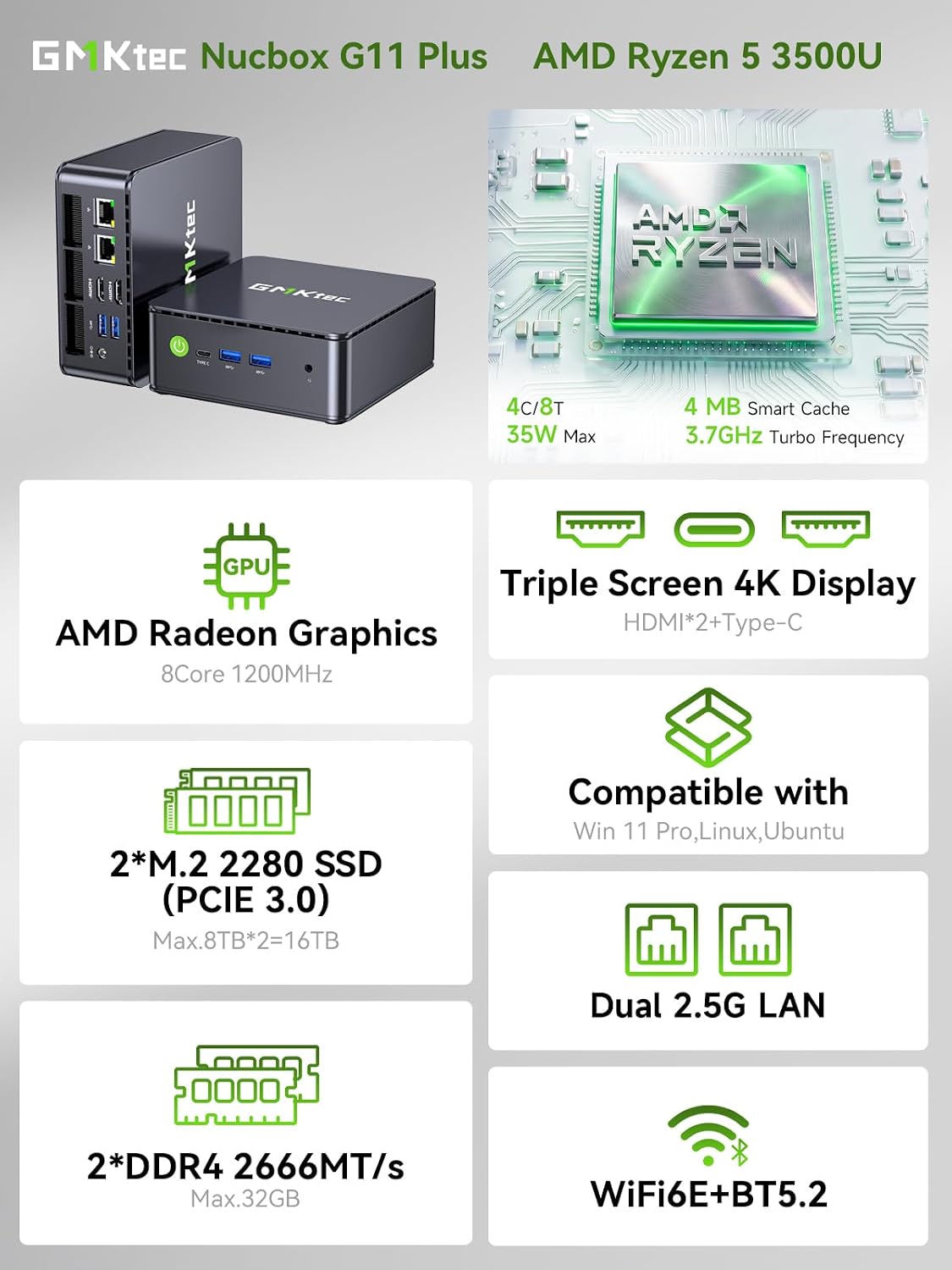
The GMKtec G11 is a compact mini PC powered by the AMD Ryzen Embedded R2514 processor. It’s built for small office, light server, NAS duties, and professional edge computing where 24/7 reliability matters. With 16GB dual‑channel DDR4 RAM and a 512GB PCIe M.2 SSD, it aims to balance everyday productivity with more demanding tasks like data visualization, basic CAD viewing, or multimedia workloads. If you’re looking for a space‑saving desktop that can run multiple displays and keep a quiet footprint in a workbed, this model is worth considering.
How it’s designed to perform
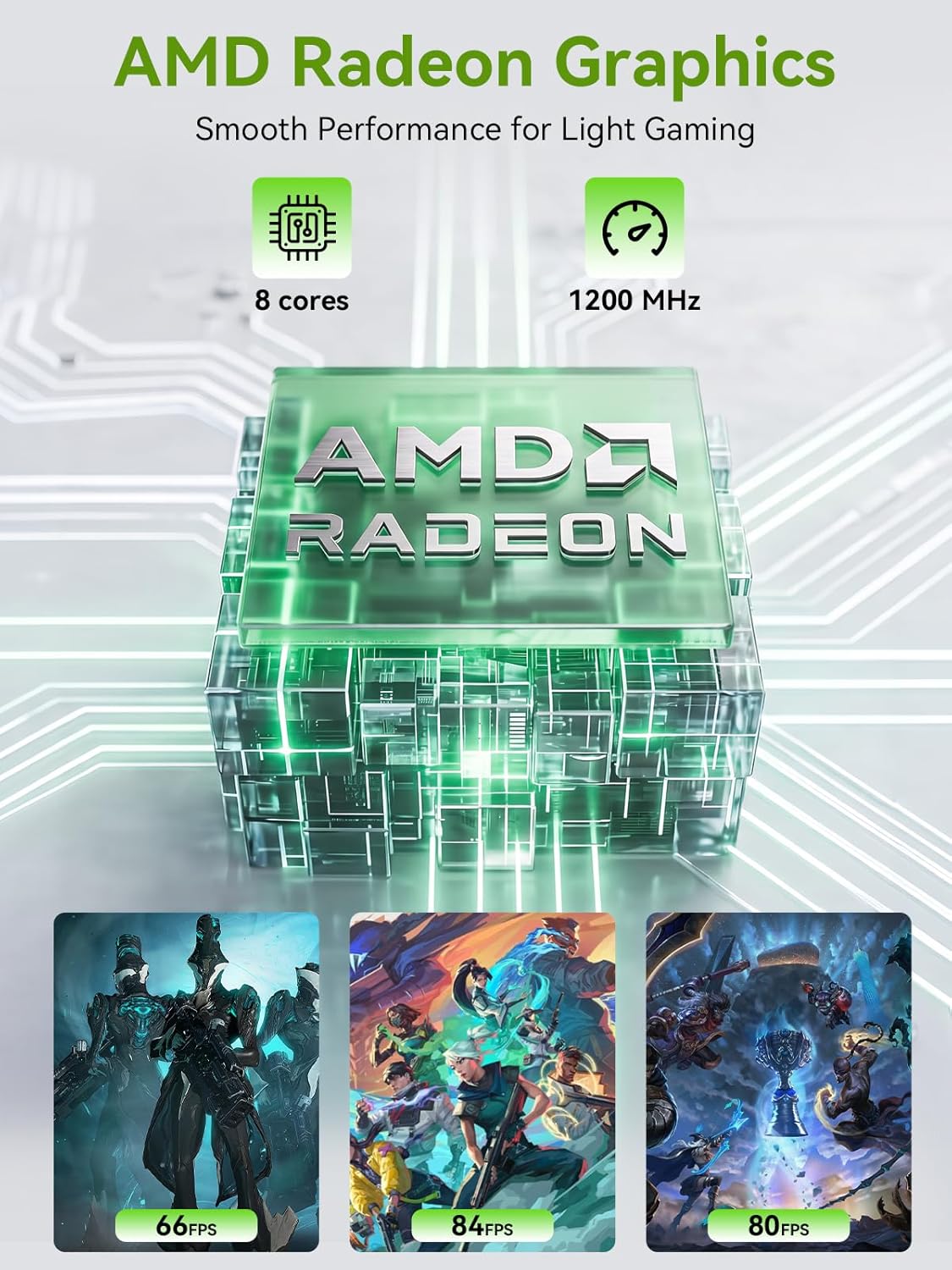
On paper, the R2514 delivers up to 30% more aggregate performance than some competing Intel chips in similar form factors, plus a Radeon graphics core clocked at 1.2GHz. The GPU claims a substantial boost for media, 3D workloads, and multi‑display setups. The system supports triple independent 4K displays and modern APIs like DirectX 12 and Vulkan, which can translate into smoother visuals for presentations, video workflows, or lightweight creative tasks.
What stands out day to day
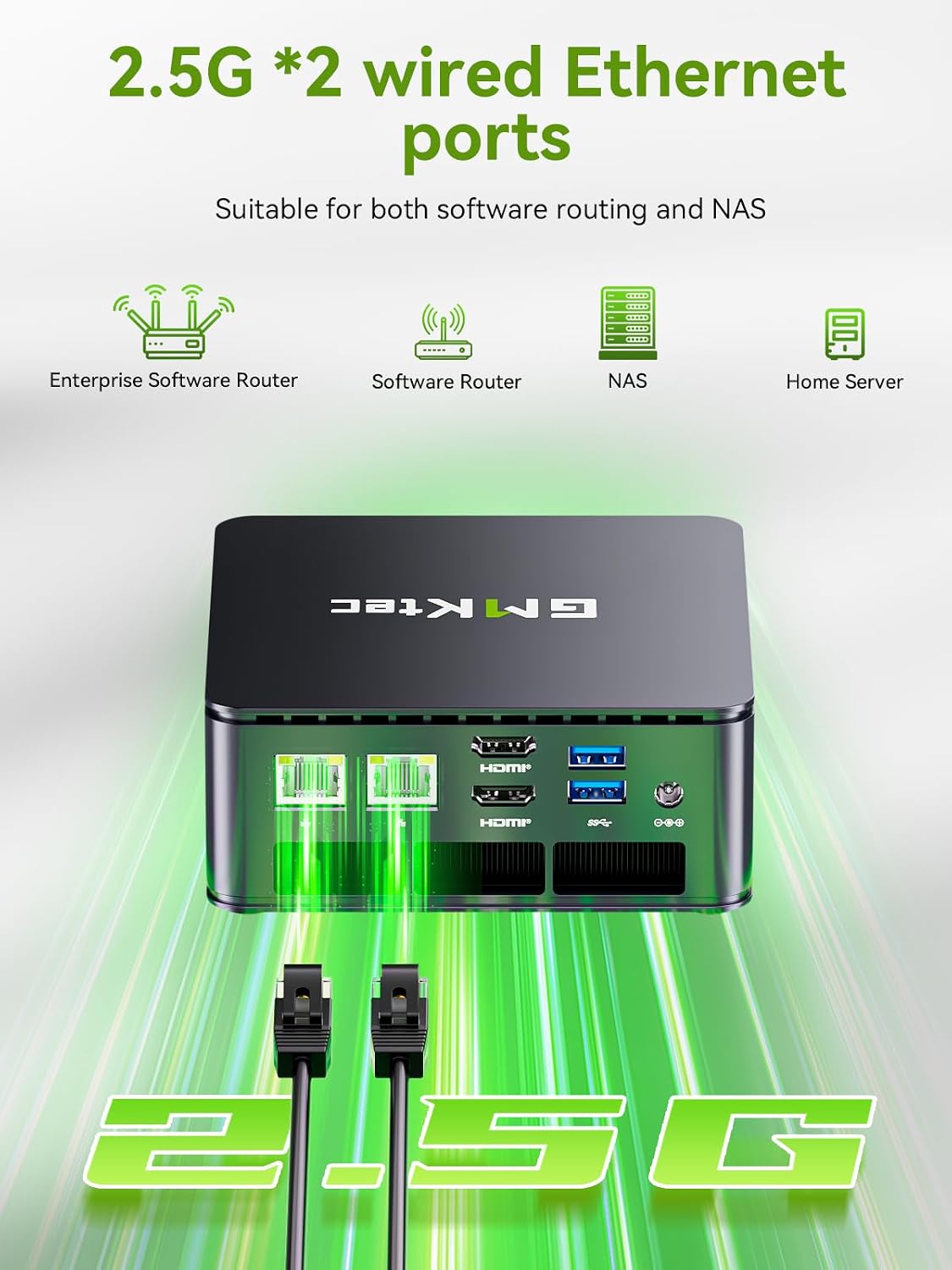
Two features stand out for real‑world use. First, dual 2.5GbE network ports turn this mini PC into a capable networking hub or compact NAS server for small offices or home labs. Second, the hardware pairing of 16GB RAM in dual channels helps reduce bottlenecks when multitasking across several apps or browser tabs, and it can improve responsiveness in CAD viewing, data visualization, or simultaneous display workloads.
Potential limitations to keep in mind
While the Ryzen Embedded parts are designed for reliability, this is still a compact consumer/industrial PC rather than a full desktop workstation. If you plan heavy 3D design, large-scale video editing, or gaming, you may quickly hit the limits of a small form factor and integrated GPU performance. Also, the BIOS “Performance Mode” opens a noticeable boost, but sustained high workloads could mean higher heat output and fan activity—worth noting if you need a whisper‑quiet setup.
What it’s best at (use cases)
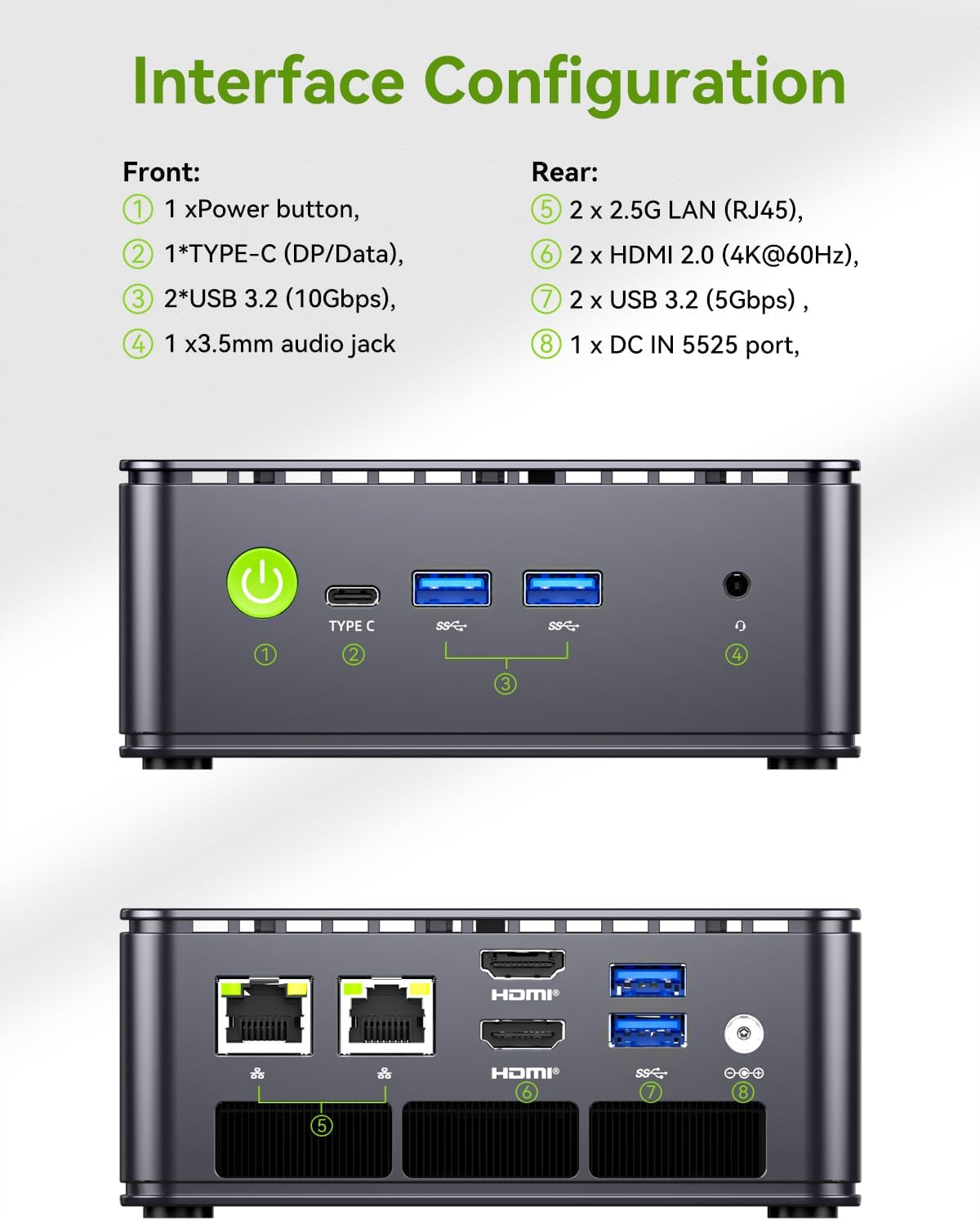
- Small office workstation with multi‑display setup (two HDMI 2.0 outputs plus USB‑C DisplayPort Alt Mode).
- Compact NAS or lightweight server with virtualization or containerization (Proxmox or similar).
- Edge computing tasks that require 24/7 uptime with steady processing and reliable networking.
- Media display stations or digital signage where 4K output and smooth playback matter.
Who it’s not ideal for
If your primary needs are top‑tier gaming, heavy 3D rendering, or professional‑grade video editing, a higher‑end desktop or workstation could be a better fit. If you expect silent operation under heavy load, be mindful that the Performance Mode boosts power and cooling demands.
What to check before buying
- Ensure the motherboard/BIOS settings support the triple 4K setup as you plan (HDMI 2.0 outputs plus USB‑C DP Alt Mode).
- Confirm your storage needs: 512GB PCIe SSD is fast, but plan for expansion if your media projects grow.
- Consider the networking role you want: the dual 2.5GbE ports are a real plus for NAS or firewall duties, but you’ll want appropriate software knowledge to configure it.
How it compares to other purchase approaches
For a compact system, this setup competes well against traditional mini PCs when you value dual NICs and robust multi‑display outputs. If you prioritize raw CPU speed for heavy workloads, you may prefer a higher‑spec desktop or a model with a dedicated GPU. If you need simple productivity, this can be a clean, space‑saving alternative to a standard office PC with decent headroom for multitasking.
Quick practical usage example
Imagine a small office corner where a single device handles a live dashboard, a video conference, and a couple of HDMI displays showing schedules and analytics. The G11 can manage those tasks with its 16GB RAM and triple display capability, while the dual 2.5GbE ports help keep data transfers brisk between the mini PC and a NAS or switch infrastructure.
Is it worth it?
Final verdict
It makes sense if you need a compact, reliable machine with solid multi‑display support, decent RAM for everyday work, and strong networking capabilities for a small office or home lab. It’s less compelling if you expect desktop‑class gaming or heavy professional rendering. In short, a pragmatic choice for space‑constrained professionals who value uptime and flexible networking.
FAQ
- How many displays can it drive natively? Three independent outputs via dual HDMI 2.0 and USB‑C DisplayPort Alt Mode.
- Can it handle 4K video playback smoothly? Yes, with the Radeon graphics core and 4K capable outputs, playback up to 4K@60Hz is supported.
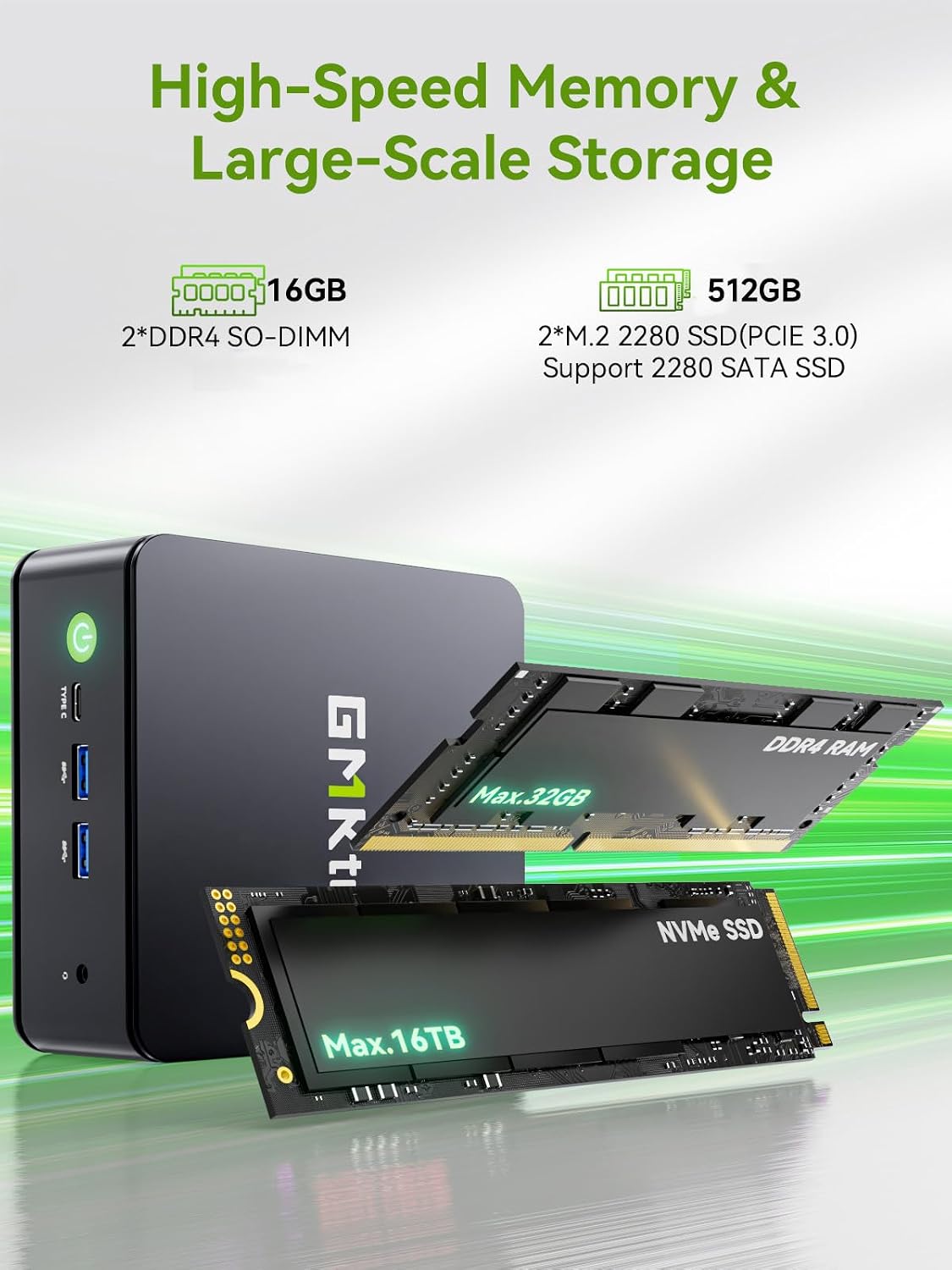
- Is there room for upgrading RAM or storage? The description notes 16GB RAM and 512GB SSD, upgrades would depend on the device’s expandability but aren’t specified here.
Decision section
What matters most
If your priority is a compact, reliable desktop with strong networking capabilities and multi‑display support for professional workloads, the GMKtec G11 stands out as a solid option in that niche.