

Origimagic C3 Mini PC Intel Core i3-5005U (15W) with 8GB RAM and 512GB SATA SSD
Product description
The essentials
If you’re shopping for a compact Windows mini PC, the Origimagic C3 is built around a straightforward promise: steady performance for everyday business tasks, wrapped in a low-power design that’s meant to run continuously. On paper, it targets people who want something smaller than a desktop for office work, light productivity, and always-on use cases (think digital signage or monitoring terminals), without going overboard on specs.
The headline specs here are Intel Core i3-5005U, 8GB RAM (expandable up to 16GB), and a 512GB SATA SSD. It also includes WiFi and Bluetooth, and it brings a practical set of ports for work devices. The 15W low-power angle is the big differentiator in day-to-day terms: you’re paying for an efficient platform rather than raw, power-hungry desktop behavior.
One note to keep in mind: the entry says it supports only the Win-10 system (not Win-11). If you’re planning to use a newer setup, that limitation matters.
What it’s good for (and what “mini PC” really means here)
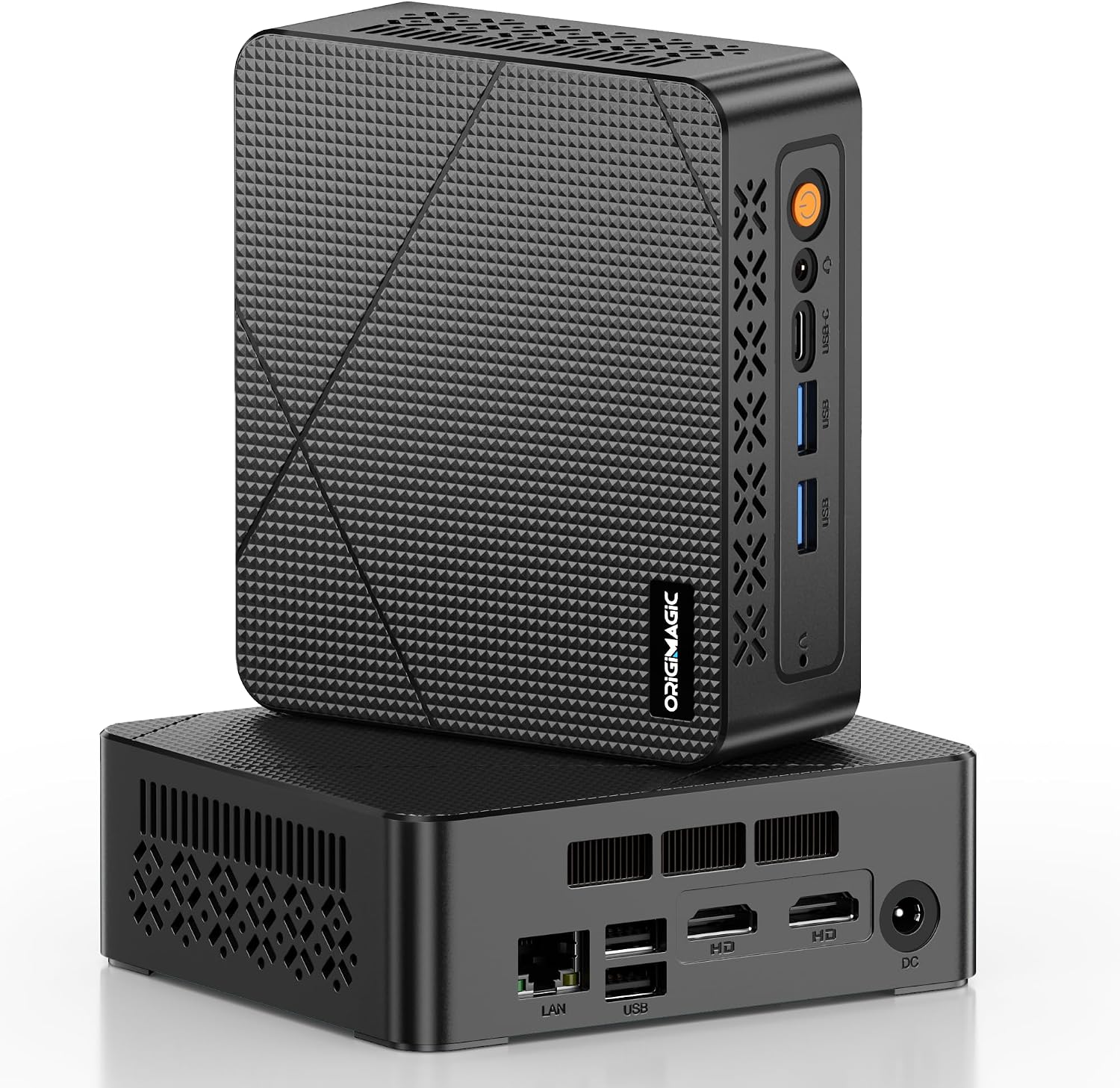
This kind of mini PC is usually chosen for two reasons: space and power. The C3 follows that logic with a small footprint and a low-power architecture designed for long runtimes.
In real-world terms, it’s the sort of machine you’d expect to handle: - Web browsing with multiple tabs while you juggle office apps - Document work, spreadsheets, email, and other everyday business workflows - Light multitasking where single-core responsiveness matters
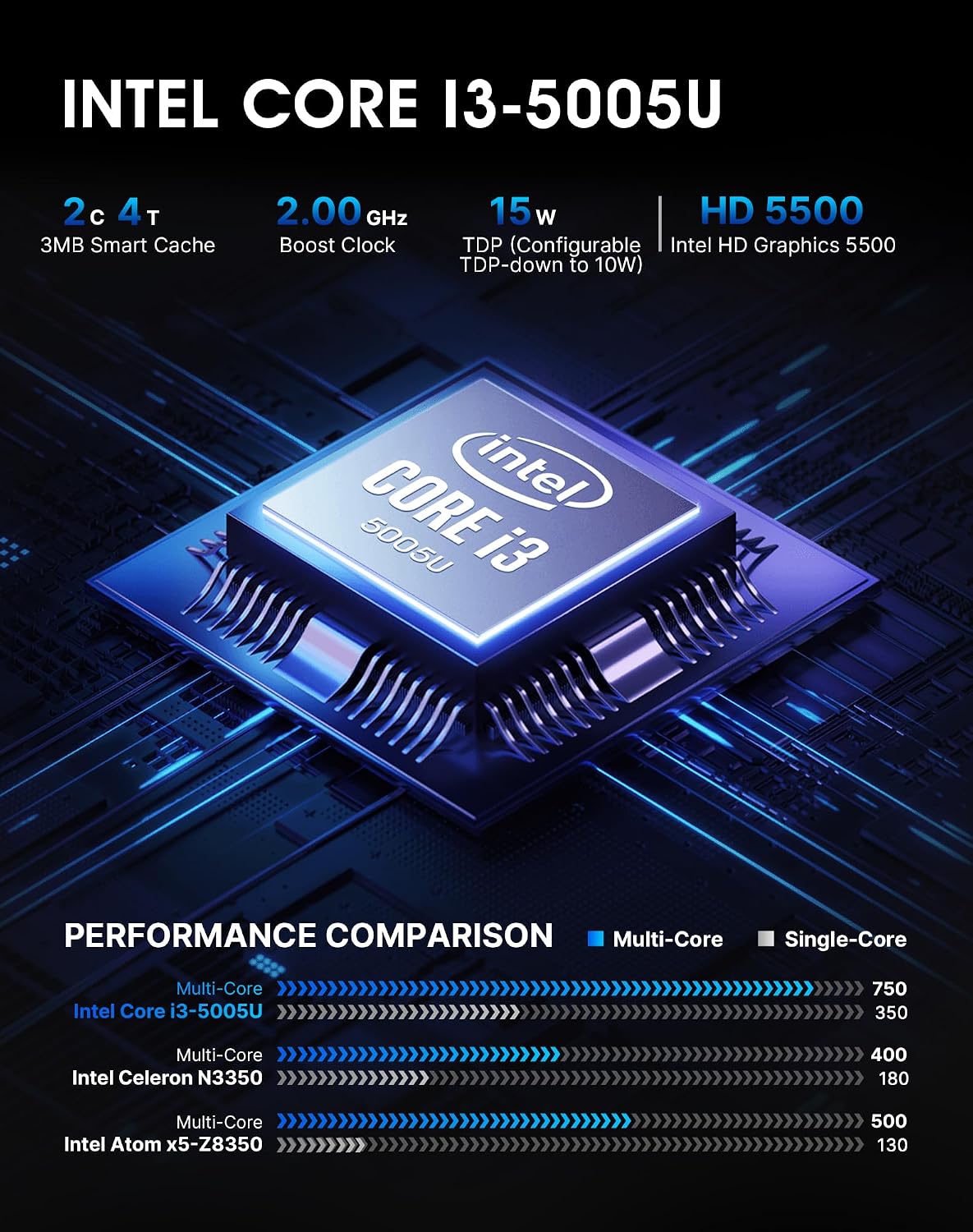
The product description specifically points to stable daily use leveraging “better single-core performance,” plus Hyper-Threading to help with multitasking in lighter productivity workloads. That doesn’t automatically make it a heavy-duty creator machine, but it does fit a typical office/biz environment where responsiveness and reliability beat flashy benchmarks.
Where it shines in connectivity and expandability
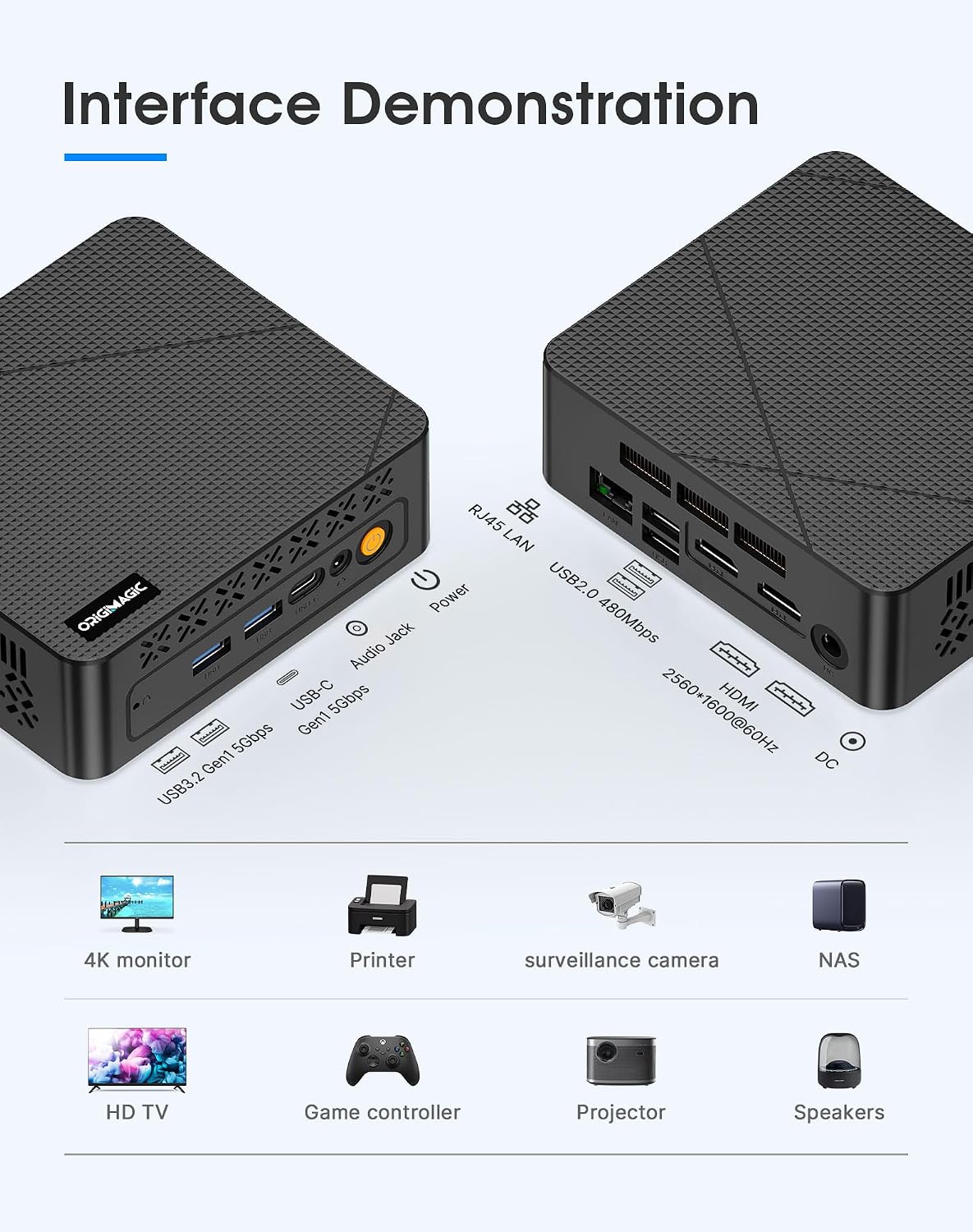
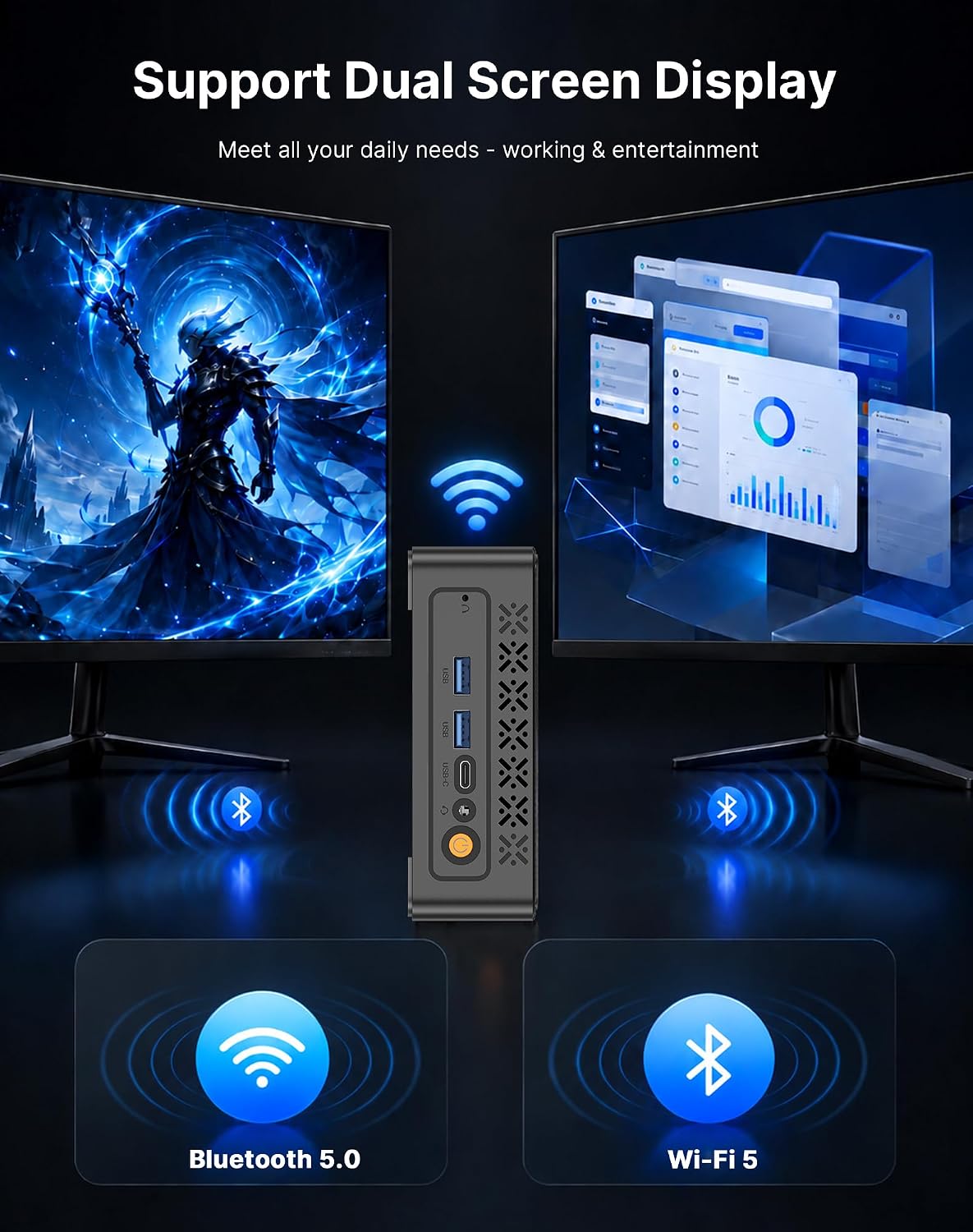
A mini PC is only useful if you can actually plug things in and grow storage when needed. This model includes two HDMI ports, which is relevant if you’re aiming for a dual-display office setup. It also lists: - 2x USB 3.2 Type-A - 1x USB Type-C - 2x USB 2.0 - Bluetooth 5.0 - Gigabit Ethernet and dual-band WiFi
That mix is a solid “business desk” layout—enough for peripherals, storage, and network connectivity without hunting for adapters immediately.
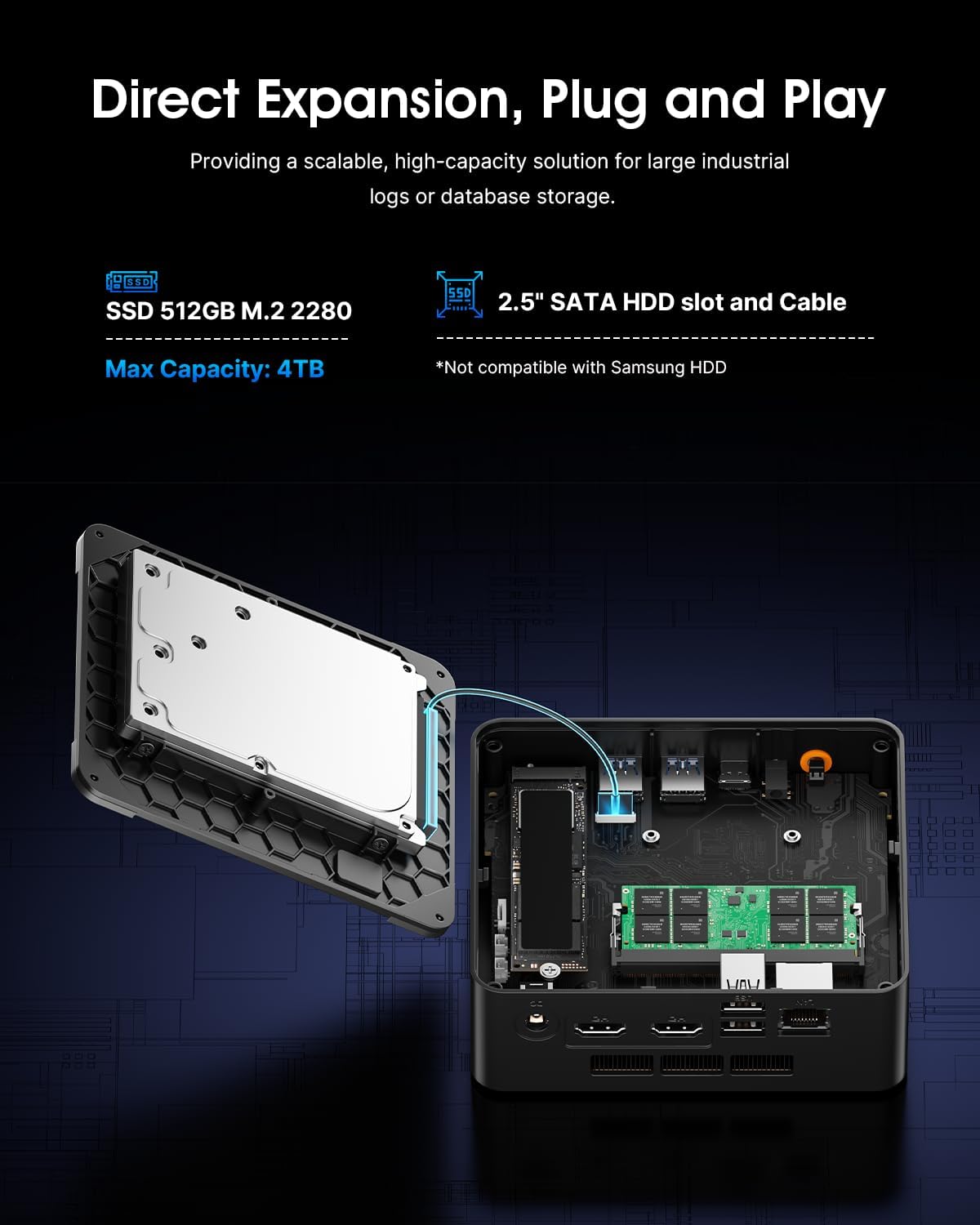
On the storage side, you get a 512GB SATA SSD plus an internal 2.5-inch SATA HDD slot (the description says a cable is included). That matters if you expect lots of office documents, industrial logs, database storage, or a growing media archive for home or small business use. It’s not perfect—you still have to do the expansion yourself—but at least the path is there without forcing you into a whole replacement later.
Key takeaways for business-style, always-on use
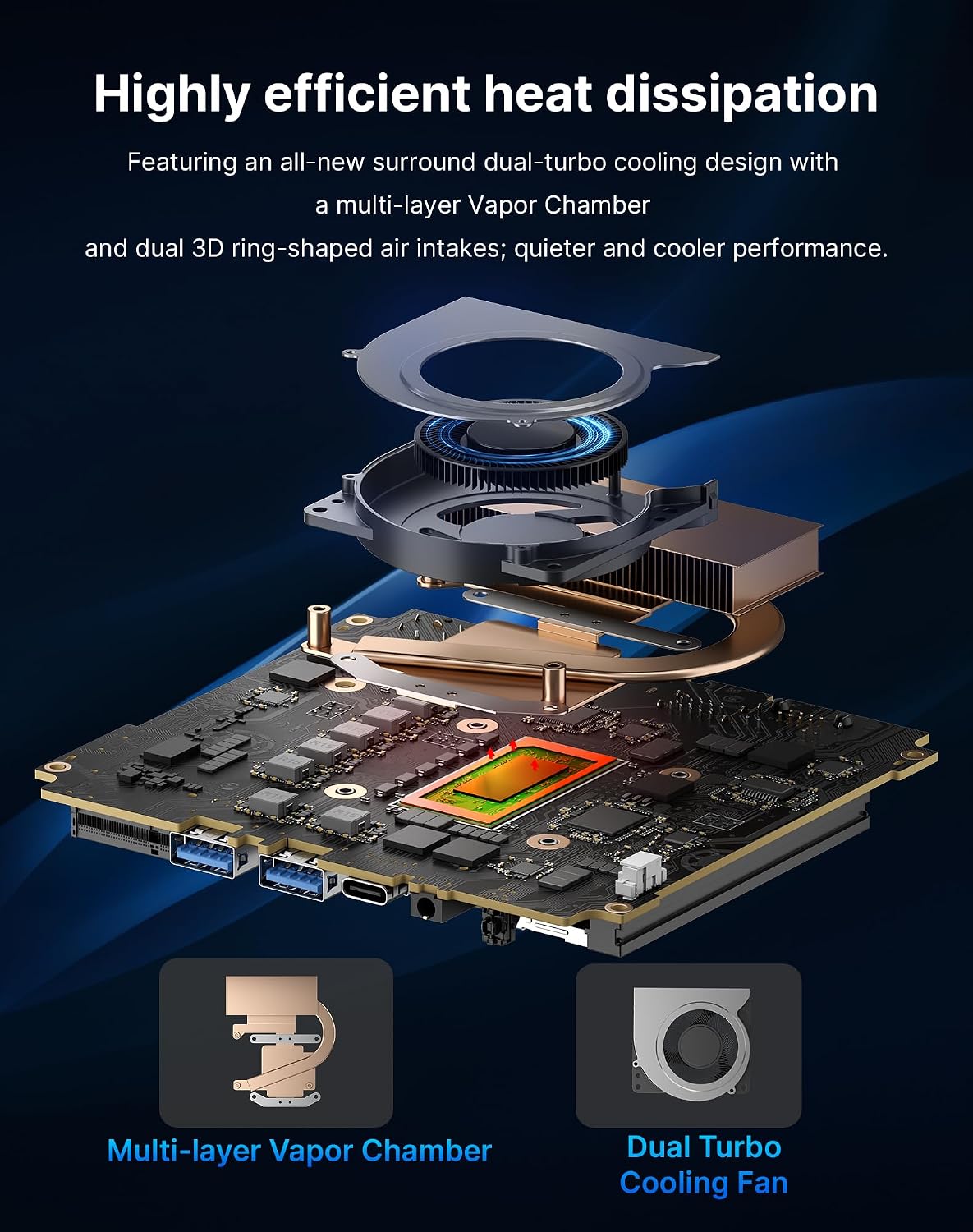
The C3 is described as engineered for stable 24x7 operation, with a 15W TDP meant to support continuous productivity. The use cases mentioned—digital signage, thin client setups, home media servers, retail POS displays, and real-time monitoring terminals—tell you the design intent.
If you’re building a small deployment or you want a machine that won’t feel wildly inefficient sitting there all day, this low-power approach is the point. It’s also positioned as “enterprise-grade value” for bulk purchases, with mention of testing, a 2-year limited warranty, and technical aid.
That said, it’s still a mini PC with an i3-5005U-class processor. It’s more of a reliable office workhorse than a device designed to “exhaust” demanding workloads. If your expectation is heavy video editing, large-scale virtualization, or compute-heavy tasks, this may feel too restrained.
Tech specs (based on provided details)
- Name: Origimagic C3 Mini PC Intel Core i3-5005U
- Processor: Intel Core i3-5005U
- TDP: 15W low power
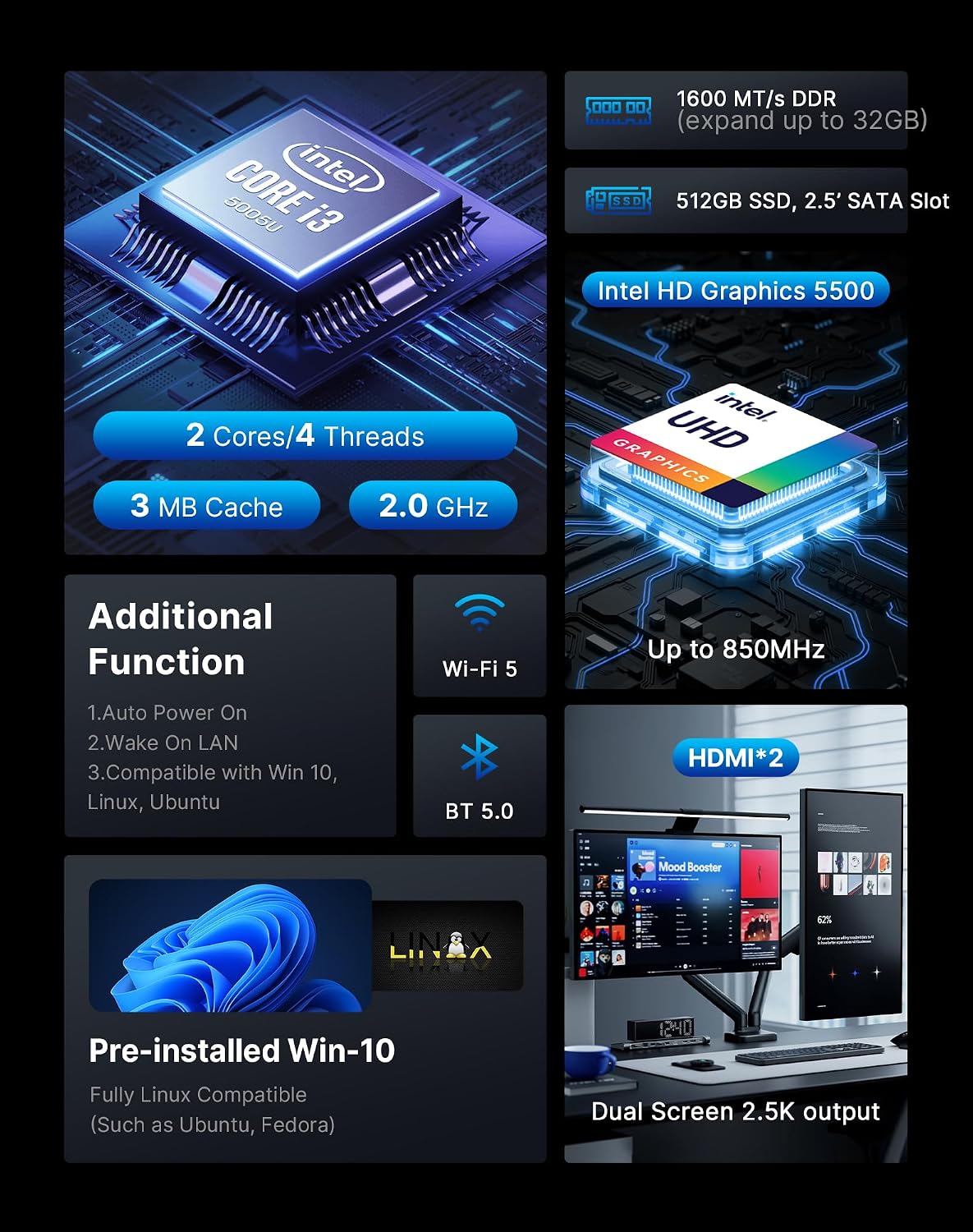
- RAM: 8GB (up to 16GB supported, not LPDDR)
- Storage: 512GB SATA SSD (M.2 SSD mentioned)
- RAM expansion: up to 16GB
- Storage expansion: 2.5-inch SATA HDD slot (cable included)
- Display outputs: HDMI x2
- USB ports: USB 3.2 Type-A (2x), USB Type-C (1x), USB 2.0 (2x)
- Wireless: WiFi (dual-band) and Bluetooth 5.0
- Network: Gigabit Ethernet
- Operating system support note: supports Win-10 only (not Win-11)
- Support: 2-year limited warranty
Who it’s for (and who should skip it)
It makes sense if you want a compact Windows mini PC for office-style tasks, dual-monitor work, and setups where efficiency and consistent uptime matter. You’ll likely appreciate it if you’re deploying multiple units, managing lightweight productivity workloads, or need a low-power box for signage, terminals, or a home server.
It might not be a great match if you need Win-11 support, or if your work depends on more demanding performance than an i3-5005U class system can comfortably deliver. Also, since the description frames it as a budget-conscious business solution, don’t expect it to behave like a high-end desktop replacement for heavy creative or compute workloads.
Mini FAQ
1) Is the Origimagic C3 meant for dual monitors?
The listing mentions HDMI x2, which is commonly how dual-display setups are enabled on mini PCs. If dual monitors are part of your plan, it’s a good sign.
2) Can the RAM be upgraded?
Yes—8GB RAM is described as expandable up to 16GB.
3) How much storage do I get out of the box?
It includes a 512GB SSD, and it also provides a 2.5-inch SATA HDD slot for additional expansion.
4) Does it support Windows 11?
The entry explicitly notes it supports Win-10 only and not Win-11.
5) Is it designed for continuous use?
The description states it’s engineered for 24x7 stable operation, supported by a 15W low-power design.
Should you buy it?
Buy the Origimagic C3 if your priority is a compact Windows mini PC for business tasks, dual-monitor work, and long-running setups where low power and consistent operation matter. The 8GB RAM with room to expand to 16GB, the 512GB SSD, and the included storage slot make it easier to keep usable without immediately replacing hardware.
Skip it if you specifically need Win-11 support, or if you’re looking for a system that can push heavy, high-demand workloads. On balance, it’s a practical mini PC for everyday productivity and always-on roles—not the “do everything” kind of desktop substitute.