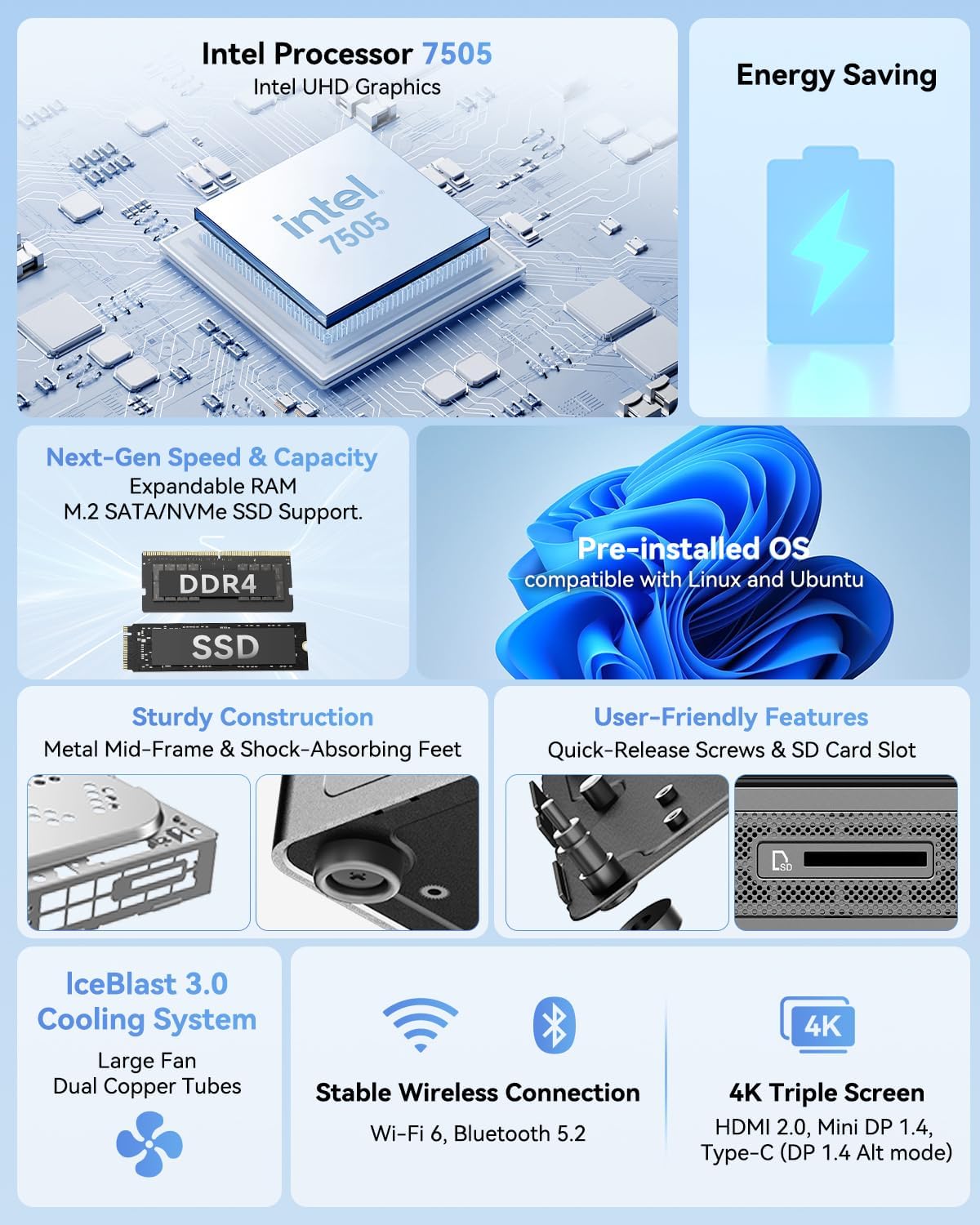
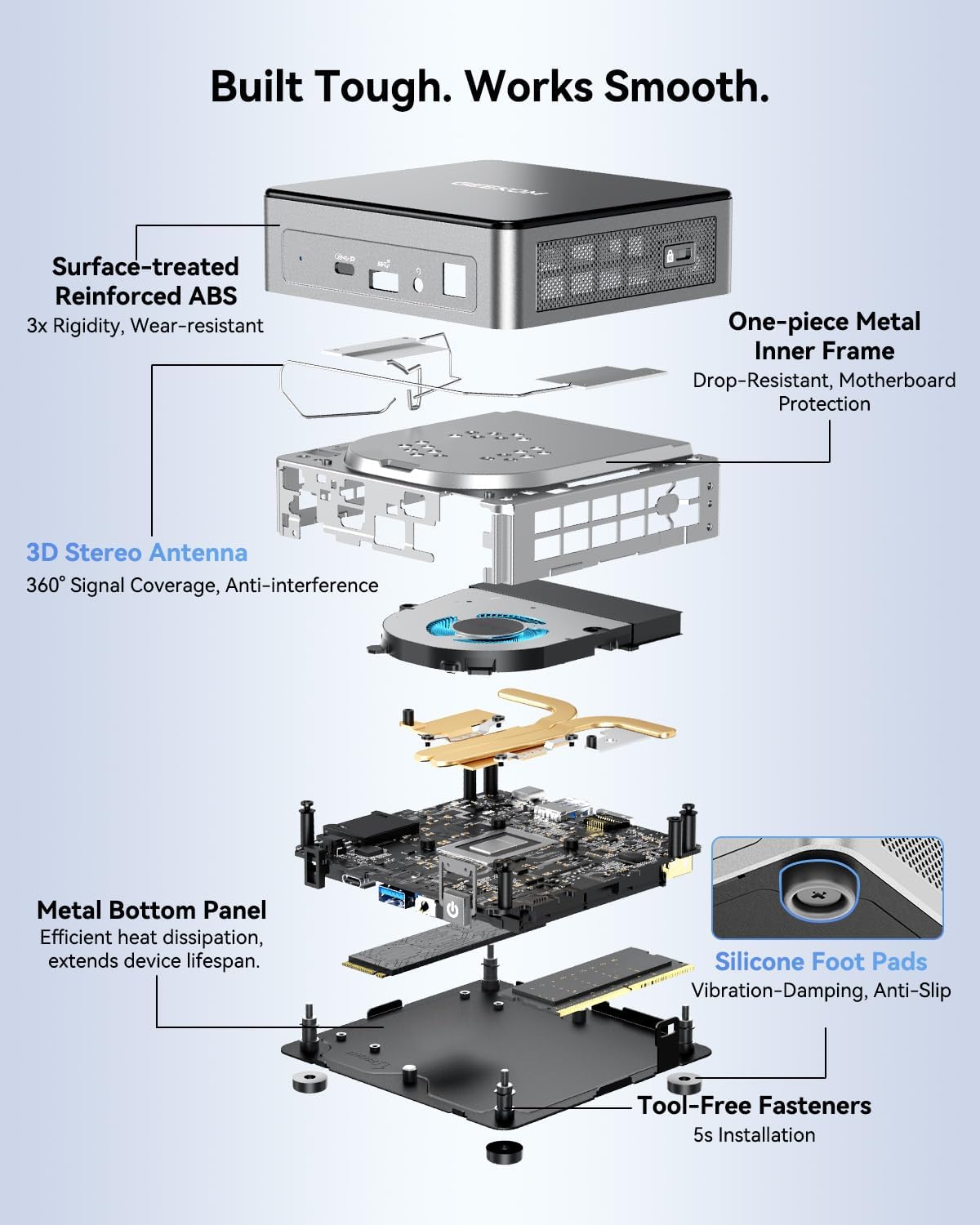
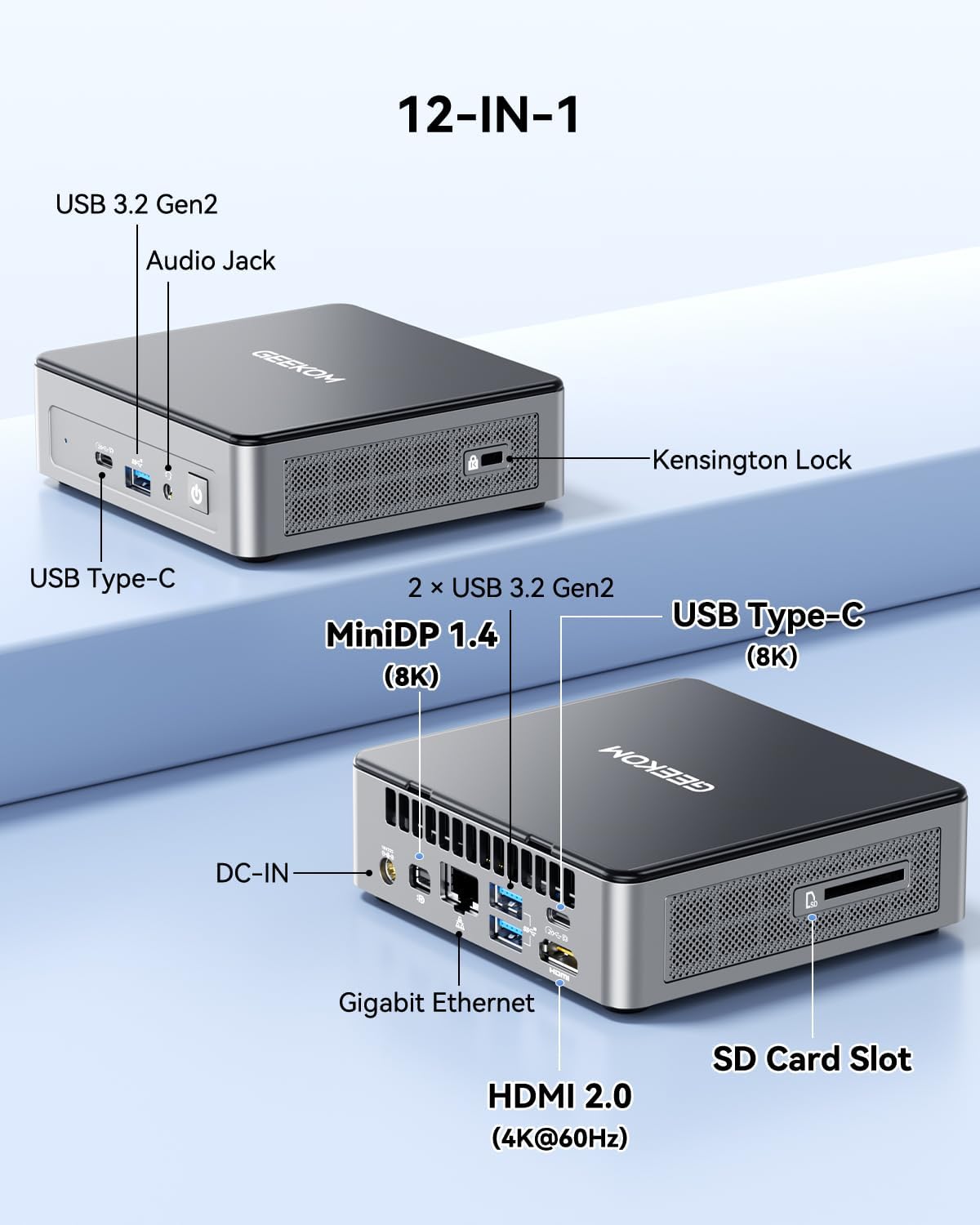
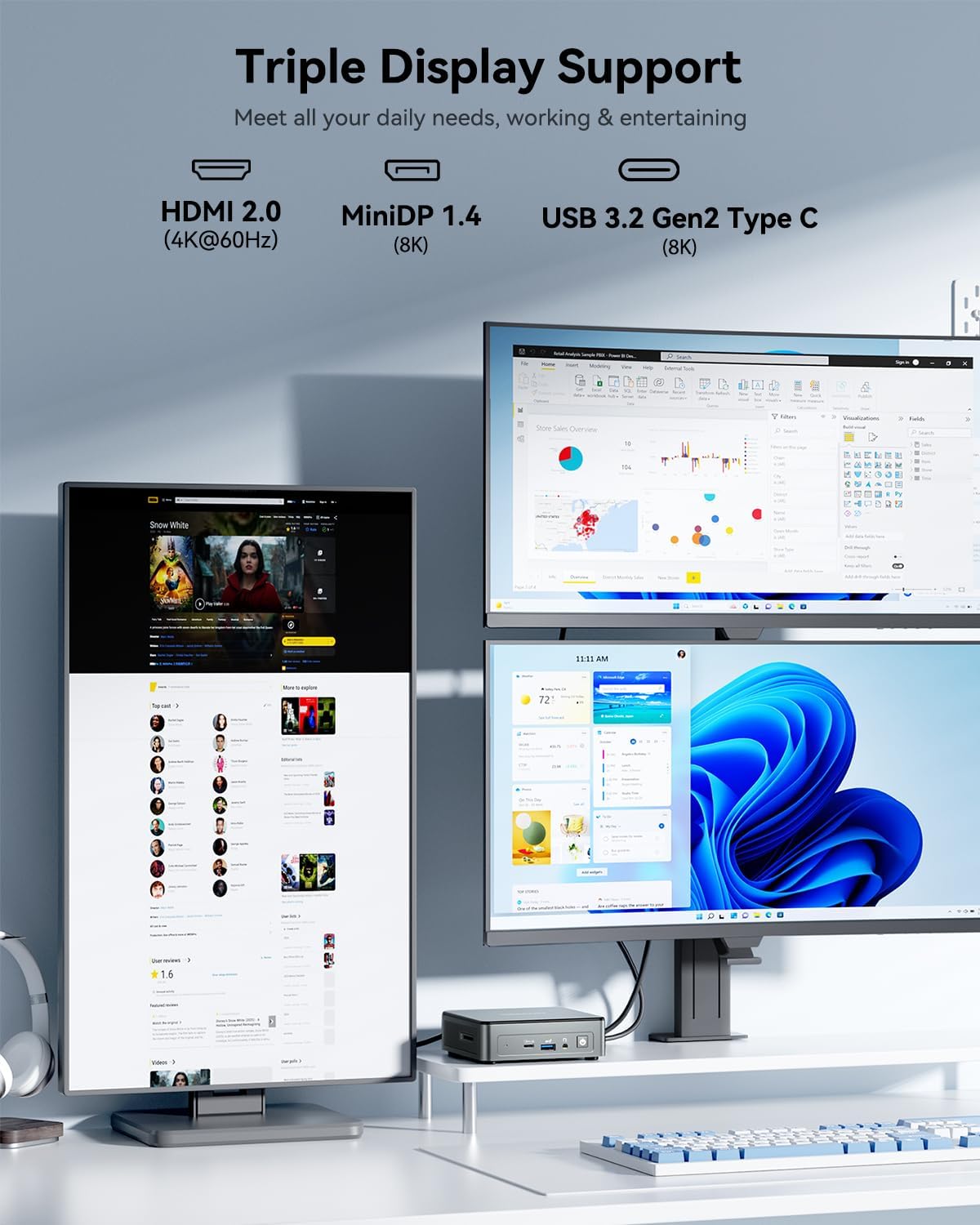
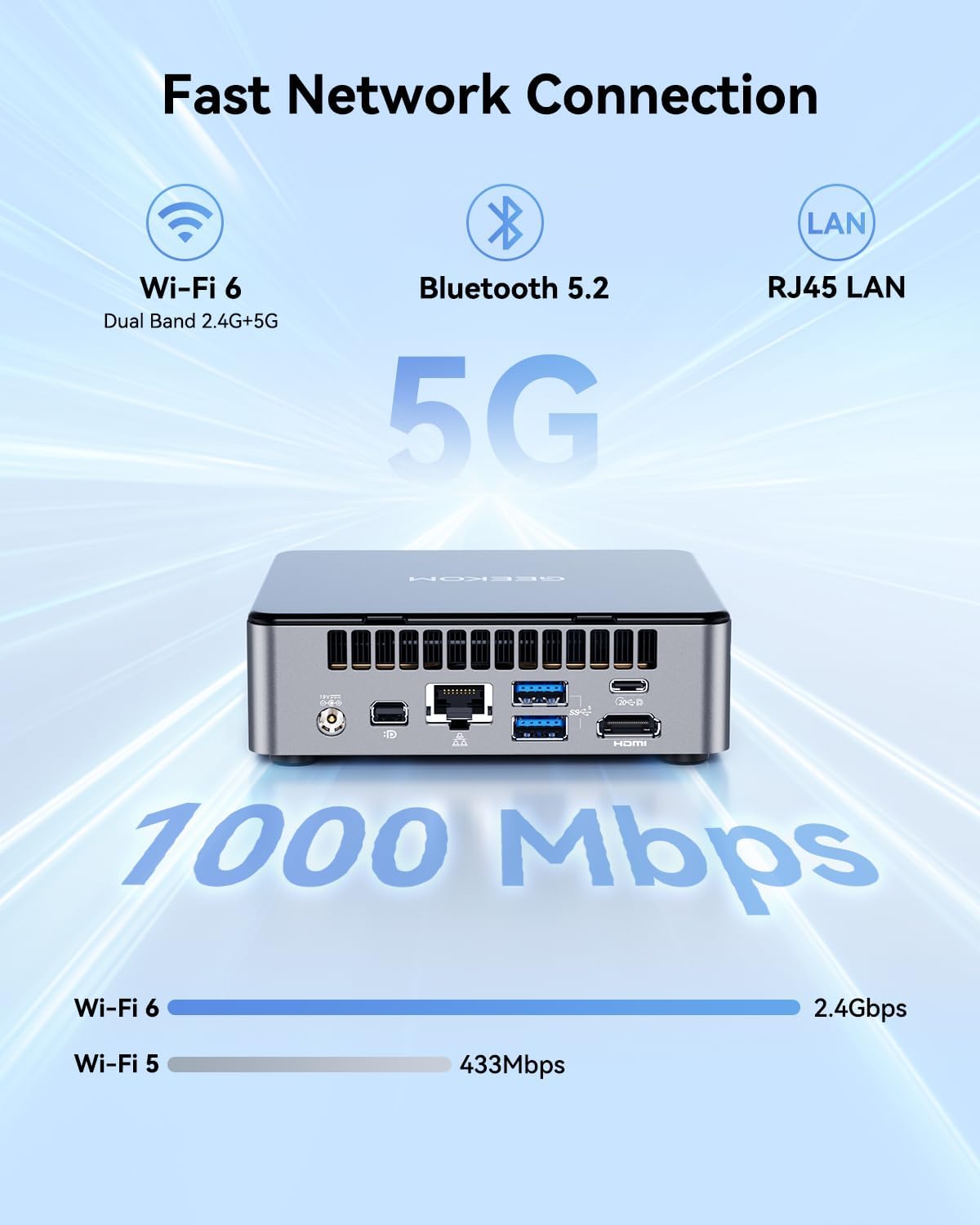
What this is and the need it meets\nThe GEEKOM A5 is a compact desktop PC designed to handle multitasking across multiple displays, with a Ryzen 5 7430U processor, 16GB of DDR4 RAM that’s expandable, and 512GB NVMe storage. For a small footprint, it aims to support everyday business tasks, education needs, home entertainment, and light creative work without hogging desk space. On paper, the setup promises smooth multitasking and future-proofing through memory and storage expansion.\n\n## What stands out in use\nOn the hardware side, the A5 combines a metal-framed enclosure with tool-free upgrades, which means you can adjust RAM up to a higher capacity if your workloads grow. The dual HDMI 2.0 outputs and the 8K-capable Type-C display path suggest it can drive multiple 4K displays or an 8K setup, which is appealing for multi-monitor workflows or media-heavy tasks. The presence of a dedicated M.2 slot plus a 2.5" SATA bay indicates reasonable storage flexibility, though real-world performance will depend on drive choices and cooling. The inclusion of Windows 11 Pro aligns with business and professional environments that require security features and policy management.\n\n## Strengths worth noting\n- Expandable RAM and storage offer room to grow, which is important if you’re moving from a basic setup to more demanding workloads.\n- 8K/quad display capability positions it well for multitask-heavy users or educators who need multiple screens.\n- Solid durability features, such as a reinforced shell and metal frame, plus a warranty commitment that extends beyond typical one-year coverage.\n- WiFi 6 and Bluetooth 5.2 provide modern wireless connectivity that helps with stable networks and peripherals.\n\n## Limitations to consider\n- Real-world performance for heavy tasks like advanced video editing or modern AAA gaming will depend on thermal management and cooling efficiency, which aren’t detailed here. The memory is upgradeable, but the base configuration starts at 16GB, which may feel tight for heavy multitasking today if you push many apps at once.\n- The exact configurations available for expansion (max RAM and SSDs) aren’t specified beyond the general upgrade paths, so you’ll want to confirm exact limits before buying.\n- Some users may prefer a fanless design for quiet operation, the included thermal solution isn’t described, so noise levels are unknown.\n\n## Who it’s for\nThis mini PC fits small offices, classrooms, home offices, and light media setups where space is at a premium but proven expandability and a desktop-like OS are valued. If your day-to-day leans on Office apps, streaming, light editing, or multi-monitor layouts, it can be a practical choice.\n\n## Who it’s not for\nIf you regularly render large 3D scenes, edit 8K video, or demand top-tier gaming performance, the A5 may fall short unless you’re willing to manage expectations around thermals and potential bottlenecks. It’s more of a mid-range option than a flagship upgrade for power users.\n\n## When is it a smart buy\n- You need a compact PC that can drive several displays for productivity, learning labs, or digital signage and you value the ability to upgrade RAM and storage later.\n- You want Windows 11 Pro with a business-oriented feature set and a longer warranty.\n- You’re balancing space, price, and future-proofing without reaching into high-end workstation territory.\n\n## Before you buy, check these points\n- Confirm the exact memory expansion limits and supported SSD types/sizes to align with your storage roadmap.\n- Verify thermal performance in your intended setup (case airflow, ambient temperature, workload profile).\n- Consider the software environment you’ll run most often and ensure driver compatibility for multi-monitor configurations.\n\n## Practical usage scenario\nImagine a small marketing team running Office apps, video conferencing, and a design tool across two or three 4K screens. The A5 can keep multiple programs accessible without noticeable slowdowns, provided you stay within reasonable memory and storage headroom. A potential example is using the system as a compact workstation for content review, with quick access to large files via NVMe storage and smooth display output across several monitors.\n\n## FAQ (quick answers)\n- Can I upgrade RAM and storage later? Yes, the design supports memory upgrades and multiple storage options, but check exact limits before purchase.\n- Does it come with Windows 11 Pro pre-installed? Yes, the unit ships with Windows 11 Pro.\n- How many displays can it drive at once? It supports up to four displays via HDMI and USB-C connections, with 8K output possible through the USB-C path.\n\n## Is it worth it?\nWorth considering if you need a compact, upgrade-friendly PC with strong display flexibility and a business-leaning OS, and you don’t require top-tier desktop-grade performance for demanding tasks. If your priority is silent operation or extreme gaming, you may want to explore higher-end options.\n