

Kisnt KN104 Wireless Mechanical Keyboard: Full-Size with Knob, Tri-Mode Connectivity, and Hot-Swappable Linear Switches
Product description
What it is and who it’s for
The Kisnt KN104 is a full-size wireless mechanical keyboard with a dedicated volume/backlight knob, a standard 100% layout, and a hot-swappable linear switch design. It supports USB-C, 2.4GHz wireless, and Bluetooth 5.0 (three channels), making it a flexible option for desks that mix PC work, gaming, and on-the-go typing. If you do a lot of data entry, spreadsheets, coding, or long typing sessions, this board aims to balance a comfortable feel with multi-device productivity.
How it feels in use
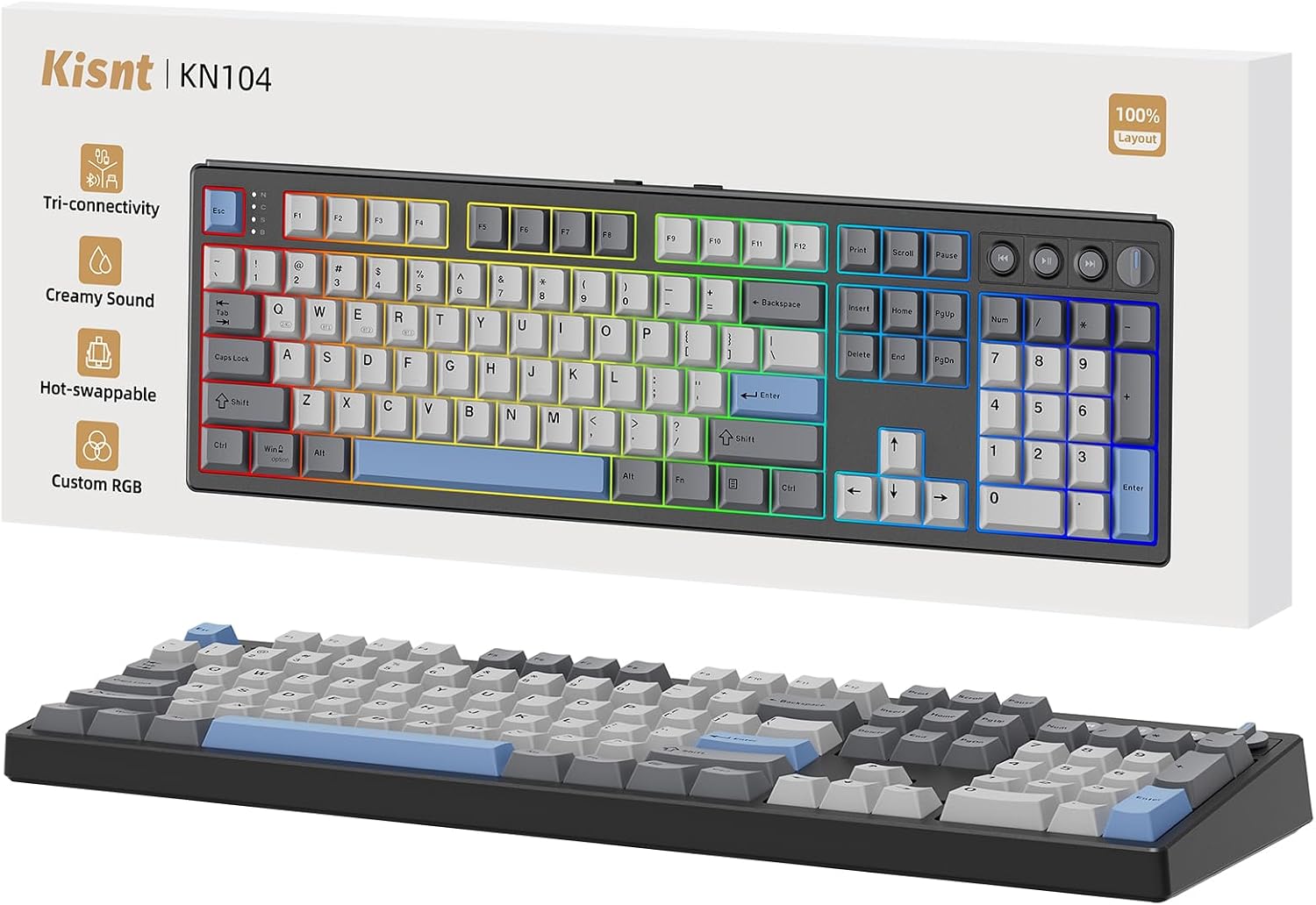
On paper, the KN104 uses pre-lubed Bsun linear switches with a mid-range actuation force, designed to deliver a smooth, quiet-ish “thock” with a gasket-mounted chassis and multiple layers of dampening. The goal here is a deeper, more controlled sound profile than a typical mechanical keyboard, which can help reduce postural fatigue during long sessions. If you value sound and tactility, this setup leans toward a steady, consistent keystroke rather than a sharp click.
What stands out (pros)
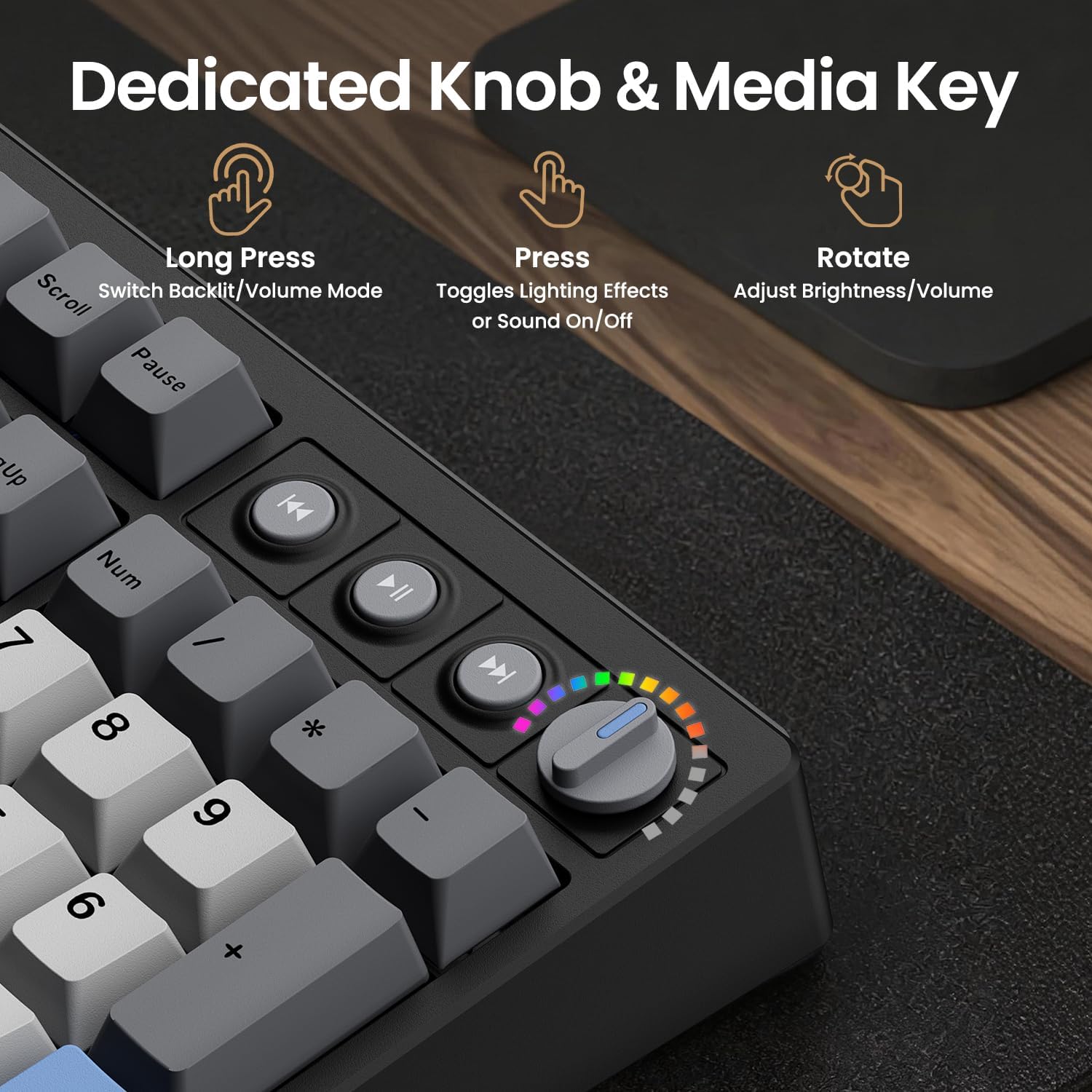
- 100% full-size layout with a dedicated knob for quick volume or backlight adjustments. That inline hardware shortcut can save time during work or gaming sessions.
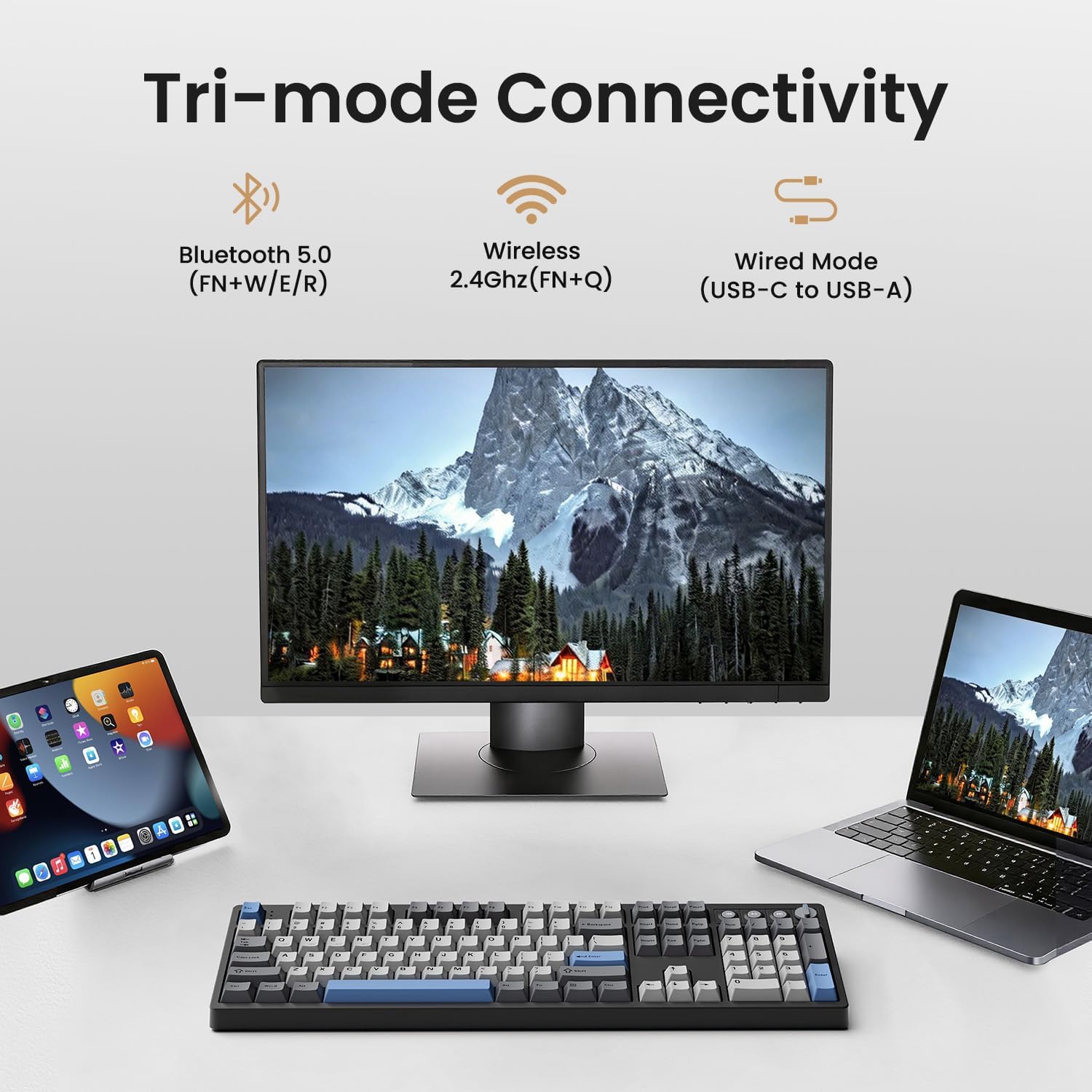
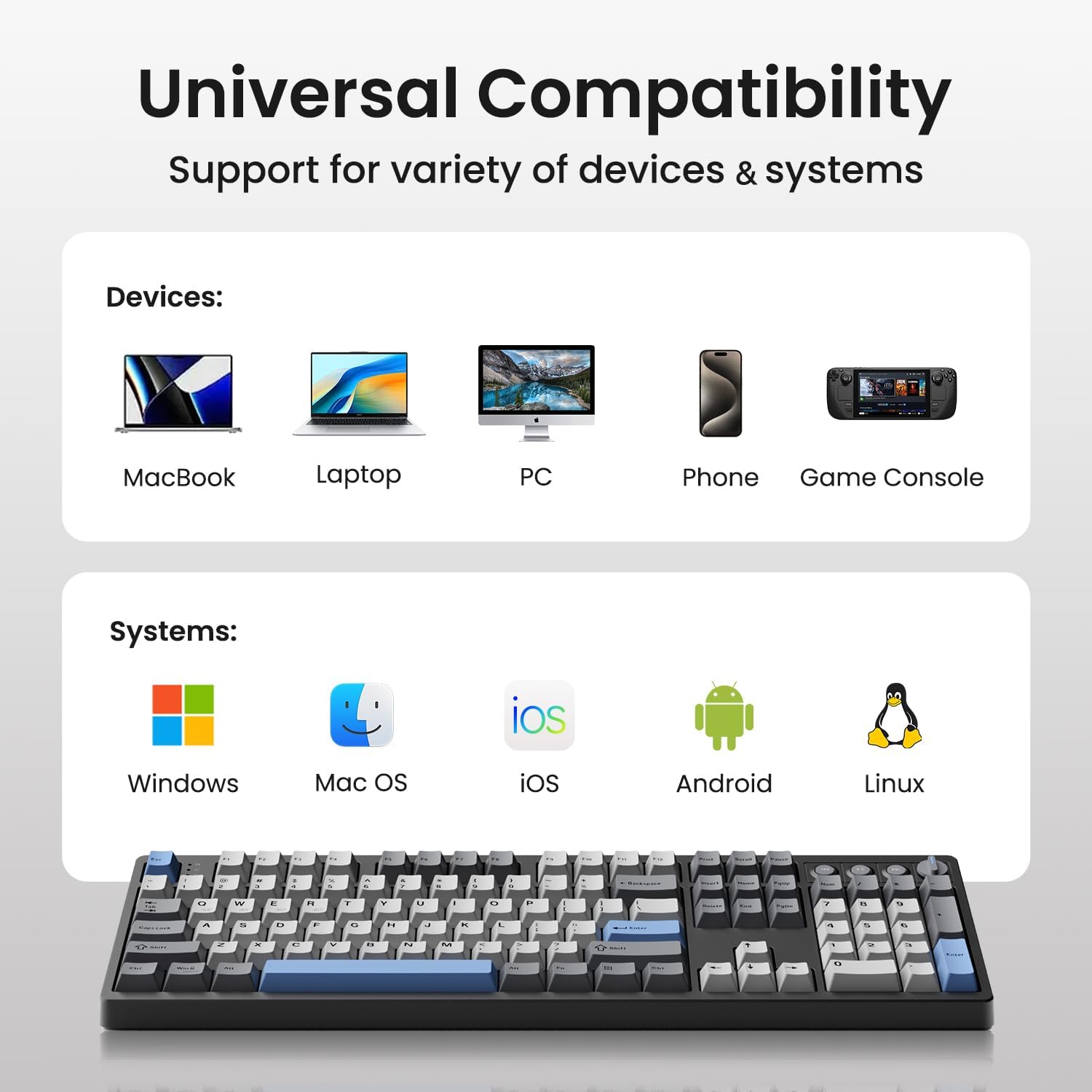
- Tri-mode connectivity (USB-C, 2.4GHz, Bluetooth 5.0) and a sizable 4000mAh battery suggest decent all-day wireless use, especially for hybrid setups. The ability to switch between Windows and Mac without changing keyboards is practical for multi-device desks.
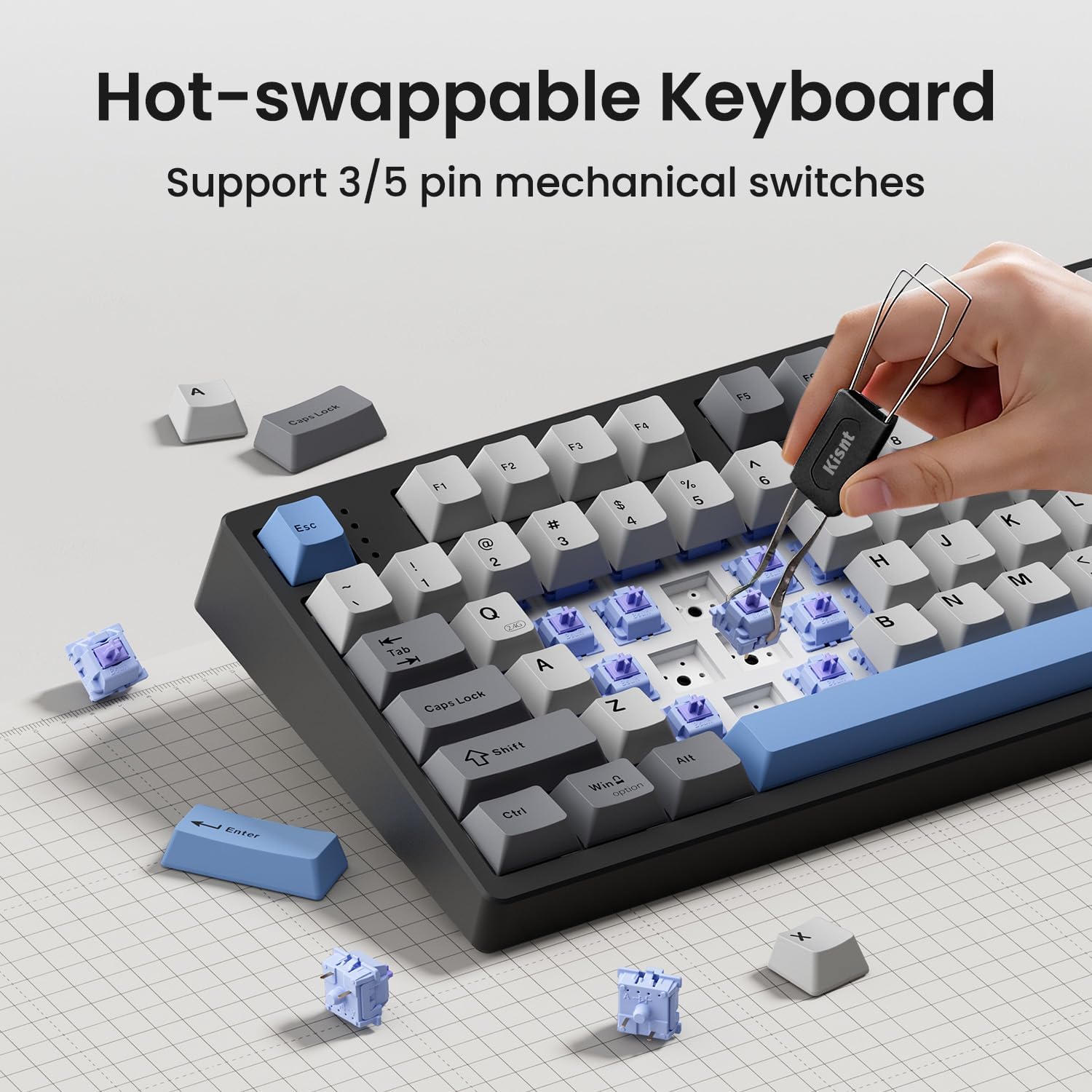
- Hot-swappable 3/5-pin switches lets you experiment with different feels (linear, tactile, or clicky) without soldering. This is useful if you like to tailor the typing and gaming experience over time.
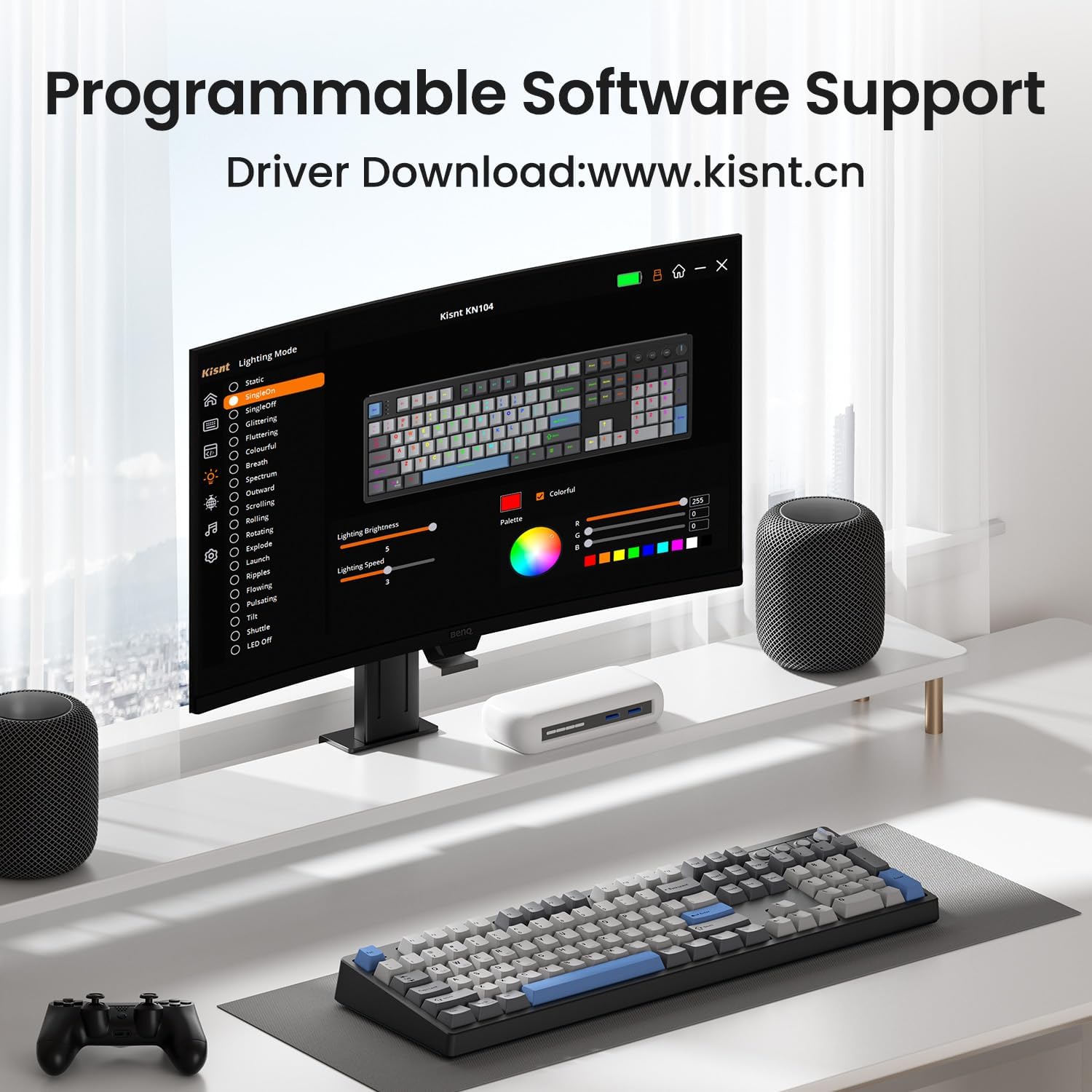
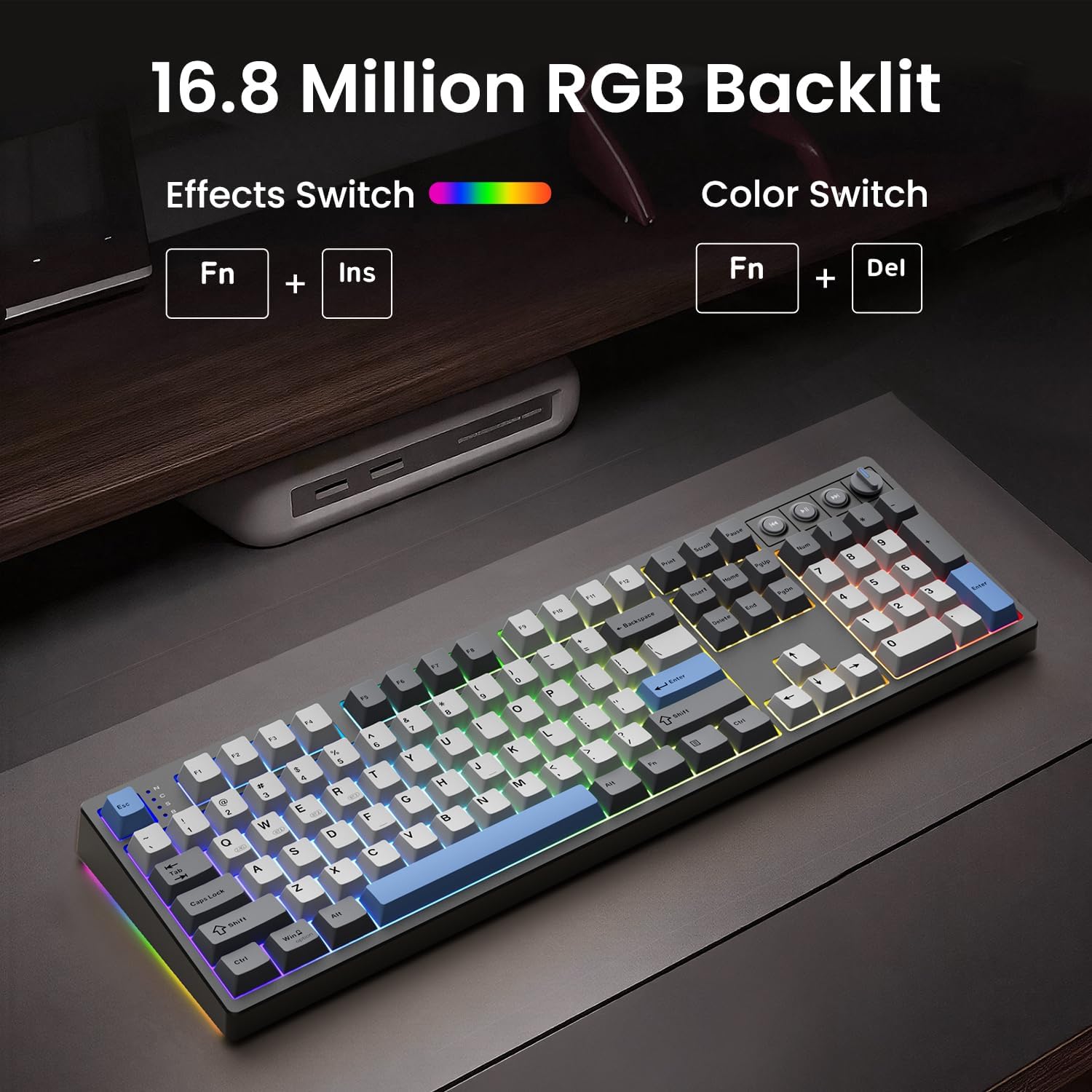
- Programmable RGB with up to 20 presets and per-key remaps/macros via Windows software (wired/2.4G mode) can boost productivity and gaming competitiveness.
- Gasket-mounted construction plus multiple sound-dampening layers aims for a softer, marbled “thock” rather than a sharp clang.
What might be less convincing (cons)
- Software is Windows-only for programming and macros, which could be a hurdle if you’re primarily a Mac user or want full customization across platforms.
- Some users may find the full-size footprint less ideal for small desks, even though there’s a matching, more compact model available.
- Battery life and long-term reliability can depend on how aggressively you use RGB lighting and wireless modes, animated effects drain power more quickly.
- The device requires a careful initial charge and cautions on fast chargers, which adds a bit of setup friction.
How to use it best
If you’re a programmer, student, or hybrid worker, place the KN104 where you already need a number pad or frequent macros. Use the volume/backlight knob to manage media without breaking workflow. For coding or data-heavy tasks, leverage the macro editor to map common keystrokes and snippets. When gaming, choose a single mode to minimize latency and keep a consistent feel with your preferred switches.
Who it’s for
- Users who want a full-size mechanical keyboard with a knob to control volume or lighting.
- Those who value multi-device workflows and may switch among Windows, Mac, and gaming consoles.
- People curious about hot-swappable switches and a gasket-dampened chassis for a more controlled acoustic profile.
Who it isn’t ideal for
- If desk space is extremely tight, a compact model might fit better and reduce table clutter.
- If you want broad cross-platform software customization beyond Windows, you may feel limited by the driver availability.
- If you don’t plan to use RGB or macros much, you might not reap the full value of the programmable features.
Before you buy: quick checks
- Confirm you’ll be comfortable with a full-size keyboard on your desk and that the knob placement fits your workflow.
- Decide whether tri-mode connectivity aligns with your devices and whether you’ll rely on Bluetooth, 2.4GHz, or USB-C most of the time.
- If you care about acoustics, note that the gasket construction and dampening are designed to produce a deeper sound, personal tolerance for “thock” varies.
- If you plan to customize extensively, be prepared to work with the Windows software for key remaps and macros.
How it compares (in the real world)
This board sits between entry-level and mid-range mechanical options by offering a premium feel, hot-swappability, and a dedicated knob, without committing to a premium price tag. It’s worth considering if you want a full keyboard with unique workflow features (knob, macro capability) and reliable wireless versatility, but you might opt for a lighter, more compact layout if your use-case is primarily portable or space-constrained.
Final verdict (Is it worth it?)
Worth considering if you value a full-size, tri-mode keyboard with customization options and a distinctive knob for quick adjustments. It suits users who want a flexible setup for work and gaming, provided you don’t mind relying on Windows software for full macro control and are comfortable with a larger footprint.
Practical FAQ
- How do I pair KN104 via Bluetooth? Toggle to BT mode and hold FN+W (or E/R) for 3–5 seconds until the key flashes, then connect to KN104 BT-1/2/3.
- Can I swap switches without soldering? Yes, it’s hot-swappable with 3/5-pin switches, which allows you to try tactile or clicky options if you want a different feel.
- What about charging and battery life? A full charge takes about 7–8 hours, avoid fast chargers and consider using wired mode when power runs low to stay productive.