

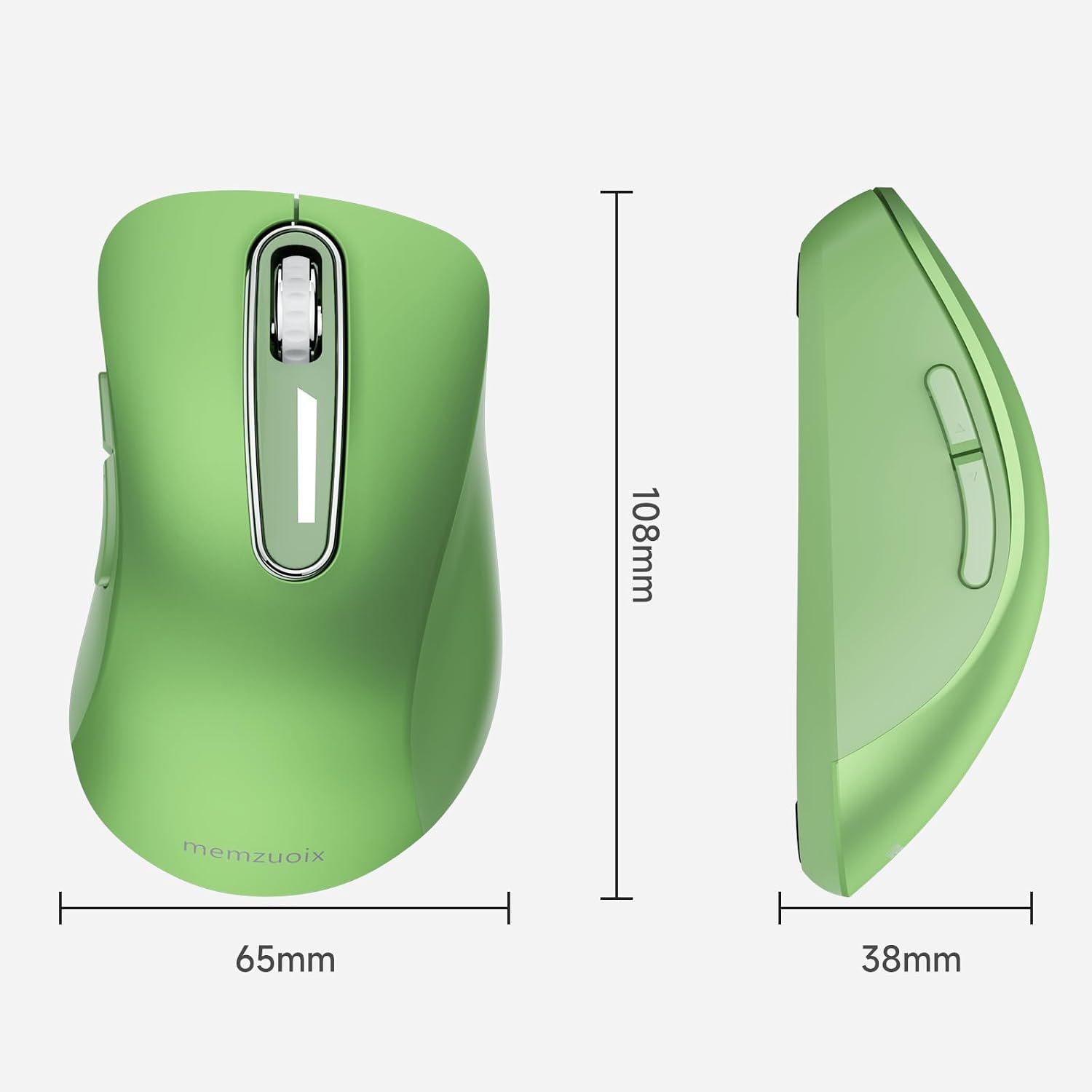
memzuoix MidMouse Green Wireless Mouse, 5 Buttons, Rubberized Finish
Reviews
Price
Product description
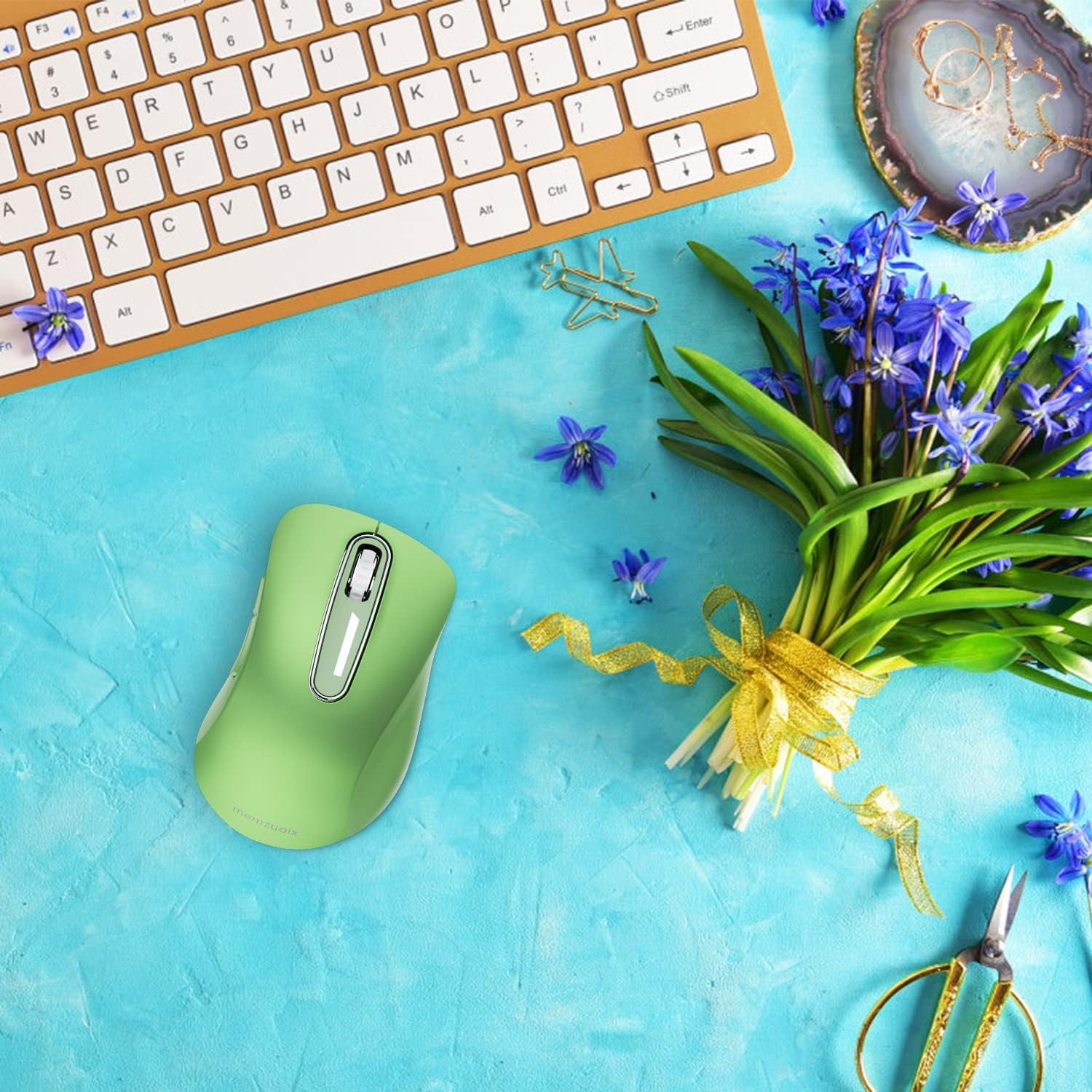
At 4.19 inches long and 1.5 inches wide, the memzuoix MidMouse Green is a compact wireless mouse with a rubberized enclosure and a USB receiver. Its five-button layout and optical tracking are intended for everyday laptop or desktop navigation.
It uses a 2.4GHz wireless connection and requires two AAA batteries, which are not included. The right-hand design includes a ring- and little-finger rest.
How to use it
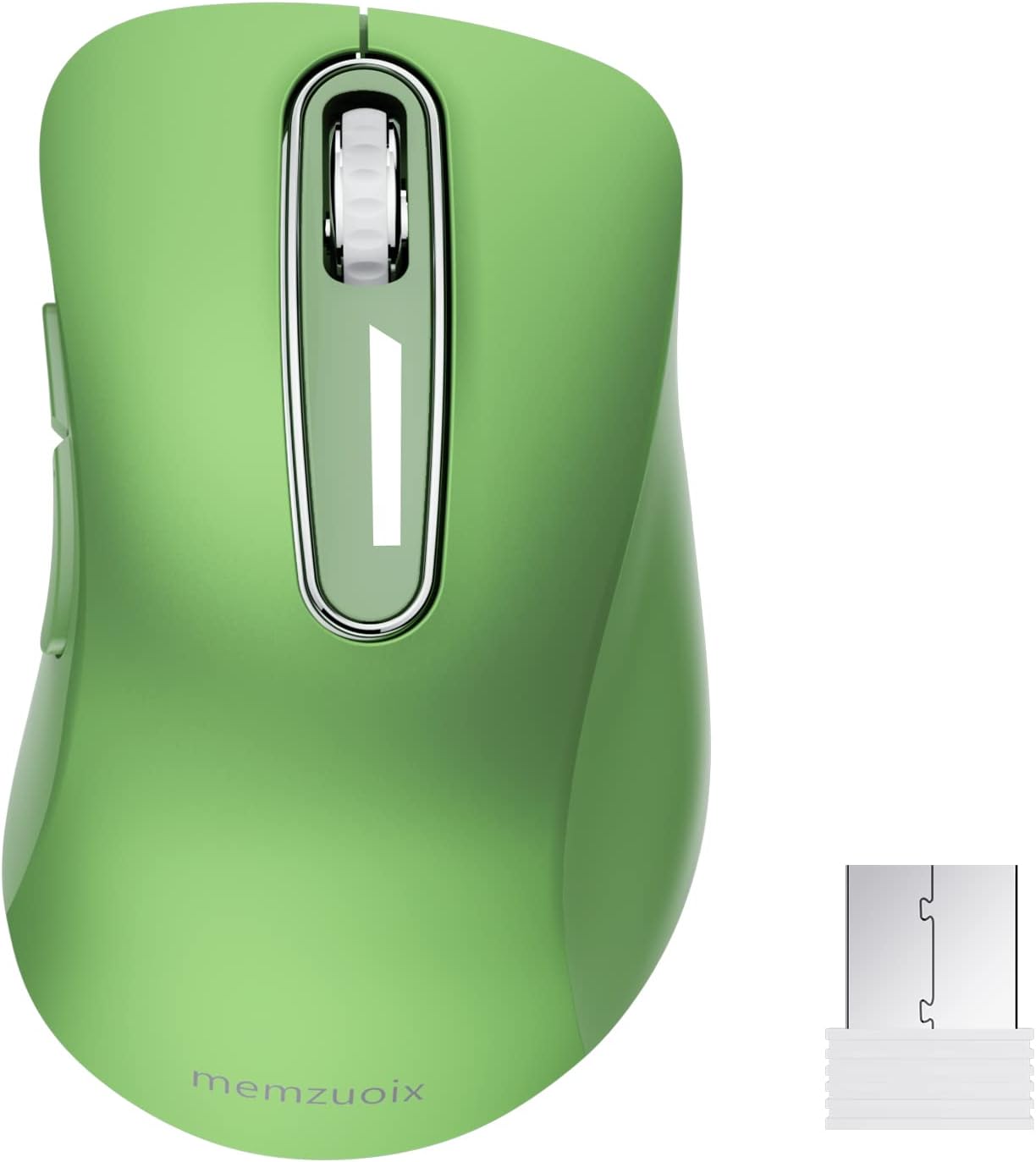
Remove the USB receiver from the battery compartment and plug it into a compatible computer. Insert two AAA batteries, switch the mouse on, and use it without installing a driver, according to the product details. That setup suits a desk where you want a dedicated receiver rather than a Bluetooth pairing process, and the compact size is also practical to carry with a laptop.
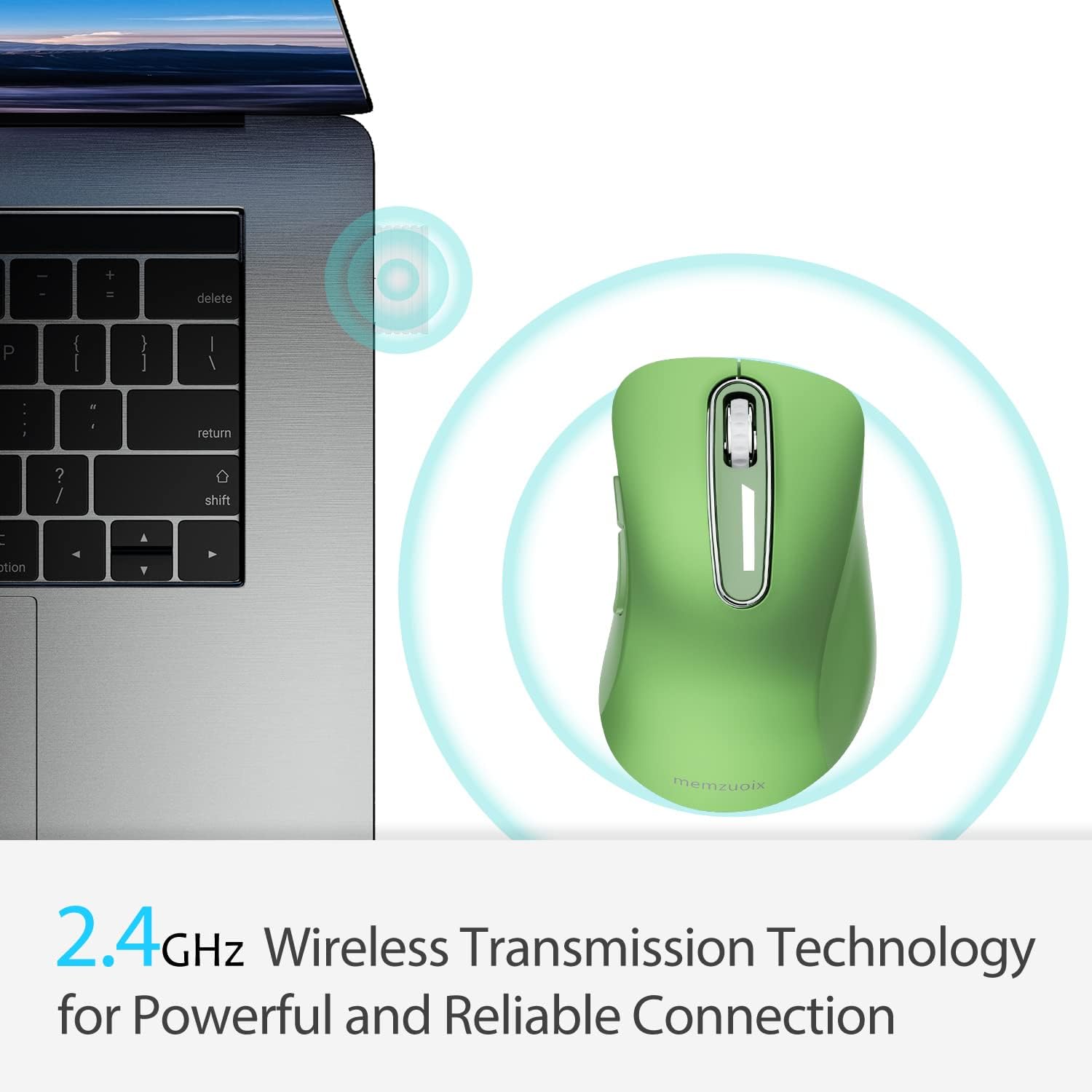
The mouse is listed for laptop and PC use, with compatibility information also naming Windows, Mac, and Linux. One platform-specific detail matters: the side buttons are not available on Mac OS, although the other functions are described as working normally. If you rely on those buttons for shortcuts, that distinction could affect your choice.
Why it’s worth it
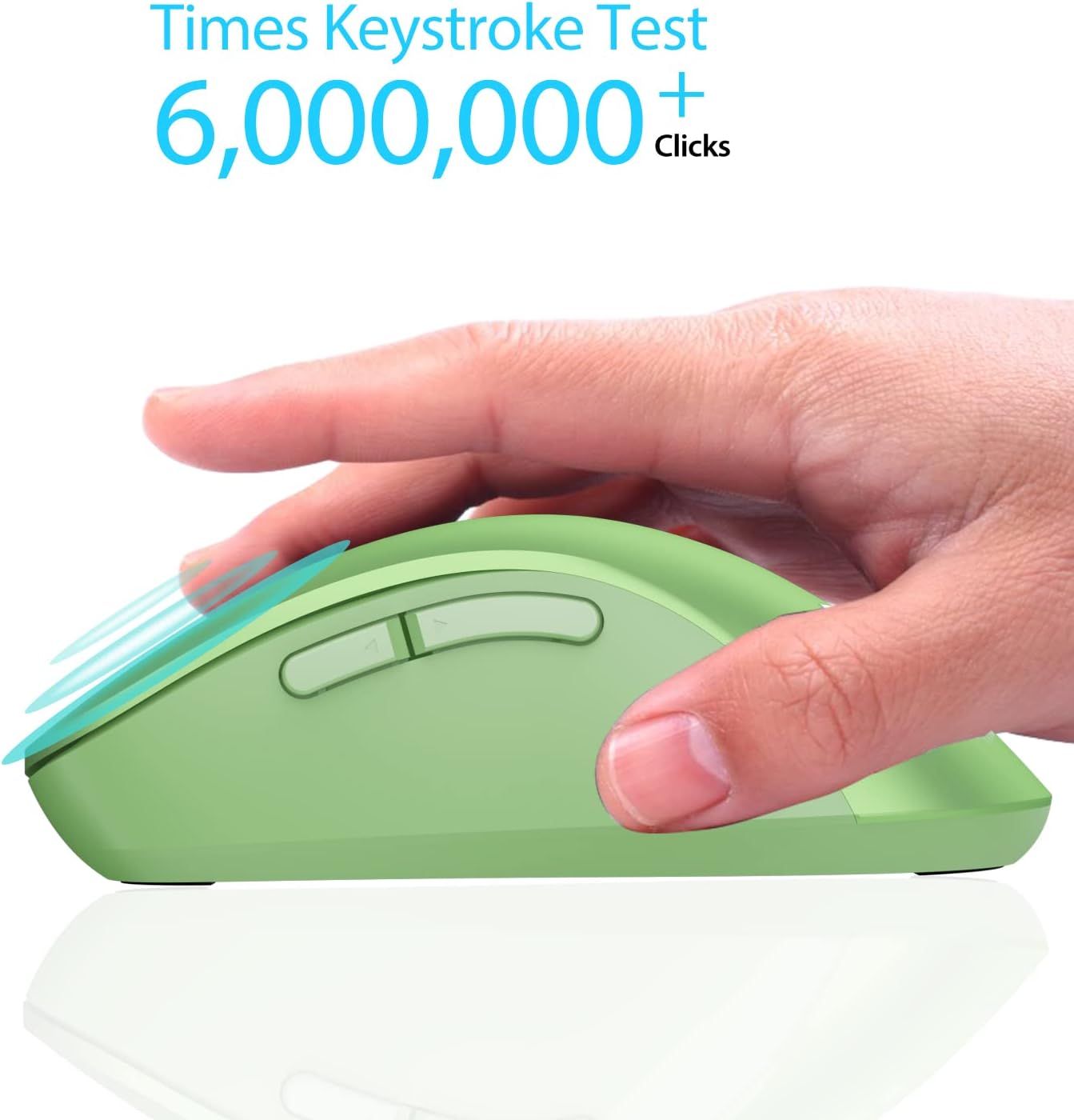
The main appeal is a straightforward combination of a small footprint, five buttons, and wireless USB connectivity. The rubberized finish and shaped finger rest add grip and support features beyond a basic, smooth-sided mouse. For routine tasks such as browsing, document work, or carrying a mouse between a home desk and a laptop, those details may be more useful than choosing a larger model with features you may not need. A solid pick if you want a portable mouse that connects through a receiver and does not require driver setup.
Buyer feedback is mixed on some practical points. Customers often appreciate the color, fit, and general functionality, but reports also describe inconsistent clicks and a scroll wheel that can behave erratically. Some buyers mention the mouse stopped working after a short time, so those comments are worth weighing if dependable long-term use is your priority, they are reports, not a guarantee that every unit will have the same issue.
What matters most
The product name advertises 1400 DPI, while the technical details list maximum sensitivity as 1200 dots per inch. Since those figures differ, the exact sensitivity is unclear from the supplied information, shoppers who need a specific DPI setting should not rely on the title alone. The listed weight is 2.24 ounces, and the enclosure is rubberized.
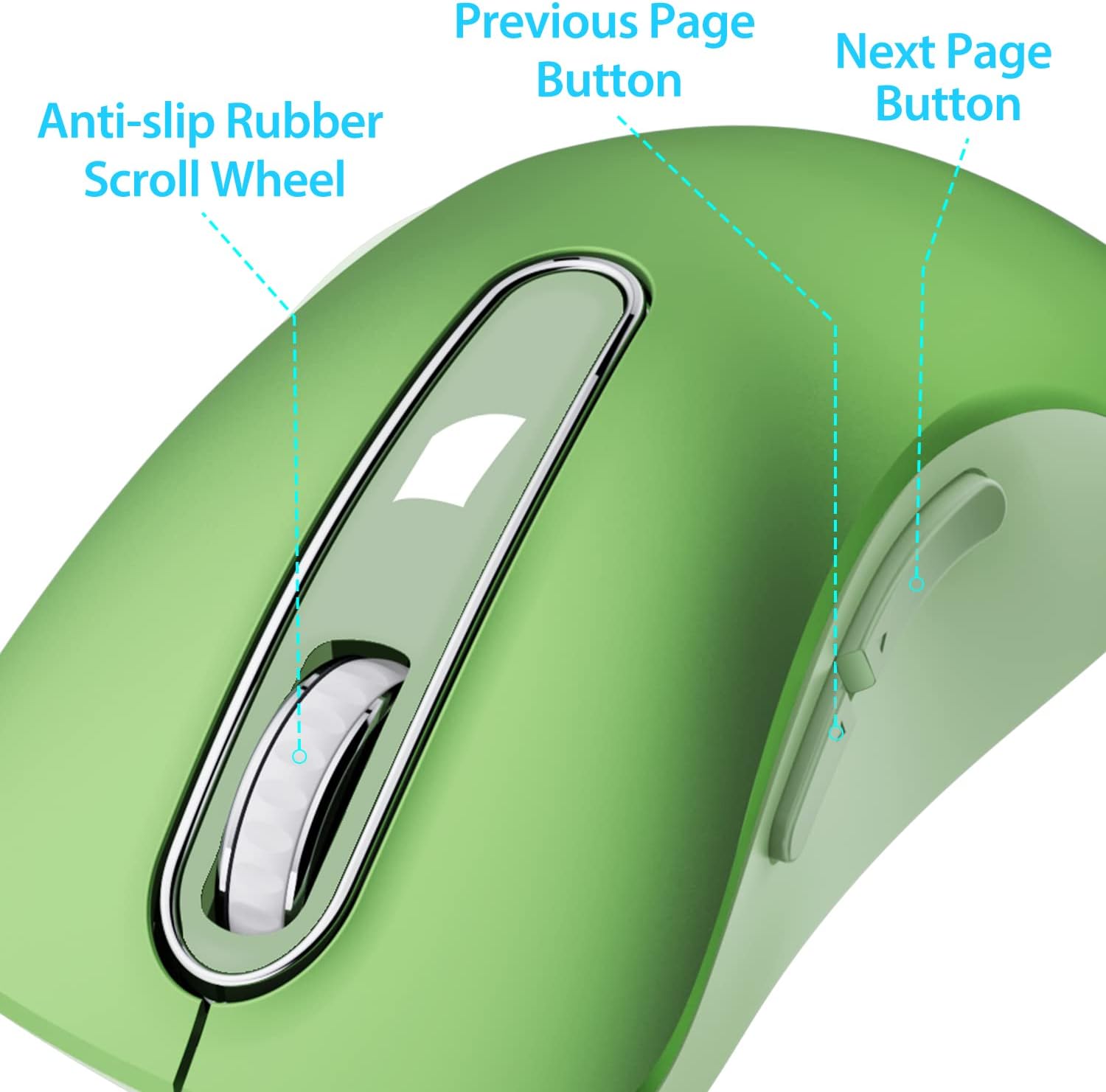
There is no stated rechargeable battery or Bluetooth connection: this is a battery-powered mouse that uses its included USB receiver, with two AAA batteries required separately. It may not suit you if you need the side buttons on a Mac or want to avoid disposable batteries. For buyers who prefer a compact receiver-based setup, those trade-offs may matter less than the portable form and familiar five-button layout.
Questions before you buy
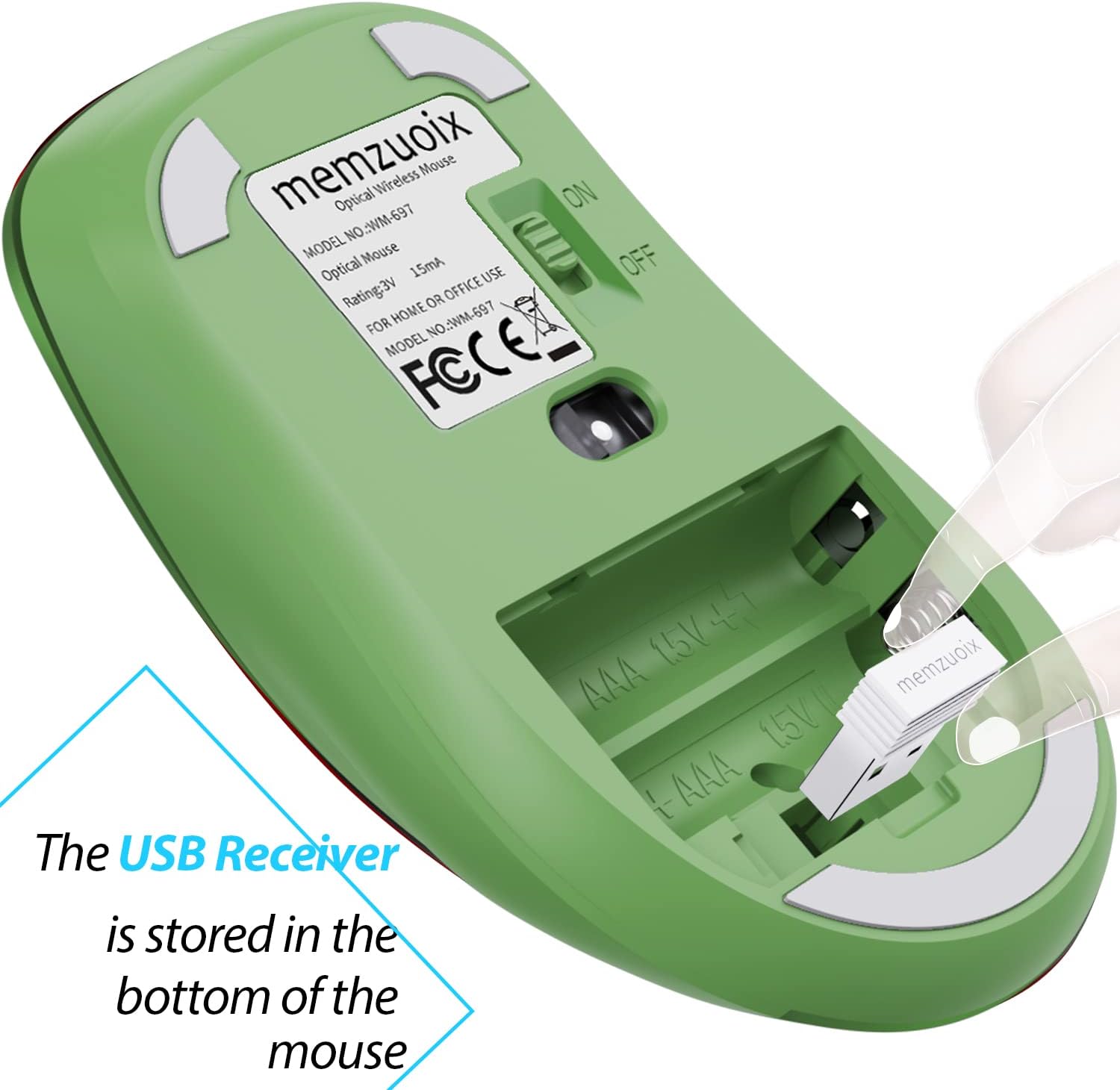
Are the batteries included? No. The mouse requires two AAA batteries, and the product details say they are not included.
Can you use the side buttons on Mac OS? The supplied compatibility note says the side buttons are unavailable on Mac OS, other functions are described as operating normally.
Does it need a driver? The product information describes plug-and-play setup: insert the USB receiver and switch the mouse on after adding the batteries.
Final verdict
Choose the memzuoix MidMouse Green if you want a compact, right-hand wireless mouse with five buttons, a rubberized finish, and USB-receiver setup for everyday computer use. The battery requirement is clear, but the conflicting sensitivity figures and buyer reports about scrolling, clicks, and durability make it a less certain fit for anyone who needs specific tracking performance or places a high priority on consistent long-term operation.