

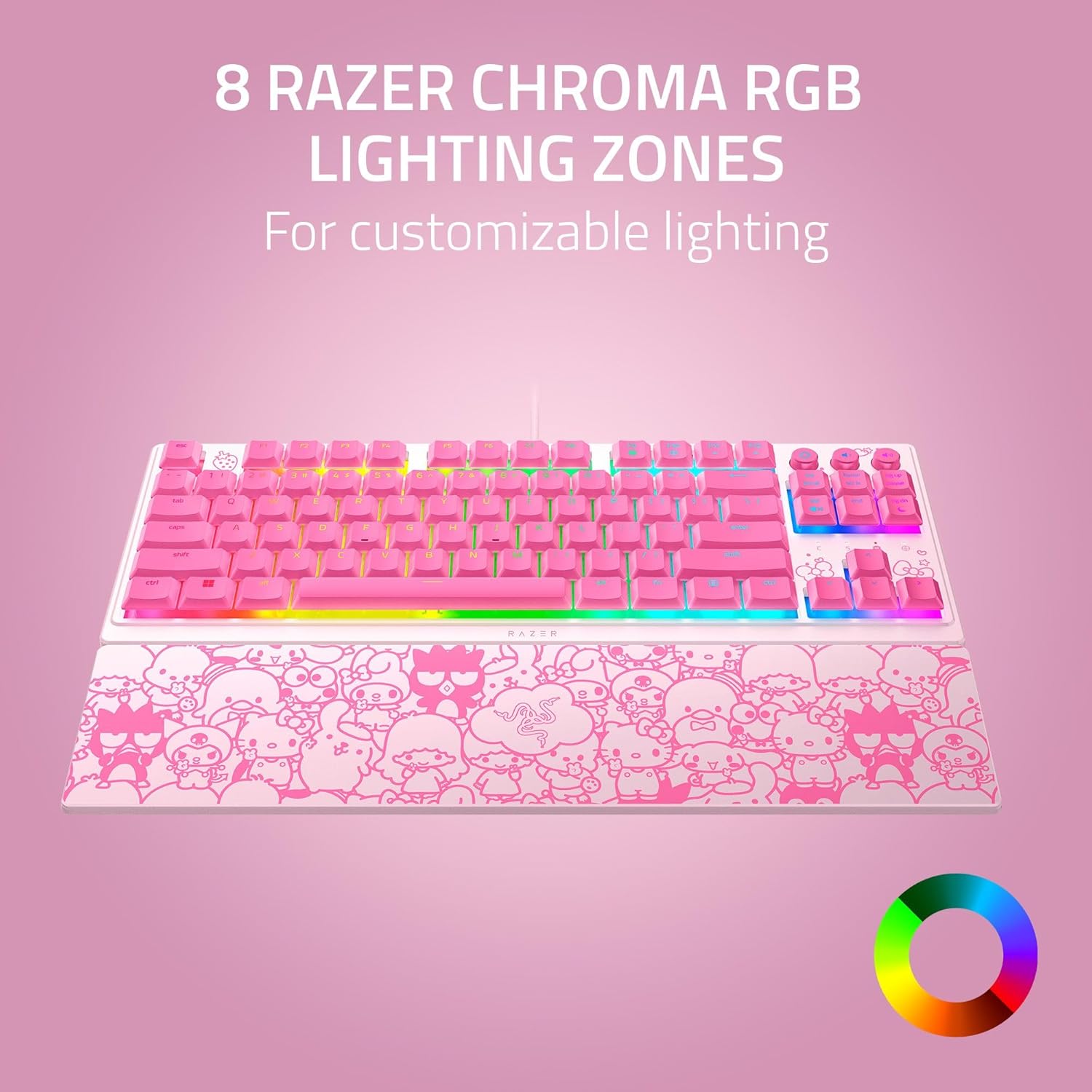
Razer Ornata V3 TKL Gaming Keyboard: Hello Kitty Edition
Product description
Introduction
The Razer Ornata V3 TKL Hello Kitty & Friends Edition is a tenkeyless gaming keyboard designed for long sessions and cozy desk setups. It blends a familiar keyboard feel with a low-profile design, aiming to reduce hand fatigue during extended play or work. If you prioritize a compact form factor without sacrificing essential features, this model offers a thoughtful balance between comfort and performance.
What it is and what problem it solves
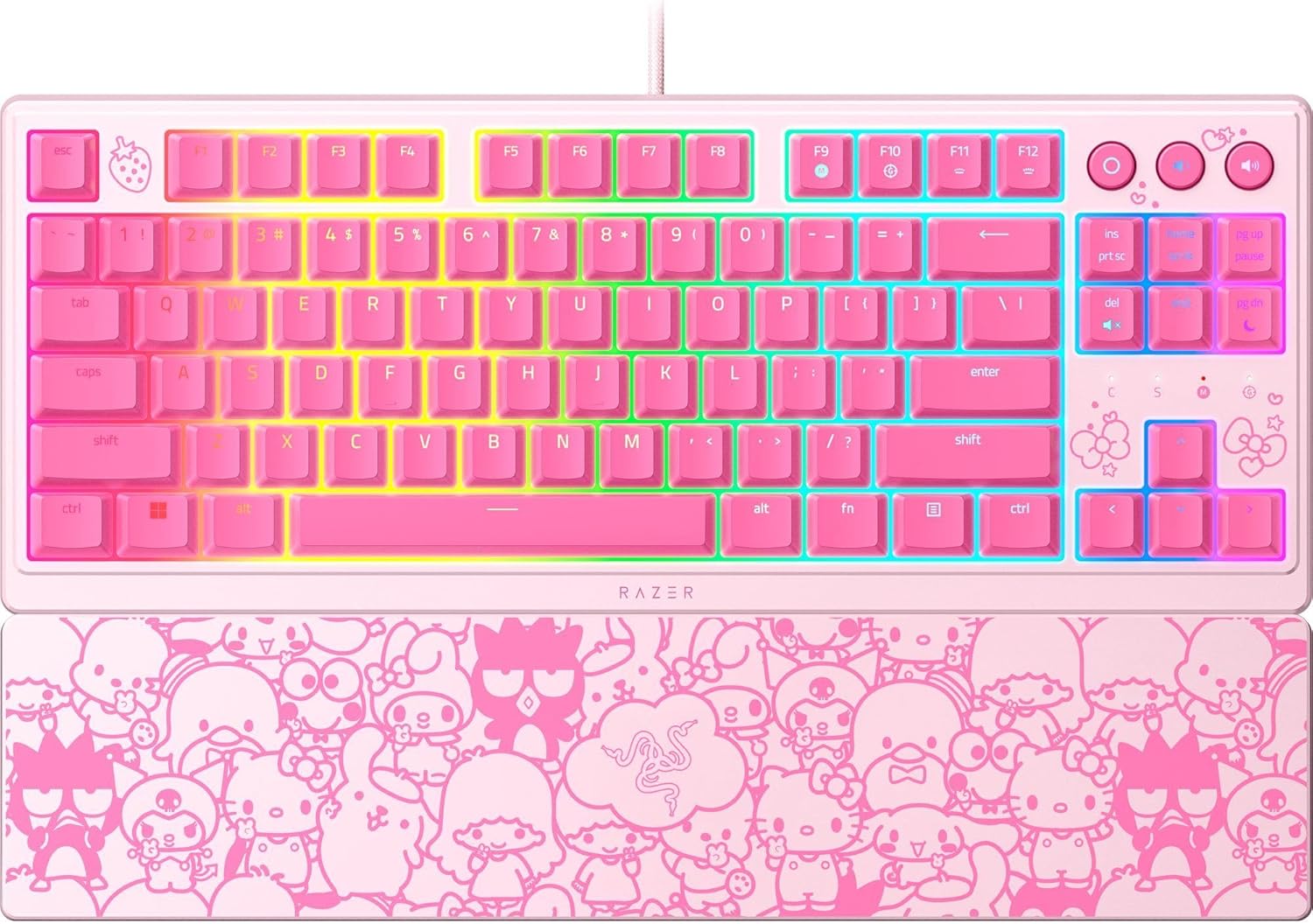
This keyboard centers on low-profile keys paired with Mecha-Membrane switches, delivering snappy, tactile feedback that’s easier on the wrists than traditional purely mechanical boards. The result is a keystroke that’s precise enough for competitive play and comfortable enough for casual, all-day use. The included magnetic soft-touch wrist rest enhances support during long sessions, helping you maintain a natural wrist angle.
Who it’s for
- Gamers who want a compact layout (TKL) without losing media controls or lighting customization.
- Users who value a comfortable typing posture and a visually playful theme with Hello Kitty & Friends branding.
- Anyone who would benefit from dedicated media keys to adjust volume, brightness, and playback without leaving the game.
What stands out (pros)
- Low-profile keys with shorter switches support relaxed hand positioning for longer sessions.
- Mecha-Membrane switches aim to give a clicky, responsive feel while preserving a familiar keystroke experience.
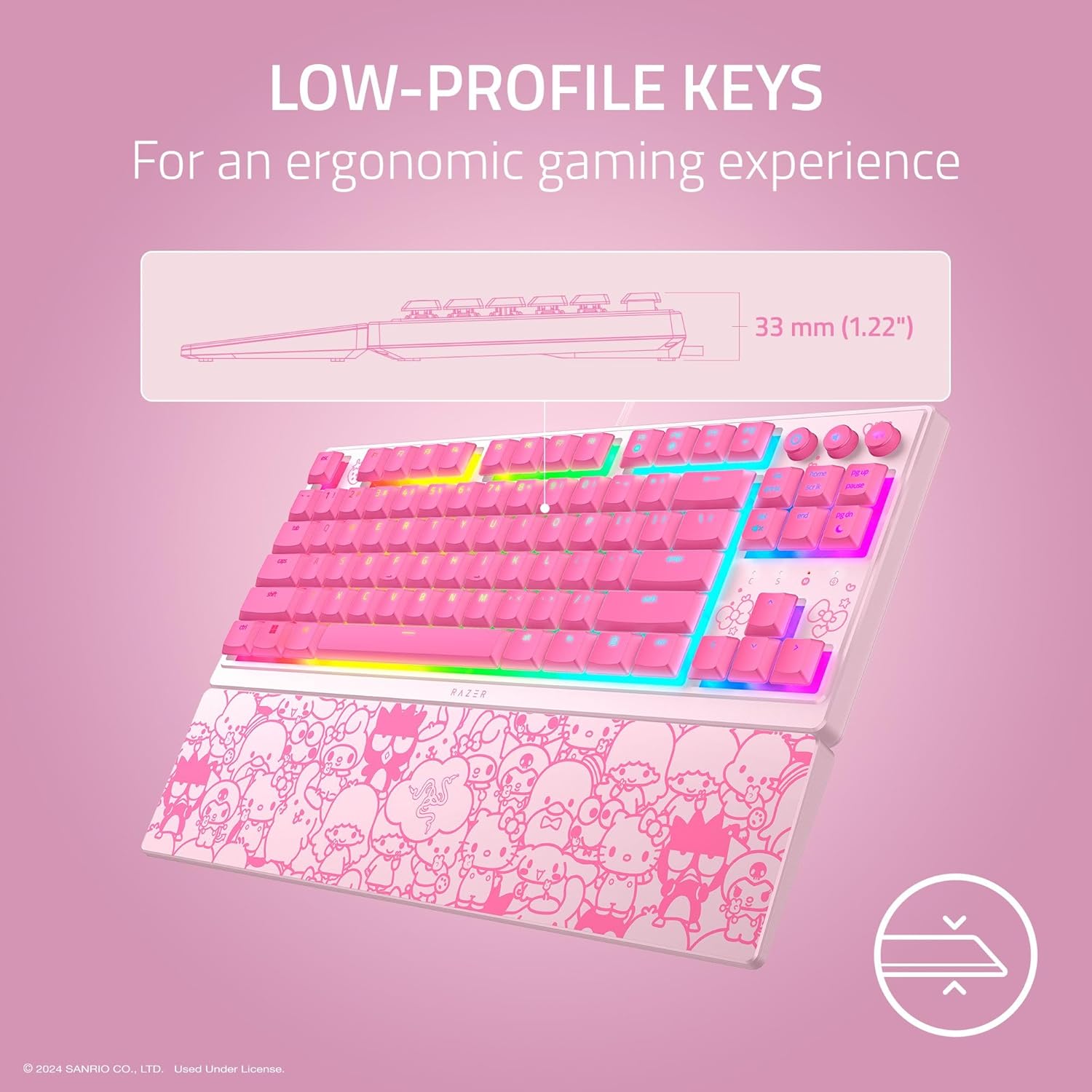
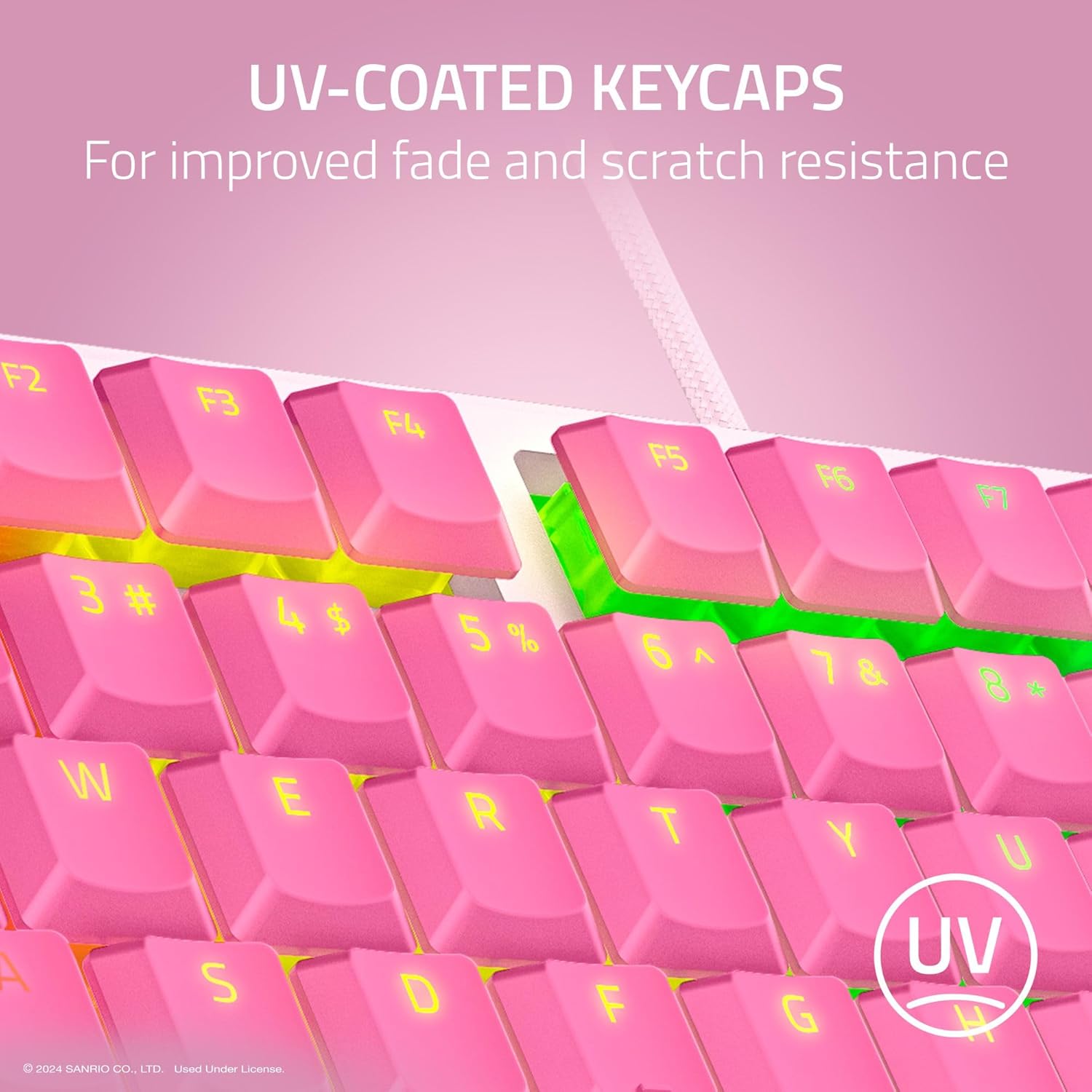
- UV-coated keycaps increase durability and reduce wear on frequently used keys, helping the legends stay legible over time.
- Backlit media keys offer quick, on-the-fly audio and brightness control without interrupting gameplay.
- 8-zone RGB lighting provides broad customization and dynamic effects across a large color range, compatible with Chroma-integrated games.
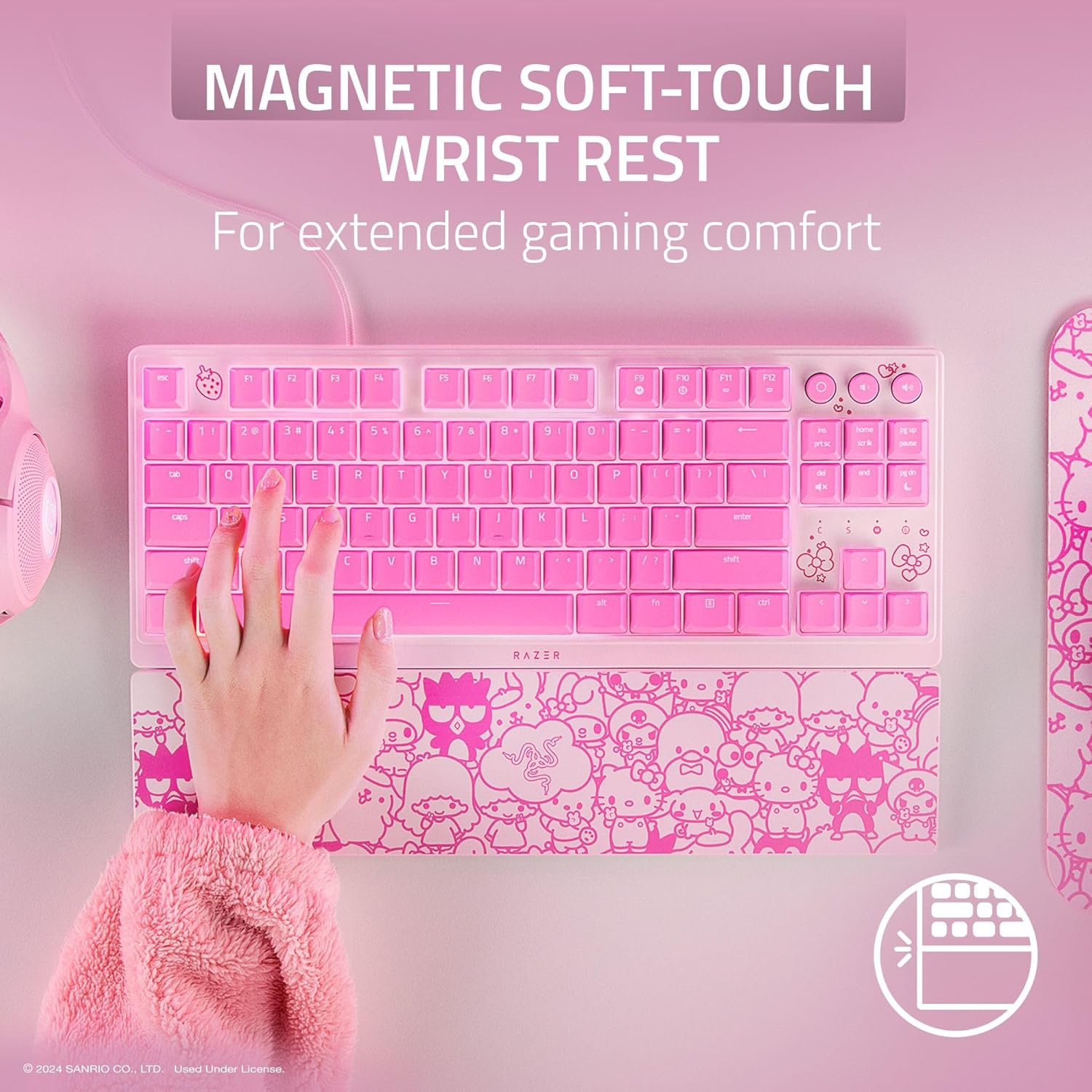
- Magnetic wrist rest snaps on cleanly and adds comfort without adding bulk.
What to be mindful of (cons)
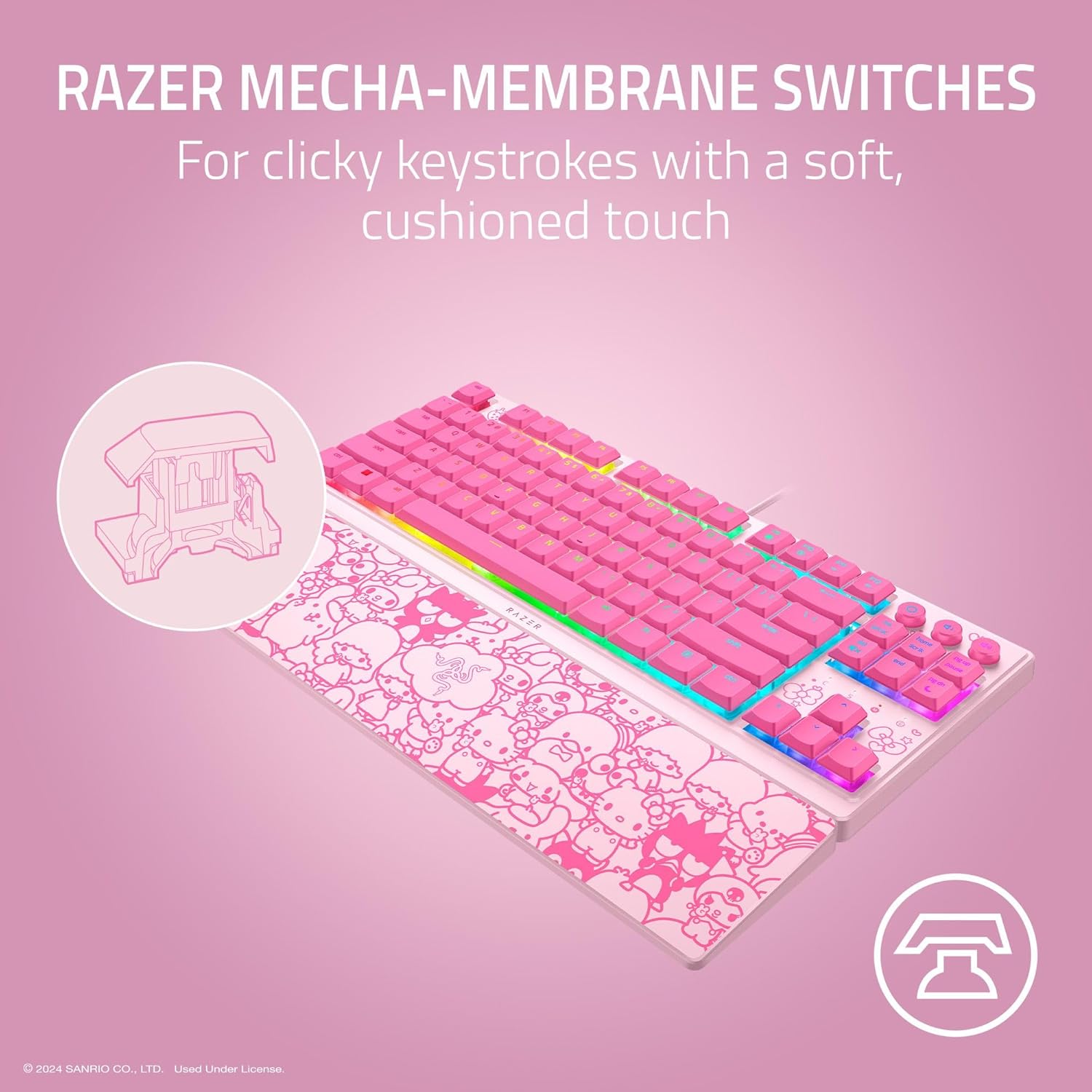
- The concept of Mecha-Membrane may not satisfy purists who want fully mechanical switches, if you crave a purely mechanical feel, this might fall short.
- Aesthetic edition (Hello Kitty) is a display feature, if you prefer a neutral look, it may feel gimmicky.
- As a TKL model, you lose a numeric keypad, which can be a drawback for some workflows that rely on a full keyboard layout.
How to use it and best use cases
The keyboard fits well on compact desks and is ideal for competitive gaming where quick keystrokes matter, plus daily typing sessions. The media keys are handy for quick volume adjustments during streams or calls. Think of it as a mid-range option that prioritizes usability and comfort over bragging-specs.
Before you buy: what to check
- Ensure you’re comfortable with a TKL form factor if you rely on a separate number pad.
- If you’re particular about switch feel, consider whether Mecha-Membrane aligns with your preferences for tactility and noise.
- Look at your lighting preferences: 8-zone RGB is powerful, but you’ll want to explore software to get the most out of Chroma-compatible effects.
- Consider the Hello Kitty theme and whether it aligns with your setup aesthetic and other peripherals.
Practical example of use
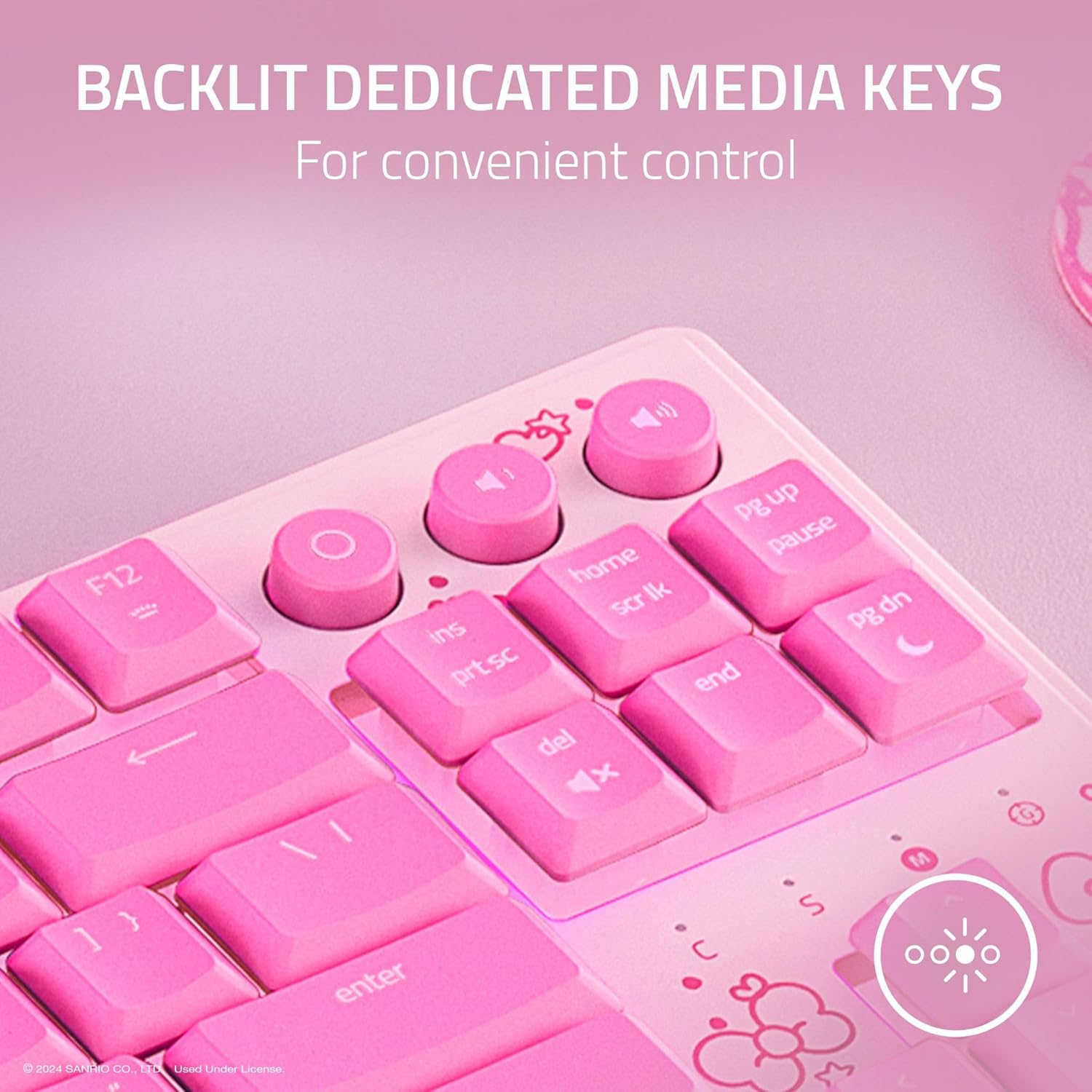
Imagine a long gaming session where you’re in the heat of a raid. You reach for a quick mute or brightness shift with one touch on the dedicated media keys, while your wrists rest comfortably on the magnetic soft-touch pad. The low-profile keys let your hands sit naturally, helping you stay relaxed even as the action intensifies.
Tech specs
- Name: Razer Ornata V3 TKL Gaming Keyboard (Hello Kitty & Friends Edition)
- Type: Keyboard
- Format: Size: TKL (Tenkeyless)
- Switches: Mecha-Membrane
- Keycaps: UV-Coated
- Backlight: 8-Zone RGB Lighting
- Media Keys: Backlit, dedicated
- Wrist Rest: Magnetic soft-touch
- Lighting ecosystem: Razer Chroma RGB with 16.8 million colors
- Included: Magnetic wrist rest attachable to the keyboard
FAQ
- Is this a fully mechanical keyboard? Not exactly, it uses Mecha-Membrane switches which blend mechanical feel with membrane tech.
- Does it have a numeric keypad? No, it’s a TKL layout, which saves space but omits the numeric block.
- Can the lighting be customized for games? Yes, the 8-zone RGB supports Chroma integrations for various effects.
Final verdict
Is it worth it? It makes sense if you want a compact, comfortable keyboard with a tactile feel and strong lighting options, plus a playful Hello Kitty aesthetic. It may not be ideal if you’re strictly after a traditional mechanical switch experience or need a full-sized board with a numeric keypad. If prioritizing comfort, media convenience, and a distinctive look in a slim profile, this model offers a compelling balance for daily use and gaming alike.
Should you buy it?
- Buy if you want a space-saving keyboard with comfortable typing and useful media controls, and you like the Hello Kitty edition.
- Skip if you prefer a purely mechanical switch experience or need a full-size keyboard with a number pad.
Mini FAQ
- How does the Mecha-Membrane feel compare to mechanical switches? It’s snappier than standard membrane keys, with a tactile push reminiscent of mechanical action, but not identical.
- Can I change the keyboard layout or remap keys easily? The data here doesn’t specify, so rely on the keyboard’s software for personalization.
- Will the wrist rest impede portability? The magnetic attachment helps with quick removal, but consider overall footprint for travel.