


Download app on Google Play


Imagen de TP-Link Archer T2U Plus AC600 USB Adapter 📶 en OfertitasTOP
New offer
Thumbnail principal de TP-Link Archer T2U Plus AC600 USB Adapter 📶
Thumbnail 1 de TP-Link Archer T2U Plus AC600 USB Adapter 📶
Thumbnail 2 de TP-Link Archer T2U Plus AC600 USB Adapter 📶
Thumbnail 3 de TP-Link Archer T2U Plus AC600 USB Adapter 📶
Thumbnail 4 de TP-Link Archer T2U Plus AC600 USB Adapter 📶
Thumbnail 5 de TP-Link Archer T2U Plus AC600 USB Adapter 📶
Thumbnail 6 de TP-Link Archer T2U Plus AC600 USB Adapter 📶

TP-Link Archer T2U Plus AC600 USB Adapter 📶

amazon US
Reviews
4,4
+41.912

Reviews

4,4
+41.912 reviews

Price

$19.99$13.71-31%
View in store
amazon US
Price evolution · Historical minimum: $13.71

Product description

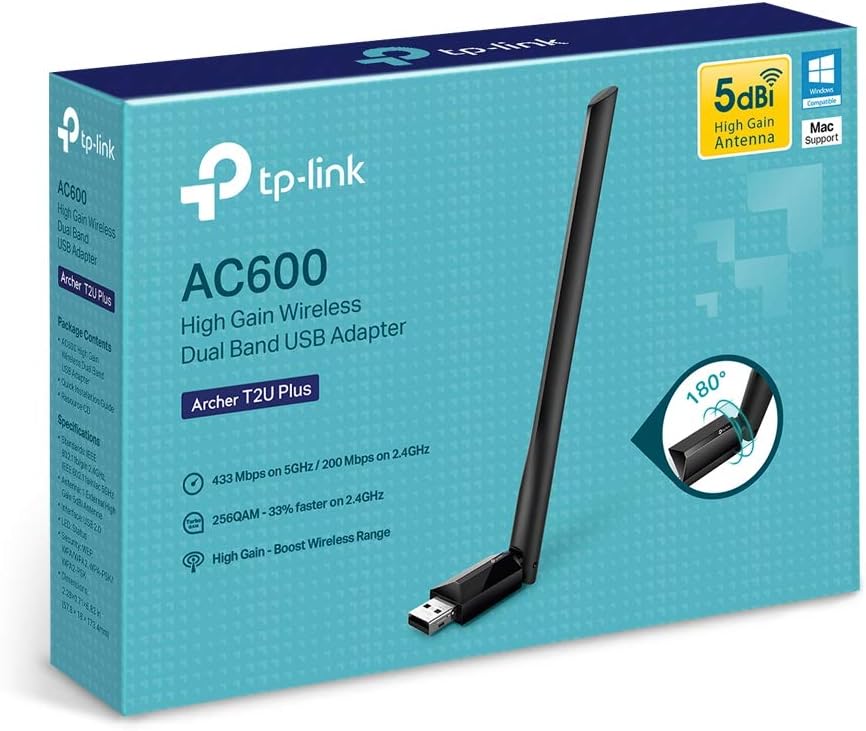
This compact USB Wi‑Fi adapter upgrades desktops and laptops to 802.11ac for more stable home connections and better range, improving streaming and everyday browsing. The AC600 USB WiFi adapter delivers dual‑band flexibility so you can switch between a reliable 2.4 GHz signal for coverage and a faster 5 GHz band for low‑latency tasks. It fits tight setups and can make an older PC feel noticeably more responsive on modern networks.

Key points
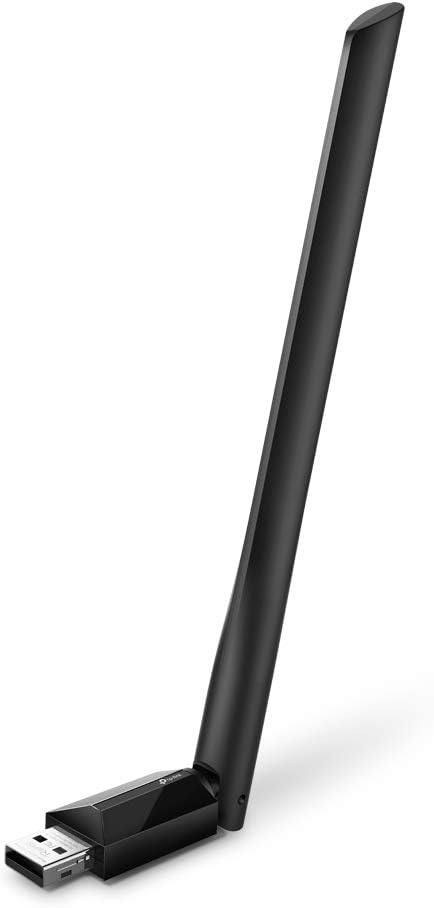
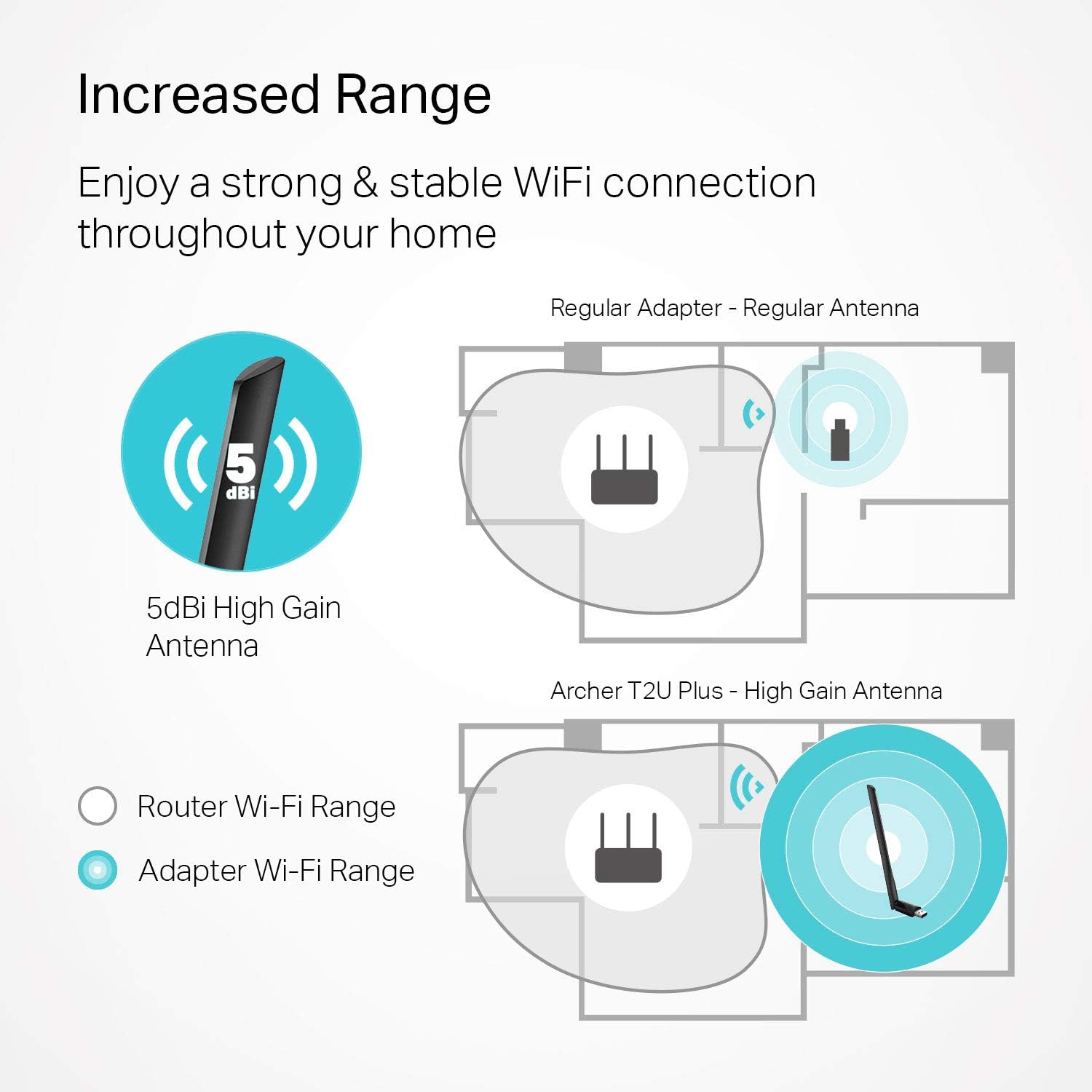
The Archer T2U Plus stands out for its external 5 dBi high gain antenna that users can rotate to aim at the router, a simple way to reduce dropouts in rooms with weaker reception. Setup is straightforward and may require driver installation, according to the manufacturer. For casual gamers and streamers the 433 Mbps on 5 GHz and 200 Mbps on 2.4 GHz provide smoother sessions without heavy buffering. Keep in mind that peak rates depend on your router and network traffic, and driver support varies across Mac OS versions.
Technical details

  • Name: TP-Link Archer T2U Plus AC600
  • Bands: 2.4 GHz: 200 Mbps
  • Bands: 5 GHz: 433 Mbps
  • Antenna: 5 dBi high gain, adjustable
  • Compatibility: Windows 11/10/8.1/8/7/XP, Mac OS 10.9-10.14

Benefits
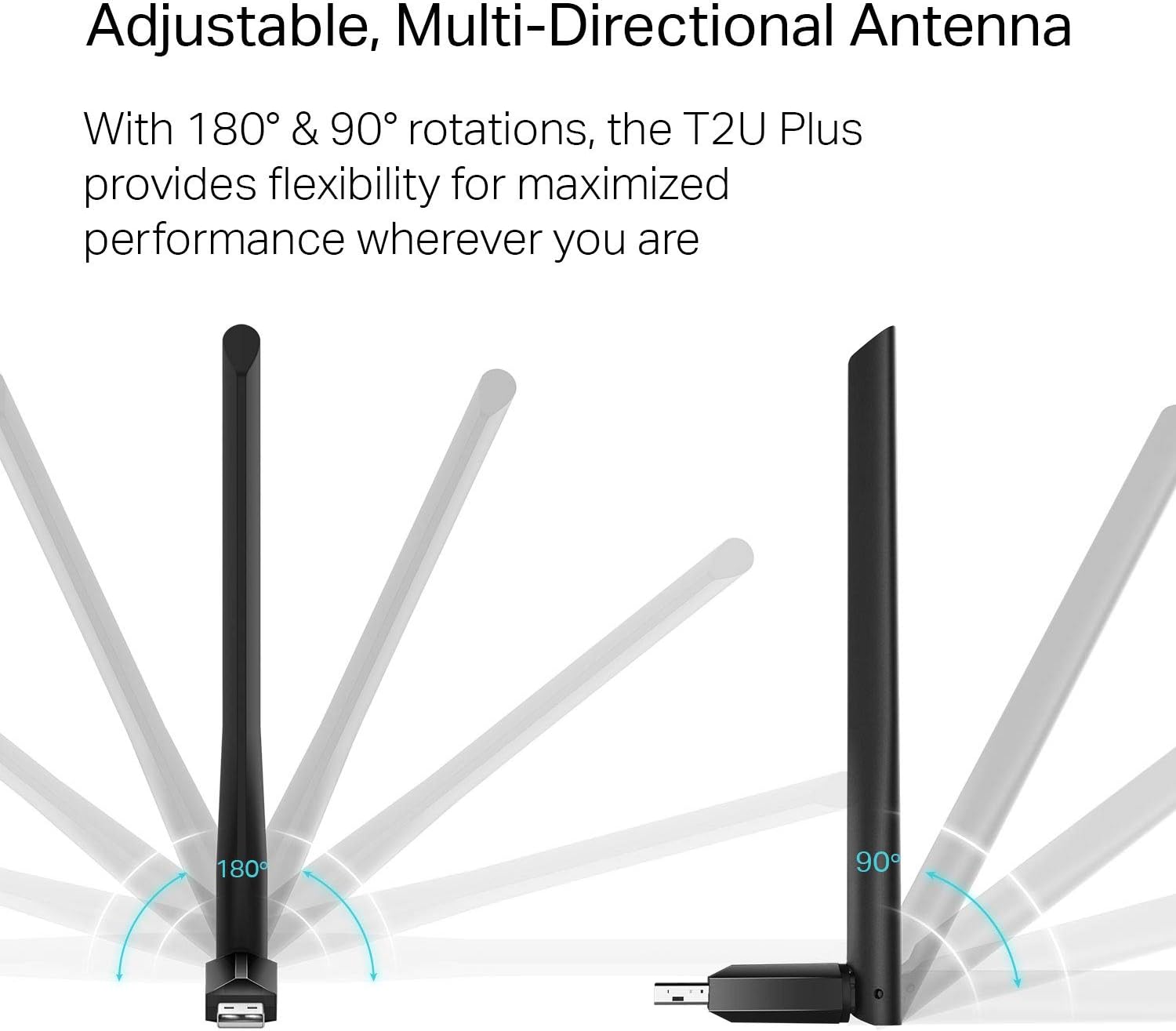
With its plug and play form factor the adapter adds wireless capability without opening the case. The external antenna improves reception in apartments and multiroom houses, and the dual‑band design helps avoid congestion on crowded networks. Drivers are available from the manufacturer to ensure the best compatibility, though Mac OS support may be limited for newer releases. Small and black, it blends into most setups while giving a tangible boost to connectivity. 😊

Practical tips

Place the antenna upright and point it toward the router for the best signal. For initial setup download the latest drivers from TP‑Link if the operating system does not auto detect the adapter. If you need maximum throughput on 5 GHz keep the adapter within the same room or a nearby room to avoid signal loss across walls. 👍

View in store

Price evolution

Historical minimum: $13.71

Description:

This compact USB Wi‑Fi adapter upgrades desktops and laptops to 802.11ac for more stable home connections and better range, improving streaming and everyday browsing. The AC600 USB WiFi adapter delivers dual‑band flexibility so you can switch between a reliable 2.4 GHz signal for coverage and a faster 5 GHz band for low‑latency tasks. It fits tight setups and can make an older PC feel noticeably more responsive on modern networks.

Key points

The Archer T2U Plus stands out for its external 5 dBi high gain antenna that users can rotate to aim at the router, a simple way to reduce dropouts in rooms with weaker reception. Setup is straightforward and may require driver installation, according to the manufacturer. For casual gamers and streamers the 433 Mbps on 5 GHz and 200 Mbps on 2.4 GHz provide smoother sessions without heavy buffering. Keep in mind that peak rates depend on your router and network traffic, and driver support varies across Mac OS versions.

Technical details

  • Name: TP-Link Archer T2U Plus AC600
  • Bands: 2.4 GHz: 200 Mbps
  • Bands: 5 GHz: 433 Mbps
  • Antenna: 5 dBi high gain, adjustable
  • Compatibility: Windows 11/10/8.1/8/7/XP, Mac OS 10.9-10.14

Benefits
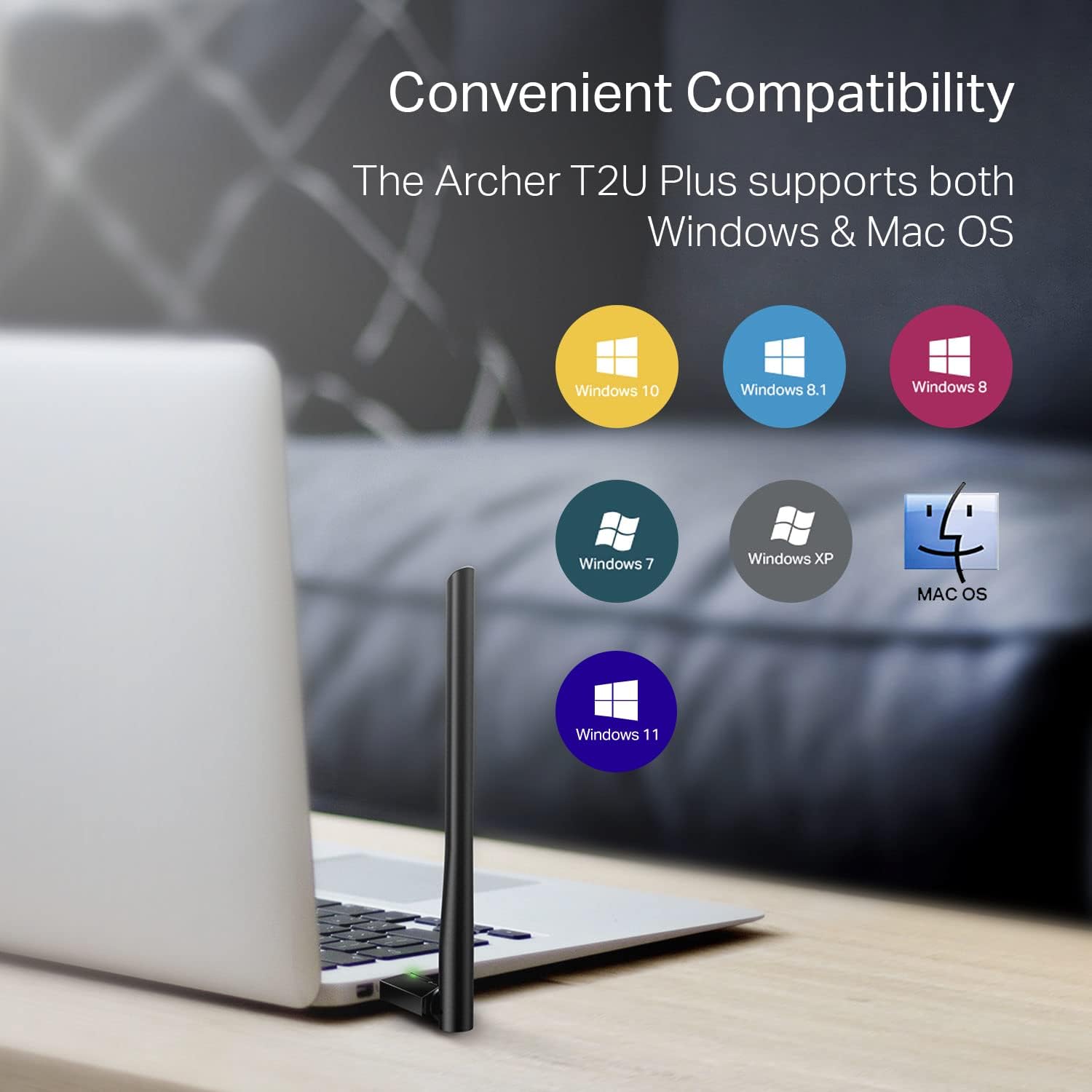
With its plug and play form factor the adapter adds wireless capability without opening the case. The external antenna improves reception in apartments and multiroom houses, and the dual‑band design helps avoid congestion on crowded networks. Drivers are available from the manufacturer to ensure the best compatibility, though Mac OS support may be limited for newer releases. Small and black, it blends into most setups while giving a tangible boost to connectivity. 😊

Practical tips

Place the antenna upright and point it toward the router for the best signal. For initial setup download the latest drivers from TP‑Link if the operating system does not auto detect the adapter. If you need maximum throughput on 5 GHz keep the adapter within the same room or a nearby room to avoid signal loss across walls. 👍