

Metapen APP172 Pencil Air8 Stylus for iPad with Palm Rejection and USB-C Charging
Reviews
Price
Product description
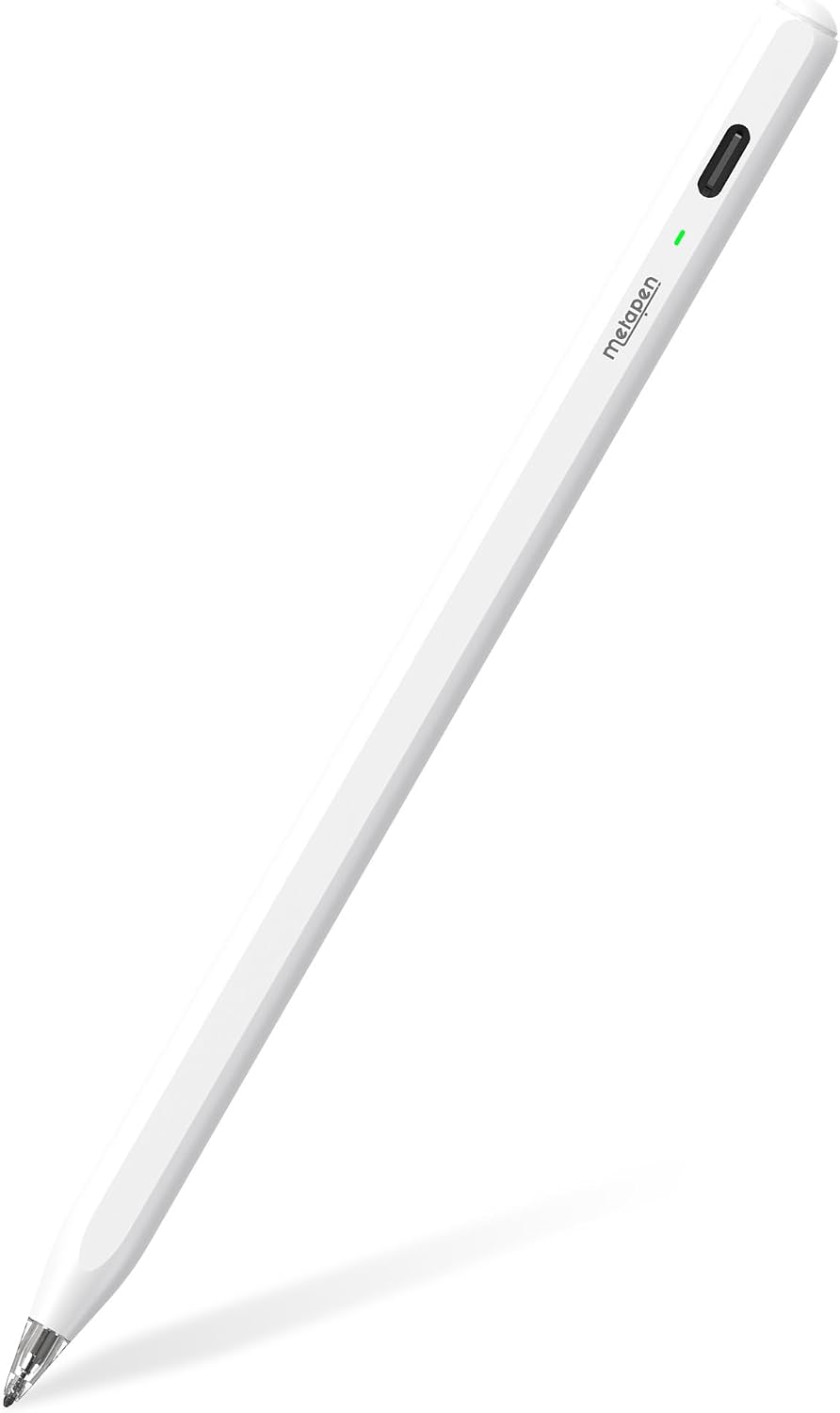
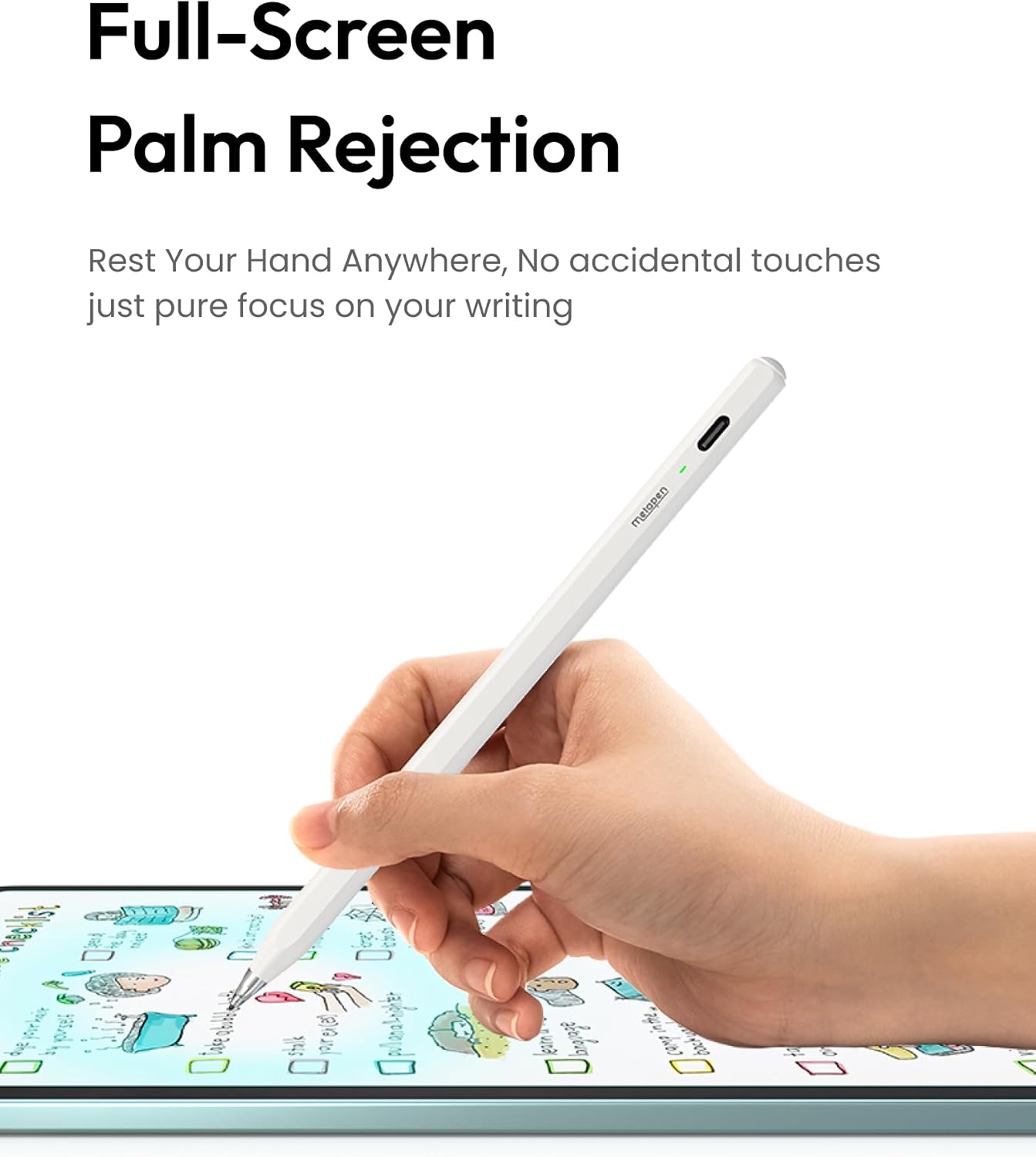
Taking handwritten notes during a class, marking up a document, or sketching fine lines on an iPad calls for a stylus that feels ready when you are. The Metapen Pencil Air8 starts with a single button press, needs no Bluetooth connection, and uses palm rejection so you can rest your hand on the screen while writing.
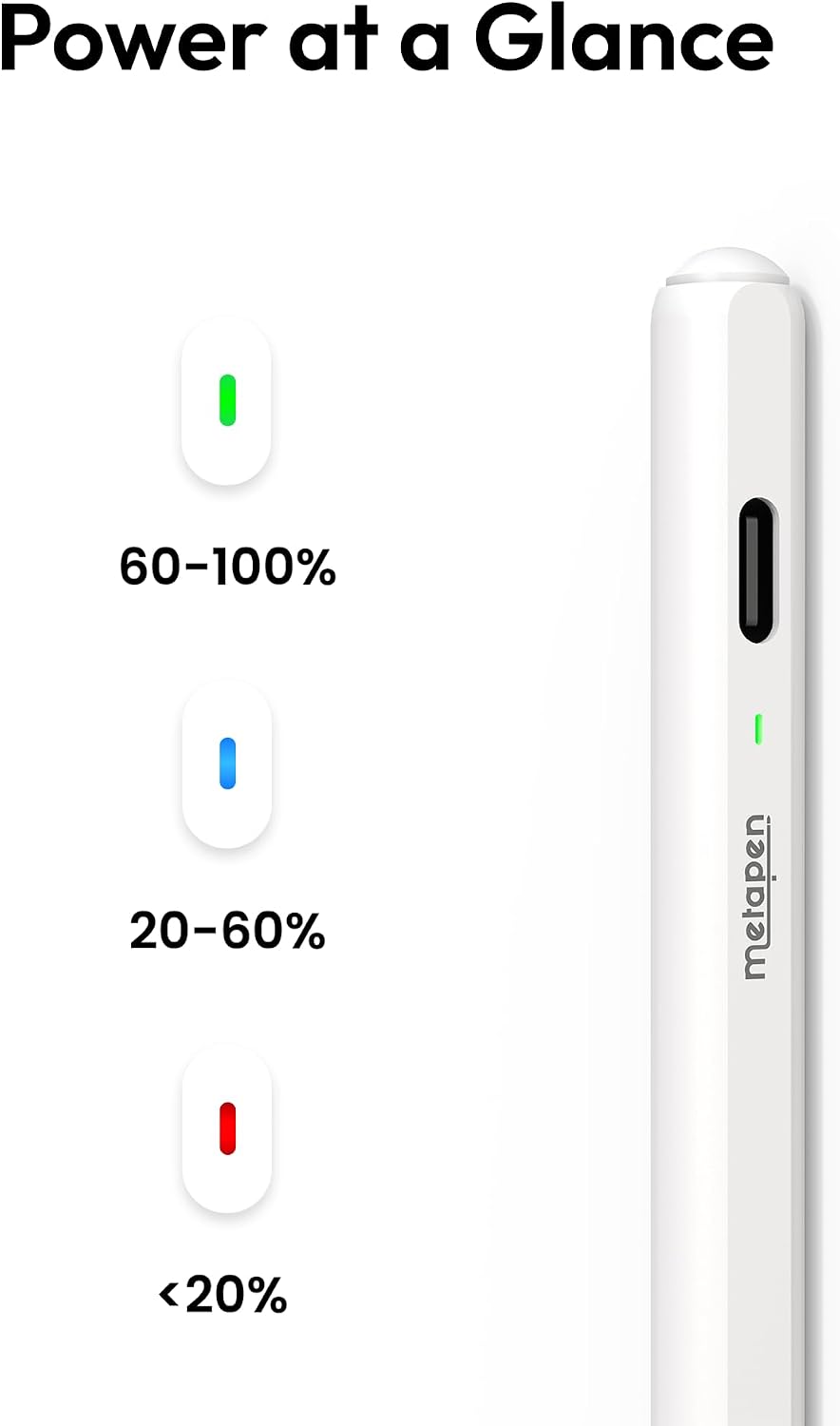
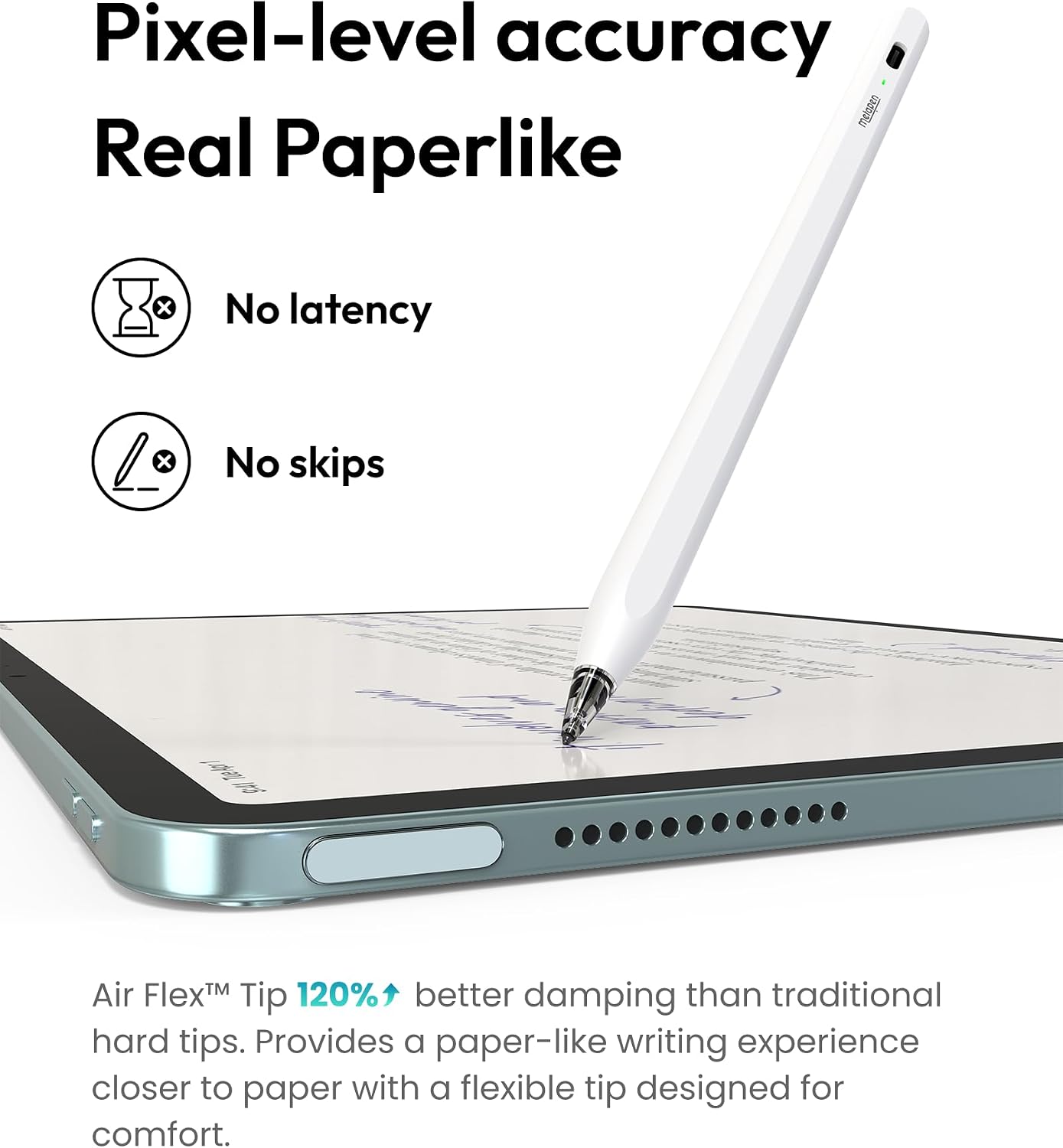
At 10 g, it stays light in hand for extended writing or drawing sessions. Its 0.1 mm pixel-level accuracy is suited to small notes and precise lines, while the three-color LED shows the battery level at a glance.
What matters most
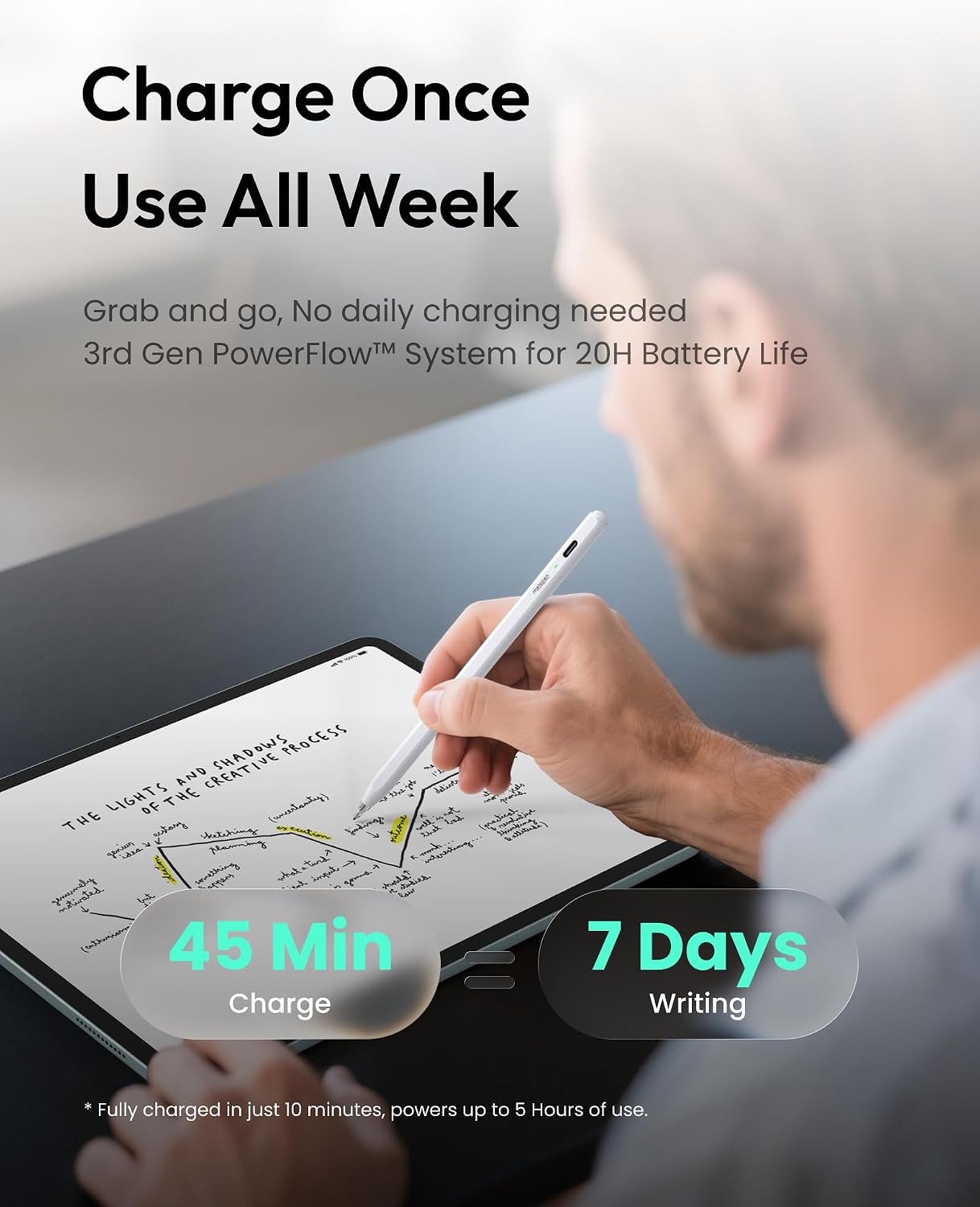
The Air8 is built around quick, straightforward use. A single click turns it on, and a long press turns it off, automatic shutdown after five minutes of inactivity helps conserve power. For everyday note-taking, that means fewer setup steps before you start. USB-C charging takes about 45 minutes for up to 20 hours of use, and a two-minute charge is specified to provide up to two hours of work.
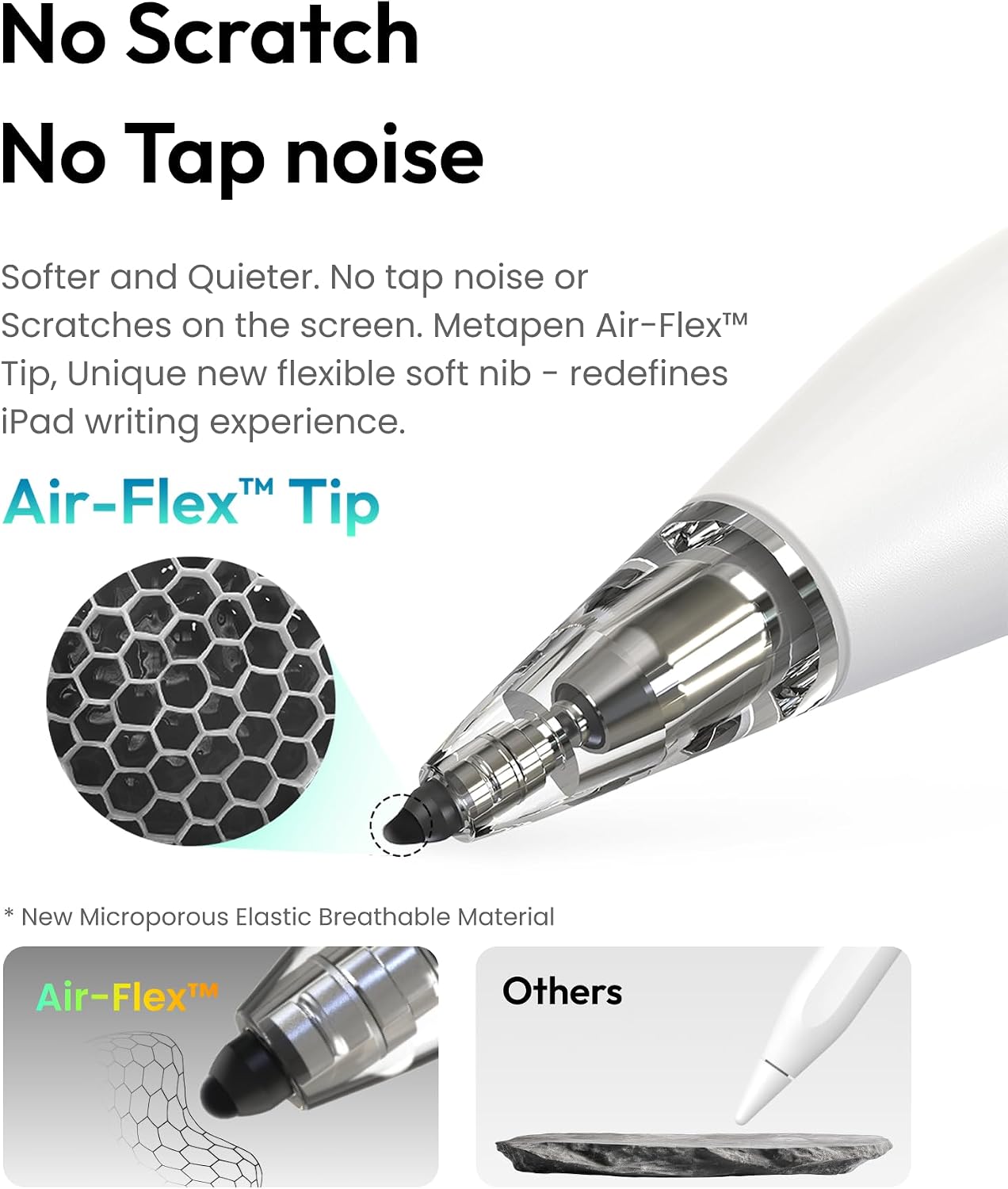
Palm rejection supports a relaxed writing position, and the polished tip is designed to help prevent screen scratches. The manufacturer also describes the polymer tips as tested for 20 km of use. The stylus does not support pressure or tilt sensitivity, so its strengths are straightforward writing, annotation, and fine-line drawing rather than workflows that depend on pressure variation. Buyers often praise its battery life and writing performance, feedback about reliability is mixed.
Usage tips
Charge the stylus through its USB-C port, then use the top button to turn it on. The LED’s three colors indicate battery level, making it easier to check power before a writing session. It does not use Bluetooth pairing, wireless charging, or magnetic attachment, so plan to charge it by cable and store it separately from the iPad when not in use.
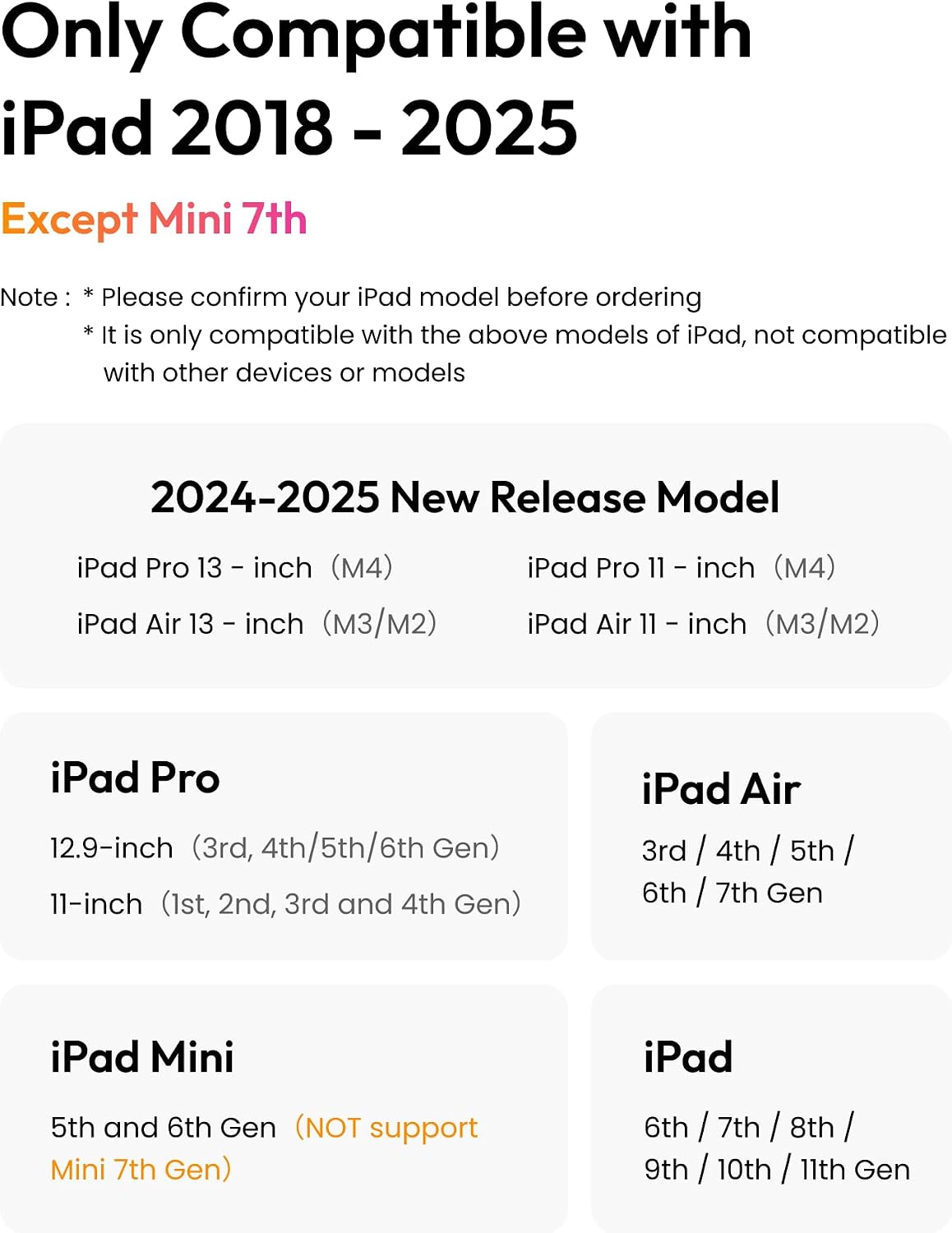
Check your iPad’s model before choosing a stylus. The Air8 is listed for iPad models from 2018–2026, including iPad 6th through 11th generation, iPad Air 3rd, 4th, and 5th generation and Air M2, M3, and M4, iPad Pro 11-inch and 13-inch M4/M5, iPad Pro 12.9-inch 3rd through 6th generation, and iPad mini 5th and 6th generation. It is not compatible with iPads released before 2018, iPhone, Android, or Microsoft devices.
Who it’s for
Choose the Air8 for compatible-iPad tasks such as handwritten notes, document markup, and drawing clean lines, especially if low weight and a simple, pairing-free start matter to your routine. If your work relies on pressure or tilt sensitivity, that feature set points toward a different stylus. Compared with a pressure-sensitive drawing tool, the Air8 focuses on quick everyday writing and clear line placement.
Practical questions
Does the Air8 need to pair with an iPad? No. Turn it on with a click of the top button, Bluetooth pairing is not required. Confirm that your iPad model is on the compatibility list above.
How long does charging take? A full charge is specified at about 45 minutes for up to 20 hours of use. A two-minute charge is specified to provide up to two hours. Charge through USB-C.
Can it be used for pressure-sensitive drawing? The Air8 does not support pressure or tilt sensitivity. It is suited to writing, annotation, and fine-line drawing that do not rely on those controls.
Final verdict
The Metapen Pencil Air8 brings palm rejection, a lightweight 10 g design, and quick USB-C charging to everyday iPad writing and sketching. For users with a compatible iPad who want a simple stylus for notes, annotations, and precise lines, its button-operated setup and clear battery indicator make it a practical fit.