

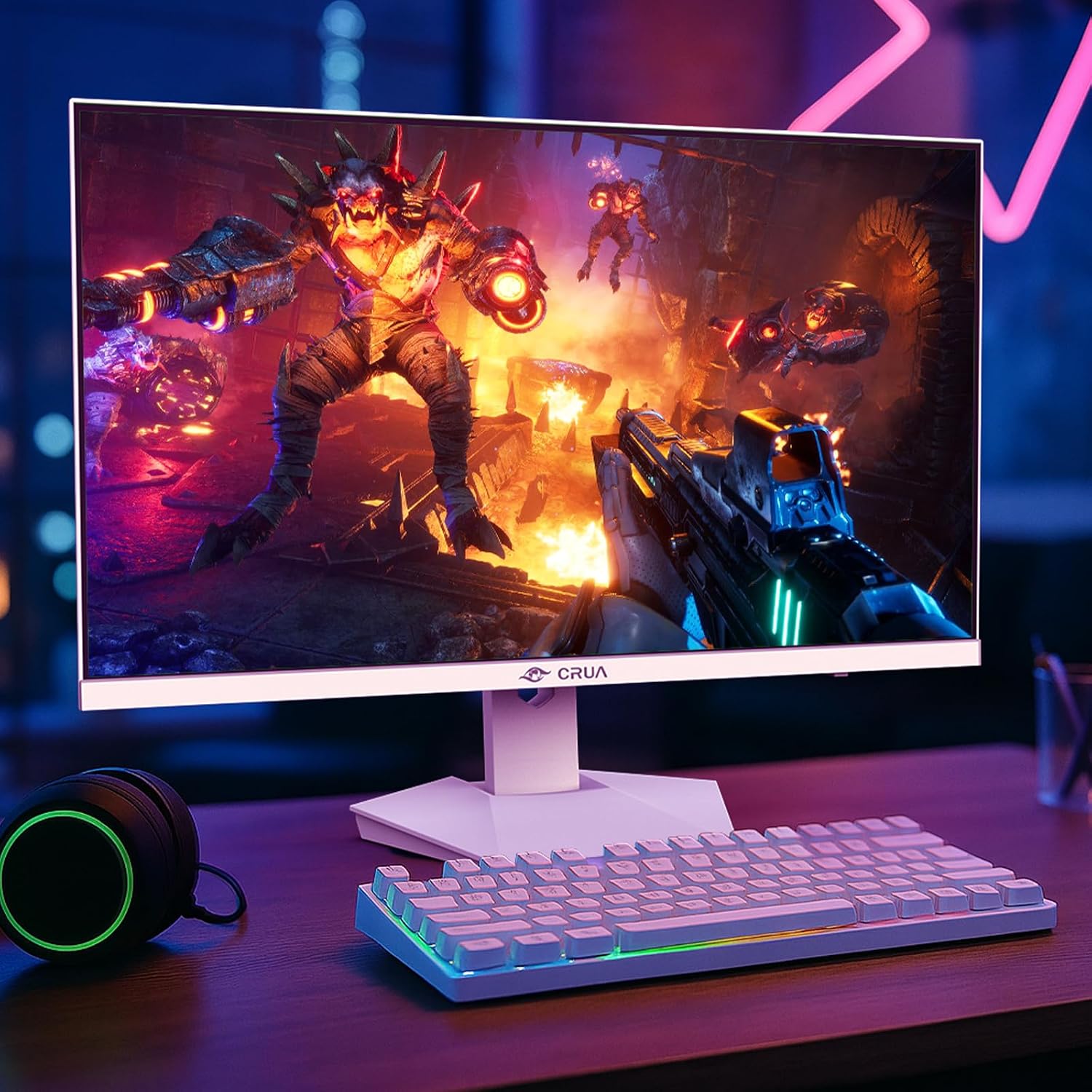
CRUA 27-inch gaming monitor
Product description
A 240Hz refresh rate is the standout feature of this 27-inch CRUA gaming monitor, giving fast-moving PC games more room to look smooth and responsive. Its QHD resolution adds detail beyond a basic 1080p display, while the IPS panel and 120% sRGB color gamut also make it relevant for editing, streaming, and everyday work. The mix is appealing if one screen needs to cover several jobs, though the listing gives limited detail about the built-in speakers and does not specify performance by input.
Technical details
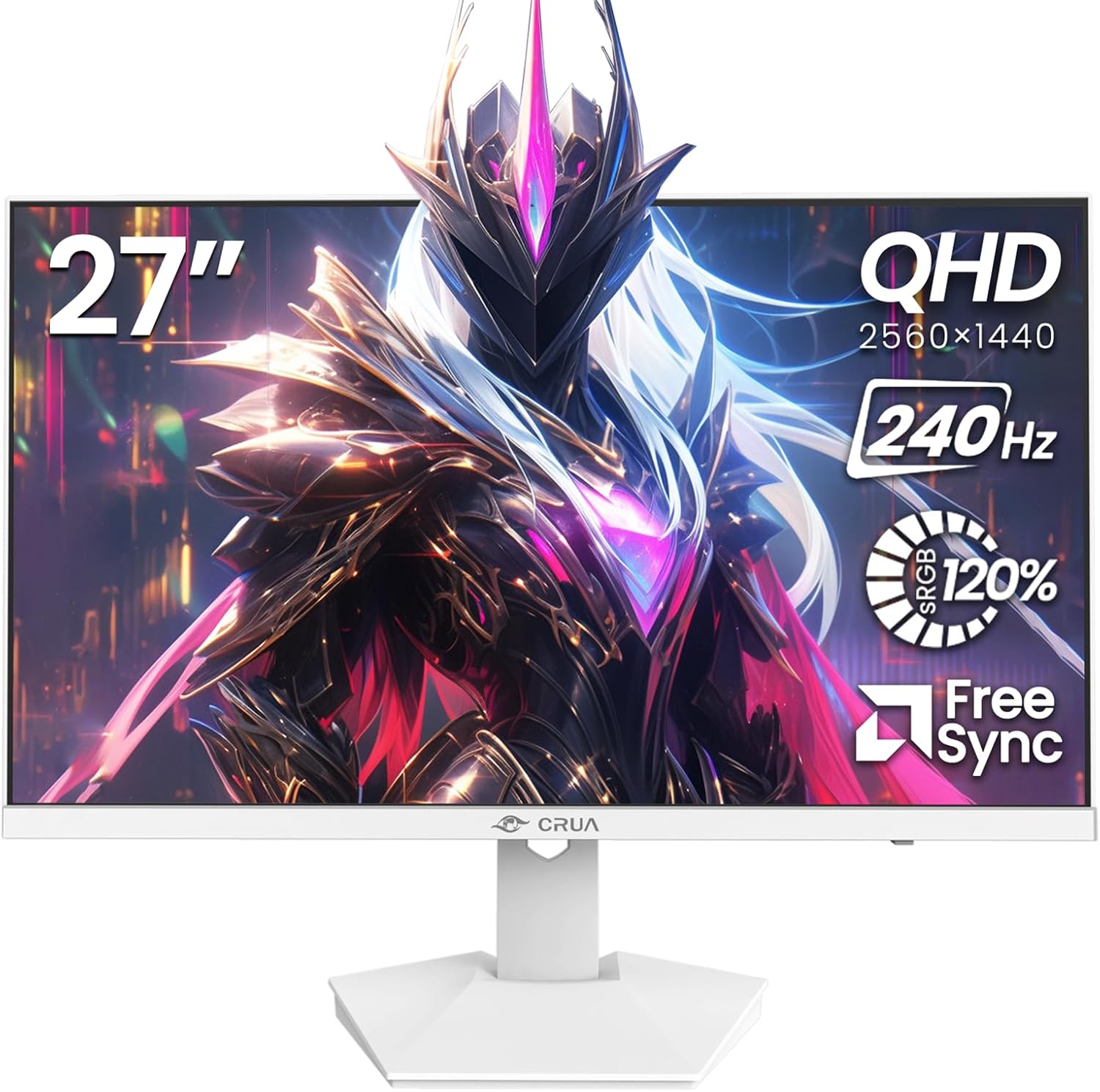
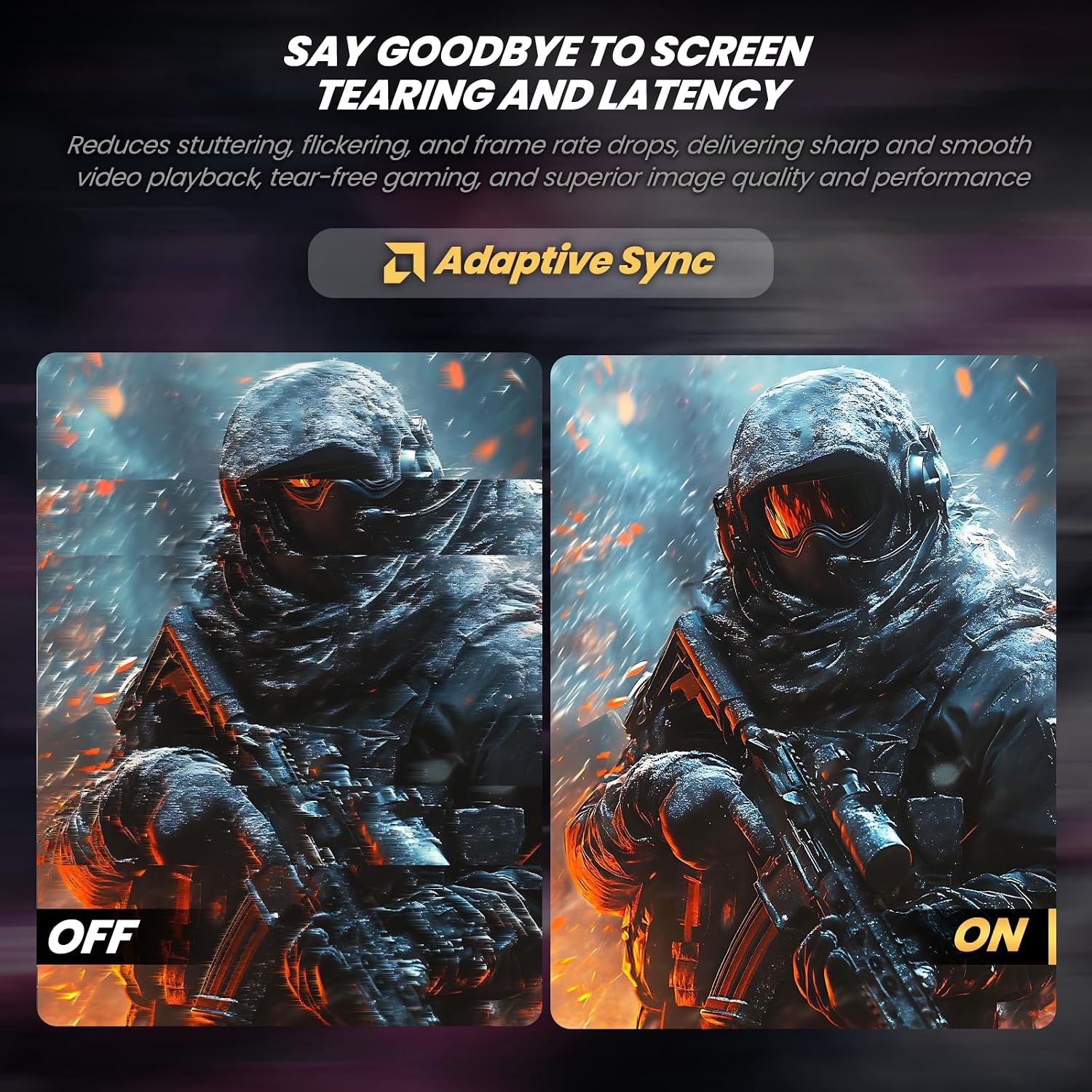
The display combines a 2560x1440 resolution with a 240Hz refresh rate. That pairing suits players who value both sharper detail and fluid motion, rather than choosing a lower-resolution screen mainly for speed or a slower display mainly for image detail. AMD FreeSync is listed to help reduce tearing and stutter, but the product information does not explain how its refresh-rate features behave across HDMI and DisplayPort.
The IPS panel has 178° viewing angles, and the listed color gamut is 120% sRGB. Those details may appeal if you edit video or spend time with visual content, although a wide gamut alone does not establish color accuracy for professional work. Brightness is listed at 300 cd/m² and contrast at 1000:1. The monitor also has a blue light filter, built-in speakers, HDMI 2.0, DP 1.4, and a 75x75mm wall-mount pattern. Its white finish gives the setup a distinct look, but the listing does not provide dimensions or speaker output details.
Getting the most from it
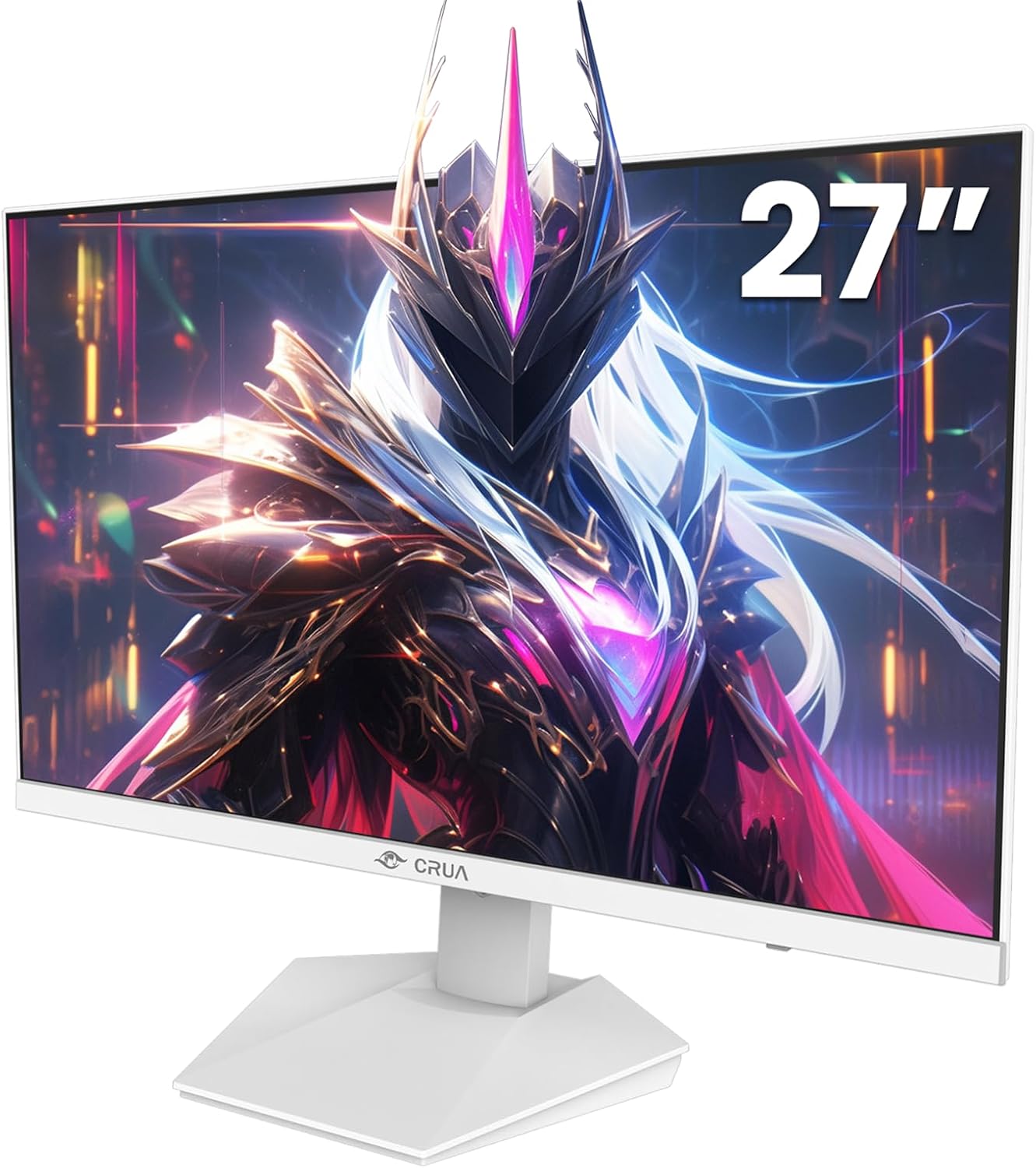
For a gaming desk, the clearest use case is a PC setup where high refresh rate and QHD detail both matter. For example, a fast match can take advantage of the 240Hz specification, while the same screen can show a video-editing timeline or multiple work windows at QHD resolution. The IPS viewing angles may also be useful when the screen is viewed from off-center.
It makes sense if you want one monitor for gaming and general creative or office tasks, and the white design fits your space. Compared with a simpler display chosen only for everyday browsing, this one prioritizes faster motion and a more detailed image. On the spec sheet, though, the missing input-specific refresh-rate details make it harder to judge what a particular connection will deliver. Check your PC’s available video outputs and intended resolution before choosing a cable or planning a multi-screen desk, compatibility details for other devices are not provided.
Usage tips

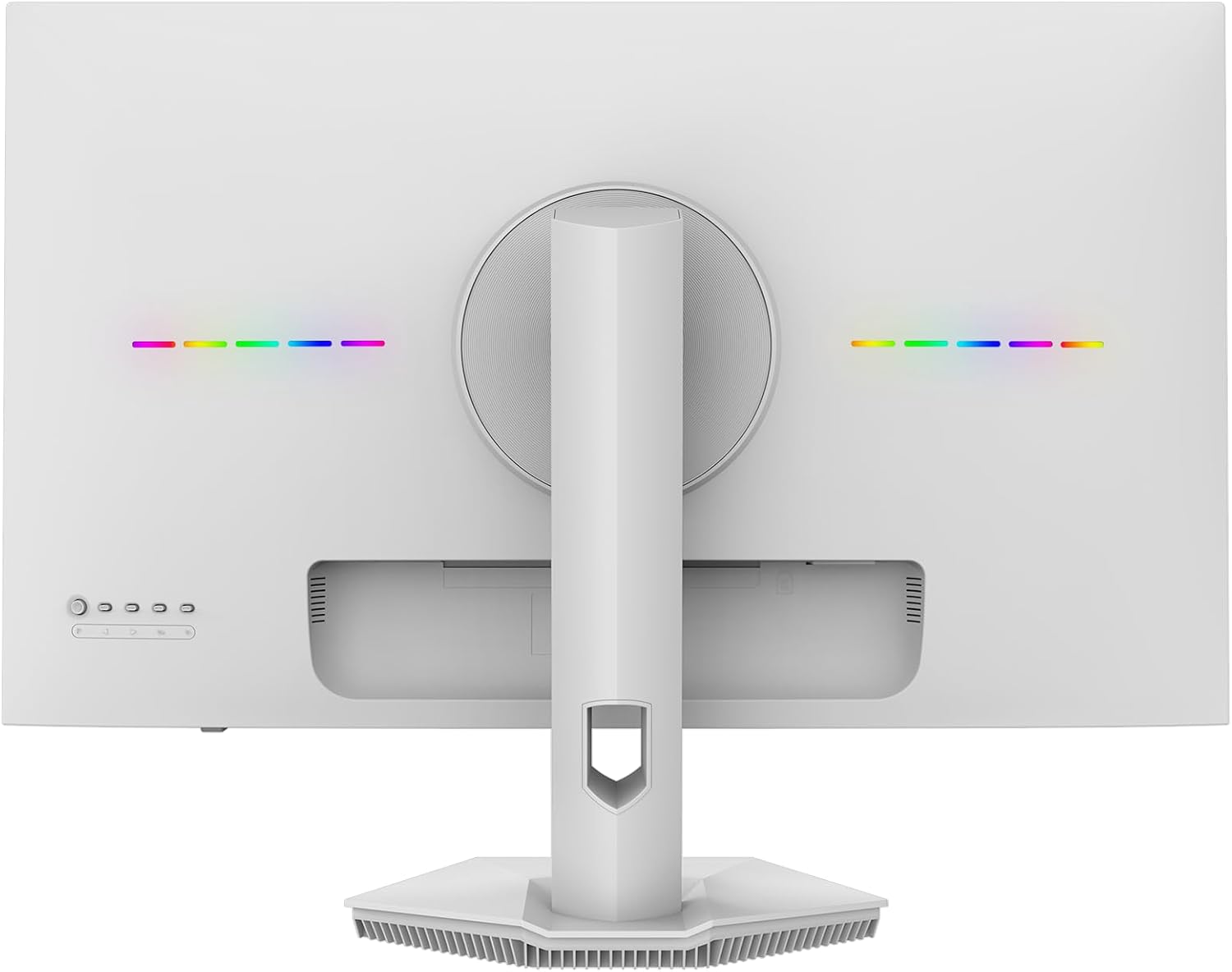
Use the HDMI 2.0 or DP 1.4 connection that matches your PC, then check the computer’s display settings to select the refresh rate and resolution you want. The listing names both ports but does not state which one is required to reach 240Hz, so avoid assuming that either connection will provide the same result.
The built-in speakers can handle a basic desk setup without separate audio gear, while the blue light filter offers an adjustment for long work or study sessions. For a wall-mounted arrangement, the stated 75x75mm pattern is the relevant fit detail, confirm that the mount itself supports that pattern. If accurate color is critical to your editing work, treat the 120% sRGB figure as a gamut specification, not a substitute for calibration information.

Practical doubts
Does it have built-in audio? Yes. Built-in speakers are listed, but their output or sound characteristics are not specified.
Can it be wall-mounted? The monitor supports a 75x75mm wall-mount pattern. The listing does not give other mounting details.
Which video connections are available? HDMI 2.0 and DP 1.4 are listed. The product details do not identify the refresh rate available through each port.
Buying verdict
This CRUA monitor is worth considering when a 27-inch screen, QHD detail, and a 240Hz refresh-rate specification are all priorities, especially for a PC desk that also handles editing or everyday work. Not the best choice if you need documented input-by-input refresh rates, detailed speaker specifications, or confirmed color accuracy for professional production. If those gaps matter less than the stated resolution, panel type, and port options, its feature mix is a practical fit for a mixed-use setup.