

ASUS ROG Strix XG27UCG 27" 4K Gaming Monitor
Product description
This 27-inch gaming monitor from ASUS focuses on delivering high-resolution visuals with flexible refresh options for both cinematic detail and fast competitive play. It combines a 4K UHD panel and a dual-mode refresh design to let you prioritize sharpness or frame rate depending on the game or workflow.
Key Points
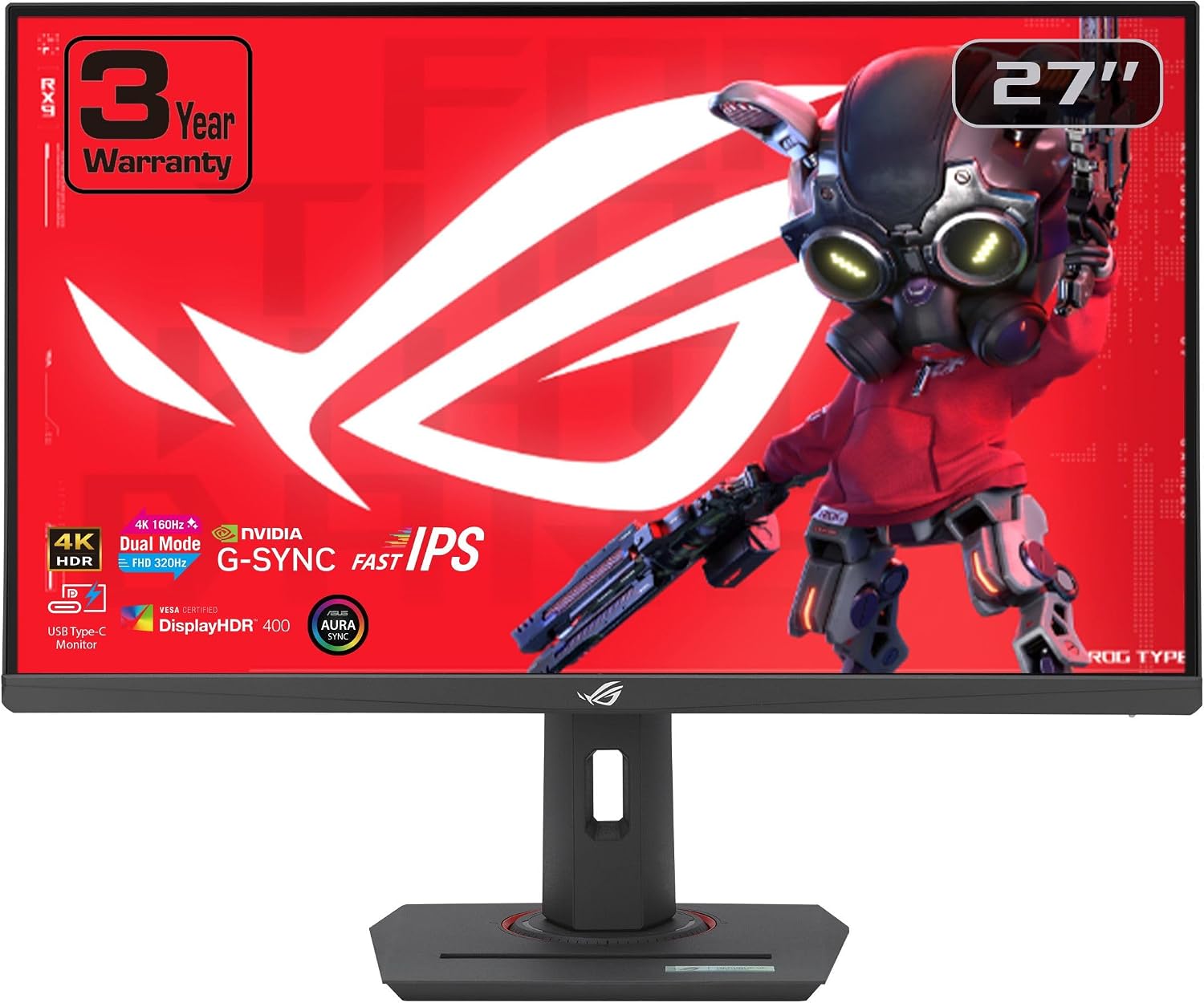
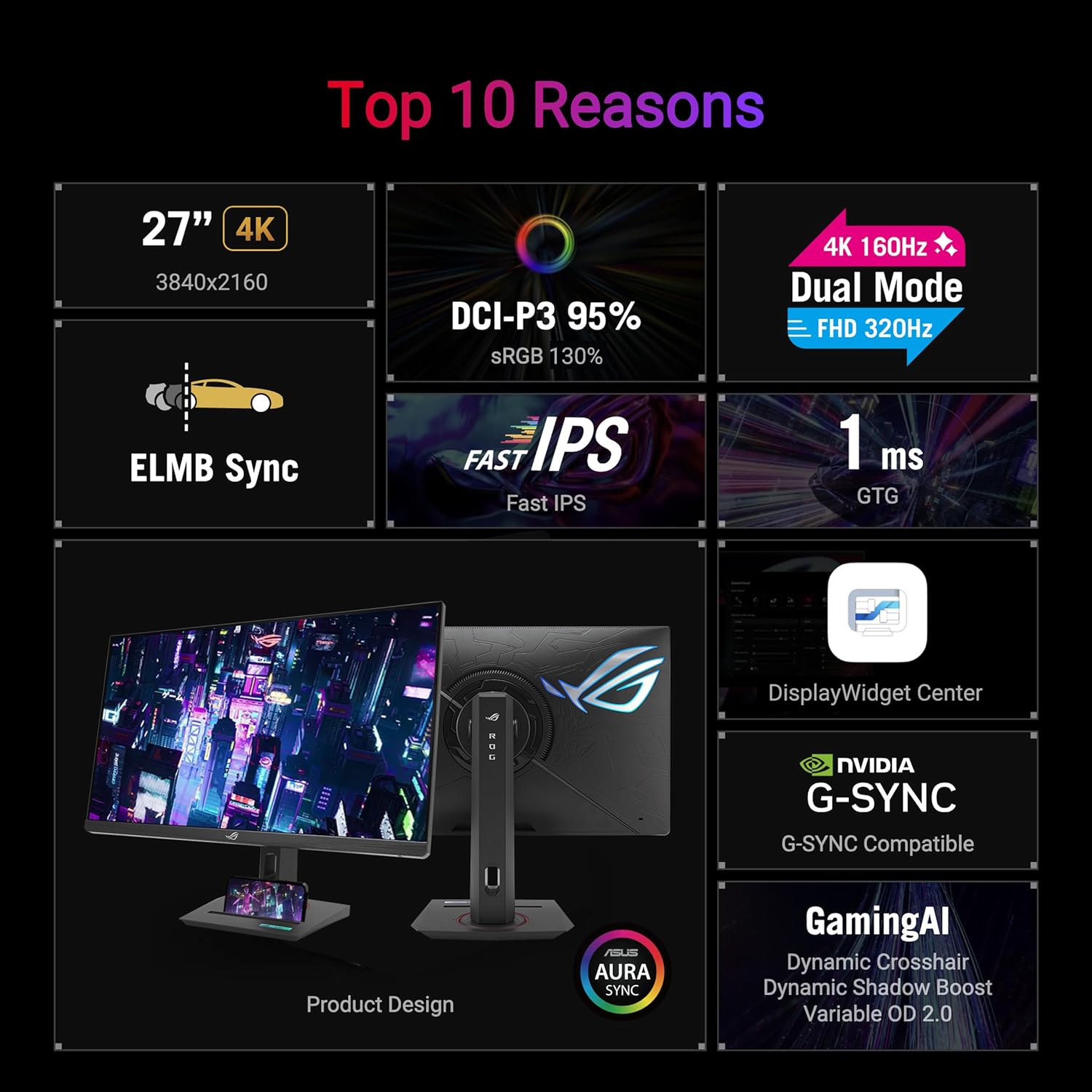
This monitor supports a dual operating mode that lets you switch between 4K at 160 Hz or FHD at 320 Hz, so you can favor image detail or blistering frame rates as needed. The Fast IPS panel and a 1 ms gray-to-gray response time reduce motion blur while ELMB SYNC helps minimize ghosting and tearing when frame rates vary. For color work and vivid in-game scenery, the display covers 95% of the DCI-P3 gamut with advanced grayscale tracking for smoother gradients. A USB-C input with DisplayPort Alt Mode enables video and peripheral connectivity with a cleaner desk setup. 🎮
The monitor includes practical extras in the box such as a DisplayPort cable, power cable, an ROG carry bag, quick start guide, and warranty card. According to the manufacturer, Adobe Creative Cloud access was offered for three months with qualifying purchases between September 15, 2021 and August 31, 2024, which may be expired depending on purchase timing. ⚙️
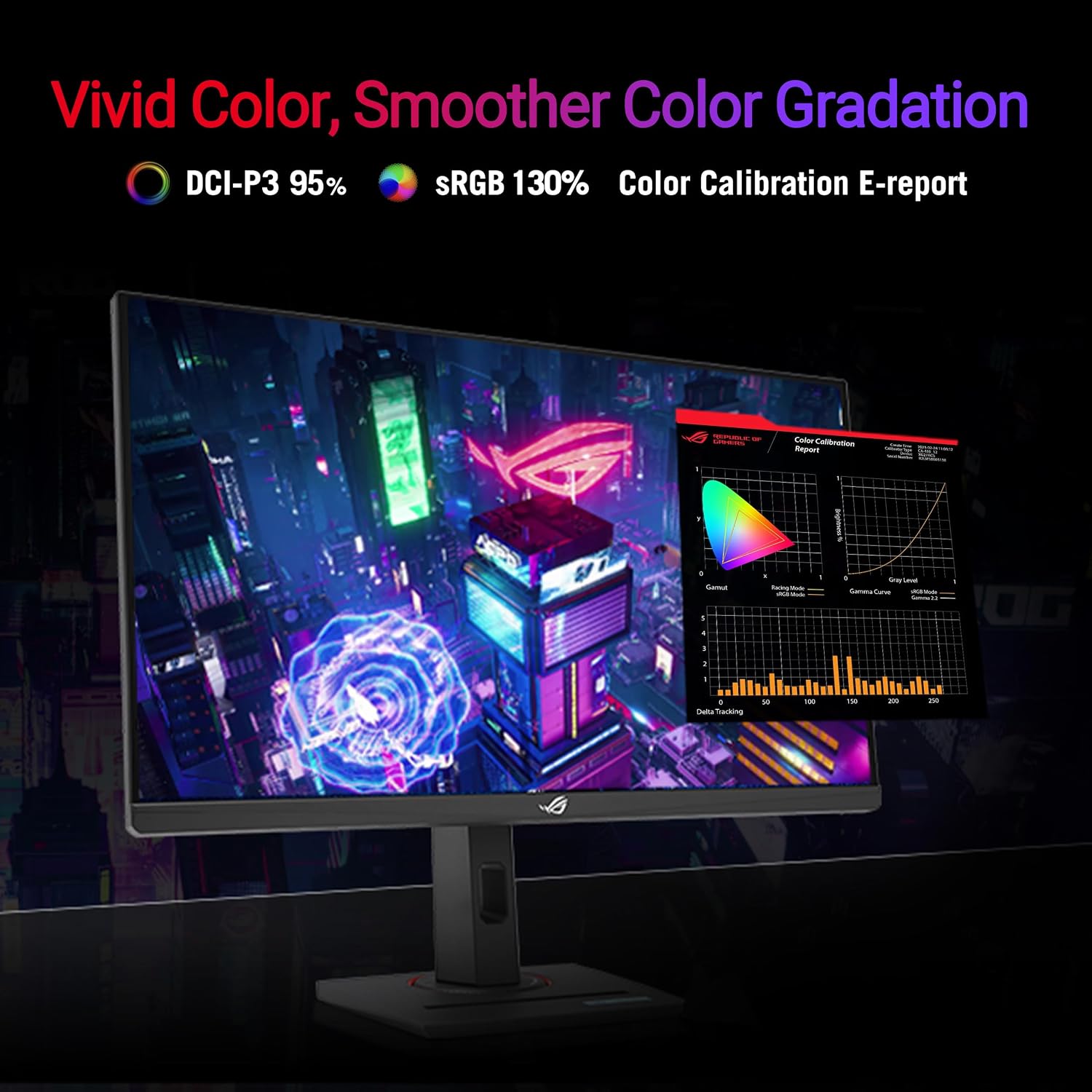

Technical Specifications
- Name: ASUS ROG Strix 27” 4K HDR USB-C Gaming Monitor (XG27UCG)
- Resolution: 3840 x 2160 (UHD)
- Panel type: Fast IPS, 1 ms (GTG) response time
- Refresh modes: 4K @ 160 Hz, FHD @ 320 Hz
- Color gamut: DCI-P3 95% with advanced grayscale tracking
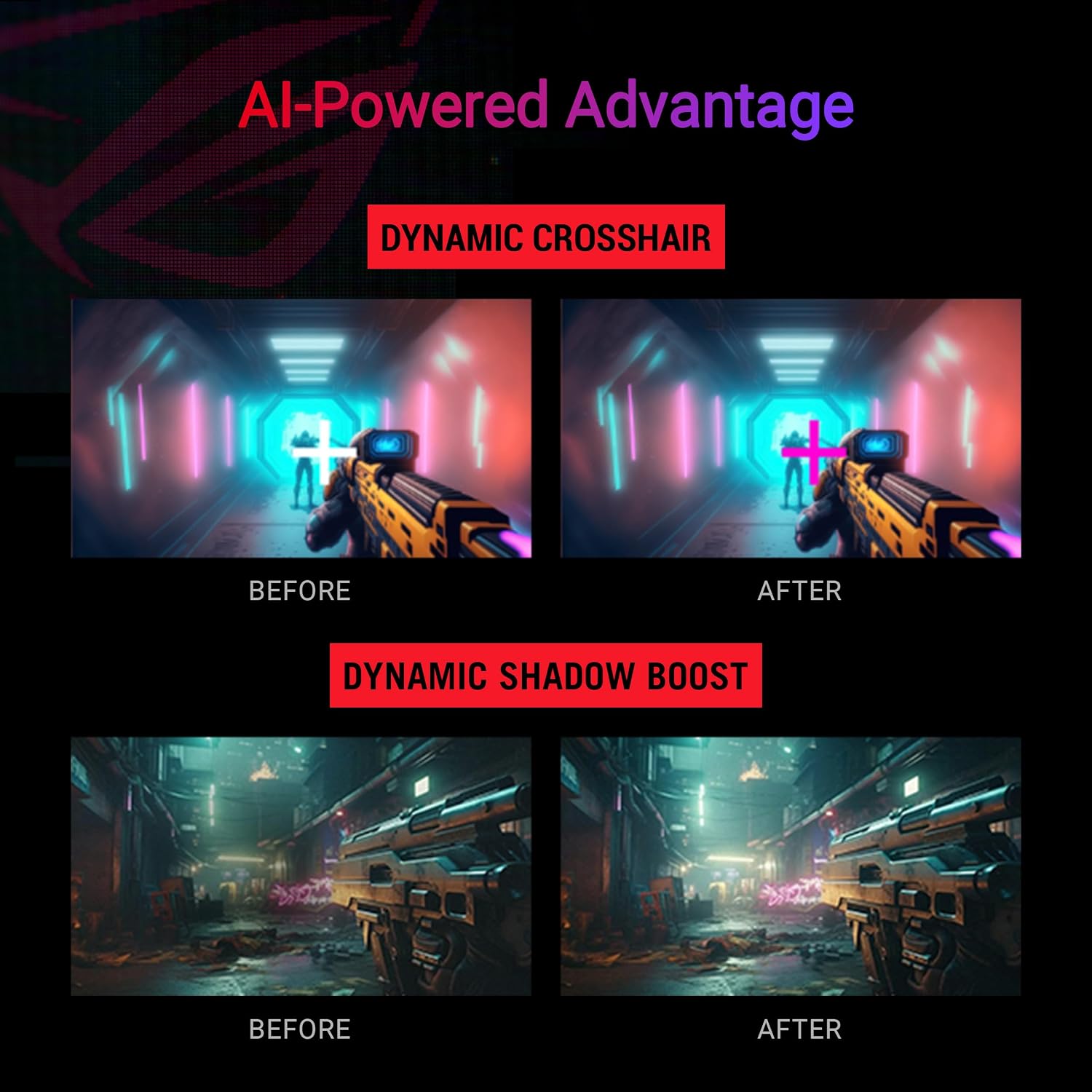
- Features: ELMB SYNC, G-SYNC Compatible, AI Gaming
- Warranty: 3 year warranty (according to the manufacturer)
Usage Recommendations
For single-player or cinematic titles, use the 4K 160 Hz mode to enjoy higher pixel detail and richer color transitions. When competitive multiplayer and the highest possible frame rate matter, switch to FHD 320 Hz to reduce input lag and maximize smoothness. Consider calibrating the grayscale profile if you plan to do color-sensitive work, because manufacturer tuning aims to balance gaming vibrancy with uniformity. Also note that using USB-C with DisplayPort Alt Mode simplifies connections for laptops and some consoles, but compatibility depends on the source device’s support for that mode. 🎯.