

KOORUI Curved Gaming Monitor 27-Inch
Product description
What to know
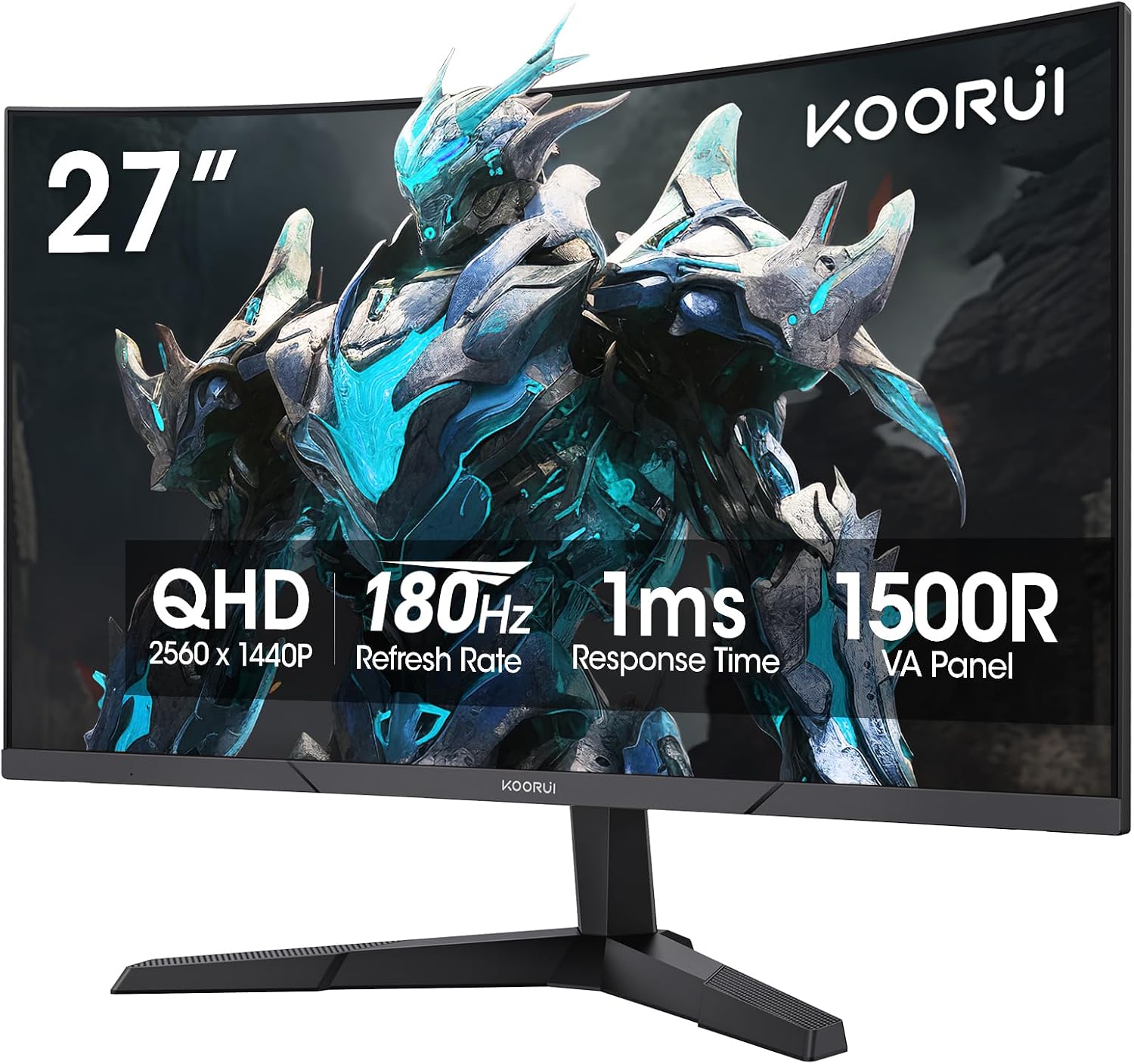
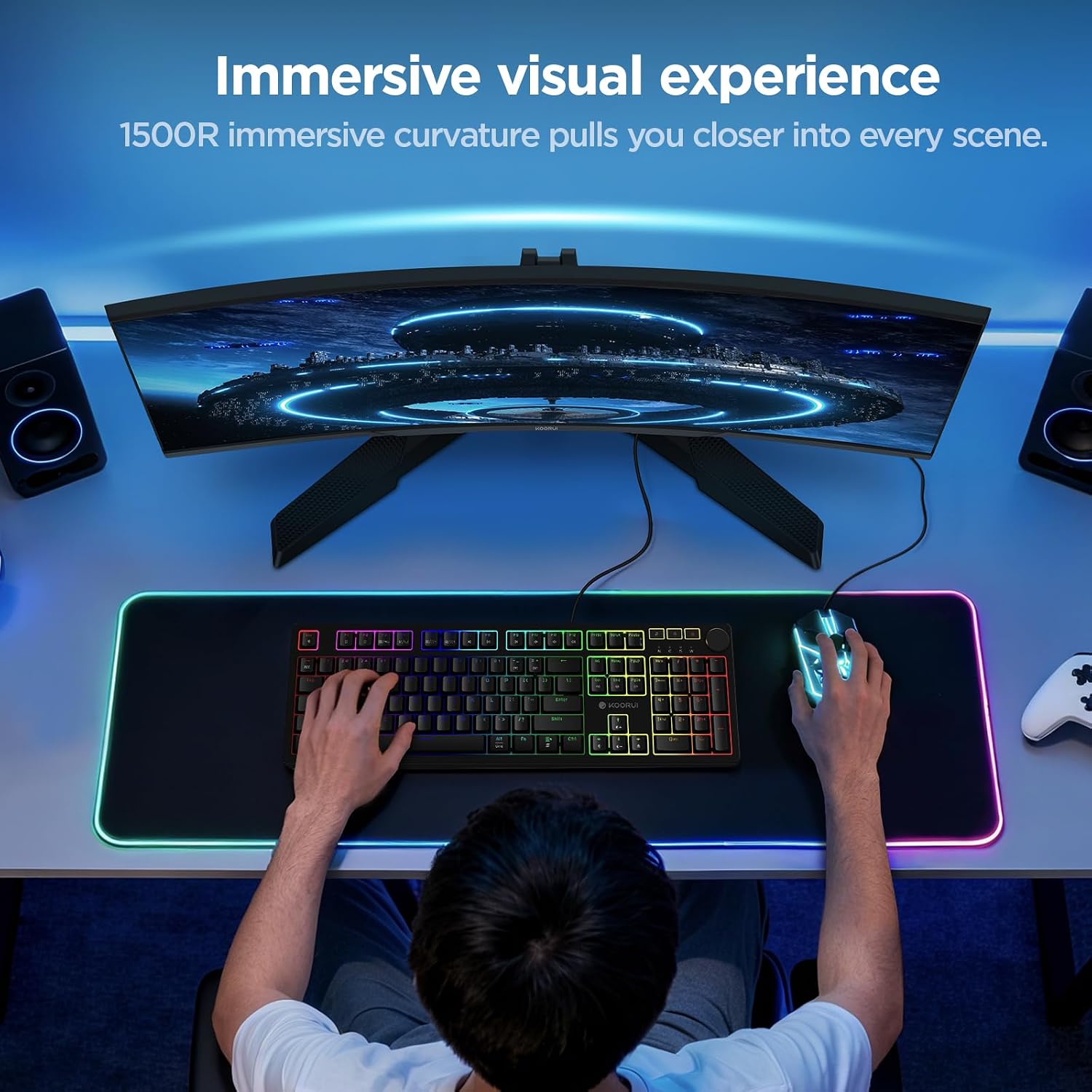
If your priority is a smoother, more responsive-feeling gaming display, this KOORUI monitor emphasizes refresh rate and Adaptive Sync, if you need a screen mainly for everyday work, its curved gaming setup may matter less. The 27-inch VA panel combines QHD resolution (2560×1440) with a 180Hz refresh rate, 1ms GTG response time, and 1500R curvature. That mix is aimed at fast games while also giving you more room for sharp text and detailed images than a lower-resolution screen.
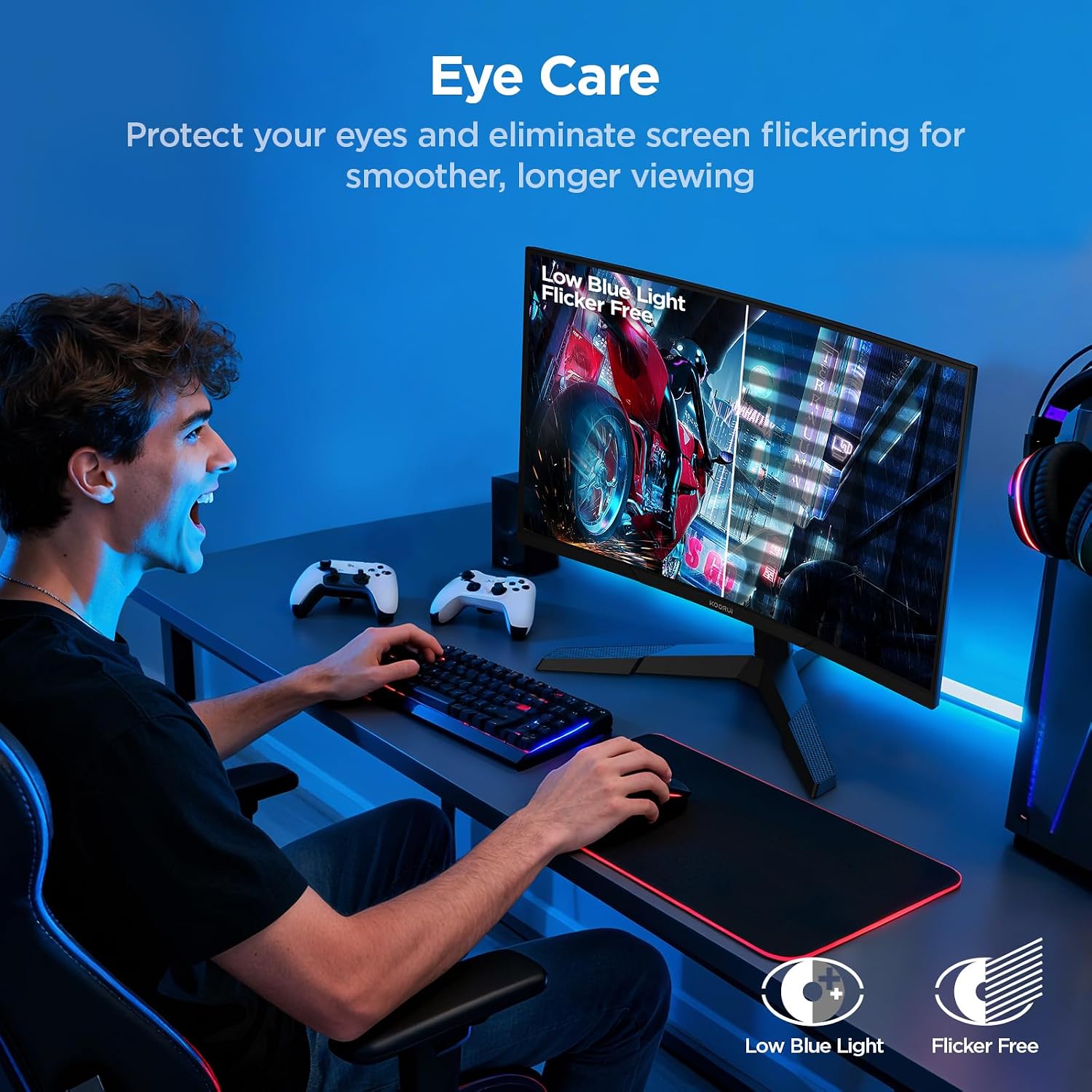
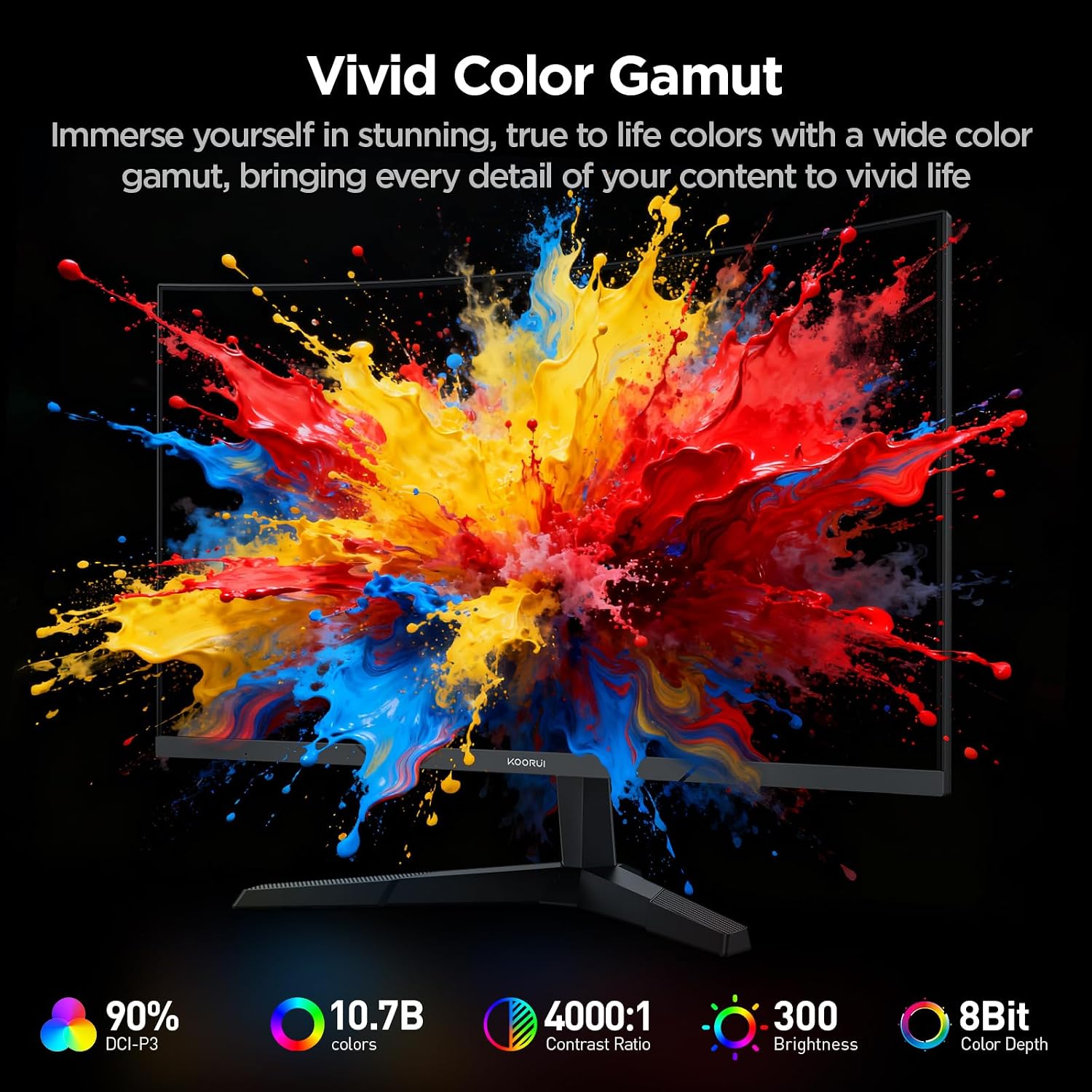
The 4000:1 contrast ratio and 90% DCI-P3 color gamut are notable on the spec sheet, alongside HDR10 support and a stated 10.7 billion colors. Flicker-Free technology and Low Blue Light mode are included for longer sessions. Keep in mind that the stand is described as tilt-adjustable from -5° to 15°, height adjustment isn’t listed, so the included stand may offer less positioning flexibility than a height-adjustable setup.
How to use it
For a gaming PC, connect through DisplayPort 1.4 or one of the two HDMI 2.0 ports, then select a supported refresh rate in your system’s display settings. Adaptive Sync is intended to reduce tearing and stuttering, though the result depends on the connected system and configuration. The product is also presented for console gaming, but the listing doesn’t specify console models or performance details, so don’t assume every console will use the full 180Hz rate.
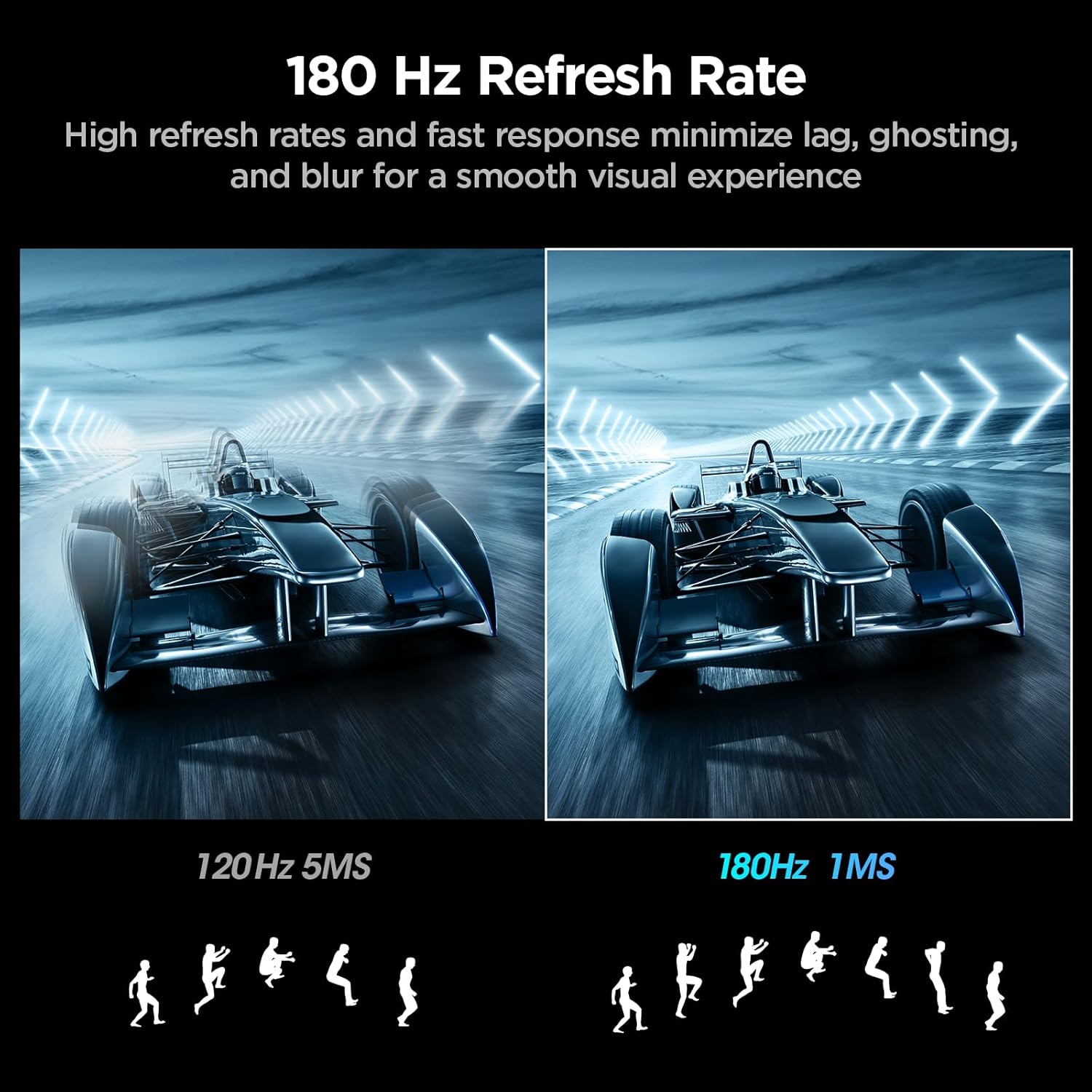
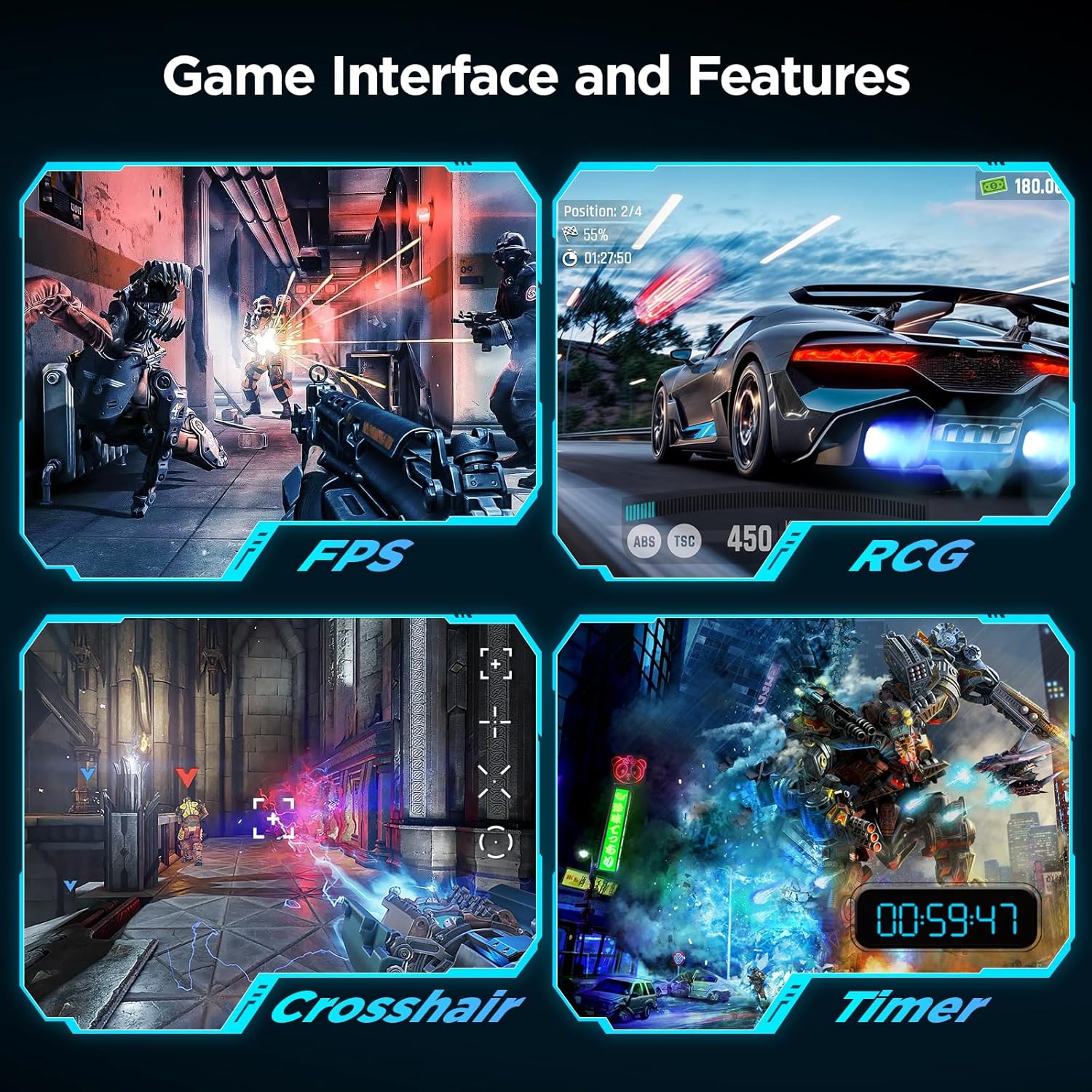
A practical scene: during a fast FPS match, the higher refresh rate is meant to make motion look smoother, while the curved screen keeps the action centered in your view. For films or creative tasks, QHD resolution and the listed color coverage offer a more detailed, color-focused alternative to choosing a monitor solely for basic display needs. It makes sense if gaming speed, a curved 27-inch screen, and QHD detail are all part of your setup.
Practical tips
Before choosing a spot for it, consider both the curve and your seating position: a 1500R screen is a more enveloping shape than a flat monitor, which may suit a centered desk setup better than a layout where you often view the screen from the side. If desk space is tight, allow room for a 27-inch display, the curvature figure doesn’t give the panel’s full footprint, so you can’t plan the exact fit without that measurement.
The VESA 100×100mm compatibility gives you the option of a compatible mount or monitor arm. That can help if you need more positioning range than the listed tilt stand provides. You may want to skip it if height adjustment is essential and you’re not planning to use a separate mount.
Questions before you buy
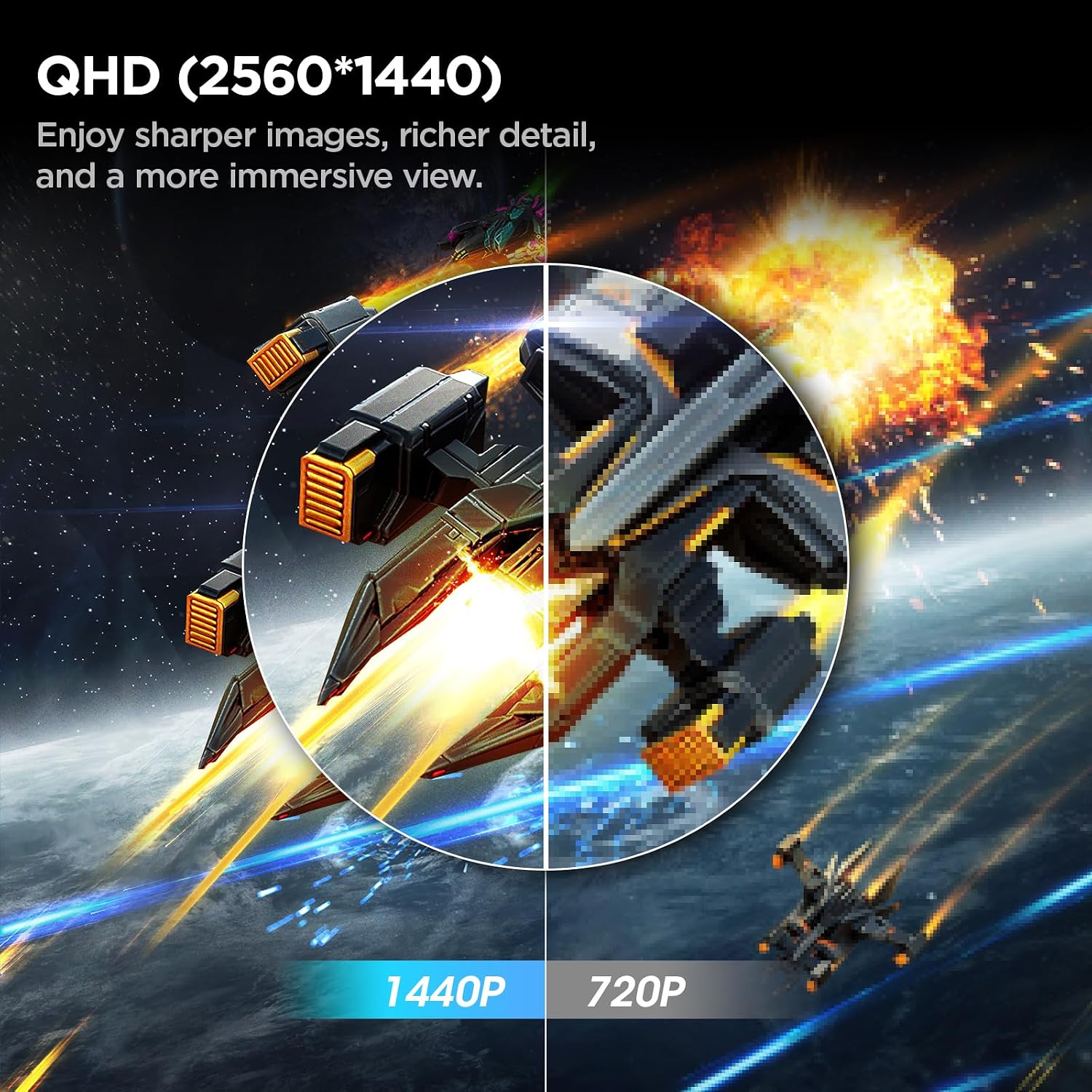
What resolution does it have? It is a QHD display with a listed resolution of 2560×1440.
What connections are listed? The monitor has two HDMI 2.0 ports and DisplayPort 1.4.
Can it be mounted? Yes. The listing specifies VESA 100×100mm compatibility, a separate mount or arm would need to match that standard.
Final verdict
This KOORUI curved gaming monitor is worth considering when you want QHD detail, a 180Hz refresh rate, Adaptive Sync, and the more immersive feel of a 1500R screen in one display. Its port selection and VESA compatibility also leave room to build around a PC or a mounted setup. The trade-off is clearer if you need a highly adjustable included stand: only tilt adjustment is specified. Choose it for its gaming-focused combination of speed and curvature, look elsewhere if stand height adjustment is a must and you don’t intend to add a mount.