

Samsung 32-Inch Odyssey G3 (G30D) Series FHD Gaming Monitor (LS32DG302ENXZA) with 180Hz and FreeSync
Product description
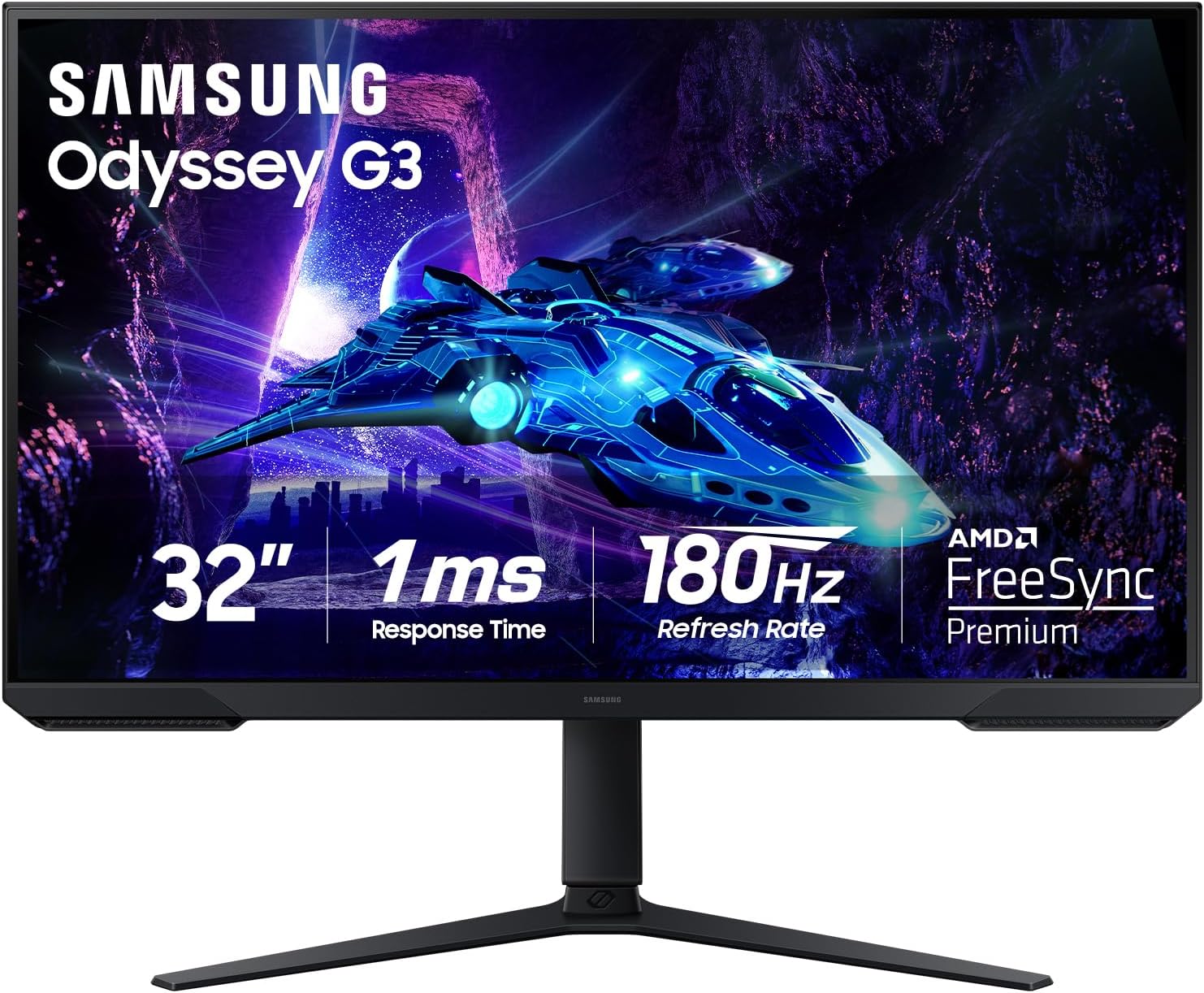
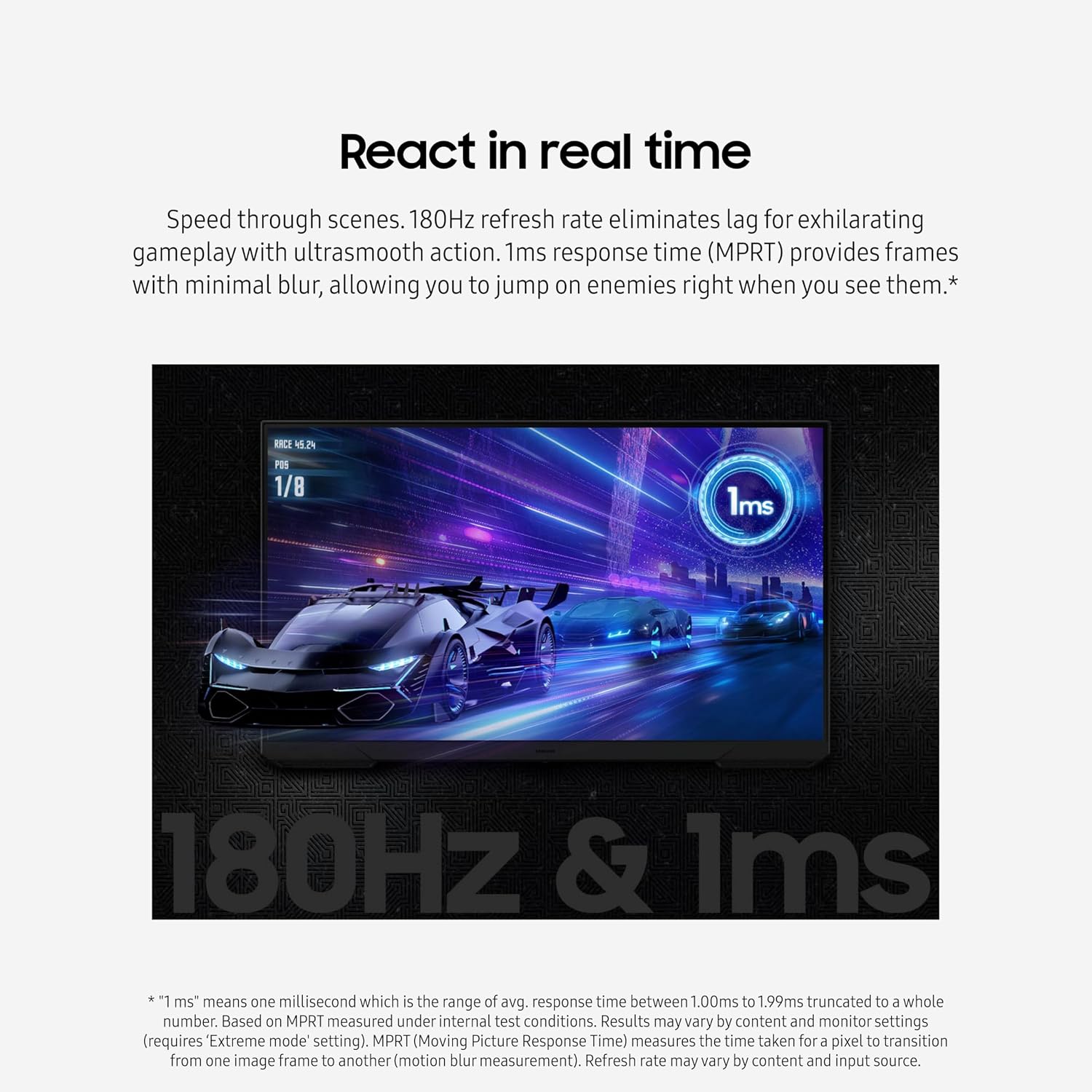
If your current monitor feels like it’s a step behind your reflexes, the Samsung 32-Inch Odyssey G3 (G30D) is aimed squarely at fast gaming. On paper, it leans into smoother motion with a 180Hz refresh rate and a 1ms response time (MPRT), then stacks game-focused tools like AMD FreeSync, Black Equalizer, and on-screen aiming assistance. It’s not trying to be a do-everything workstation display first—it’s more about keeping visuals steady and helping you notice enemies faster.
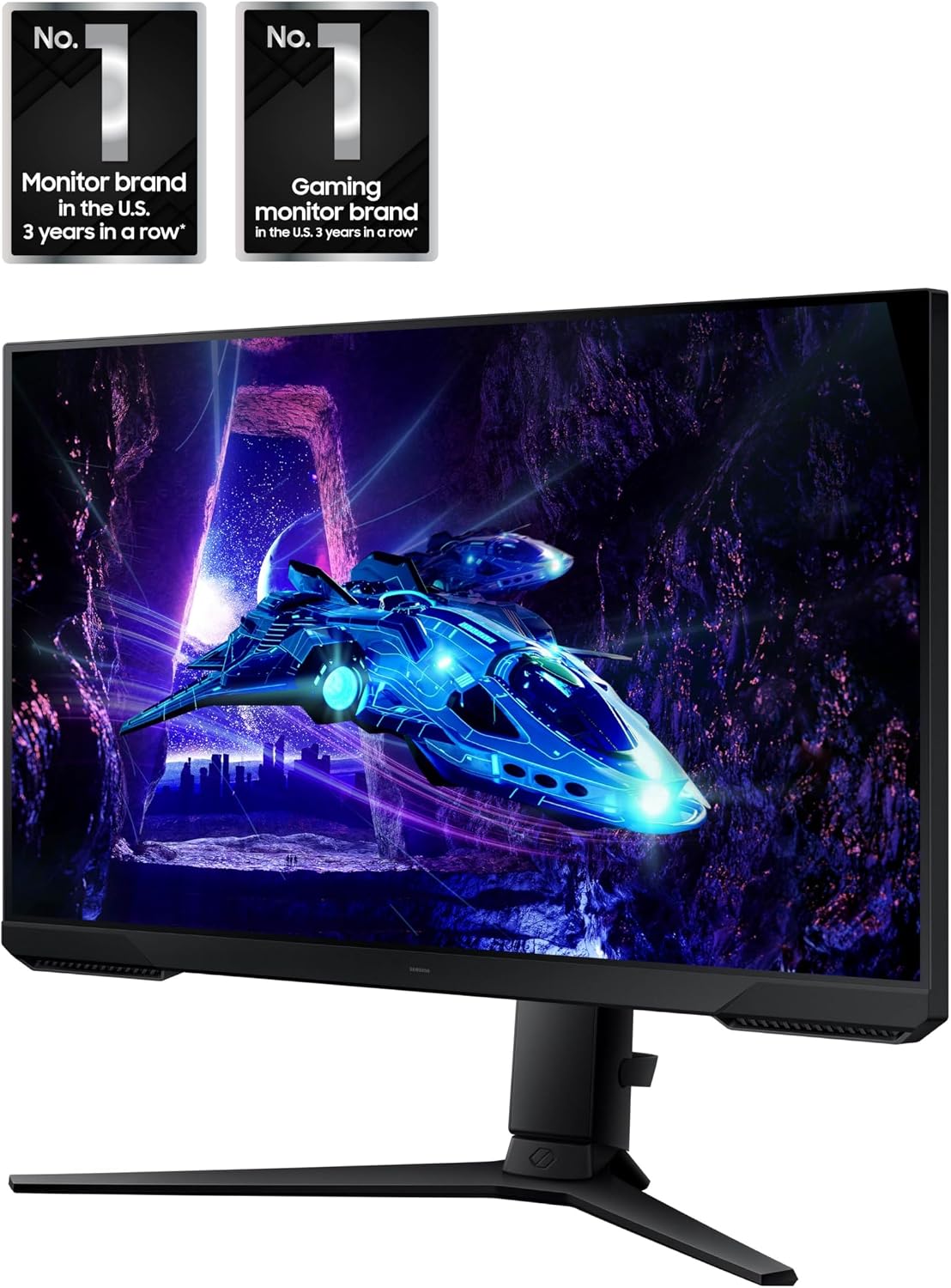
That “game support” theme shows up throughout. The Eye Saver Mode is there for longer sessions by minimizing blue light, and Flicker-Free is meant to reduce distracting flicker. You also get a 3-sided borderless look for a more immersive screen area, plus an adjustable stand so the panel can actually match your posture.
The essentials: what this monitor is built for
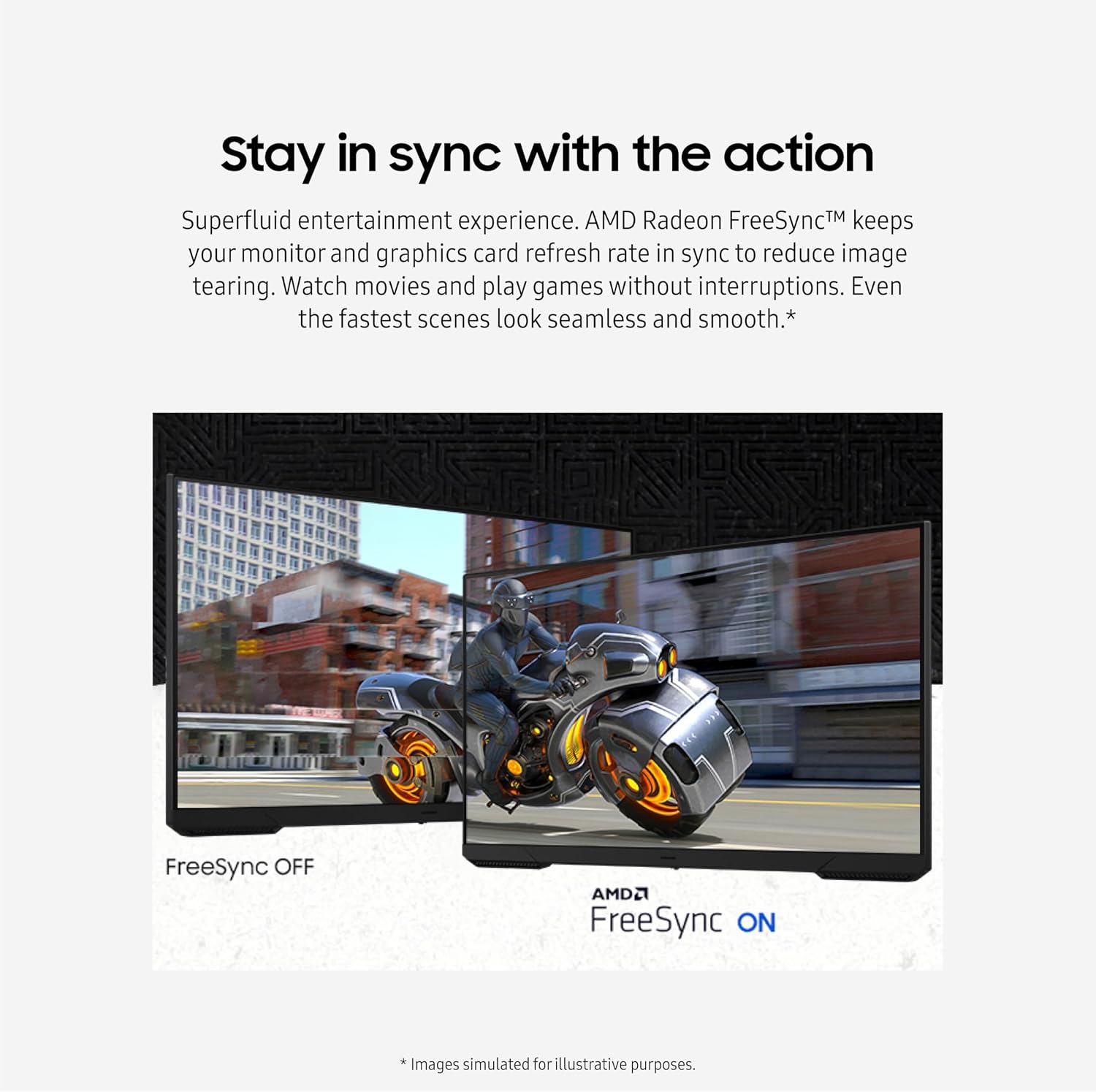
The Odyssey G3 (G30D) is a 32-inch FHD gaming monitor designed to deliver smoother gameplay and reduce common annoyances like tearing. The combination of 180Hz refresh and AMD FreeSync is the core idea: when your graphics and monitor refresh rates don’t line up, fast movement can look rough or split. FreeSync is meant to keep things in sync so the action stays more consistent.
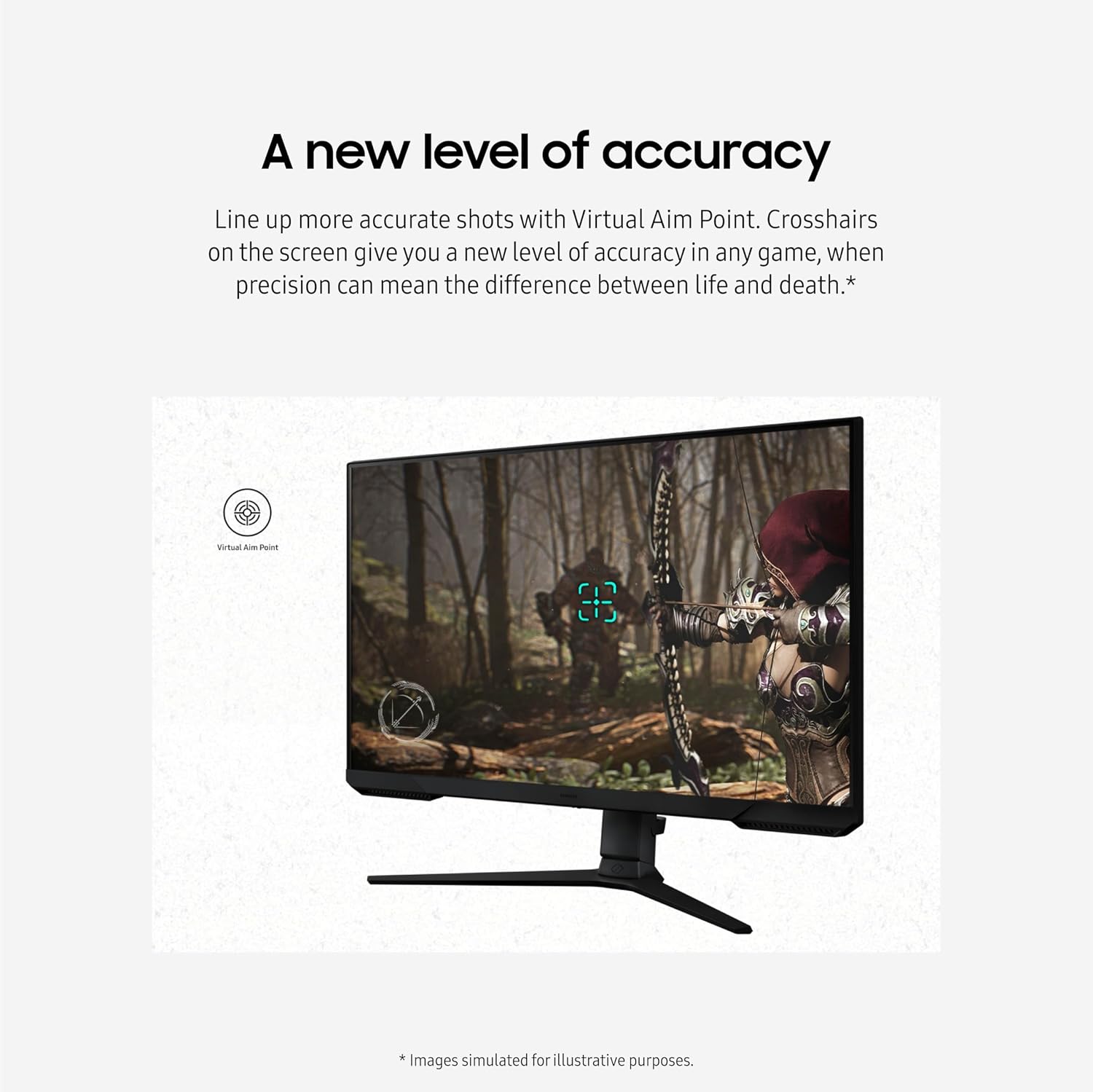
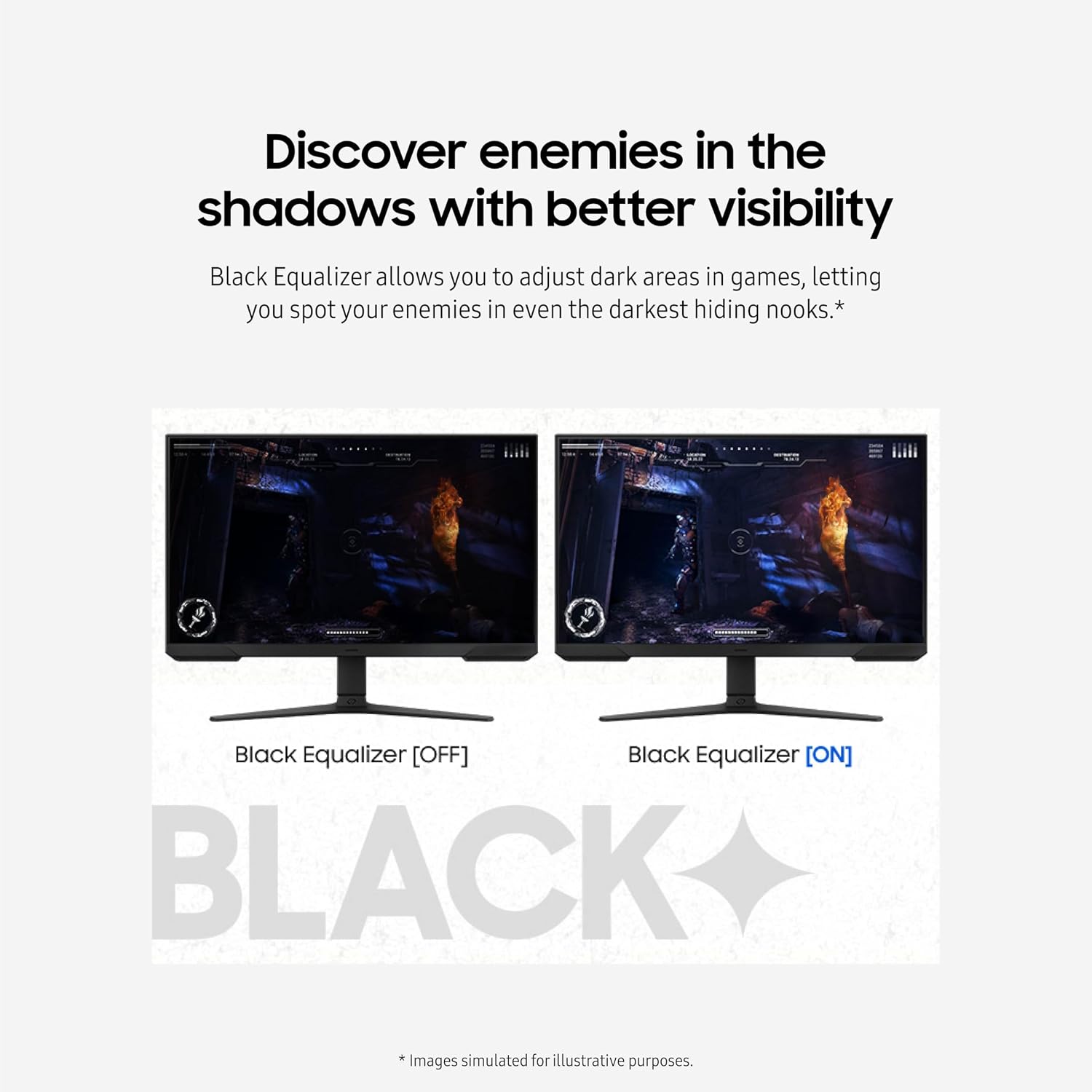
Then Samsung adds “visibility” and “accuracy” features that are especially relevant in darker scenes. Black Equalizer is intended to lift dark areas so enemies don’t vanish into shadows as easily. Virtual Aim Point overlays aim assistance with on-screen crosshairs to help with shot alignment—useful in fast matches where you don’t want to fight your HUD.
What you’ll notice day to day
If you play action-heavy games, the headline benefit here is responsiveness. The 180Hz refresh rate targets less perceived lag, and the 1ms response time (MPRT) is meant to keep blur minimal when frames change quickly. Whether that feels dramatically different depends a lot on the games you play and how well your PC can drive the frames—but as a “feel in motion” approach, it’s the right direction.
A more practical everyday win is the adjustment and eye comfort. The stand supports swivel, tilt, pivot, and height changes, so you’re not stuck with a single rigid viewing angle. Eye Saver Mode minimizes blue light, and the monitor also reduces screen flicker—small details that can matter if you’re gaming for hours.
Here’s a quick micro-scenario: imagine you’re trying to spot a target in a dim corridor. With Black Equalizer, the dark portion of the scene is adjustable so enemies are easier to see in the “hiding spots.” It doesn’t magically make night scenes bright, but it’s built to give you an extra edge where contrast is usually unforgiving.
Features that support competitive aiming
Virtual Aim Point is meant to help you line up more accurate shots with crosshairs on screen. In other words, it’s focused on usability during combat—especially when precision matters and you need a clear reference.
This pairs with the “visibility” angle from Black Equalizer. Together, they’re trying to address two common issues in competitive play: targets are hard to see when the scene is dark, and aiming can be harder when your visuals lack a stable point of reference.
Worth noting: if you prefer a completely clean HUD or you’re sensitive to overlays, you may or may not end up using these features all the time. That’s personal preference more than a flaw, but it’s something to consider.
Tech specs that matter for choosing
You’re looking at a 32-inch FHD gaming monitor in the Odyssey G3 (G30D) line, with a feature set built around high refresh and syncing.
Tech specs
- Type: Gaming monitor
- Name: Samsung 32-Inch Odyssey G3 (G30D) Series FHD Gaming Monitor (LS32DG302ENXZA)
- Display: 32-inch
- Format: FHD
- Refresh rate: 180Hz
- Response time: 1ms (MPRT)
- Sync technology: AMD FreeSync
Ergonomics and setup options (including dual-monitor plans)
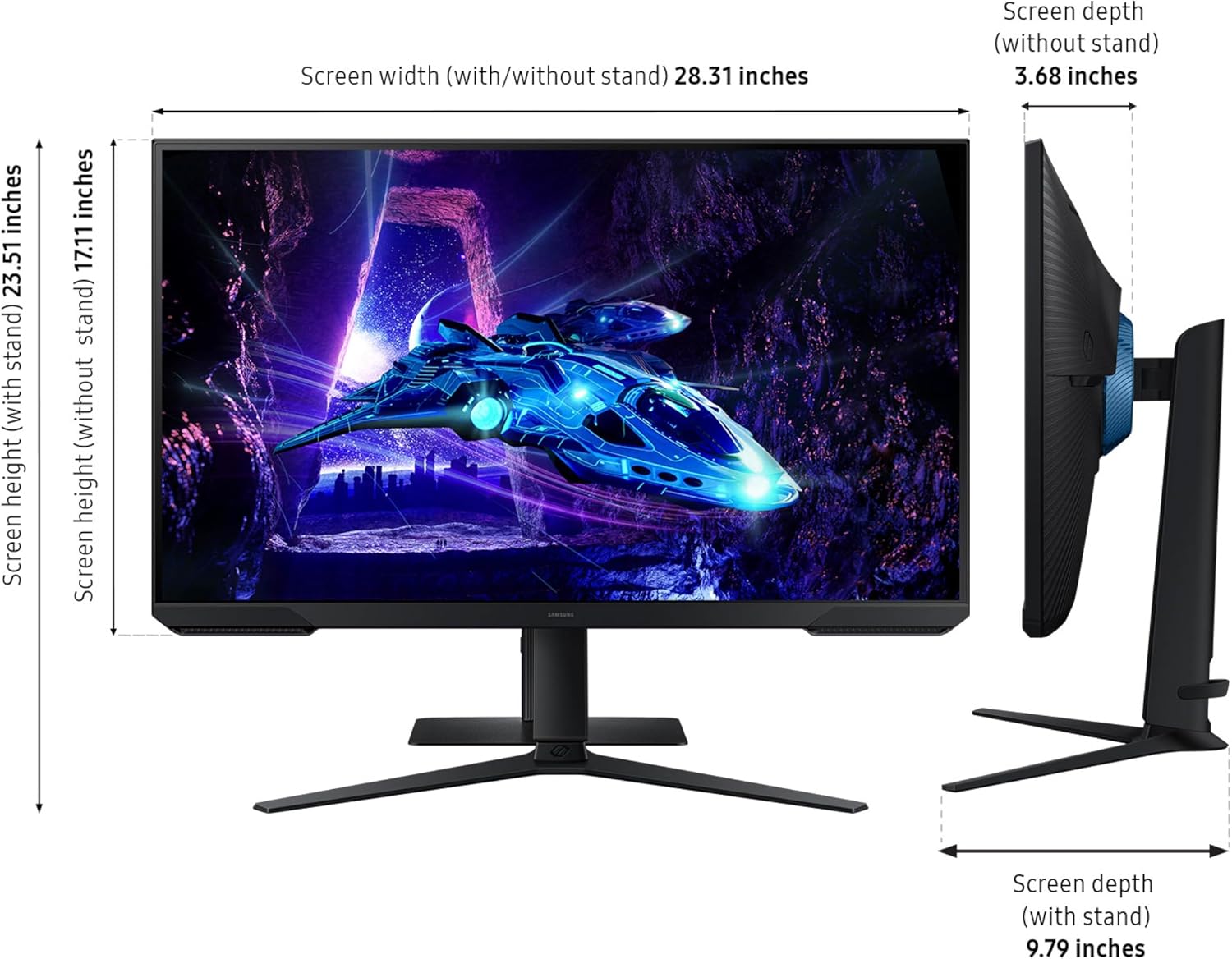
The adjustable stand is a big part of what makes this monitor workable in real life. Samsung notes you can swivel, tilt, pivot, and adjust height until the view matches your preferred setup. That’s the kind of feature that helps whether you play sitting upright or you like a more reclined position.
Samsung also highlights the 3-sided borderless design, which opens up the view area for a more immersive feel. There’s even a nod toward lining up displays in a dual-monitor setup, implying the design helps with precise placement.
Is it worth it?
This is a strong pick if you want a gaming-first 32-inch monitor that emphasizes smoother motion (180Hz), reduced tearing (AMD FreeSync), and better visibility in dark scenes (Black Equalizer). It also makes sense if you game longer sessions and appreciate Eye Saver Mode and Flicker-Free for comfort.
You may want to skip it if you’re shopping primarily for color-critical work or you’re the type who doesn’t like on-screen overlays (Virtual Aim Point and crosshair-style assistance are meant to be used in gameplay). Also, if you don’t plan to drive high frame rates consistently, the high refresh focus may not feel as rewarding as it looks on paper.
For the best match, prioritize your gaming style and your tolerance for aiming aids. If your goal is competitive clarity—especially in darker scenes—this monitor’s feature set is built for exactly that.
Mini FAQ
FAQ
Does this monitor help reduce screen tearing?
It’s designed to stay in sync with your graphics card using AMD FreeSync, which is meant to reduce tearing.
What is Black Equalizer used for?
Black Equalizer adjusts dark areas so enemies are easier to spot in darker parts of a game.
Is Virtual Aim Point the same as a crosshair?
It’s described as aim assistance that includes crosshairs on screen to help with shot alignment.
Will Eye Saver Mode and Flicker-Free make long sessions more comfortable?
Eye Saver Mode minimizes blue light, and Flicker-Free is intended to reduce flicker. If you’re sensitive to eye strain during extended gaming, those features are worth considering.
Can the stand be adjusted for different viewing angles?
Yes. The stand is adjustable with swivel, tilt, pivot, and height adjustments, so you can dial in your preferred setup.