

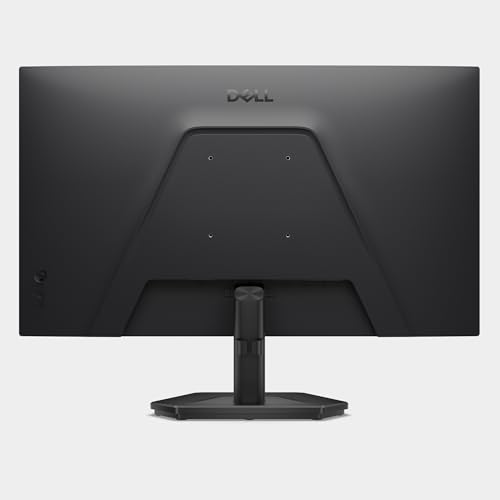
Dell 27 240Hz SE2726HG Gaming Monitor Review
Reviews
Price
Product description
What it is
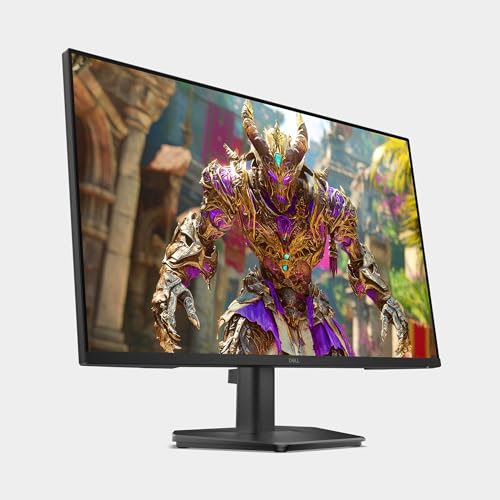
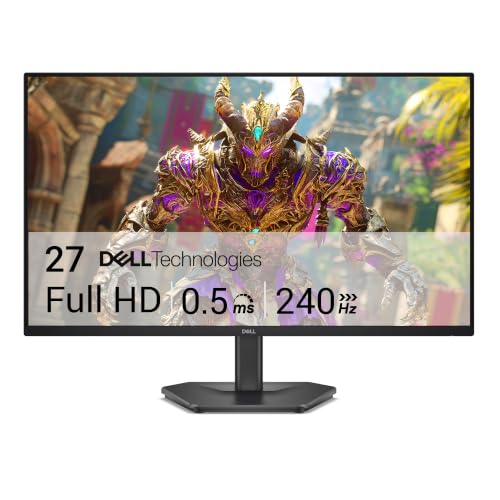
The Dell 27 SE2726HG is a 27-inch Full HD gaming monitor designed to deliver smooth motion and responsive gameplay. With a 240Hz refresh rate and a 0.5ms response time, it aims to minimize motion blur and input lag for fast-paced titles. It’s built around IPS technology for wide viewing angles and solid color accuracy, making it a practical pick for gamers who value both speed and image quality.
Performance highlights
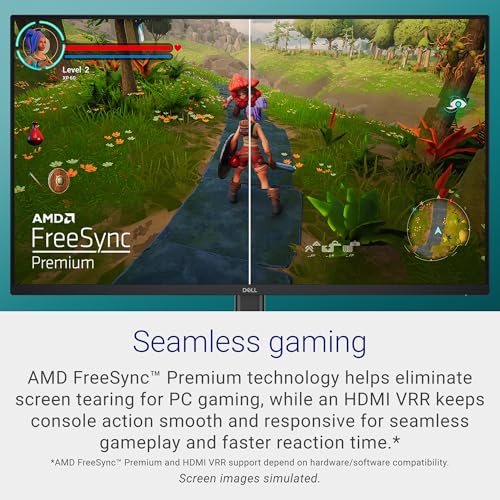
On paper, 240Hz means notably crisper motion, especially in competitive shooters and fast-action games. The 0.5ms response time further reduces ghosting and helps keep up with rapid on-screen changes. AMD FreeSync Premium is included to minimize tearing during use with compatible GPUs, and HDMI VRR support expands compatibility with consoles as well. The combination of a high refresh rate and FreeSync Premium can translate into smoother, more predictable gameplay during long sessions.
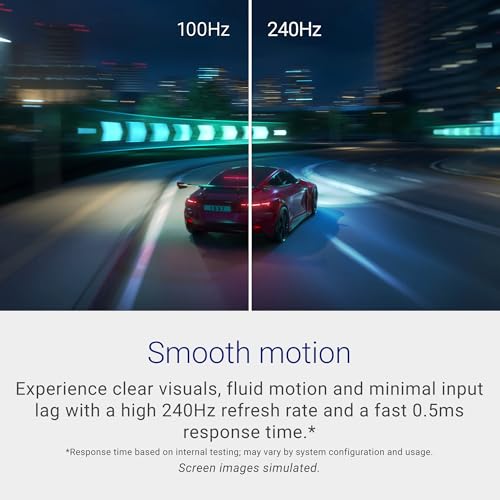
Image quality and color
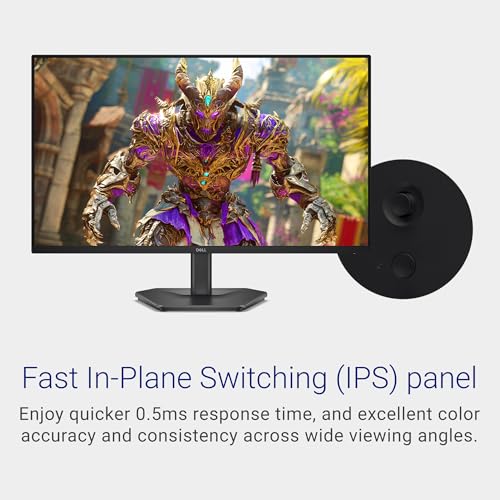
The display uses Fast IPS, which typically offers faster response times without sacrificing color accuracy or viewing angles. Dell notes 99% sRGB coverage, which suggests vivid and detailed imagery for most standard gaming and daily tasks. While not a 1440p panel, the color reproduction and IPS benefits at this size and resolution can still provide an engaging visual experience for many games.
Comfort and design
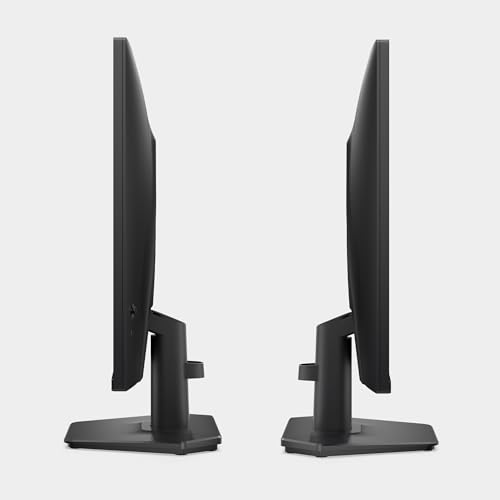
The monitor includes tilt adjustment for a more comfortable viewing angle, which helps align it with your desk setup. TÜV Rheinland 3‑star certification indicates some attention to blue light reduction, which can ease eye strain during longer sessions without significantly dulling color fidelity.
Who it’s for
This model targets gamers who prioritize fluid motion over high-resolution detail and who want a strong, responsive experience without moving to the higher cost of 1440p or 4K. If your play involves fast reflexes and you value lower input lag, the 240Hz spec and FreeSync Premium pairing can be compelling. It’s also positioned as a good fit for mixed PC and console setups thanks to HDMI VRR support.

When it makes sense to buy
Consider this monitor if you’re building or upgrading a budget-conscious gaming rig and want a high refresh rate to sharpen competitive play. It’s a reasonable choice when you need a large screen footprint in a mid-range price bracket and don’t require ultra-high pixel density. If you primarily game at 1080p and don’t mind setting graphics to achieve higher frame rates, this display can deliver a pleasant balance of speed and color.

What to check before buying
- Ensure your GPU and game titles can consistently hit high frame rates at 1080p to fully leverage 240Hz.
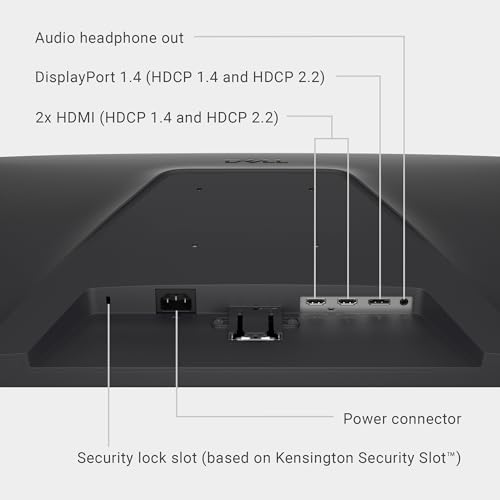
- Confirm you have the available inputs (2x HDMI and DisplayPort 1.4) fit your setup.
- If color accuracy and viewing angles are critical for you beyond gaming, consider how 99% sRGB coverage aligns with your needs.
- If you’re sensitive to blue light, the TÜV Rheinland certification is a nice touch, but test how it feels for your eyes after extended sessions.
Practical use example
Imagine jumping into a fast-paced shooter where every frame counts. You’ll likely notice smoother enemy tracking and reduced motion blur as you drag your crosshair across the screen, with FreeSync Premium helping to keep tearing at bay when scenes flip rapidly. The wide viewing angles are convenient if you share the desk or switch seating positions during multiplayer sessions.
FAQ
- Does 240Hz mean I’ll see a huge difference in all games? The benefit is most noticeable in fast, competitive titles that can sustain high frame rates, casual games may not feel as dramatic.
- Is 1080p enough on a 27-inch screen? At 27 inches, 1080p remains reasonable for gaming, pixel density is lower than 1440p but the trade-off is smoother motion and lower cost.
- Can I use this with a console? Yes, via HDMI VRR and HDMI inputs, though you’ll want to ensure your console supports compatible refresh rates.
- How important is the 0.5ms response time? It helps reduce motion blur in fast scenes, but real-world gains also depend on GPU performance and game optimization.
Final verdict
Is it worth it? If your priority is incredibly smooth motion at 1080p with responsive gaming and a budget-friendly IPS option, the Dell SE2726HG offers a compelling mix of speed, color, and comfort. It’s not the pinnacle of resolution, but for fast-paced gaming on a 27-inch screen, it can hit a sweet spot for the right user.