

KTC 32 Inch Curved Gaming Monitor (H32S17CKTC) — FHD 1080P 165Hz, 1500R, FreeSync Premium, HDR, HDMI 2.0 & DisplayPort 1.4
Reviews
Price
Product description
If you’re shopping for a 32-inch curved gaming monitor, the KTC H32S17CKTC aims to hit a very practical sweet spot: big screen feel, smooth 165Hz motion, and color upgrades with a claimed 122% sRGB. It’s not trying to be a premium creator display on paper, but for gaming and everyday entertainment, it looks like a well-rounded “get more out of your desk” kind of pick.
The 1500R curvature plus a VA panel is designed to make the screen feel more immersive from a normal viewing distance. Add support for FreeSync Premium to reduce screen tearing, and you have a setup that’s meant to look smoother when your FPS isn’t perfectly locked. Still, it’s worth keeping expectations realistic—FHD on a 32-inch panel can look great for gaming, but text sharpness depends a lot on how close you sit.
Key features and what they mean in real use
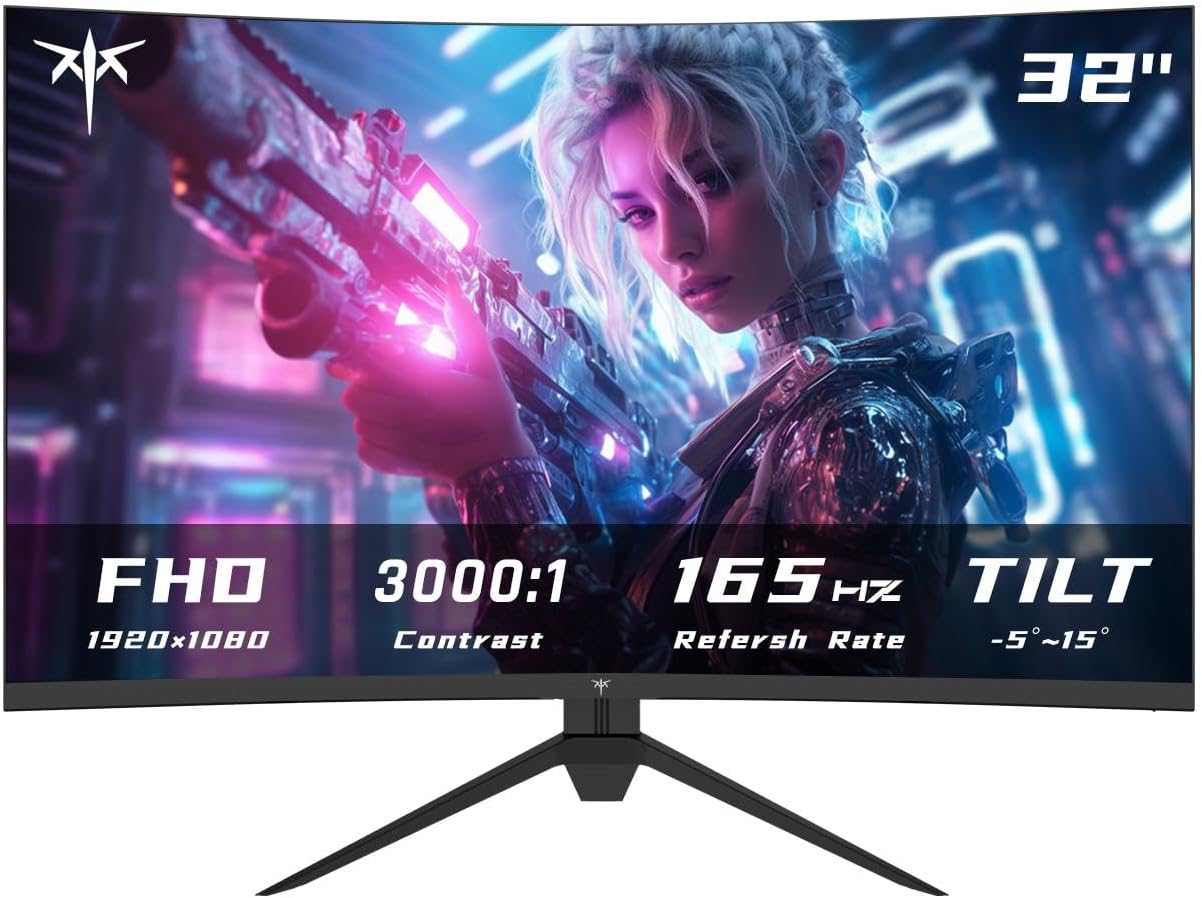
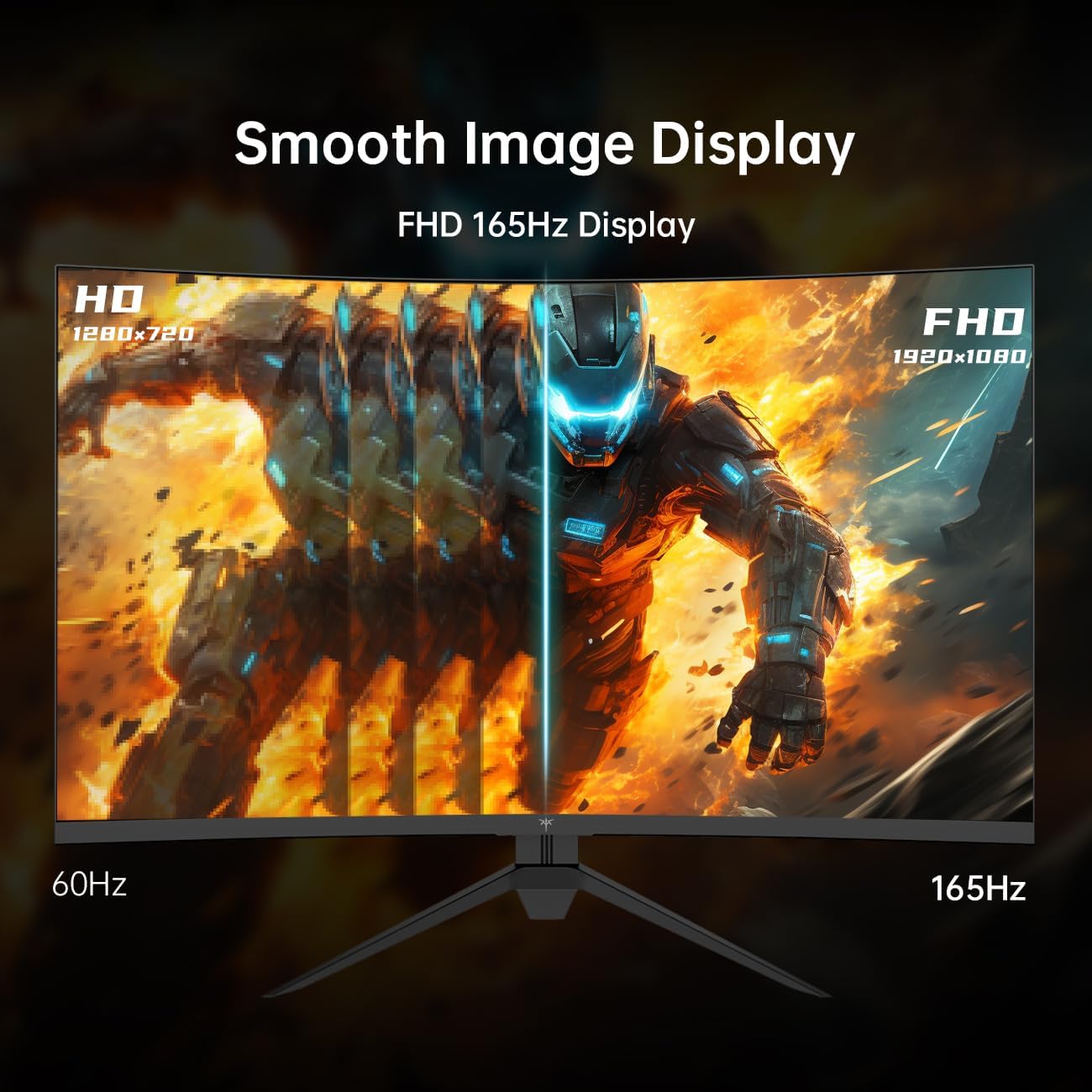
The headline spec here is motion: a 165Hz refresh rate can make scrolling, aiming, and fast motion look noticeably smoother compared with standard 60Hz setups. In games, that translates to fewer “stuttery” transitions when you’re turning, tracking targets, or dealing with quick effects. Pair that with a fast response time (the listing calls it out as quick), and you’re set up for action-heavy sessions.
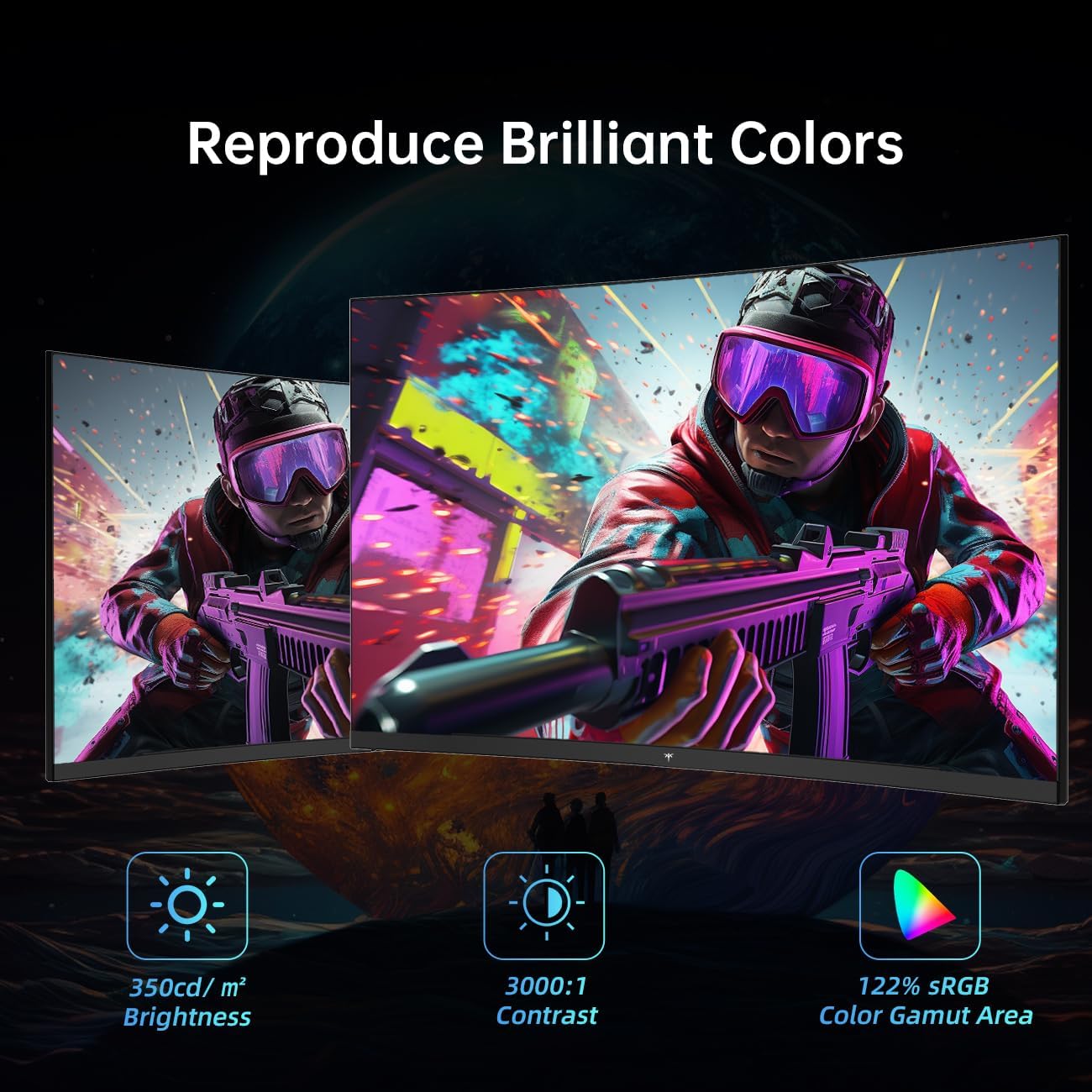
On the image quality side, this monitor uses a VA panel with a Full HD 1920 x 1080 resolution. VA is often chosen because it tends to deliver stronger contrast than basic IPS-style approaches. The listing also claims HDR support and brightness up to 350 cd/m², which helps HDR-style visuals feel more “present” instead of flat.
For color, the key number is 122% sRGB. If you care about natural-looking tones—skin tones, skies, UI gradients—this suggests richer color coverage than you’d typically see in more basic panels. It may not replace a high-end display tuned for wide-gamut work, but it can be a solid everyday step up.
A small but meaningful comfort feature is eye care: low blue light and anti-flicker are mentioned, which can help during long play sessions (even if they won’t magically eliminate fatigue for everyone).
Where it shines for gaming and media
The practical strength of this KTC model is combining curvature, refresh rate, and VRR support.
- The curved design (1500R) can make wide game HUDs and side-of-screen motion feel more natural, especially in driving games, RPG exploration, and FPS tracking.
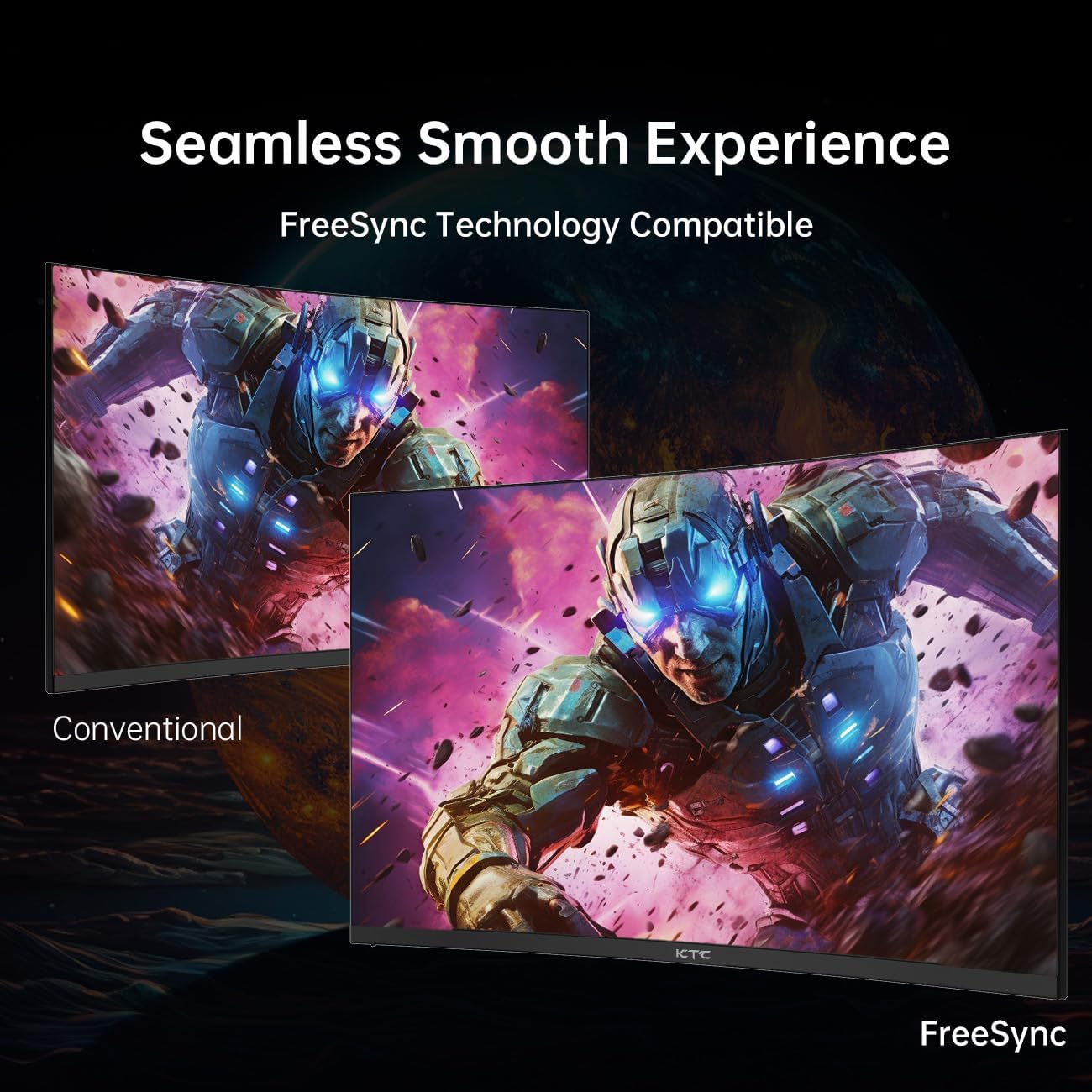
- FreeSync Premium support (the listing mentions FreeSync and G-Sync compatibility) is there to minimize tearing, which is one of the most common immersion killers when frame rates fluctuate.
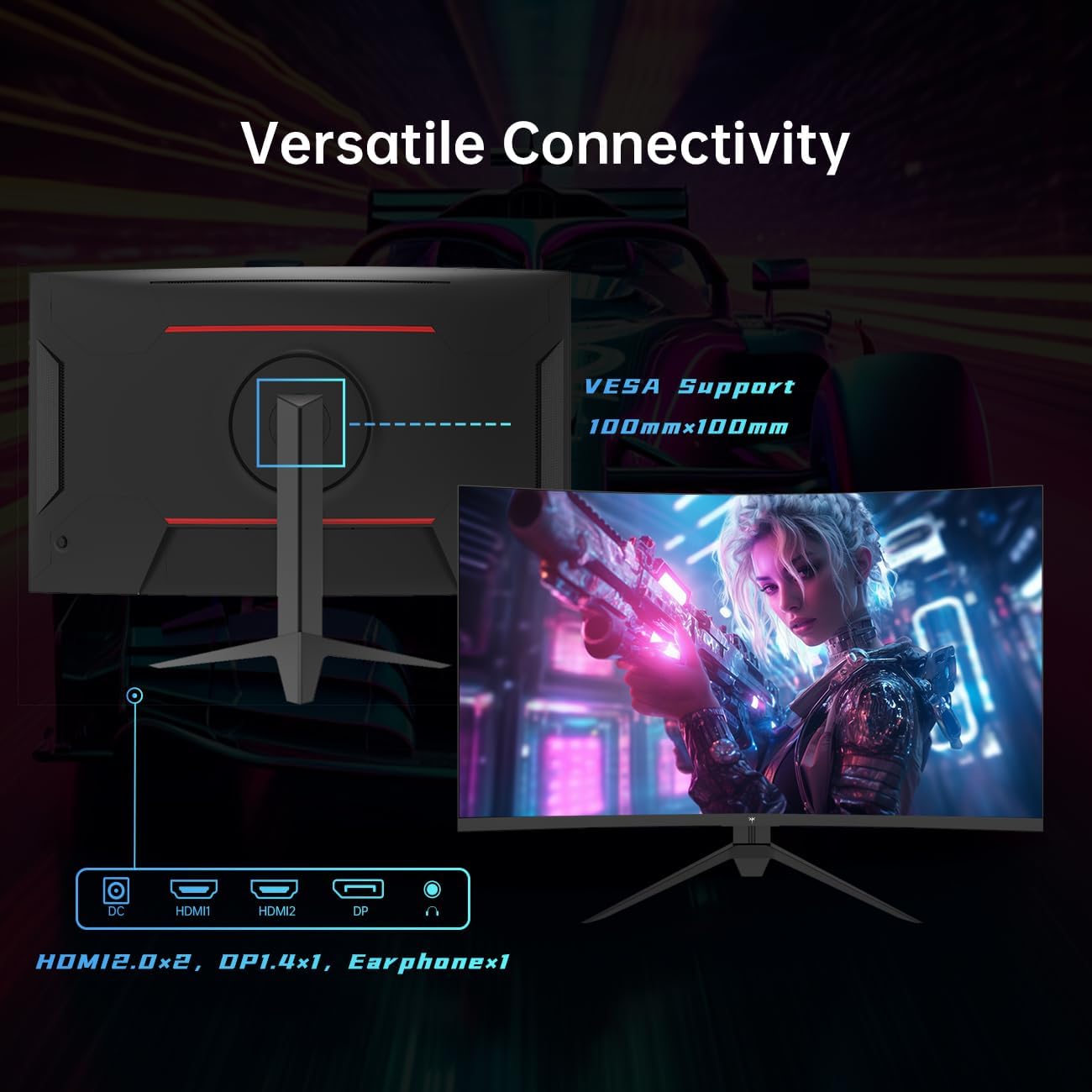
- With HDMI 2.0 x2 and DisplayPort 1.4, it’s easier to hook up multiple devices—say, a PC today and a console tomorrow—without constantly swapping cables.
Here’s a realistic micro-scenario: imagine you’re in a fast match where frames dip during heavy scenes. With VRR enabled, the monitor is designed to smooth out the mismatch between what the GPU renders and when the screen updates. It’s the kind of day-to-day difference you feel more than you “measure.”
Connections, ergonomics, and desk fit
This monitor is also straightforward to live with. It supports:
- HDMI 2.0 x2
- DisplayPort 1.4 x1
- A headphone output
- VESA compatibility (100 x 100 mm)
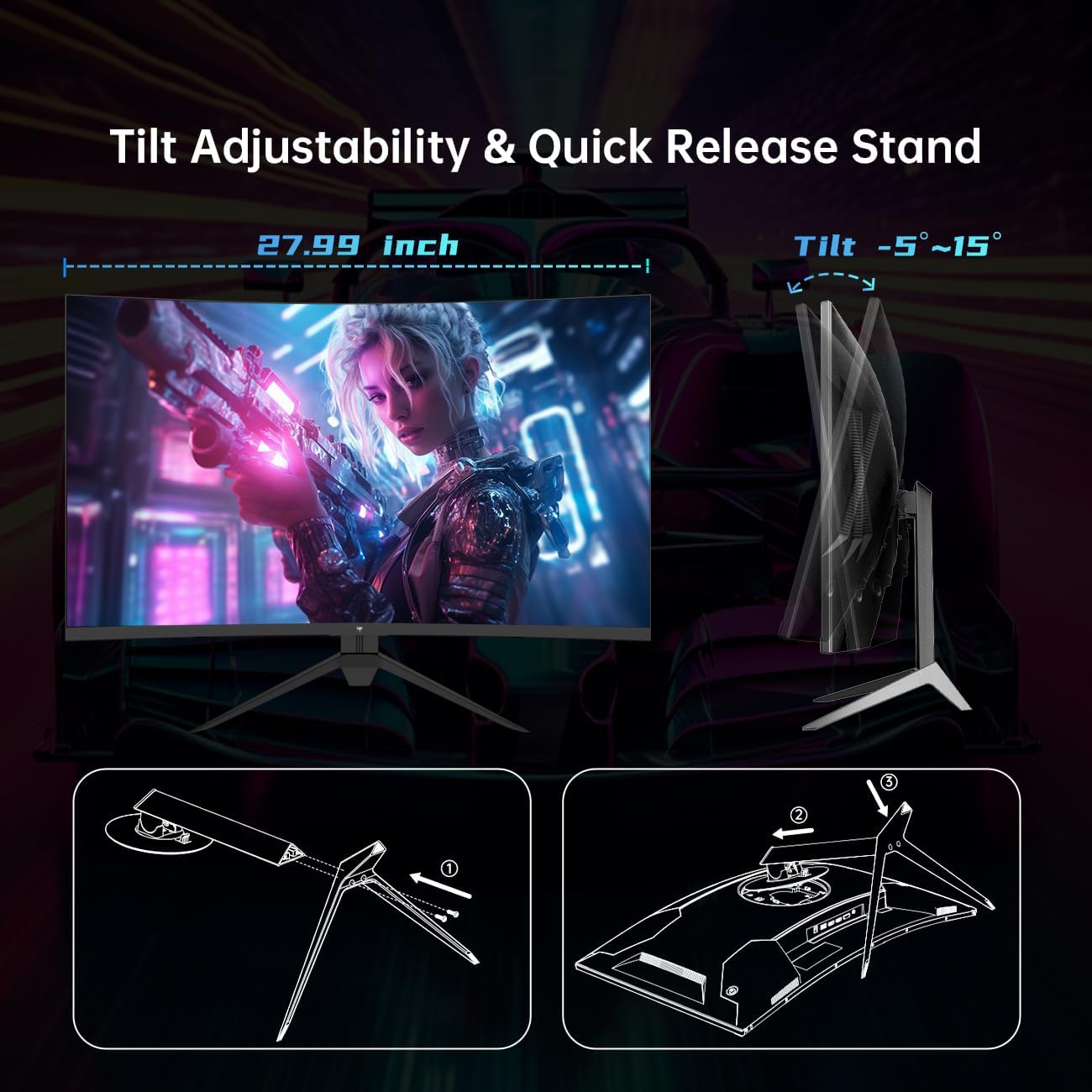
- Tilt adjustment from -5° to 15°
That VESA option matters if you’re planning to mount it on an arm or keep your desk cleaner. The tilt range is useful for getting a comfortable viewing angle, though it’s not described as height- or swivel-adjustable, so people who like fine ergonomic positioning may feel limited.
One more “know before you buy” note: the listing doesn’t mention built-in speakers. If you rely on audio from the monitor, you may want to plan on external speakers or a headset.
Tech specs (as listed)
- Panel type: VA
- Screen size: 32 Inch
- Curvature: 1500R
- Resolution: FHD (1920 x 1080)
- Refresh rate: 165Hz
- Color coverage: 122% sRGB
- Brightness: 350 cd/m²
- Contrast (dynamic): 3000:1
- HDR: supported (as described)
- VRR: FreeSync Premium (and mentions FreeSync and G-Sync compatibility)
- Ports: HDMI 2.0 x2, DisplayPort 1.4 x1, headphone jack
- VESA: 100 x 100 mm
- Tilt: -5° to 15°
- Eye care: low blue light, anti-flicker
Who should consider it—and who should skip it
It’s a great fit if you want a 32-inch curved gaming monitor that emphasizes smooth motion (165Hz) and VRR support, while also aiming for stronger everyday color (122% sRGB) and better contrast from a VA panel. If you game on a PC and your content includes lots of fast scenes, the FreeSync Premium + high refresh combo is the main reason to look at this model.
It may not suit you if:
- You sit very close and are sensitive to how FHD looks on a larger screen. Some people will find the pixel density less crisp than higher-resolution options.
- You’re expecting a highly adjustable ergonomic stand beyond tilt.
- You need specific connectivity beyond what’s listed, or you require built-in speakers.
Is it worth it?
On balance, the KTC 32 Inch Curved Gaming Monitor (H32S17CKTC) makes sense as a gaming-focused 32-inch curved display where 165Hz smoothness, VRR support, and solid color coverage are the priorities. It feels more like a mainstream-to-midrange option (based on the feature set described) than a “do everything professionally” monitor.
If your goal is straightforward—clean, immersive curved gaming with fewer tearing artifacts and a smoother feel—this is worth considering. Just double-check your viewing distance and your expectations for FHD clarity on a 32-inch panel, and make sure the ports you need (HDMI 2.0 and DisplayPort 1.4) match your devices.
Mini FAQ
Does this monitor support HDR?
The listing states that HDR is supported, along with brightness up to 350 cd/m², which should help HDR visuals look more noticeable.
What does FreeSync Premium help with?
It’s meant to minimize screen tearing and smooth out the display when your frame rate fluctuates during gaming.
What ports does it have?
It includes HDMI 2.0 x2 and DisplayPort 1.4 x1, plus a headphone output.
Can it be mounted with VESA?
Yes, it’s VESA compatible with 100 x 100 mm.
Is the stand adjustable in more than tilt?
The listing only mentions tilt adjustment (-5° to 15°), so height/swivel adjustments aren’t described here.