


RK ROYAL KLUDGE R65 Wireless Mechanical Keyboard with Volume Knob (Cream Switch, 60%, Gasket Mounted)
Product description
What it is and what problem it aims to solve
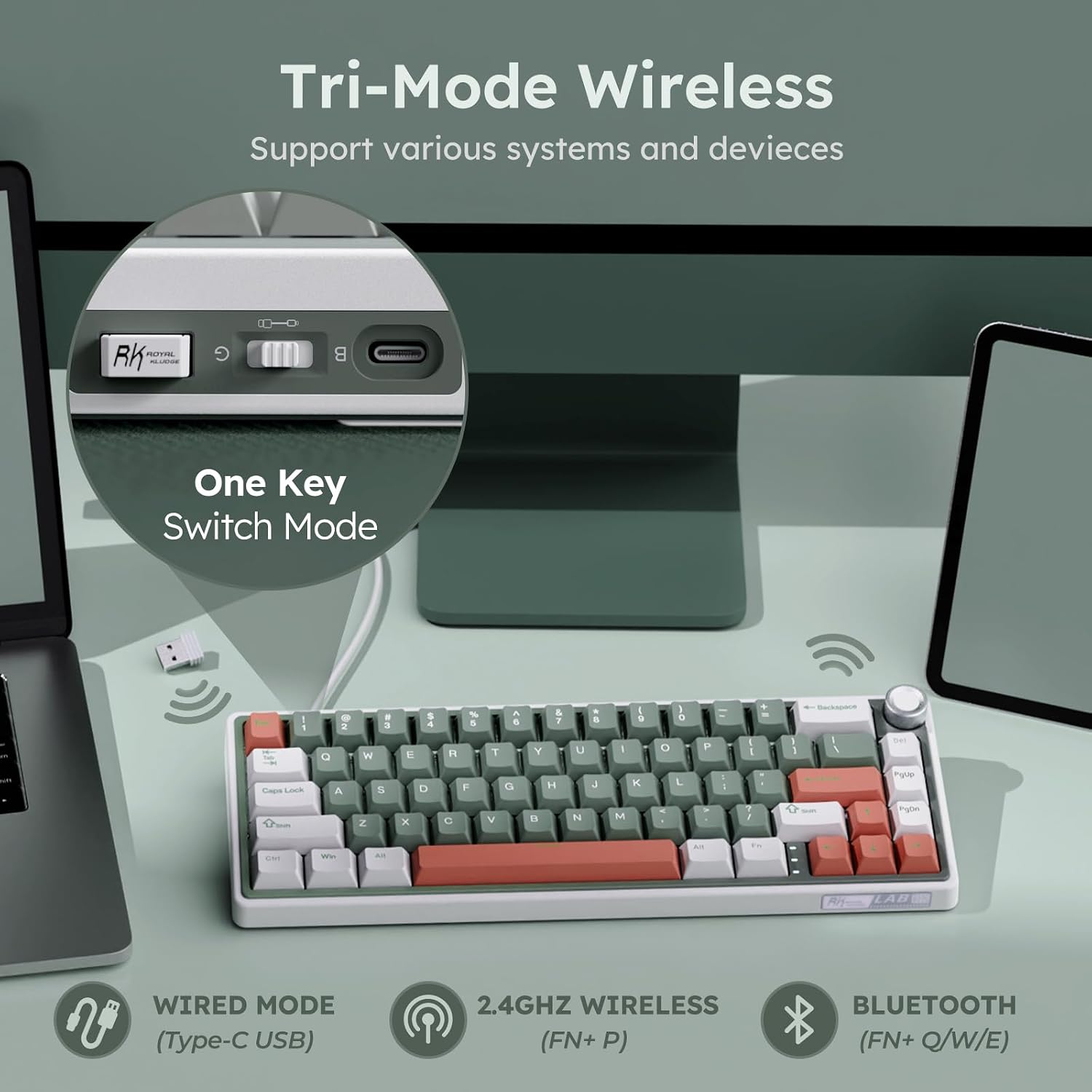
The RK ROYAL KLUDGE R65 is a 60% wireless mechanical keyboard designed to free up desk space while still delivering full keyboard functionality. Built with a gasket-mounted five-layer sound-damping structure, it reduces typing noise and vibration, which can be noticeable in lighter builds or late-night sessions. The compact footprint is ideal if you want more room for a mouse, a second monitor, or simply a cleaner desk setup. It combines three connection modes—2.4G wireless, USB-C wired, and Bluetooth—so you can switch between up to three devices with a single key press, which is convenient for multitaskers and gamers who juggle multiple machines.
Who it’s for
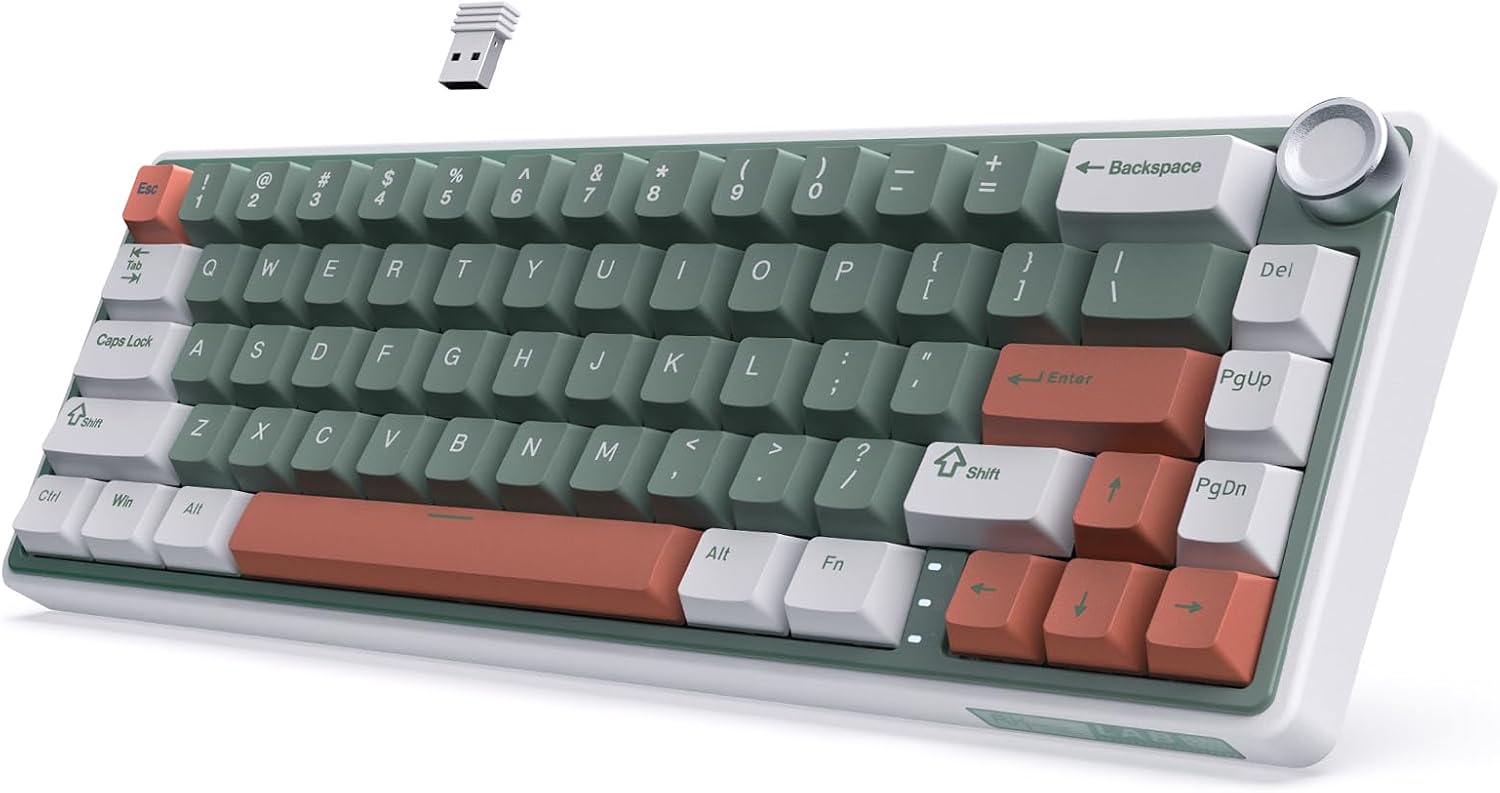
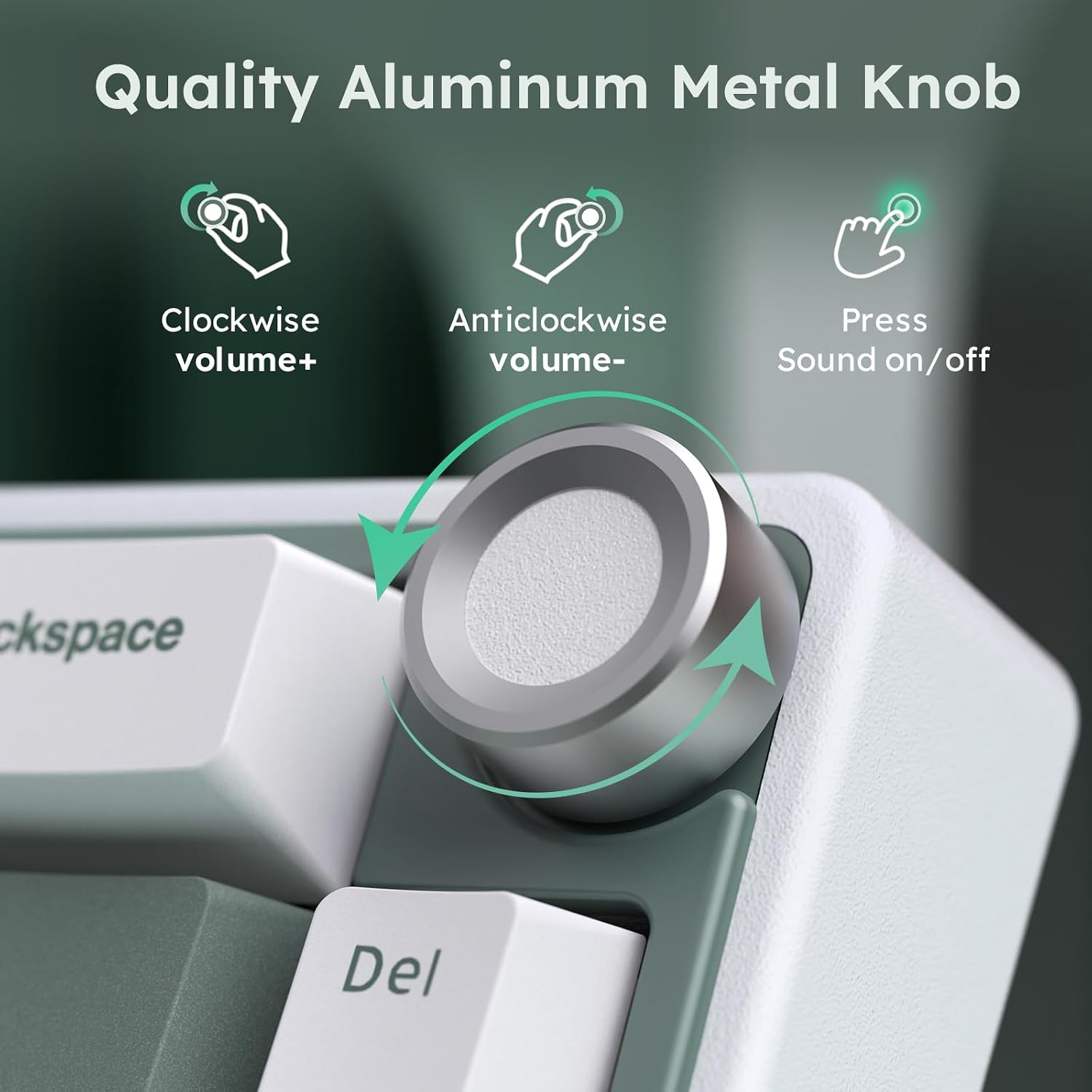
If you value a tidy desktop, a low-profile footprint, and flexible connectivity, this board could fit your needs. It’s particularly appealing to gamers, streamers, or productivity-focused users who want quick device switching without sacrificing the tactile benefits of mechanical switches. The aluminum CNC volume knob adds a tactile, central control for volume without reaching for the system bar, which can streamline media control during gaming or video editing.
What stands out in use
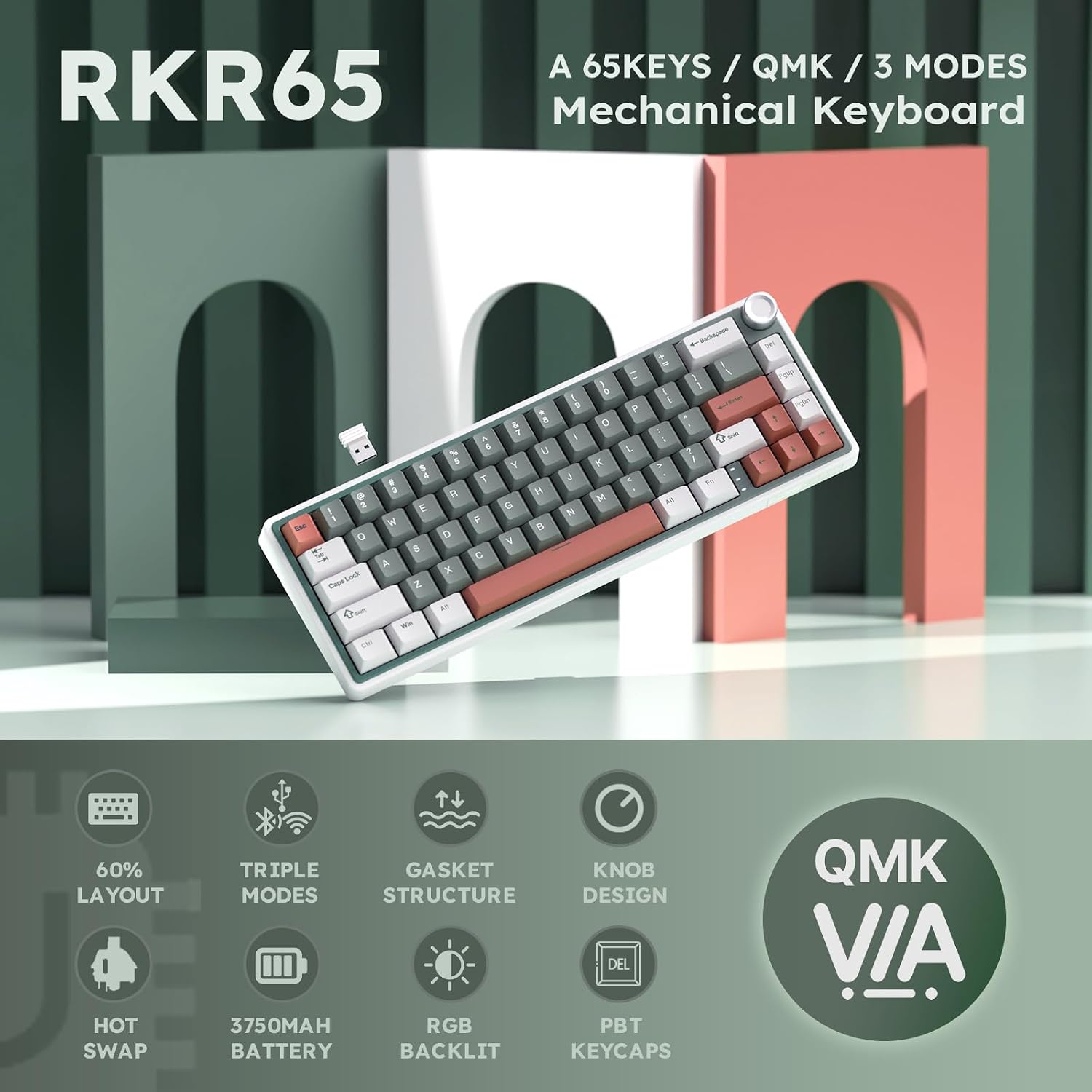
On the surface, a 60% layout with 66 keys means fewer keys to hunt for, but it does require learning a few layer-based workflows. The R65 ships with hot-swappable Cream linear switches that are pre-lubed, offering a smooth keystroke and a creamy, muted sound profile without the click of tactile variants. The 3-pin/5-pin PCB compatibility means you can experiment with different switches later if you want to customize the feel, though you’ll need to source compatible switches and possibly re-lubricate. PBT double-shot keycaps resist shine and fading, which helps the lettering stay legible through long-term use. The keyboard also features RGB backlighting with over 20 built-in modes, letting you tailor aesthetics to your setup or mood.
What’s good and what could be better
Pros: compact footprint without sacrificing essential keys, flexible tri-mode connectivity, a tactile volume knob that simplifies media control, durable PBT keycaps, hot-swappable switches, and VIA-compatible programmability for macros and remaps. Cons: the 60% layout means fewer dedicated function keys and multimedia controls, so you’ll rely on layer shortcuts or the volume knob and backlights for cues. The gasket structure helps with sound damping, but if you’re chasing a specific switch feel (e.g., tactile or clicky) straight out of the box, you might want to swap switches or adjust keycap material to tailor the sound further.
Practical use cases and a quick usage example
For a content creator who edits video or music, the R65’s volume knob and macro-capable VIA firmware can streamline workflows—set a macro to mute/unmute on a single key and adjust volume on the fly, while keeping the desk clear of cables if you’re on Bluetooth or 2.4G. In competitive gaming, the tri-mode connection helps reduce latency when you’re bouncing between devices or platforms, though real-world latency will depend on your hardware and environment. If you prioritize quiet typing with a consistent, smooth keystroke, the Cream switches will feel forgiving on long sessions, yet some users may still prefer a more pronounced tactile or audible feedback.
Who should think twice
If you rely heavily on dedicated media keys, macro-heavy workflows, or you’re not ready to adapt to a 60% layout, this keyboard may feel limiting. It’s not the best option if you want plug-and-play with zero customization, VIA compatibility is great, but benefiting from it means spending some time on key remaps and macros. Also, price or availability can factor into decision-making, since some users expect higher-end features or a wider switch choice at this form factor.
What to review before buying
- Confirm your preferred switch feel: Cream linear switches are smooth and quiet but aren’t for everyone, consider whether you want a different tactile profile in the future.
- Check your setup compatibility: Bluetooth and 2.4G wireless can differ in stability depending on interference and distance, ensure your primary devices support these modes.
- Ensure you’re comfortable with a 60% layout: you’ll rely on layer keys for function and media controls, which takes a learning curve if you’re switching from a full-sized board.
- Look at keycap durability: PBT caps resist shine, if you often rest your palm on keys, verify texture and consistency across layers.
Comparison at a glance
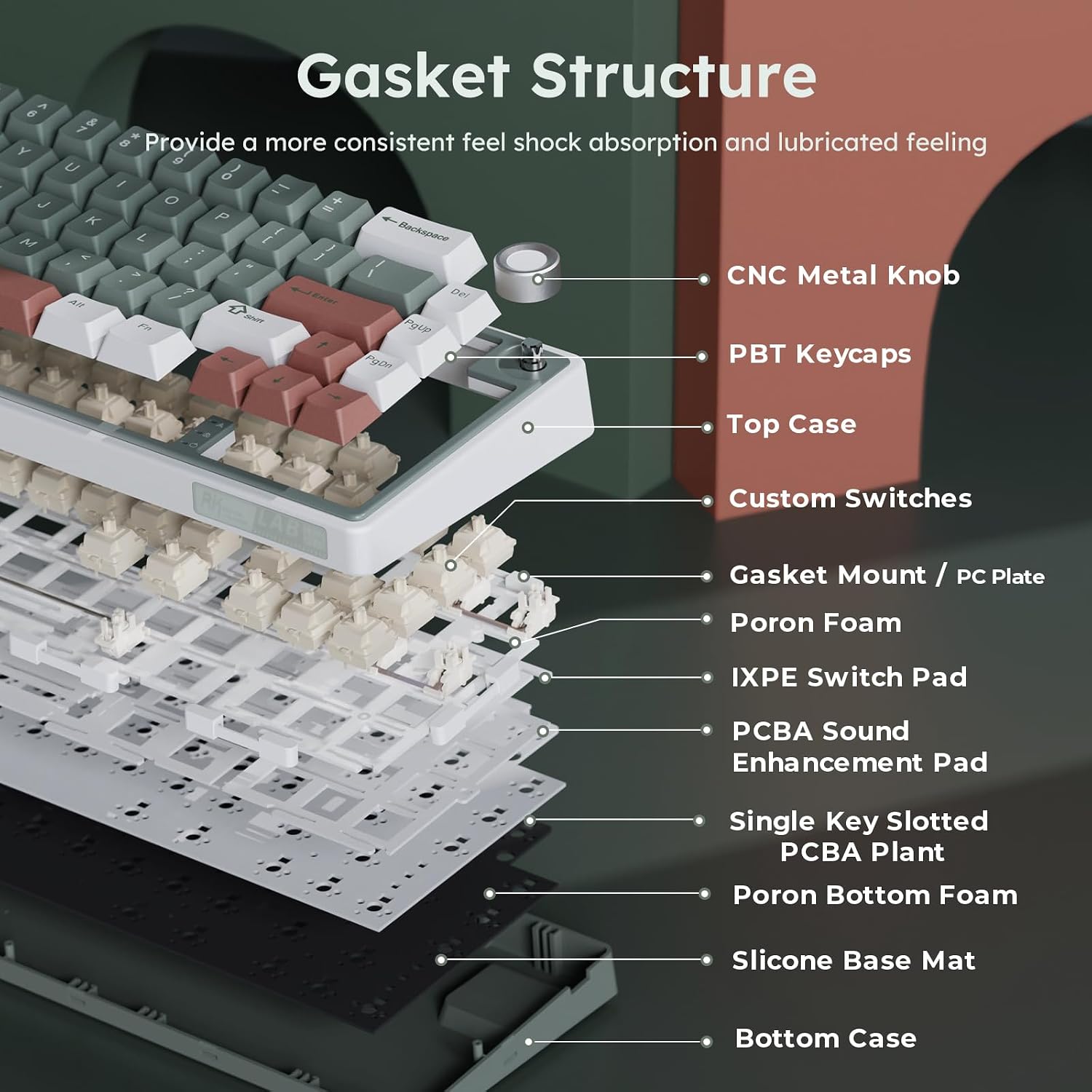

Compared to larger boards, the R65 prioritizes desk space and flexibility via tri-mode connectivity and a modular feel with hot-swappable switches. If you want a straightforward full-featured board with dedicated media keys, a bigger layout might be more convenient, however, if you value compactness, customization potential via VIA, and a turnkey lid for quiet, steady typing, the R65 aligns well with those goals.
Decision moment
Is it worth it?
A solid pick if you want a compact, flexible wireless-mechanical keyboard with a tangible volume control and strong software customization via VIA. It’s not the best match if you need a traditional full-size layout or if you plan to rely on standard function keys without layer navigation.
FAQ
- Can I swap to other switches easily? Yes, the PCB supports 3-pin/5-pin hot-swappable switches, so you can experiment with different feels without soldering.
- Does the volume knob affect key functionality? The knob provides volume control, pressing it toggles sound, separate from the keyboard’s key actions.
- How many devices can it connect to at once? Up to three devices via 2.4G, USB-C wired, and Bluetooth, with easy switching.
Final verdict
This keyboard suits users who crave a compact footprint, flexible connectivity, and deeper customization through VIA. It’s especially appealing if you frequently juggle devices or want a dedicated volume control within reach. If you value a large number of physical function keys or a traditional layout, you may prefer a larger board or a different setup.