

EPOMAKER TH99 PRO 96% Mechanical Keyboard with Screen & Knob (Hot-Swap, Wireless Tri-Mode) — Black & Creamy Jade
Product description
Overview
If you’re the type who hates alt-tabbing mid-game (or mid-work), the EPOMAKER TH99 PRO is built around doing more directly from the keyboard. It’s a 96% mechanical keyboard that keeps the workflow tight: you get a precision volume knob for instant control and a built-in glass screen that acts like a mini command center. On top of that, it’s hot-swap, so you’re not stuck if you want to experiment with different switches down the road.
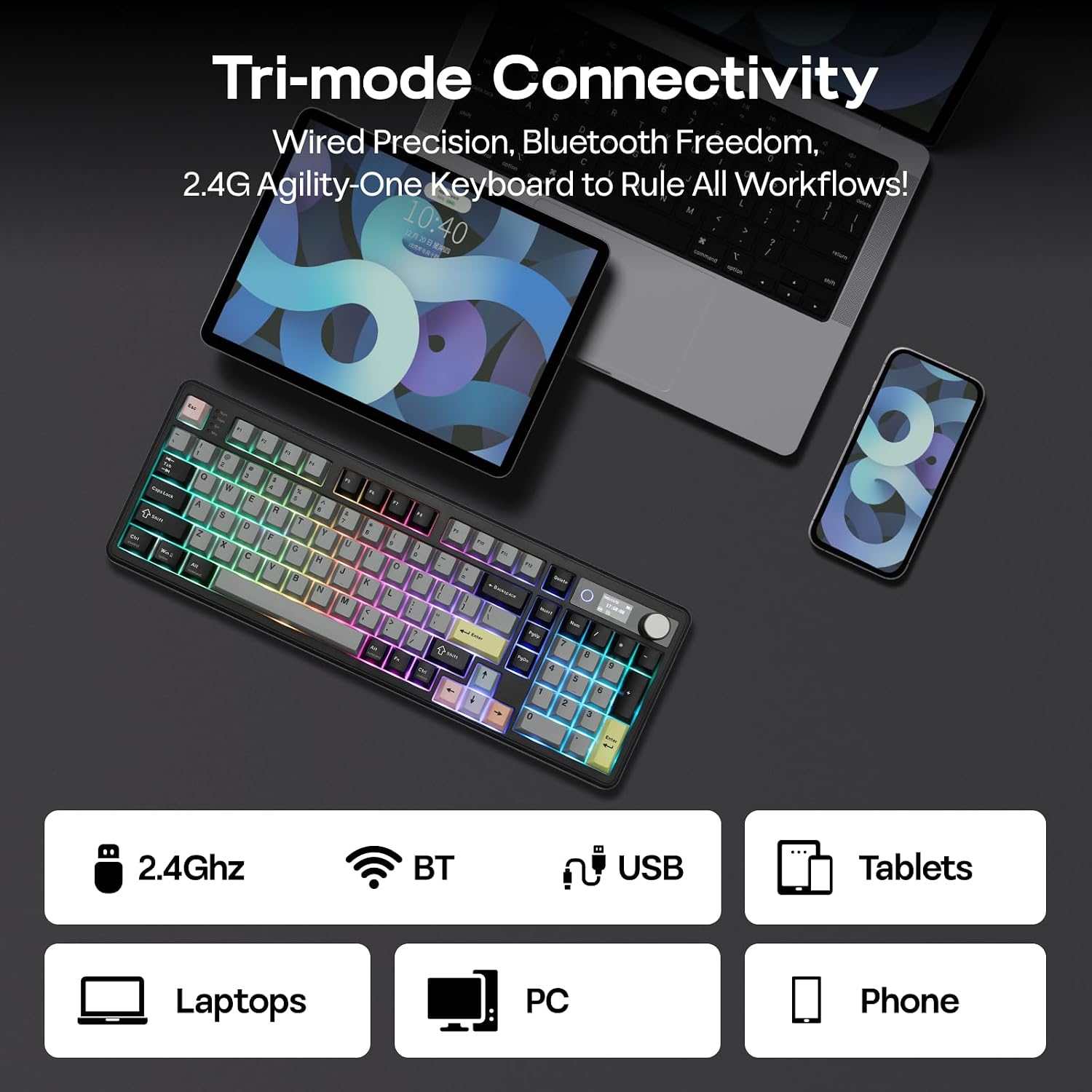
On paper, it’s also a “less clutter, more mobility” keyboard. With a 10,000mAh battery and tri-mode connectivity, you can move between PC and Mac (and even reference phone-style usage) without living tethered to cables. The catch? You’re paying for a lot of features packed into one board, so if you only want a simple mechanical keyboard experience, this may feel like overkill.
What stands out in everyday use
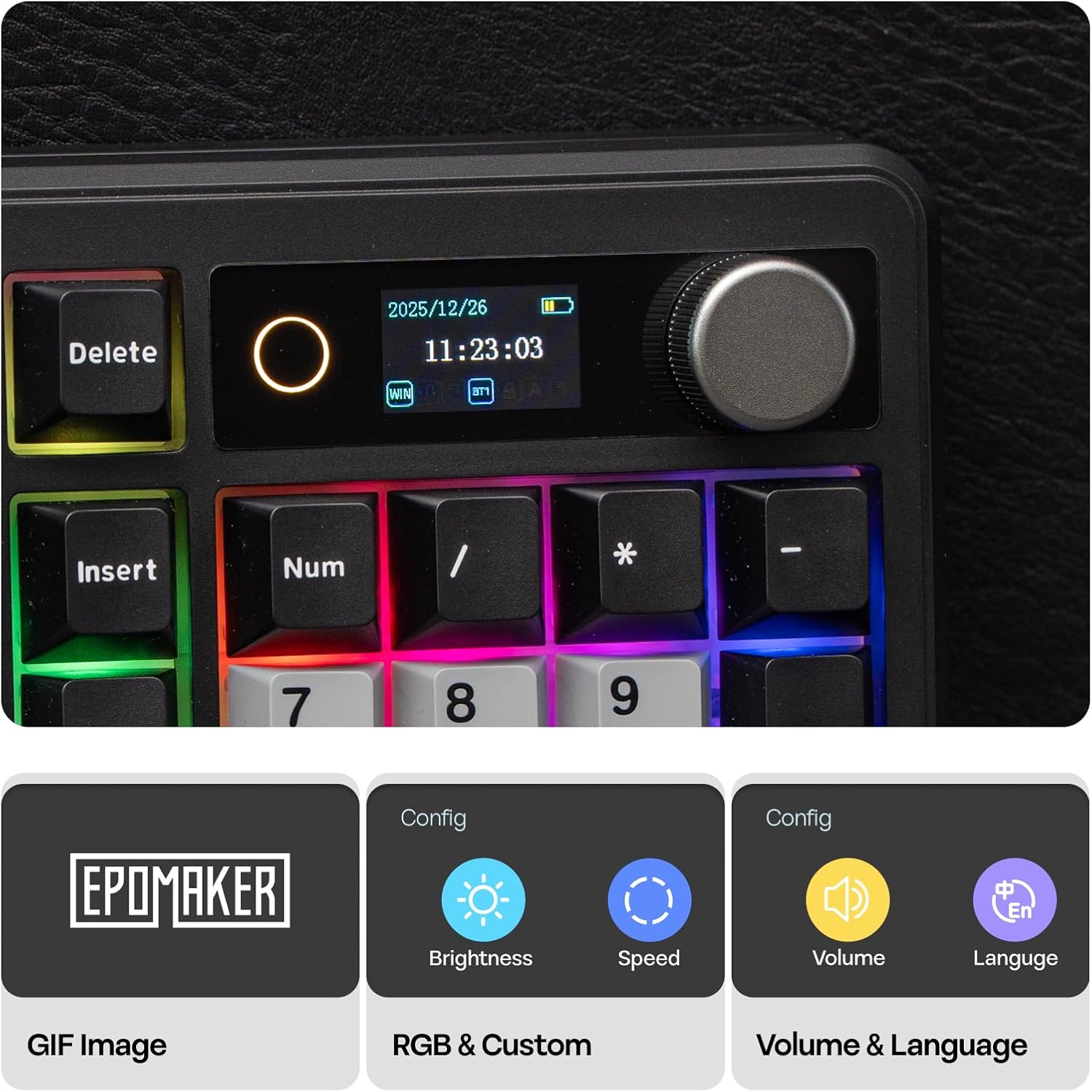
The volume knob is the kind of feature that sounds small until you actually use it. The idea is simple: you can adjust audio or toggle things mid-session without switching focus. Pair that with the glass screen—showing keyboard status, battery, time, and a GIF display—and it becomes easier to keep track of what matters when you’re busy.
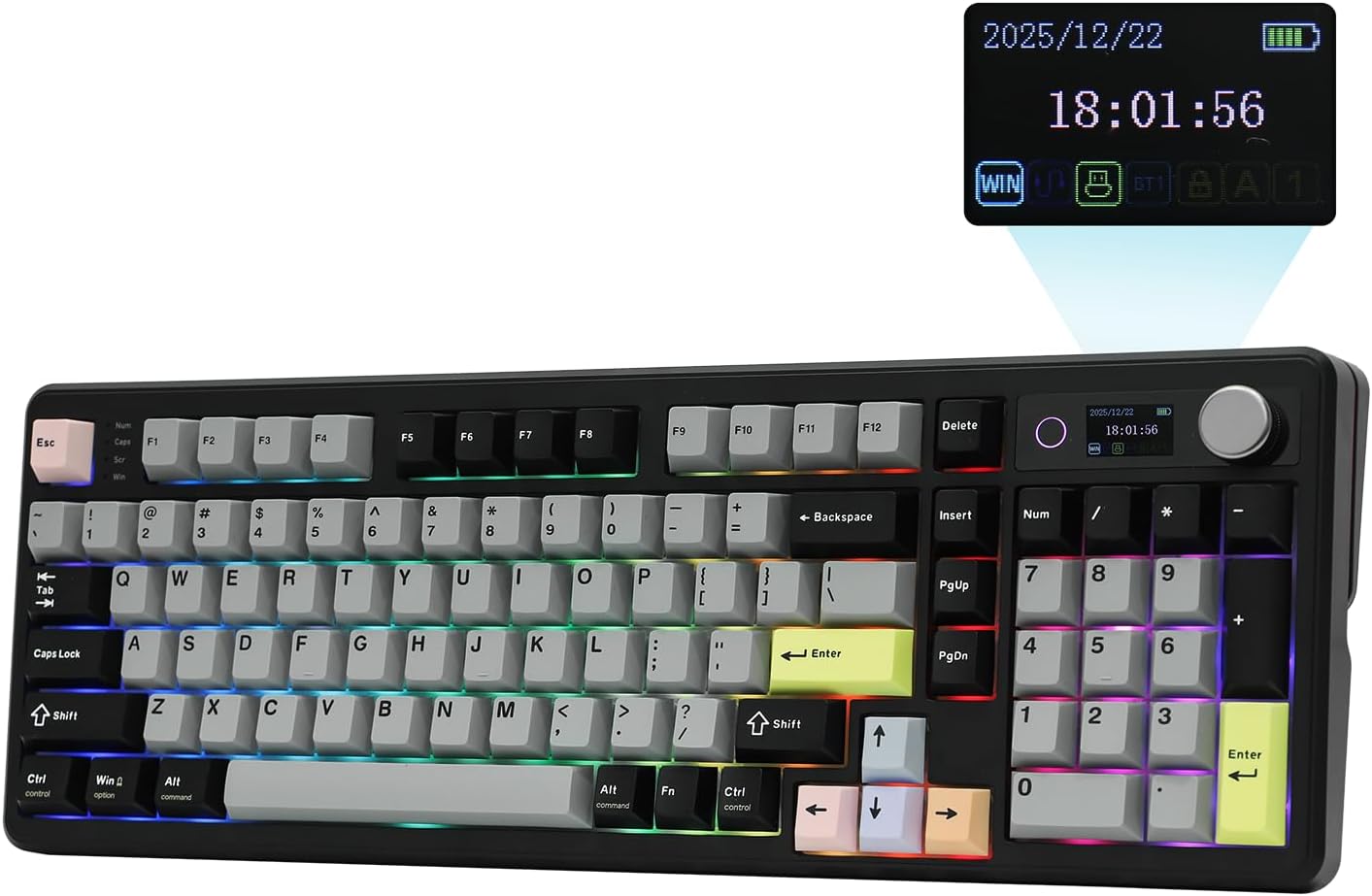
The keyboard layout is 96%, which usually means you get full numpad utility while staying more compact than full-size. The TH99 PRO is described as having an adjustable kickstand and a layout around 98 keys, so it’s aimed at people who want “full utility” without the desk footprint of the largest boards.
There’s also the RGB backlight with adjustable illumination, plus visual cues meant to help you find macro bindings or dedicated keys in dim conditions. Again, not perfect in every lighting setup, but the intent is clear: reduce misclicks when you’re gaming or working in the dark.
Battery and wireless flexibility (where it earns its keep)
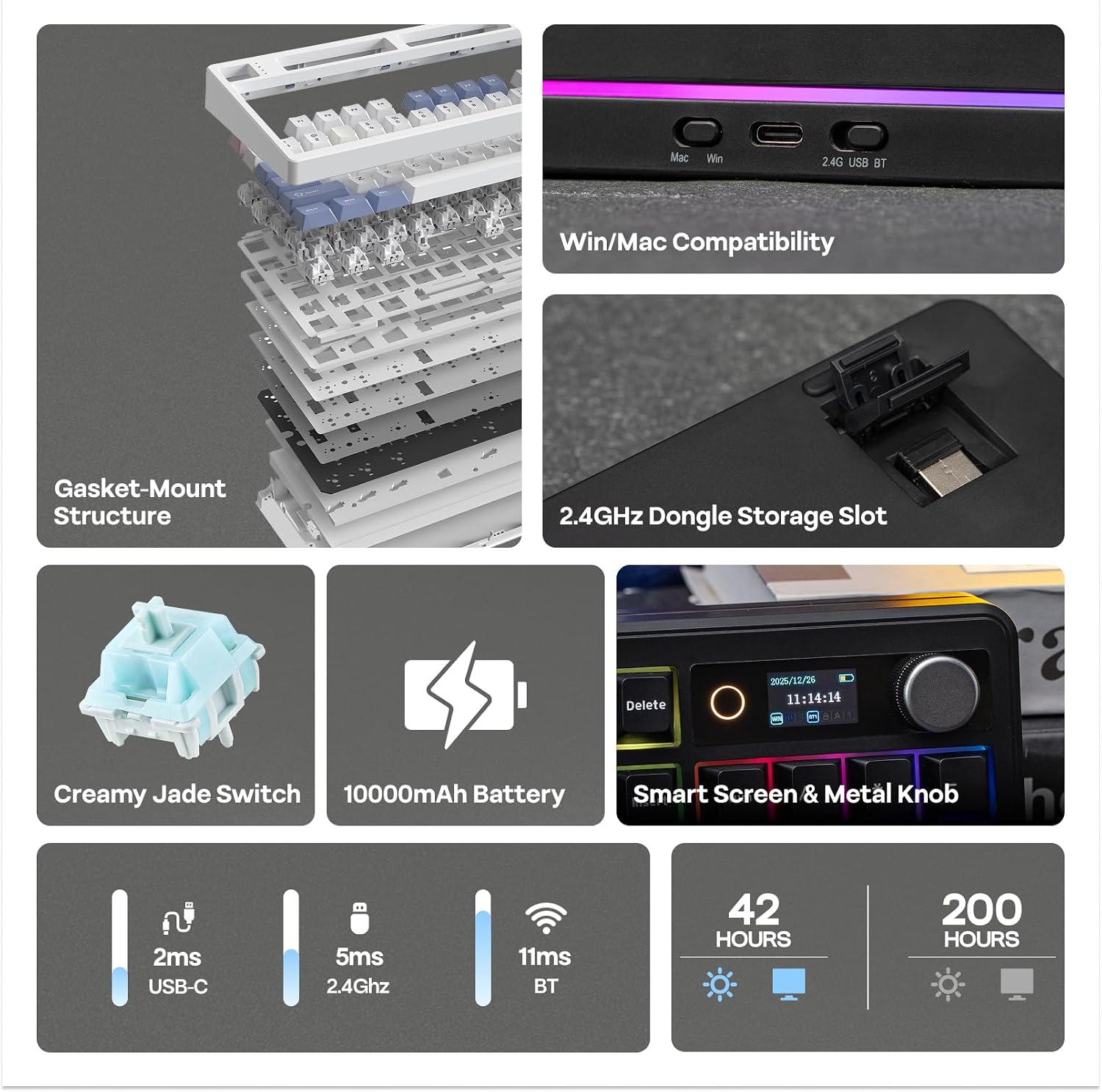
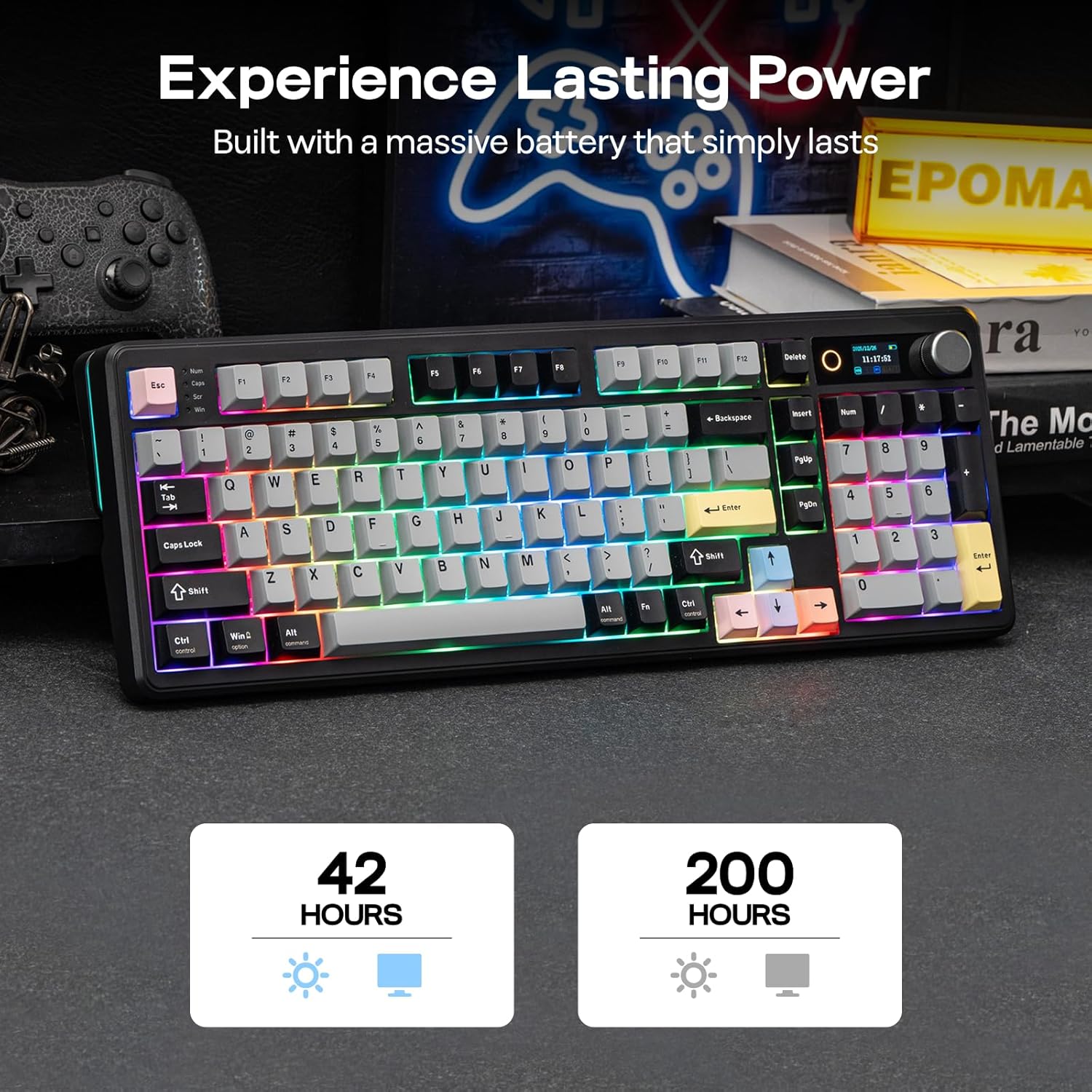
The TH99 PRO includes a 10,000mAh battery and is presented as a tri-mode wireless gaming keyboard for PC/Mac. The listing frames its runtime like this: roughly 150–200 hours for high-performance use with RGB off, and around 40+ hours with RGB and screen display active.
That battery range matters because it changes how you set up your desk. If you want a single keyboard that can travel between a home office workstation and a living-room setup, the “no wires all the time” angle is the whole point. If you tend to game or work with RGB and the screen running constantly, you’ll likely need more frequent charging—but it’s still designed to avoid constant cable dependency.
Also worth noting: wireless setups can be sensitive to your environment (distance, interference, and your own usage pattern). The keyboard is positioned as mobile, but performance and stability will always depend on how you use it.
Key feel and customization approach
This keyboard is hot-swappable, and the listing mentions a gasket-style design built with multiple layers (PORON, latex, IXPE, and silicone). The goal is a softer, more cushioned typing feel—described as filtering out harsh vibrations and metallic ping. If you’re coming from stiff switches or sharper stabilizers, this type of construction often feels less fatiguing during longer sessions.
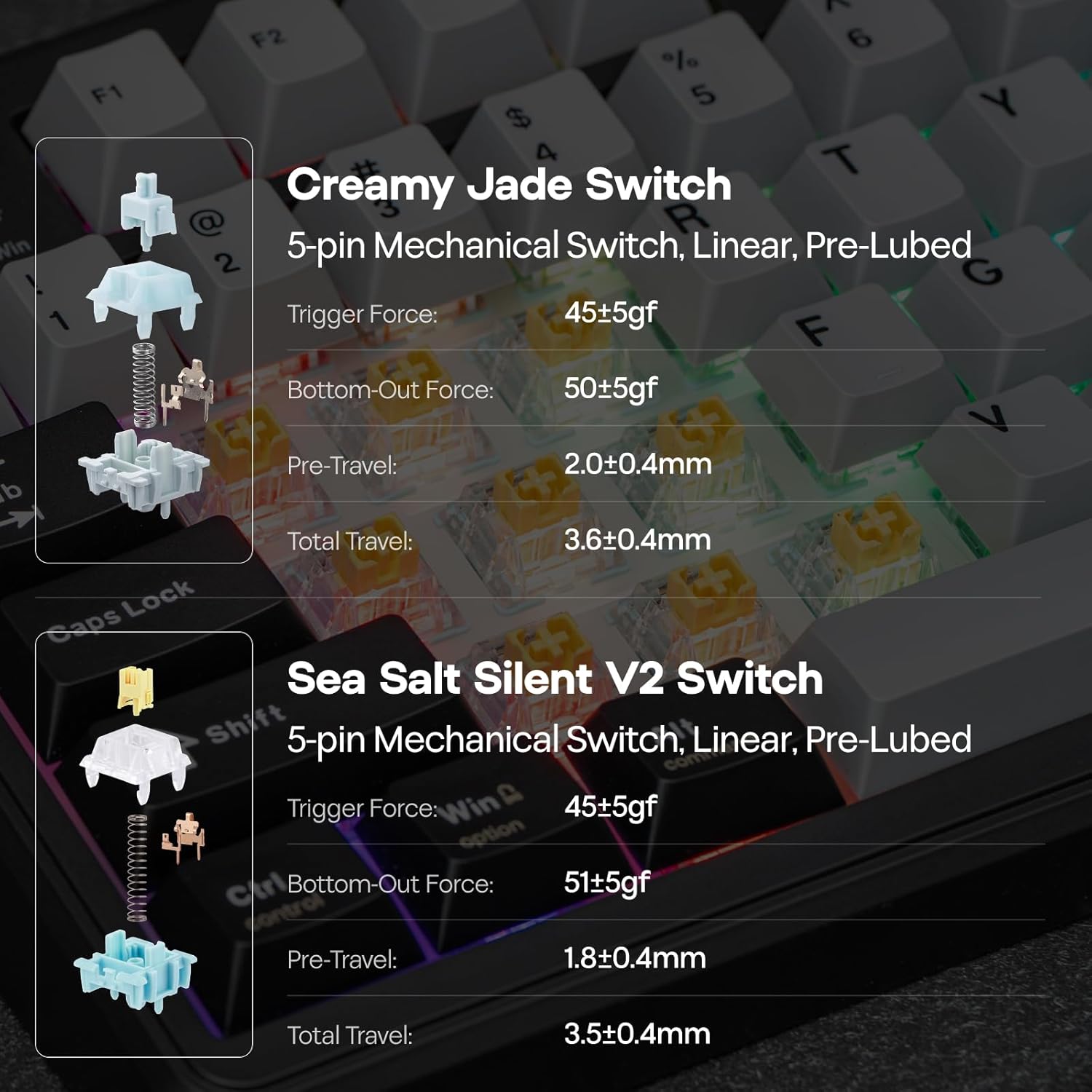
It’s also described as coming with two switch options (Creamy Jade or Sea Salt Silent), while still leaving room for future customization thanks to hot-swap support. What this means for you: you can choose the sound/feel direction up front, and later swap switches if your preferences change (linear vs tactile vs clicky vs quiet, depending on what you install).
But here’s the limitation: you’re getting a specific “sound signature” and typing profile based on the included setup and gasket construction. If you chase a very particular, ultra-specific switch sound, you may want to spend time tuning it after purchase.
Tech specs at a glance
The essentials you should check before buying
Before you commit, it’s smart to confirm how you’ll actually use the screen and knob features. The keyboard is clearly designed around on-board control (status, battery/time, GIF display, RGB control panel), but if you’d rather not manage extra UI elements, you might not get full value from the added complexity.
Also, since it’s a wireless tri-mode board, consider your setup style. If you mostly use it wired at your desk all day, the mobile battery benefit may feel less dramatic. On the other hand, if you bounce between devices or want a cleaner desk, the 10,000mAh battery and wireless positioning make a lot more sense.
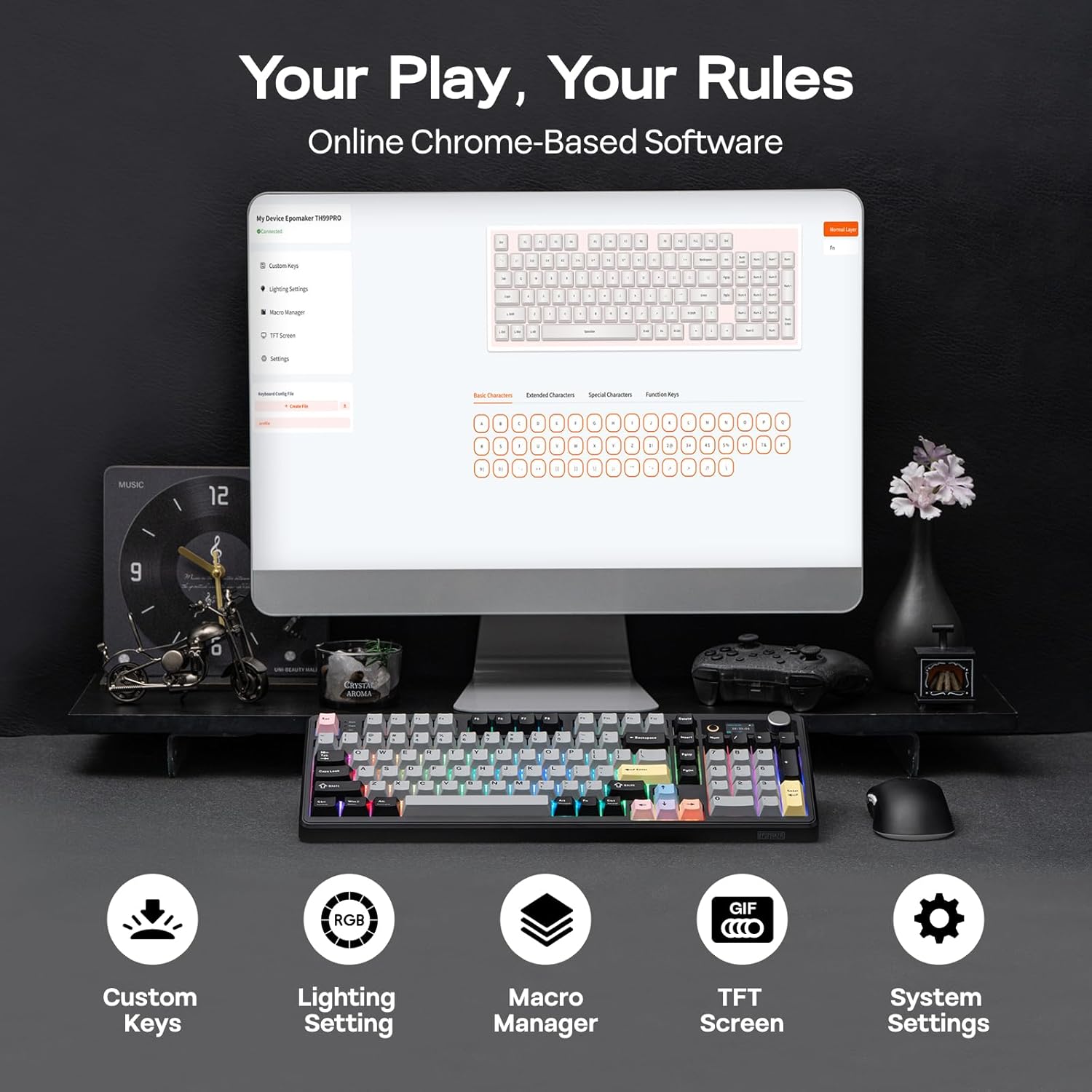
Finally, because it uses software for remapping and macros (Chrome-based software, available online and offline per the listing), think about whether you’re comfortable configuring keys and saving macros. It’s meant for remaps and complex macros to automate repetitive tasks or game combos—great if you’ll actually program it, less exciting if you want plug-and-play only.
Final verdict
Worth considering if you want a 96% hot-swap mechanical keyboard that does more than just typing—specifically with a built-in screen and a tactile volume knob for quick control. It also makes sense if you want a wireless-capable board with a large battery and you like the idea of RGB and on-board status visibility.
It might not be the best match if you want a straightforward mechanical keyboard without extra screens/UI, or if you don’t plan to remap keys and build macros. And if you’re picky about sound and feel, remember that the bundled switch setup and gasket tuning give you a starting point—you may still want to experiment after purchase.
Mini FAQ
Questions people ask
1) What is the point of the built-in screen on the TH99 PRO?
The listing positions it as a digital command center showing keyboard status, battery, time, and supporting a GIF display along with an RGB control panel.
2) Does the TH99 PRO let you change switches later?
Yes. It’s described as hot-swappable, and the listing says it comes with two switch options while still allowing room for future customization.
3) How long does the battery last?
The listing estimates about 150–200 hours with RGB off, or about 40+ hours with RGB and screen display active (based on “intense uses,” as described).
4) Is it usable on both PC and Mac?
The product description says it’s a wireless gaming keyboard for PC/Mac, with tri-mode connectivity.
5) Can you remap keys and set macros?
Yes. The listing says the keyboard supports fully programmable remapping and macro recording, with software described as Chrome-based and available online and offline.