

KOORUI 24" 180Hz Gaming Monitor ⚡
Reviews
Price
Product description
This KOORUI 24-inch 180Hz gaming monitor delivers smooth, responsive visuals ideal for competitive gaming and demanding workloads. With a high refresh rate and advanced sync technology, it minimizes screen tearing and improves visual consistency during fast-paced action.
Key Points
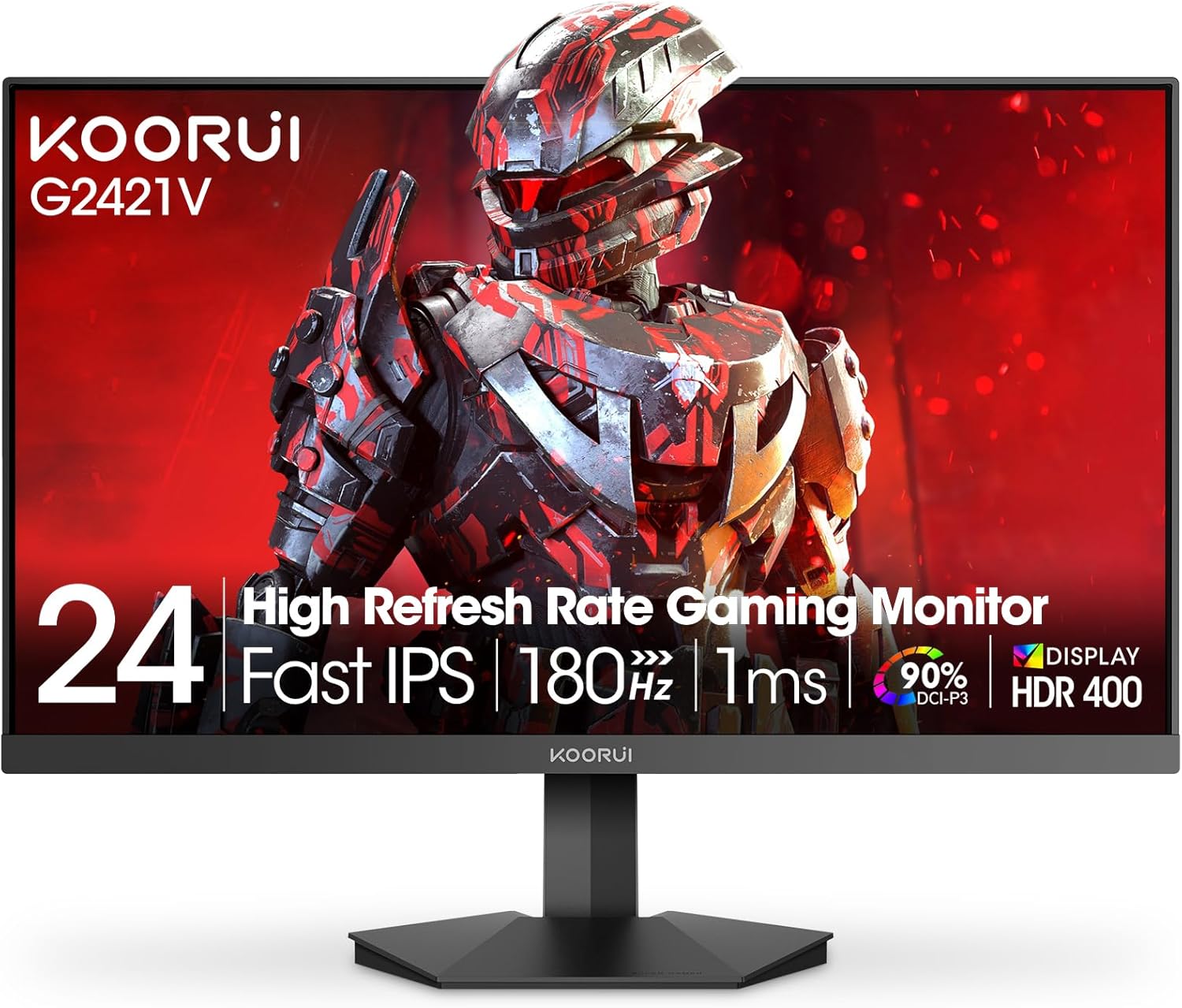
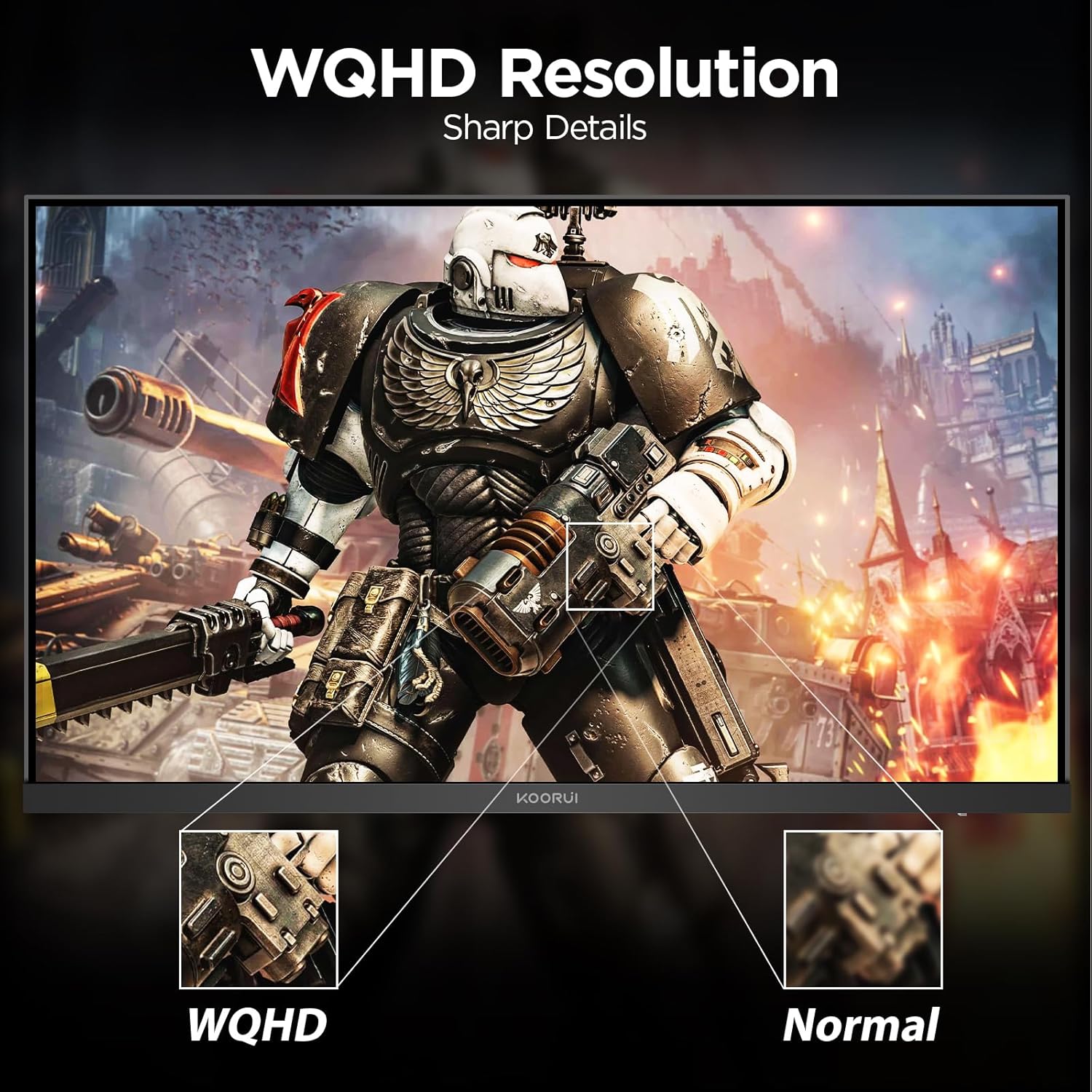
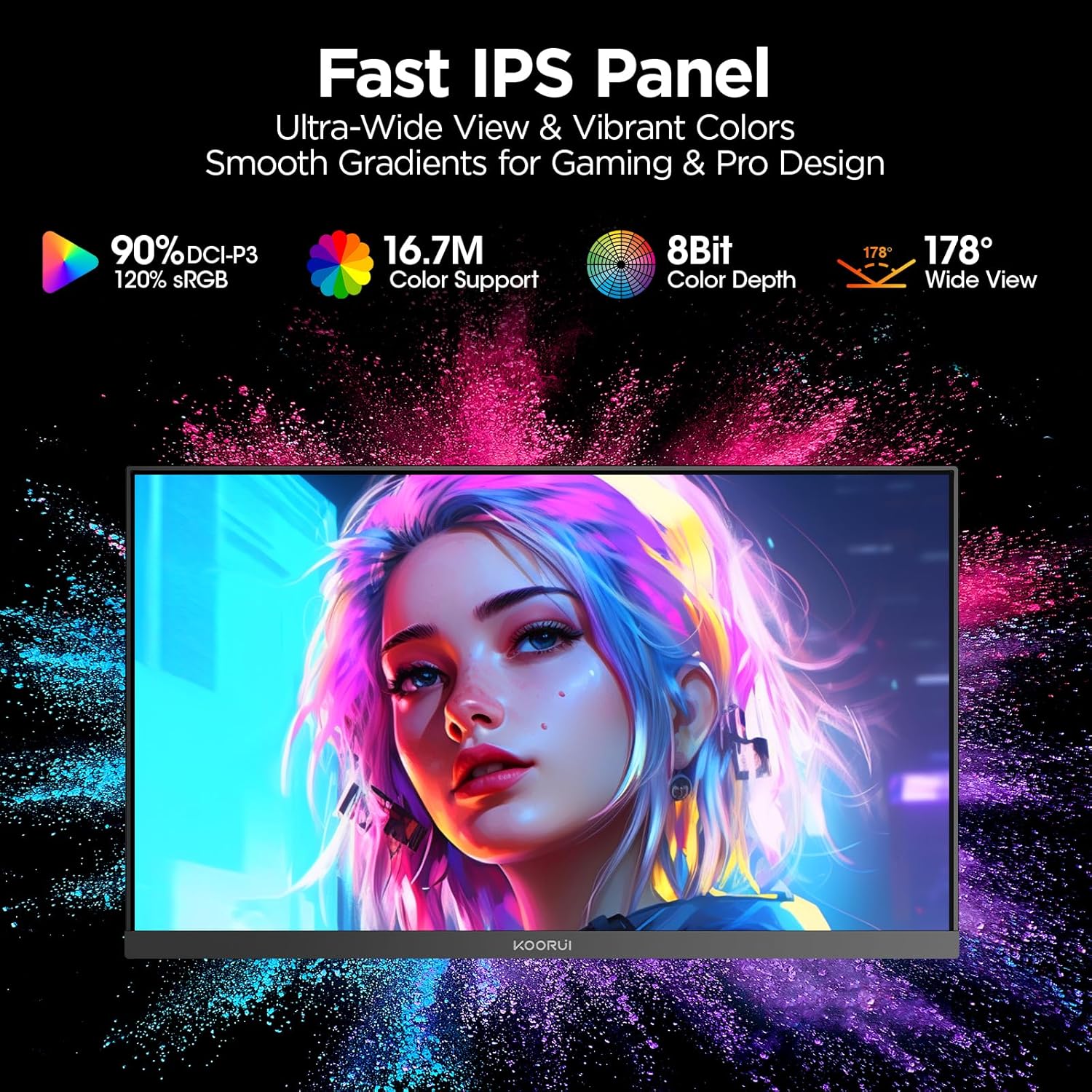
The KOORUI 24" 180Hz monitor features a 1440p QHD resolution that enhances clarity and detail, making it suitable for both gaming and productivity tasks. Smart Adaptive Sync works with most standard graphics cards to reduce input lag and eliminate screen flicker. A dedicated joystick with five directions enables quick access to on-screen settings, improving control flow during gameplay. The IPS panel ensures wide viewing angles and accurate color reproduction, which helps maintain visual consistency when switching perspectives.
Technical Specifications
- Screen Size: 24 inches
- Resolution: 2560 x 1440 (QHD)
- Refresh Rate: 180 Hz (with Adaptive Sync support)
- Panel Type: IPS
- Color Gamut: 90% DCI-P3
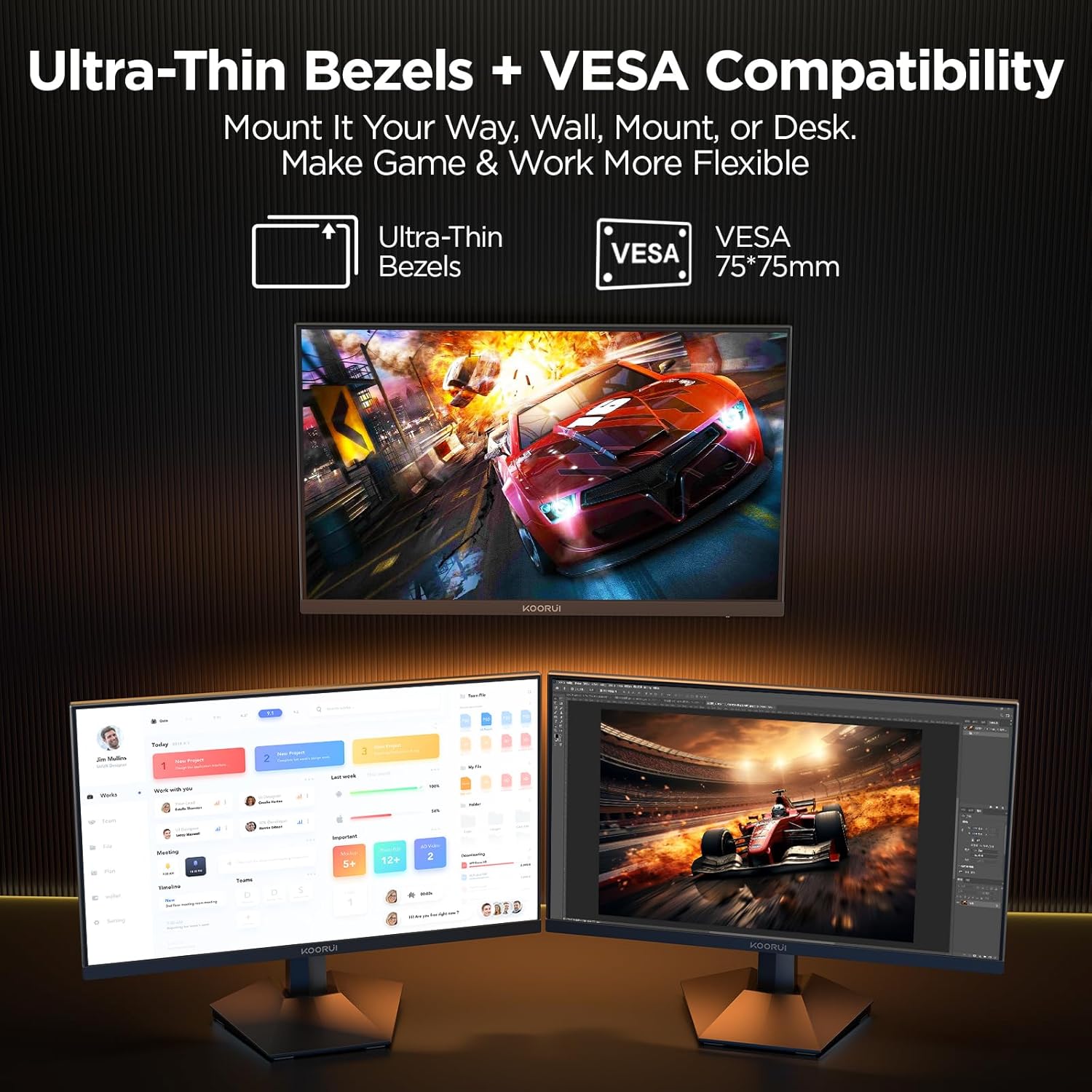
- VESA Mount: 75 x 75 mm
- Adjustable Tilt: -5° to 20°
Benefits
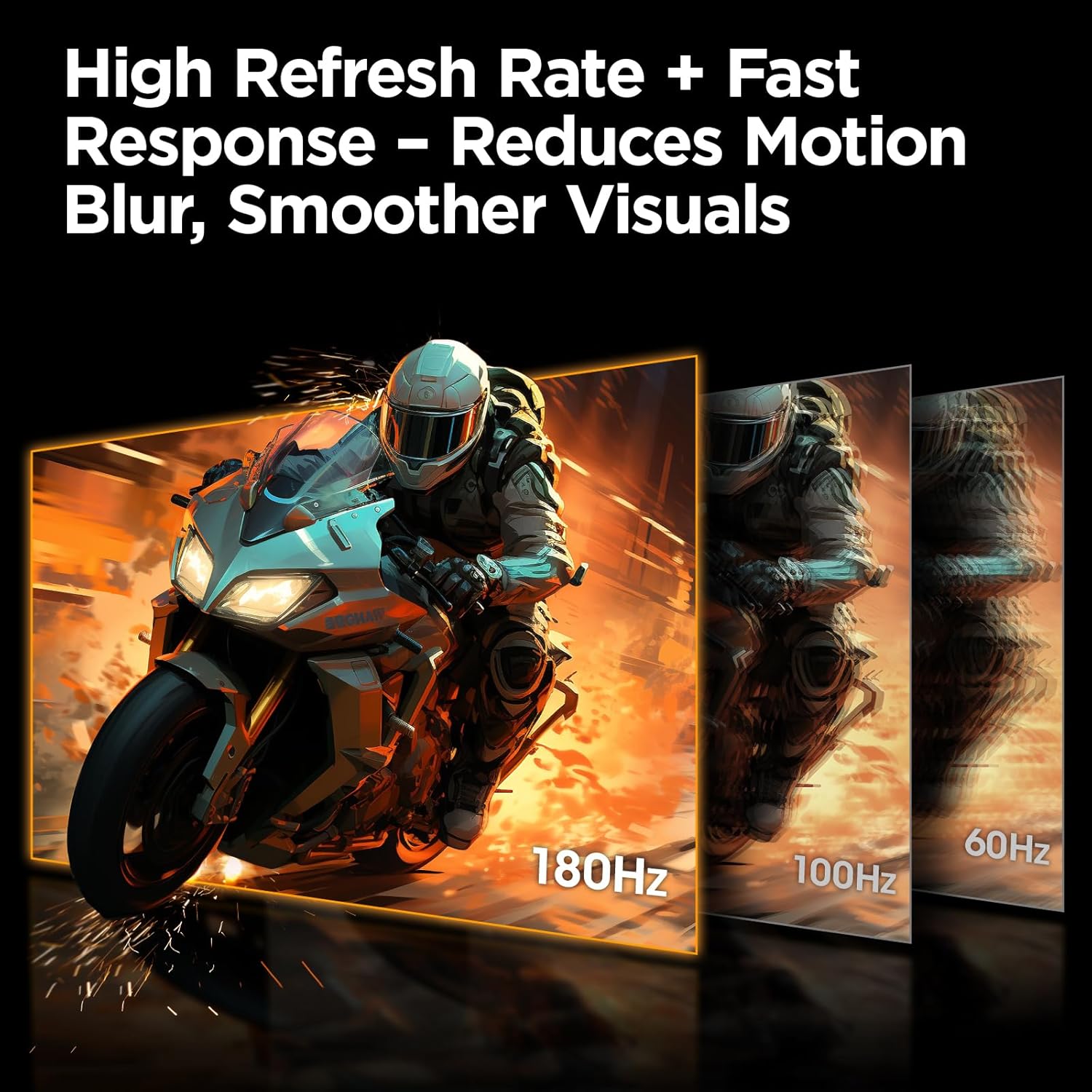
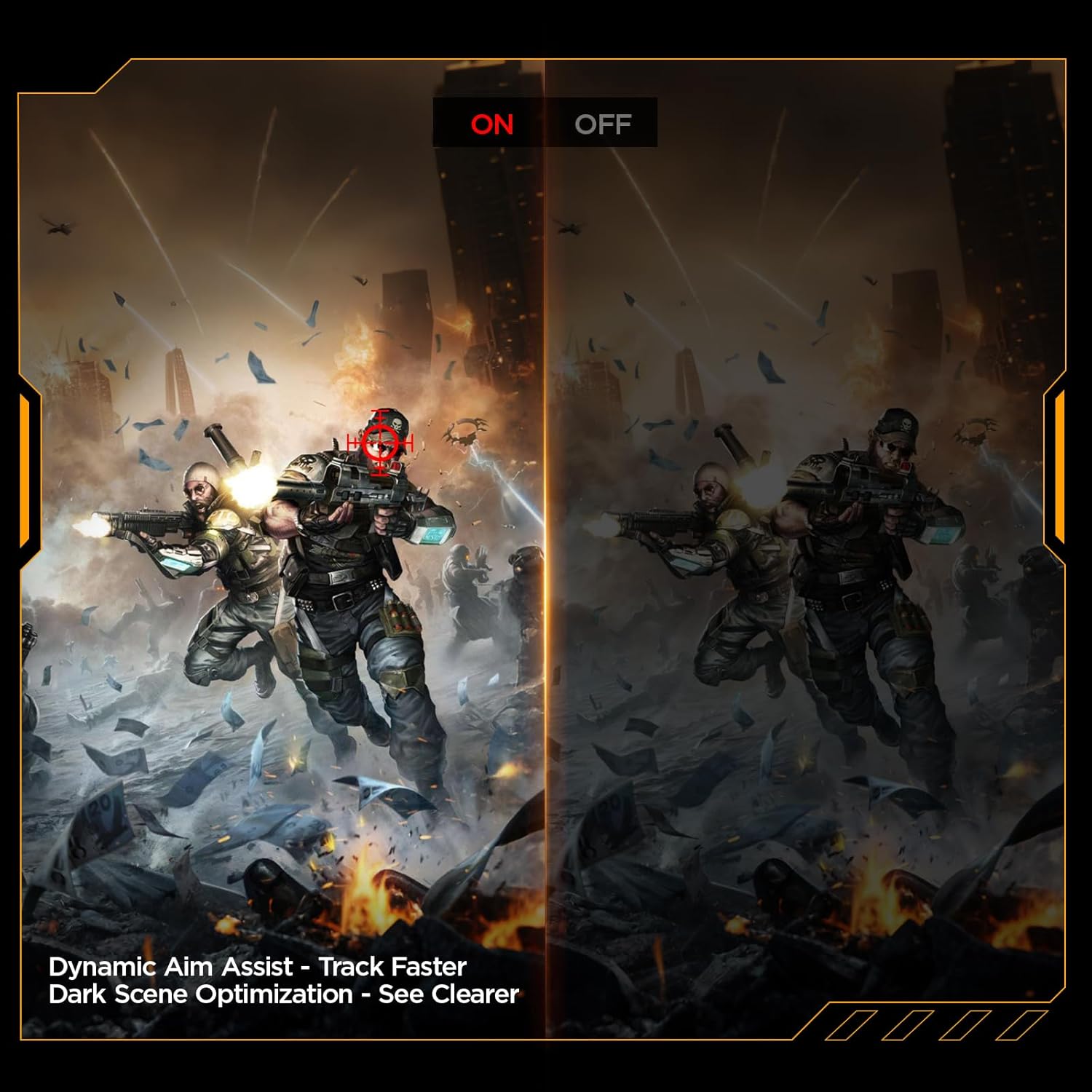
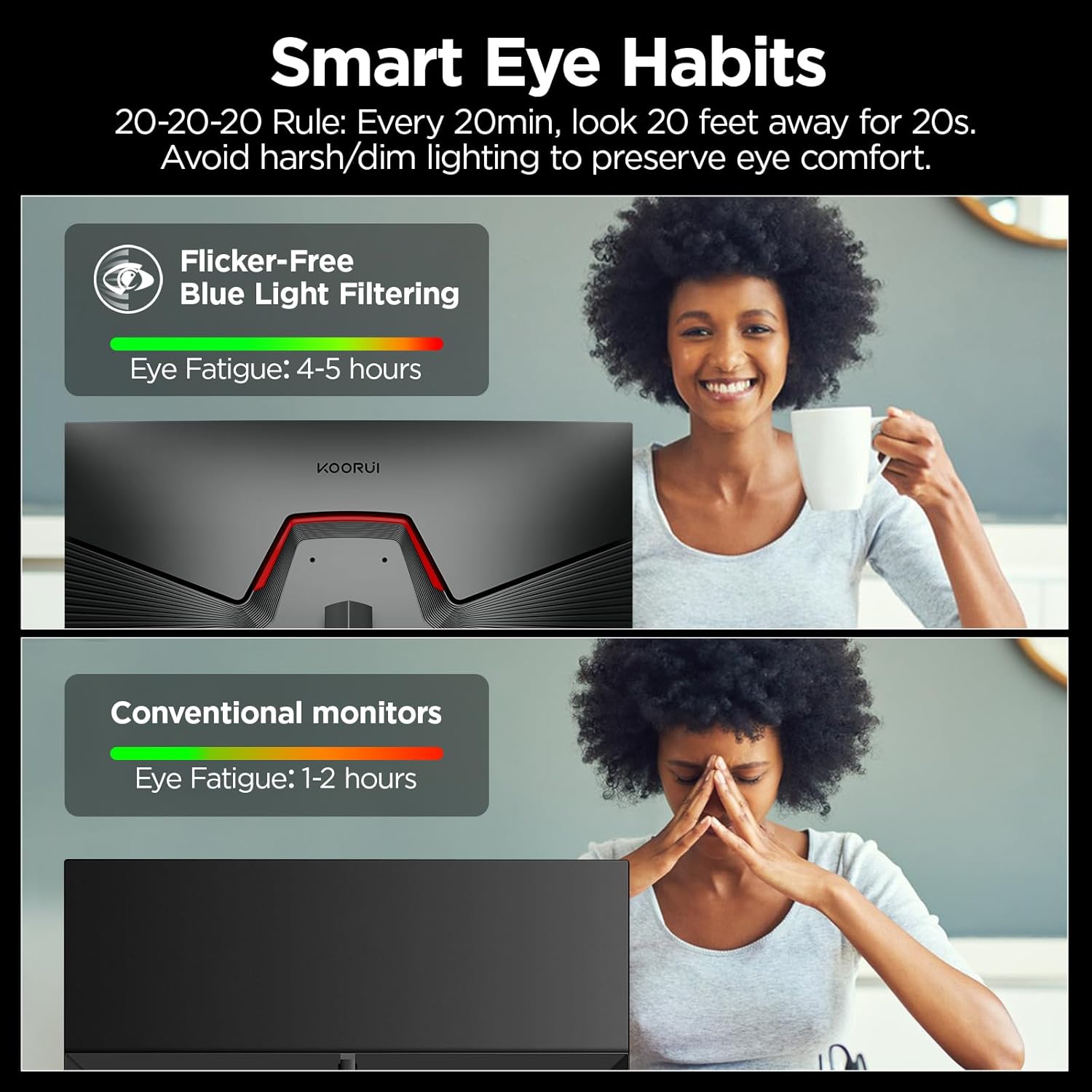
This monitor supports fast response times and sharp image transitions, reducing ghosting and blur often seen in older panel types. The absence of screen flicker, combined with a blue light filter, helps reduce eye strain during long gaming sessions or focused work. The ultra-slim design fits well in modern workspaces, while the adjustable stand allows positioning for improved posture and comfort.
Usage Recommendations
Place the monitor at eye level or slightly below to reduce neck strain during extended use. Use it with a PC, gaming console, or laptop via HDMI or DisplayPort for optimal performance. For best results, ensure your graphics card supports 180Hz output. Avoid using in very bright environments, as the IPS panel may struggle with contrast under strong lighting. Keep the monitor clean and avoid direct exposure to dust or moisture to preserve display longevity.