

MechLands X Maorbeng X100 PRO Membrane Gaming Keyboard (96% Layout) with 5000mAh Battery, RGB Backlights, Wireless BT/2.4G, USB-C Wired — Pink
Product description
What this is and what it solves
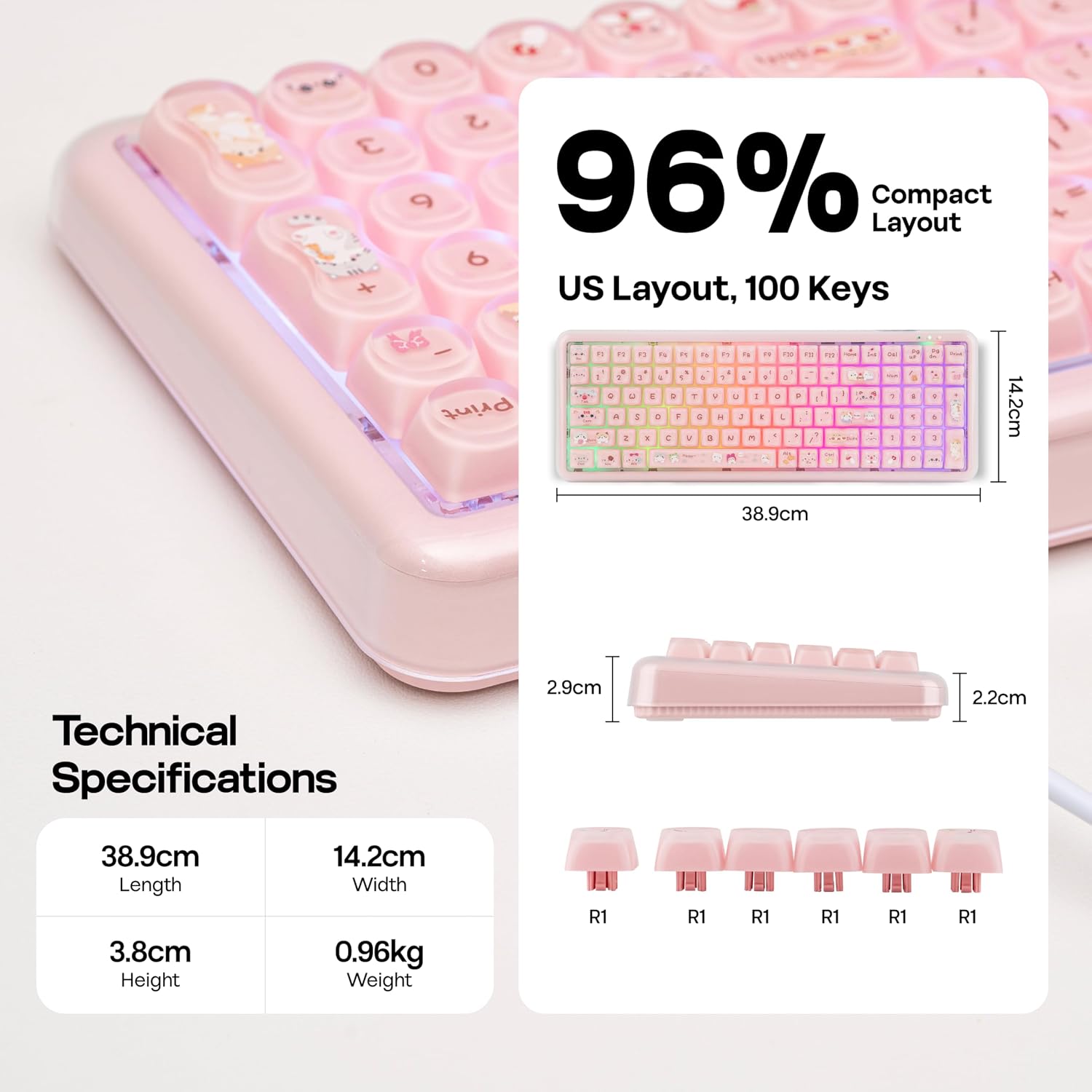
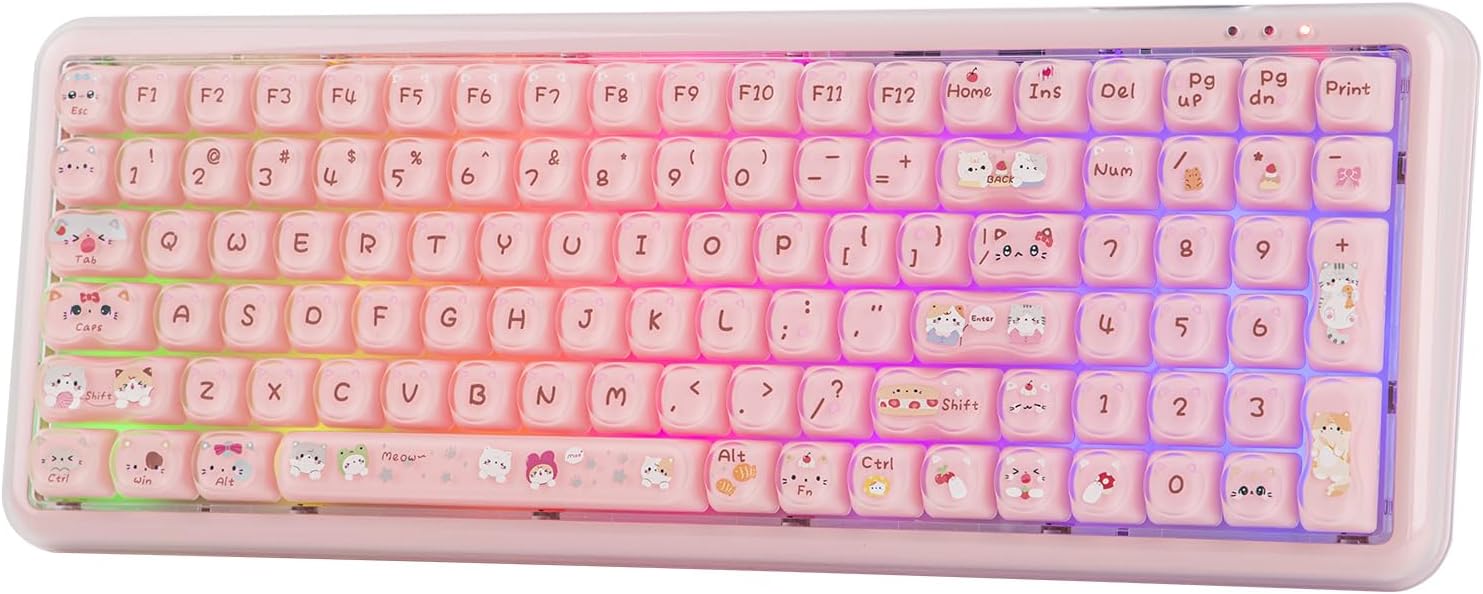
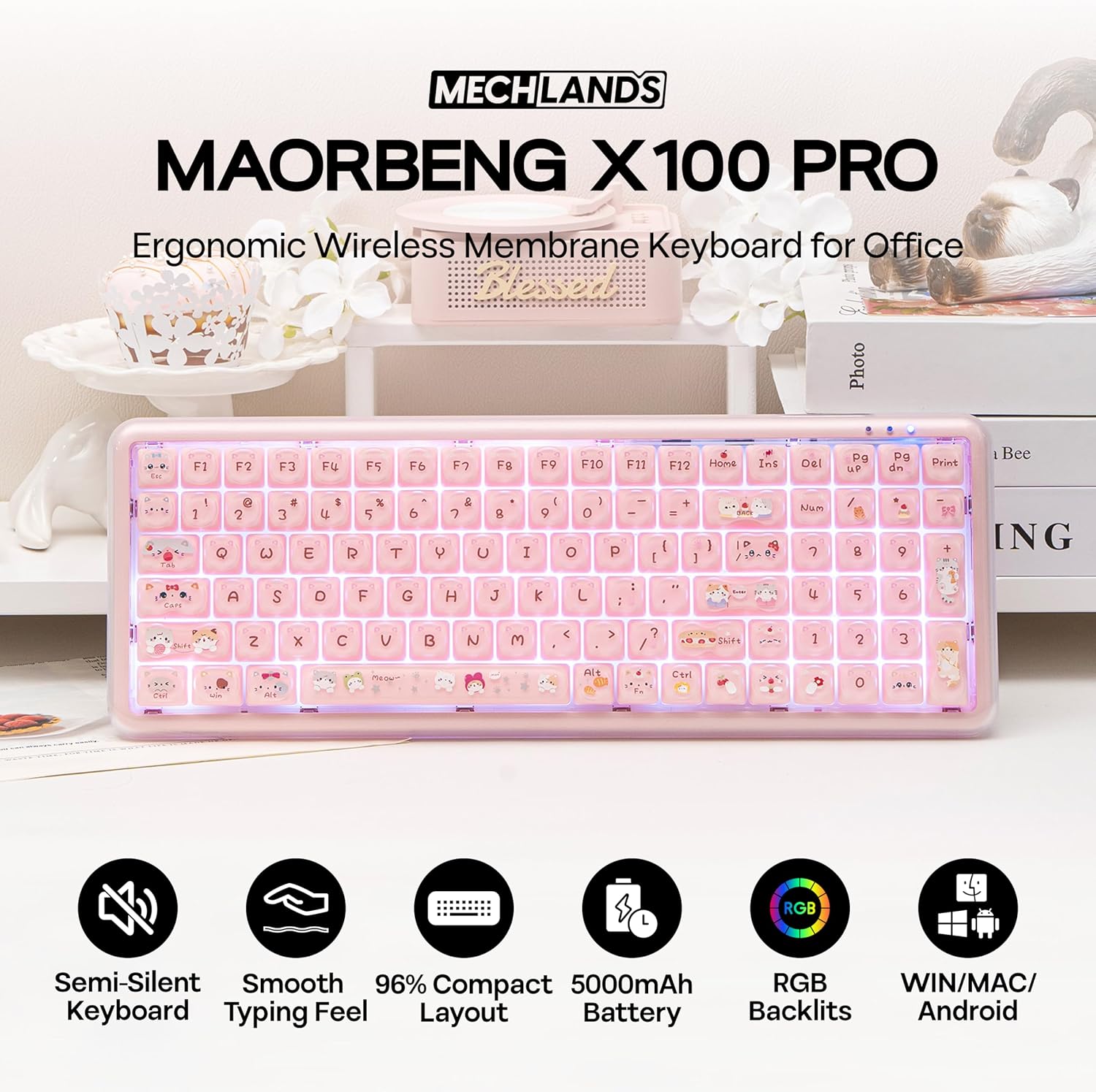
The MechLands X Maorbeng X100 PRO is a membrane keyboard that leans into the look and feel of a mechanical device while offering a quieter, membrane-based typing experience. It features a 96% compact layout that preserves a full numeric keypad without hogging desk space, plus cute cat-pattern keycaps for a playful desk presence. The core idea is to deliver comfortable, rhythmic typing with reduced noise, making it a sensible option for late-night work, dorm rooms, or shared workspaces where both form and function matter.
How it connects and what to expect
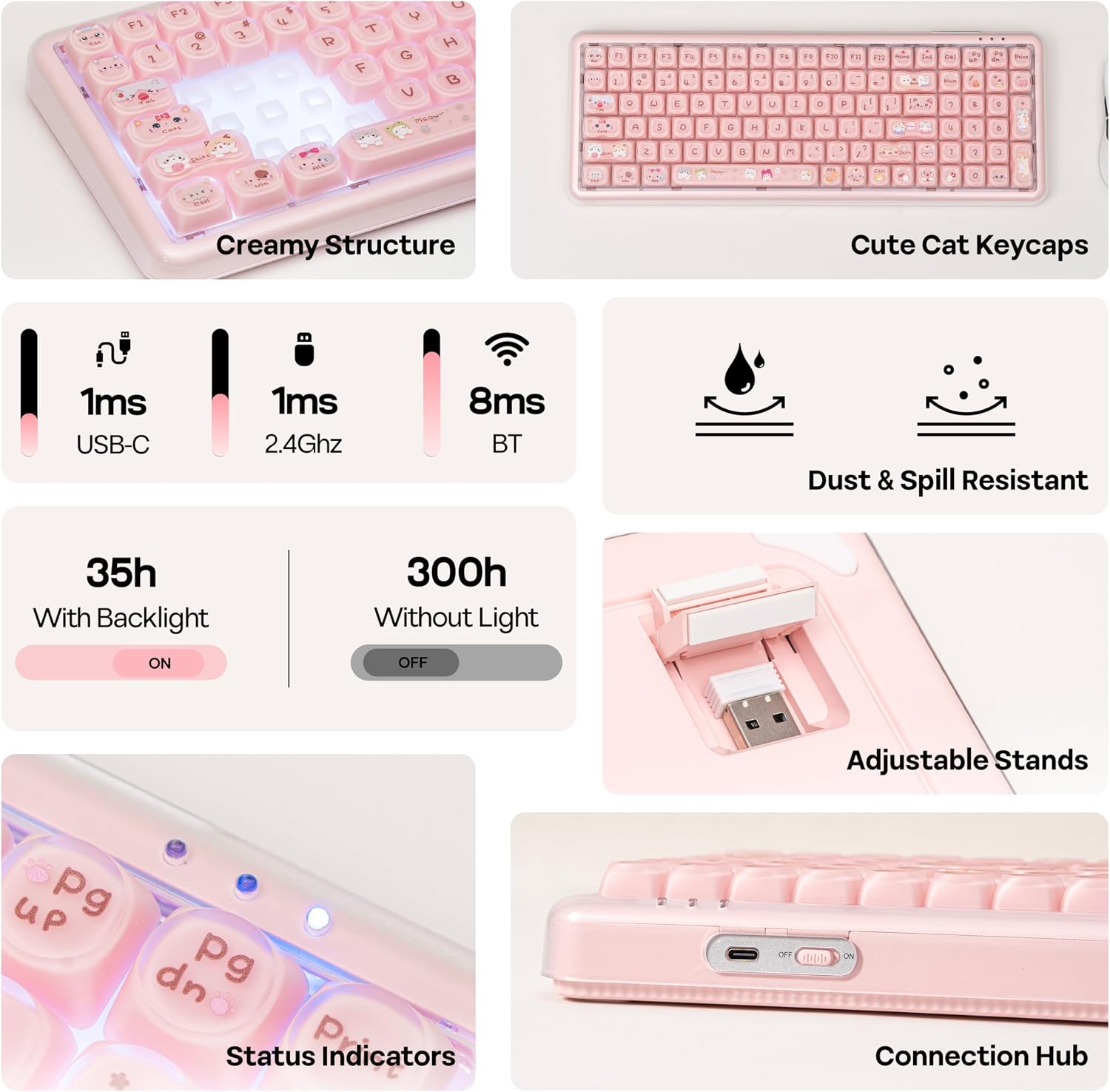
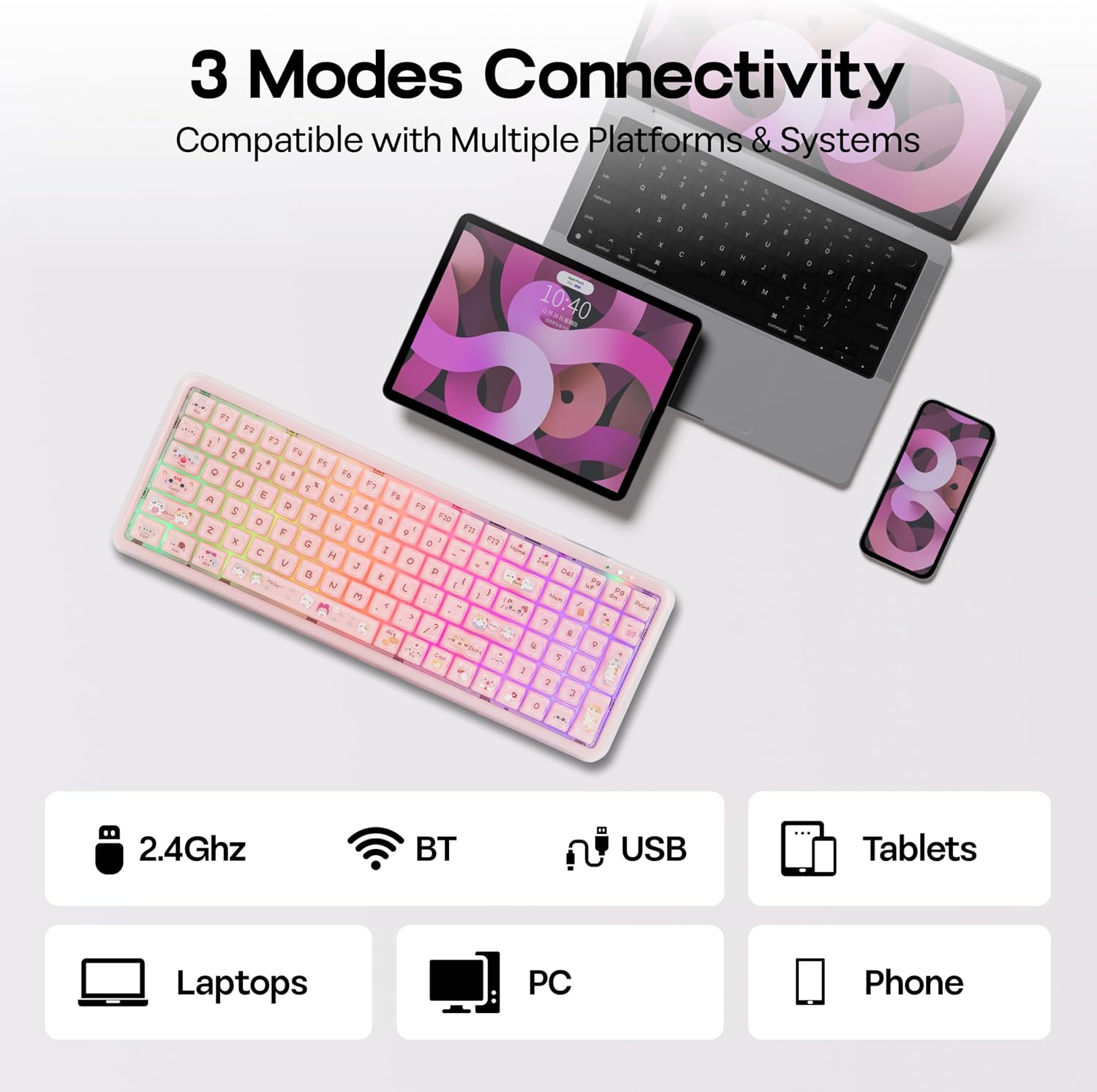
This keyboard supports three connection modes: 2.4G wireless, Bluetooth, and wired USB-C. The 2.4G wireless setup is designed for stable, low-latency use with a quick, stutter-free signal. Bluetooth pairing broadens compatibility with laptops, tablets, and phones, while wired mode guarantees uninterrupted use when the battery runs low or when you simply want the most reliable connection. It’s advertised with 26-key rollover and a claimed ultra-low latency of 1 ms, which translates to precise control during daily typing and casual gaming. On first setup, the device comes in 2.4G mode by default and the backlights flash green—handy visual feedback to confirm connection.
Battery life and power options
A standout spec is the built-in 5000mAh battery, which MechLands says can deliver up to 300 hours of continuous use without backlights. In real-world terms, that’s several weeks of typical office work or long gaming sessions between charges. This endurance helps reduce daily charging friction and cuts down on cable clutter if you prefer wireless setups. If you do run low, the wired mode is immediate and doesn’t depend on the battery at all.
Design, feel, and durability notes
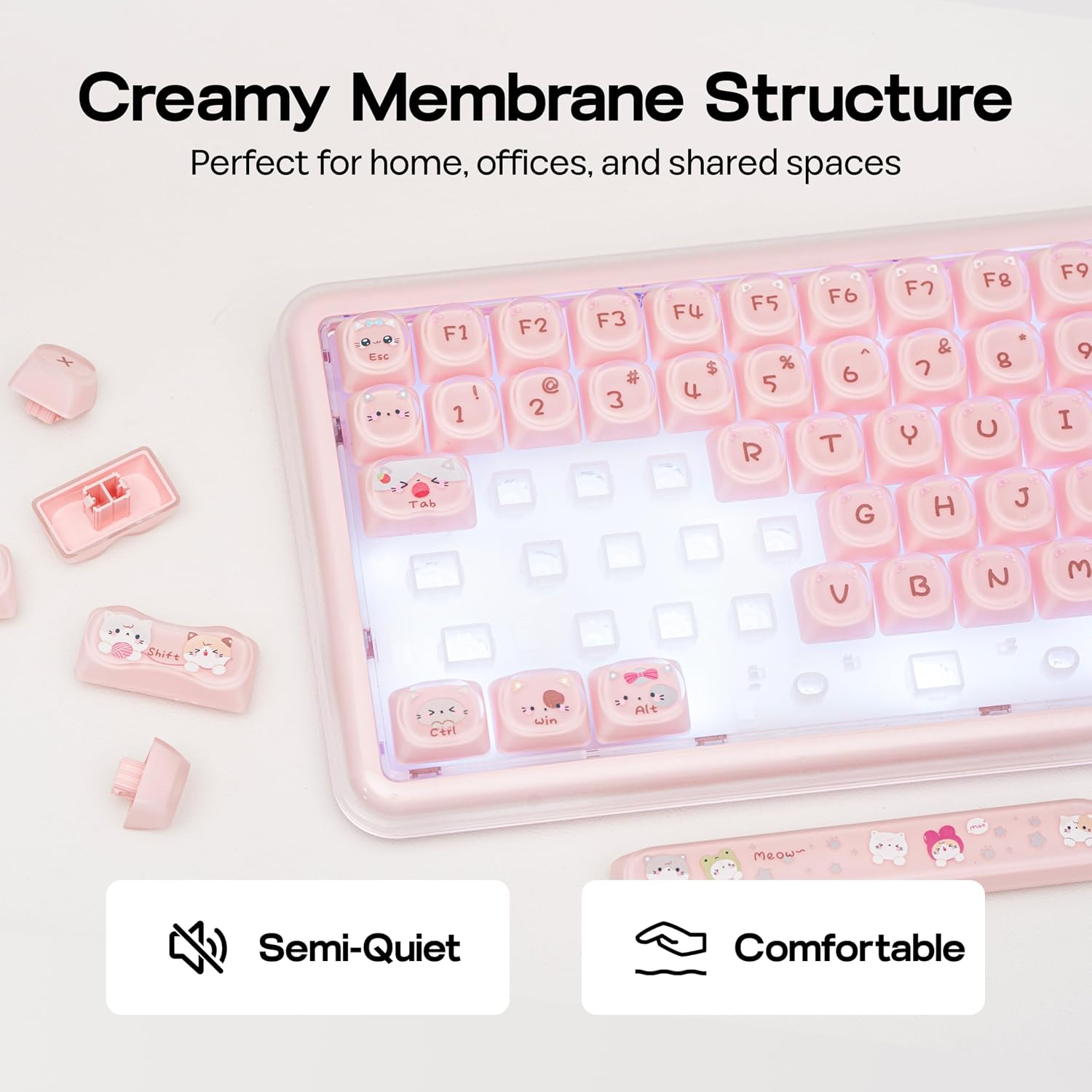
The X100 PRO blends a floating-keycap aesthetic and narrow bezel to resemble a mechanical keyboard while using high-rebound membrane switches that aim to cut down typing noise. The result is a tactile, rhythmic feel without the loud keystrokes. The keyboard includes non-slip rubber feet and a dust-resistant design with optimized gaps to resist dust buildup and handle minor spills. It’s also designed for comfort with ergonomic stands that adjust for different typing heights and tilt angles, which can help reduce wrist fatigue during longer sessions.
Who it’s for and who may want to skip it
If you value a compact 96% layout that still includes a numeric keypad, and you prefer quieter typing for shared spaces, this keyboard could fit well. It’s especially appealing if you prioritize flexible connectivity (2.4G, BT, and wired) and long battery life over traditional clicky mechanical switches. However, if you’re chasing the exact feel of a mechanical switch, or you need pro-level gaming features like programmable macros, this membrane option may feel underwhelming. It’s also important to note that the aesthetic includes cat-pattern keycaps, which is a fun touch but may not suit every workspace or professional setting.
What to check before you buy
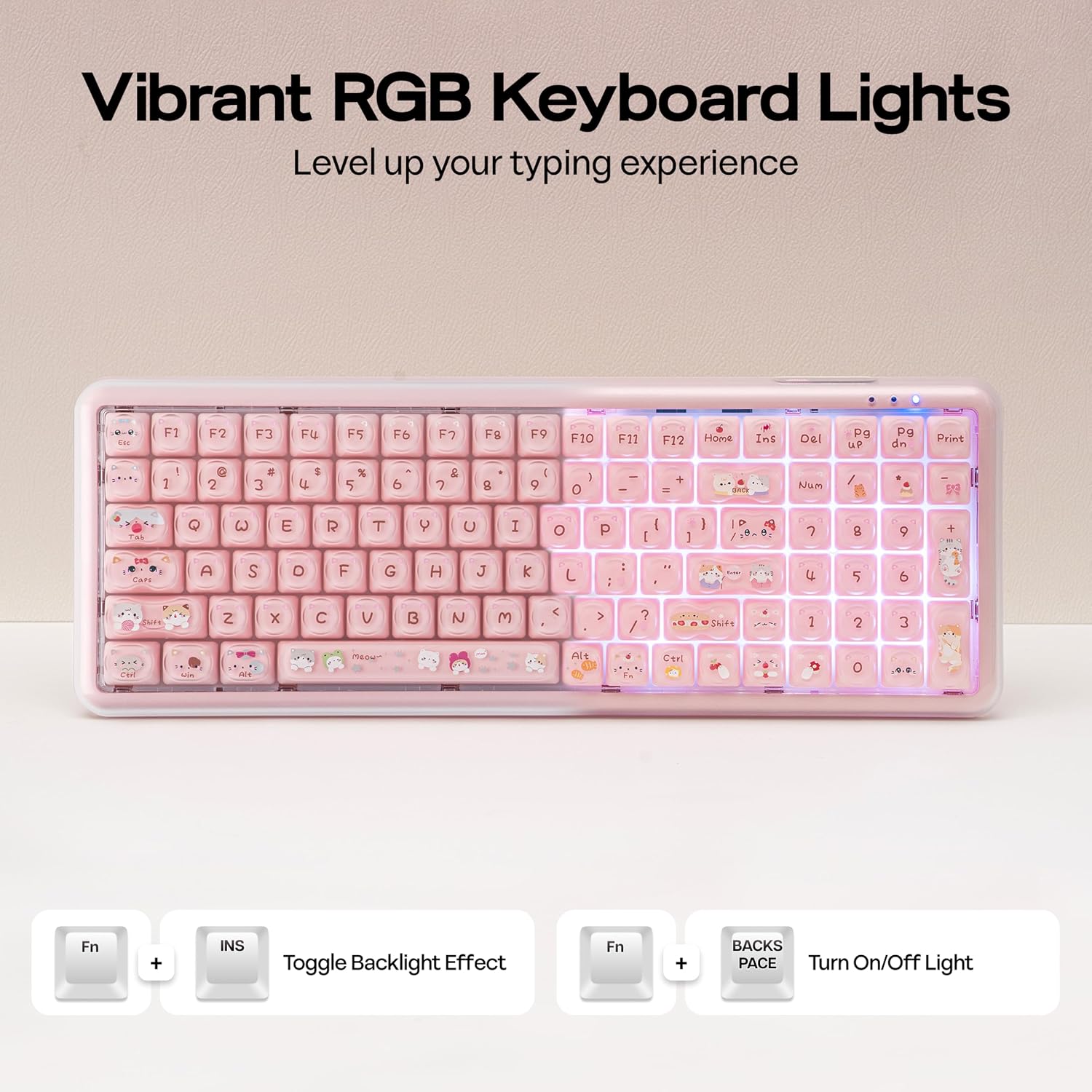
- Confirm which OS you’ll use most (Windows or Mac) and how you plan to switch between them, since the compact layout includes a quick FN-based toggle for OS and backlight controls.
- Consider whether you’re comfortable with membrane typing and its approximate tactile feedback versus true mechanical switches.
- If you rely on constant wireless performance, remember that the 2.4G mode aims for stability, but real-world reliability can vary with interference and distance.
- Think about your desk space: the 96% layout saves room without sacrificing the numeric keypad, but it’s still larger than a 75% or 60% layout.
Practical use case: a day in the life with X100 PRO
On a typical day, you might pair the keyboard via Bluetooth to a laptop for work, switch to wired when gaming or streaming to avoid latency dips, and occasionally use 2.4G for a desktop setup. The long battery life means you can leave it on most days without constantly reaching for a charger. The quiet typing is a real plus for late-night editing or dorm environments, and the compact footprint helps keep a clean, organized desk when space is at a premium.
How it compares to the idea of alternatives
If you’re weighing between this membrane option and a traditional mechanical keyboard, the X100 PRO trades some tactile force for quieter operation and longer-lasting battery life. It’s a sensible middle-ground for users who want a robust, versatile wireless keyboard with a full numeric keypad but aren’t committed to the higher cost and louder keystrokes of true mechanical switches. For those who prioritize pure mechanical feel and hot-swappable switches, a different route will likely be more satisfying. If affordability and a playful aesthetic matter, this model has a practical appeal that doesn’t force you into a single ecosystem.
Buying decision
Is it worth it? It depends on your workflow and environment. If you need a three-way connection plan, a long battery life, and a compact 96% layout that preserves a full number pad, this model offers a balanced package. If your priority is a true mechanical keystroke feel or you require advanced gaming macros, you might want to explore other options or be prepared for a more limited feature set.
FAQ (concise)
- What key layout is this? A 96% layout that includes a full numeric keypad in a compact form.
- Can I use it while charging? Yes, wired mode works even if the battery is low.
- How quiet is it really? It aims to deliver mechanical-like tactile feedback with reduced typing noise due to high-rebound membrane switches.
- How long does the battery last with backlights on? Battery life is up to 300 hours without backlights on, actual duration depends on backlight usage.
- Is the keyboard suitable for Mac and Windows? It supports both, with an OS switch via the FN combination for easy use across platforms.