

Anker USB-C SD Card Reader
Product description
Highlights
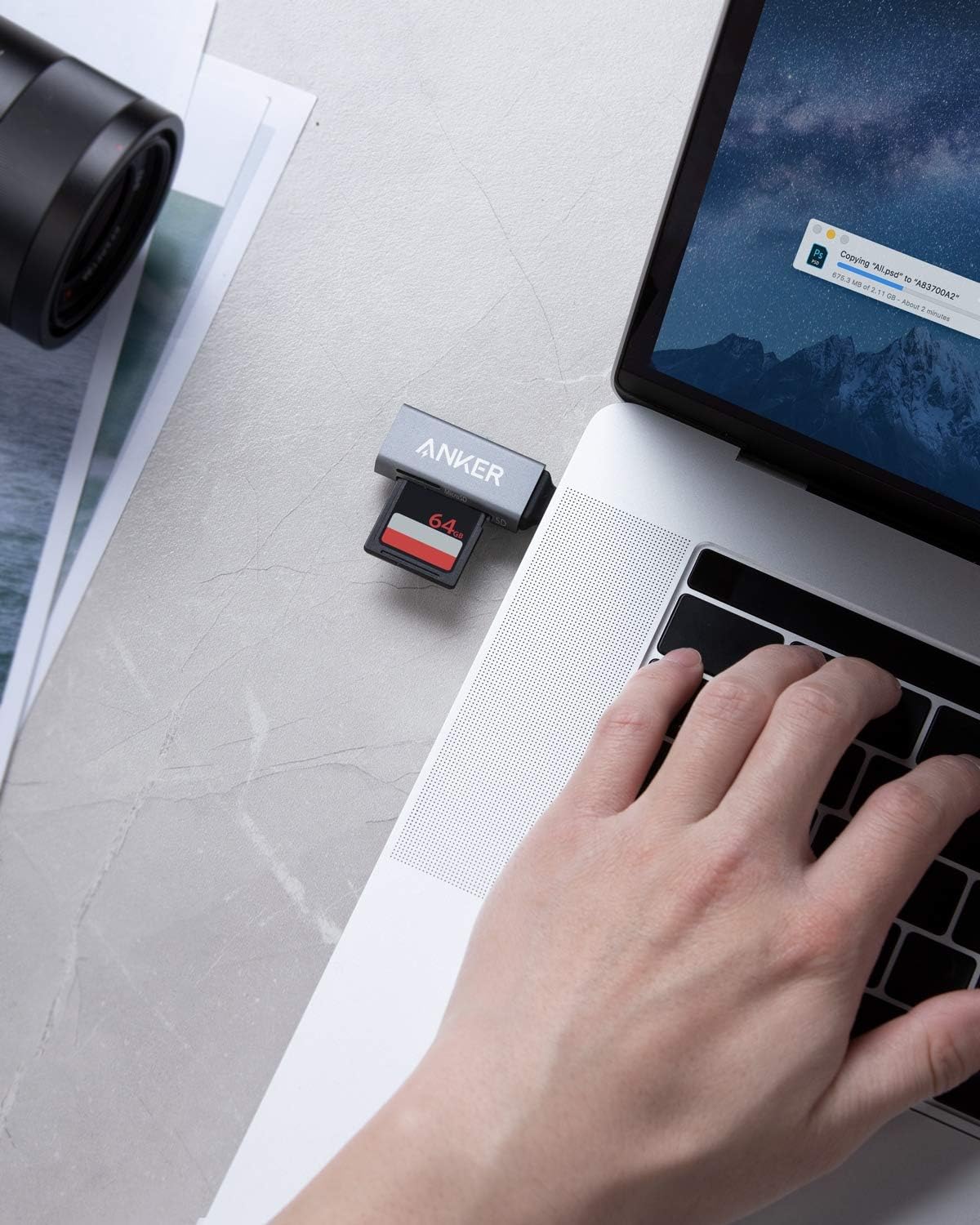
If you just need to read or move files from a memory card, a compact reader can be simpler to carry than a larger multiport adapter. This Anker USB-C card reader has two slots: one for a standard SD card and one for a microSD card. It is designed for USB-C devices, including phones and laptops, so it can suit a quick file transfer at a desk or while you’re out with your phone.
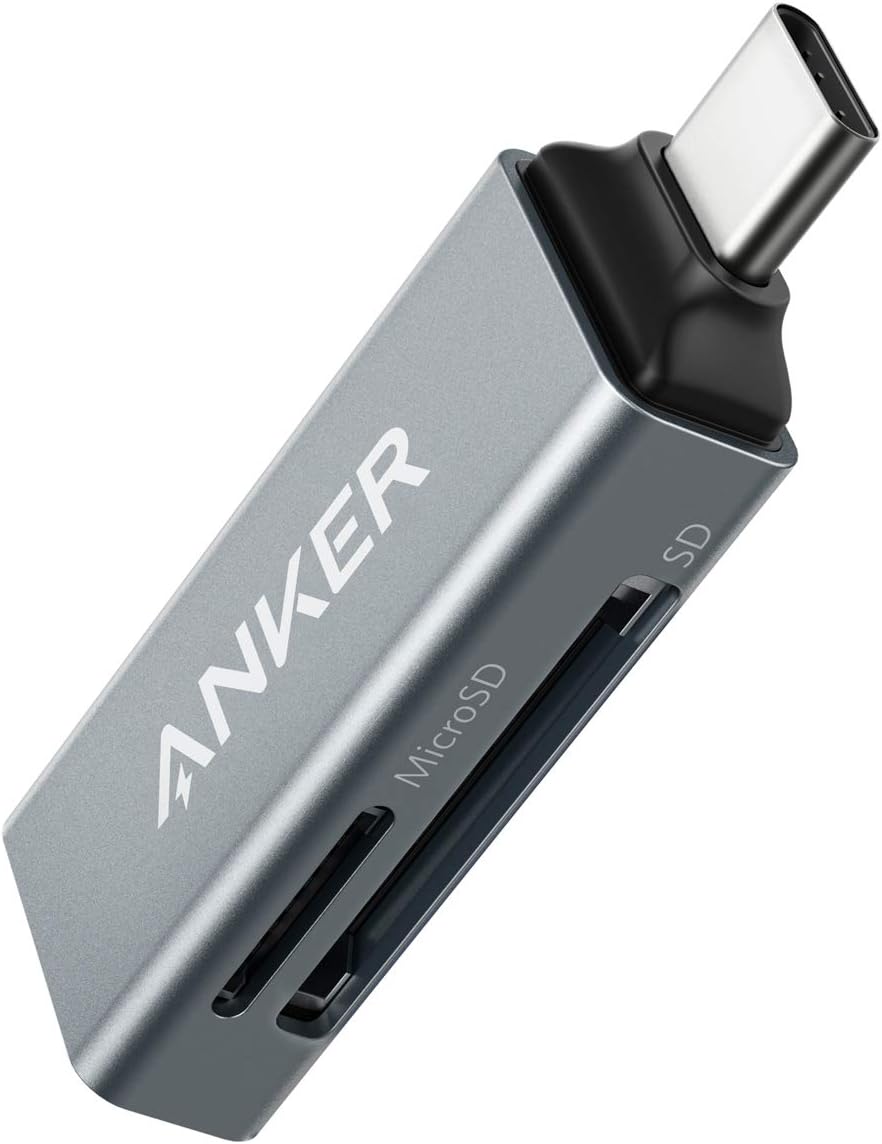
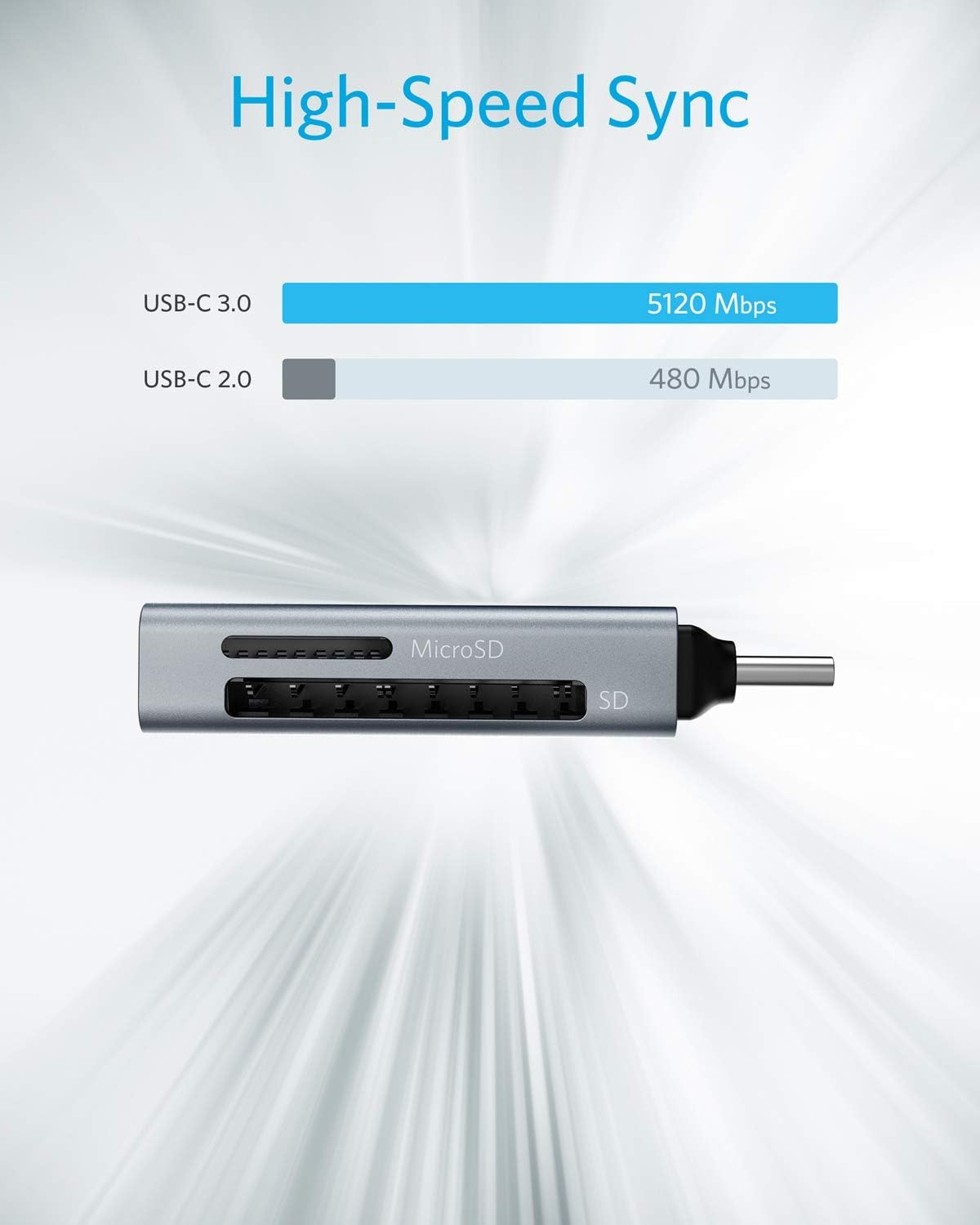
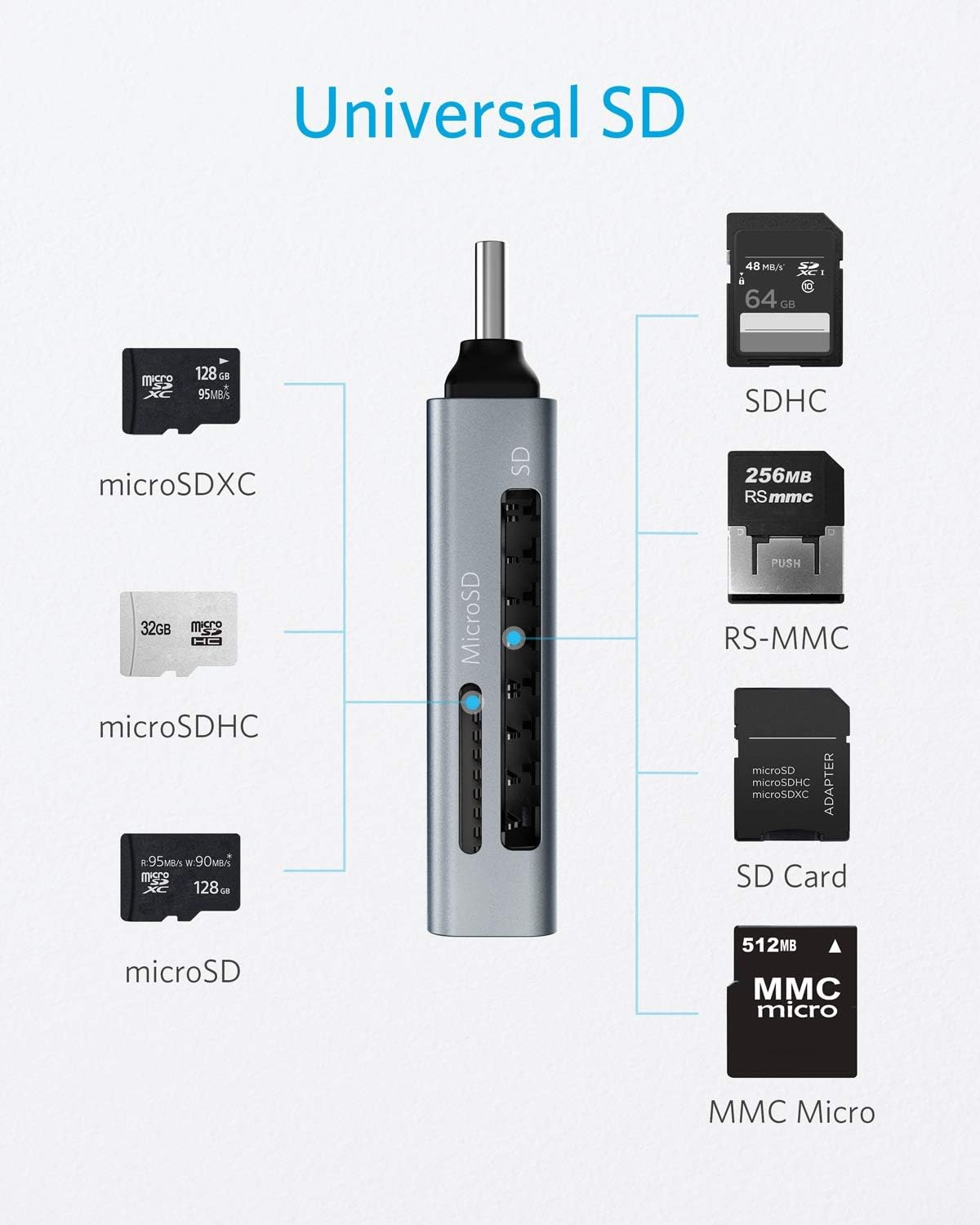
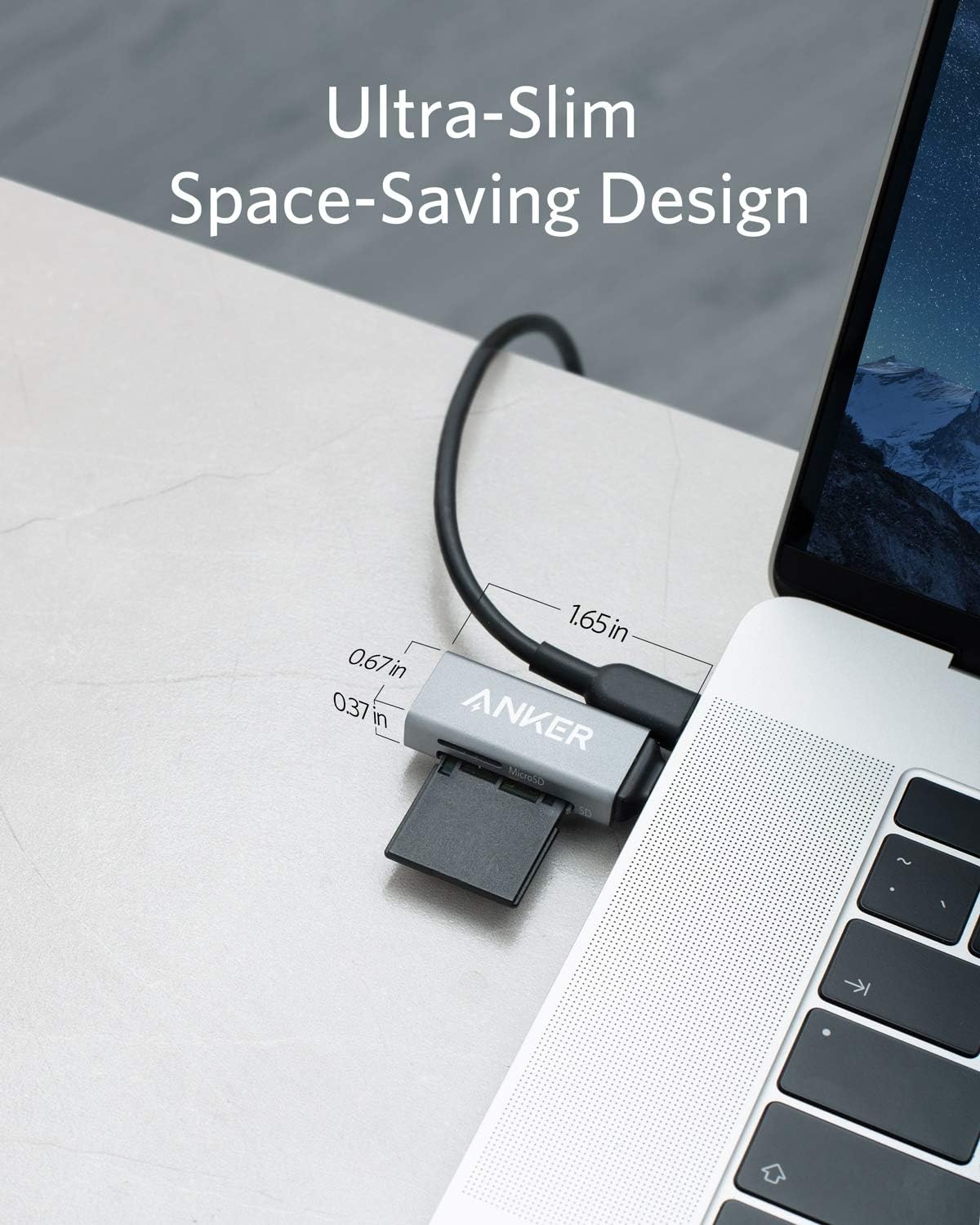
Its compact size is useful when desk space or bag room is limited. The listed card formats include SDXC, SDHC, SD, microSDXC, microSD, microSDHC, and UHS-I cards. No transfer speed is specified, so don’t choose it on the assumption that it will deliver a particular speed.
How to use it
Plug the reader into a USB-C port on a compatible device, then insert the SD or microSD card you want to access. The two-slot layout is handy when you need to swap between card formats or share files without carrying separate readers. For example, you could connect it to a laptop, check files on a standard SD card, then use the microSD slot for files from a smaller card.
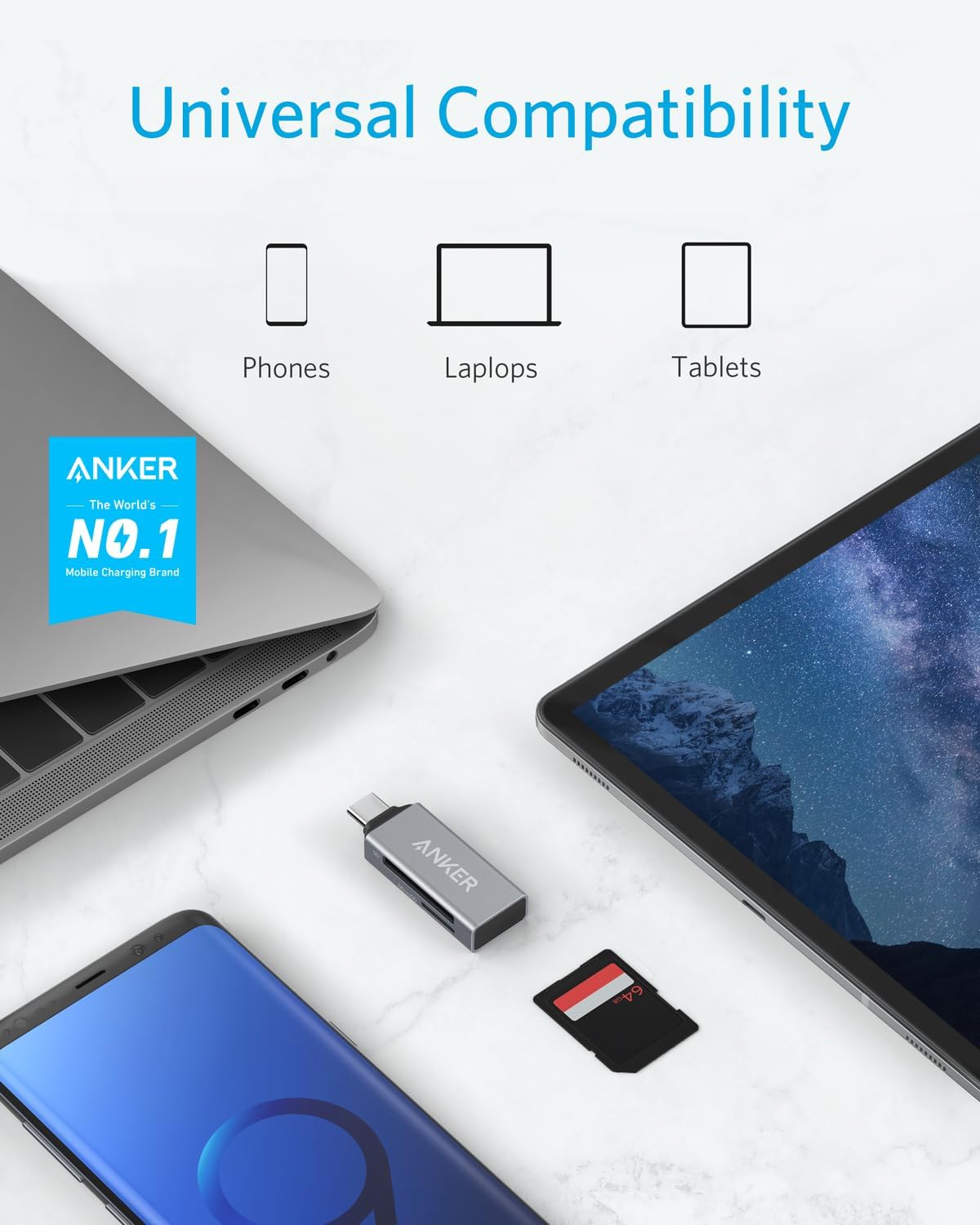
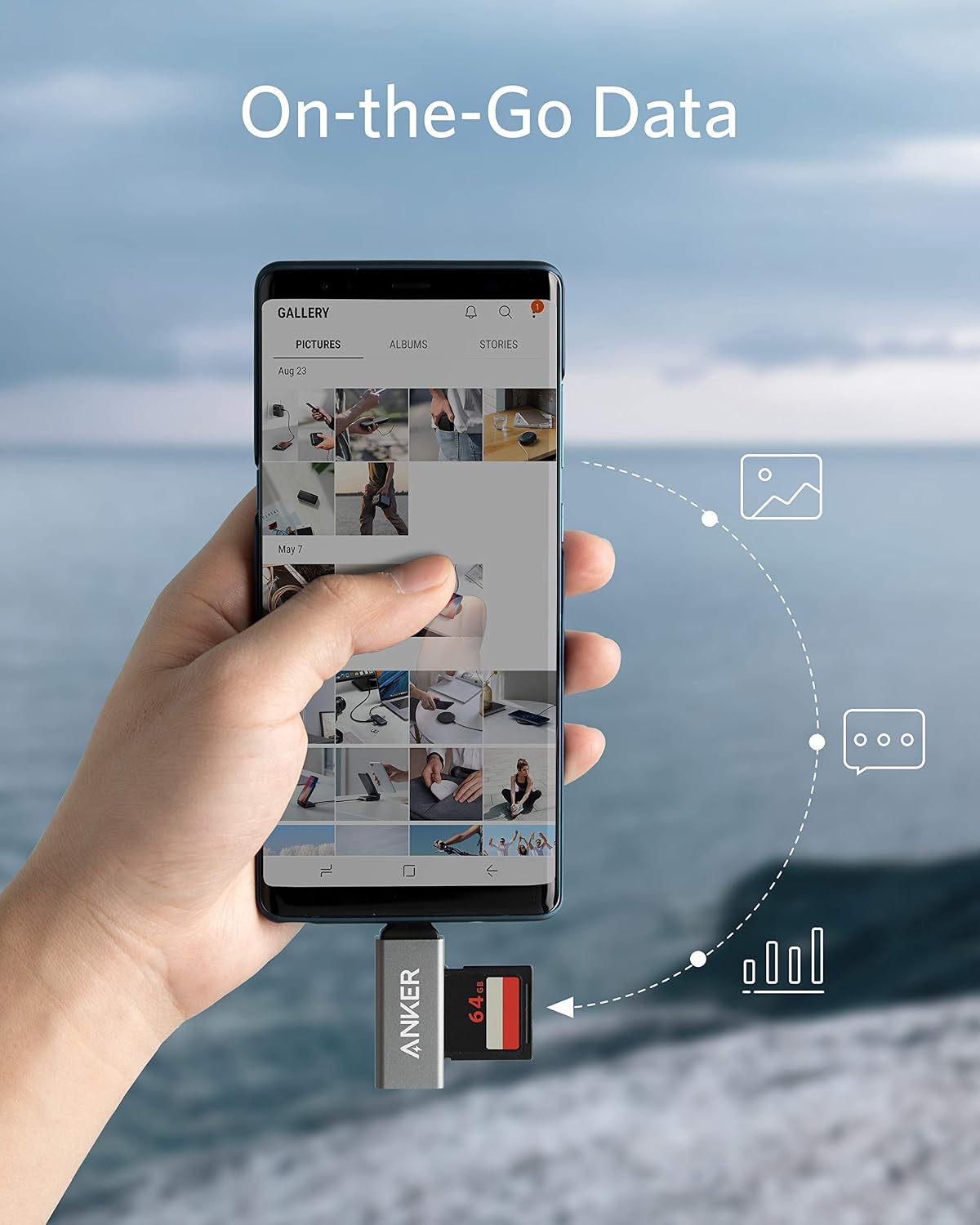
The product is also described for use with USB-C phones, which makes it a portable way to access card files away from a computer. Keep in mind that a phone or laptop case may block the connection, the product notes that you may need to remove the case before plugging it in. Compatibility is described broadly for USB-C devices, but the listing does not identify every supported device or operating system.
Practical tips
Before choosing it, match the card you use to one of the listed formats and check that your device has an accessible USB-C port. If your regular workflow involves both SD and microSD cards, having the two slot types in one reader can reduce the need to carry separate adapters. If you only use one card type, a single-slot reader may be enough, this model’s main practical difference is the second slot.
For a quick phone workflow, connect the reader, open the files you need, and copy or share them from the device. For laptop use, it can sit alongside other peripherals, though the exact clearance will depend on the ports and accessories around it. The listing calls the reader ultra-compact, but gives no measurements, so there is no way to judge its precise size from the available details.
Practical doubts
Which memory cards are listed as supported? The product names SDXC, SDHC, SD, microSDXC, microSD, microSDHC, and UHS-I cards. It has one standard SD slot and one microSD slot.
Can it connect to a phone as well as a laptop? It is intended for USB-C devices, including phones and laptops. The listing does not provide a complete device compatibility list, so check your device’s port and support for external card access.
Will it work with my phone case on? Not necessarily. The product notes that you may need to remove the case to connect the reader.
Should you buy it?
A solid pick if you want one small USB-C reader for switching between SD and microSD cards, especially when you may use it with both a phone and a laptop. Its appeal is the two-slot format and portable setup, rather than a stated transfer-speed advantage. From the way it is set up, it is aimed at straightforward access and file sharing, not at buyers who need confirmed performance figures or detailed device-by-device compatibility information. You may want to skip it if your case prevents a direct USB-C connection or you need specifications the listing does not provide.