

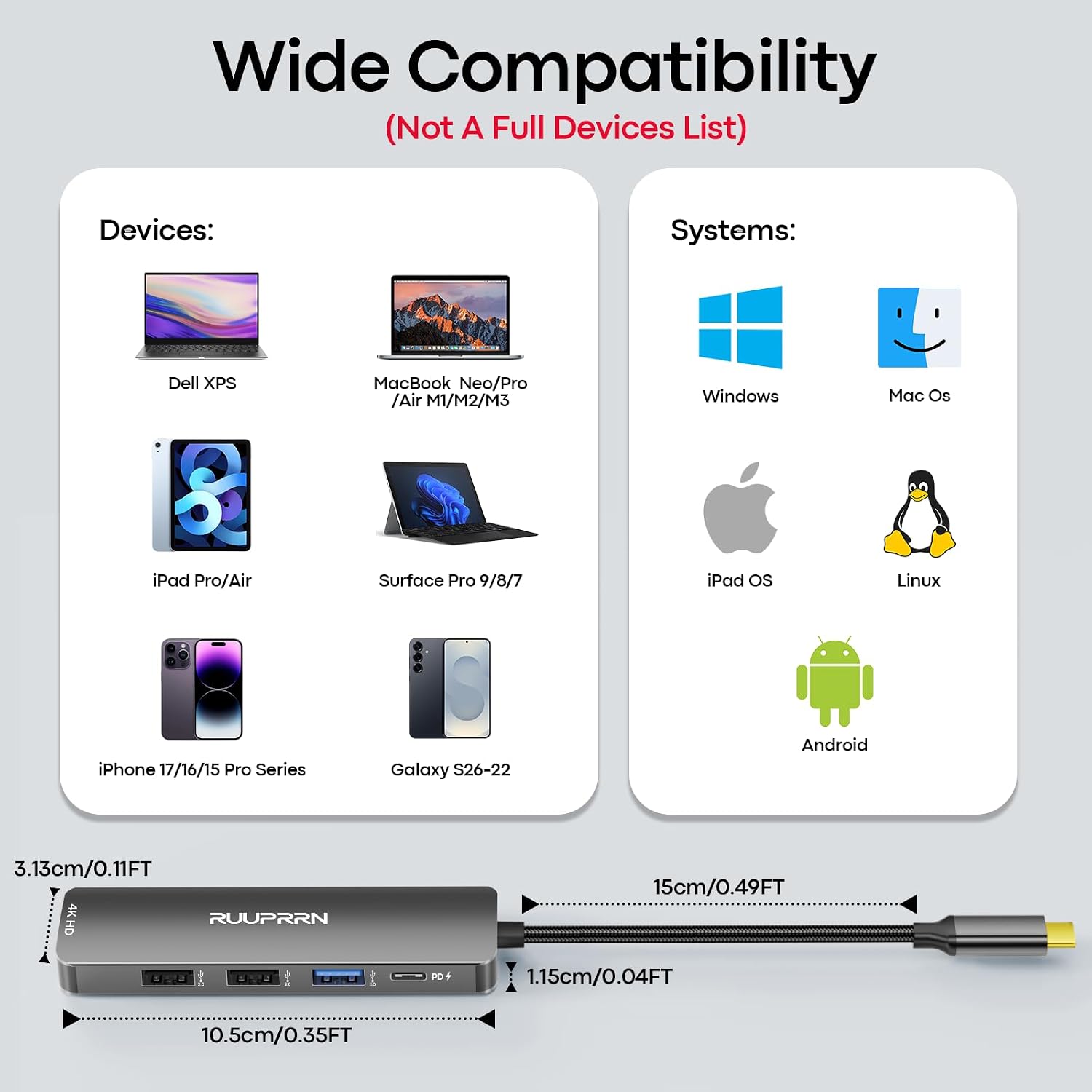
RUUPRRN USB-C hub 5-in-1
Product description
A laptop with only a few USB-C ports can make a simple desk setup feel unnecessarily complicated. This RUUPRRN hub brings HDMI, pass-through charging, and three USB-A connections together, so you can connect a display and everyday accessories through one adapter instead of juggling separate dongles.
It’s a compact option for work, travel, or a temporary home setup, with an important video-output requirement to keep in mind.
Highlights
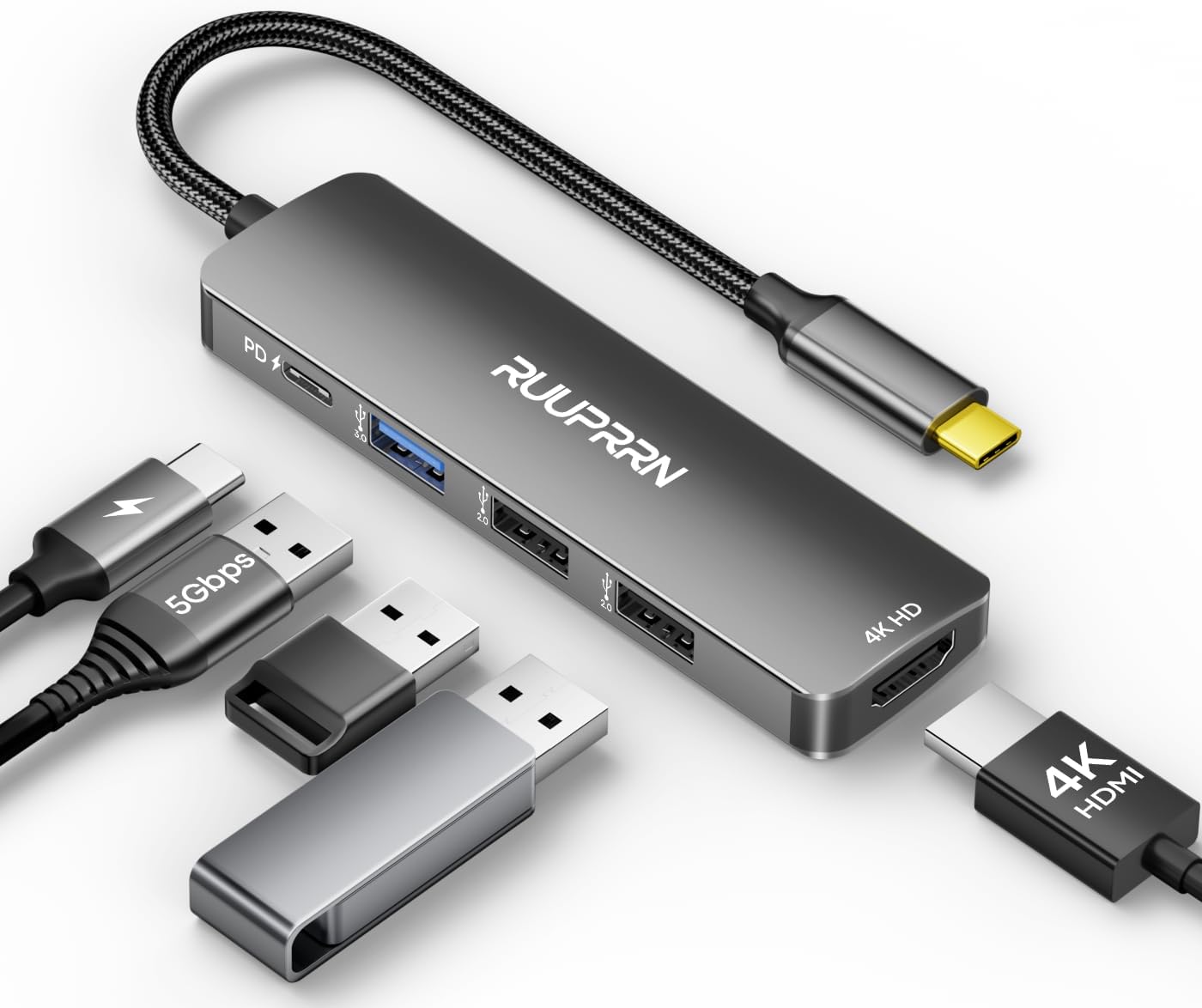
The hub combines a 4K 30Hz HDMI output, a USB-C power delivery input, one USB 3.0 port, and two USB 2.0 ports. That mix is useful when you need a monitor or TV alongside a mouse, keyboard, or storage device. The USB 3.0 port supports data transfer up to 5Gbps, the two USB 2.0 ports are positioned for slower everyday accessories rather than fast file copying.
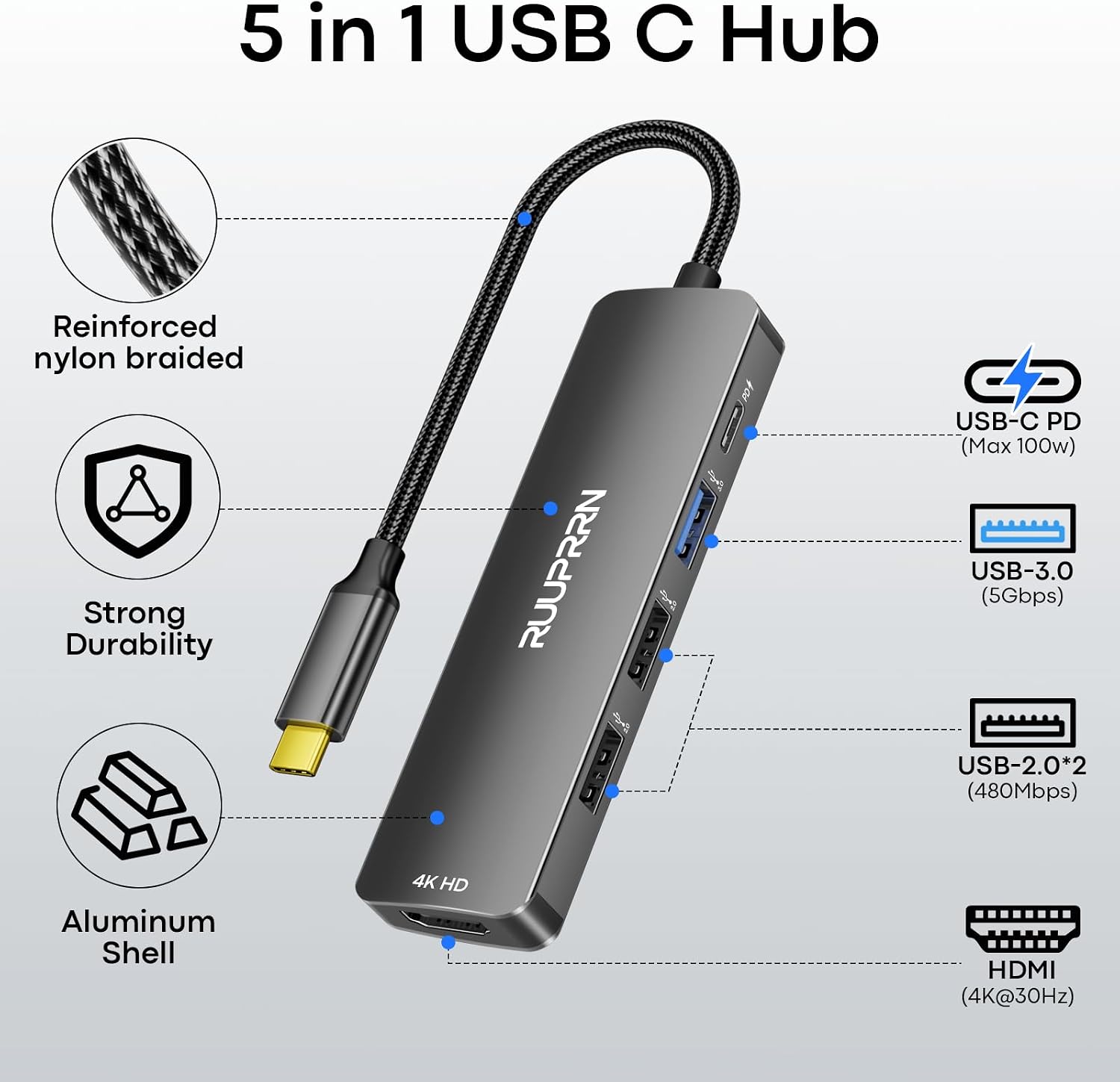
The PD port accepts power from an external wall charger and can pass through up to 90W to the host, with 10W reserved for the hub. It does not provide data or video, and it is not intended to power peripherals. HDMI supports mirroring and extending a display, but the connected computer or device must support DP Alt Mode for video output.
Best use cases

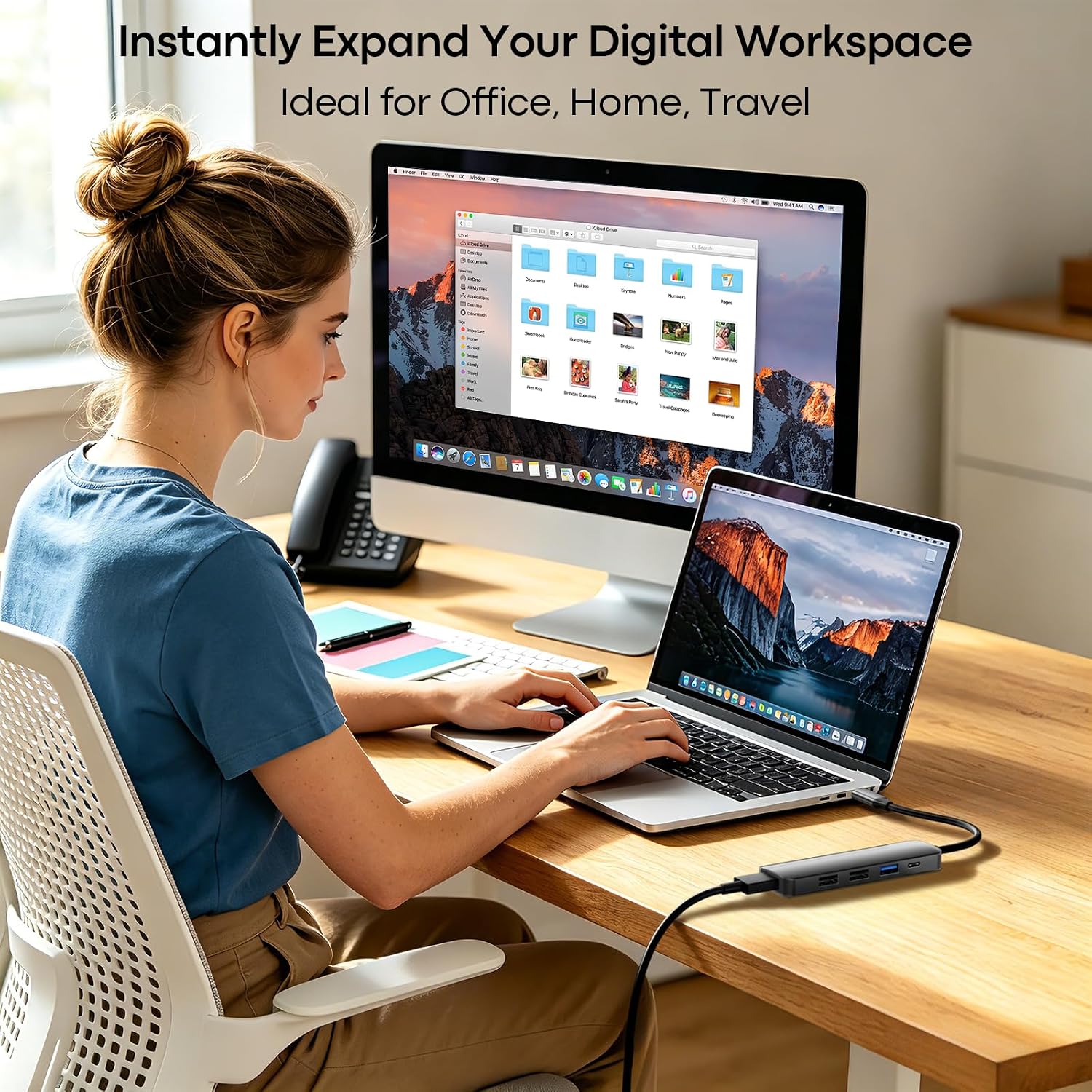
This layout makes sense for a meeting room where you want to connect a laptop to a presentation screen and keep a mouse plugged in, or for a travel setup where a few wired accessories need to share one hub. It also gives you a straightforward way to connect a flash drive or external drive while keeping the host connected to a charger.
Compared with a basic USB-C-to-HDMI adapter, this adds USB-A connections and pass-through power. A more demanding workstation may call for a hub with different ports or display capabilities, this model’s listed HDMI output is 4K at 30Hz, not a higher refresh rate.
Tips for day-to-day use
Connect a compatible wall charger to the PD input when you want to charge the host through the hub. Keep in mind that the USB-C port is for host charging only, so it won’t add another data connection or drive a display. The USB-A ports are mainly for data, and charging accessories through them is not recommended.
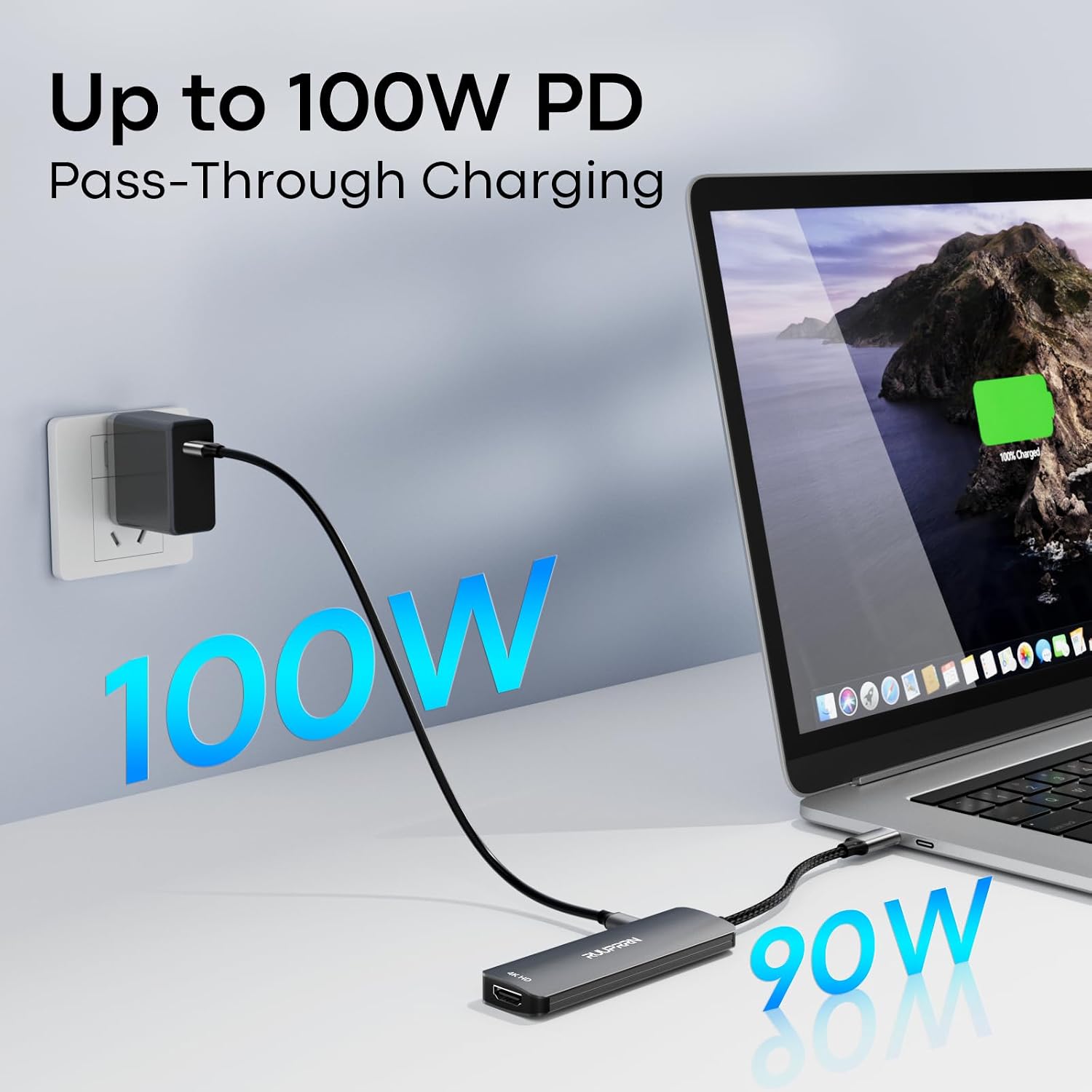
For a presentation or file transfer, avoid connecting or disconnecting the charger while the session is underway: the product notes that doing so can interrupt the signal. If HDMI produces no picture, check whether the host’s USB-C port supports DP Alt Mode rather than assuming the cable or screen is the issue.
Practical doubts
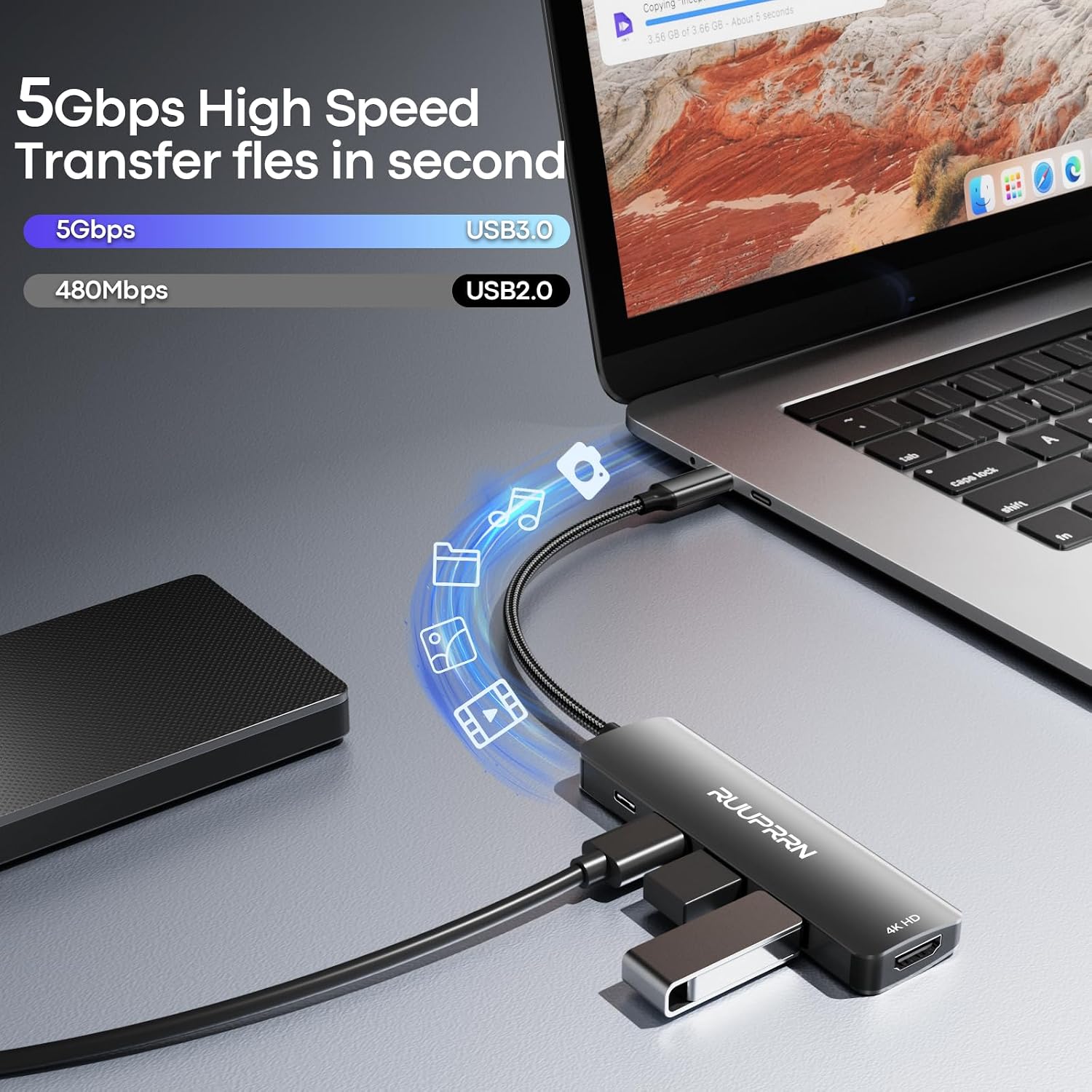
Does the hub support 4K at 60Hz? No. Its stated HDMI support is 4K at 30Hz.
Can the PD port transfer files or send video? No. It is an input for charging the host, not a data or video port.
Can I charge a phone or other accessory through the USB-A ports? The USB-A ports are described mainly for data transfer, and charging through them is not recommended.
When it makes sense
It suits you if you need a small adapter for a compatible USB-C device, occasional HDMI output, host charging, and a few USB-A accessories in one place. The listed compatibility includes laptops, tablets, and phones, but video output still depends on DP Alt Mode support from the host. You may want to skip it if your setup needs 4K at a higher refresh rate, USB-A ports for charging accessories, or a PD connection that also handles data or video.