

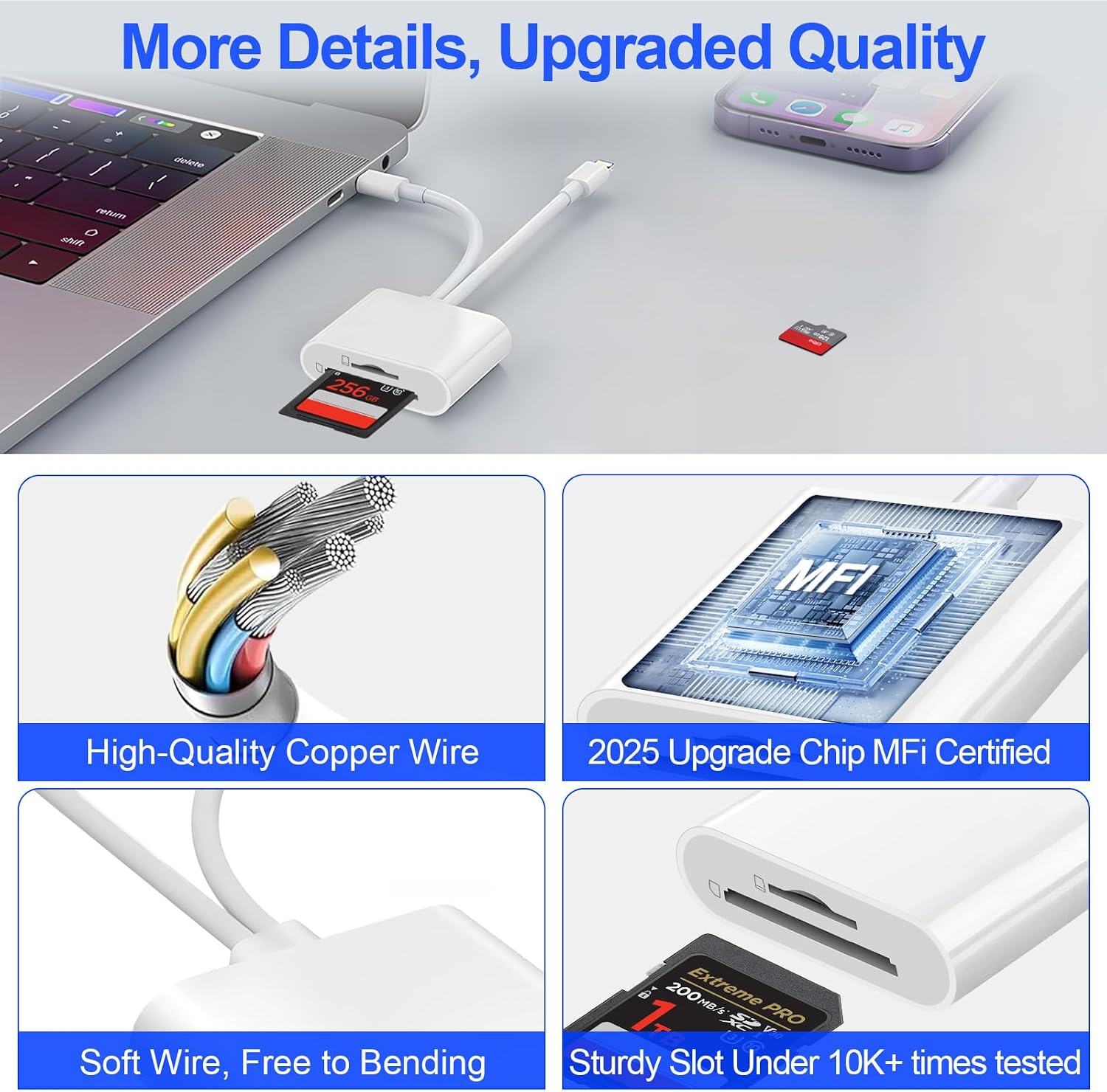
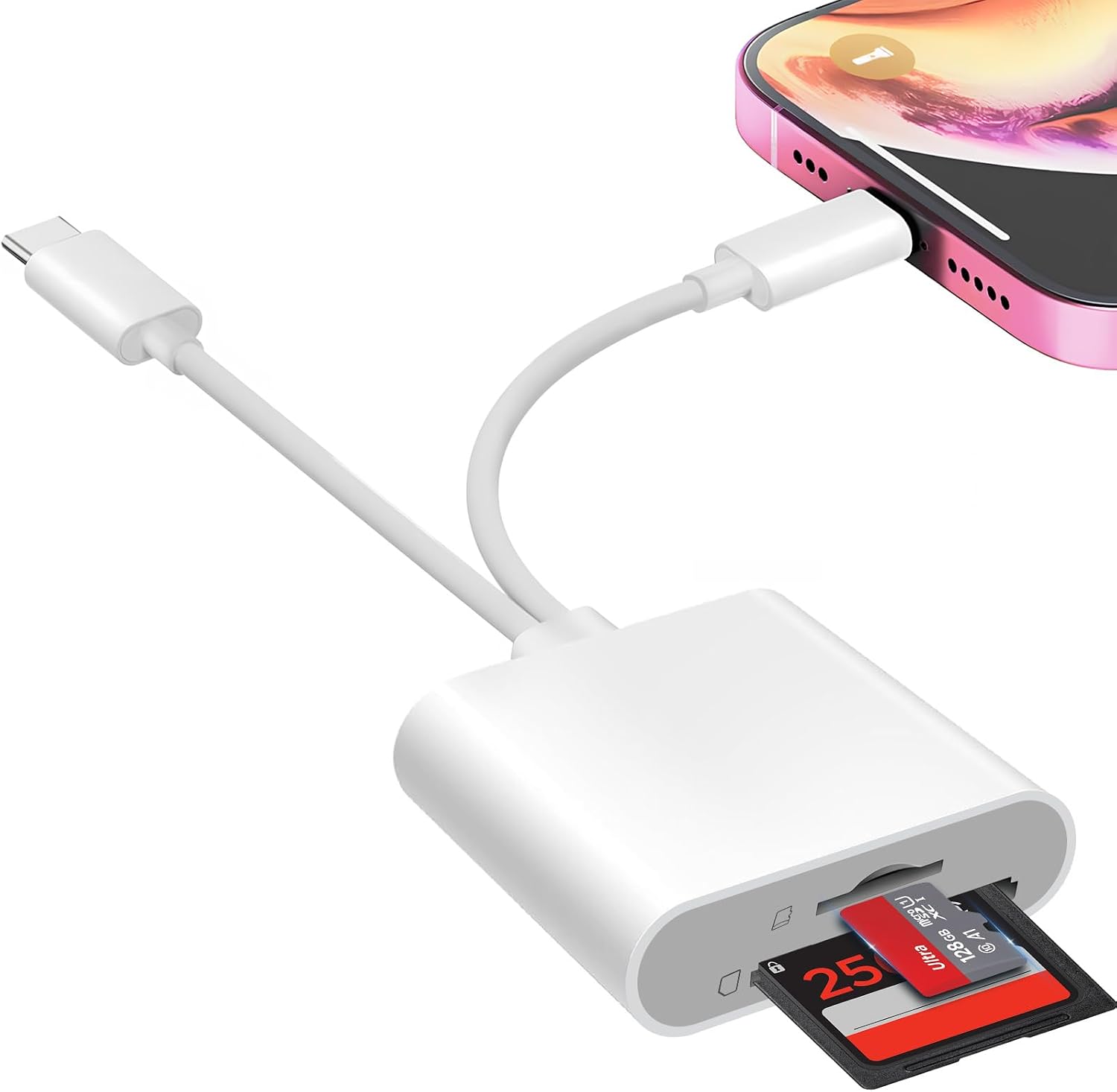
Denlane SD Card Reader for iPhone, iPad, USB-C and Lightning, SD/microSD
Product description
Two built-in connectors let this Denlane card reader connect to Lightning or USB-C devices, so you can move camera files without carrying a separate adapter. It supports SD and microSD card formats and is designed for photo and video transfers. Need to review shots away from a computer? This reader is intended to make that possible with a compatible phone or tablet.
Where it shines
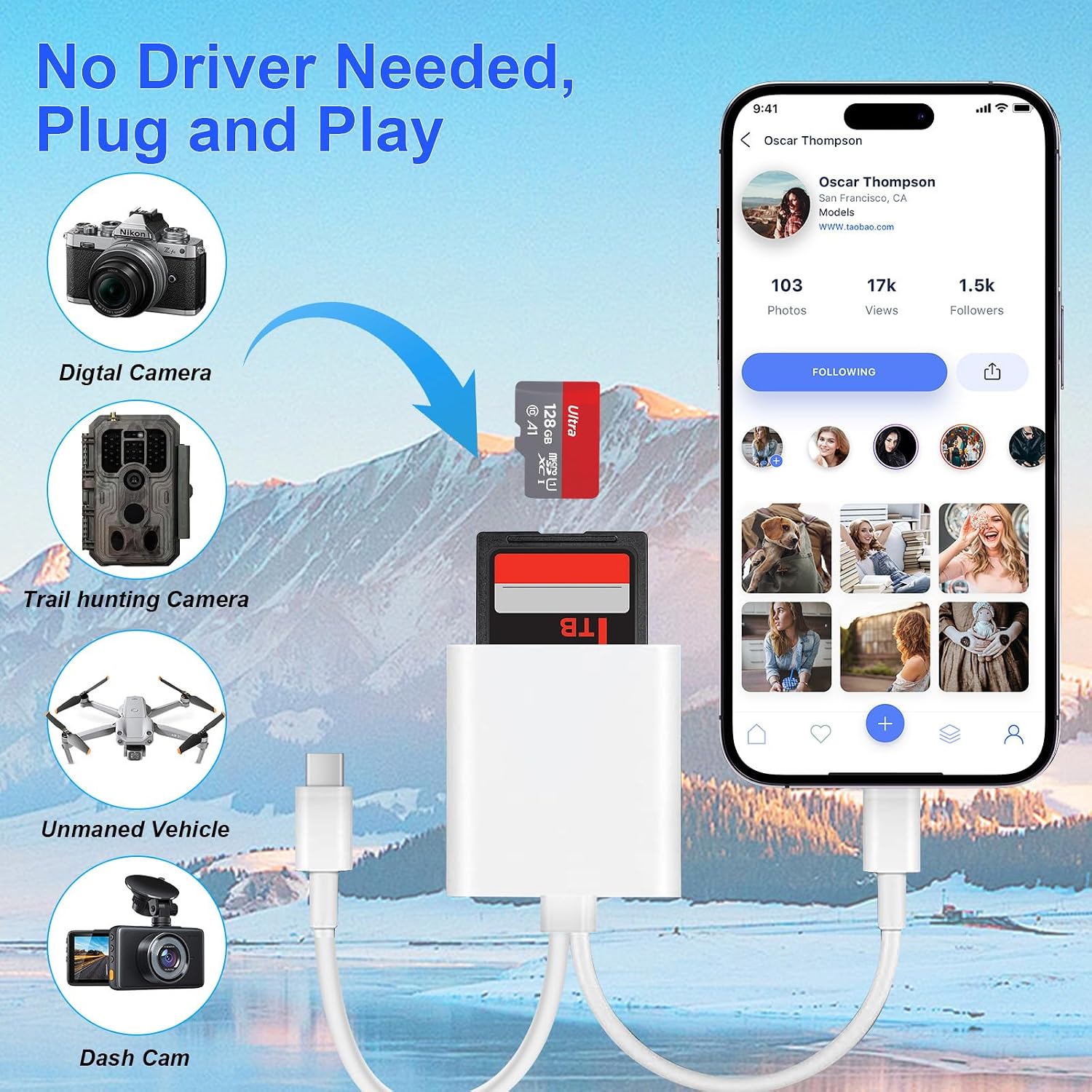
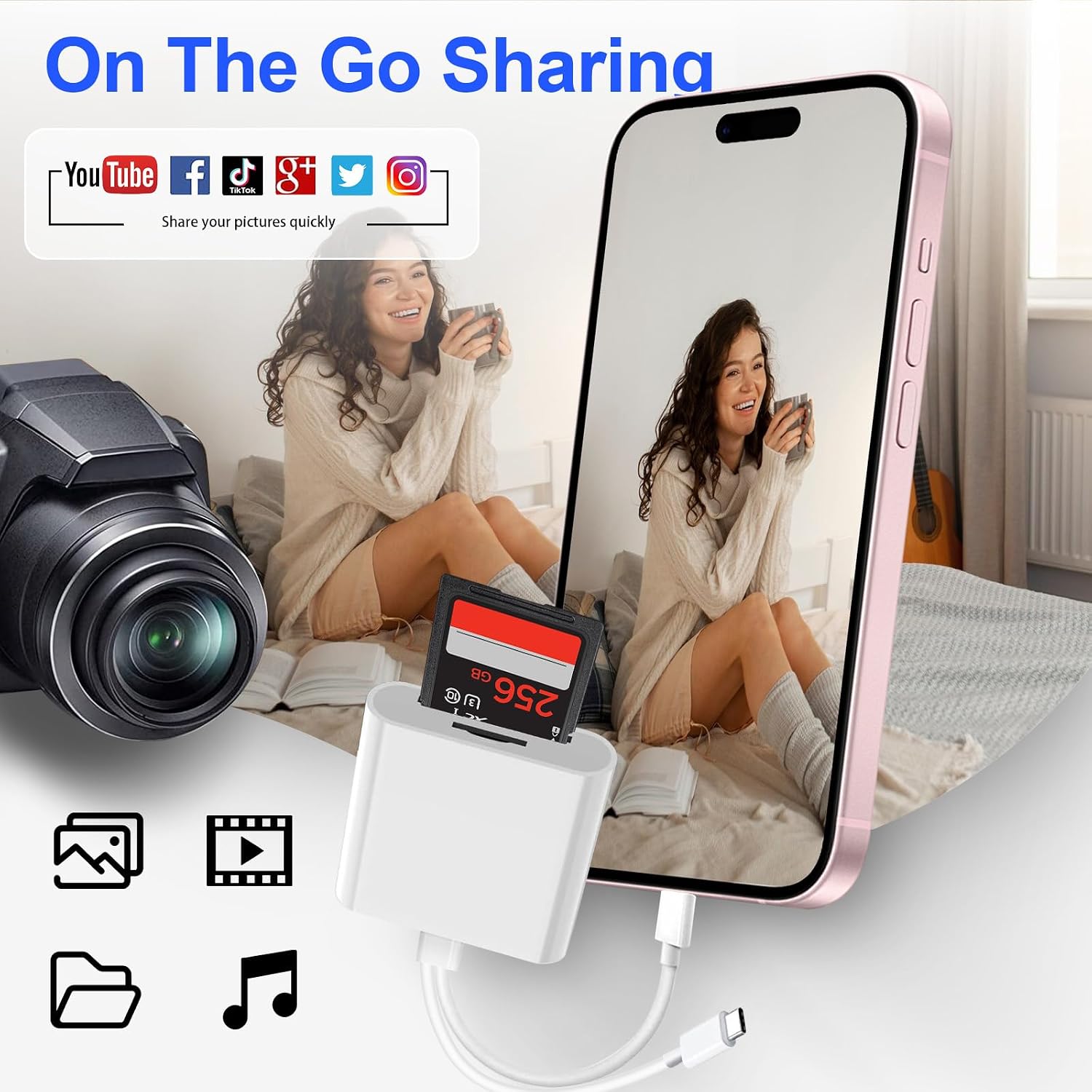
The reader is suited to a simple workflow: take an SD or microSD card from a digital camera, connect it to a compatible iPhone, iPad, Mac, or USB-C device, then access or transfer files. The product listing says it works without a third-party app, network connection, driver, or extra power. It also describes two-way transfers, including moving files from a device back to a memory card.
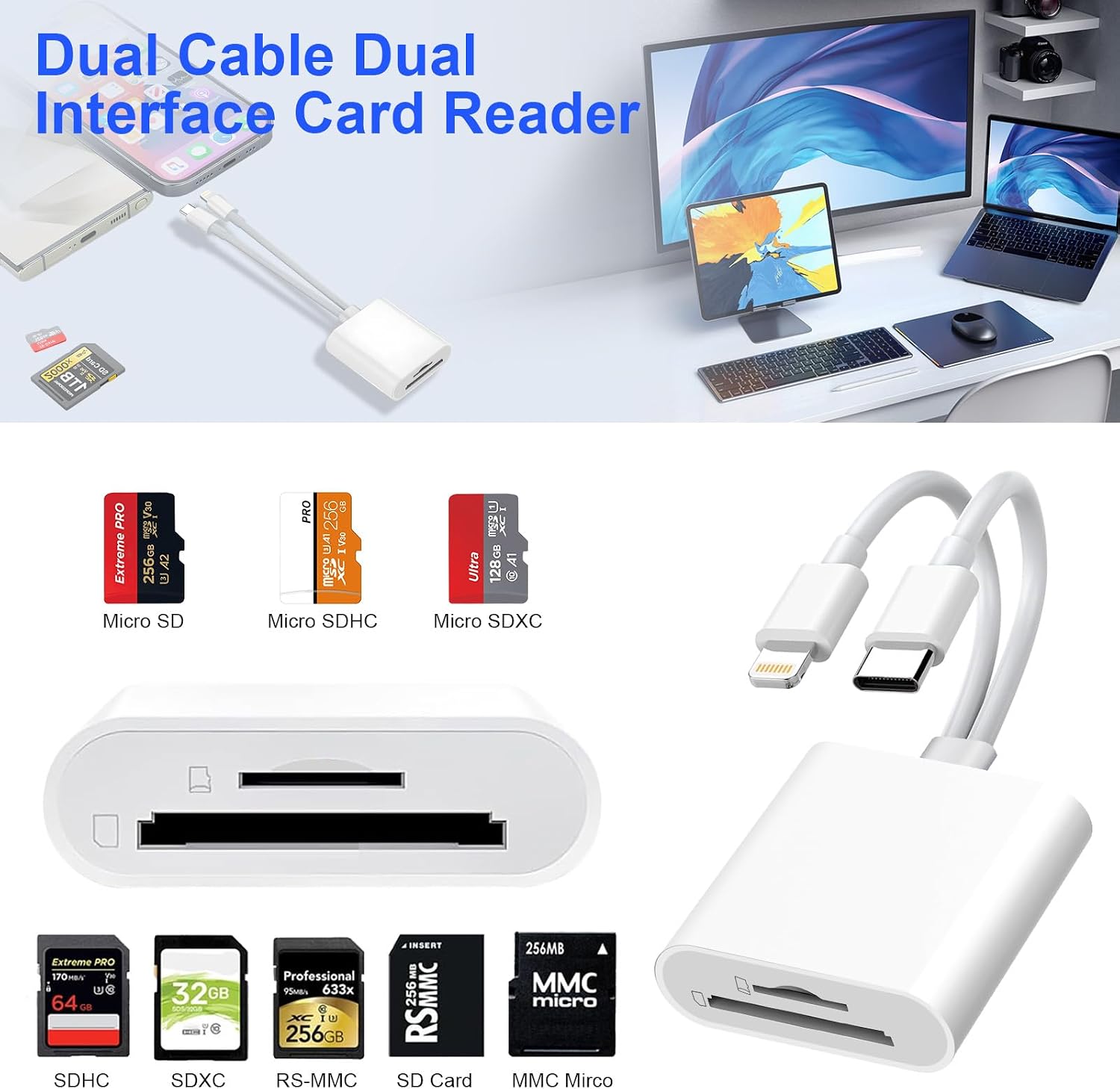
Its fixed Lightning and USB-C connectors cover two common connection types in one accessory. The connectors cannot be used simultaneously, so you choose the one that matches the device in use. For a photographer who wants to review camera images on a phone while away from a computer, that combination is more direct than carrying a reader with only one connector and adding a separate adapter.
What matters most
Supported formats listed include SD, SDHC, SDXC, microSD, microSDHC, and microSDXC. The listing also names FAT32 and exFAT support, plus JPEG and RAW photos and H.264 and MPEG-4 video. It gives a transfer rate of 68 megabits per second, that figure is worth considering if large files or frequent transfers are part of your routine, rather than assuming the reader will feel equally quick in every setup.
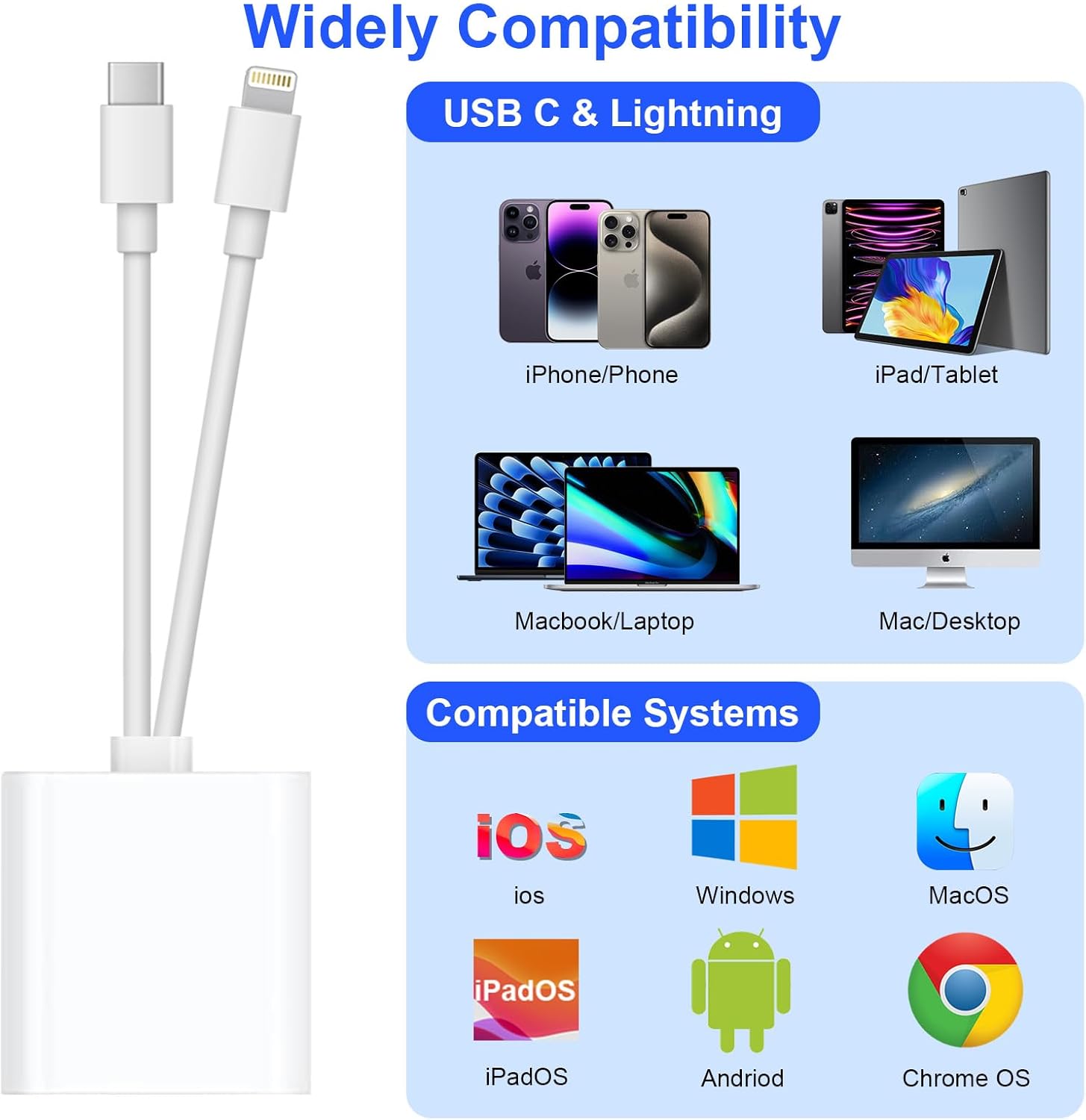
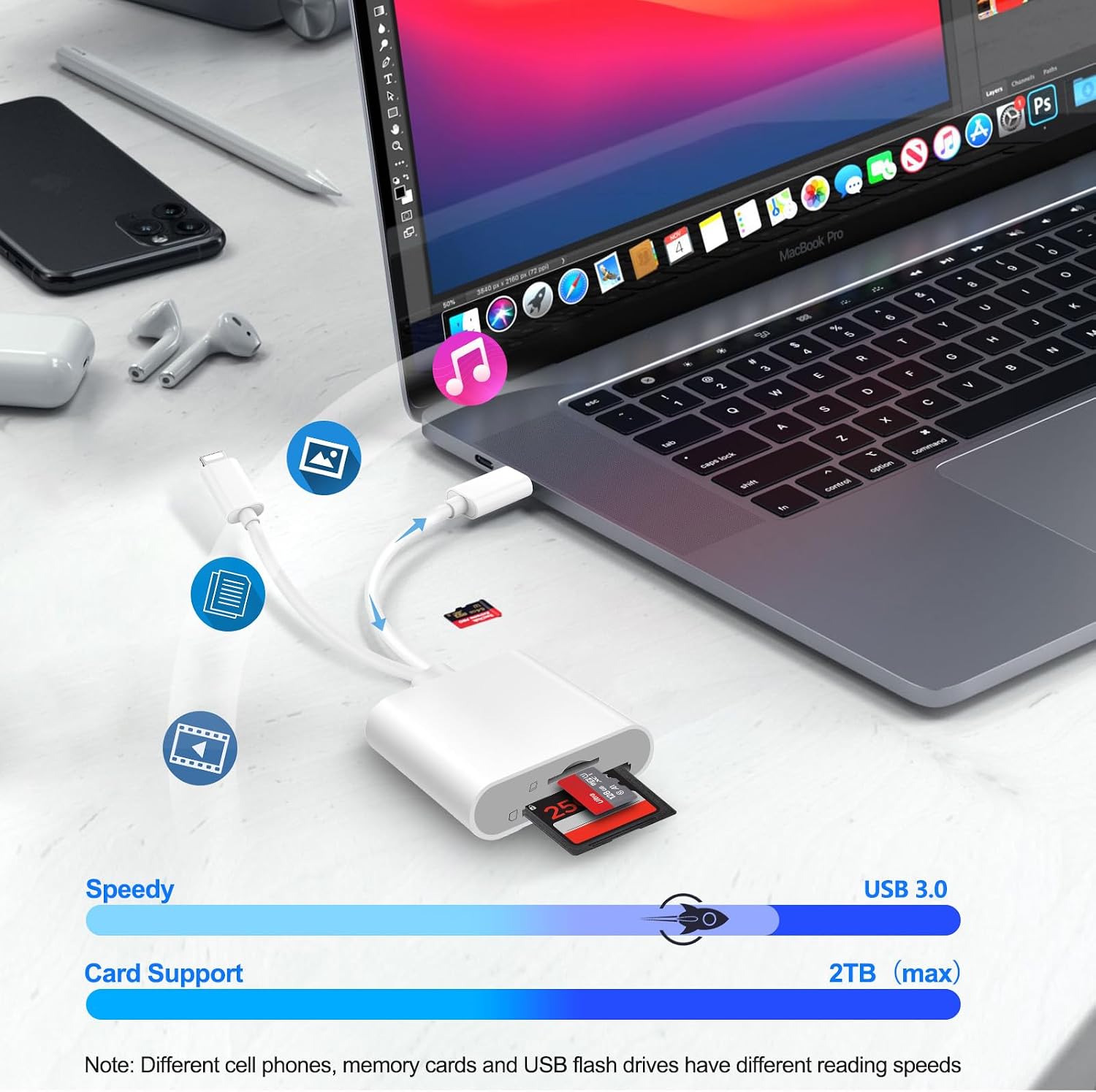
The product is listed as compatible with iOS, Android, Windows, macOS, iPadOS, and ChromeOS devices with the appropriate Lightning or USB-C connection. Micro-USB devices are explicitly excluded. Compatibility can still depend on the particular device: buyer feedback includes both reports of smooth iPhone and iPad connections and reports that the reader did not connect. Buyers also praise ease of use and compactness, while comments on durability are mixed. The listing identifies the reader as MFi certified, but that does not resolve compatibility questions for every individual device.
Who it’s for
It’s a great fit if you want a small, direct way to access camera-card files on a compatible phone, tablet, or computer, especially when switching between Lightning and USB-C devices. It’s not for you if your device only has a micro-USB connector, or if you need to use both connectors at once. For occasional photo review, its plug-and-play approach may be more convenient than bringing a laptop, for demanding workflows, the stated transfer rate and your device’s compatibility are relevant selection factors.
What to clarify
Can both connectors be used at once? No. The product information says the Lightning and USB-C interfaces cannot operate simultaneously.
Does it require an app or external power? The listing says no third-party app, network, driver, or extra power is required.
Which cards can it read? Supported formats listed include SD, SDHC, SDXC, microSD, microSDHC, and microSDXC. The product name also mentions SIM cards, but the detailed supported-card list does not identify SIM as a supported format.
Buying verdict
Choose this Denlane reader if its built-in connector matches your device and you want to transfer supported camera-card files without a separate adapter or app. Its dual-interface design is practical for a mix of Lightning and USB-C gear, but check your device and card format before relying on it, particularly given the mixed compatibility feedback. If you need micro-USB support or simultaneous connections, this is not the right match.