

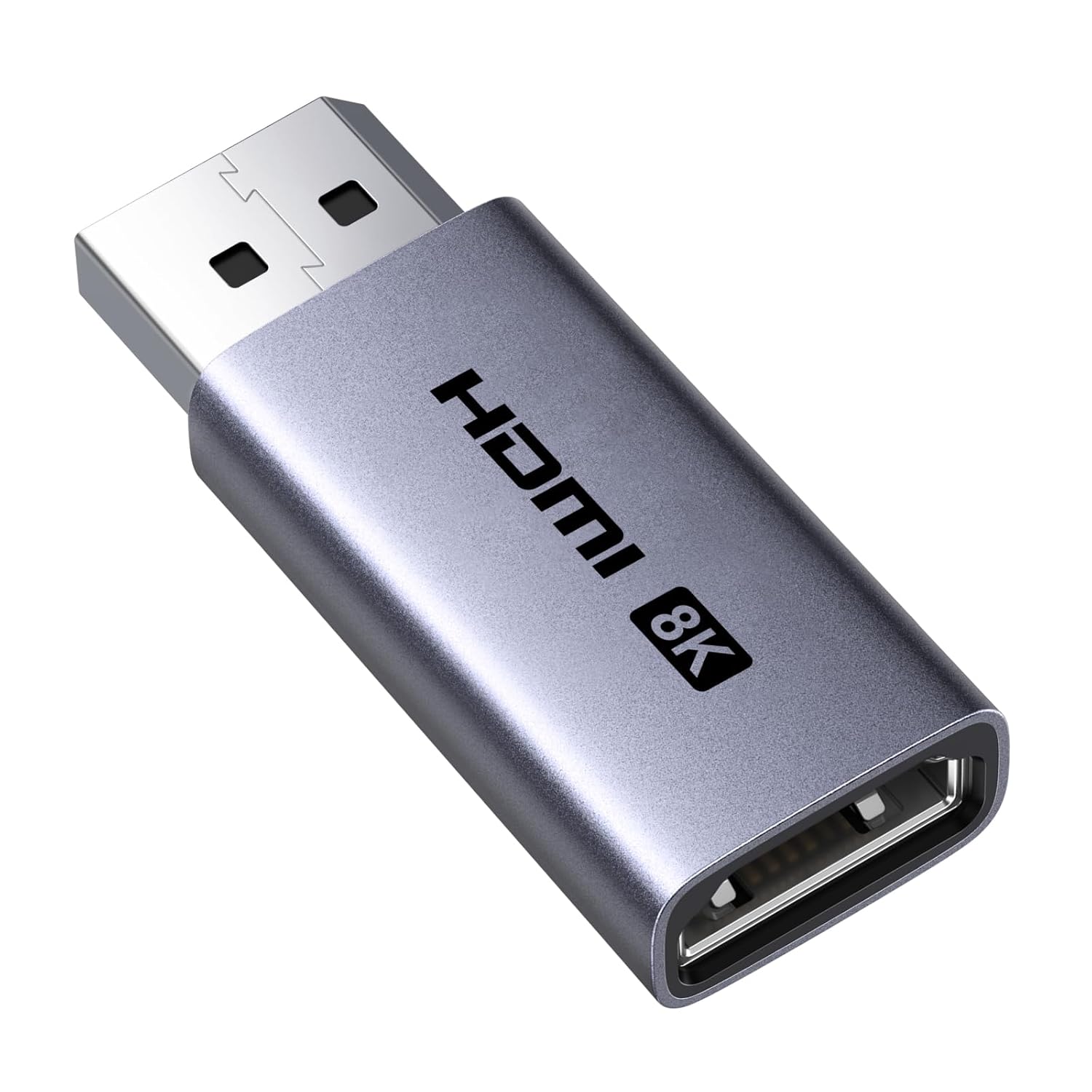
UGREEN DisplayPort to HDMI Adapter 8K@60Hz
Product description
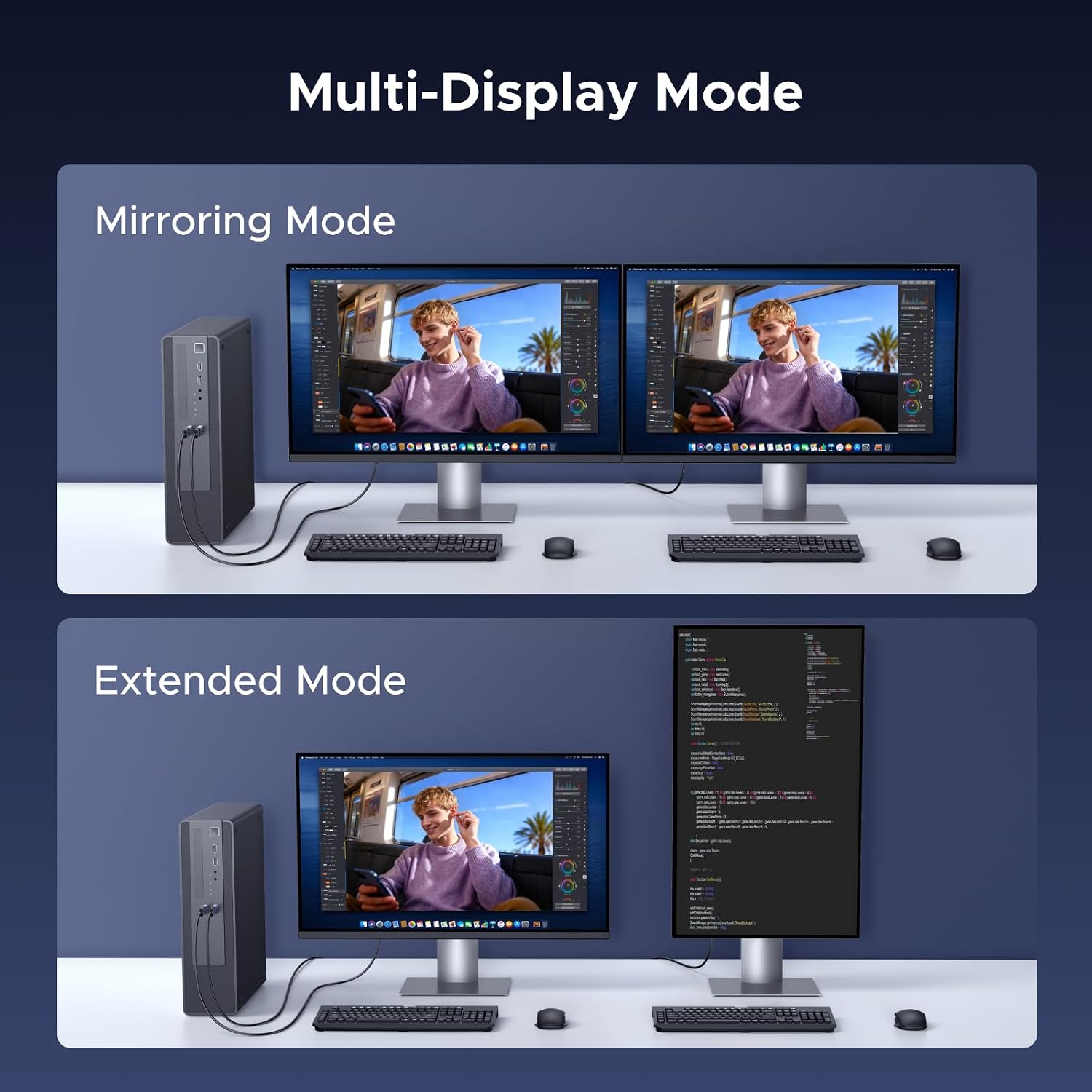
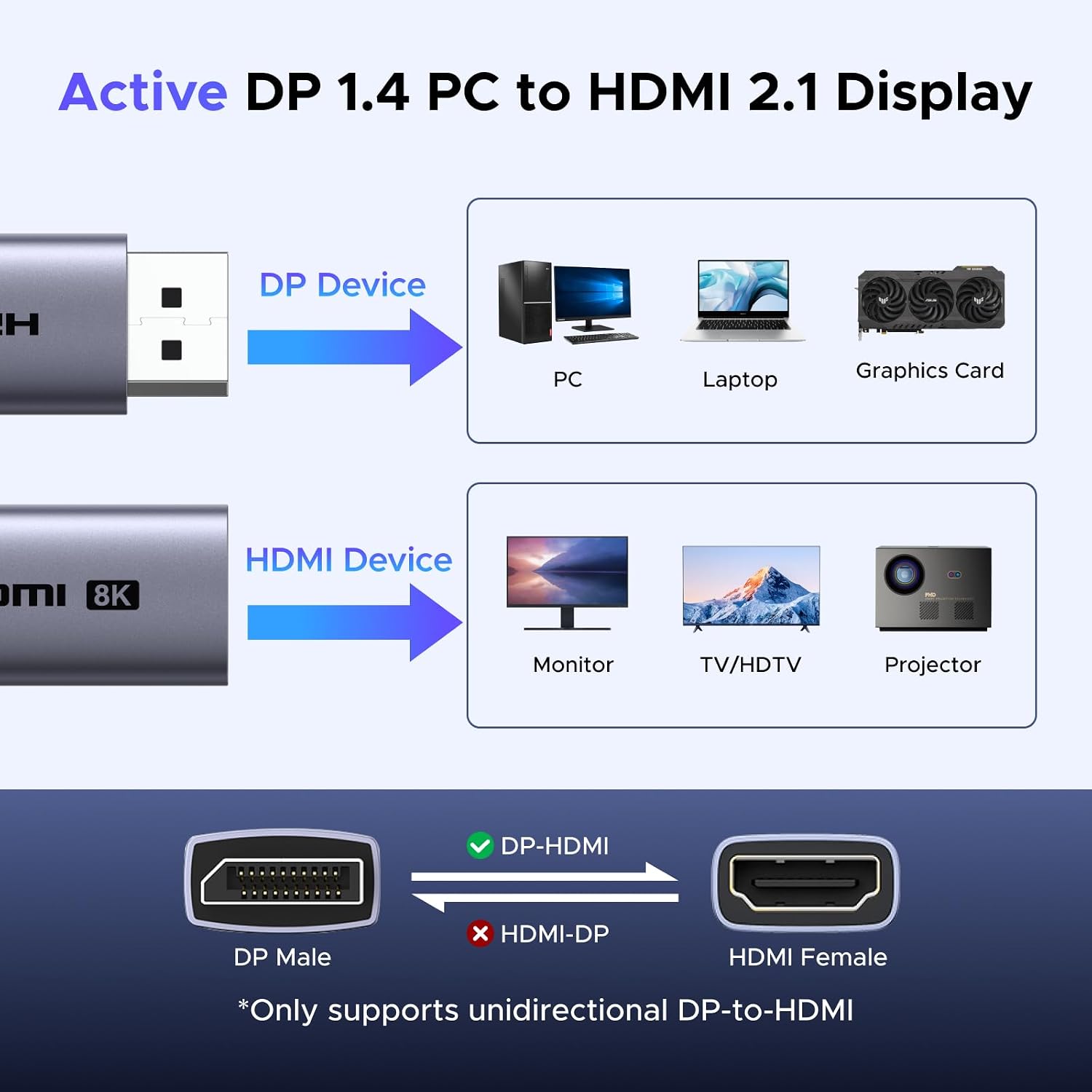
When a desktop PC has DisplayPort output but your monitor or TV takes HDMI, this UGREEN adapter bridges that specific gap. It is an active, one-way converter: DisplayPort is the source, and HDMI is the display connection. That makes it relevant for a PC gaming setup or a computer connected to a larger screen, but not for sending HDMI from a console or laptop into a DisplayPort display. It supports high refresh rates and resolutions, though the result depends on what both connected devices can handle.
Best use cases
This adapter makes sense when you want to connect a DisplayPort-equipped computer to an HDMI monitor or TV without installing drivers. For example, you can plug its DisplayPort male connector into a PC, then connect an HDMI cable from the adapter’s female port to a screen. The setup may suit gaming when you’re trying to use a high-refresh display, or movie watching when resolution and HDR support matter. It also supports 3D and audio-video synchronization.
The key detail is direction. It converts DisplayPort to HDMI, not HDMI to DisplayPort, and the listing specifically excludes HDMI-source devices such as PS5, PS4, Switch, Switch 2, Xbox, MacBook, GoPro, and docking stations. Worth considering if your computer has DisplayPort output and your screen accepts HDMI, It’s not for you if the signal needs to travel the other way. Without having tried it, the practical takeaway is to check the ports and supported modes on both devices before choosing it.
Product specs
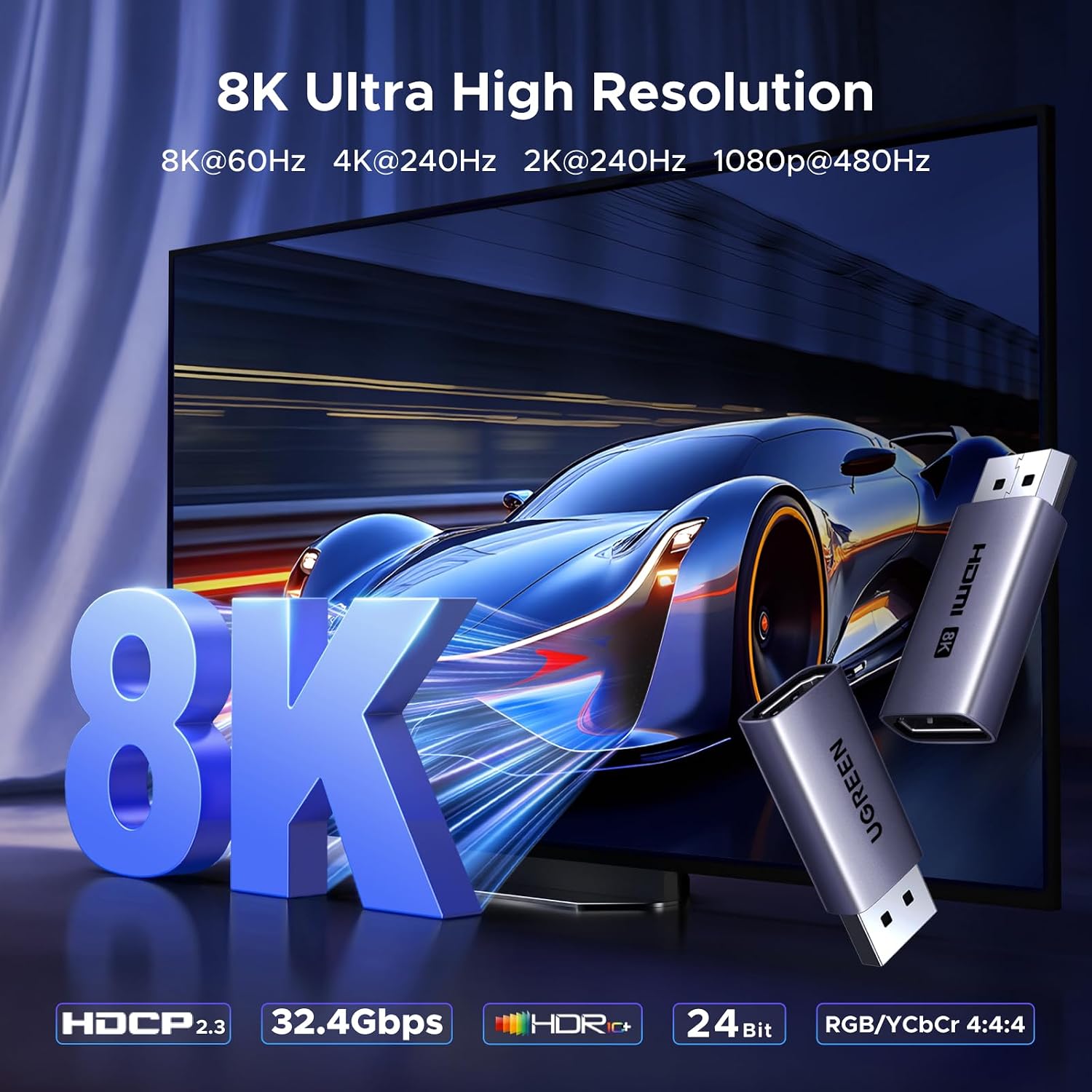
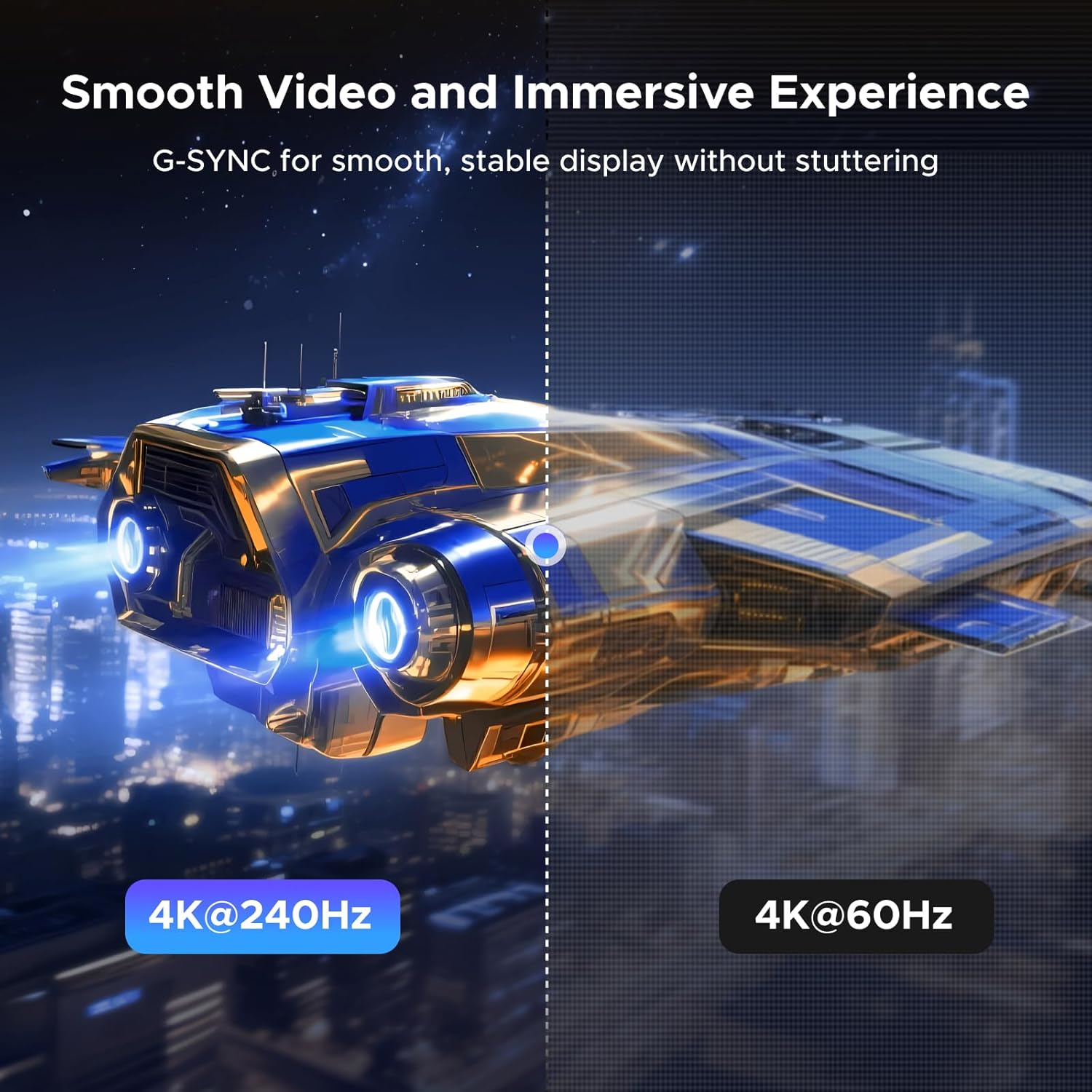
The adapter supports up to 8K@60Hz, with listed backward support for 4K@240Hz, 2K@240Hz, and 1080P@480Hz. Those figures describe supported modes, not a guarantee that every PC-and-display combination will reach them. For 8K@60Hz specifically, both the DisplayPort source and HDMI monitor must support that mode.
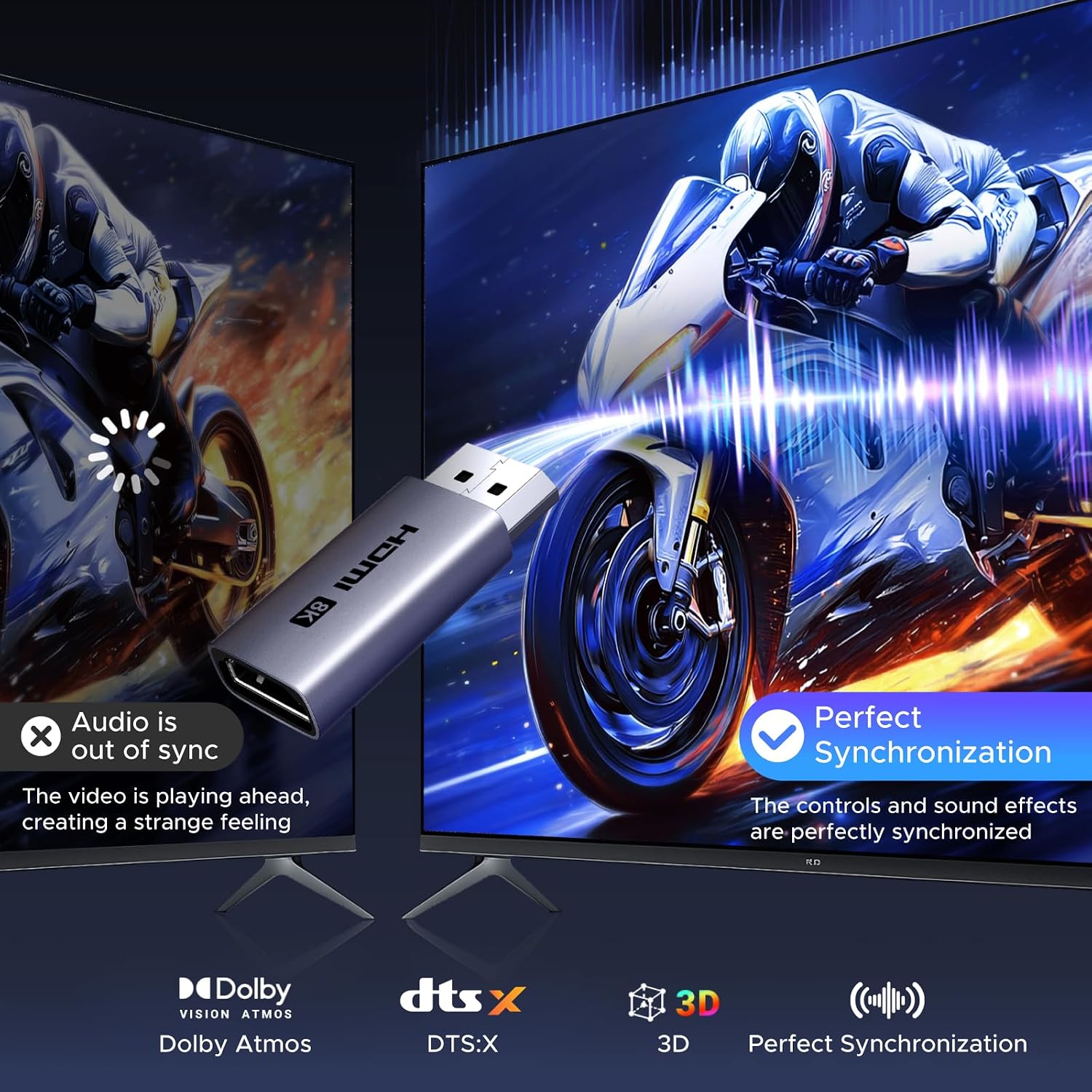
It uses DisplayPort 1.4 on the input and HDMI 2.1 on the output, with HDCP 2.3, DSC 1.2a, HDR 10+, and a stated 32.4Gbps connection. Audio support includes 24-bit/192kHz sampling. The body has an aluminum housing, tinned copper conductors, aluminum foil and Al/Mg braided shielding, and 1µ gold-plated ports. No driver installation is required, you’ll still need an HDMI cable to connect the adapter to the display.
Where it shines
The useful distinction here is between a simple port converter and an adapter aimed at demanding display modes. If your setup is a DisplayPort PC paired with an HDMI screen, the listed refresh-rate options give you more room than a basic connection intended only for standard viewing. The aluminum housing and shielding are also part of the design for heat dissipation and interference reduction, although they don’t remove the need to match the source and screen capabilities.
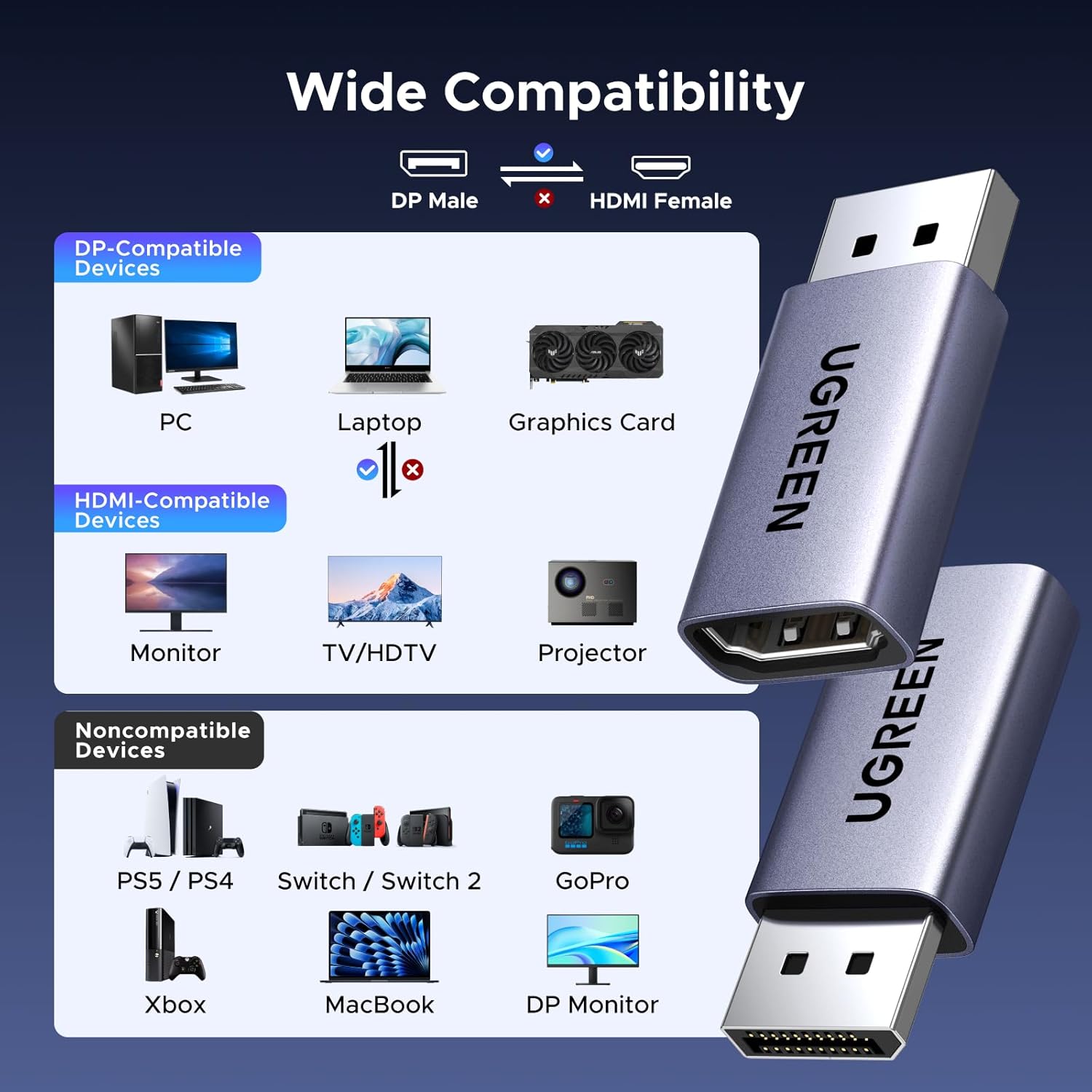
So, are those top-end modes useful in your setup? Only if the graphics output, adapter, HDMI cable, and display all support the mode you want. The product listing names AMD and NVIDIA graphics compatibility, including RTX 50/30/40 and RX 6000/7000 series, along with other DisplayPort devices. Treat the exact resolution and refresh rate as a system-level match rather than something the adapter can create on its own.
Final verdict
Choose this UGREEN adapter when you need a one-way DisplayPort-to-HDMI connection and want support for high-resolution or high-refresh output from a compatible PC. Its strongest buying point is the combination of an active conversion design and a broad range of listed display modes, plus plug-and-play setup. The tradeoff is strict directionality: it won’t help with an HDMI-output console or another excluded HDMI source, and maximum performance depends on both ends of the connection. If your ports and display mode line up, it addresses a specific connection problem, if they don’t, a different adapter direction or connection type is the better fit.