

RUUPRRN DisplayPort to HDMI Adapter 4K@60Hz
Product description
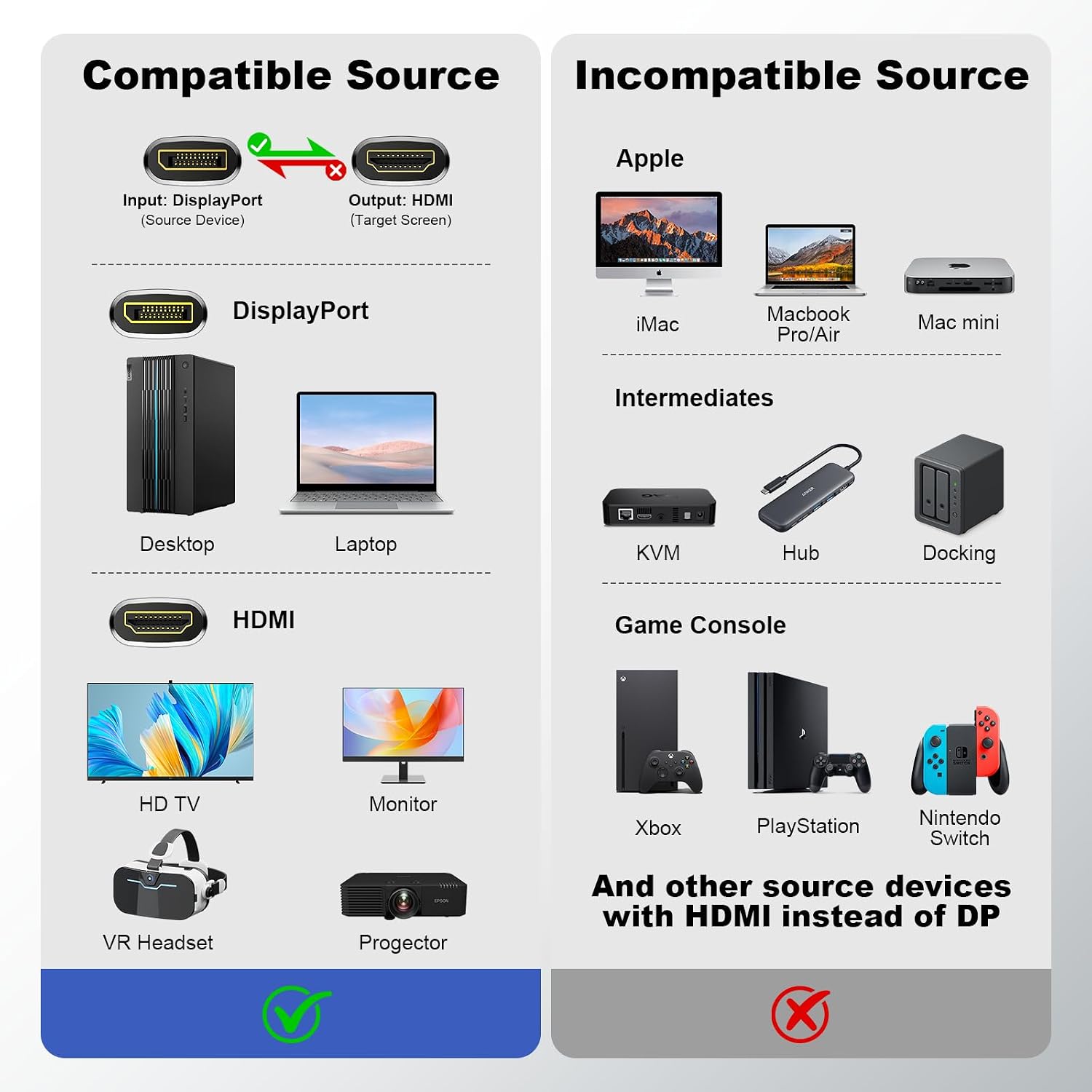
For desktop and laptop owners with a DisplayPort output who need to connect to an HDMI monitor, TV, or projector, this active adapter handles a one-way connection from the source to the display.
It supports up to 4K at 60Hz, plus listed 1440p and 1080p modes. That gives you a practical route to a sharper external screen without adding a separate power connection or installing drivers.
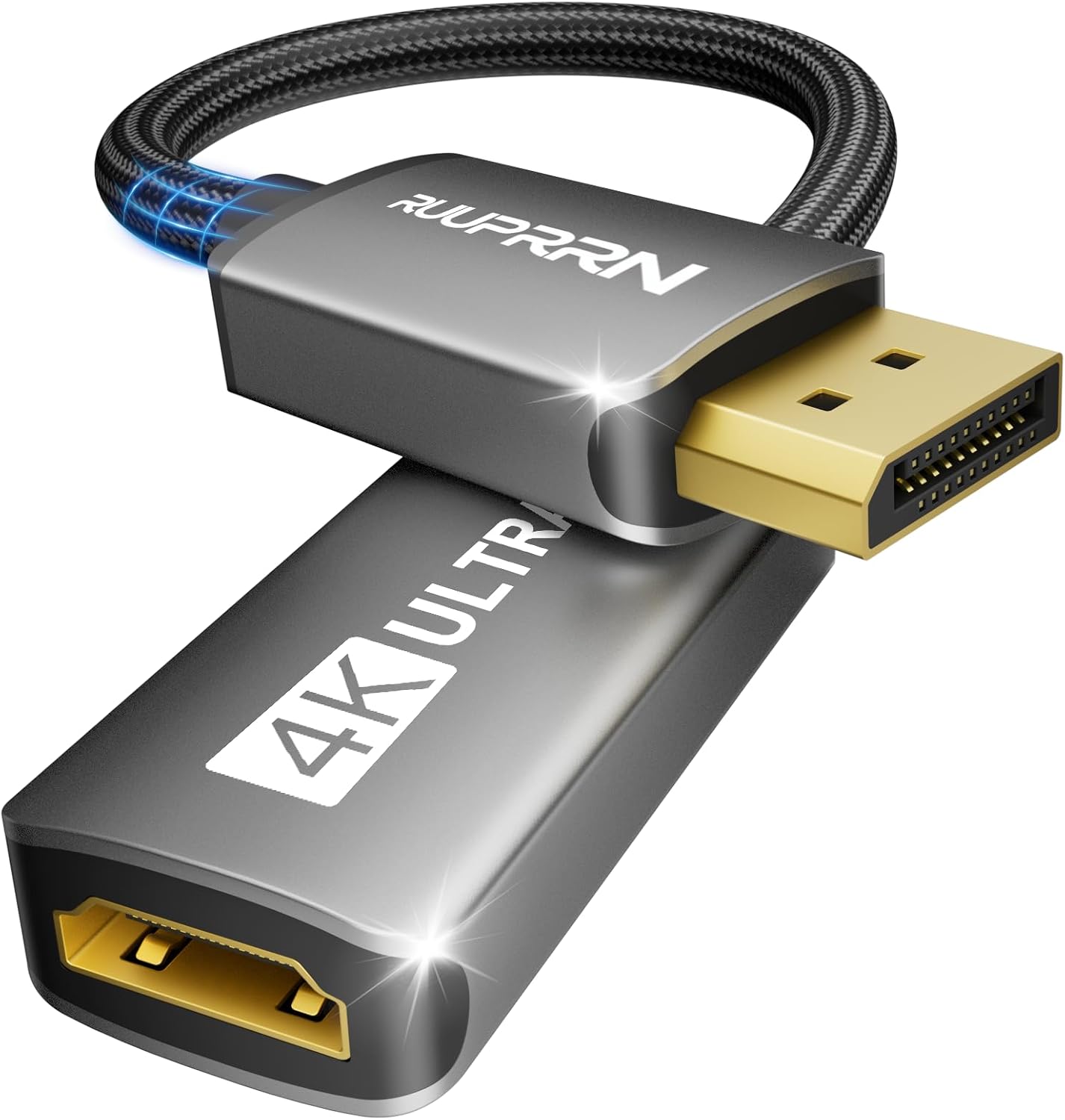
If you prioritize a compact connection from a DisplayPort computer, this fits that setup, if you prefer a cable that works in either direction, this is the wrong format.
Where it shines
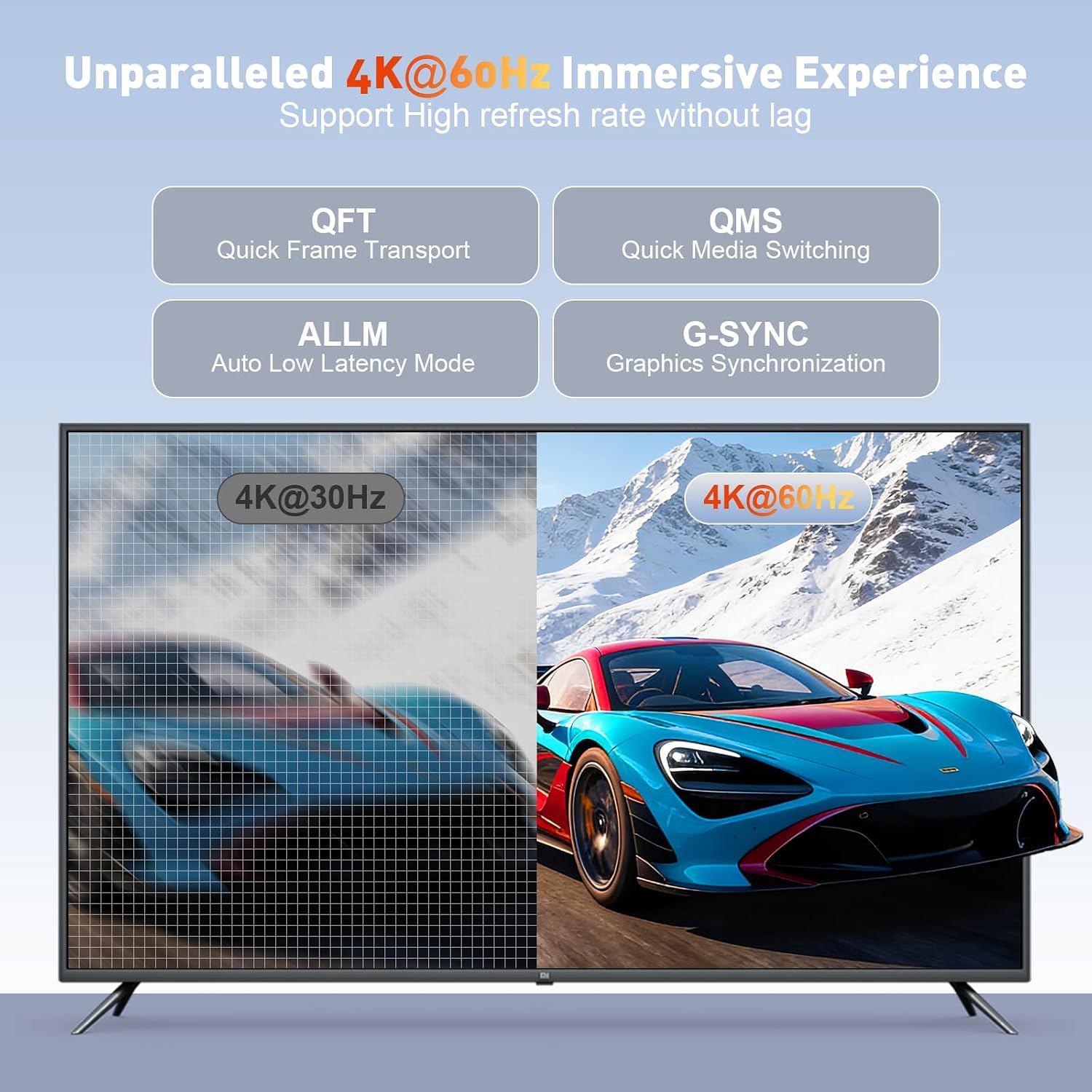
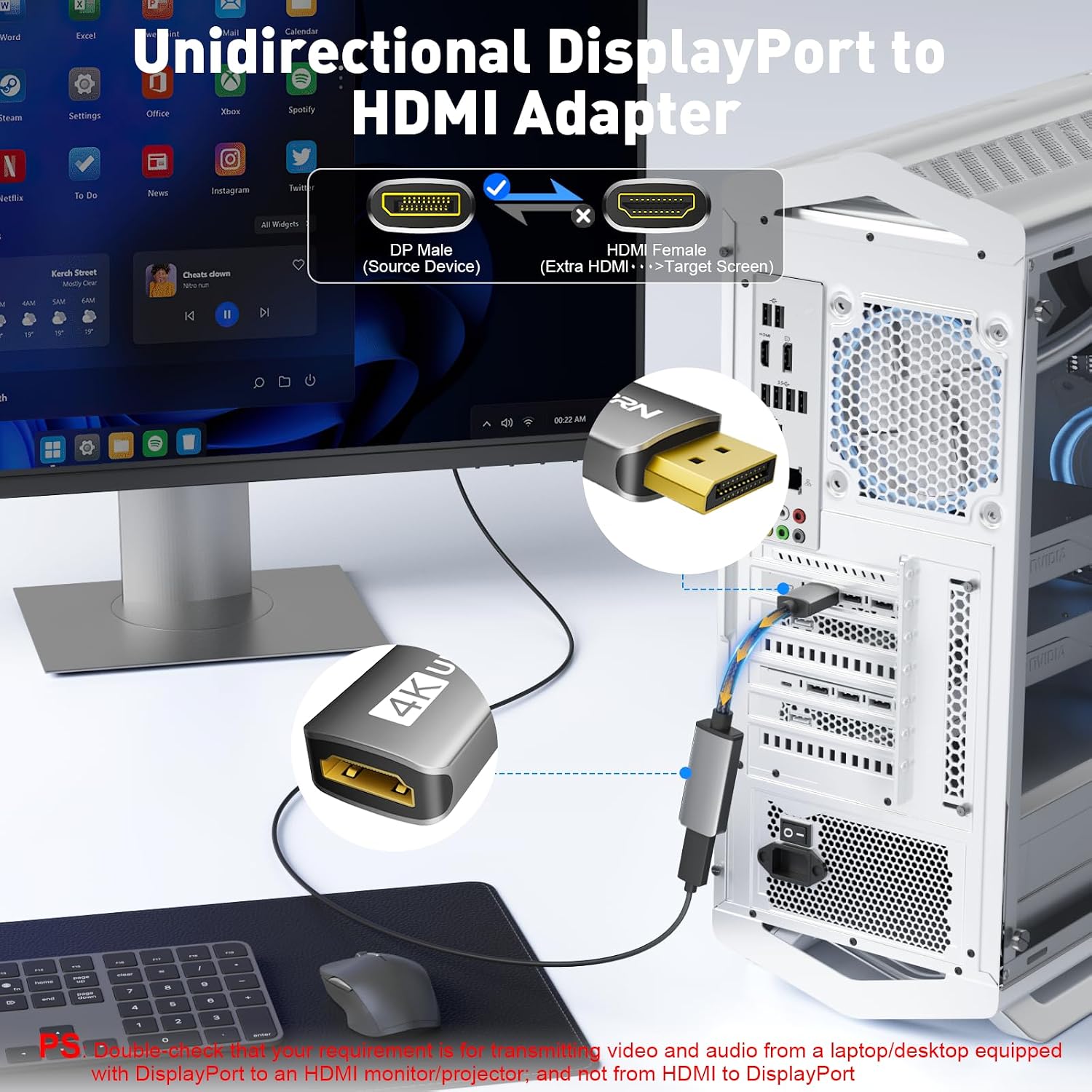
The key detail is direction: DisplayPort goes in, HDMI comes out. Connect the adapter’s male DisplayPort end to a compatible computer or graphics card, then attach an HDMI display to the female end. For example, it can link a desktop tower to an HDMI monitor for everyday work, or connect a supported laptop to a TV for a larger picture. It is not an HDMI-to-DisplayPort converter.
The listed output modes include 3840 × 2160 at 60Hz, 2560 × 1440 at 60Hz or 120Hz, and 1920 × 1080 at 60Hz or 120Hz. Actual output depends on the source device and display settings, for 4K at 60Hz, the source must support up to 18Gbps bandwidth. The adapter also lists HDCP 1.3, 1.4, and 2.2 support, along with HBR2.
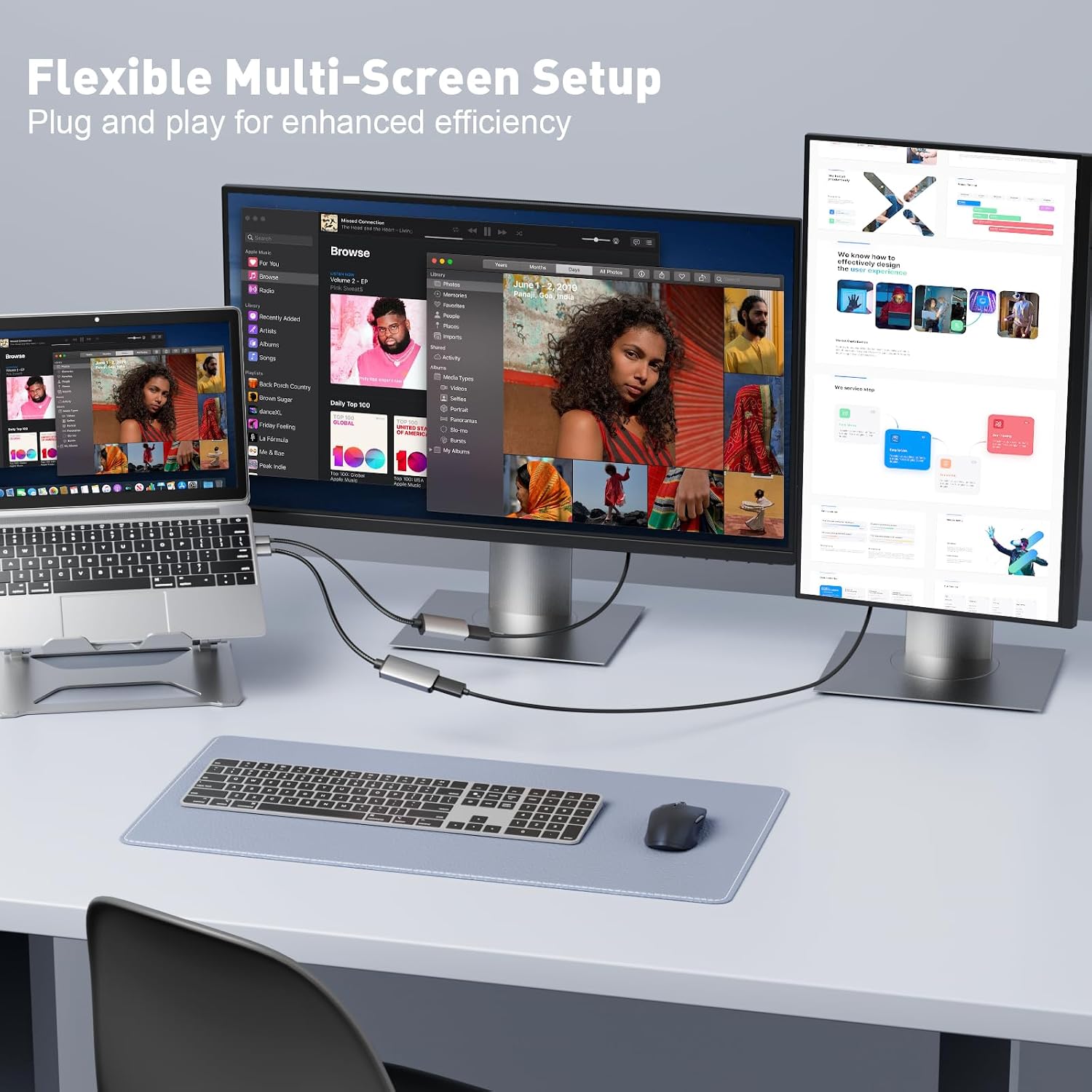
Its active design is intended to work without external power or driver installation. From the way it is set up, the main tradeoff is a firm compatibility boundary: it does not support Mini DisplayPort, USB, MacBook or macOS systems, hubs, docking stations, PS5, Xbox, Nintendo Switch, or LG C2 LED series TVs. Worth considering if your source has a full-size DisplayPort connection and your screen takes HDMI. Better avoided if either end of your setup uses a different signal direction or an excluded device.
Quick overview
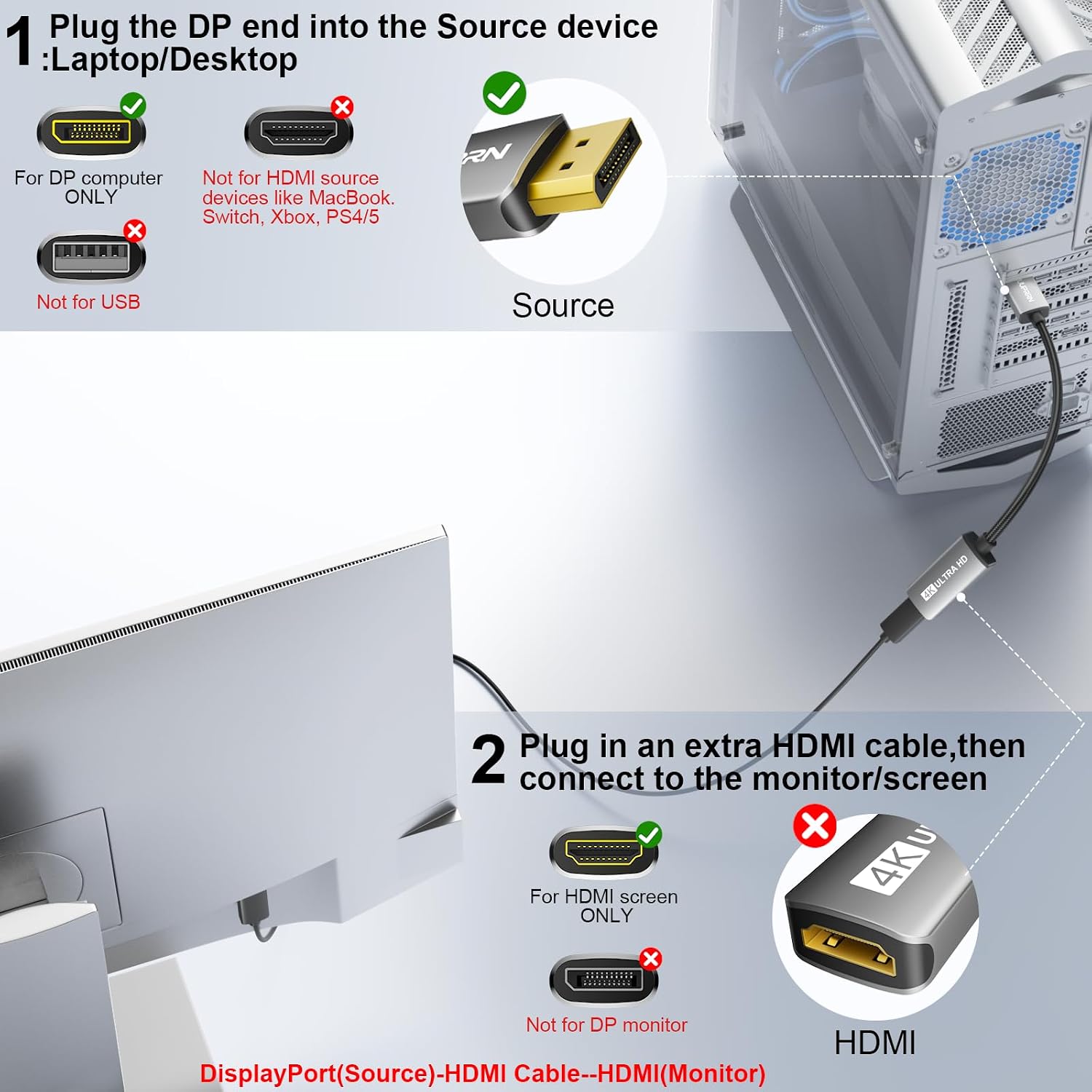
The adapter is black, measures 0.5 ft (15 cm), and uses an aluminum-alloy housing with a woven mesh cable covering. Its connectors are described as 24K gold-plated, and the listing says the housing helps dissipate heat while the covering helps guard against wear and electromagnetic interference. These construction details may appeal if you want a short, direct adapter rather than a longer cable run, but they do not change its one-way operation.
The listing notes that the chip may get warm during high-resolution transmission. It also advises matching the source’s resolution and refresh-rate settings to the display to prevent picture abnormalities. That is worth keeping in mind when troubleshooting: a 4K-capable adapter cannot make an unsupported computer output 4K at 60Hz.
Best use cases
This is most useful for a straightforward DisplayPort-to-HDMI hookup at a desk or home entertainment setup, especially when you want to avoid a separate adapter power supply. The short 15 cm length keeps the connection close to the source, so it suits a monitor positioned near a desktop or a laptop with the display nearby. If you need more reach, a longer cable-based solution may be a better fit.

A simpler passive adapter may suit someone who only needs basic conversion and whose equipment supports that arrangement, this model is specifically presented as active and lists higher-resolution and refresh-rate modes. Still, check the ports on both devices before choosing it. A full-size DisplayPort output is required, and the display must accept HDMI.
Final verdict
This RUUPRRN adapter makes sense when the connection you need is specifically DisplayPort from a computer or graphics card to an HDMI display, and the source supports the resolution and refresh rate you want. Its short, powered-by-the-source setup keeps the connection simple, with no driver installation or external power listed.
Skip it for reverse conversion, Mini DisplayPort or USB ports, or any of the excluded systems and devices. It also is not a fix for source hardware that lacks the bandwidth needed for 4K at 60Hz. If your ports and output requirements match, it offers a compact way to bridge that particular gap, if you need broad device flexibility or a longer run, choose an adapter or cable designed for those needs.