

Wireless CarPlay Adapter Mini T-Shaped for iPhone
Product description
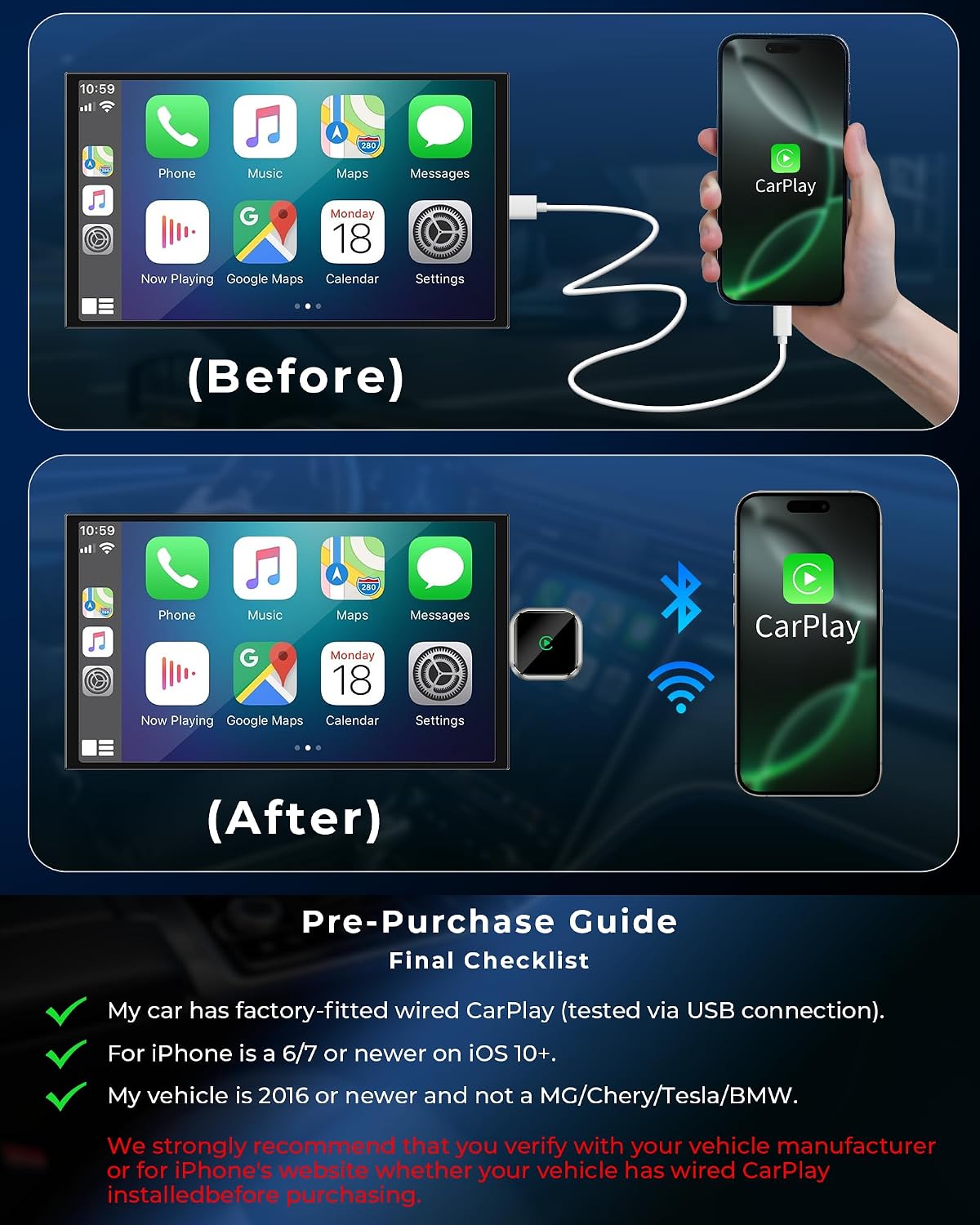
This compact adapter converts a wired CarPlay connection into a wireless interface so you can use your iPhone without a cable while driving. It is aimed at drivers who want quick setup and hands-free access to GPS navigation, audio streaming and satellite radio through the car’s existing CarPlay port, with plug-and-play simplicity.
Key Points
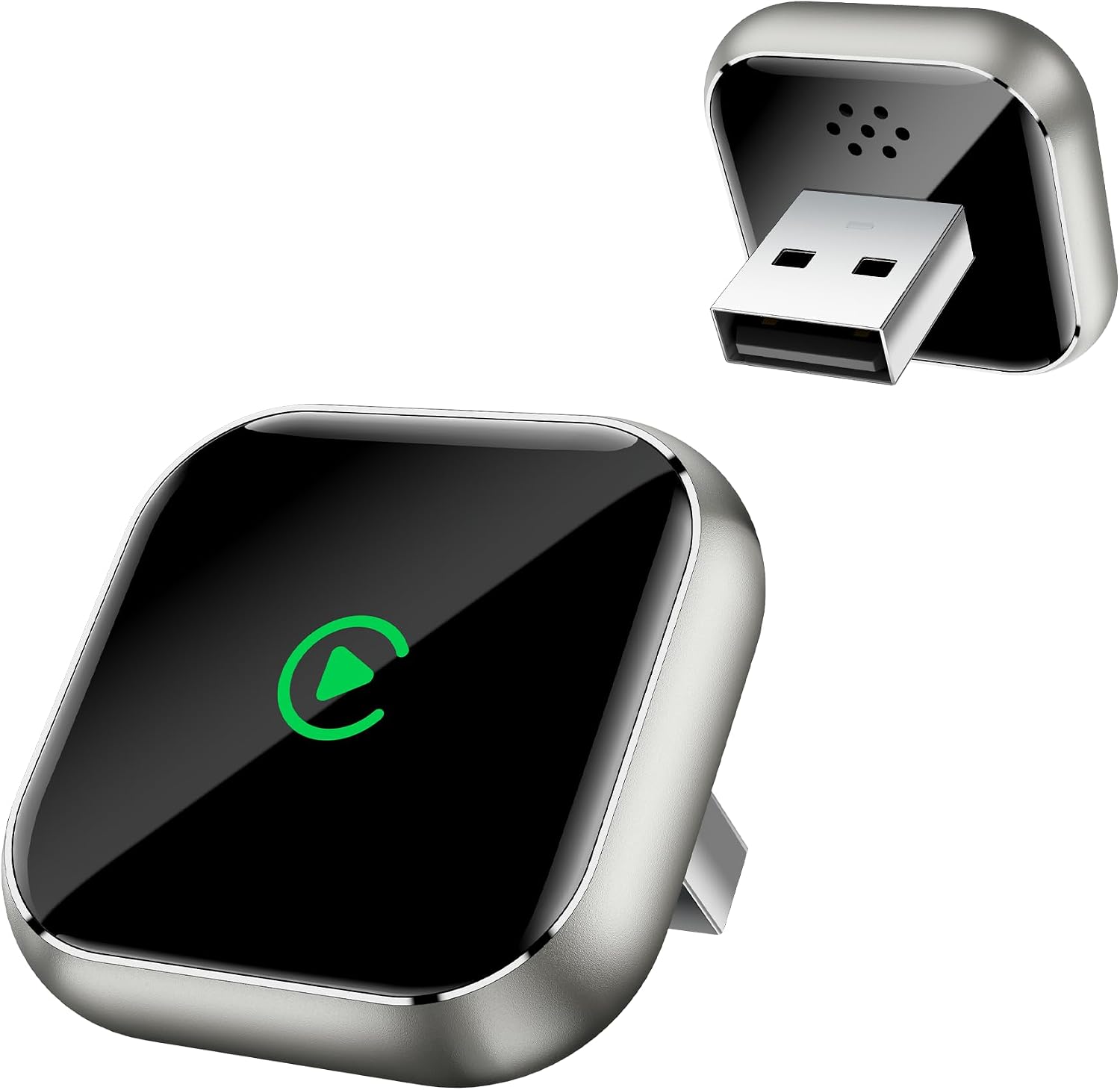
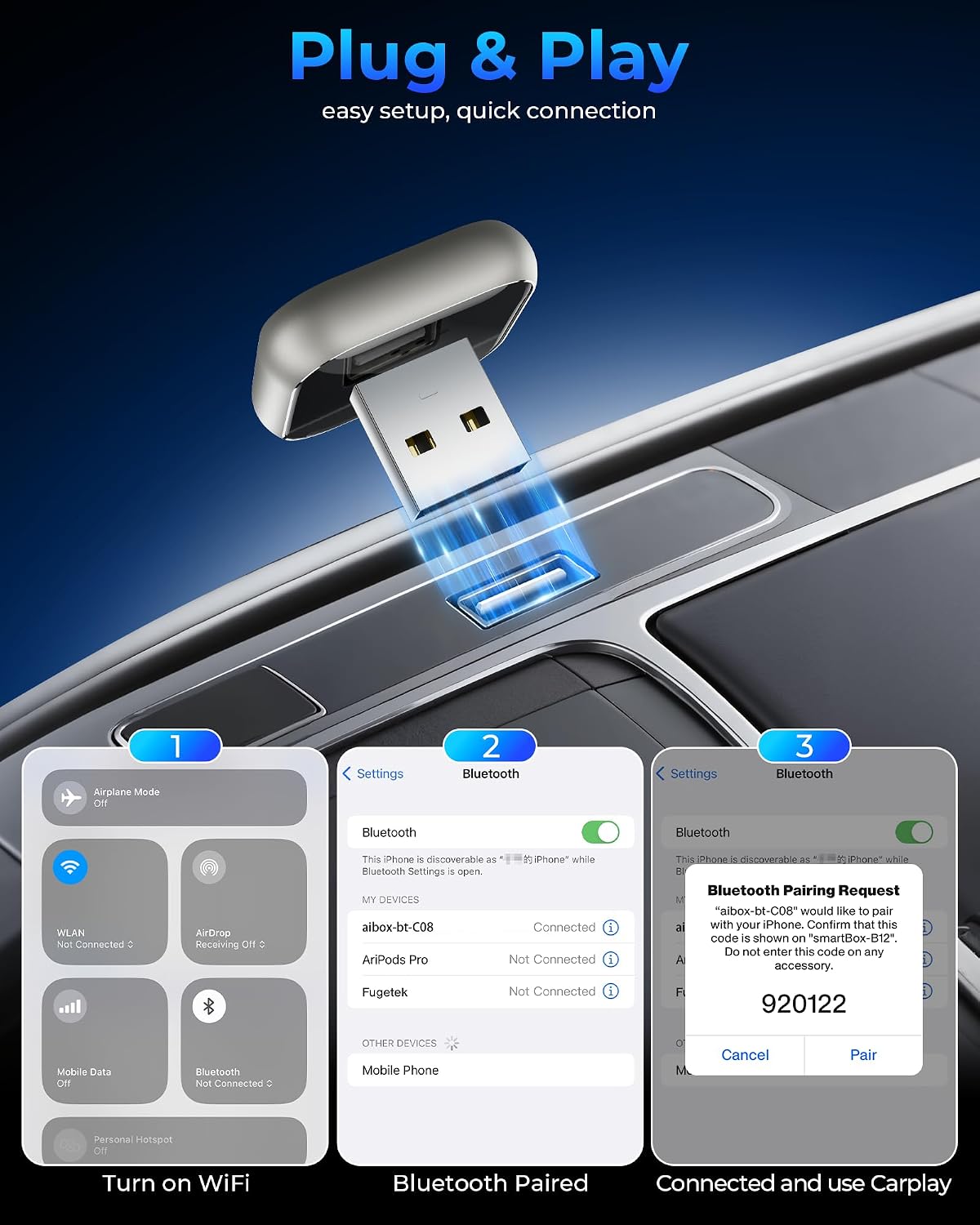
The adapter plugs into the vehicle USB port and enables wireless CarPlay pairing, allowing you to keep your phone in a pocket or mount while still using maps and media. Setup is intended to be straightforward, simply insert the mini T-shaped dongle and pair your iPhone the first time. For everyday use the device offers automatic reconnection after the initial pairing, which reduces repeated pairing steps and saves time. 🚗
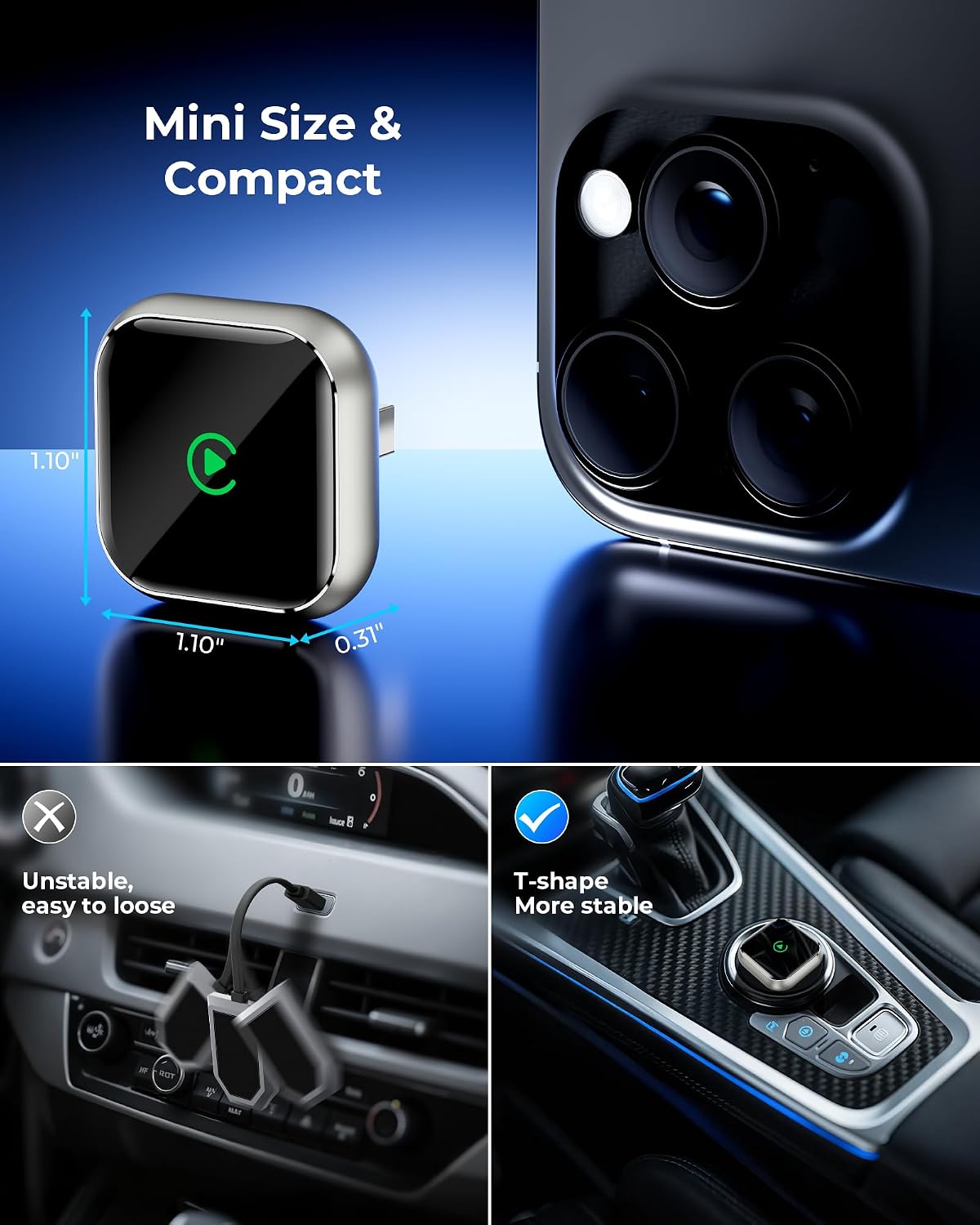
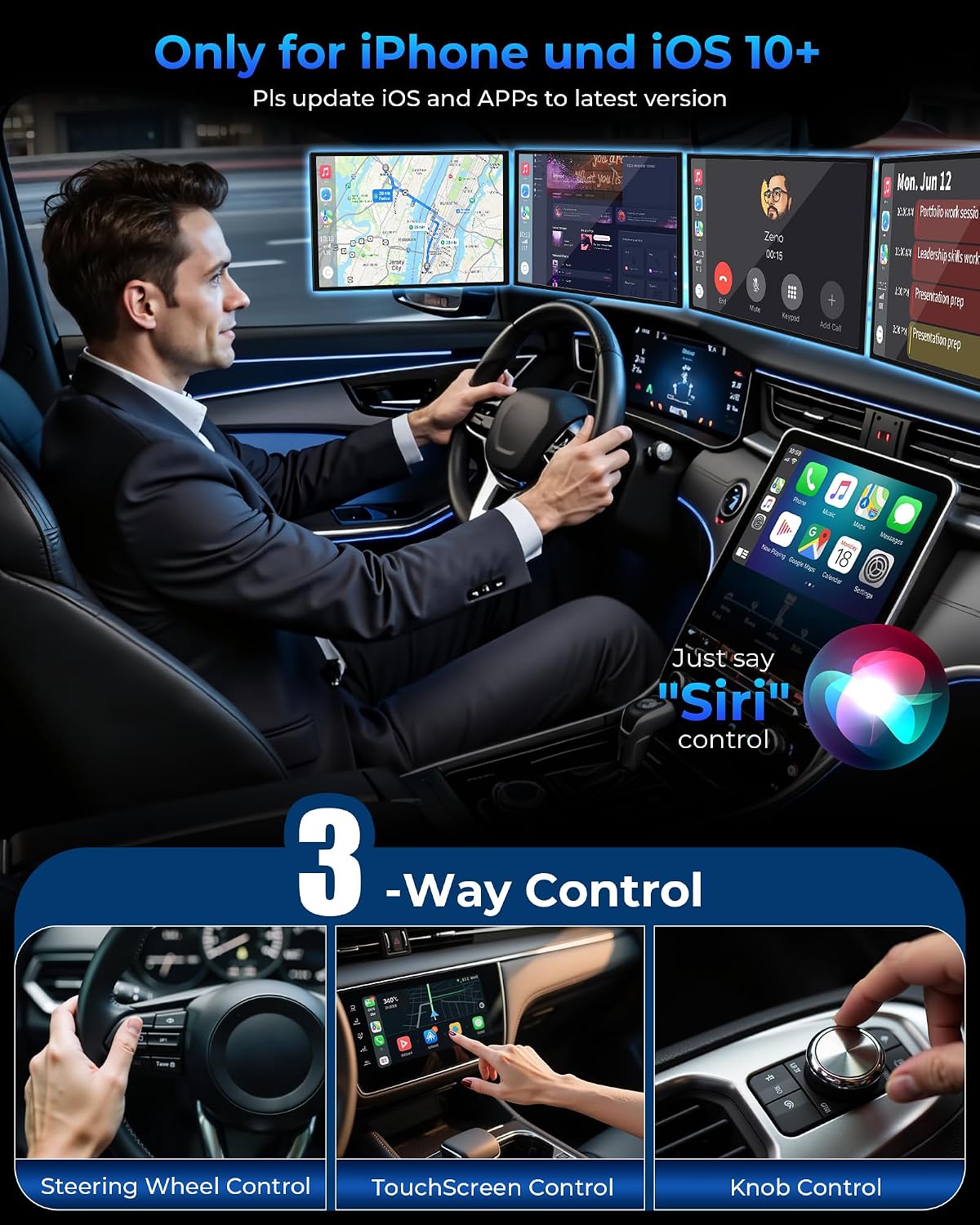
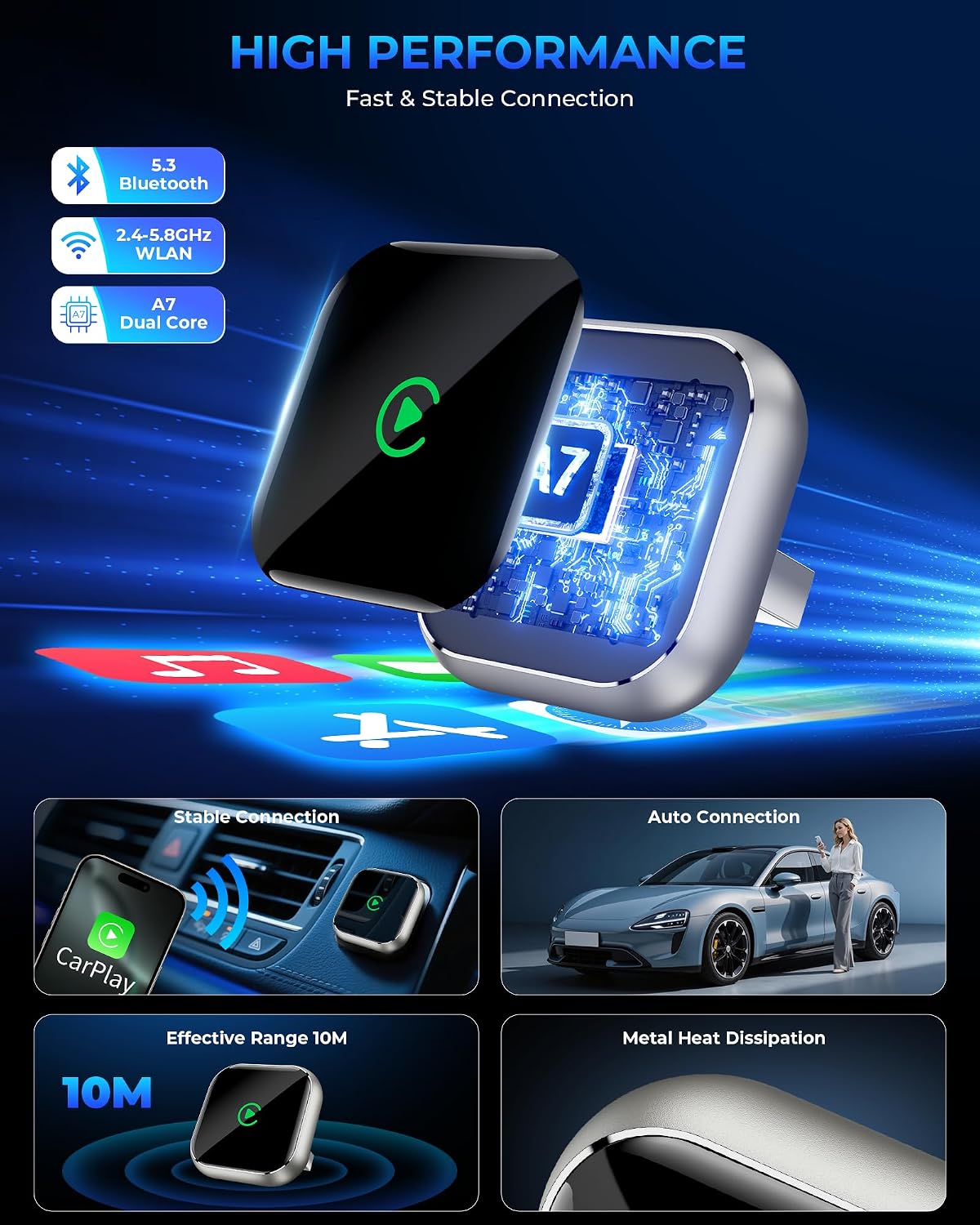
Bluetooth and Wi-Fi work together to mirror CarPlay functions on the vehicle display, so you keep access to voice control and turn-by-turn directions without a cord. The form factor is small enough to stay out of the way of other ports and does not add bulk to the dashboard area. Consider that occasional firmware updates may be required according to the manufacturer, and some vehicles may take a moment to recognize wireless CarPlay after initial activation. 🔄
Technical Specifications
- Name: TKHIN Wireless CarPlay Adapter
- Function: Upgrade wired CarPlay to wireless CarPlay
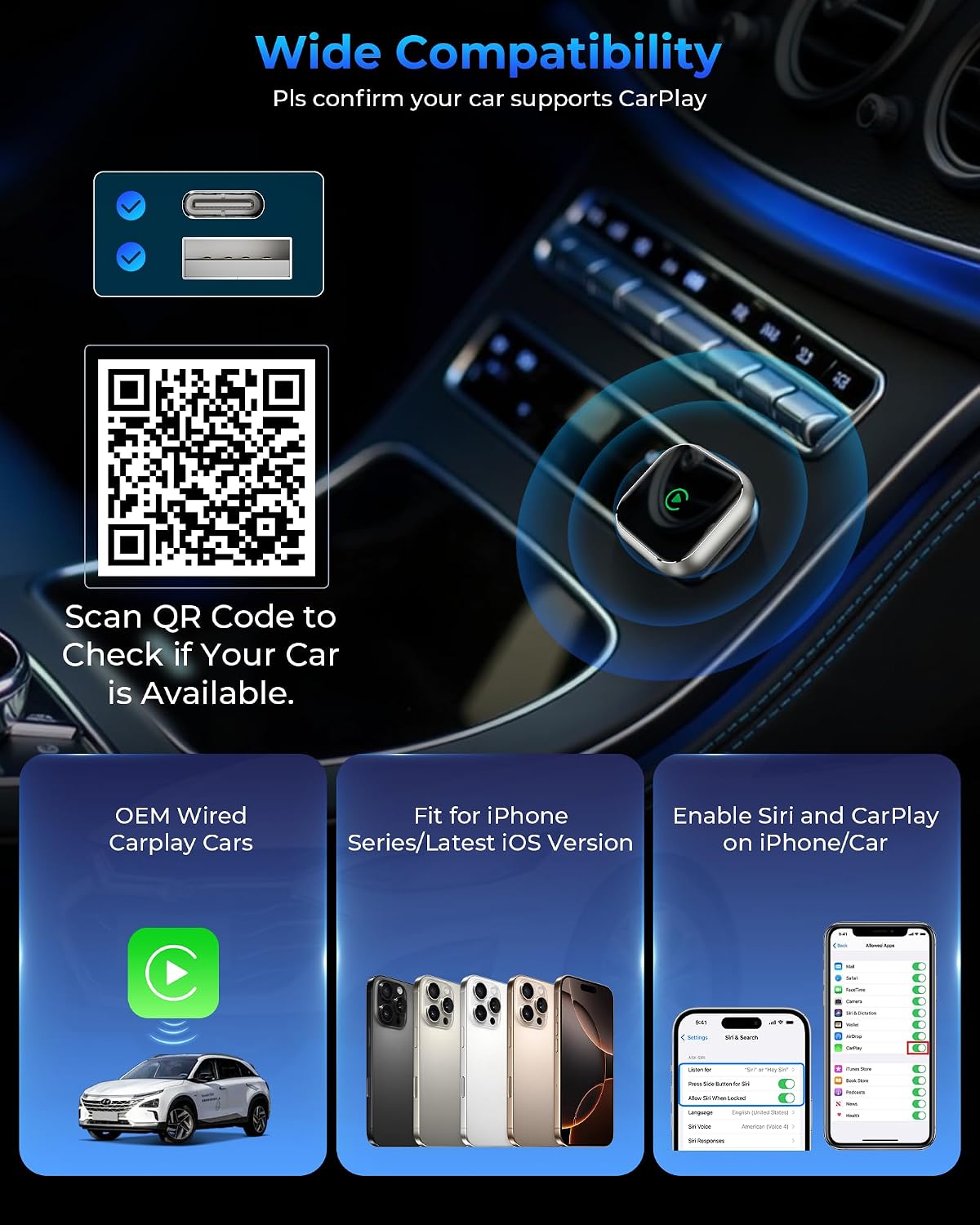
- Compatibility: Apple iPhone with CarPlay support, works with in-dash GPS navigation and audio systems
- Form factor: Mini T-shaped USB plug
- Features: Plug and play, auto reconnect, supports CarPlay audio and navigation
Usage Recommendations
Place the adapter directly into the car’s USB port used for CarPlay and avoid connecting other heavy USB devices in the same port at the same time. If pairing does not start automatically, check iPhone Bluetooth and Wi-Fi settings and allow the connection prompt on the phone. For best performance keep the adapter and phone firmware up to date where possible. 🎧
When using voice commands or map navigation, make sure phone audio output is set to the vehicle once the wireless connection is active. If you notice intermittent connection or longer reconnection times in certain parking spots or garages, try a different USB slot if available, or restart the phone to refresh the wireless link.