

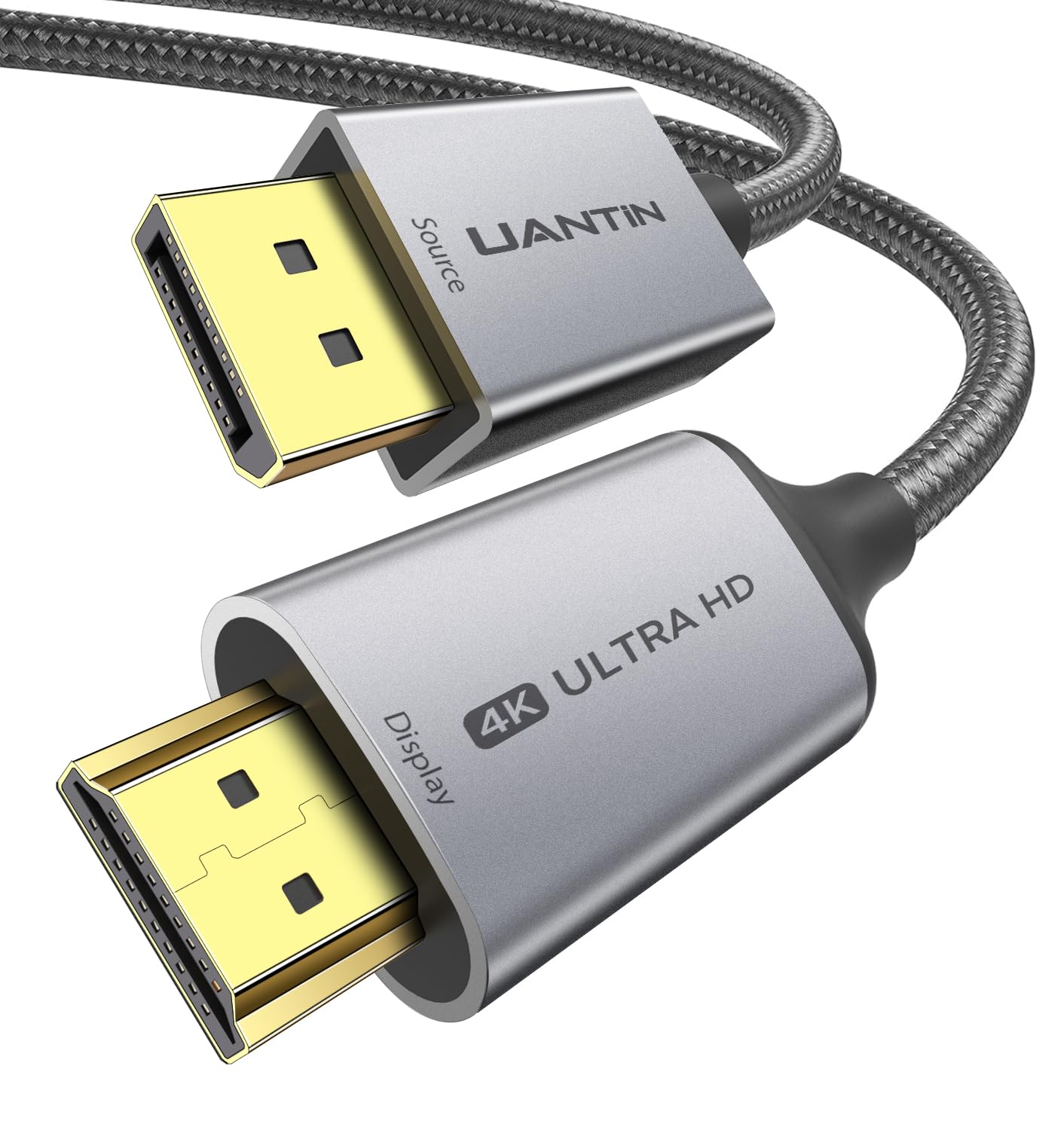
UANTIN DisplayPort to HDMI Cable 3FT
Product description
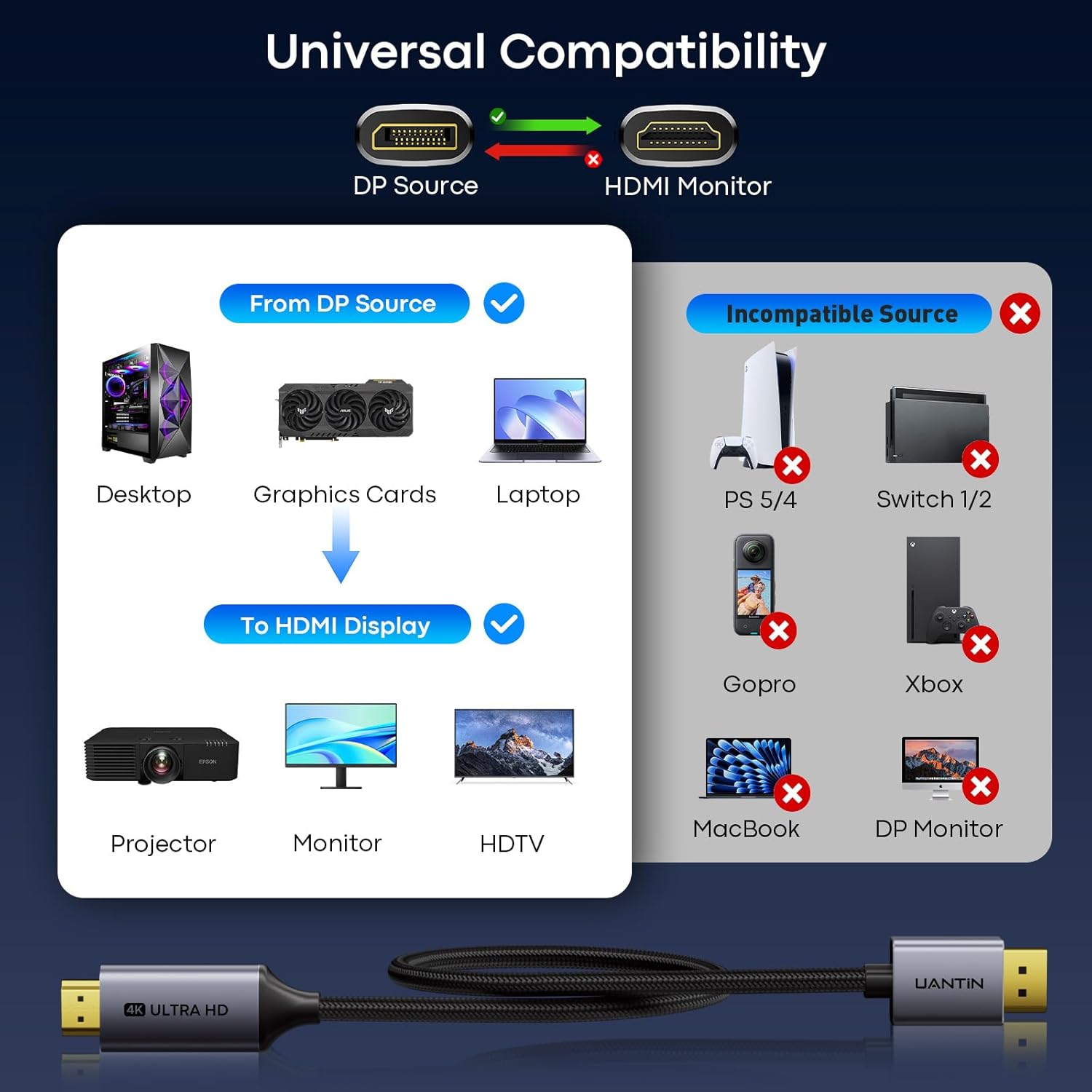
If your computer has a DisplayPort output and your screen takes HDMI, this cable is a direct way to connect them. It’s aimed at a different need than a bidirectional adapter: the signal travels in one direction only.
The 3FT length suits a short connection, such as a desktop beside a monitor or a laptop near a TV. It may be less convenient when the devices are farther apart.
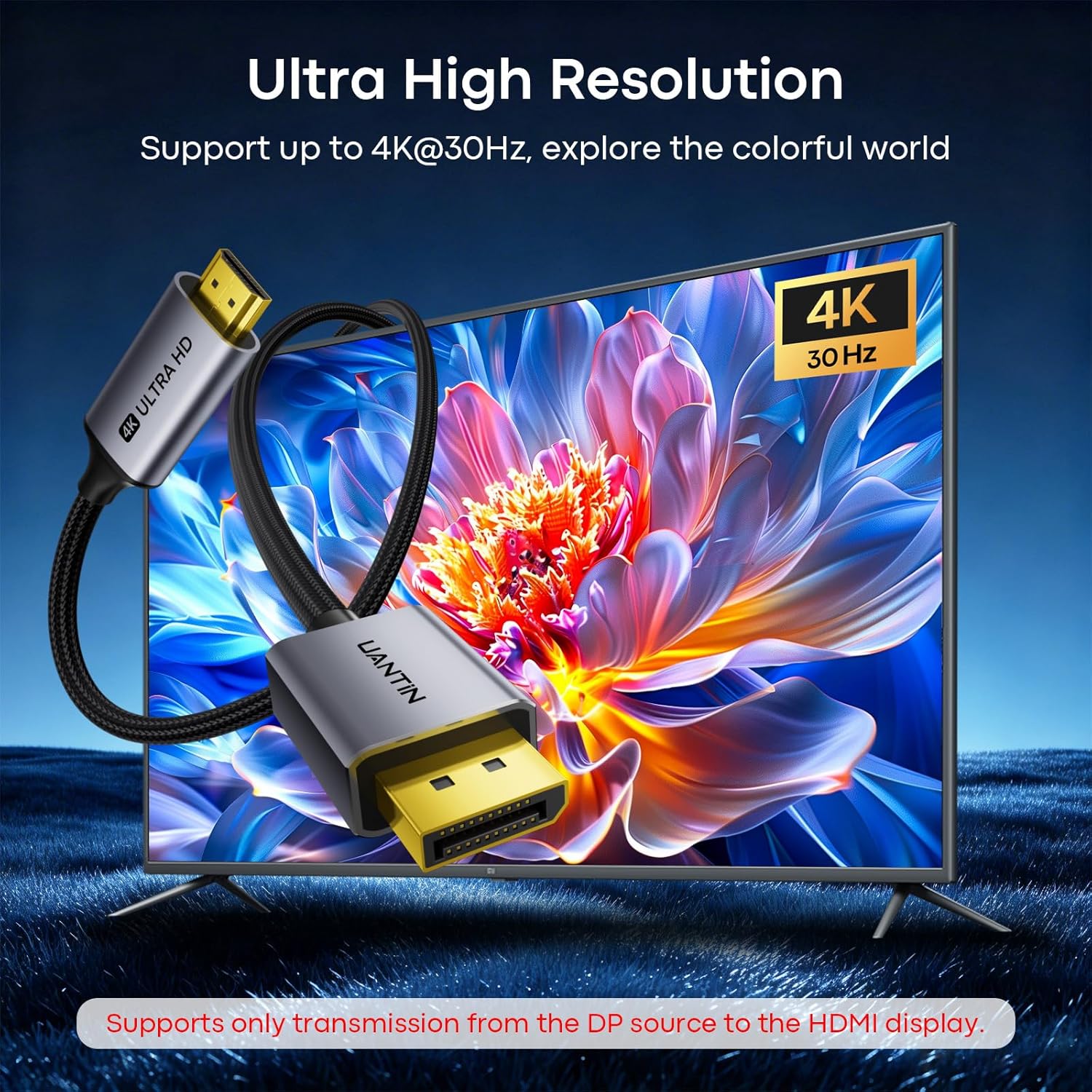
It supports up to 4K at 30Hz, with lower-resolution modes listed for smoother refresh rates. The important catch is that the source must support DP++.
Quick sizing guide
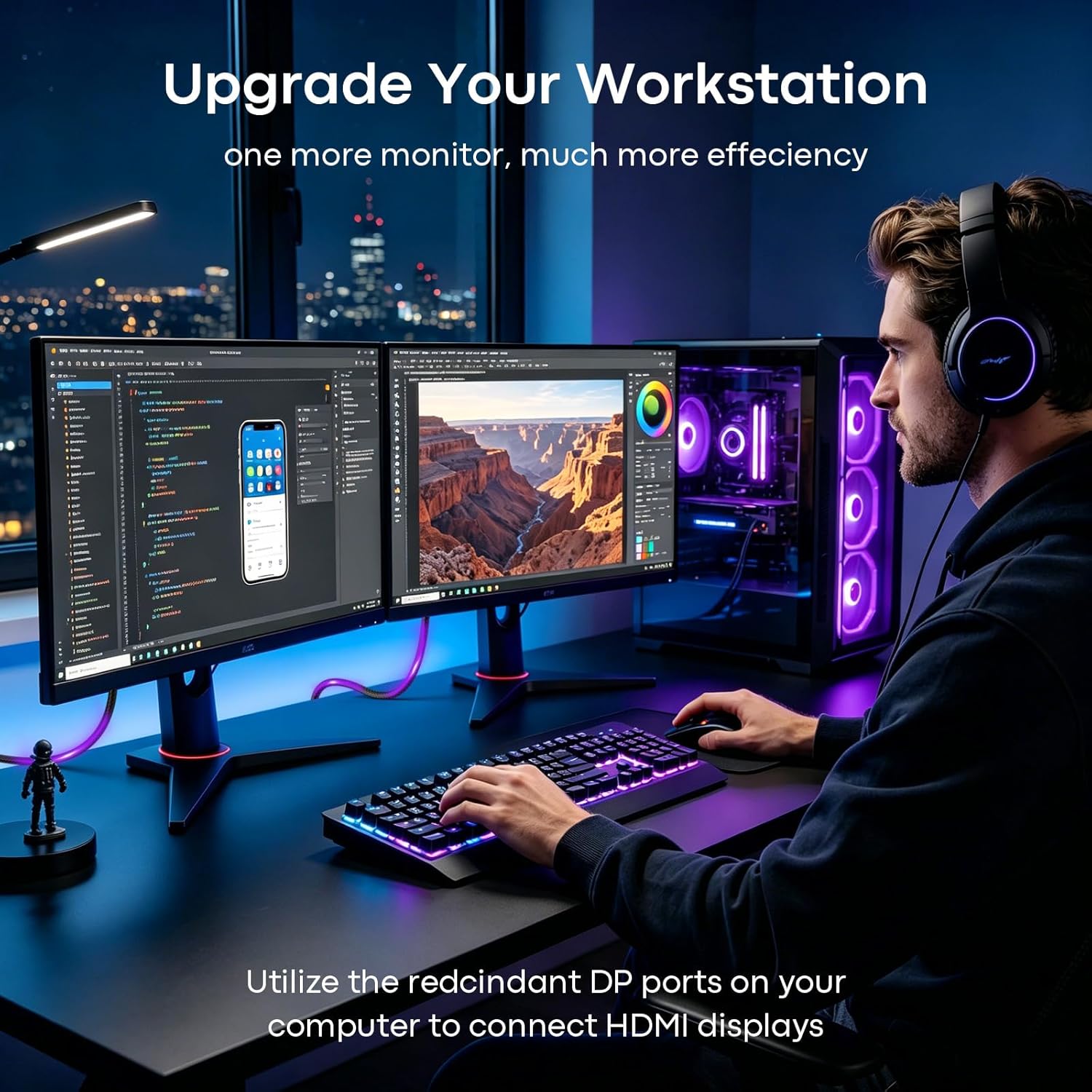
At 3FT, this cable is best suited to setups where the DisplayPort source and HDMI display sit close together. For example, it can connect a computer’s DP output to a nearby monitor for work, or to a TV for streaming, without needing a separate power supply or driver installation. If your setup needs the cable to run around furniture or across a room, this length may not reach comfortably.
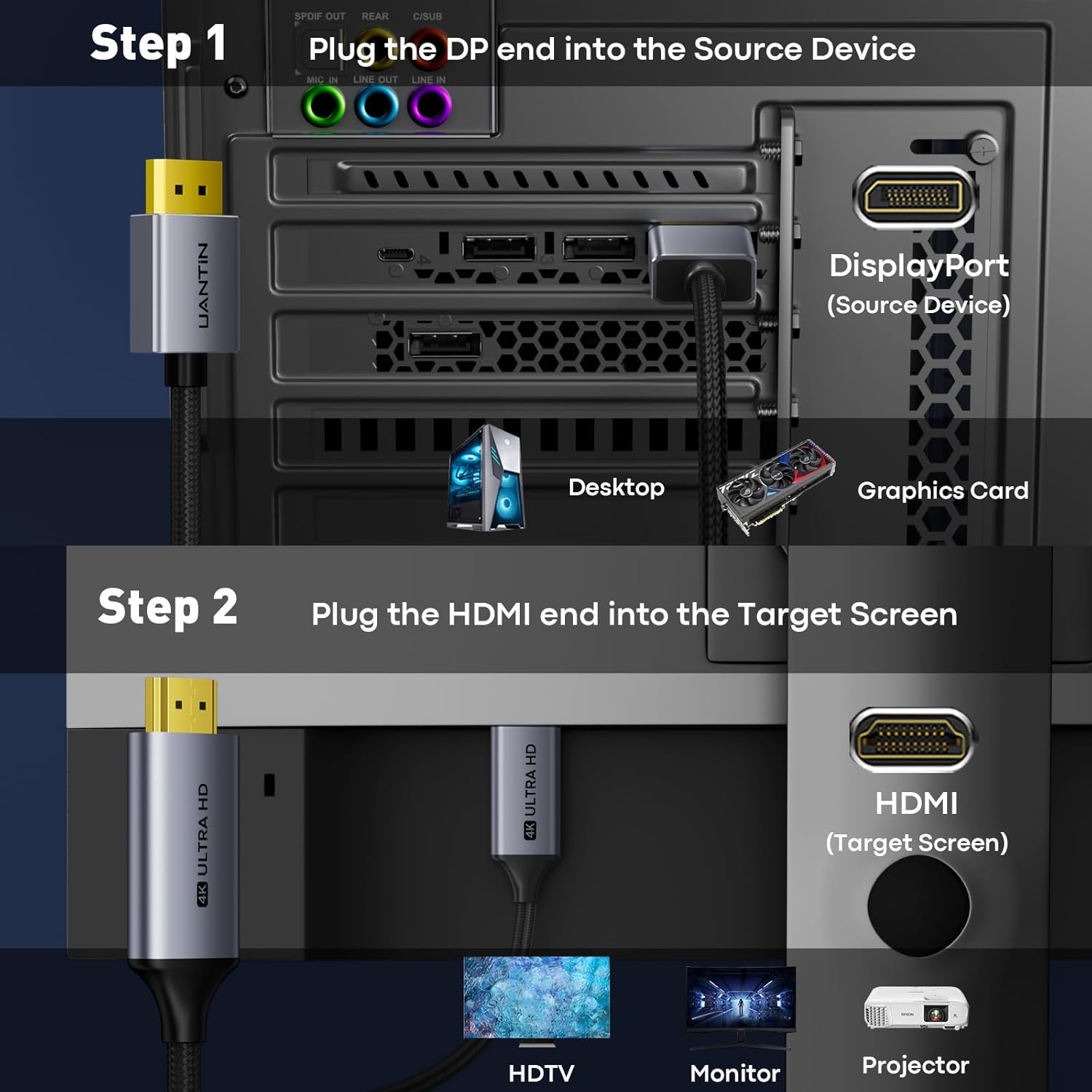
The direction matters as much as the distance. Connect the DisplayPort end to the computer or graphics card and the HDMI end to the monitor, TV, or projector. It will not carry a signal from an HDMI source to a DisplayPort display. Does your computer’s DisplayPort support DP++? That is a requirement for this cable’s direct HDMI signal pass-through, so check the source specifications if you’re unsure.
Pros
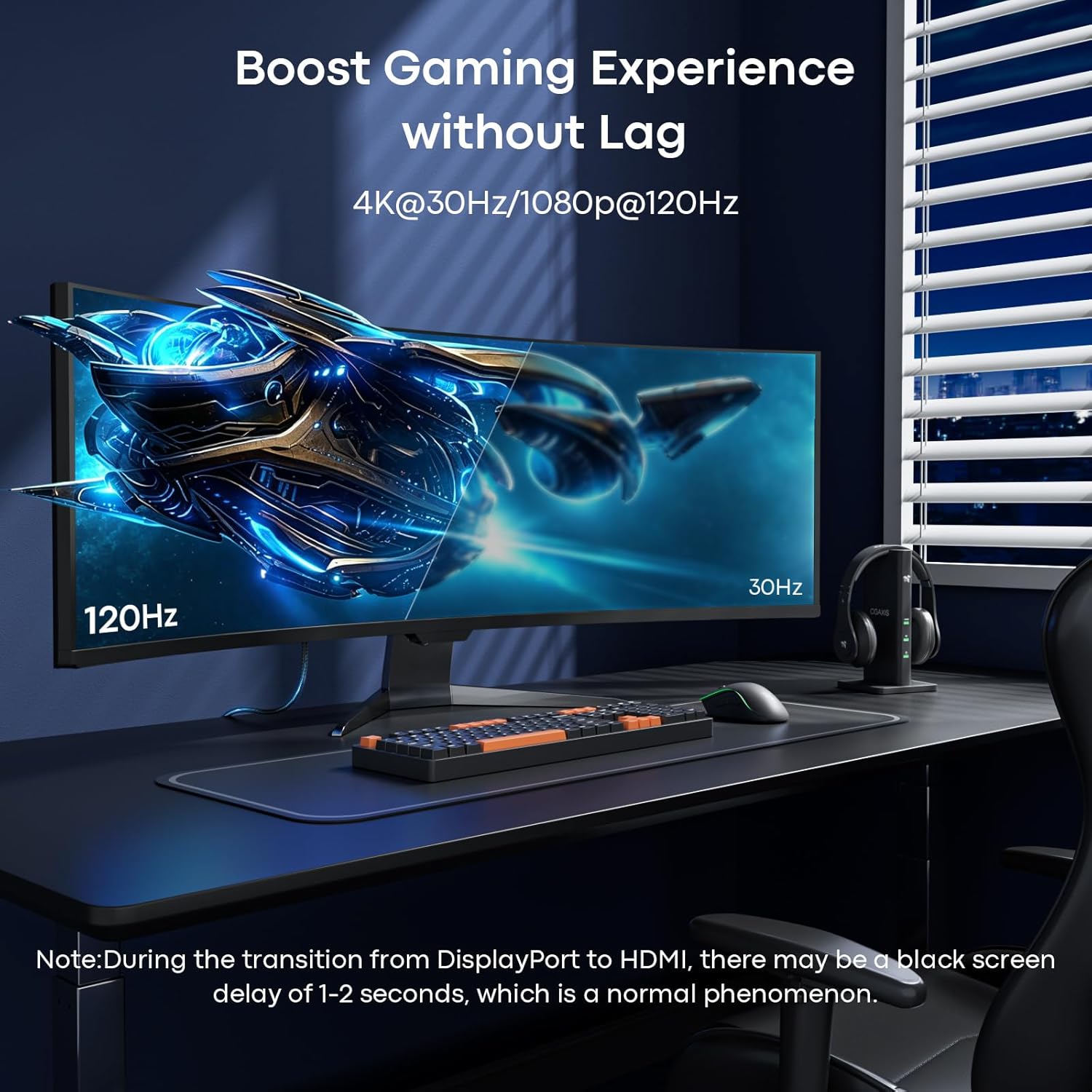
- Supports 4K at 30Hz, 2K at 60Hz, and 1080p at 120Hz or 60Hz, depending on the connected devices.
- Plug-and-play operation requires no drivers or external power, which keeps a basic desk or TV connection simple.
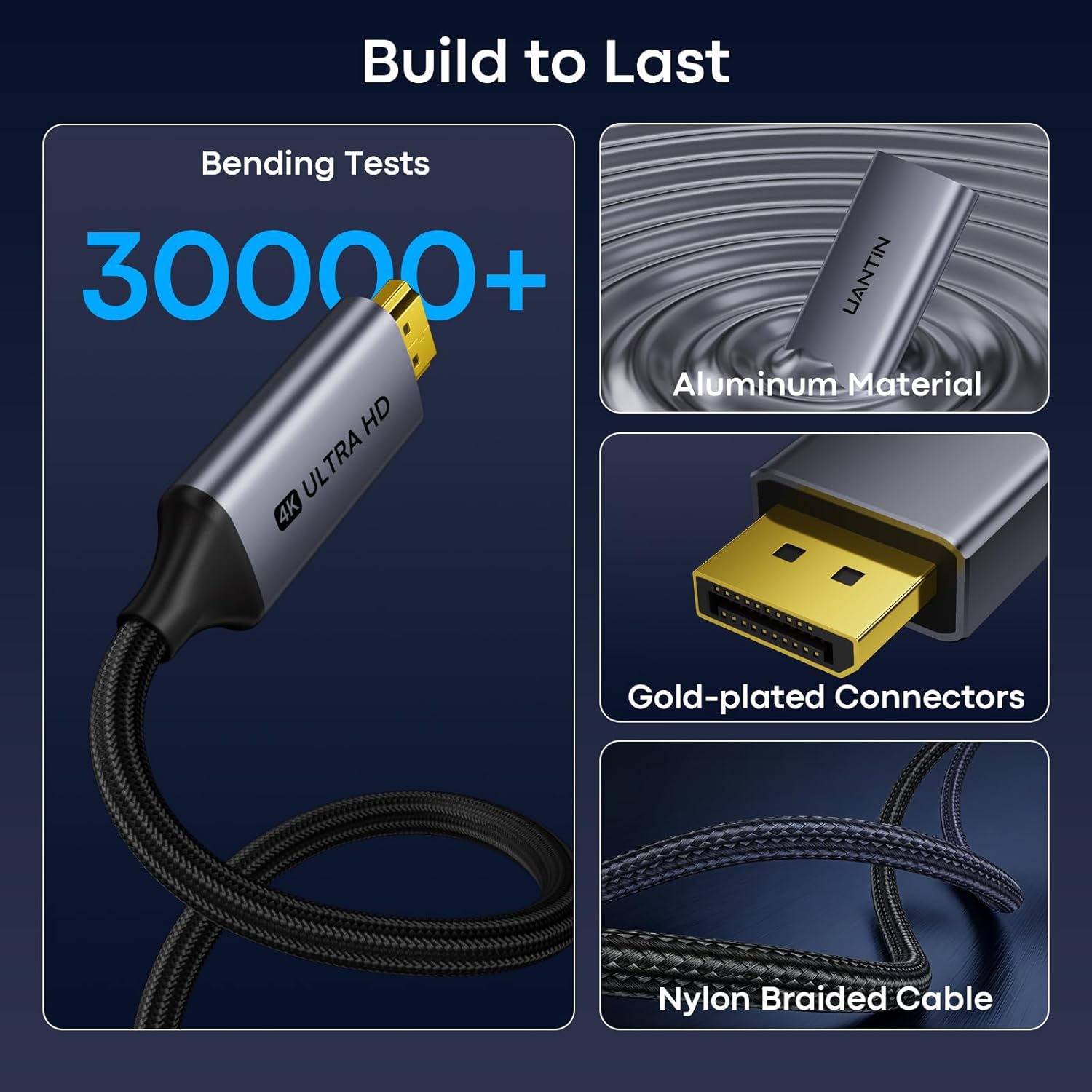
- The nylon-braided jacket, reinforced joints, and stated resistance to 30,000+ bends are useful details for a cable that may be unplugged or packed away regularly.
- Bare copper conductors, foil and braided mesh shielding, gold-plated connectors, and an aluminum housing are included in the construction.
Worth considering if you need a short, one-way DisplayPort-to-HDMI connection and your source and screen support the resolution you want. Compared with a more flexible setup that uses a separate adapter and cable, this is a single-cable connection, but it only works in the stated direction.
Spec sheet
- Name: UANTIN DisplayPort to HDMI Cable
- Type: Uni-directional DP-to-HDMI cable
- Size: 3FT
- Resolution: 4K at 30Hz, 2K at 60Hz, 1080p at 120Hz or 60Hz
- Source/display connection: DisplayPort 1.2 to HDMI 1.4
- Construction: Nylon-braided jacket, bare copper conductors, foil and braided mesh shielding, gold-plated connectors, and aluminum housing
These modes depend on the source and display supporting them, the product information specifically notes that both must support 4K for a 4K connection. The DP source must also support DP++.
Is it worth it?
This cable makes sense when you want a straightforward connection from a compatible computer or graphics card to an HDMI screen, especially for a nearby monitor used for spreadsheets, presentations, or video. Its 3FT reach, no-driver setup, and listed resolution modes cover common desk and entertainment uses without adding a powered adapter.
It’s not for you if you need HDMI-to-DisplayPort transmission, a longer run, or a connection from a source that lacks DP++ support. If any of those conditions apply, choose a cable or adapter designed for that direction or setup instead. The practical decision is less about the braided finish and more about matching the cable’s direction, length, and supported signal to your devices.