

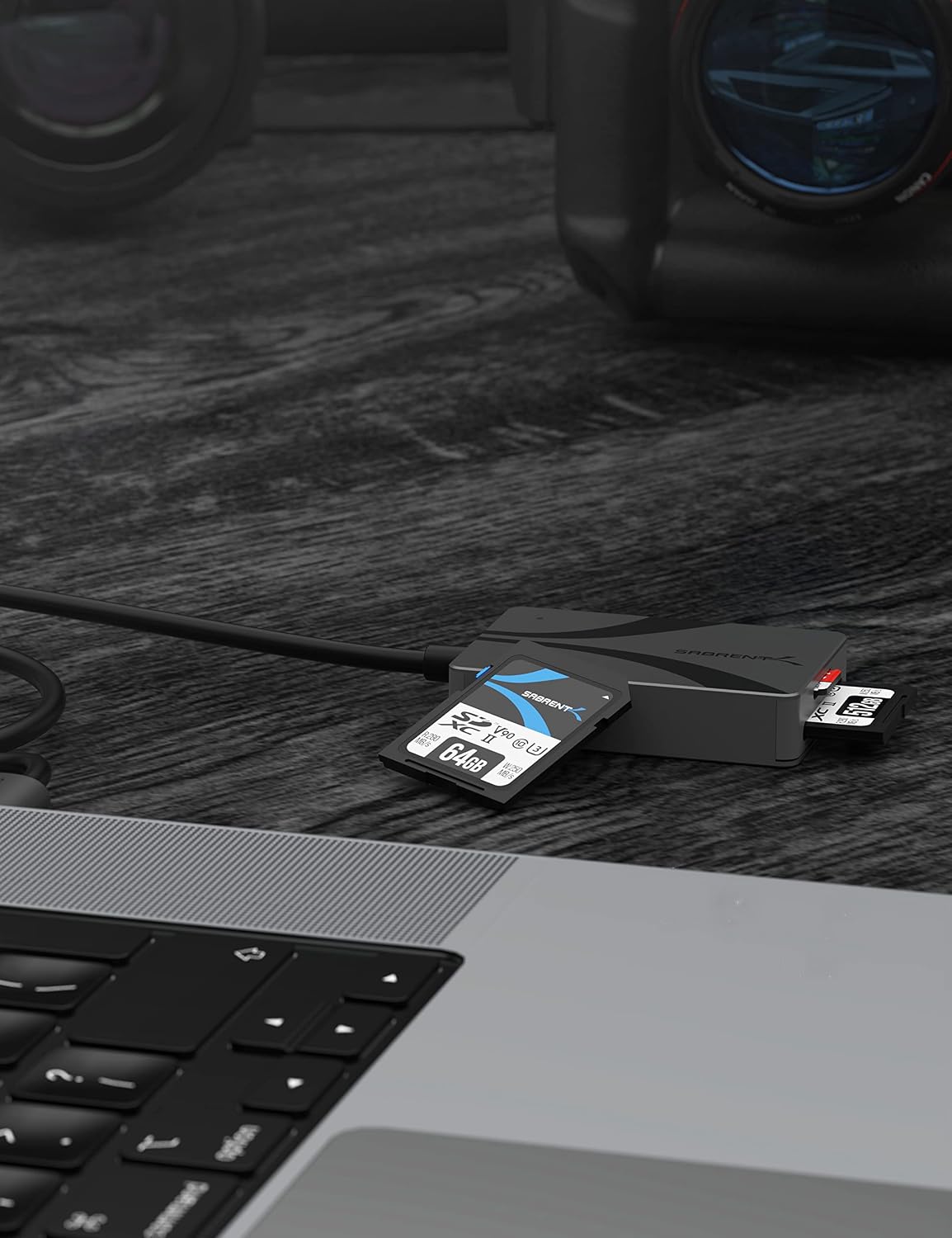
SABRENT USB-C Card Reader CR-CSDM
Product description
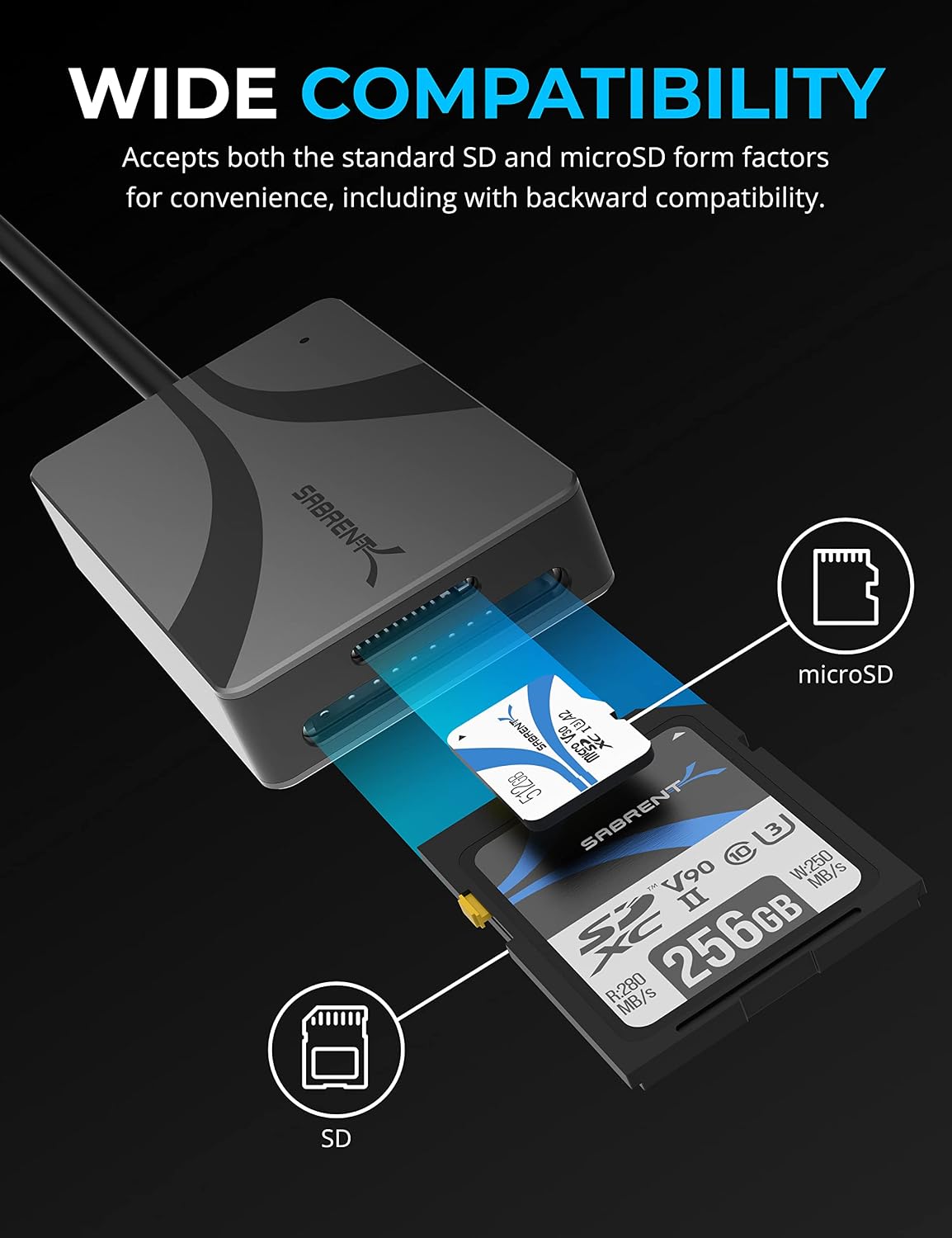
Moving photos or other files off memory cards can turn into a slow, adapter-heavy task. This SABRENT reader brings standard SD and microSD slots together in one USB-C device.
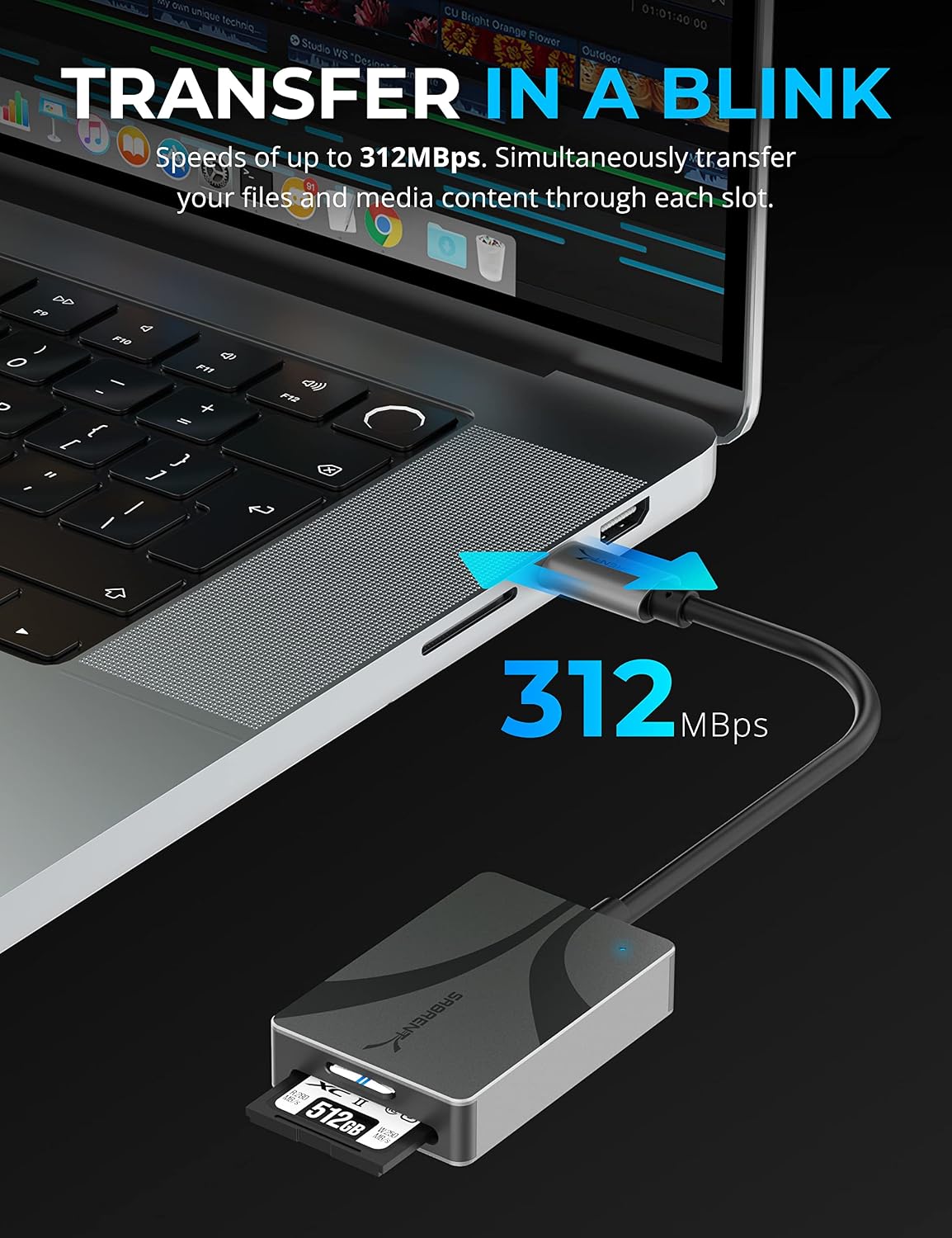
It supports UHS-II cards, with stated transfer speeds of up to 312MBps. Actual speeds depend on the cards and connection in use.
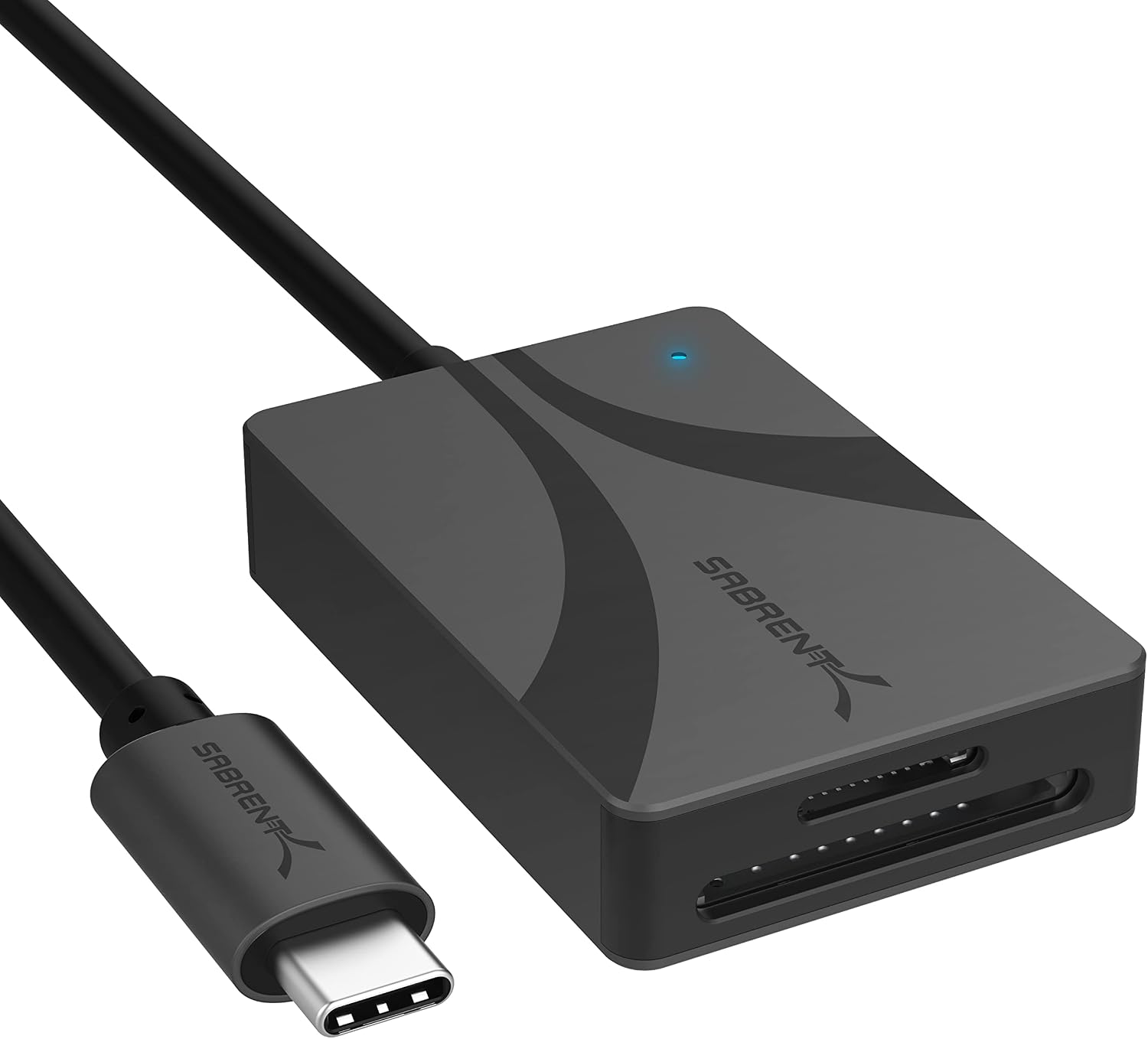
The integrated cable keeps the reader attached, and bus-powered operation means there’s no separate power supply to manage.
Quick overview
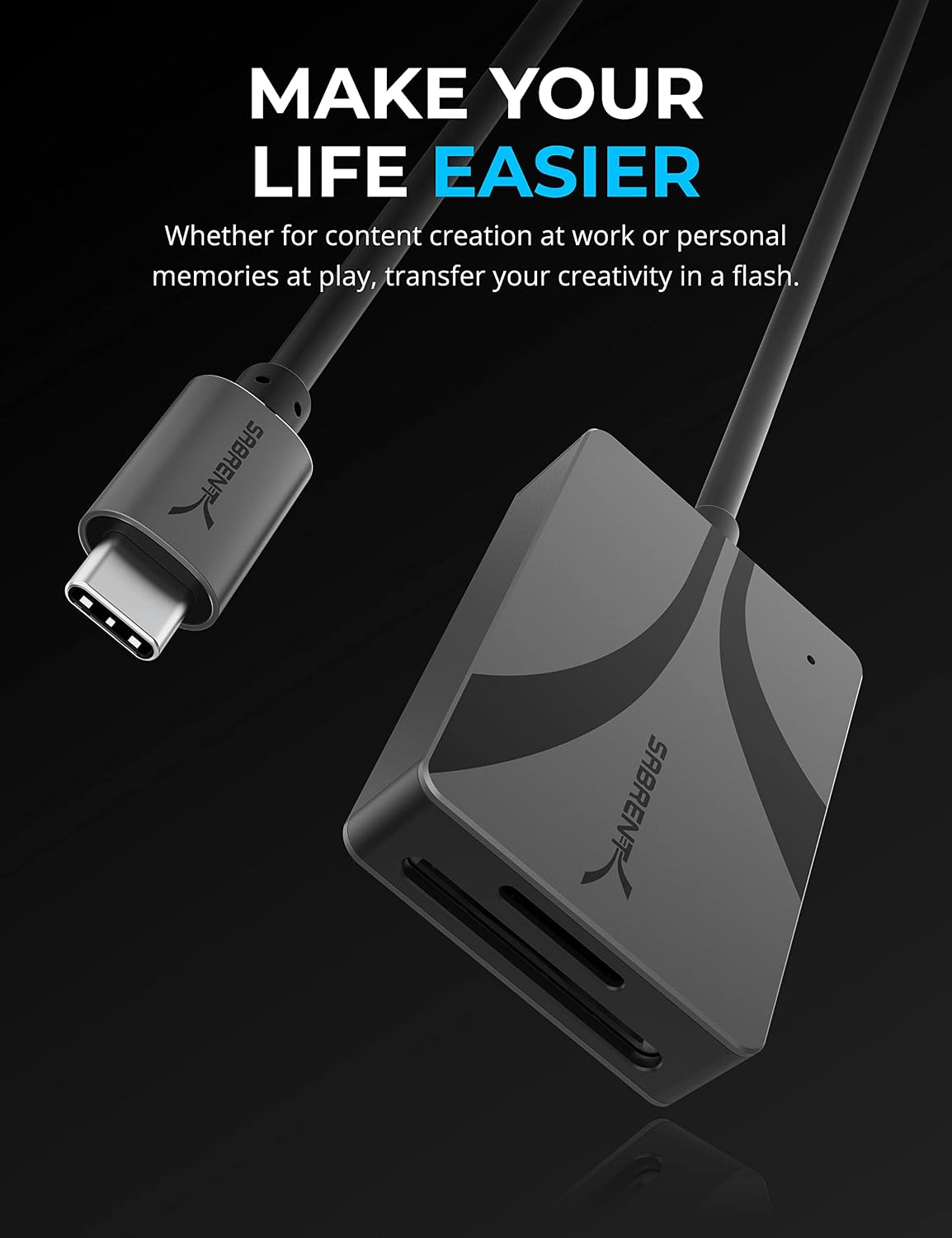
The CR-CSDM has two slots: one for SD cards and one for microSD cards. Both can transfer files simultaneously, which is useful when you’re copying footage from one card while organizing files from another. It supports SDXC and microSDXC, along with older SD card versions, older formats and connections are subject to their respective speed limits.
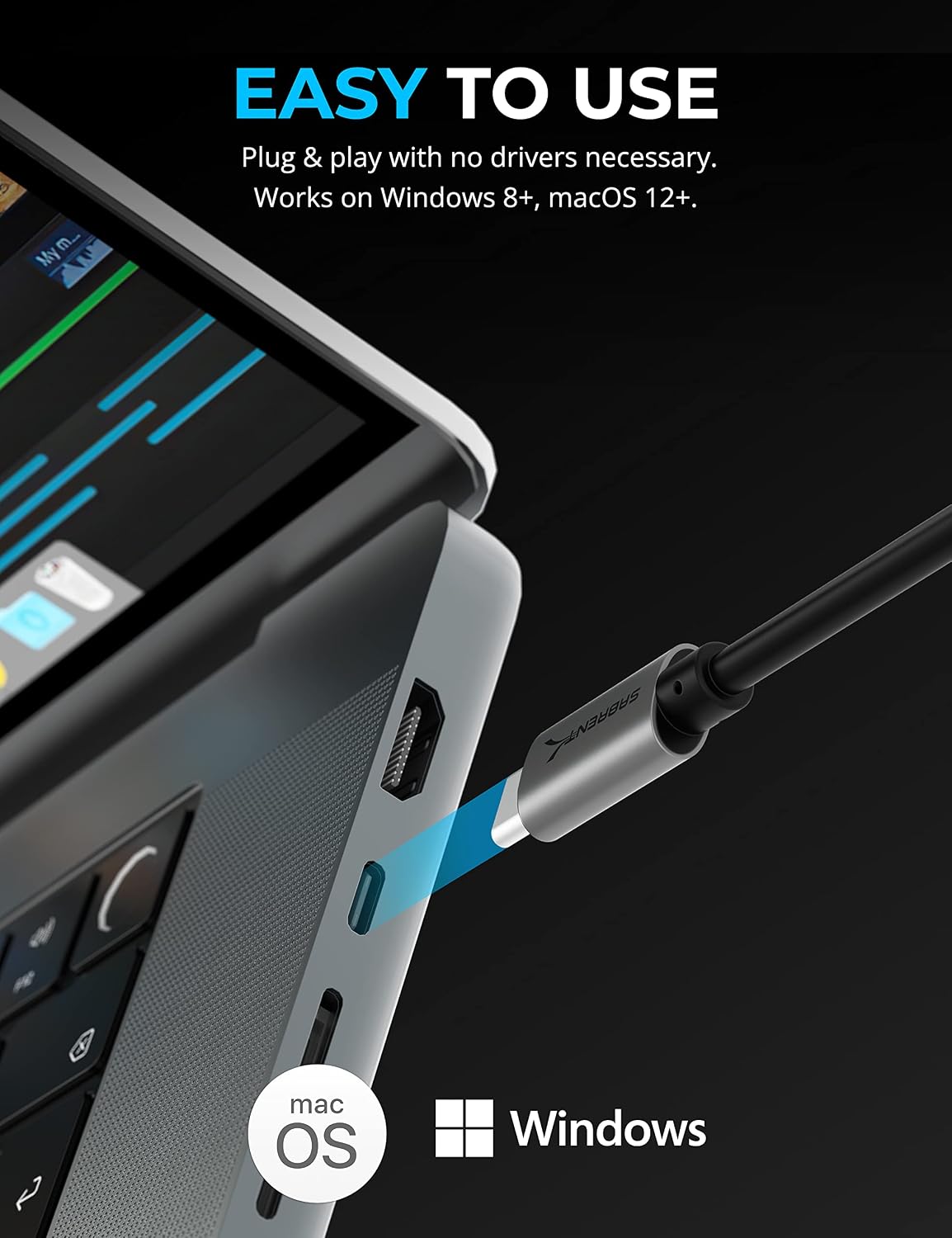
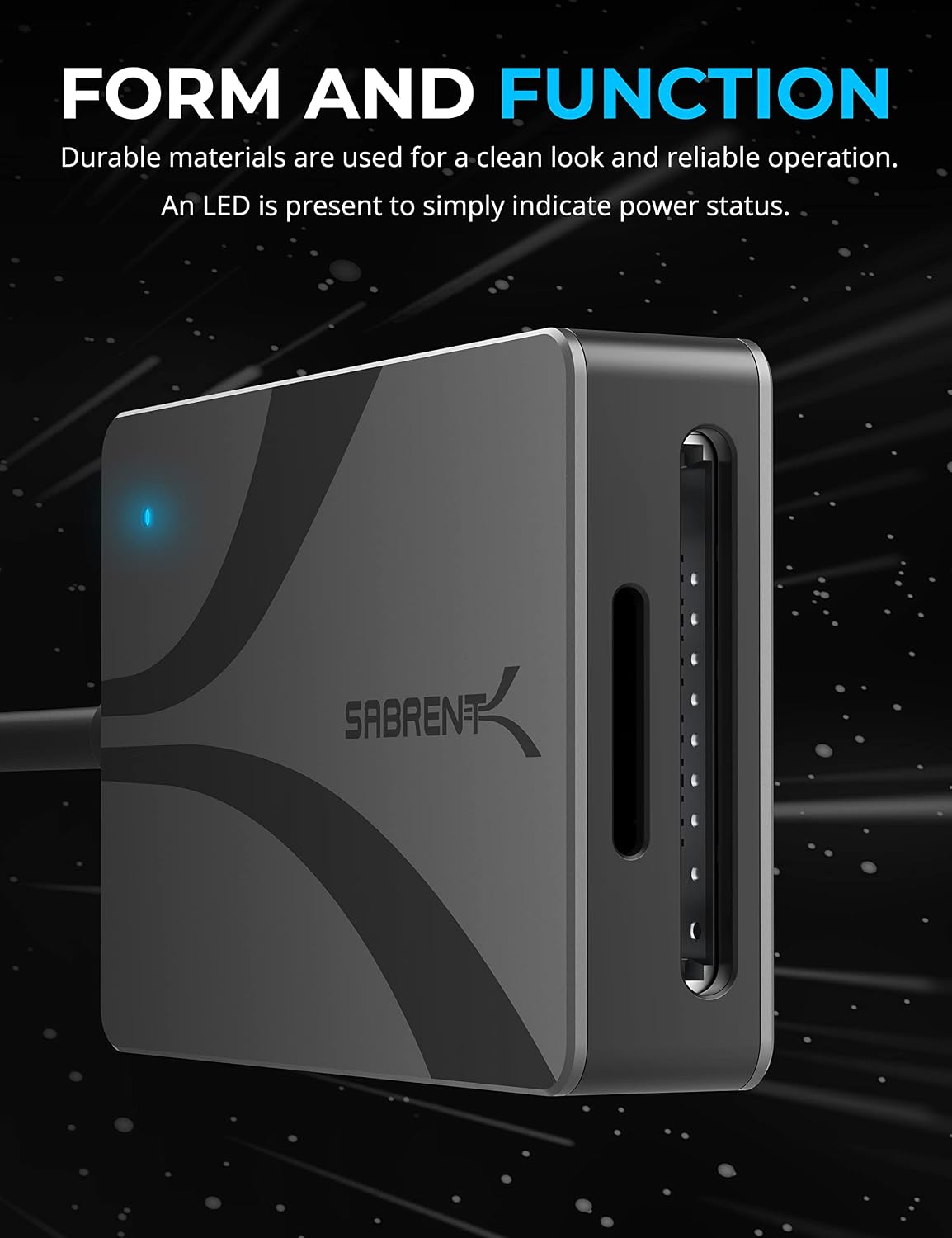
The reader connects through an integrated 6-inch USB 3.2 Gen 1 Type-C cable. The host connection supports up to 5Gbps, and the reader is backward compatible with USB 3.1 and 3.0 Type-C connections. USB 2.0 and 1.1 are supported if converted, with speed limits applying. An LED indicates power status. Plug-and-play setup requires no drivers, and the unit draws power from the connected device.
How to use it
Connect the built-in USB-C cable to a compatible host, then insert an SD or microSD card into its matching slot. It’s listed as compatible with Windows 8 and later and macOS 12 and later. For a simple workflow, you could connect it to a laptop, insert a camera’s SD card, and copy a batch of images to a folder, there’s no separate reader cable or power adapter to set up.
Keep in mind that the headline speed is an upper limit, not a promise for every card or host. An older card or a slower connection can limit transfers, so a UHS-II reader won’t make a slower card perform like a UHS-II one.
Practical tips
If you regularly work with both card sizes, having dedicated SD and microSD slots can save you from carrying separate readers. The ability to transfer from both at once is also handy for sorting files from two cards in one session. For a single older card and occasional copying, a simpler reader may be enough, this model’s extra flexibility matters most when you’ll use both formats or need UHS-II support.
Before a transfer, check that your computer has a suitable USB-C connection and that the card format matches one of the slots. The integrated cable is 6 inches long, so the reader will need to sit close to the host rather than being positioned independently at a distance. It makes sense if you want a compact, bus-powered way to read SD and microSD cards without installing drivers. You may want to skip it if you need a longer cable or your workflow doesn’t benefit from the dual-slot design.
Questions before you buy
Does it need a driver or its own power adapter? No. It is plug-and-play and bus-powered, so it uses power from the connected device.
Can both card slots be used at the same time? Yes. The product information says files can be transferred simultaneously through both slots.
Will it read older SD cards? It is backward compatible with older SD card versions, though their respective speed limits apply.
Should you buy it?
Choose the CR-CSDM if you want one USB-C reader for SD and microSD cards, value simultaneous transfers, and can make use of UHS-II support. Its built-in short cable and driver-free, bus-powered setup suit a laptop-side workflow. If you only transfer from one older card now and then, or need more cable reach, the dual-slot and UHS-II features may not justify choosing this particular format.