

SABRENT EC-PCIE M.2 NVMe to PCIe x16 Adapter
Reviews
Price
Product description
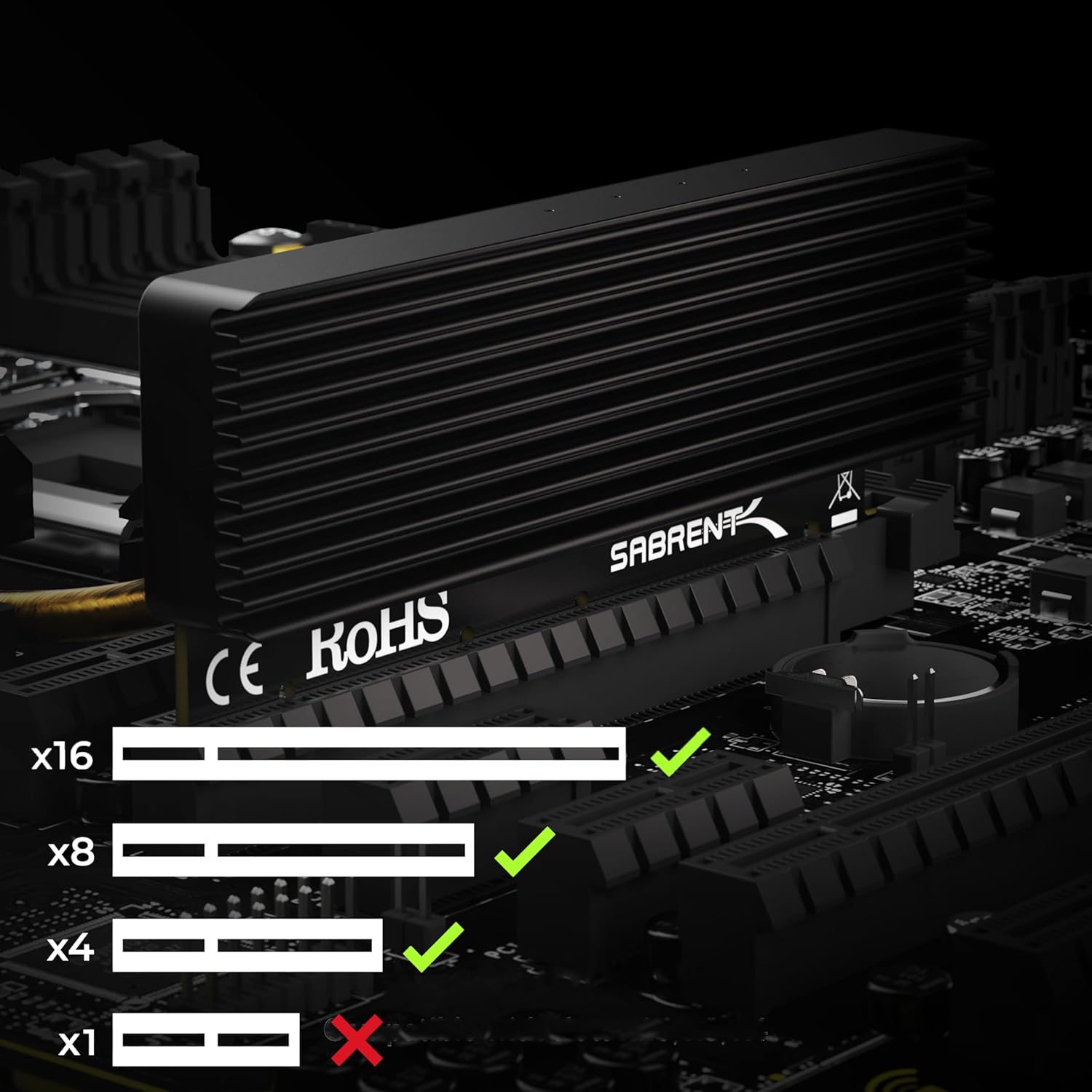
This M.2 NVMe to PCIe adapter from SABRENT allows you to install an NVMe M.2 drive into a motherboard slot that lacks a native M.2 connector, converting an M-key M.2 interface to a PCIe x16/x8/x4 card. It is designed to fit common M.2 lengths and to help maintain performance with an aluminum heatsink and thermal pad, making it useful for high-speed storage expansion or testing drives on desktop systems.
Key Points
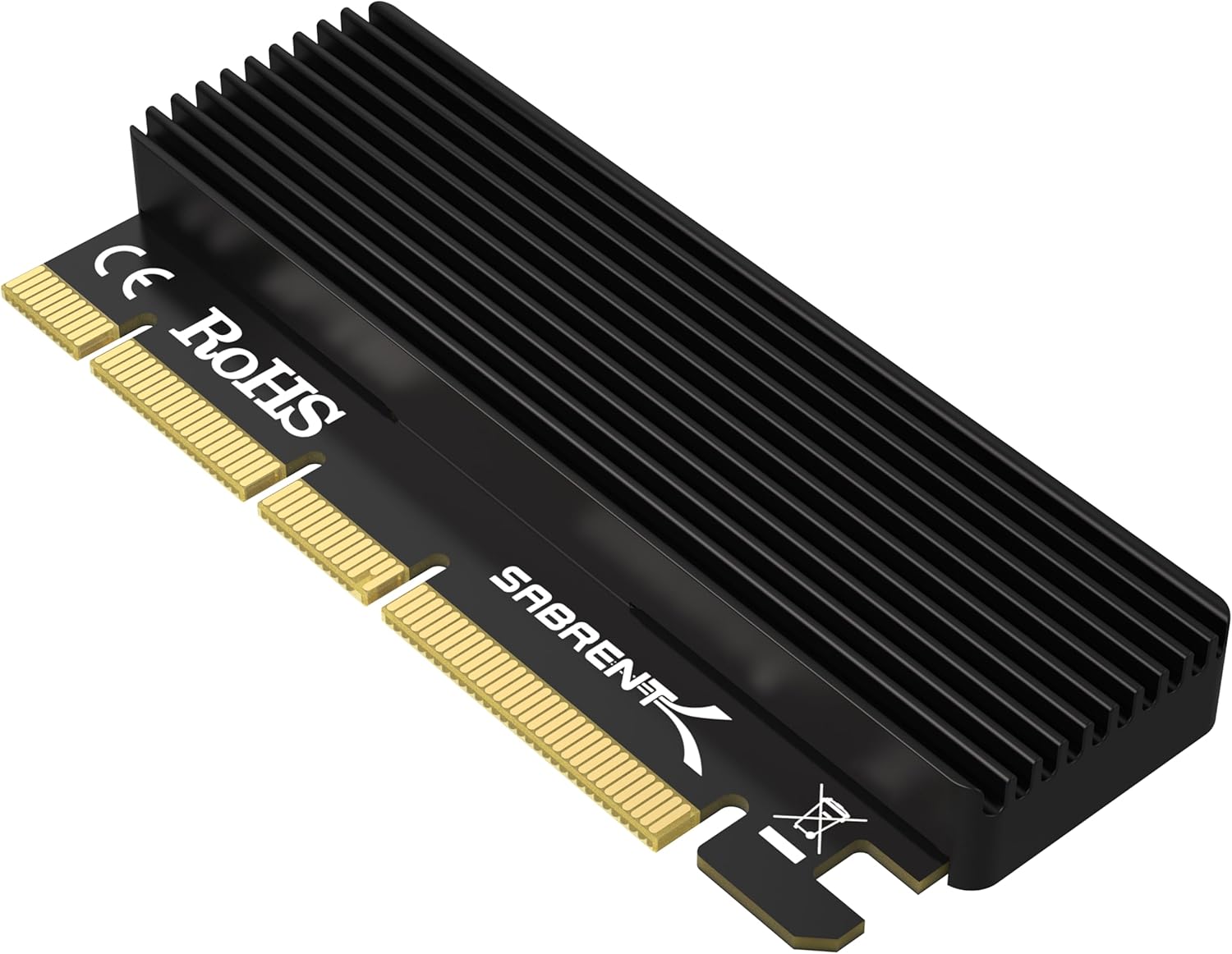
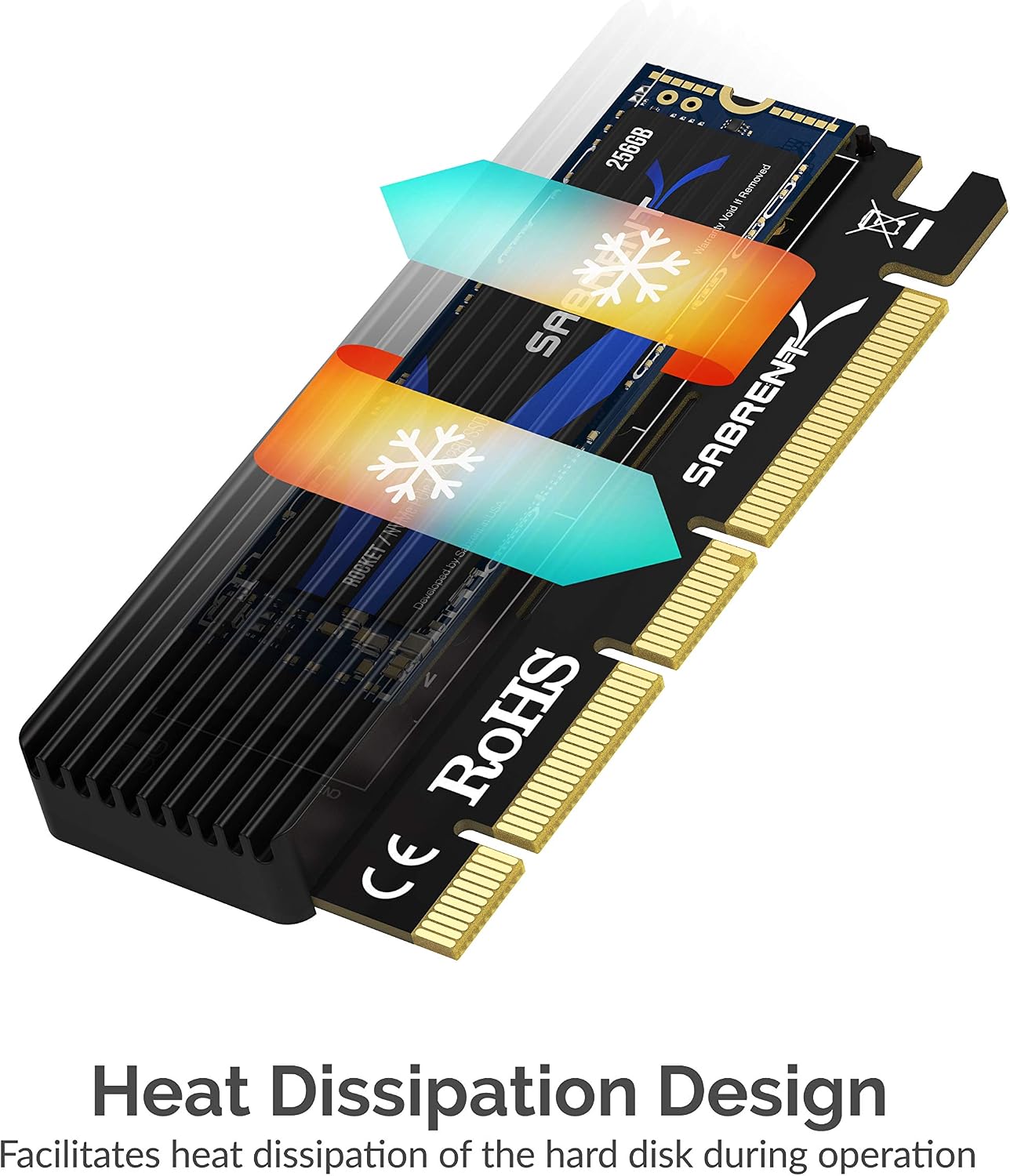
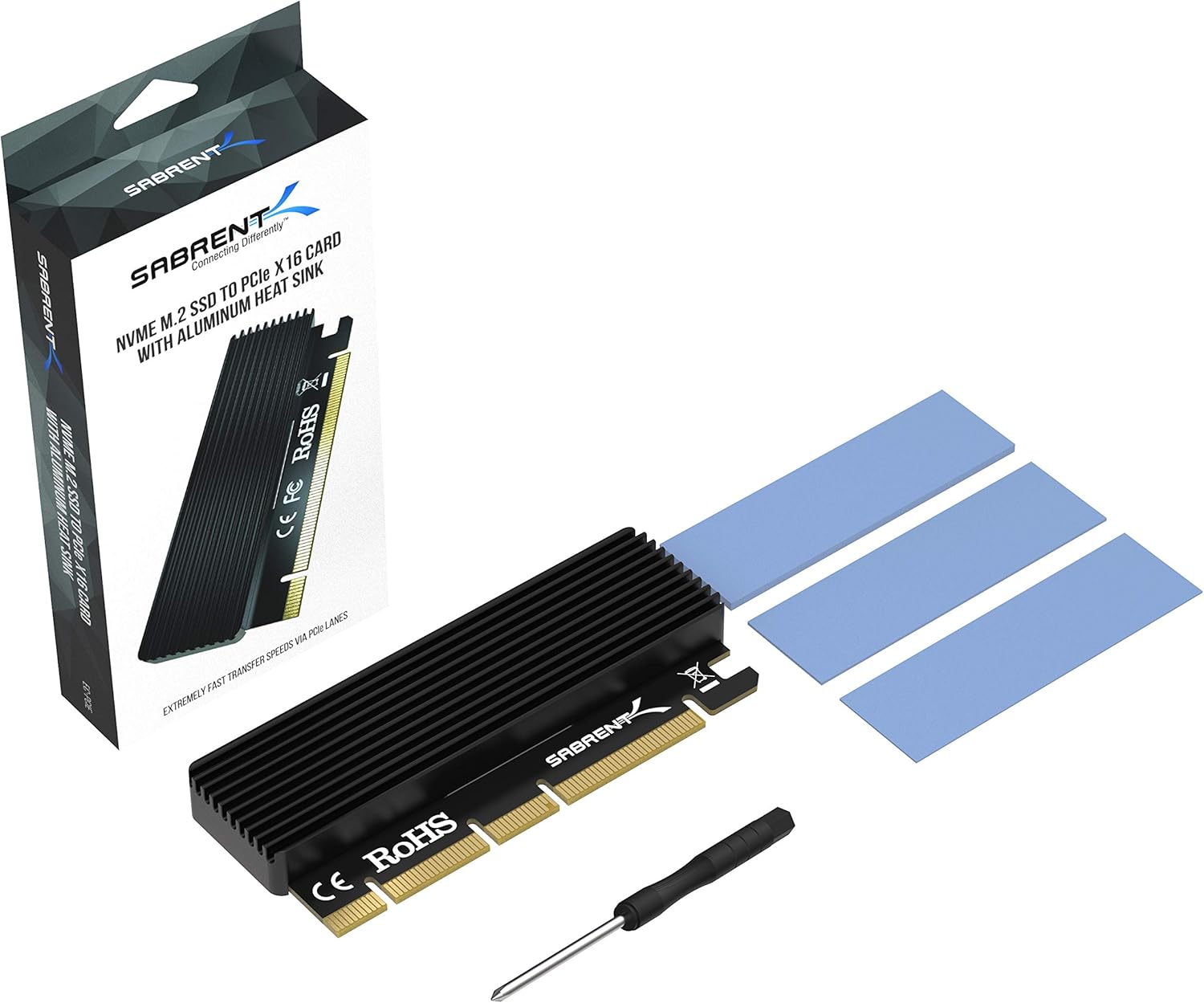
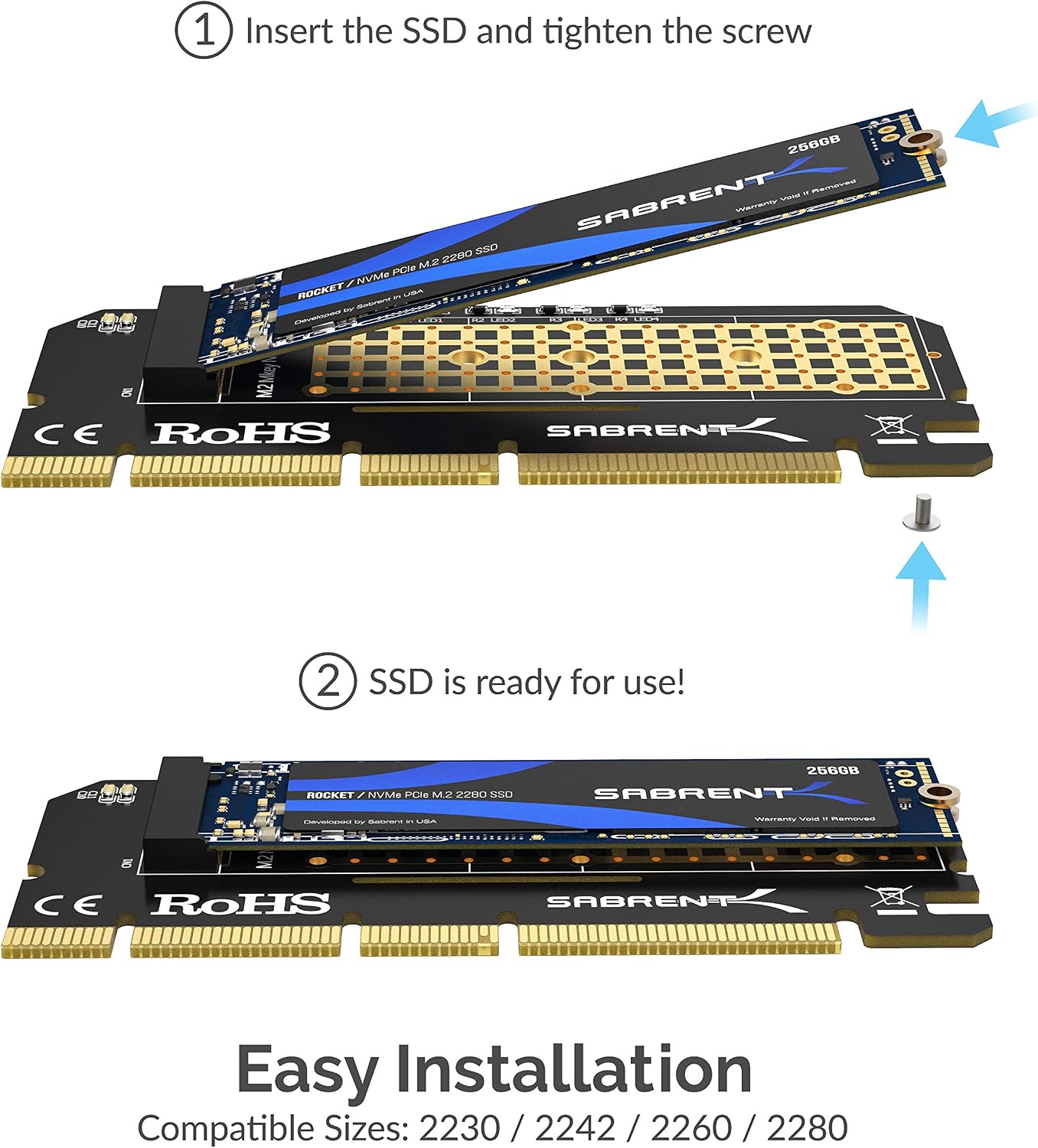
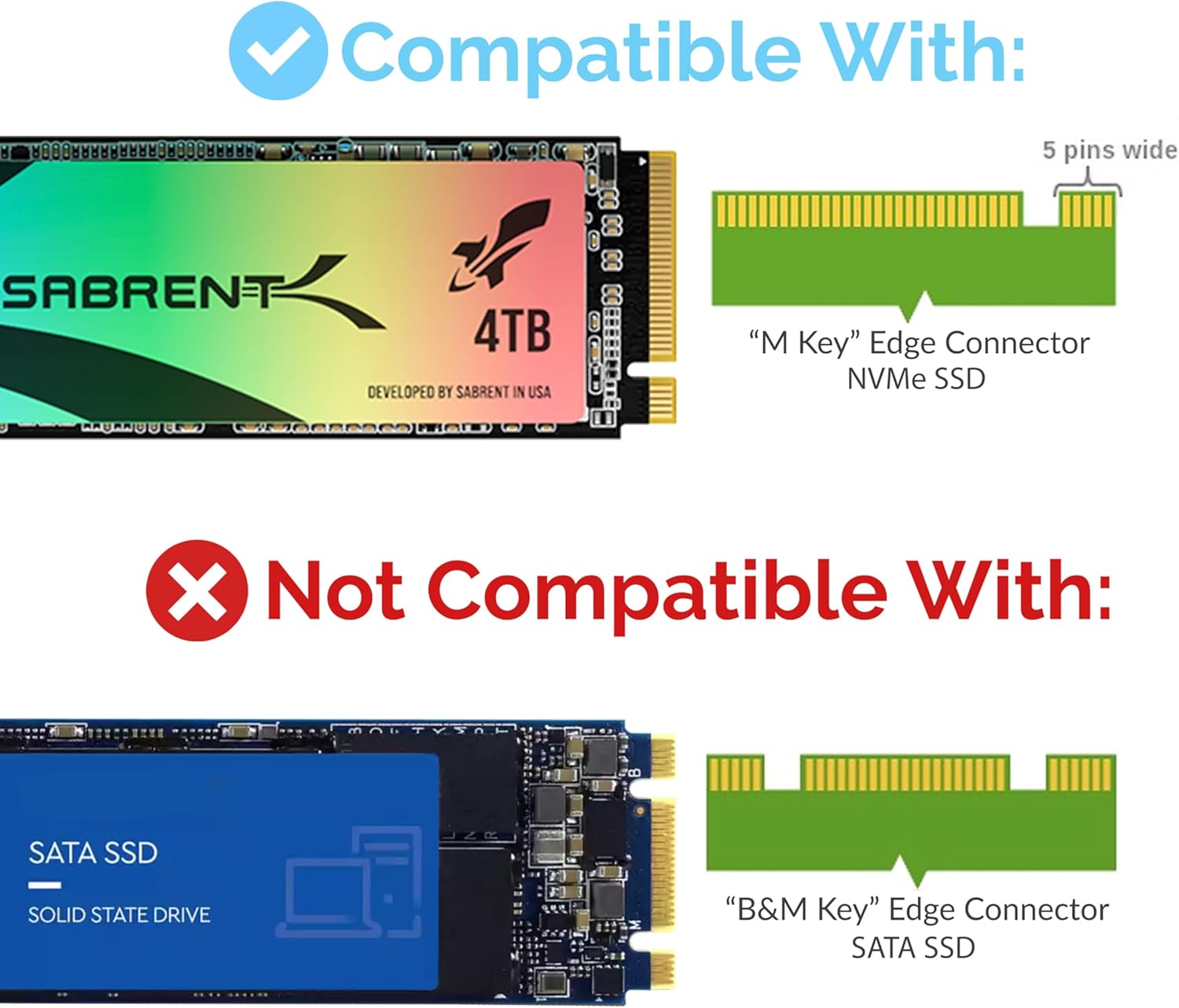
The adapter supports M-key NVMe M.2 SSDs in sizes 2230, 2242, 2260, and 2280. The aluminum enclosure has a wavy design and includes a silicone thermal pad to aid heat dissipation during sustained transfers. Note that this card is not compatible with SATA M.2 drives or with PCIe x1 slots. Also it does not support B-Key or M+B Key modules.
Technical Specifications
- Name: SABRENT M.2 NVMe SSD to PCIe Adapter (EC-PCIE)
- Supported M.2 sizes: 2230, 2242, 2260, 2280
- Interface conversion: M-key NVMe to PCIe x16/x8/x4
- Cooling: Aluminum heatsink with silicone thermal pad
- Compatibility notes: Not compatible with SATA M.2, B-Key, M+B Key, or PCIe x1 slots
Usage Recommendations
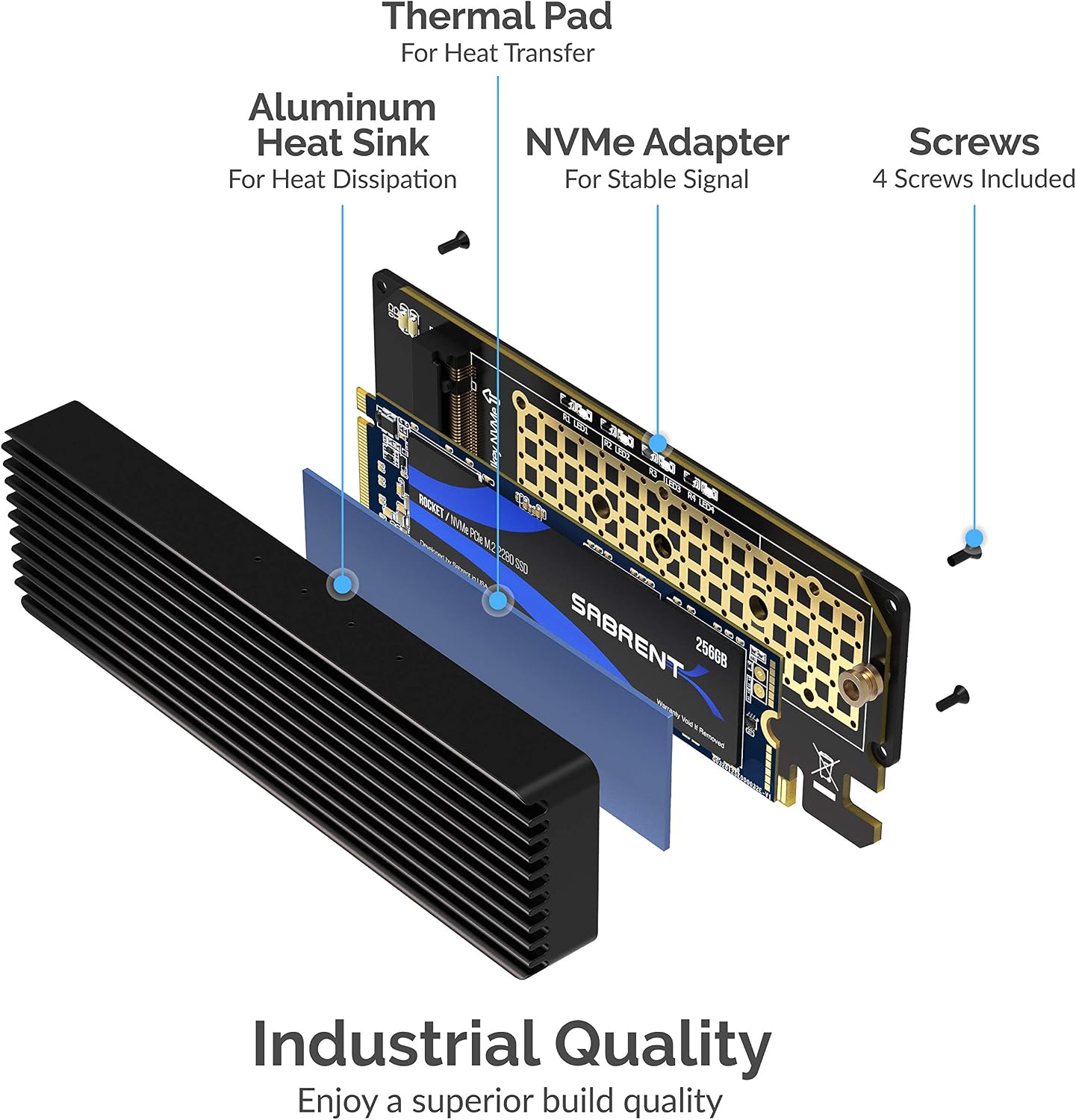
Install the adapter into a free PCIe x16, x8, or x4 slot depending on available lanes and motherboard layout. Secure the M.2 SSD in the proper M-key position and ensure the thermal pad contacts the drive for better heat transfer. For optimal throughput, use this adapter in a slot routed with enough PCIe lanes as reported by your motherboard manual and BIOS.
Positive Aspects
The aluminum housing increases physical protection and helps reduce thermal throttling under long transfers. It supports large-capacity NVMe drives up to the limits supported by M-key devices, which makes it practical for expanding storage, cloning drives, or bench testing NVMe media. According to the manufacturer, the design includes protections against common electrical and thermal issues to preserve data integrity during use.
Practical Tips
Be aware that system BIOS or operating system settings may need adjustment to recognize an NVMe drive on an adapter, especially on older motherboards. Consider airflow in the case to complement the heatsink performance, and confirm lane allocation if you have multiple add-in cards installed, since shared lanes can affect available bandwidth.