

Acer USB-C Dual Slot SD Card Reader: USB-C/USB-A, Simultaneous SD & MicroSD Reading
Reviews
Price
Product description
What it is
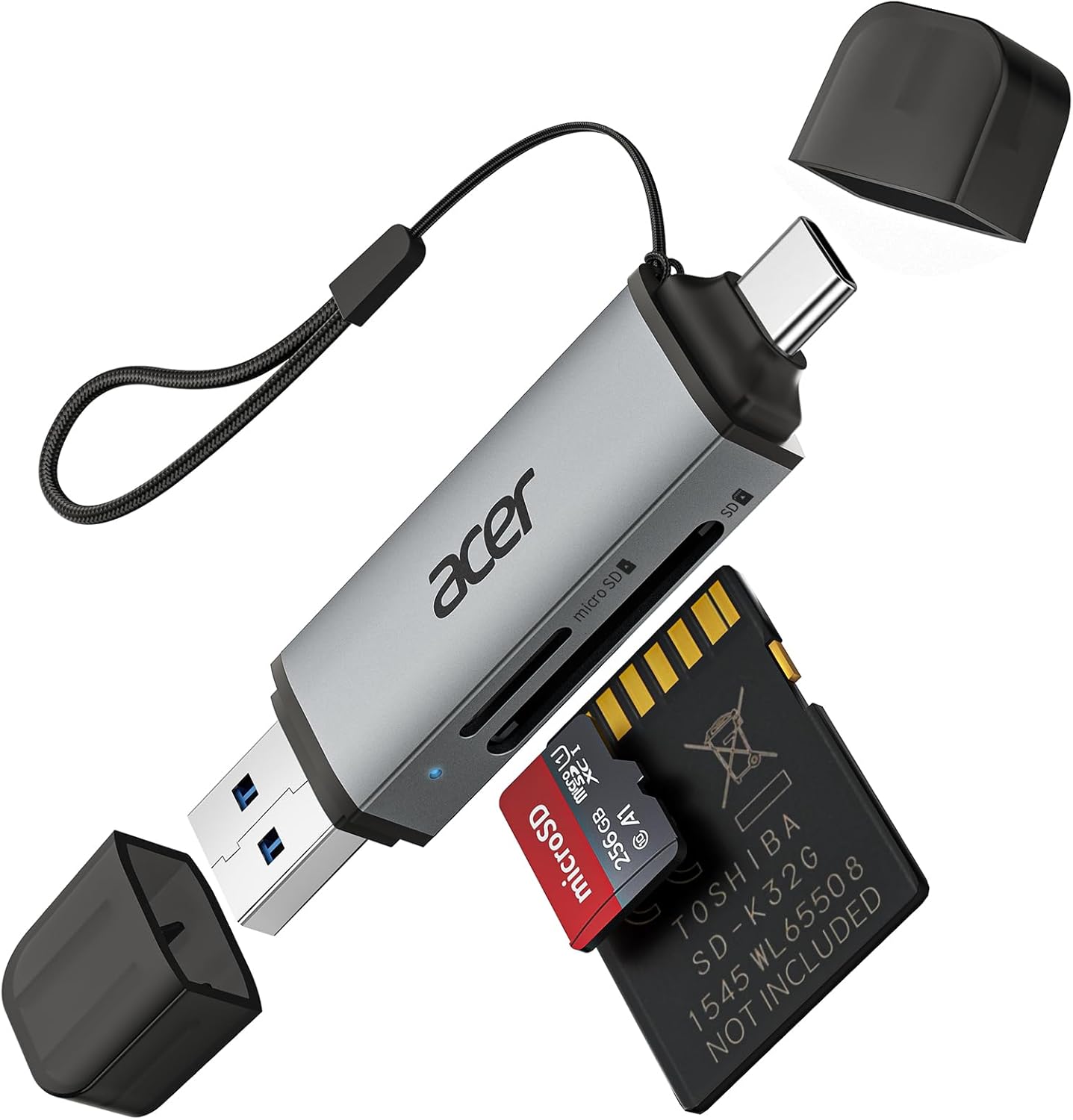
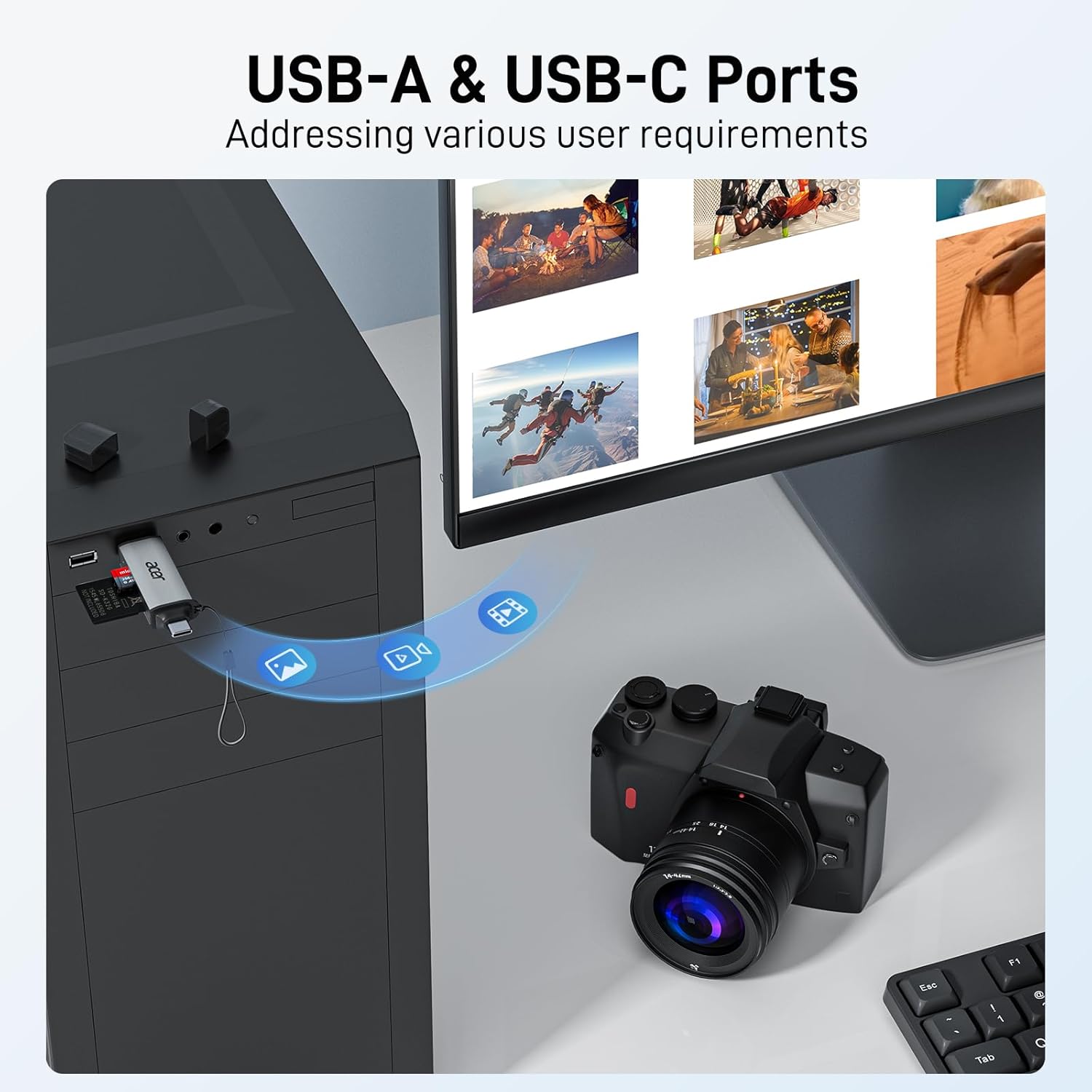
The Acer SD Card Reader USB C is a compact, aluminum-cased card reader designed for quick access to photos, videos, and other media. It offers dual slots for SD and microSD cards and supports both USB-C and USB-A connections through a dual-header design. On paper, it aims to deliver fast data transfers and easy on-the-go file management.
How it helps in your workflow
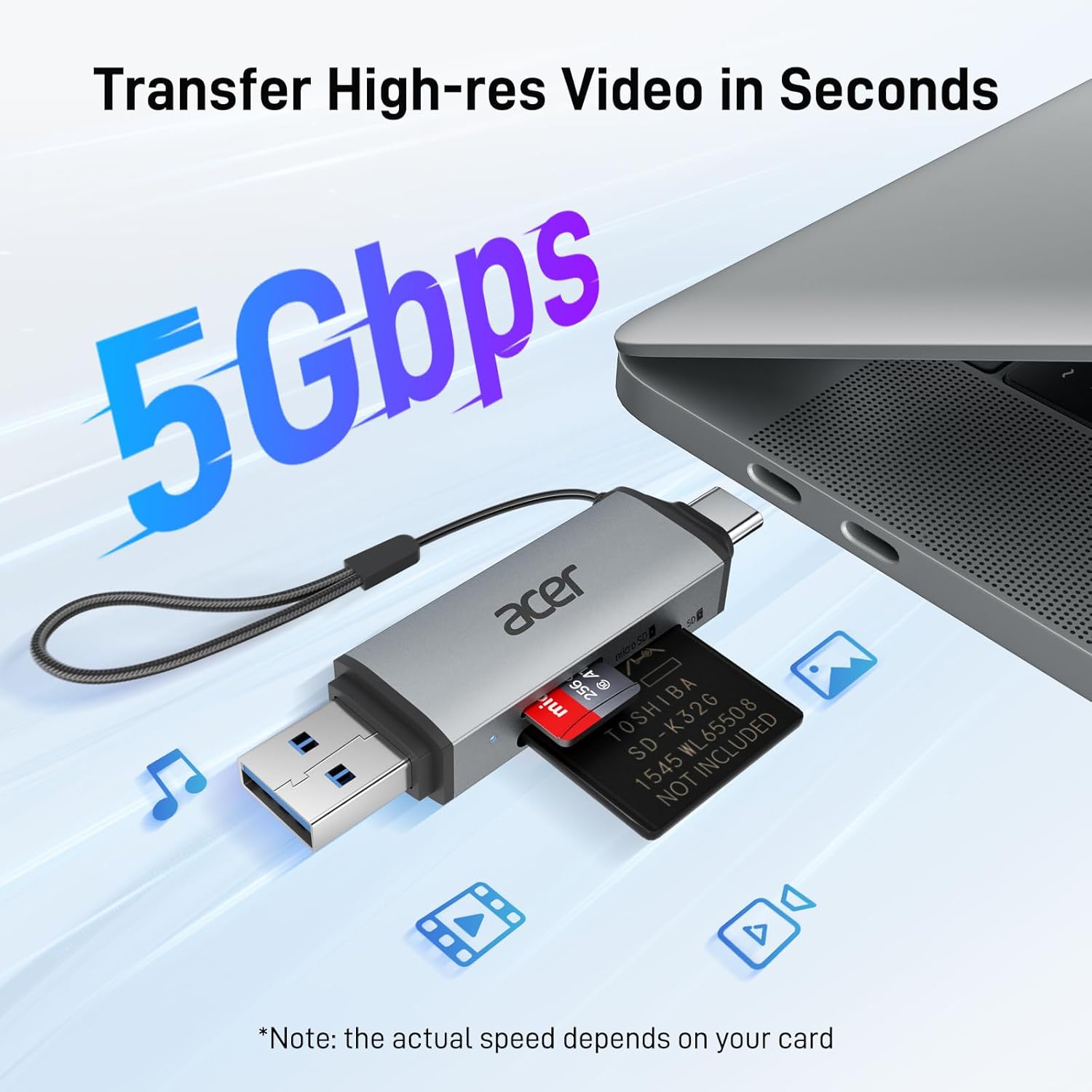
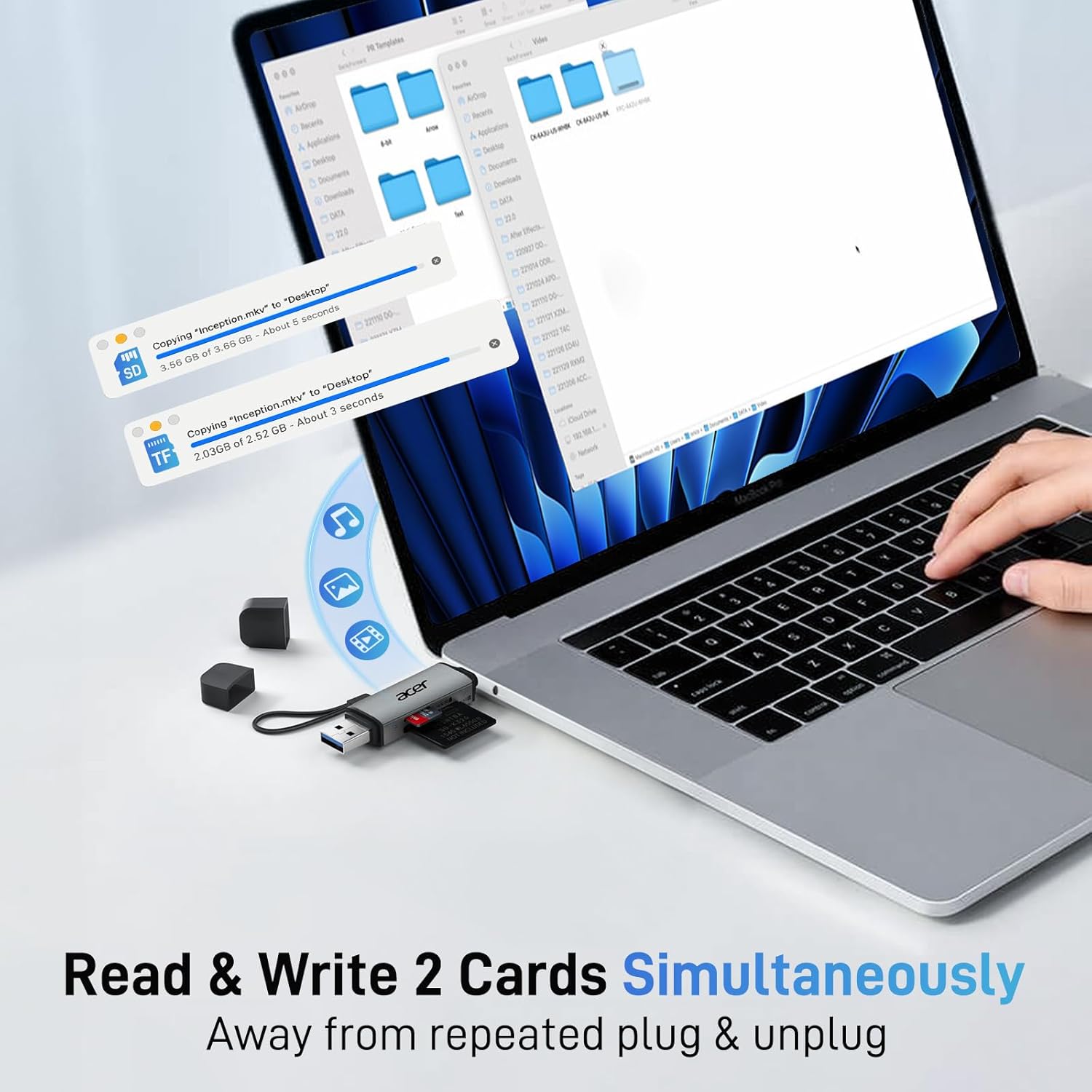
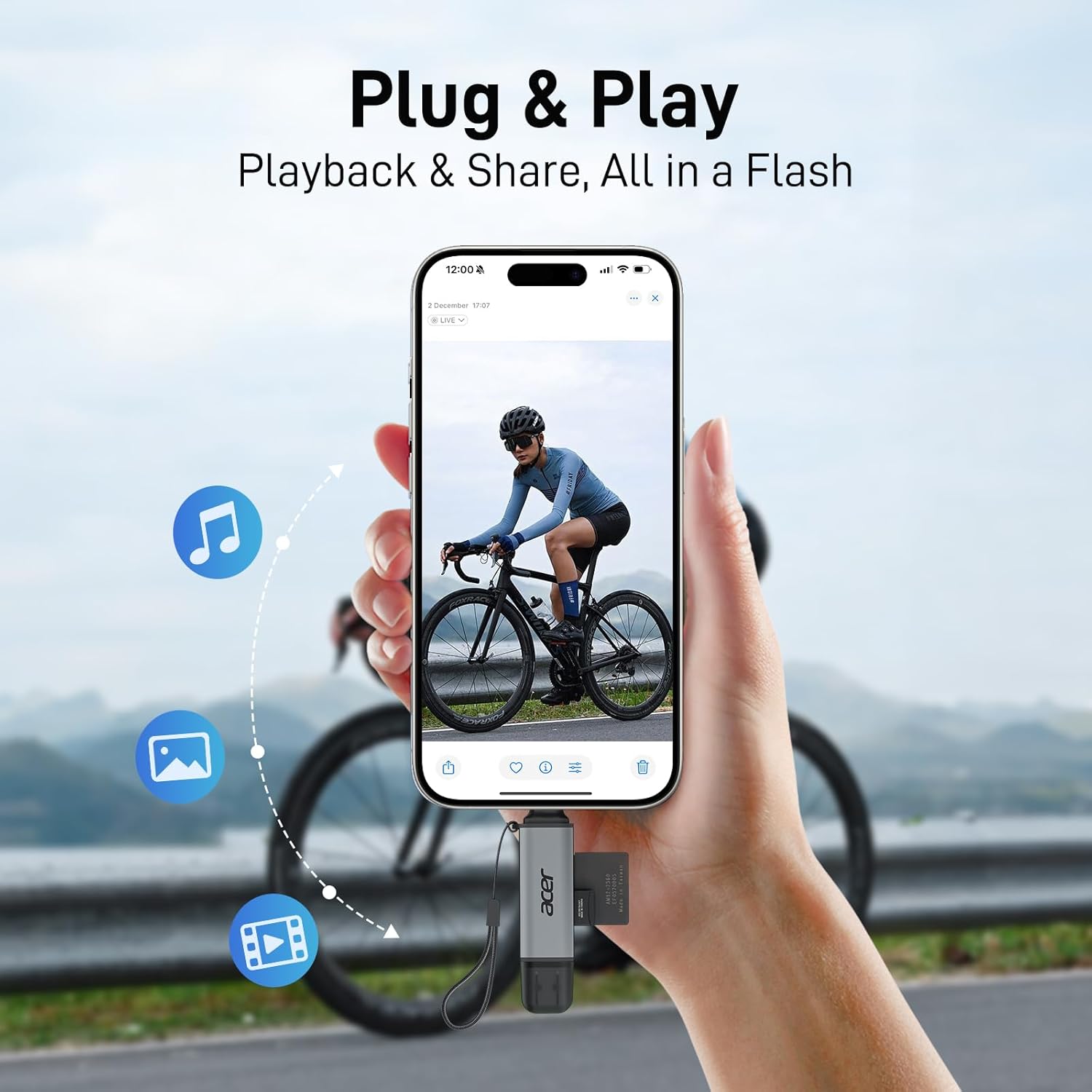
If you frequently move footage from cameras, drones, or memory cards to a laptop or tablet, this reader promises straightforward plug-and-play operation without extra software. It’s described as USB 3.0 with up to 5Gbps transfer speeds and backward compatible with USB 2.0, which can help you review or offload media quickly. The dual-slot approach means you can handle SD and microSD cards in parallel, which can save time when you’re organizing projects or editing on the go.
What stands out in everyday use
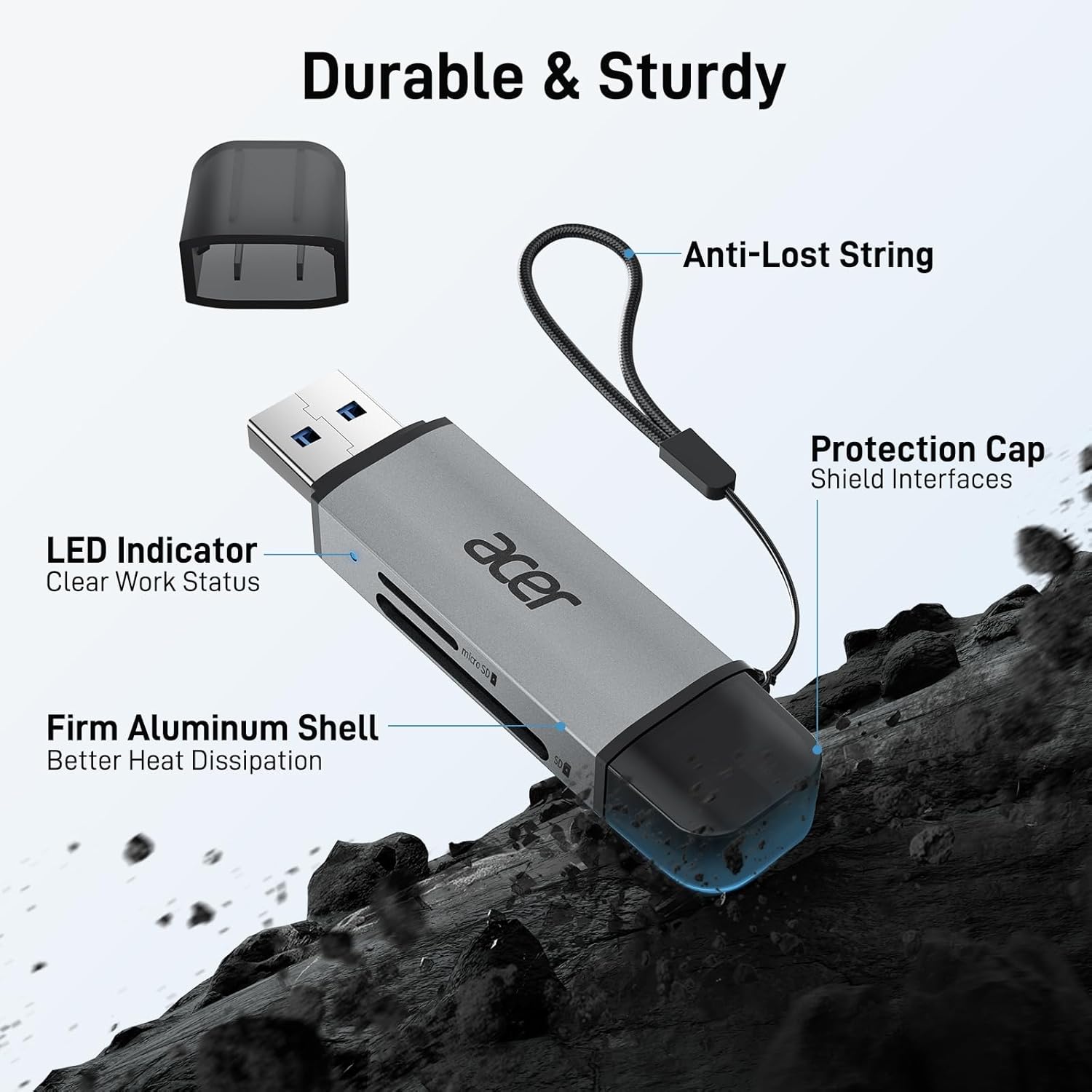
The device is designed to be travel-friendly: slim, lightweight, and with protective end caps to guard the ports against dust and moisture. The included attached cable helps keep things tidy in a bag or pocket. The aluminum body may contribute to durability during long sessions or travel.
Limitations and caveats
From the available notes, this reader reads data from SD and TF cards but cannot connect directly to cameras. Thick cases on cards could interfere with full insertion. Also, not all card types are supported—CFexpress, XQD, MS, and Memory Stick formats are not listed as compatible. The SD slot explicitly excludes CFexpress Type A/B/C and similar formats. These details matter if you work with a wider range of media cards.
Who it’s for
This is likely a fit for photographers, videographers, and content creators who need a compact, two-slot reader for quick offloads from SD and microSD cards to a computer or tablet. It should suit users who value a simple, driver-free experience and a portable form factor for field work. If your workflow relies heavily on non-SD/minor formats, you may want to verify compatibility before purchasing.
Who it’s not the best option for
If you regularly work with CFexpress, XQD, Memory Stick, or other non-SD formats, this reader may not cover all your needs. If you require a rugged, anti-accident setup or a single-slot dedicated reader, there are other options that prioritize niche use cases.
When it makes sense to buy
Consider this card reader if you want a lightweight, plug-and-play solution that supports both SD and microSD, works with USB-C or USB-A devices, and you’re okay with the stated format limitations. It can be convenient for on-the-go file transfers, quick backups, or reviewing footage without a full docking station.
What to check before you buy
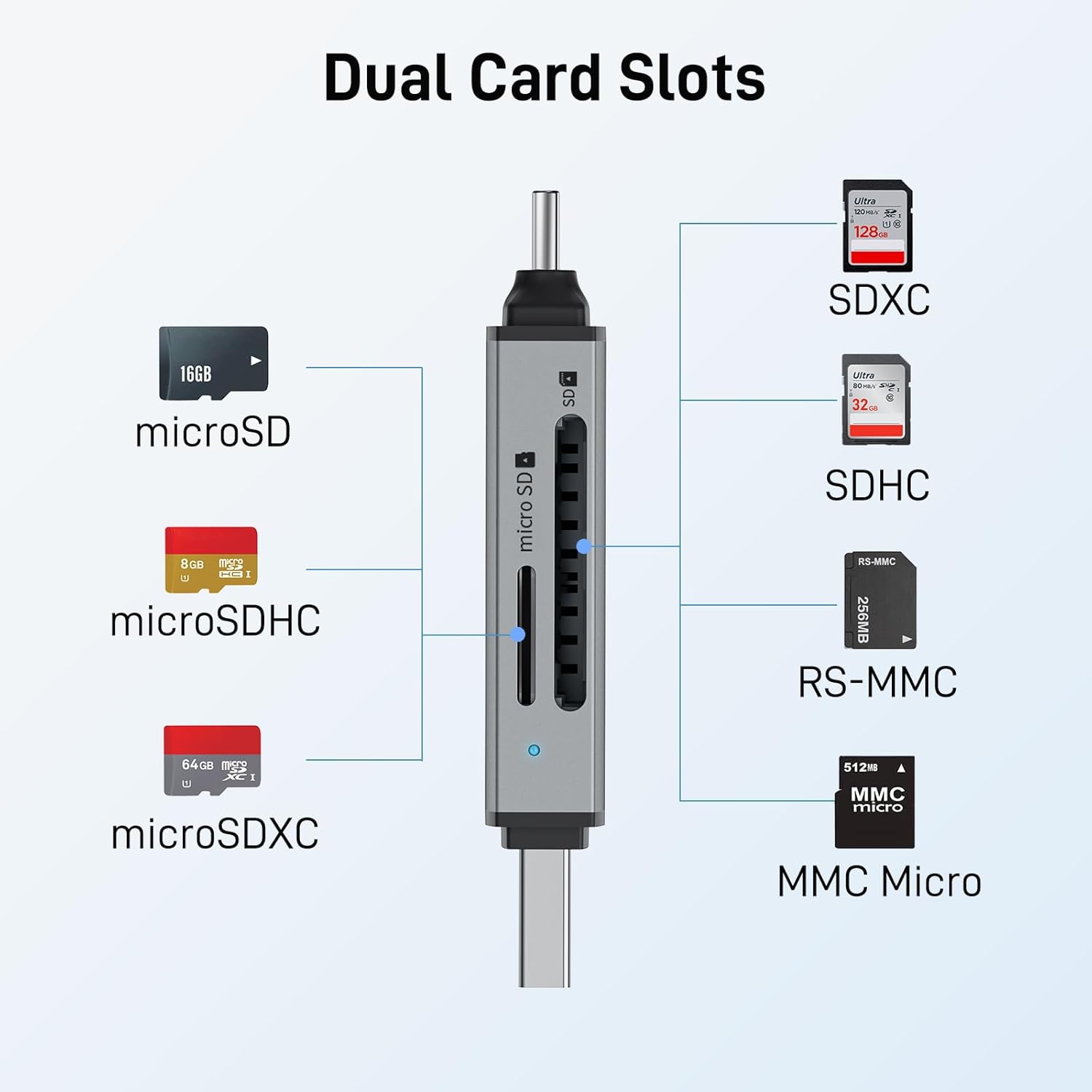
- Ensure your primary cards are SD or microSD, other formats may not be supported.
- Check if your device uses USB-C or USB-A and whether the dual-header design aligns with your ports.
- Be mindful of card thickness, some thicker cases may affect insertion.
- Consider whether you need CFexpress/XQD support or if SD/microSD coverage meets your needs.
Practical use case
Imagine you’re shooting a day of events with a two-card setup. You can swap SD and microSD cards, plug the reader into your laptop, and start reviewing shots or transferring footage immediately. The compact size fits in a camera bag, and the aluminum body helps with heat during longer sessions.
Decision point: Is it worth it?
- It makes sense if you want a simple, portable reader that handles both SD and microSD and supports USB-C or USB-A devices. It’s a sensible pick for field editors who value plug-and-play convenience and a lightweight form factor.
- It might not be the best choice if you need broader card support beyond SD and microSD or if you require CFexpress/XQD compatibility.
- A practical user is someone who values direct file access on a laptop or tablet without extra software, and who prioritizes a compact, durable build over a wide range of supported formats.
Quick FAQ
- Does it require drivers? No, it’s described as plug-and-play.
- Can it read both SD and microSD at the same time? Yes, it supports simultaneous dual-card reading/writing.
- Is it compatible with iPhone or Android devices? The description notes compatibility with a range of devices with USB-C or USB-A ports, but specific device limitations aren’t listed, check your device’s compatibility with USB storage.